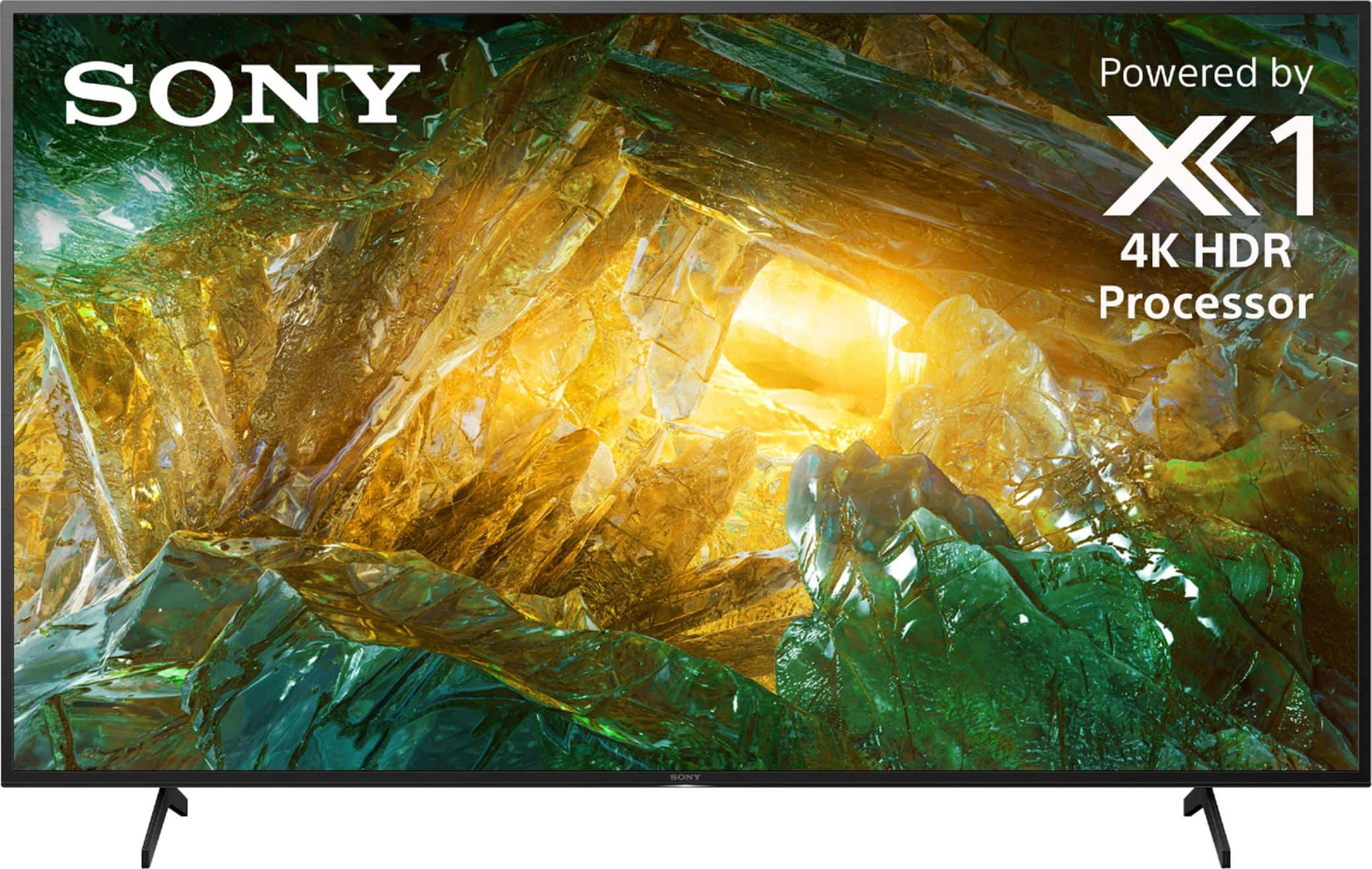
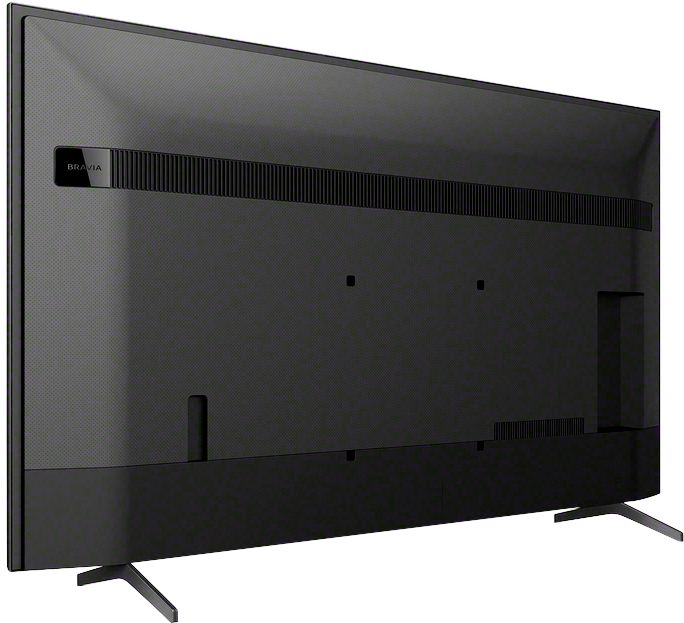
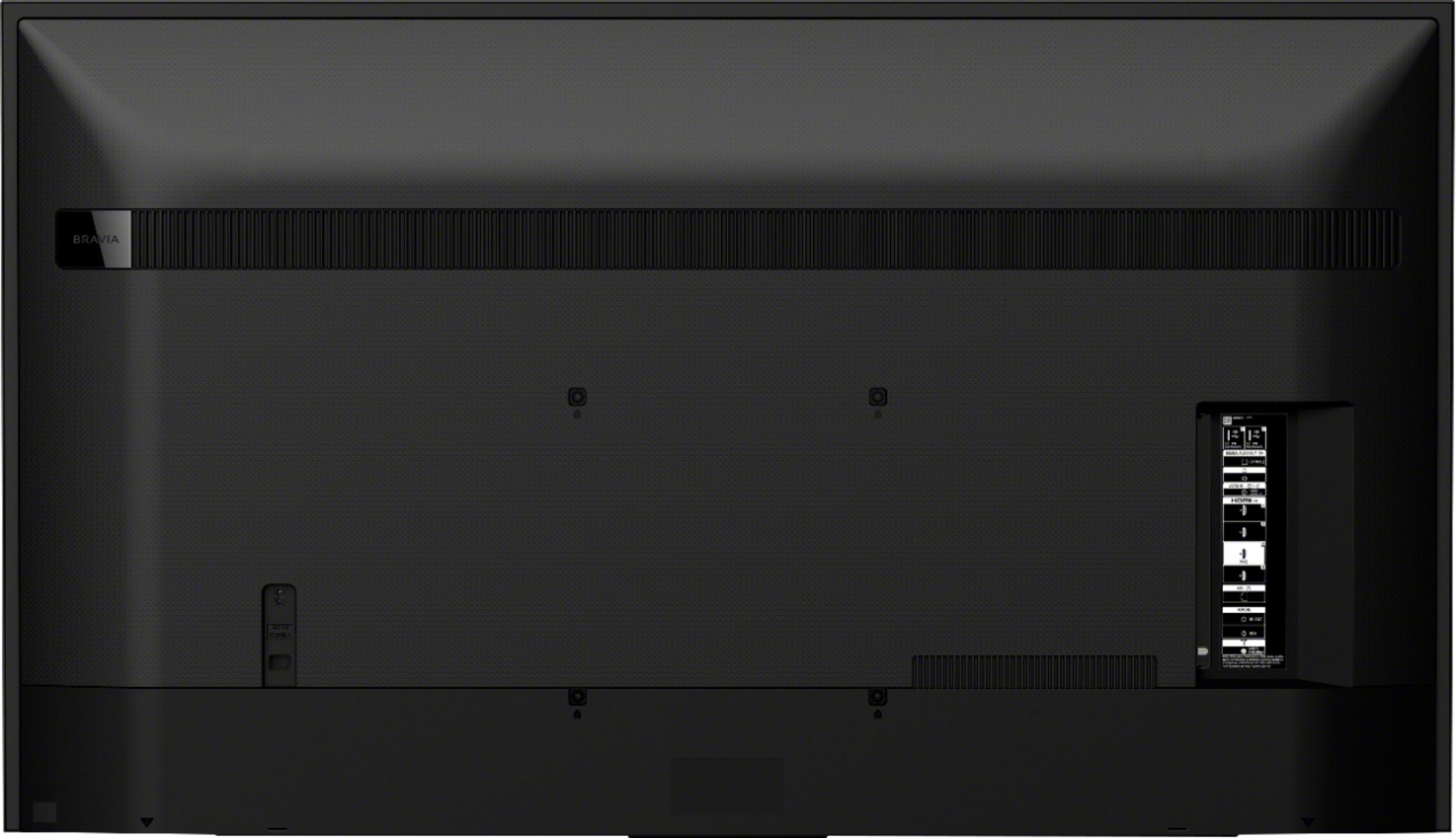
A:AnswerHello Customer, Unfortunately, you need to purchase the recommended wall-mount bracket. The wall-mount bracket for the XBR65X800H is SU-WL855(300X300). Thanks. Jay
A:AnswerHello, We recommend mounting this TV to the wall-mount bracket SU-WL855, however, you may use a 3rd party wall mount that supports the weight of the TV and the VESA hole pitch 300x300 mm. Thanks. Jay
A:AnswerHi Joey, thank you for posting your concern about your TV. You can download a PDF file of the manual from our support website. Please go to the Manuals tab at https://www.sony.com/electronics/support and type in the model number of your TV. You may also refer to the link below for more details on updating the TV:
https://www.sony.com/electronics/support/televisions-projectors/articles/00028577
I hope this helps. Should you need further assistance, please email the below information to [email protected]. Apologies if you disclosed some of this information in your review and to customer service, we just want to ensure that we have your accurate details at the time of communication.
Full Name:
Best Buy Username:
Telephone Number:
TV Model Number:
Thank you for letting us help assist you.
Sincerely,
Erin
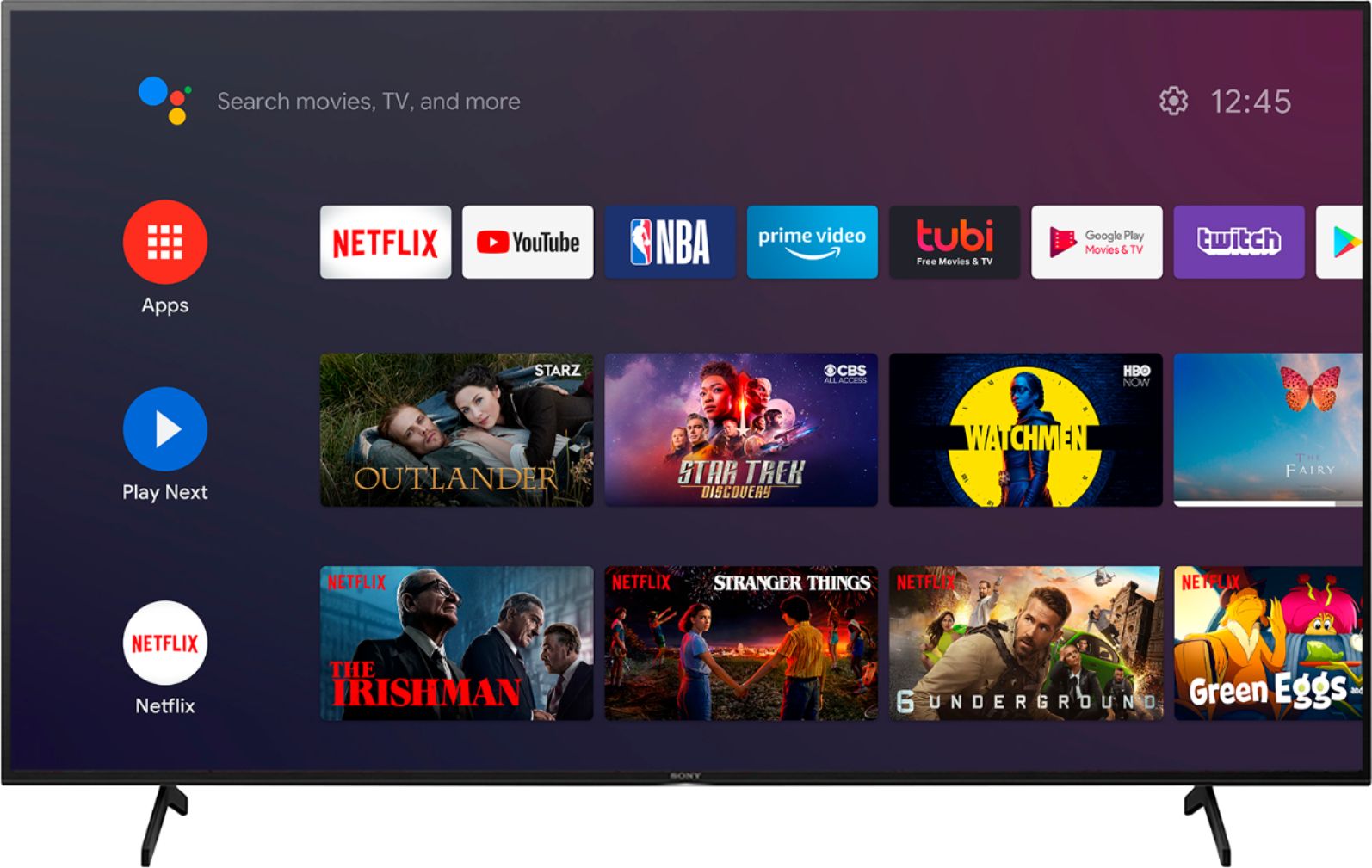
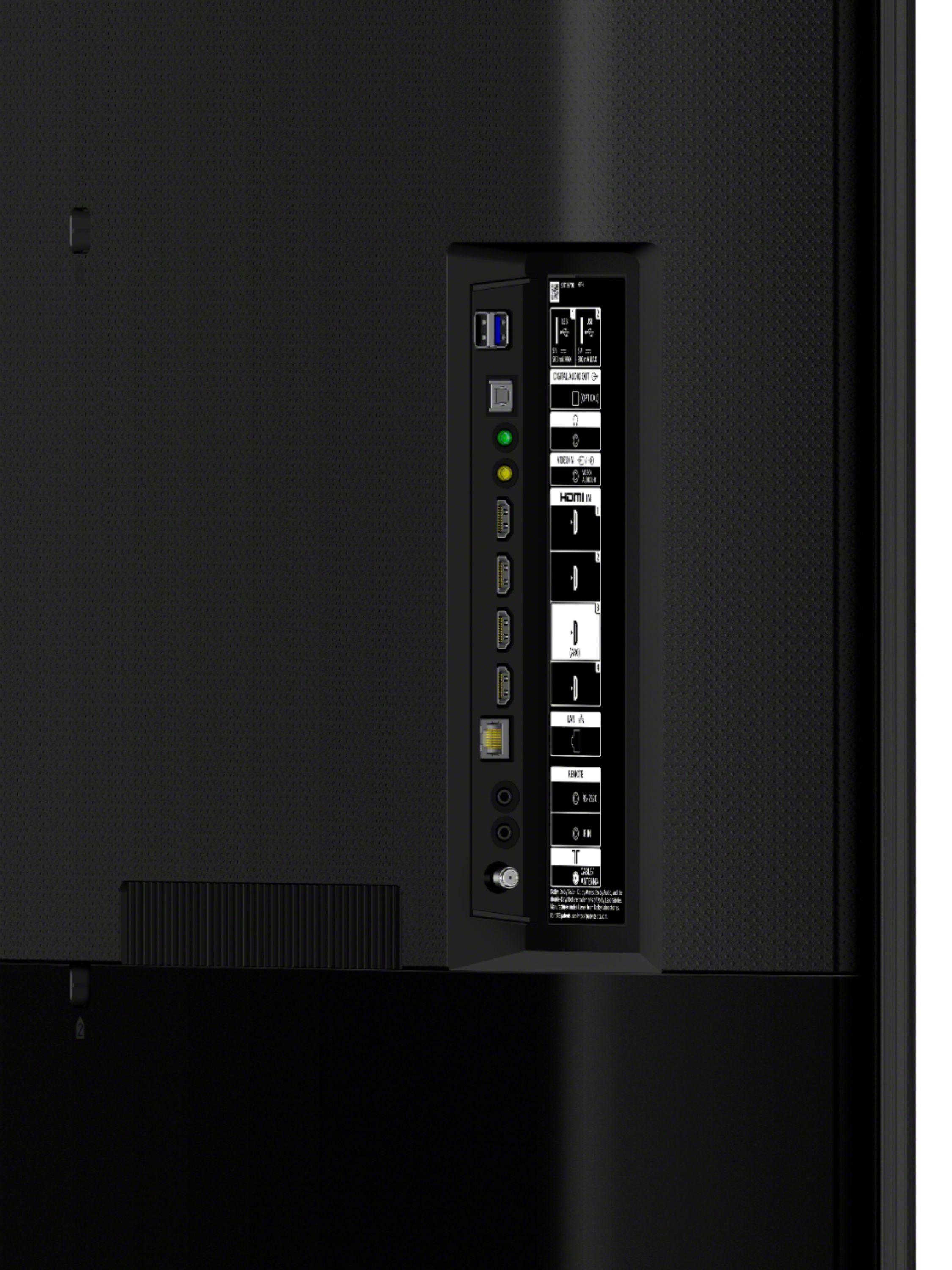
A:AnswerThank you for inquiring about the Bluetooth function on the X800H. The TV does not natively support Bluetooth audio out. This feature may work with a compatible external USB Bluetooth Adapter or 3rd party Bluetooth applications that can be downloaded from the Google Play Store. Jay