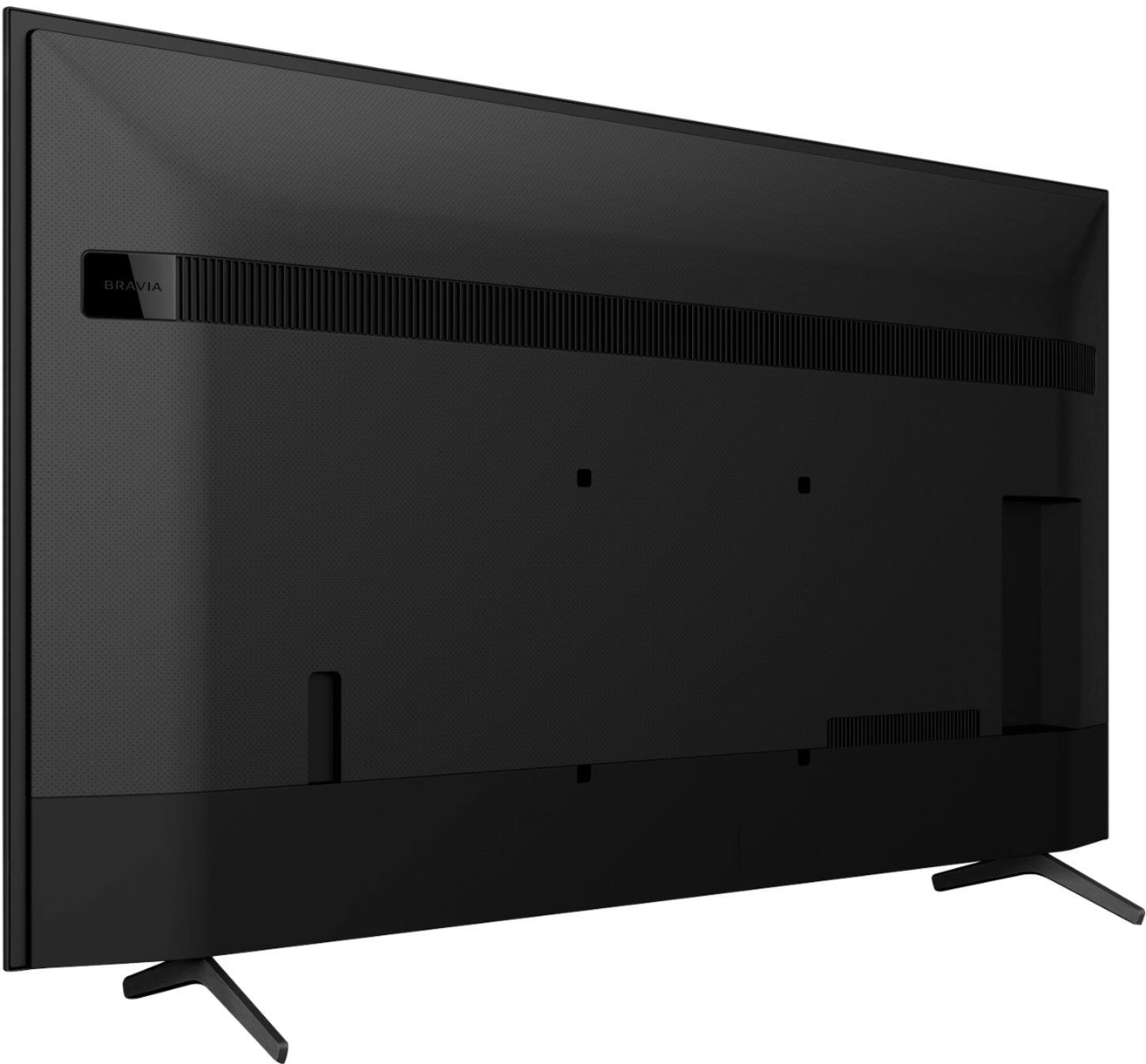
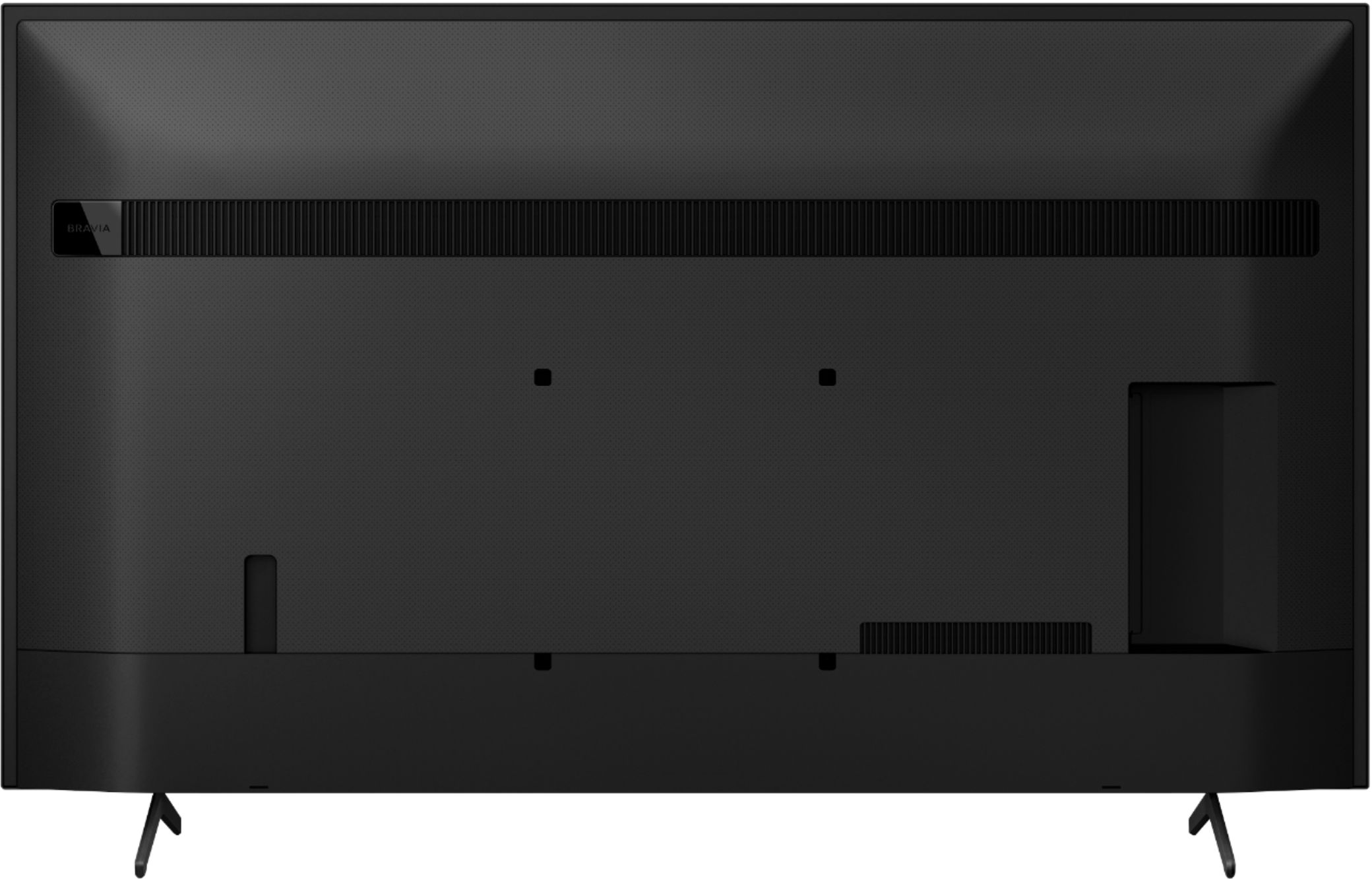
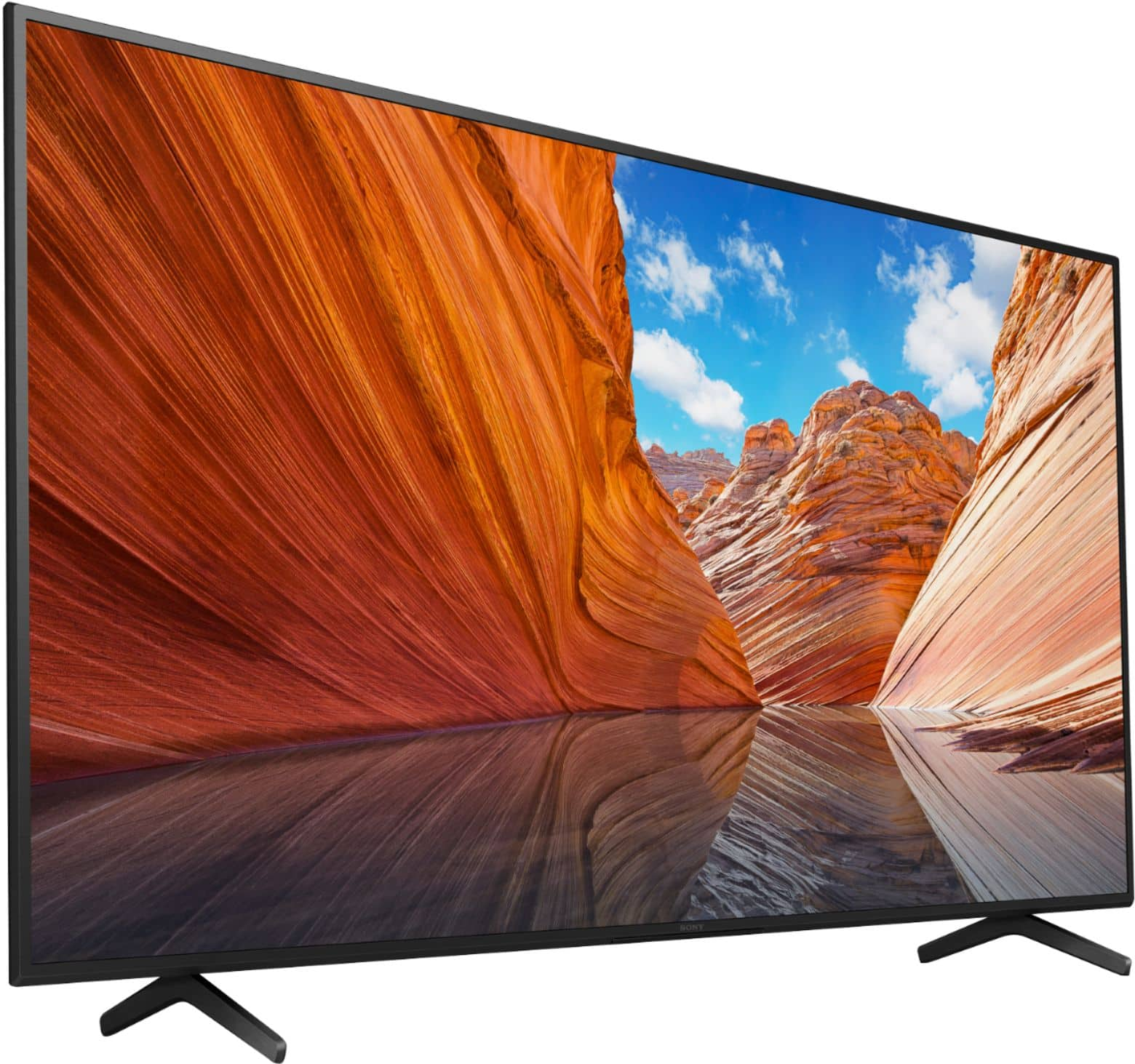
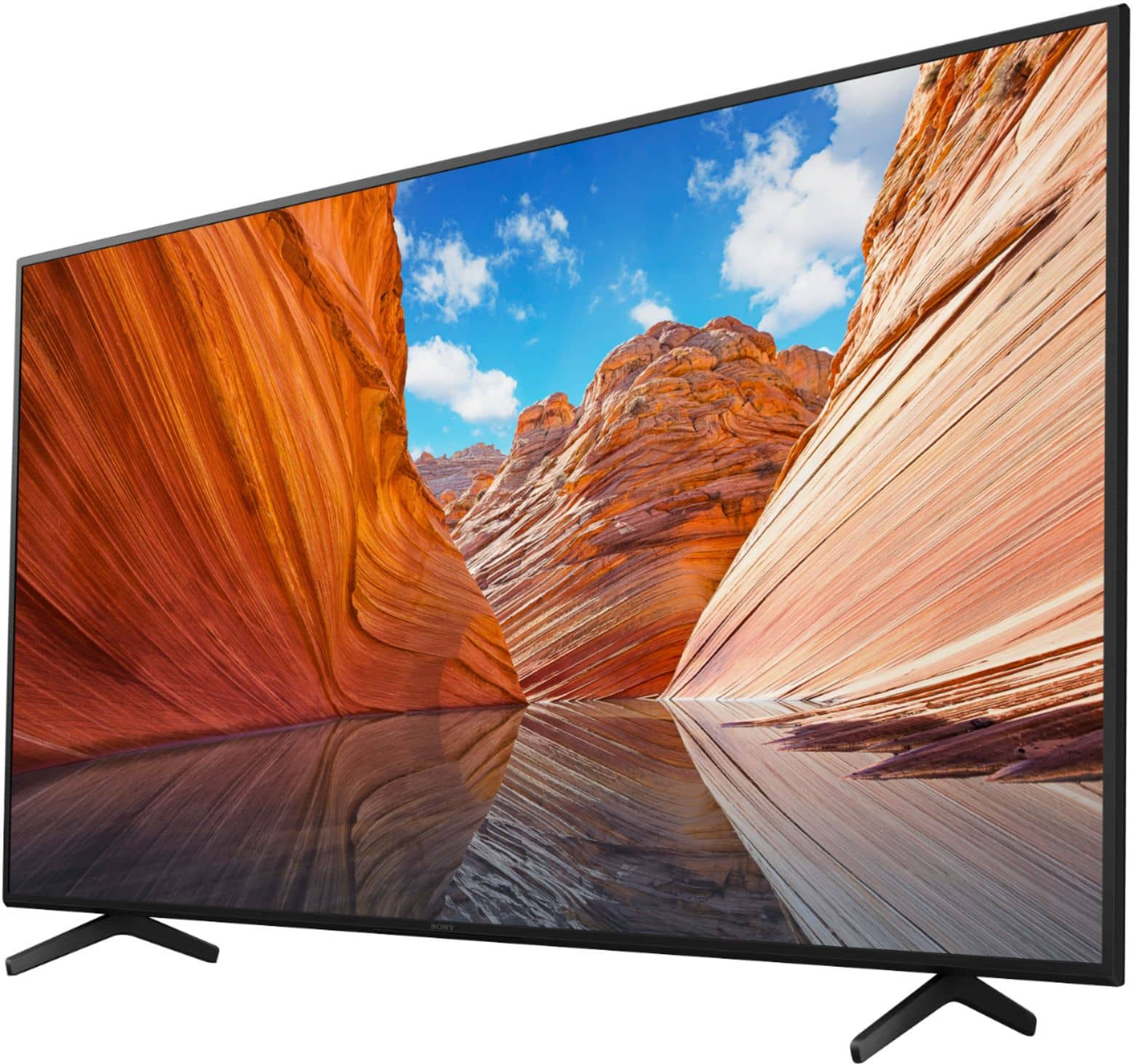
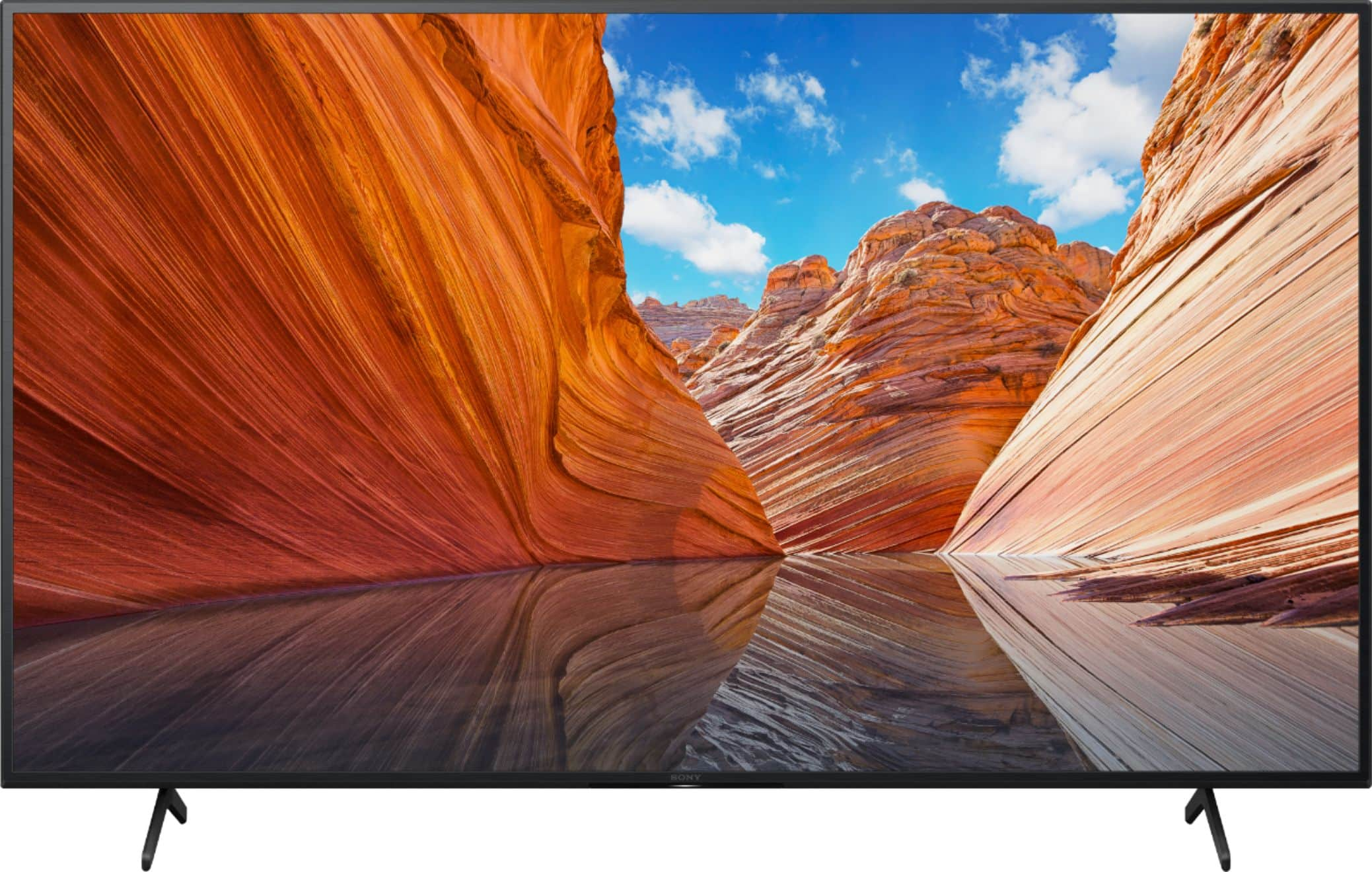
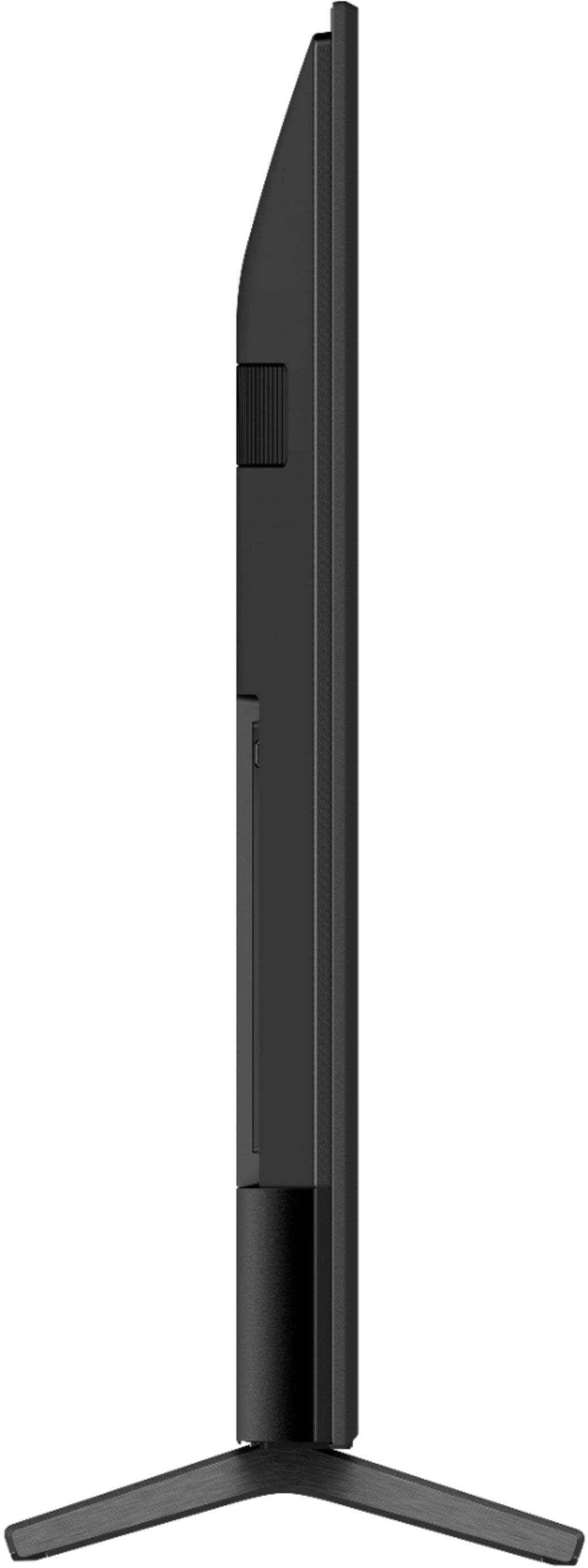
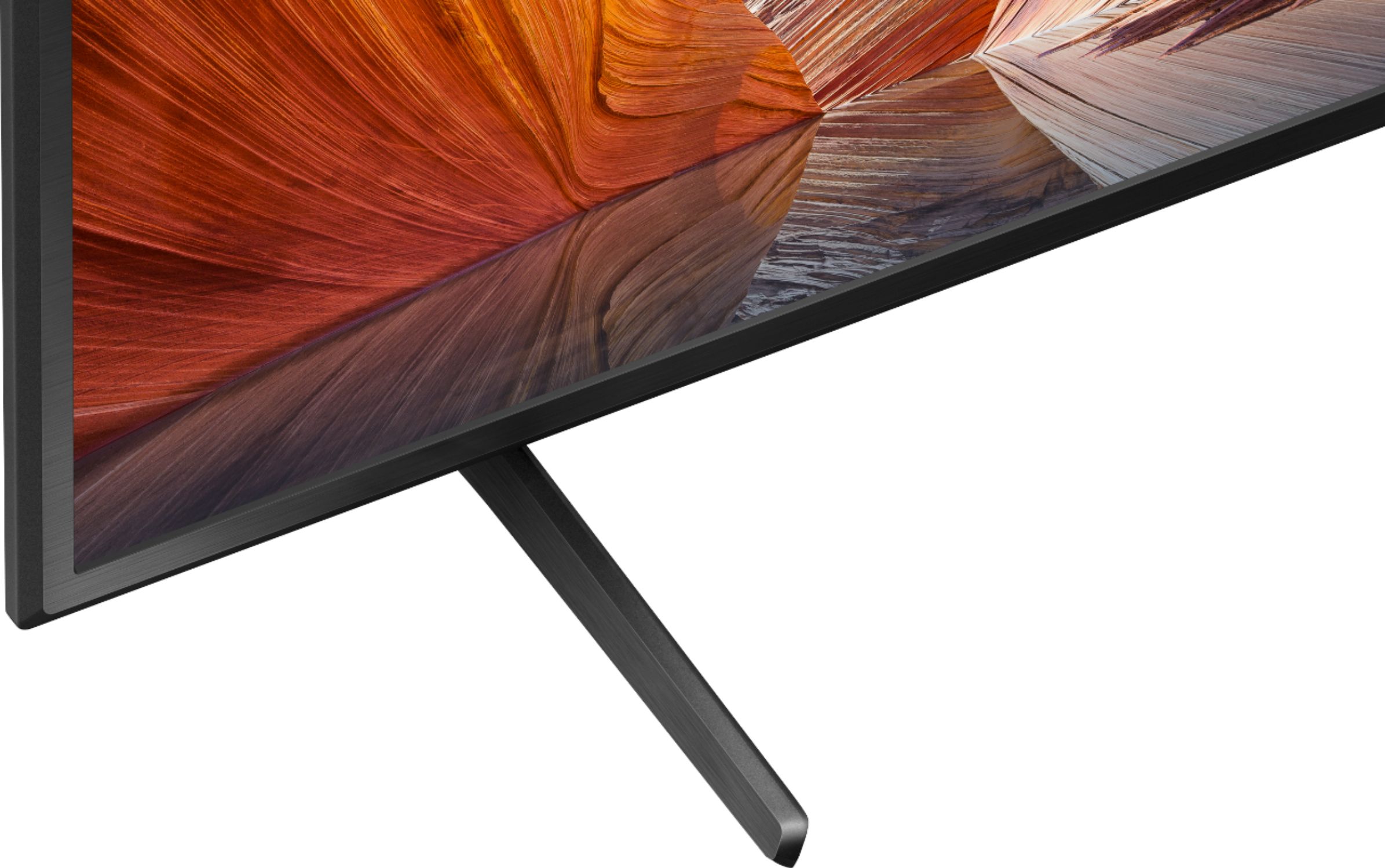
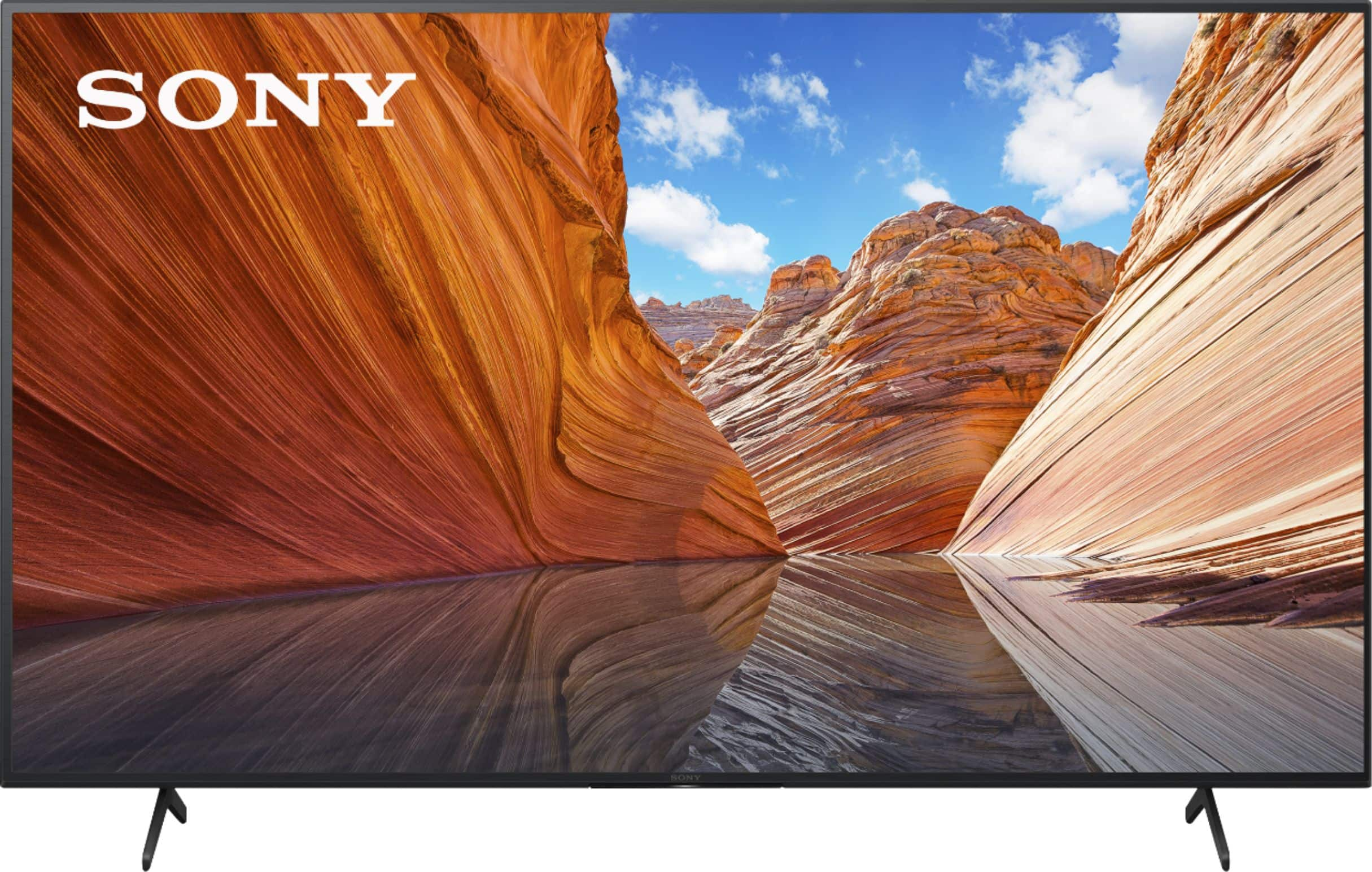
A:AnswerHi Macman, thank you for your inquiry. The width of the supplied TV stand of the KD65X80J is approximately 44 1/2 inches and 13 3/8 inches in depth. Hope this helps! -Sam
A:AnswerI would suggest going into picture adjustments, advanced settings, then go to motion. Turn motion flow off and CineMotion to auto. That should fix all your laggy moments. As a gamer and Sony enthusiast, I have tried many things without opting for the 120 hz refresh rate tvs. This has been my solution on all of them. Good luck
A:AnswerHi Joshua520, Thank you for the inquiry. If you are looking for the best set for viewing experience and gaming consoles, the X900H is better TV because of the features specified in the HDMI 2.1 standard. Also, the X900H has a Full-Array with Local Dimming which optimizes contrast by adjusting brightness in individual sections of the screen. The Apple TV app is now available on the X900H series. For more details, refer to this link: https://www.sony.com/electronics/tv/t/televisions?view=compare
I hope this helps. Jay
A:AnswerHello, thank you for your question. You have the option to skip the Google sign-in on the initial setup of the TV. You can enjoy some functions on your Android TV™ device without a Google™ account. You can watch TV programs and enjoy all Sony® apps, home network functions for the Album, Music, and Video apps. Certain functions, such as the Google voice search function, Chromecast™ built-in (Google Cast), internet browsing, and the YouTube™ app, are available without logging in to a Google account. However, you will not be able to rent or buy movies, TV shows, and apps from the Google Play™ Store.
We recommend checking this link if you only want to use this unit for watching TV programs:
https://helpguide.sony.net/tv/iusltn1/v1/en-003/02.html?hl=watch+tv
Hope this helps.
~Earl
A:AnswerHi MIchaelZ, Thank you for your questions. Yes, Both the X80J and the X85J are offered in a 75”. A key difference between the 2 models are that the X80J is a native 60Hz whereas the X85J will have a native 120Hz panel Please refer to the product comparison page on the Sony Website for more info.

https://www.sony.com/electronics/tv/t/led-televisions
Hope this helps.
Regards,
-Jay
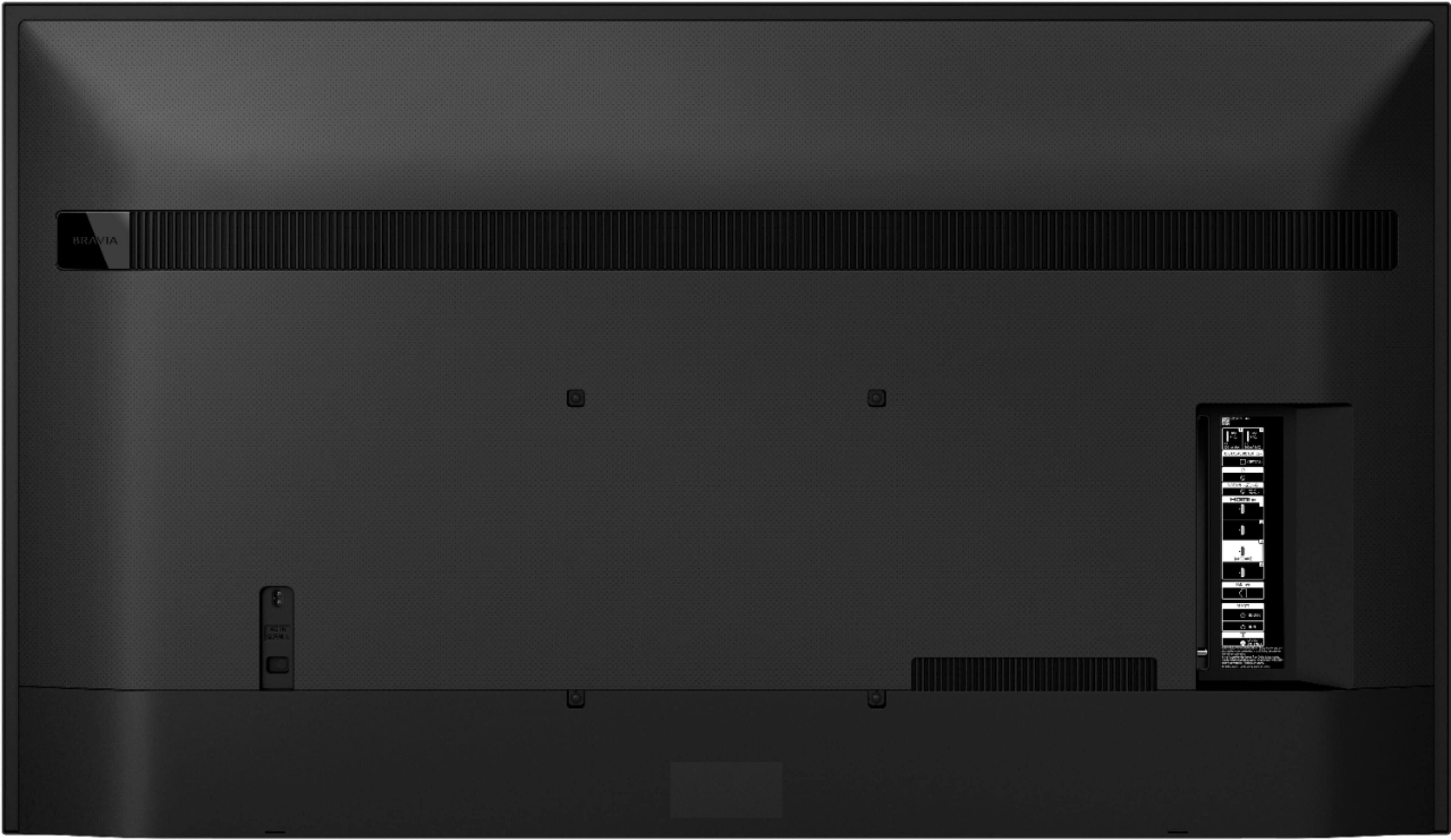
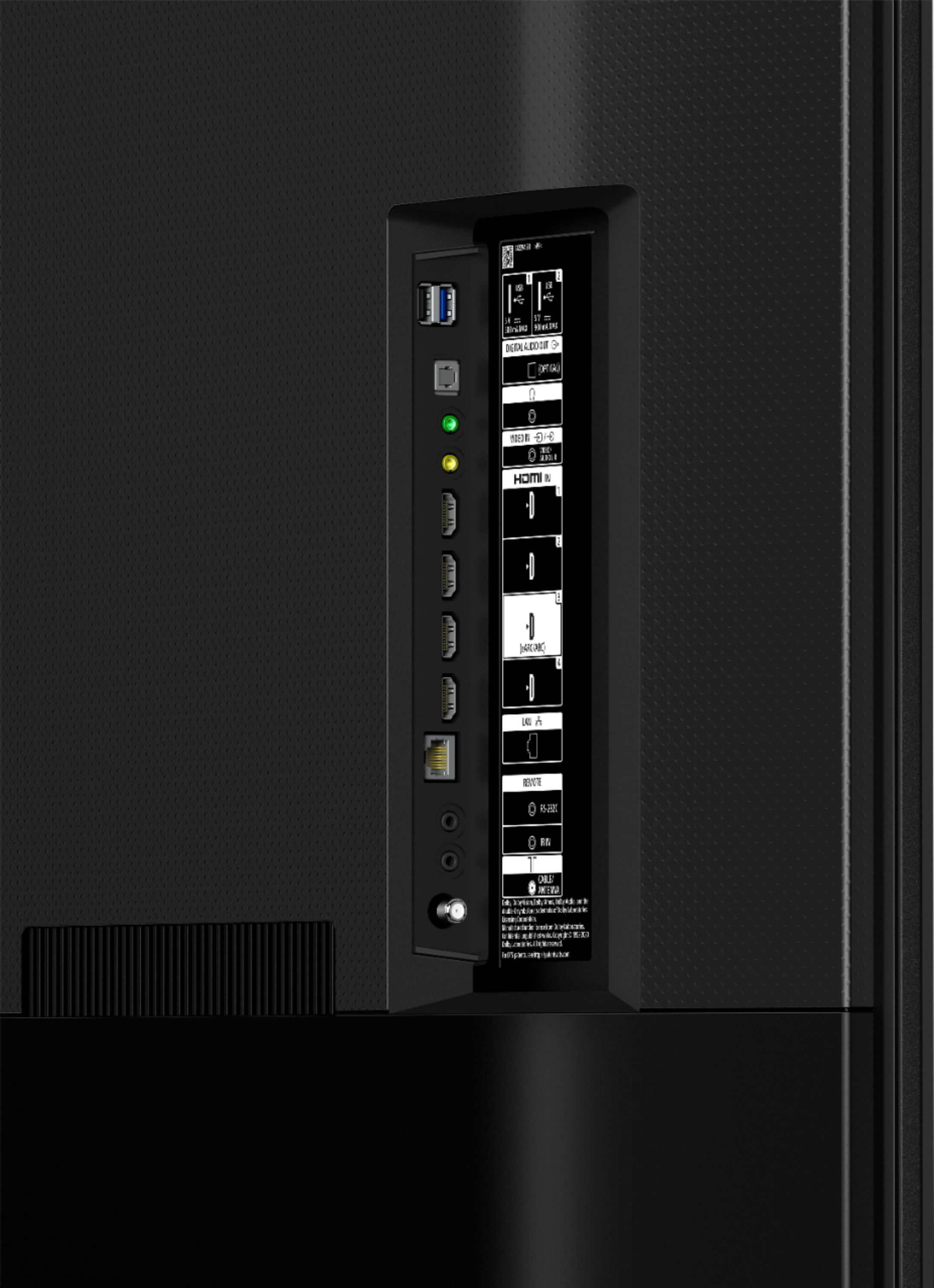
A:AnswerHi kim, Thank you for the inquiry. The X80J doesn't have component video input. This TV has a Composite Video Input, HDMI Inputs, RS-232C Input, Digital Audio Output, and Headphone Output. The X80J supports surround sound. I hope this helps! Jay
A:AnswerHi there! Thank you so much for your inquiry. Great news! Yes, the KD65X80J features Subtitles (Closed Captions). The Closed Caption feature is enabled by pressing the SUBTITLE/CC button on the TV remote control. Content for which Closed Captions are available are as follows:
• TV broadcasts: Closed Captions may not be available for some TV broadcasts.
• Apps: Whether a given app supports the Closed Caption feature depends on the app. Some apps, such as Netflix, enable Closed Captions by using their own setting menu instead of pressing the CC (Subtitle) button on the TV remote control. In addition, some apps can change the text size and color.
You may find this link helpful: https://www.sony.com/electronics/support/televisions-projectors-lcd-tvs-android-/kd-65x80j/articles/00260887
I hope this helps! - Romeo
A:AnswerHi FNT4, thank you for your question. You can change the screen that is displayed when the TV is turned on to the TV broadcast channel or external input such as HDMI that you were watching before turning off the TV.
Press the (Quick Settings) button on the remote control.
Select [Power on behavior], and then select [Last input].
The next time the TV is turned on, the TV broadcast channel or external input such as HDMI that you were watching before turning off the TV will be displayed and you'll still be able to use the Smart features.
I hope this Helps.
Regards,
Erin
A:AnswerHi Mints4u, Great News! Yes, you can pair some wireless headphones, speakers, or soundbars to this KD65X80J through a Bluetooth® connection one at a time. However, the devices must be compatible. Only for Bluetooth A2DP-supported models that can use Bluetooth audio devices such as headphones or speakers. Please check the specifications of your device on the model support page to confirm if the Bluetooth headphones, speakers, or soundbar support A2DP (Advanced Audio Distribution Profile) Bluetooth profile. Refer to the link below for the compatible Bluetooth headphones.
https://www.sony.com/electronics/support/televisions-projectors-lcd-tvs-android-/kd-65x80j/articles/00159290
I hope this helps! Jay
A:AnswerHi there, Thank you for purchasing the X80J. The ATSC 3.0 tuner in your TV is ready to go however not all regions of the US are fully updated to broadcast the 4K signal. Some areas of the country are online already while other will be coming online over the next few months with most areas planning to be online by the end of fall. For more information and details, please visit https://www.atsc.org/nextgen-tv/. Regards, -Sam
A:AnswerHi Shopper, Yes, the Audio Format of X80J supports Dolby Atmos and HDMI eARC/ARC. Refer to the link below for more details of full specifications and features:
https://www.sony.com/electronics/televisions/x80j-series/specifications#specifications
Thank you for the inquiry! Jay
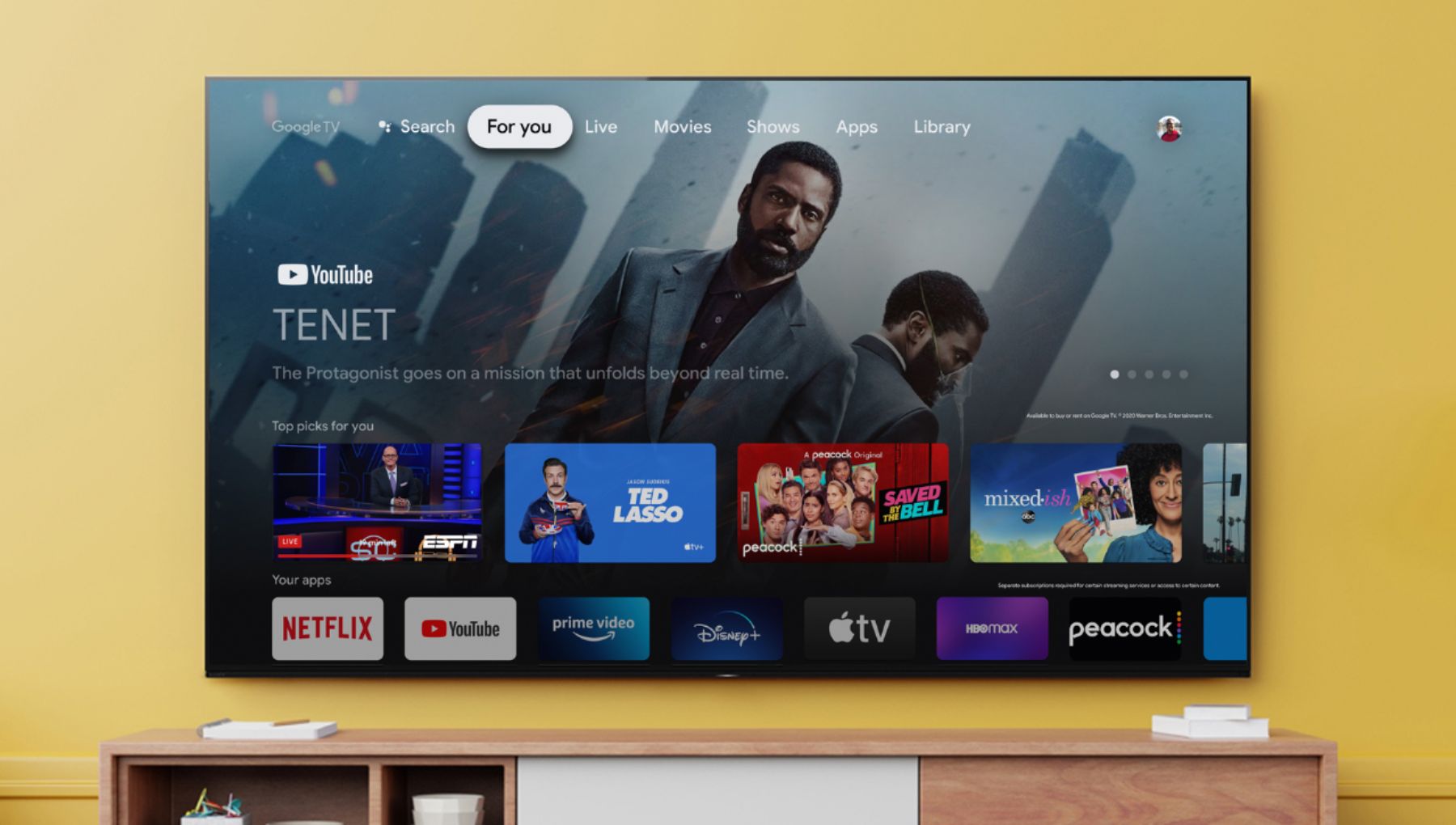
A:AnswerHi Tiffany, Unfortunately this app is not available on the Google TV / Play Store platform. Refer to this link for more details about the available apps from this link: https://www.sony.com/electronics/support/televisions-projectors-lcd-tvs-android-/kd-65x80j/articles/00147386.
I hope this helps! Jay
A:AnswerHi BAA, Great News! Yes, the X80J will perfectly work with your Amazon Fire Stick. You can simply connect it to the HDMI input of the TV to use your apps. Thank you for the inquiry! Jay
A:AnswerHi Kenny, Thank you for the inquiry. The X80J comes with a one-year manufacturer's limited warranty in the US and Canada only. For more details, please check the link below:
https://www.sony.com/electronics/support/res/manuals/4595/c93100a1fe624cd97594959ae4e8b271/45953330M.pdf
I hope this helps! Jay
A:AnswerHi Ludwig, Thank you for the inquiry. The X80J supports an Object-based HDR remaster. With an Object-based HDR remaster, the color in individual objects on-screen is analyzed and the contrast adjusted, unlike most TVs where contrast is only adjusted along one black-to-white contrast curve. Because objects are remastered individually, this TV can reproduce greater depth, textures, and more realistic pictures. Also, the X80J Dolby Audio supports the Dolby™ Audio and Dolby™ Atmos.
I hope this helps! Jay
A:AnswerHi clamhop, Thank you for the inquiry. The X80J supports Dolby Atmos and DTS Digital Surround. You can connect the audio system to the X80J using an HDMI connection (ARC/eARC supported), and a Digital optical cable connection. I hope this helps. Jay
A:AnswerHi there, thank you so much for your question. Yes! The KD65X80J features Bluetooth Audio (A2DP - Advanced Audio Distribution Profile) pairing for wireless headphones, speakers, and soundbar connection. I hope this helps! - Romeo
A:AnswerHi MrH, Thank you for your question. SONY TVs look the best in the darkest environment possible, so it's a good idea to turn off all lighting sources if you really want the best viewing experience. Light from windows and lamps may cause glare on the TV screen. The 75" & 85X95J will have our ani-reflective technology ~Earl