Questions & Answers
- Model:
- KD65X80K
- |
- SKU:
- 6499677
Q: QuestionDo I need to purchase the Apple TV Box separately?
Asked by Golfusion.
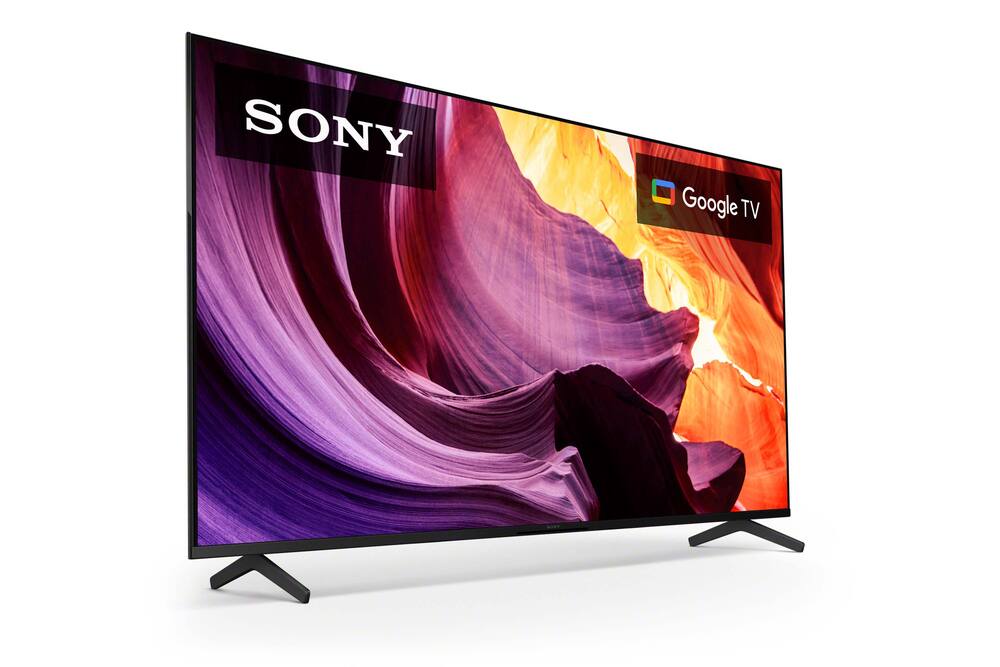
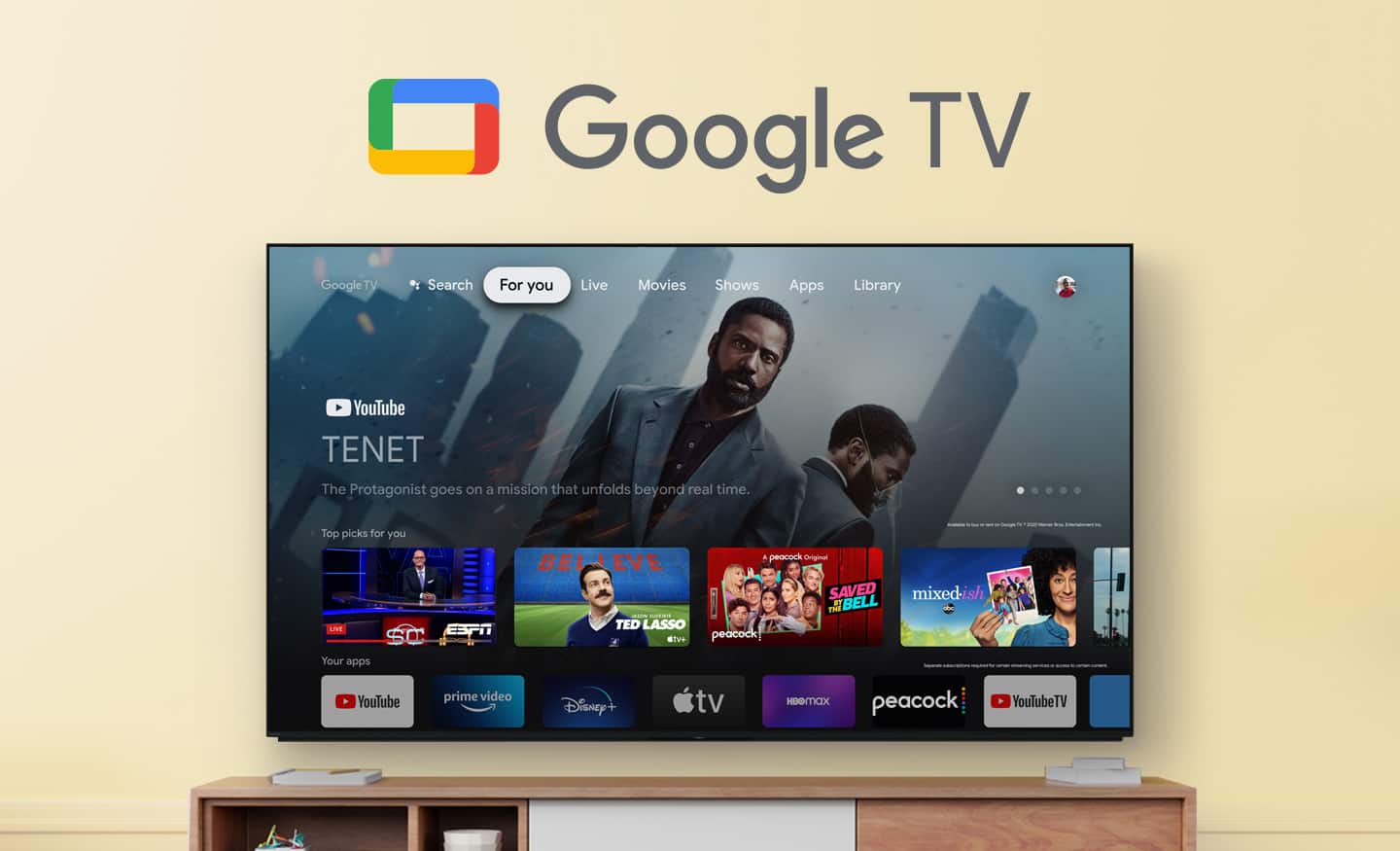
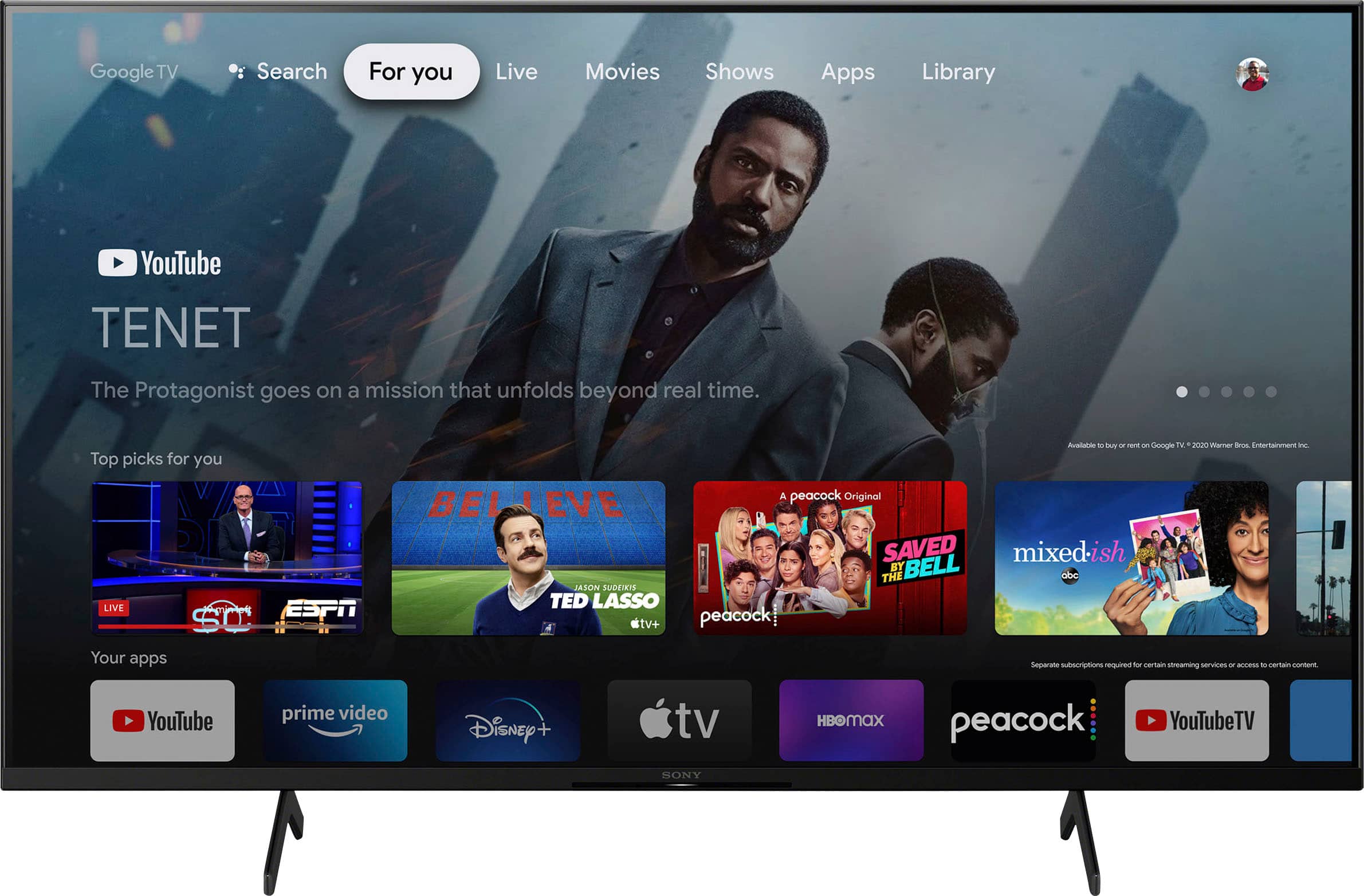
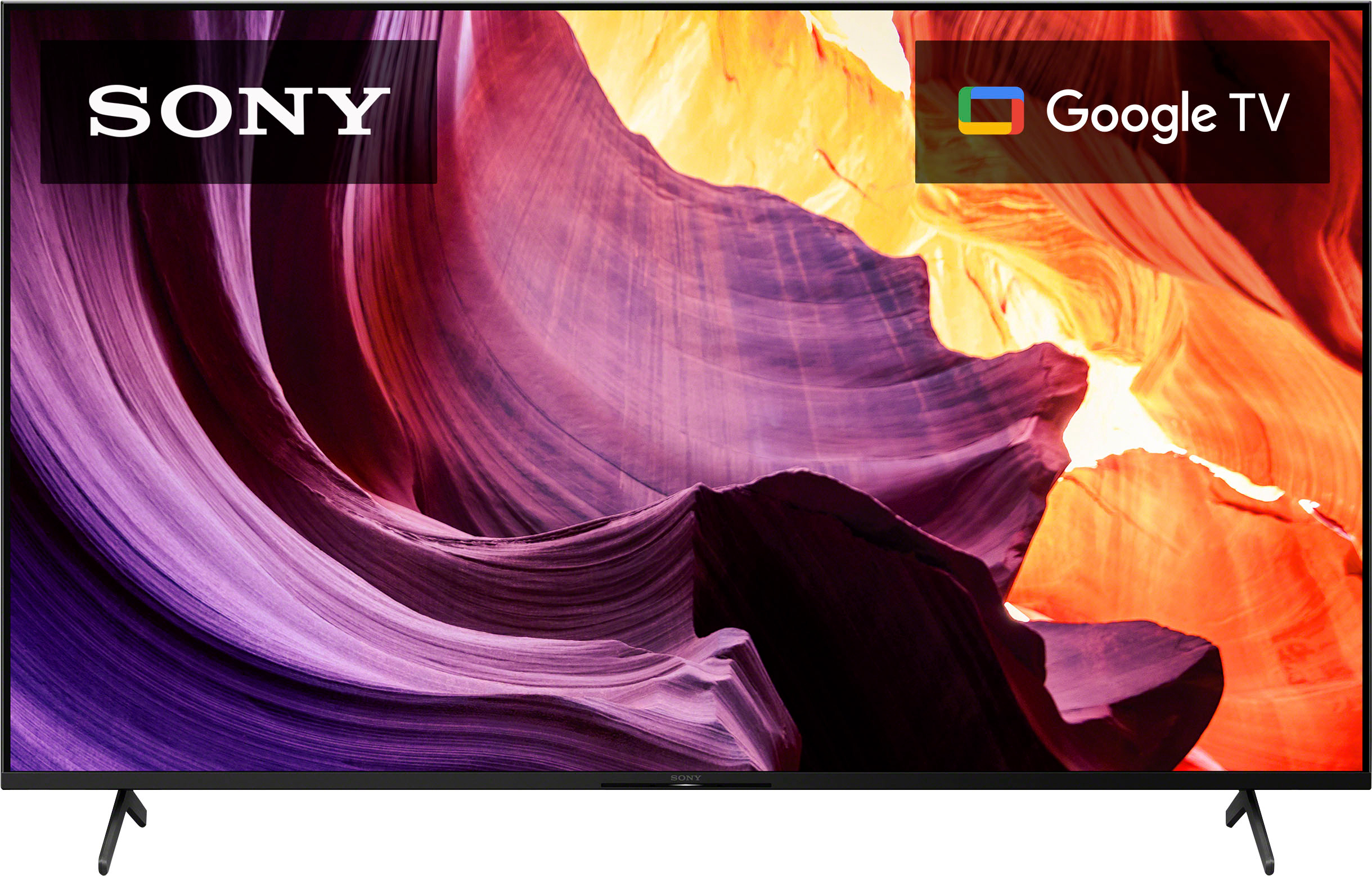
- A:Answer Hi Golfusion, Thank you for your inquiry! The X80K is an Android TV that has built-in smart capabilities and access to various streaming apps. This TV has pre-installed apps such Netflix, YouTube, Amazon Prime, etc. and many of the existing apps can be downloaded on the built-in Google Play Store of the TV and without the need for an additional Apple TV box. However, if you prefer or specifically require Apple TV features, then purchasing an Apple TV box separately would be necessary. Also, Apple TV app and Apple TV+ app are supported on the X80K Google TV where you can mirror the display or stream content from your Apple devices to your Android TV or Google TV. With the BRAVIA X80K LED TV, you will enjoy an intuitive smart TV experience with natural color and clear sound. The powerful 4K HDR Processor X1 reduces digital noise and boosts details for lifelike picture quality. Google TV gives you access to all your favorite streaming apps, while Google Assistant easily searches for content and controls your smart home simply by using your voice. Hope this helps! - Kris
Answered by SonyListens

Q: QuestionHow many hdmi inputs?
Asked by Anonymous.
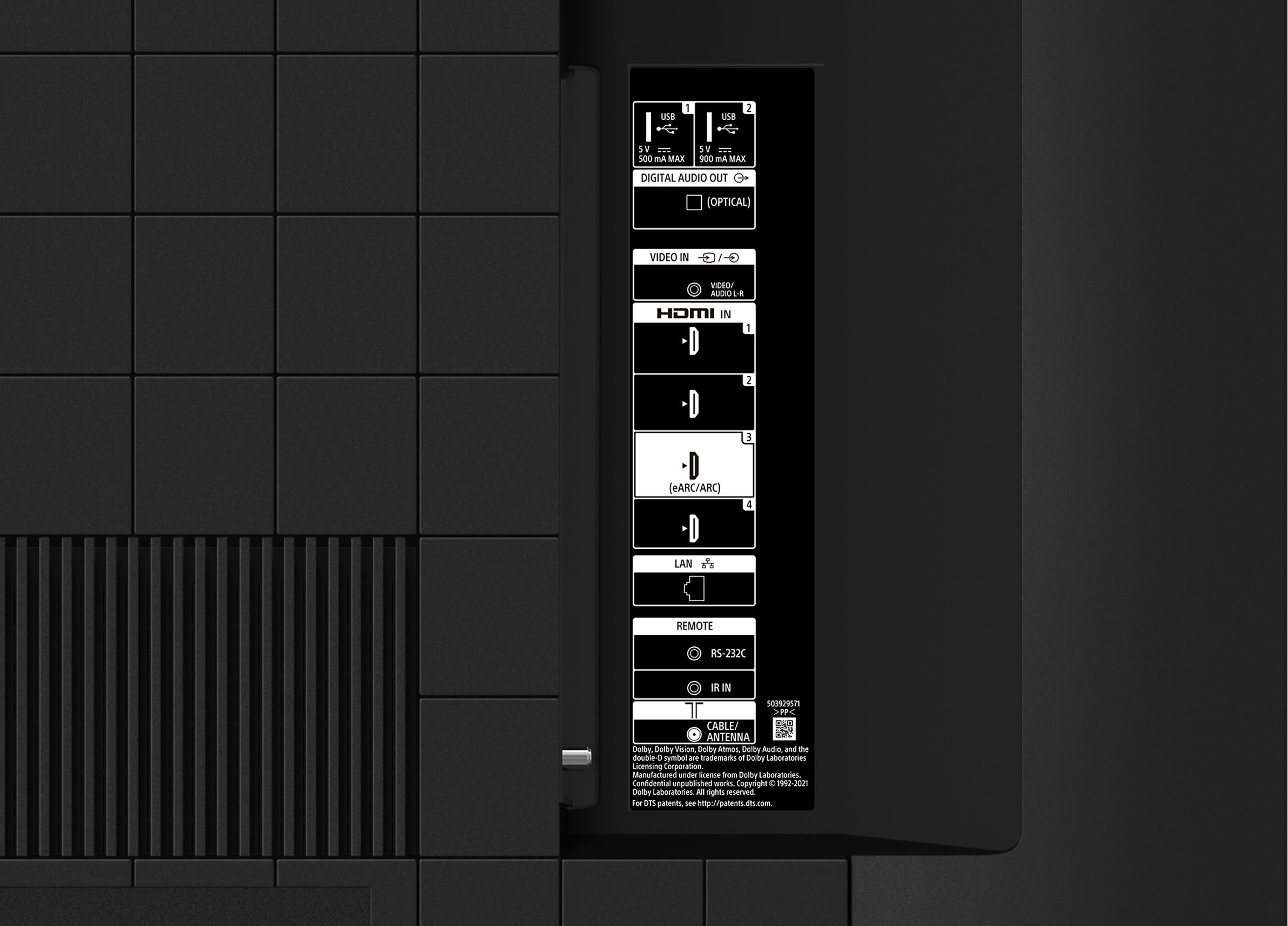
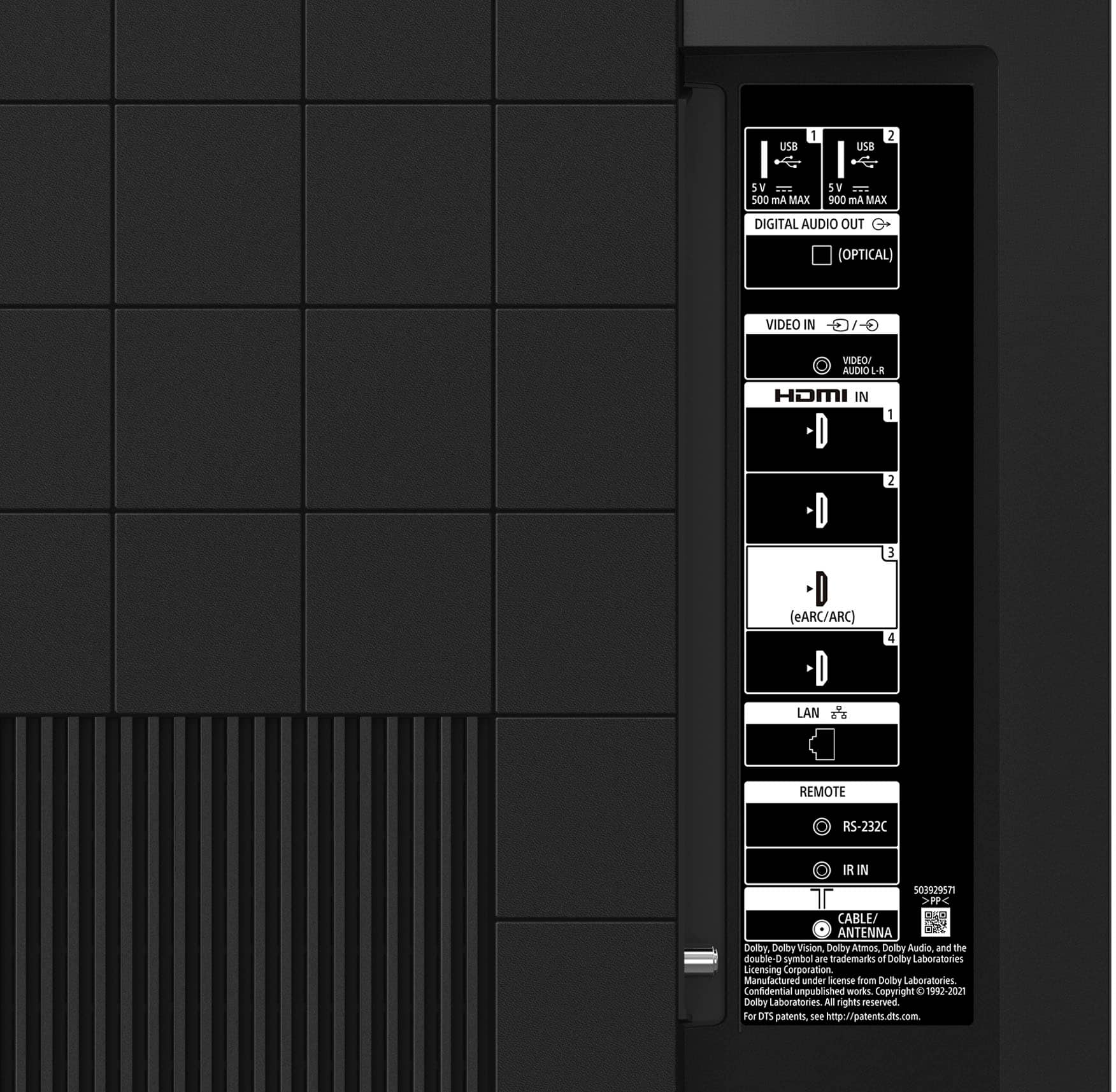
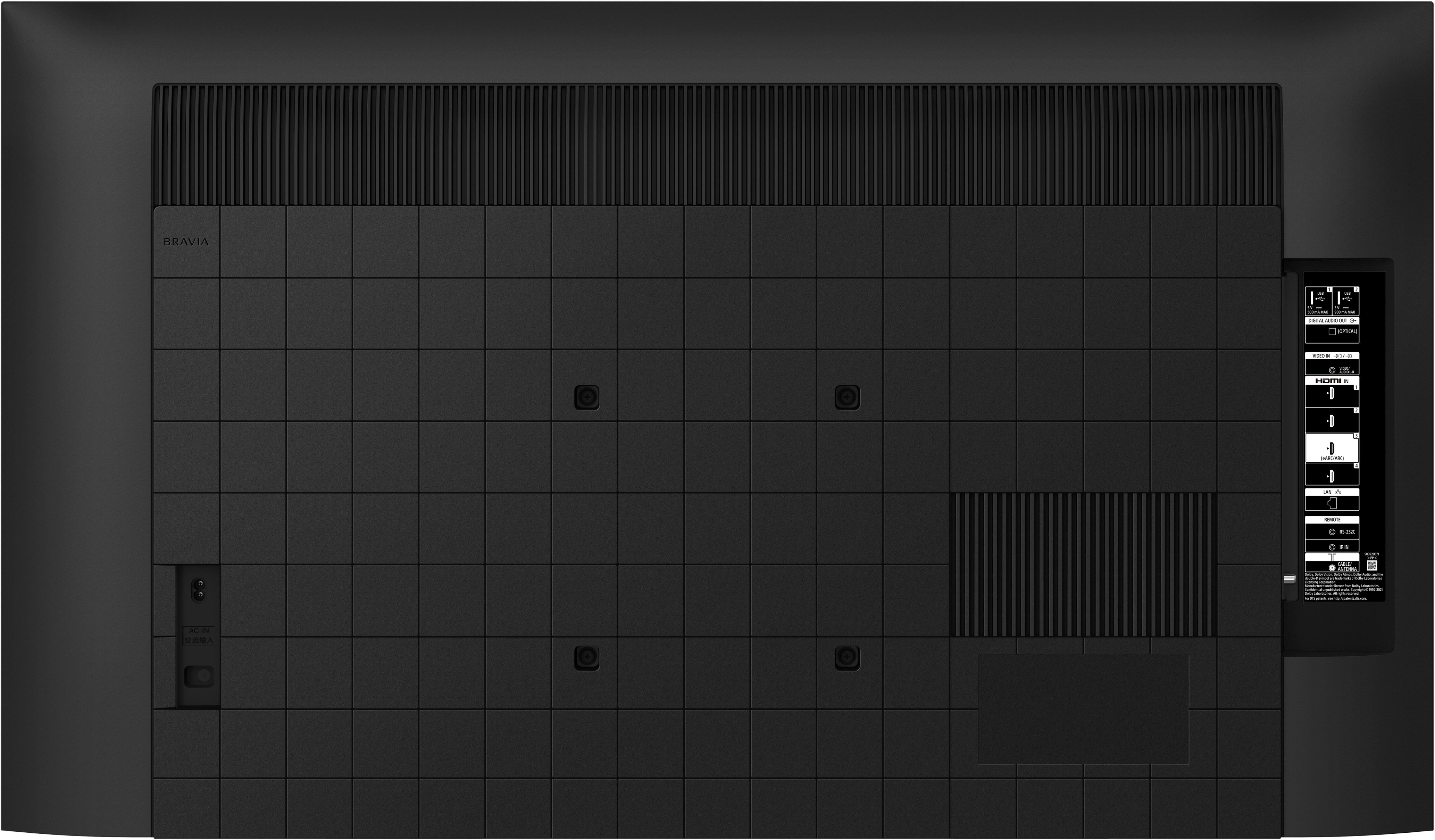
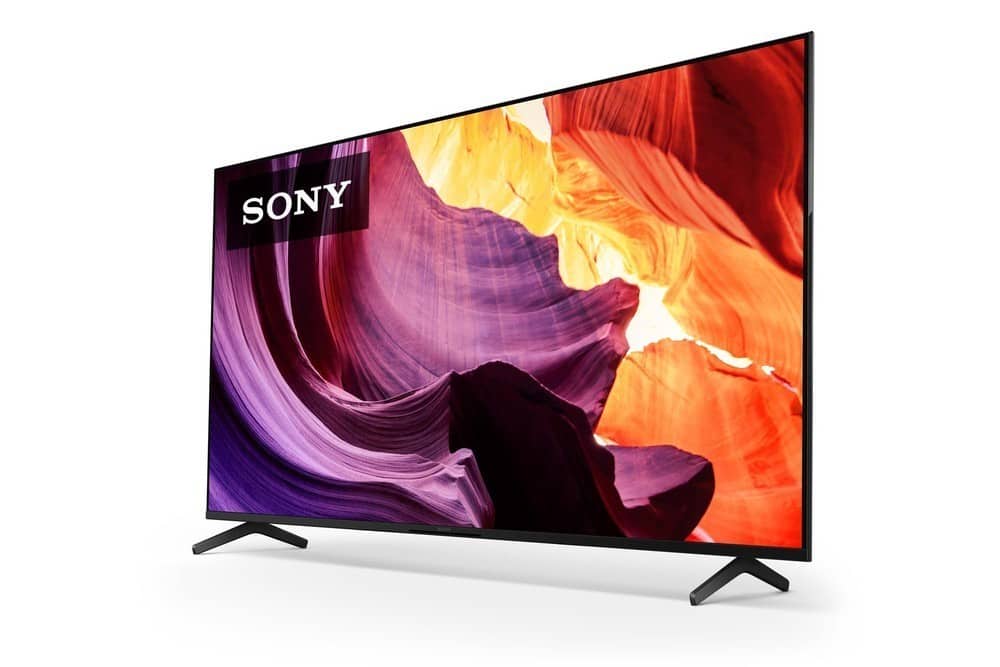
- A:Answer Hi, Thank you for your inquiry! The KD65X80K comes with 4 HDMI inputs. For detailed specifications, please visit our Sony support website. With the BRAVIA X80K LED TV, you will enjoy an intuitive smart TV experience with natural color and clear sound. The powerful 4K HDR Processor X1 reduces digital noise and boosts details for lifelike picture quality. Google TV gives you access to all your favorite streaming apps, while Google Assistant easily searches for content and controls your smart home simply by using your voice. Hope this helps! - Kris
Answered by SonyListens

Q: QuestionCan this tv be used for outdoor?
Asked by Michael.
- A:Answer Hi Michael, thanks for our question. This tv is not intended to operate outdoors. Do not expose the screen to direct illumination or sunlight for the best picture quality. Do not expose this TV to rain or moisture to reduce the risk of fire or electric shock. The powerful 4K HDR Processor X1 reduces digital noise and boosts details for lifelike picture quality. Google TV gives you access to all your favorite streaming apps, while Google Assistant easily searches for content and controls your smart home simply by using your voice. Hope this helps. ~Earl
Answered by SonyListens

Q: QuestionCan I connect and do Zoom Meetings on this TV?
Asked by JCCCCKKyyyy.
- A:Answer Not yet
Answered by Bungoma234
Q: QuestionIs the DirecTV app included on this TV?
Asked by Bobh.
- A:Answer Hi Bobh, thanks for your question. Unfortunately, there is no DirecTV app pre-installed on this X80K but you will be able to download the DirecTV App by searching for it in the search bar. You can also use the built-in Chromecast feature to cast content from the Direct TV app to your TV. Chromecast built-in (Google Cast) lets you watch your favorite entertainment and apps from your mobile device or computer on your Google TV. Enjoy an intuitive smart TV experience with natural color and clear sound with the BRAVIA X80K LED TV. The powerful 4K HDR Processor X1 reduces digital noise and boosts details for lifelike picture quality. Google TV gives you access to all your favorite streaming apps, while Google Assistant easily searches for content and controls your smart home simply by using your voice. Hope this helps. ~Earl
Answered by SonyListens

Q: QuestionWould this come with the new Live TV feature under the “Live” tab without the requirement of subscribing to any additional TV/cable services? Please see https://9to5google.com/2023/04/28/google-tv-free-channels-list-2/. Thanks.
Asked by ClarkKent.
- A:Answer Hi ClarkKent, thanks for your question. It's possible to enjoy free live TV on Android/Google TV without having to pay a monthly fee to access live programming through streaming services like Hulu + Live TV. You can download/install your desired streaming apps using the built-in Google chrome of this X80K. The 800 Google TV channels will be located under the Live Tab. These will be rolling out as updates between now and the coming weeks. Enjoy an intuitive smart TV experience with natural color and clear sound with the BRAVIA X80K LED TV. The powerful 4K HDR Processor X1 reduces digital noise and boosts details for lifelike picture quality. Google TV gives you access to all your favorite streaming apps, while Google Assistant easily searches for content and controls your smart home simply by using your voice. Hope this helps. ~Earl
Answered by SonyListens

Q: QuestionIs this an outdoor tv. I'm looking for a tv that is weather resistant for a covered, screened in patio. I'm looking to purchase the 43 inch.
Asked by Anonymous.
- A:Answer Hi, Thank you for your inquiry! The X80K can be used outside as long as it is properly protected under a roof or covered deck and prevent it from the elements such as rain. This TV is not specifically designed or rated for outdoor use. Exposing the TV to rain or moisture, direct illumination, or sunlight may cause damage. For safety reasons and to prevent the TV from malfunctioning, its recommended operating temperature is: 0 ºC – 40 ºC / 32˚F - 104˚F. To achieve the best picture quality, we recommend not exposing the screen to direct illumination or sunlight and avoiding installing the TV in a room with reflective walls and floor materials. Additional information: Enjoy an intuitive smart TV experience with natural color and clear sound with the BRAVIA X80K LED TV. The powerful 4K HDR Processor X1 reduces digital noise and boosts details for lifelike picture quality. Google TV gives you access to all your favorite streaming apps, while Google Assistant easily searches for content and controls your smart home simply by using your voice. We are looking forward to your purchase and thank you so much for considering Sony!- Kris
Answered by SonyListens

Q: QuestionMy Sony 65 inch 4k X80K makes a little pop or creaking sound when I turn on and off my tv is that normal.
Asked by Martywolf.
- A:Answer Hi Martywolf, Thank you for reaching out to us and we do apologize for the inconvenience. A creaking, crackling, or popping sound from your TV is normal and is not a malfunction. These sounds occur when parts expand or contract slightly due to temperature changes in the room or your TV. For example, you may hear the sound when you turn your TV on or off. The sound location may change or become less noticeable due to environmental changes, such as temperature or humidity. In case you need assistance with your TV, feel free to contact us by sending an email to [email protected] with the following: Name: Best Buy Username: Telephone Number: Model Number: Issue: Enjoy an intuitive smart TV experience with natural color and clear sound with the BRAVIA X80K LED TV. The powerful 4K HDR Processor X1 reduces digital noise and boosts details for lifelike picture quality. Google TV gives you access to all your favorite streaming apps, while Google Assistant easily searches for content and controls your smart home simply by using your voice. Thanks for purchasing SONY! - Kris
Answered by SonyListens

Q: QuestionHi my questions is i bought my 65in tvs model x80k and moving overseas my tvs can work without any problem
Asked by Elida.
- A:Answer Hi Elida, Thank you for the question. The X80K has a power range of 110-240V. The power requirement of the TV is 120 V AC, 60 Hz for US and CA, 50/60Hz for other countries. This TV can be used outside the US and CA but with the appropriate power plug adapter. Enjoy an intuitive smart TV experience with natural color and clear sound with the BRAVIA X80K LED TV. The powerful 4K HDR Processor X1 reduces digital noise and boosts details for lifelike picture quality. Google TV gives you access to all your favorite streaming apps, while Google Assistant easily searches for content and controls your smart home simply by using your voice. Thanks again for purchasing Sony! - Kris
Answered by SonyListens

Q: QuestionIs this tv an android tv?
Asked by Juanjo.
- A:Answer Yes. It has Google built in
Answered by EricR
Q: Questionthis tv can work with iphone 14 screen mirroring?
Asked by Anonymous.
- A:Answer There is AirPlay on this TV to screen mirror for iPhone and iPad. I've used it for both my iPhone and iPad. The Google Chromecast on this TV for casting is a little better than AirPlay. To me, the AirPlay picture quality is not that great at least with my ISPs.
Answered by BBuy2020
Q: QuestionI don't understand "smart" TVs. Can I surf the web with this TV? If so, how?
Asked by matt.
- A:Answer Hi matt, thanks for your question. Yes, you can browse/surf the net using this TV. Enjoy an intuitive smart TV experience with natural color and clear sound with the BRAVIA X80K LED TV. The powerful 4K HDR Processor X1 reduces digital noise and boosts details for lifelike picture quality. Google TV gives you access to all your favorite streaming apps, while Google Assistant easily searches for content and controls your smart home simply by using your voice. Hope this helps. ~Earl
Answered by SonyListens

Q: QuestionIs there a protective coating or film over the Sony symbol? Can I peel it off?
Asked by Cheeks.
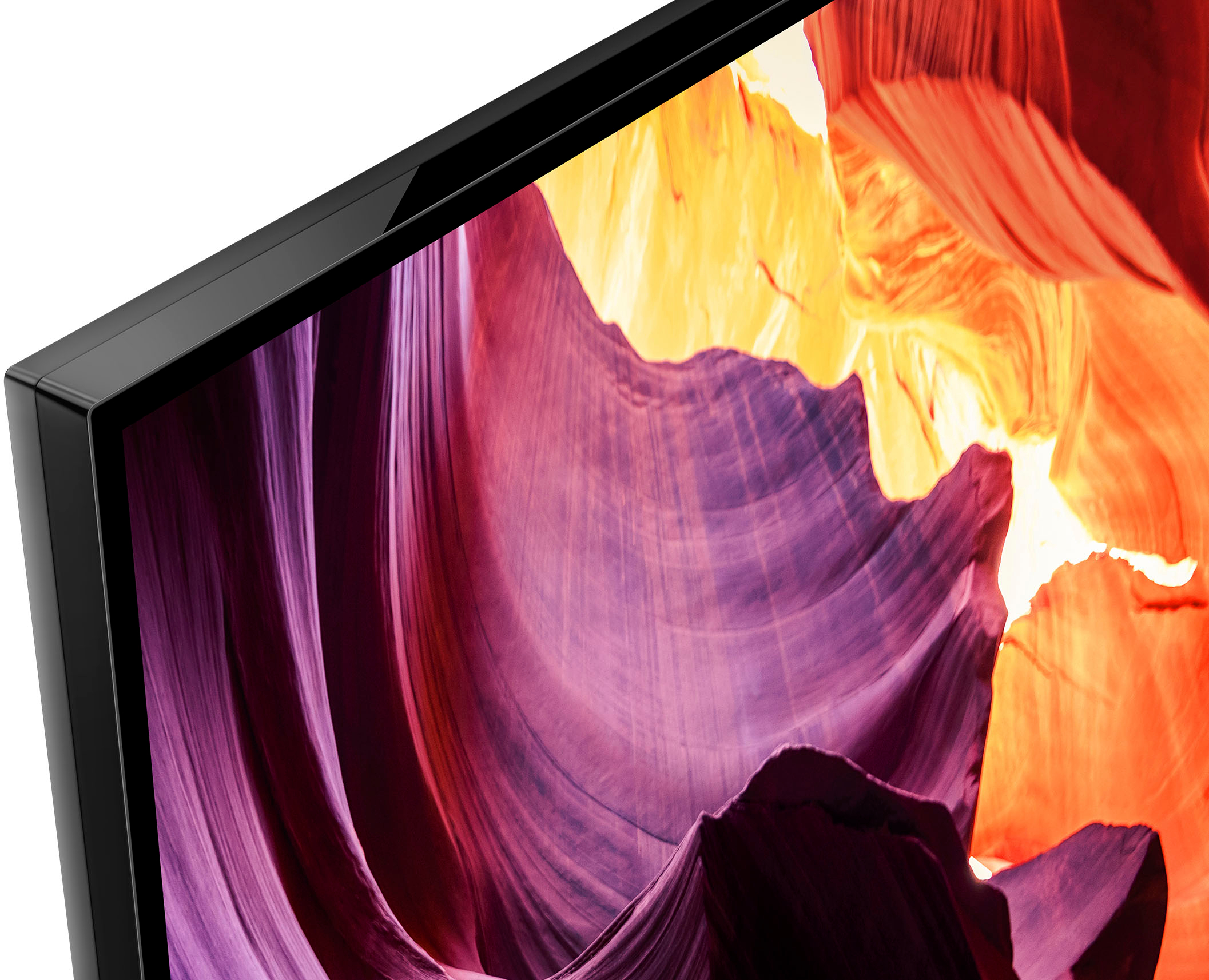
- A:Answer Hi Cheeks, thanks for your question. There's no protective plastic film on the screen itself, only around the edges of the TV. There is a piece of smooth cardboard that covers the TV screen that protects it while it's being installed. Enjoy an intuitive smart TV experience with natural color and clear sound with the BRAVIA X80K LED TV. The powerful 4K HDR Processor X1 reduces digital noise and boosts details for lifelike picture quality. Google TV gives you access to all your favorite streaming apps, while Google Assistant easily searches for content and controls your smart home simply by using your voice. Hope this helps. ~Earl
Answered by SonyListens

Q: QuestionWhat are exact dimensions for a Sony 65 x 80k ?
Asked by Edie.
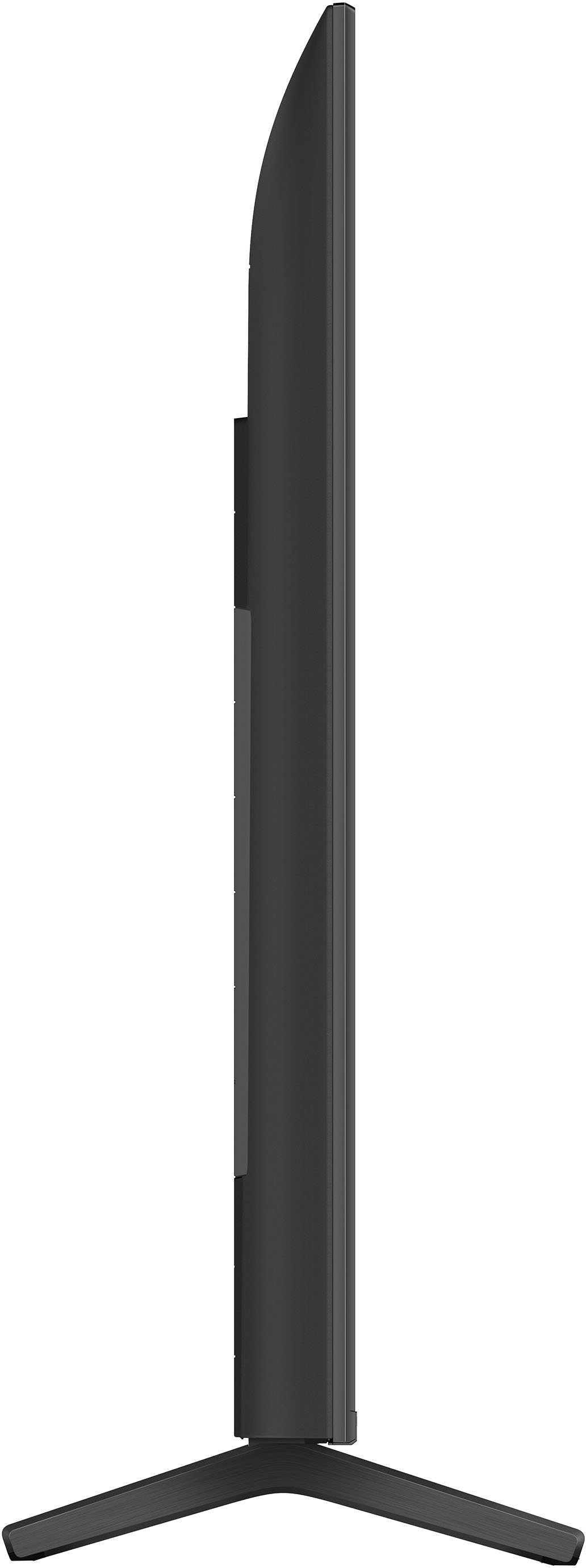
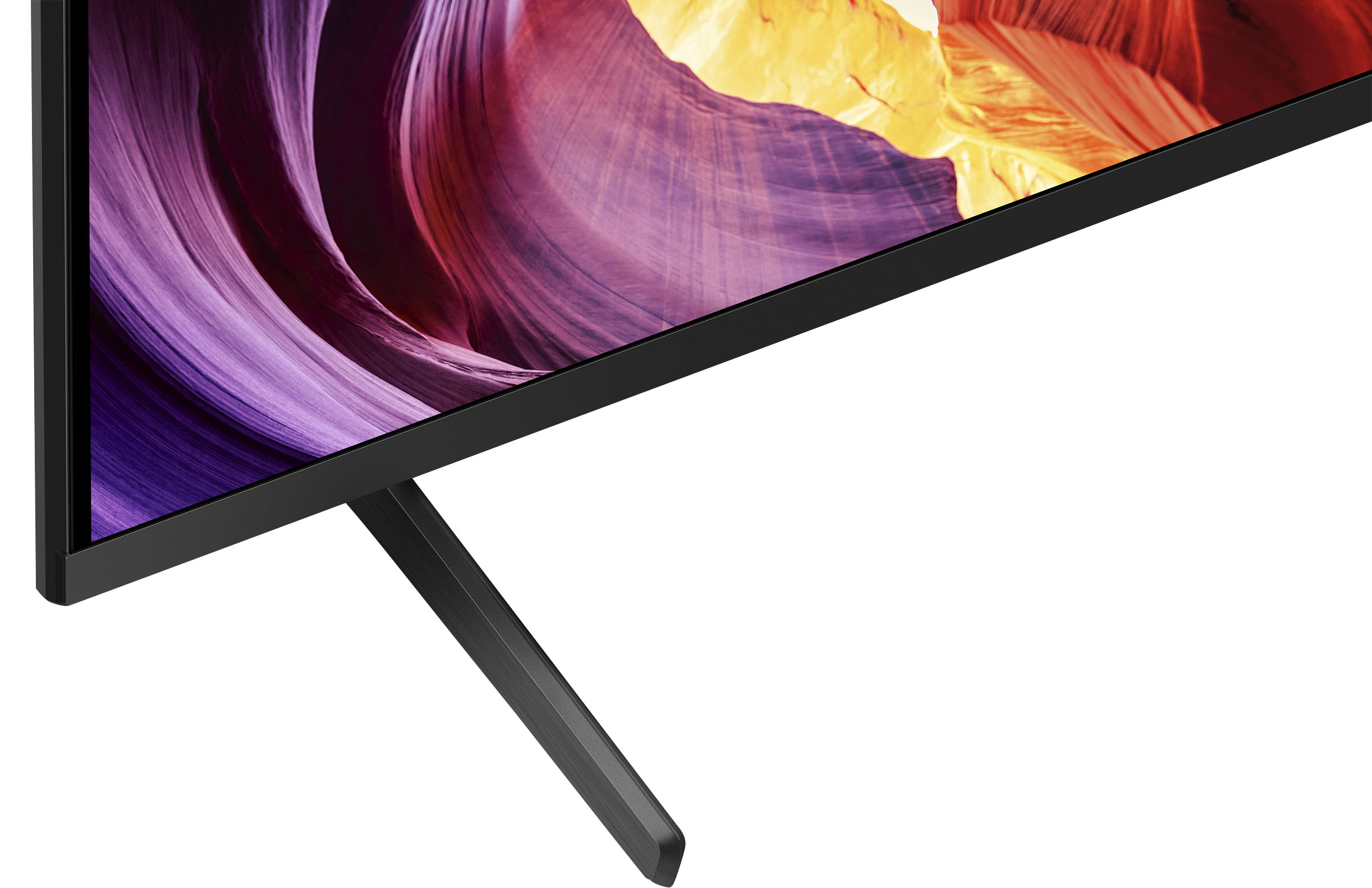
- A:Answer Hi Edie, Thank you for your inquiry! Below are the following dimensions of the KD65X80K: DIMENSION OF TV WITHOUT STAND (W X H X D) 57.17 x 32.91 x 2.83 inch (1,452 x 836 x 72 mm) DIMENSION OF TV WITH STAND (STANDARD POSITION) (W X H X D) 57.17 x 35.63 x 13.31 (1,452 x 905 x 338 mm) WEIGHT OF TV WITH STAND 49.8 lb (22.6 kg) Enjoy an intuitive smart TV experience with natural color and clear sound with the BRAVIA X80K LED TV. The powerful 4K HDR Processor X1 reduces digital noise and boosts details for lifelike picture quality. Google TV gives you access to all your favorite streaming apps, while Google Assistant easily searches for content and controls your smart home simply by using your voice. We really appreciate you being a loyal customer and helping to share the word about us. Hope this helps! - Kris
Answered by SonyListens

Q: QuestionIs this a true outdoor tv? Can you view it clearly in the sun?
Asked by CC.
- A:Answer Not built for outdoors
Answered by Anonymous
Q: QuestionHow do I find the apps on the sony 65 inch x80k tv?
Asked by Anonymous.
- A:Answer Hi, Thank you for your inquiry! The X80K TV comes with pre-installed apps such as Netflix, Hulu, YouTube, Amazon Prime, etc. that you may find on the Home menu of the X80K Google TV. If you are referring on installing apps, many of the existing apps are available to download from the built-in Google Play Store of this TV. Enjoy an intuitive smart TV experience with natural color and clear sound with the BRAVIA X80K LED TV. The powerful 4K HDR Processor X1 reduces digital noise and boosts details for lifelike picture quality. Google TV gives you access to all your favorite streaming apps, while Google Assistant easily searches for content and controls your smart home simply by using your voice. Hope this helps! - Kris
Answered by SonyListens

Q: QuestionHi I have 40' table,I bought Bravia x80k 65' tv & universal tv base w25'..do u think that will work since tv w is 47'..??
Asked by Ripper.
- A:Answer Not recommended cause it comes wide as tv stand
Answered by DongwookL
Q: QuestionWhat is the difference between a Sony Bravia TV and a regular Sony TV? The Bravia is more expensive than the regular Sony.
Asked by Sony.
- A:Answer We only buy Bravia, They have a brighter, sharper picture and they last and last. Its all about quality.
Answered by JohnM
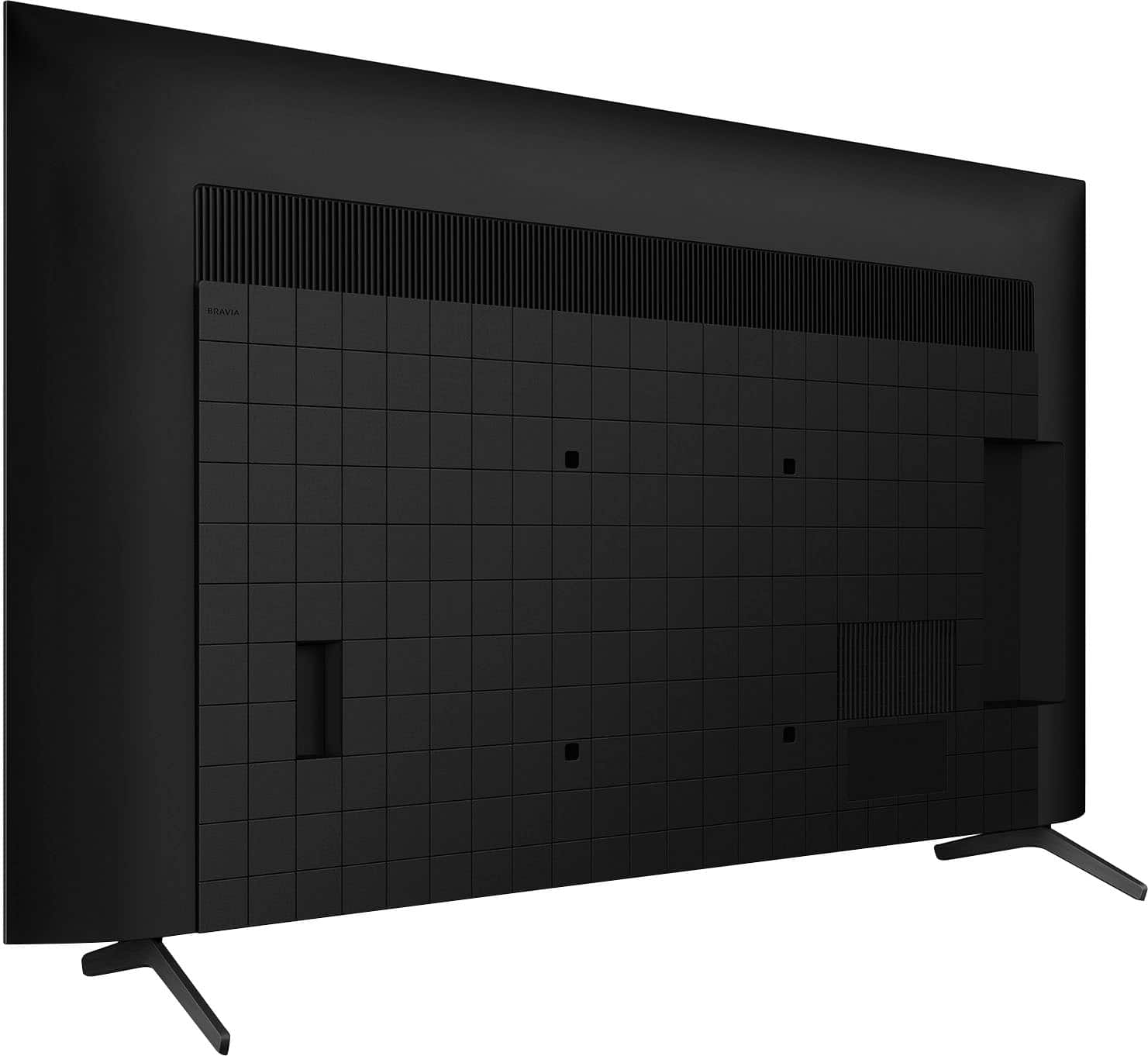
Q: QuestionWhere does the power cord attach to the tv ?
Asked by Anonymous.
- A:Answer On the rear of the tv.
Answered by Anonymous
Top Rated
- Doorbuster$169.99Your price for this item is $169.99
- Black Friday Deal$999.99Your price for this item is $999.99
- Black Friday Deal$99.99Your price for this item is $99.99
- Black Friday Deal$349.99Your price for this item is $349.99
- Black Friday Deal$189.99Your price for this item is $189.99
- Black Friday Deal$329.99Your price for this item is $329.99
- Black Friday Deal$399.99Your price for this item is $399.99
- Black Friday Deal$899.99Your price for this item is $899.99
- Black Friday Deal$549.99Your price for this item is $549.99
- Black Friday Deal$499.99Your price for this item is $499.99
- Black Friday Deal$1,399.99Your price for this item is $1,399.99
- $549.99Your price for this item is $549.99$1,299.99The comparable value for this item is $1,299.99
- Black Friday Deal$379.99Your price for this item is $379.99
- $279.99Your price for this item is $279.99$399.99The comparable value for this item is $399.99
- Black Friday Deal$999.99Your price for this item is $999.99
- Black Friday Deal$329.99Your price for this item is $329.99
- Black Friday Deal$229.99Your price for this item is $229.99
- $249.99Your price for this item is $249.99$379.99The comparable value for this item is $379.99
- Black Friday Deal$499.99Your price for this item is $499.99
- $89.99Your price for this item is $89.99$149.99The comparable value for this item is $149.99