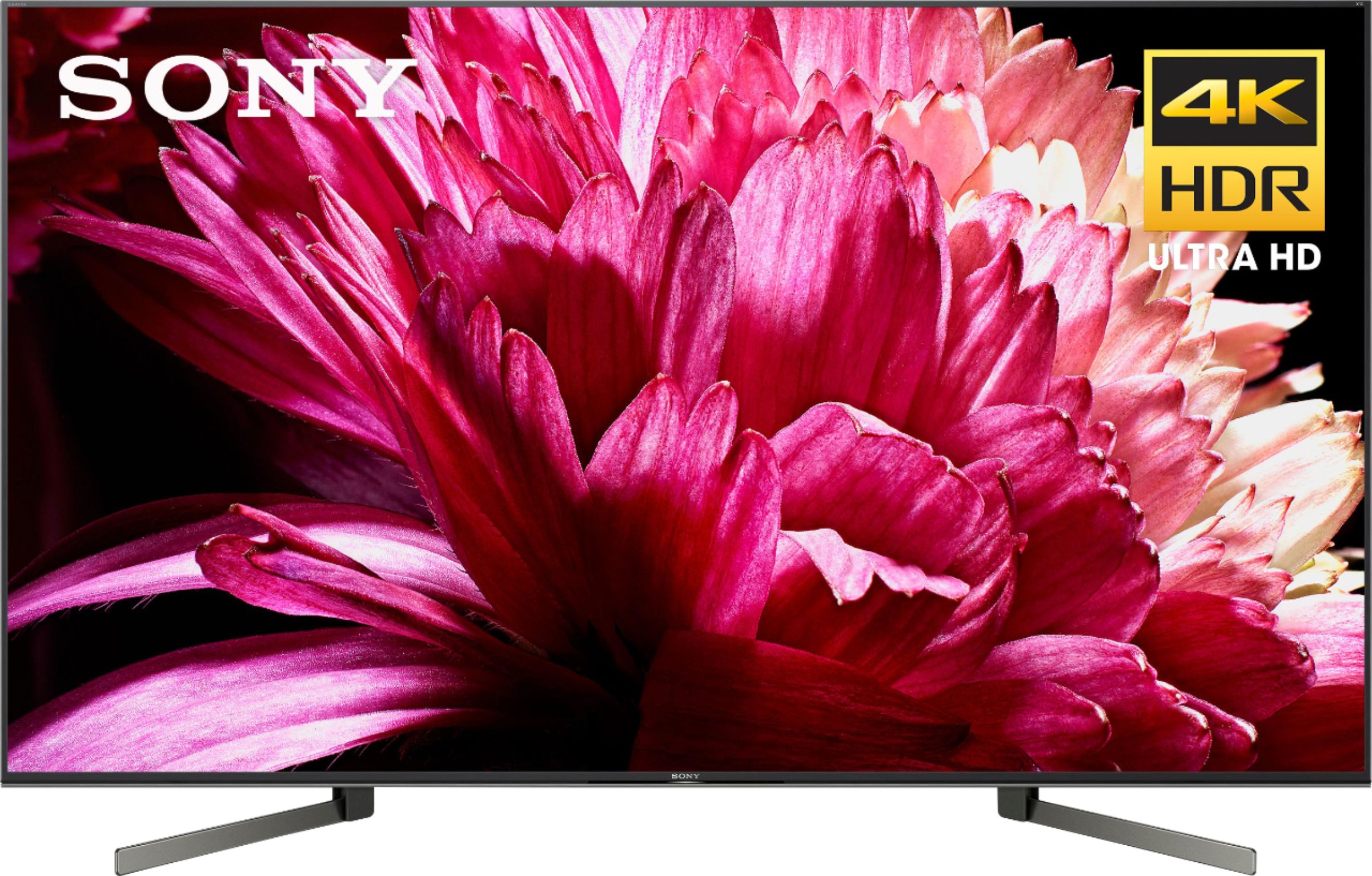
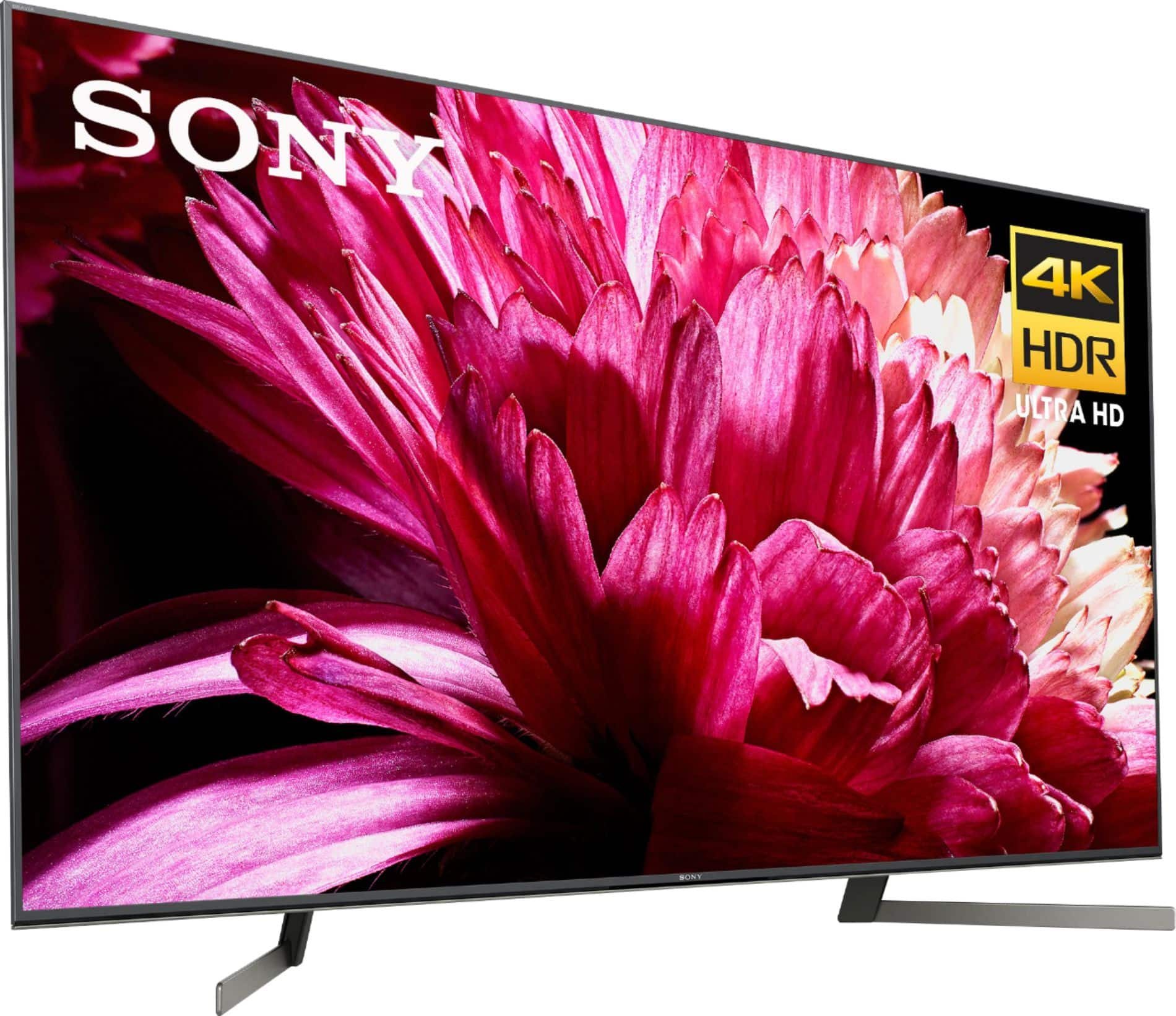
A:AnswerIt’s loud enough to hear and you can go into the sound settings and increase vocals specifically to make it easier to hear people. However the sound is overall poor like most TVs and I highly recommend a soundbar to compliment the great picture quality.
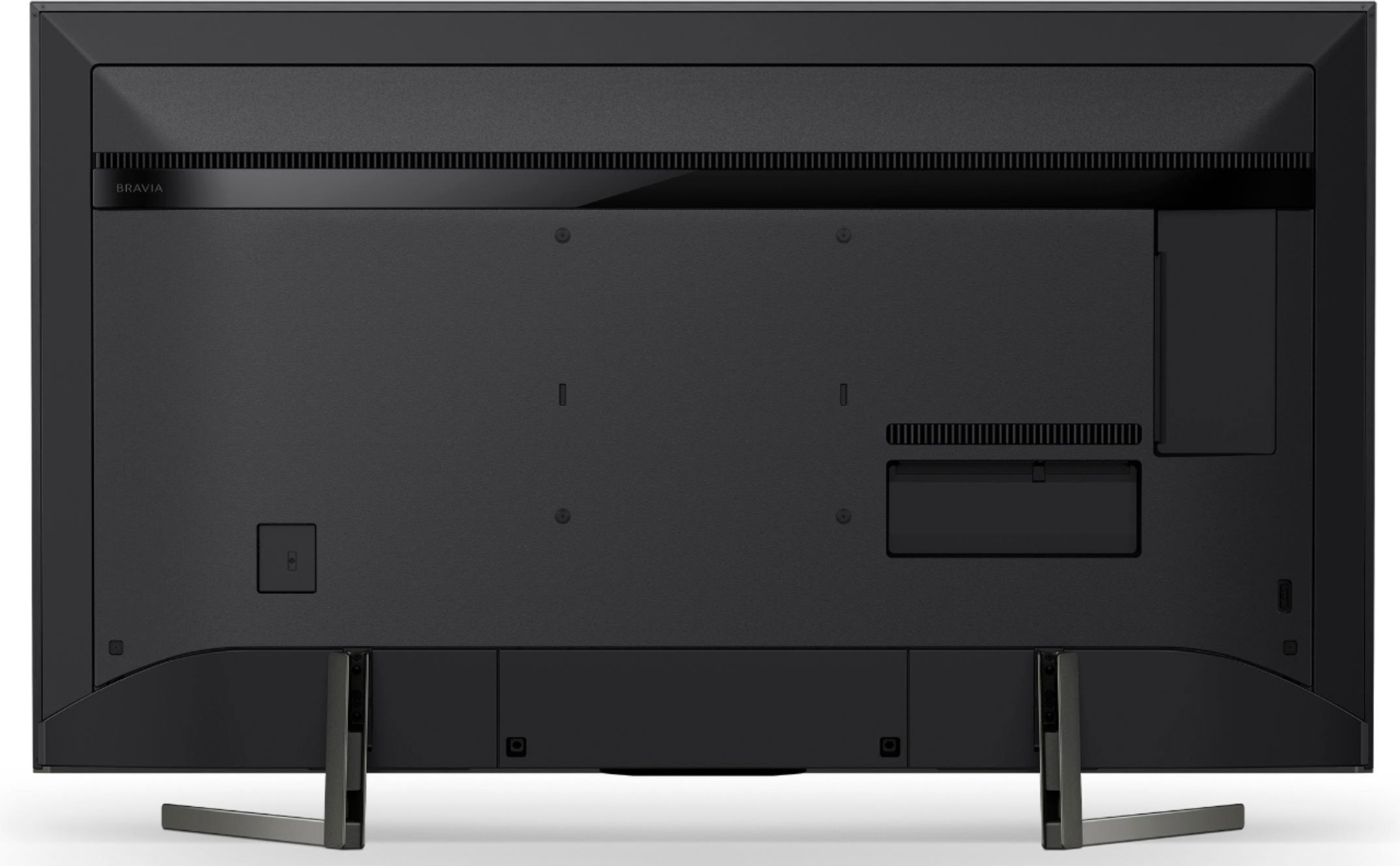
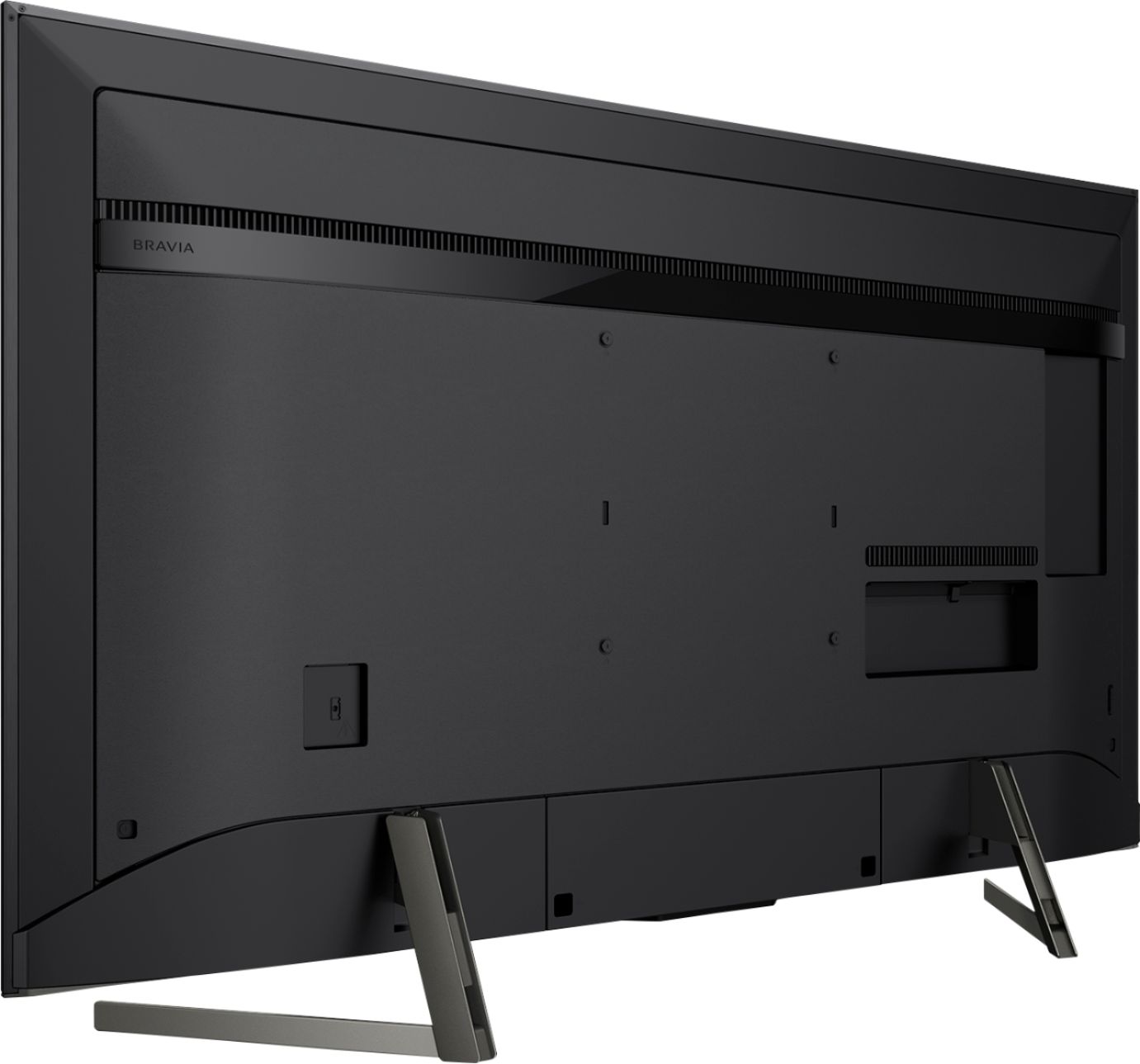
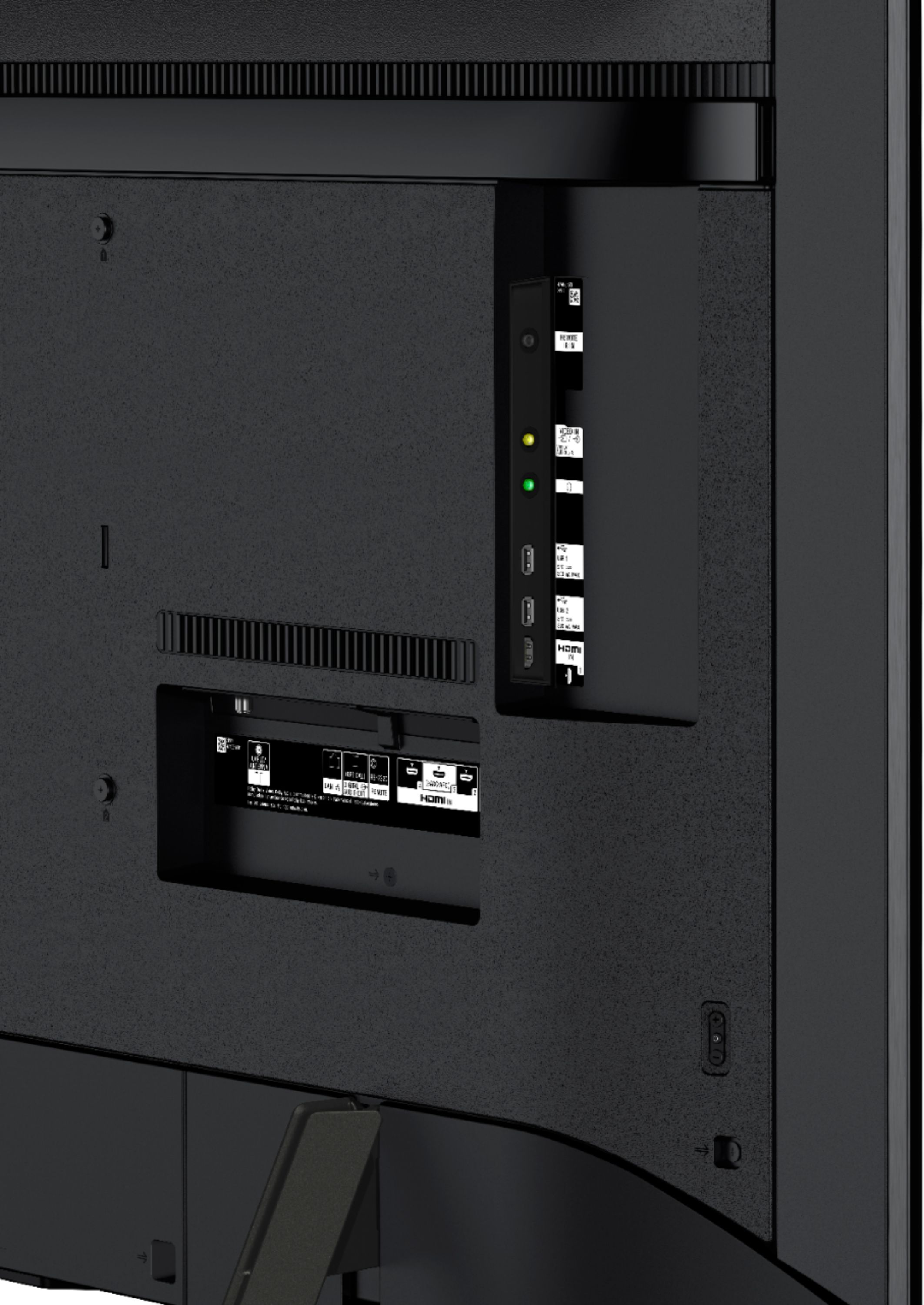
A:AnswerWell make sure that it can hold the weight and that it is flexible enough to hold the bolt pattern. The bolts are low on the back of the Sony so you may have to adjust the supports so that the TV is at the right level. I had to slide mine to the top of the fixed mount Brace and it got it in the same place as my 6 year old Sony. You will be blown away with the quality of the Sony picture.
A:AnswerHi Sal, Yes, The X950G is an IMAX enhanced TV. Please refer to this link for additional information: https://www.sony.com/electronics/televisions/xbr-x950g-x955g-x957g-series -Sam
A:AnswerYou can use any streaming stick that uses HDMI, that includes AppleTV, Amazon Fire, and Roku. That said, you don’t need an external streaming device, as it already has androidOS 8, a bunch of apps, and casting capabilities built in.
A:AnswerAfraid not barb, 4K only. I miss 3D :(
I hope it makes a return in the distant future without the need of glasses. The technology is there just not ready for consumers yet.
3D has been phased out mostly. All the high end 4K/Blu-ray/3-D steelbooks even phases out the 3D discs which saddens me at the 49$ price tag most carry.
God bless.
A:AnswerUnplug the TV and plug it back in. It's the dumbest thing, but I find myself constantly having to do this for any small issues i have and it immediately fixes it.
A:AnswerSpectrum uses a Roku device. There is no TV app for it with the Sony Bravia TV’s yet. On the Spectrum website they mention downloading the app to your phone which can then screencast it to the TV. Although I haven't tried it. Why would you pay $25 for 25 channels when you could use a TV antenna and get 65 local channels for free ? Eventually they will have a built in app.
A:AnswerHi, Jose!
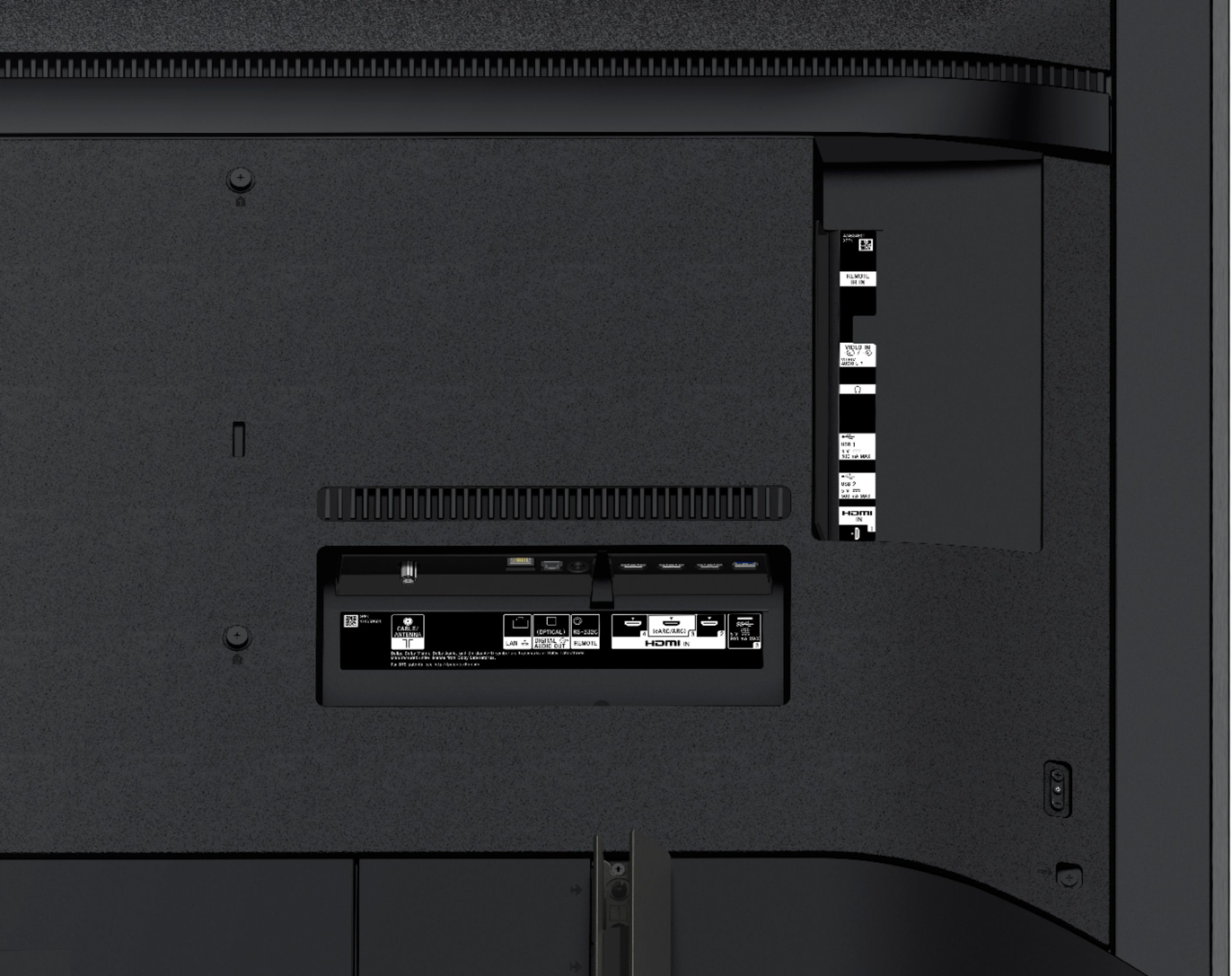
TO activate the Enhanced HDMI input on your X850D, please go to Home menu>Settings>External Inputs>HDMI signal format>Select the HDMI port where your device is connected>Select Enhanced format. You can use this link as a reference: https://www.sony.com/electronics/support/televisions-projectors-lcd-tvs-android-/articles/00141961 -Sam
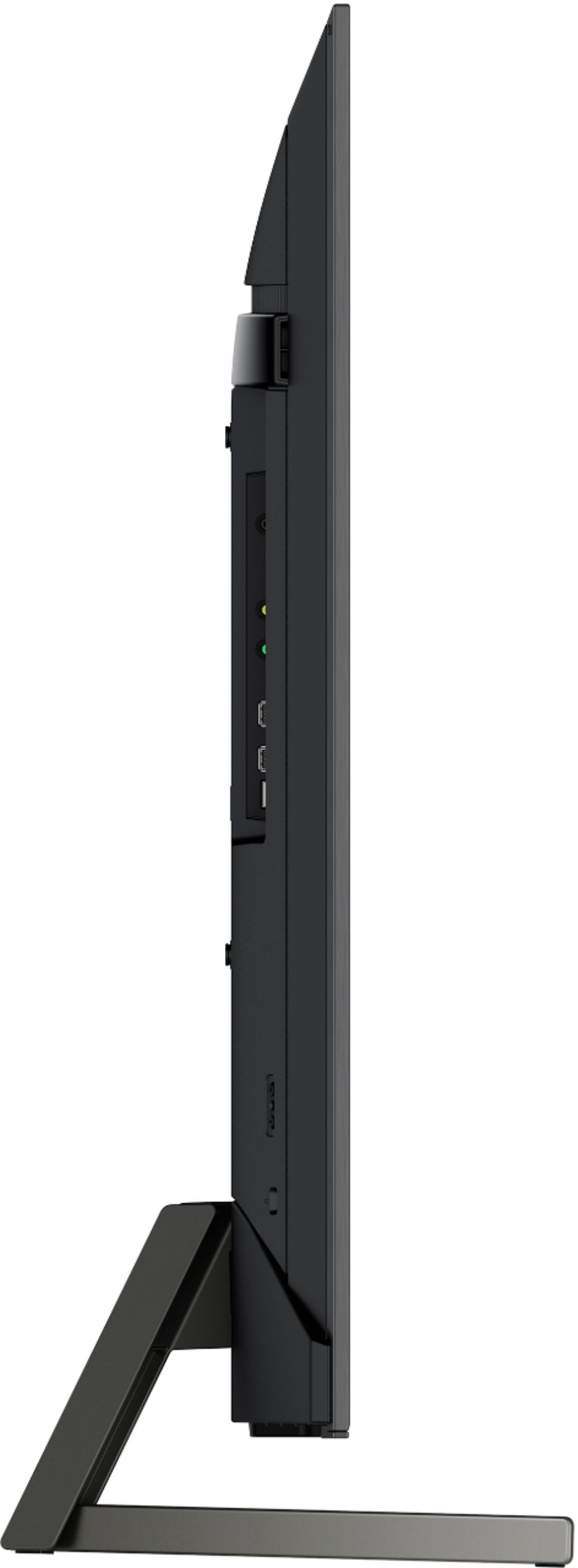
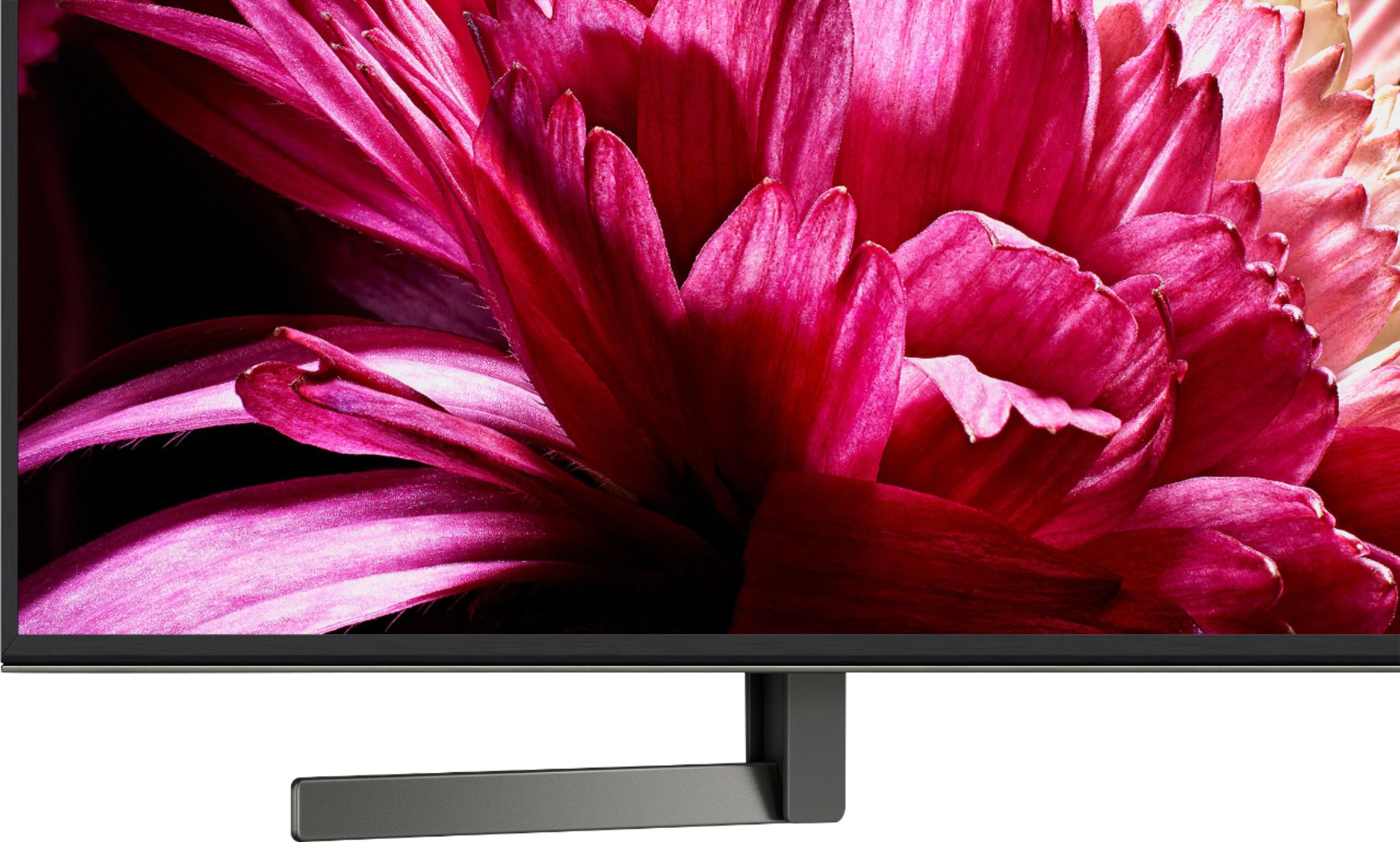
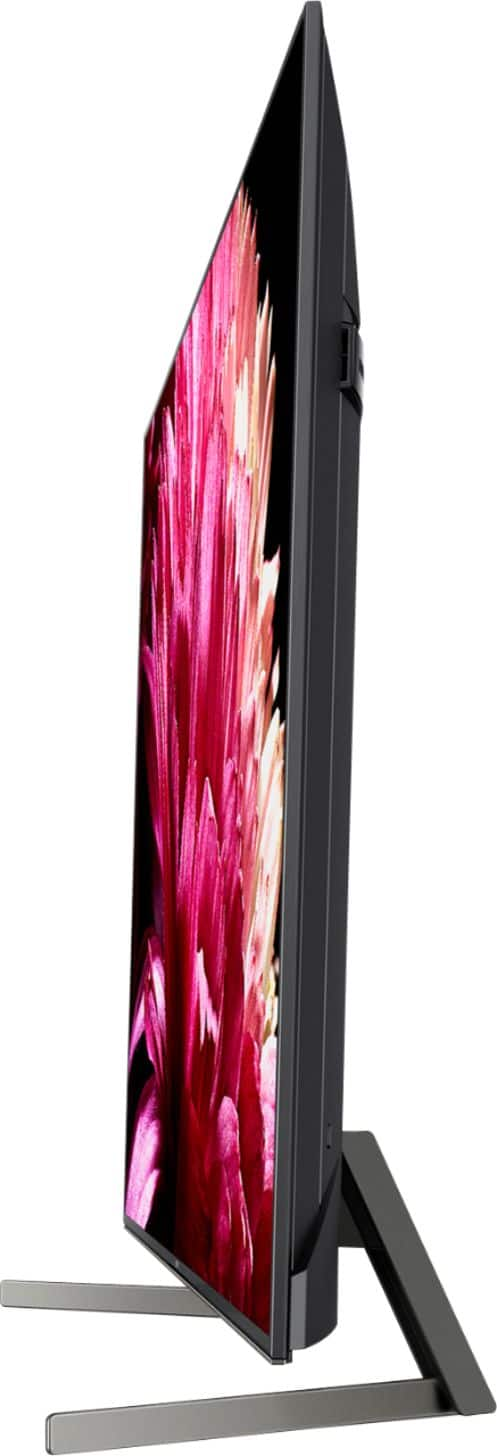
A:AnswerI also was conceerned whether the 65" model would be stable on an existing stand I already owned, but my 65" 950G fit nicely on our old rhomboidal Sony stand. The two TV support legs at their narrowest (facing outward toward the front of the stand) are approx. 30 in. apart and about 47 in. at their widest. I am not sure that the legs can be installed facing inwards, but if that is possible, I would say their widest separation would be 30-31 inches, at the back of the TV, tapering to 17 inches separation at the front. Perhaps the greatest concern should be how stable the TV will be against tipping over in that configuration.
Hope this is helpful.