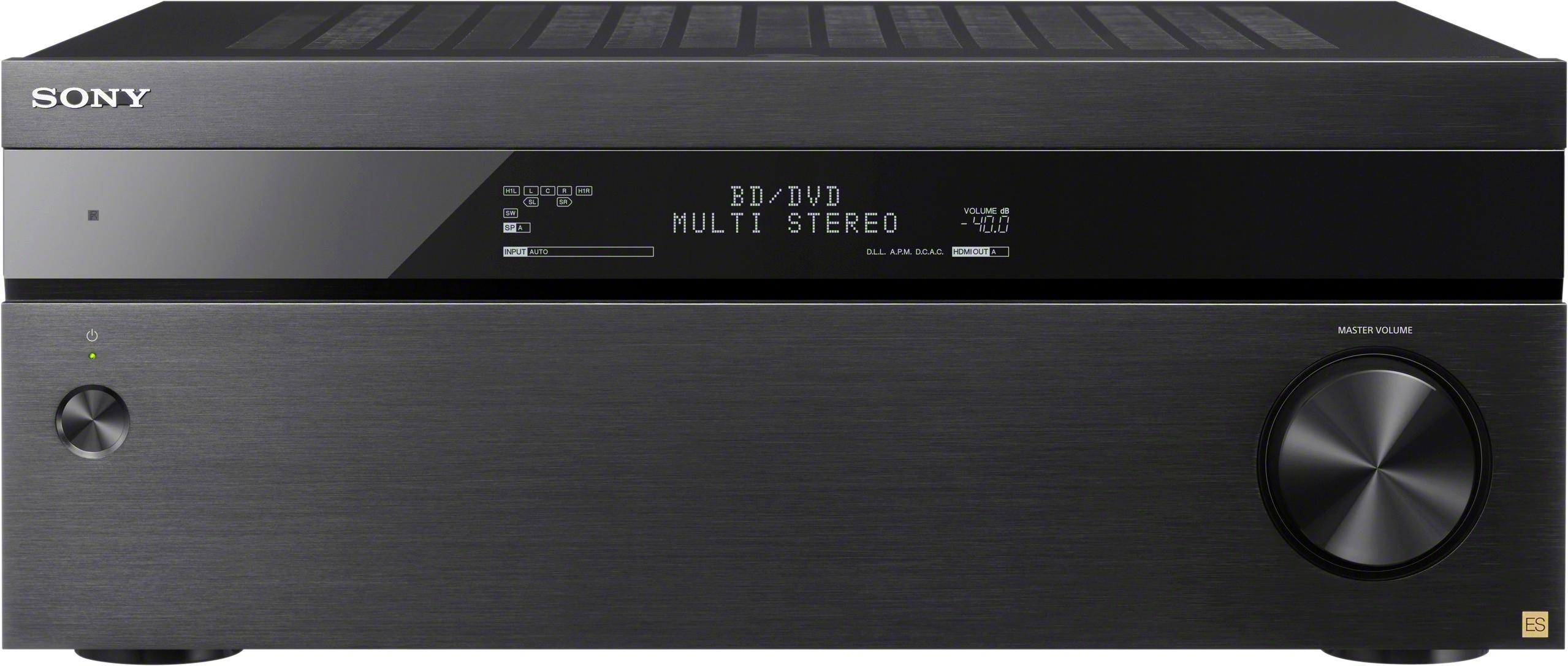
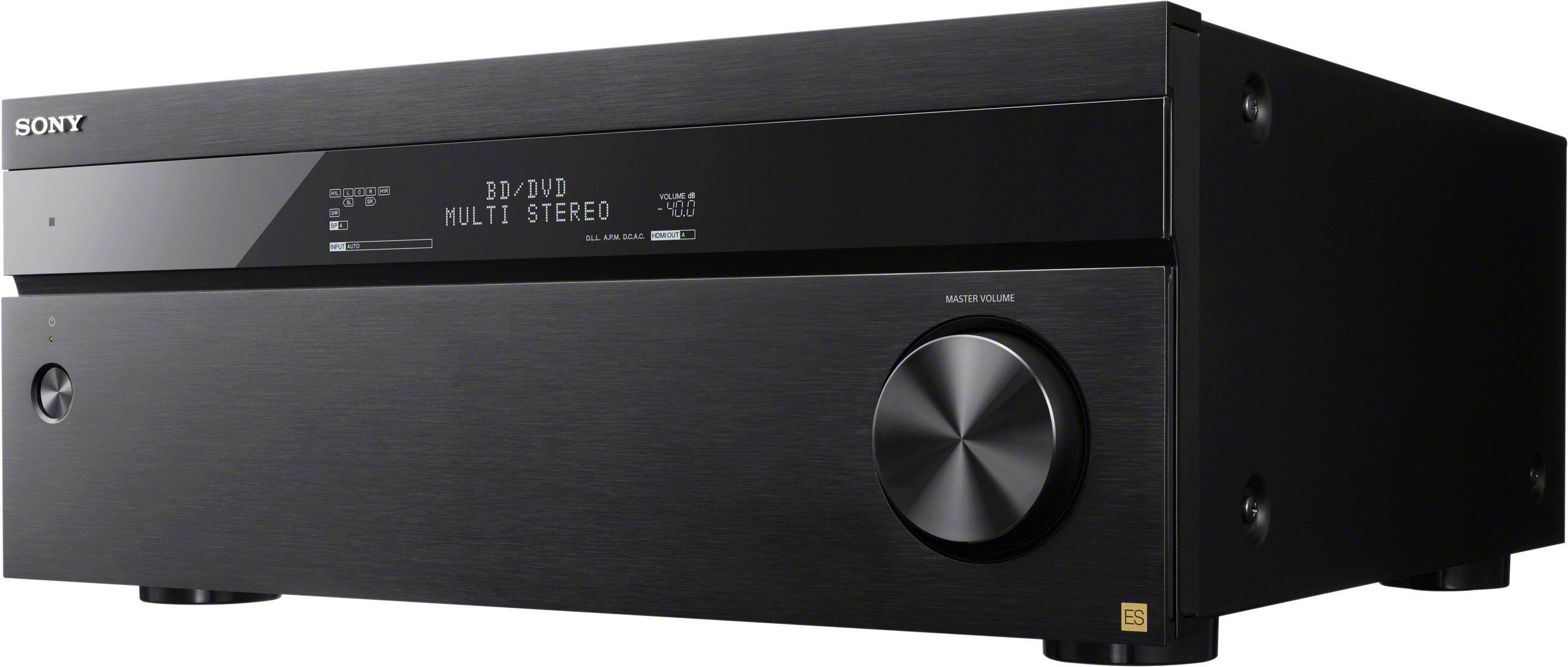
A:AnswerHi there, Yes, as long as it has the necessary connections. Kindly refer to pages 49-51 of this link for more information:
https://docs.sony.com/release//HELP_4686529113.pdf
~Ralph
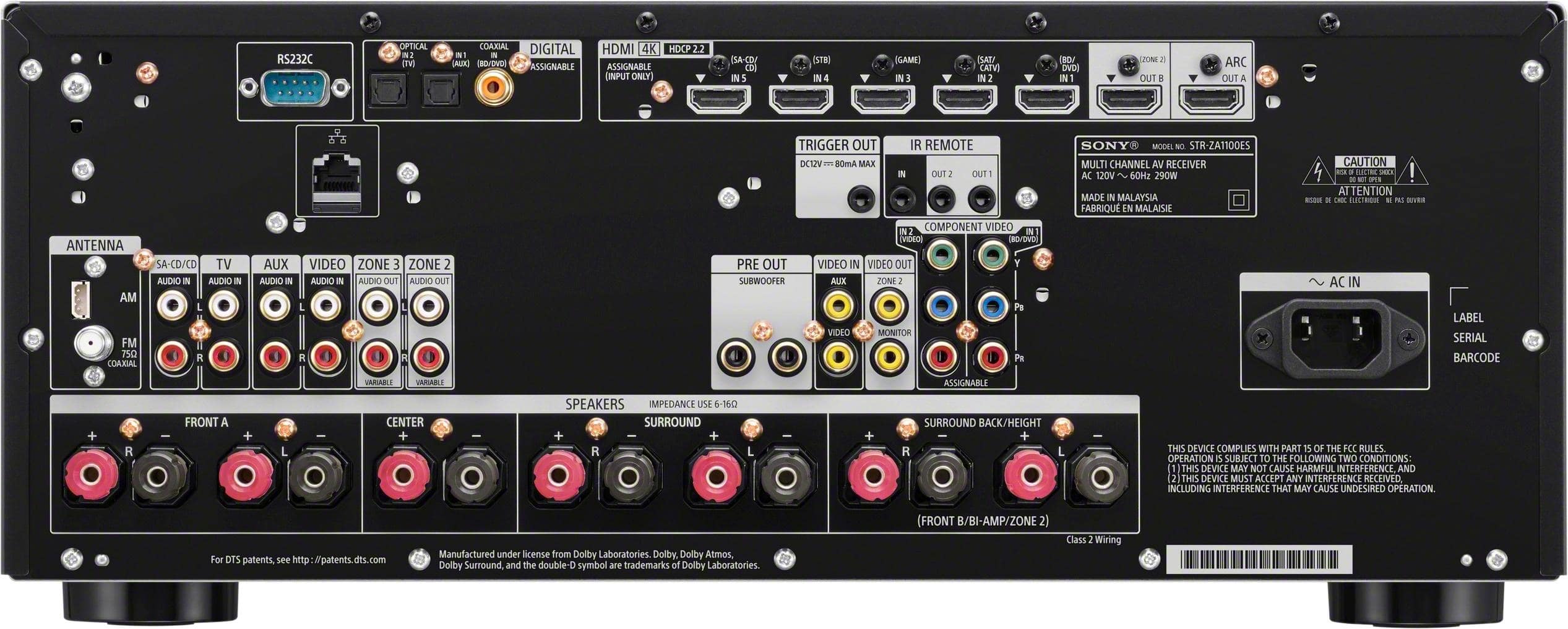
A:AnswerI am using my receiver for a 5.1 configuration. as set up by best buy's geek squad, the set of speaker terminals that are not in use is labelled SURROUND BACK/HEIGHT. I hope this answers your question.
A:AnswerYou do not need a separate audio with HDMI. The audio comes through HDMI. Two HDMI connections are on the back of the UBP-X800 so it can be used with older receivers that cannot pass 4K. You would then bypass the receiver for video. This receiver passes 4k so only one HDMI is needed.
A:AnswerYou can use multiple speakers for surround sound, as long as you don't exceed the max power rating. The manual shows several diagrams and speaker patterns. It suggests monaural audio cable and speaker cable, but doesn't list a specific speaker wire.
A:AnswerHi Young, Zone 2 supports HDMI connection while Zone 3 only supports analog connection. You may refer to pages 87-92 of the link below for more information:
https://docs.sony.com/release//Help_4686529112.pdf
~Ralph
A:AnswerHi Escalante15, We cannot guarantee compatibility with a third party subwoofer, but it has PRE OUT jacks dedicated for subwoofer connection. You may refer to this link for more details. http://helpguide.sony.net/ha/strza312111/v1/en/contents/TP0001271757.html -Jerome
A:AnswerHi StevePrinceton,
The receiver and your TV will turn on/off at the same time once CONTROL FOR HDMI feature is turned on. Kindly use the CAT/SATV HDMI port in this receiver for your cable box. Thanks,
>Joffrey
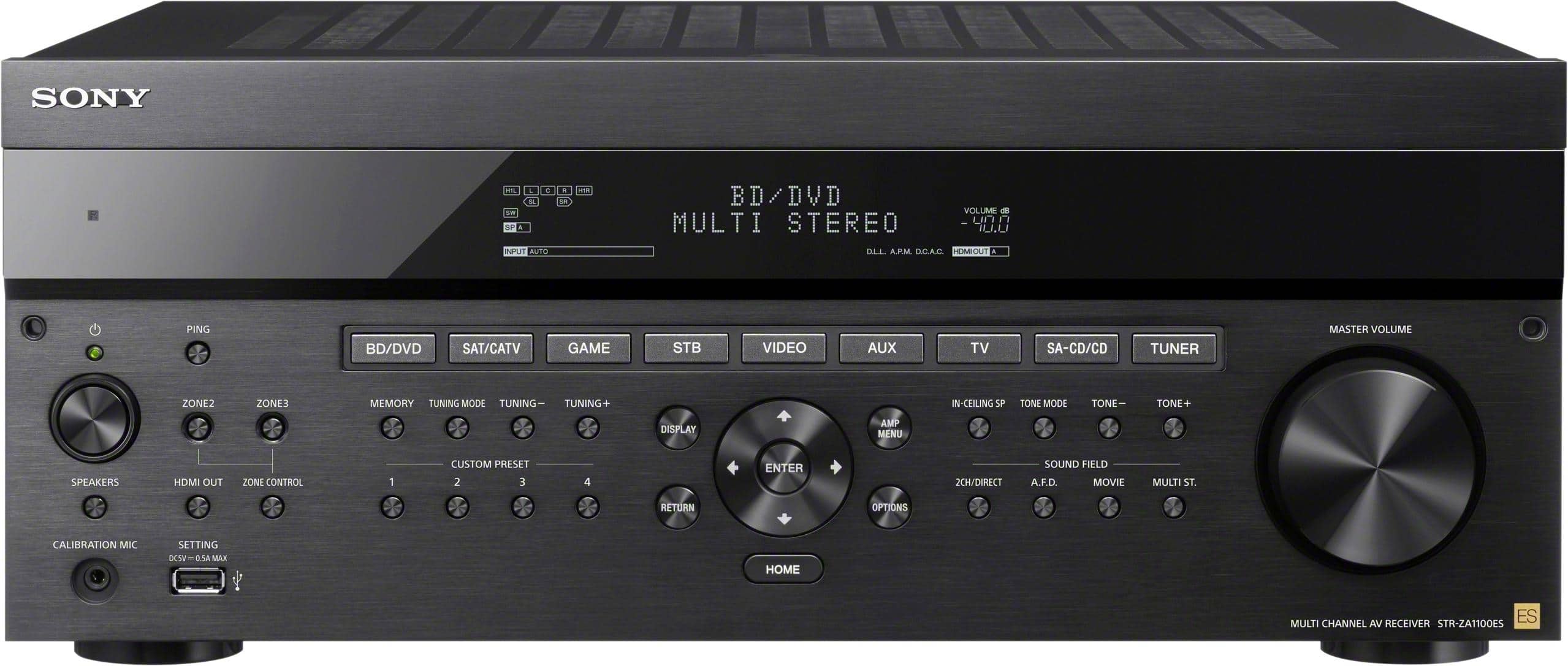
A:AnswerHi Indiandude, Yes, the remote control included. You can check included accessories from this link: https://docs.sony.com/release//SPECS/STRZA1100ES_mksp.pdf.
Regards, -Jay