A:Answer Hi Blurry,
Thanks for reaching out! We want to make sure that you’re taken care of and go through some troubleshooting with you to make sure your TV is great. Verify if the issue occurs on other channels and other video sources e.g. Cable box, Signal Channels, Blu-ray Player, PlayStation, or any other external input. If the picture is blurry or noise occurs on your Google TV screen when watching videos, please try following the steps on the link below to resolve the issue:
https://www.sony.com/electronics/support/televisions-projectors-lcd-tvs-android-/kd-75x80k/articles/00141958
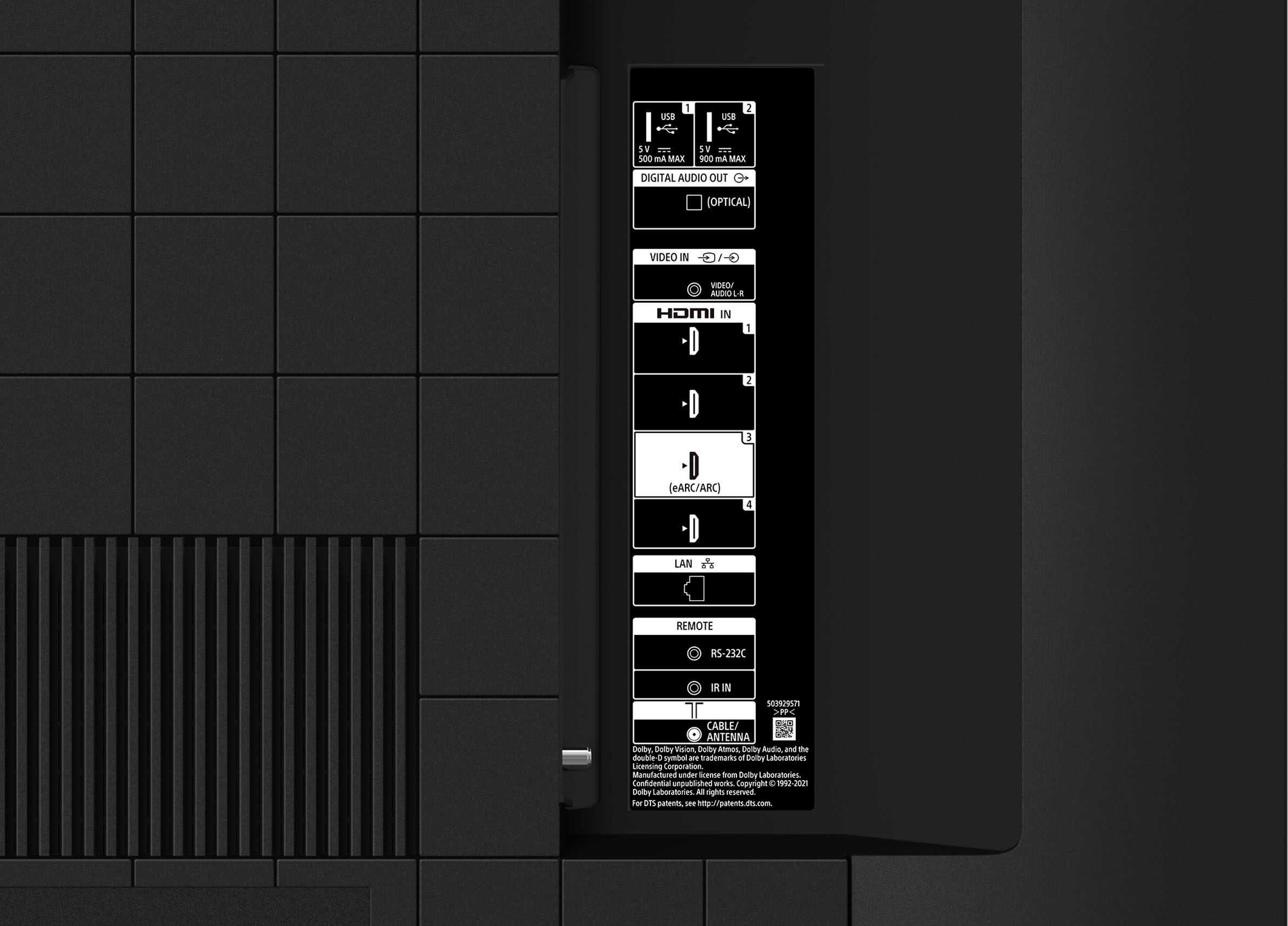
To enjoy 4K picture with High-Quality, use a Premium High Speed HDMI Cable(s) that supports speeds of 18 Gbps and set the HDMI signal format for the connected HDMI port to either Enhanced format (Dolby Vision) or Enhanced format.
Additional information and details are available for viewing 4K (50/60p) and HDR content from an external HDMI device connected to a Google TV on this link: https://www.sony.com/electronics/support/televisions-projectors-lcd-tvs-android-/kd-75x80k/articles/00141961
If you need further assistance regarding your concern, please let us know so we can turn your experience around. You may send us an email at socialsupport@am.sony.com with the following details:
Name:
BestBuy Username:
Model Number:
Issue:
Telephone Number:
Regards,
Jess