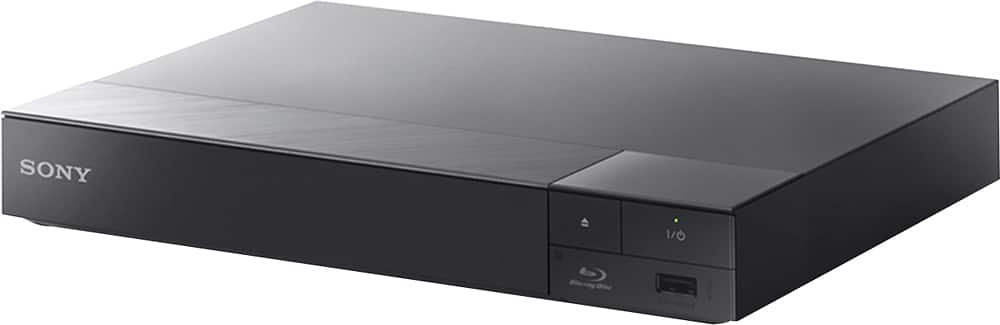
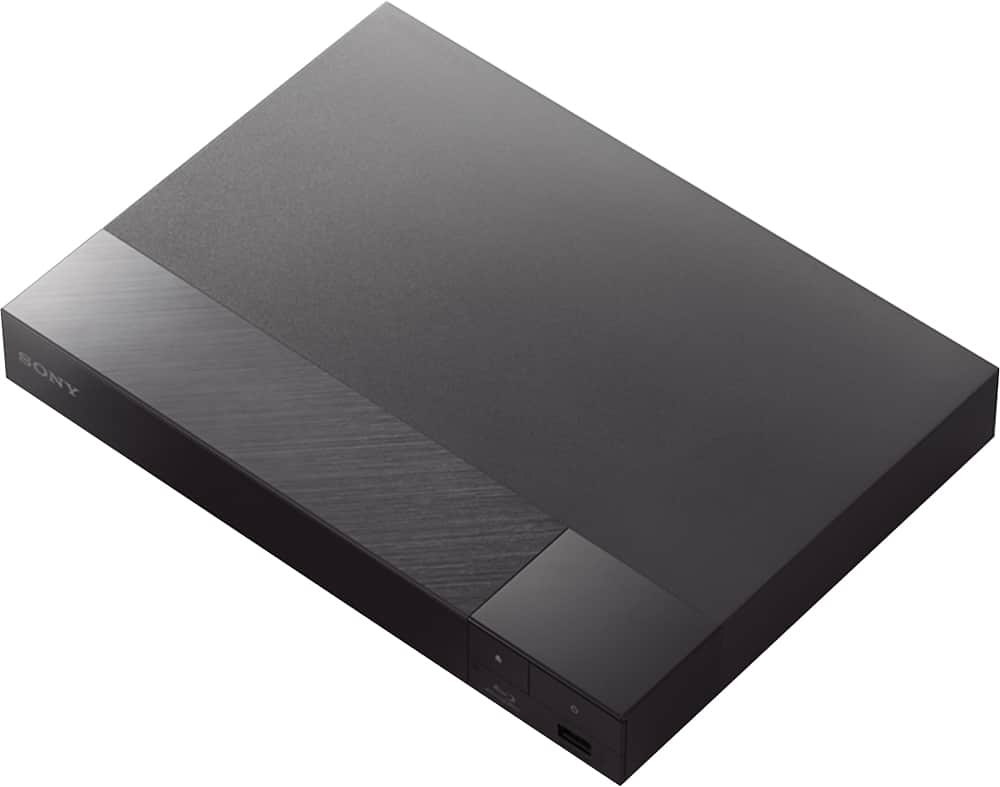
A:AnswerHello Mel, this player does not have a browsing capability. Please check the specification for more details: https://docs.sony.com/release//specs/BDPS6700_mksp.pdf. regards, -Erin
A:AnswerHi, yes. You can pair/connect this player to a Bluetooth speaker. Please keep in mind that your speaker should support the A2DP v1.2 and AVRCP v1.3 Bluetooth profiles. Thanks, -Mark
A:AnswerNo. This is a Blu Ray player ONLY. My recommendation for a Blu Ray recorder would be to check into a drive which connected to/installed into your Desktop PC. To create and format a Blu Ray correctly (create menus, chapters, etc.), you would need to do some serious configuration which would be extremely difficult without a mouse and keyboard.
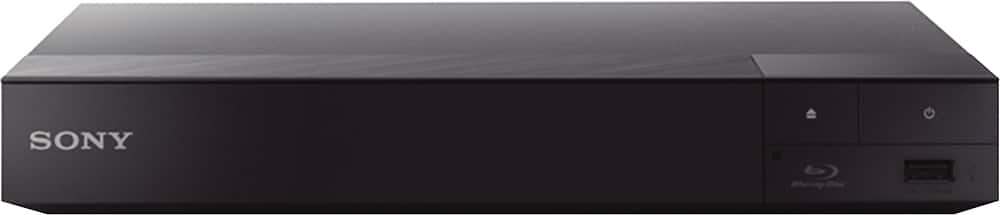
A:AnswerTurn on hotspot on your mobile and then go to settings on the br player under network connections go to wireless and look for your network and connect to it
A:AnswerThey will not hurt the player as the laser never truly touches the disk. The bottom of the disk which is clear and shiny is not where the movie is read but only the protective layer.
A:AnswerHi Macaw23, Yes, as long as the type of disc being played is supported by the Blu-ray player. You may check the link below for more details about playable types of discs (page 43). https://docs.sony.com/release//Manual_4579669131.pdf -Jerome
A:AnswerI'm not sure I can answer your question as you hope. Some BluRay players will upscale DVD's to near BluRay quality. It's not the best and you can't tell much of a difference but the quality is a bit better. Near 4K is the same, it's not the same or much noticeable but the quality is better. Bottom line is if you have a 4K TV get true 4K player. I got this just as a cheap 3D BluRay player and the upscaling is a bonus.