A:AnswerHi, Lucy!
Yes, it is. Please follow the steps on this link for the pairing instructions: https://www.sony.com/electronics/support/res/manuals/4579/42aa85036c579891f1d883848c9f88f1/45796691M.pdf (page 22) -Sam
A:AnswerHi Britbrat, This Blu-ray player is designed to work with cable or DSL high-speed networks. Check out this article for more details: https://www.sony.com/electronics/support/articles/00013691
Regards,
Vincent
A:AnswerHi Lucky, This player only supports discs content recorded in NTSC format. Please check this link for product specification: https://docs.sony.com/release//specs/BDPS6700_mksp.pdf -Jerome
A:AnswerHello travel! Yes, to be able to upscale your DVD and Blu-ray discs to near 4K quality and output the signal it is required to use a compatible 4K television and HDMI cable.~Jeannette
A:AnswerHi, Mark!
Yes. The BDP-S6700 is not part of the affected models that will no longer support the Prime Video app after September 25, 2019. You can check what are the affected models on the link below.
https://www.sony.com/electronics/support/articles/00230348
Regards,
Erin
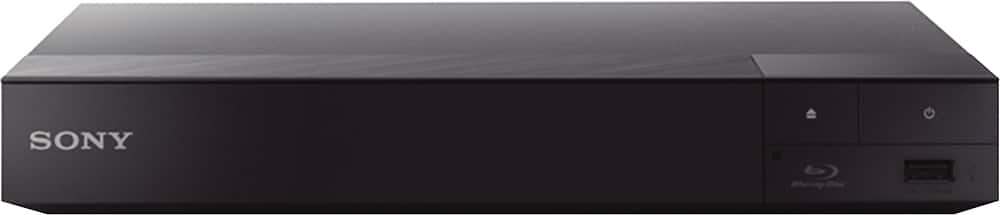
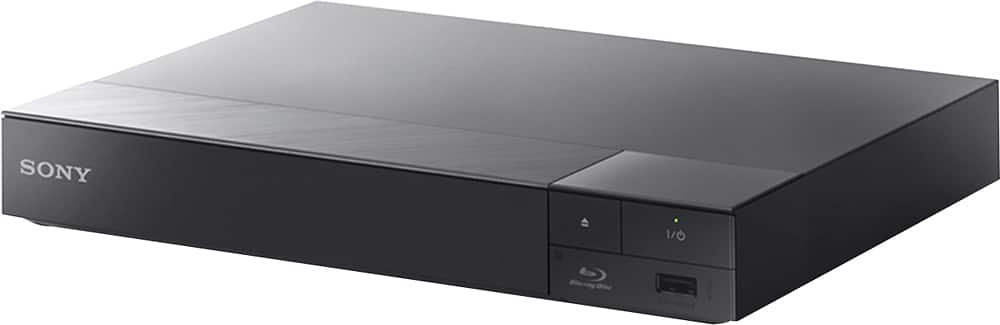
A:AnswerHi there, Only few functions are available on the unit itself. We recommend to use the remote to fully operate the device. Kindly check on page 12 of the link below for more information:
https://docs.sony.com/release//Manual_4579669131.pdf
~Ralph
A:AnswerI believe when I was purchasing my S-6700, I was told that this model came pre-installed with only a certain number of apps & they can only be updated... I believe this was done because at the time, not a lot of apps for TV where in App stores with easy access to download them. This DVD player does have a USB input option where you can attach personal data, picts, movies, songs etc.