Questions & Answers
- Model:
- HTB600
- |
- SKU:
- 6623551
Highly rated by customers for: Sound Quality, Setup, Design
Last Minute Deal
$499.99Your price for this item is $499.99
Comp. Value: $699.99
The comparable value price is $699.99
Page Showing 21-36 of 36 questions
Q: QuestionIs this soundbar compatible with Sony - 50" Class X85J Series LED 4K UHD Smart Google TV? Hate to purchase, if not. Unfortunately, I have brand new SONY Digital Wireless Headphones NS-HAWHP2 ($300) unable to use, in need of Sony Optical Cable(?)
Asked by Katrese.
- A:Answer Hi Katrese59, Thanks so much for reaching out and for being a loyal Sony customer! We can certainly help you with that. We're happy to confirm that the HT-B600 soundbar is absolutely compatible with your X85J TV. The very best way to connect them for high-quality audio is to use an HDMI cable and plug it into your TV's HDMI (eARC/ARC) port. This connection allows the TV and the soundbar to communicate perfectly, making setup and control incredibly simple. Regarding your headphones, we're truly sorry for the frustration you're experiencing. While those headphones are not a Sony brand product, your X85J TV does have the proper outputs to make them work. They require an Optical Digital Audio Cable to get the sound from the TV. Once you connect that cable from your TV's Optical Out port to the DIGITAL OPTICAL IN port on the headphone's base station, you should be all set! If you'd like to check out the full details on the various connections and inputs on your X85J TV, you can find them right here: https://www.sony.com/electronics/support/res/manuals/5024/42329395a1959531fa47149f9150cd7c/50248881M.pdf We really appreciate you thinking of Sony for your purchase! Warm regards, Estefany

Answered by SonyListens
Q: QuestionHow many Watts are in the system?
Asked by BagJuice.
- A:Answer 350 watts. It sounds great and delivers solid bass.
Answered by Slack
Q: QuestionDo the soundbar and subwoofer have to be wired to each other? And can we add more wireless speakers?
Asked by Wesley.
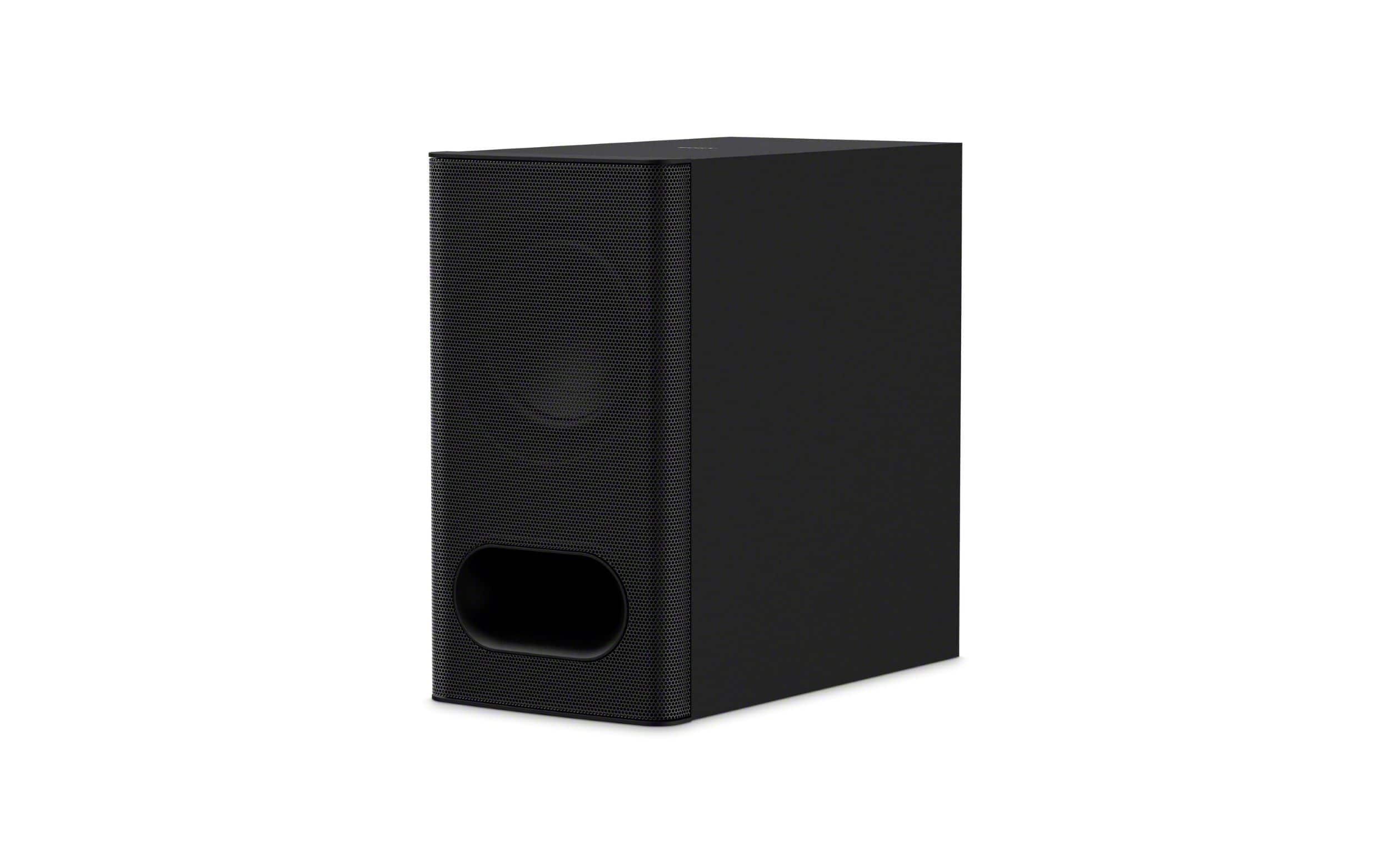
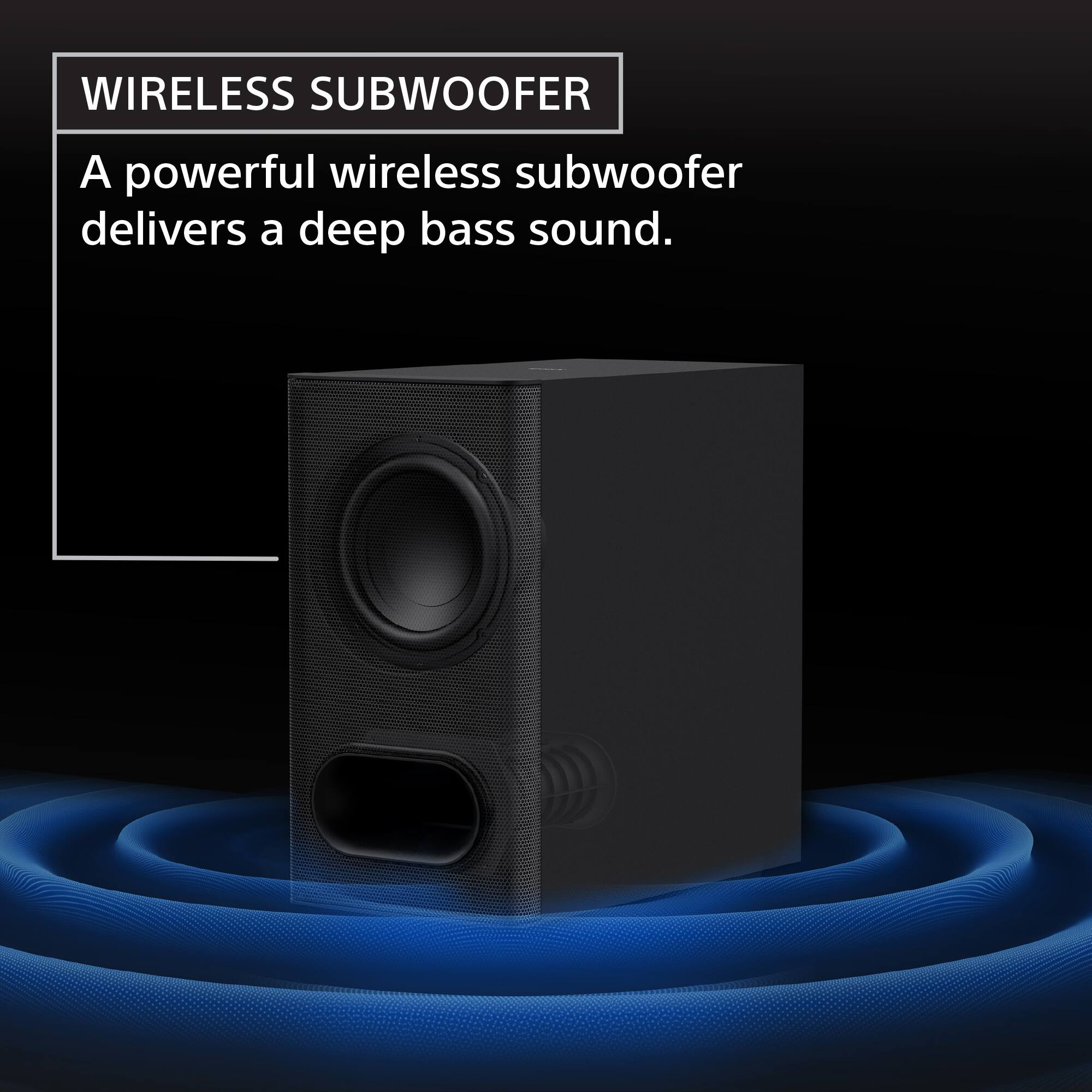
- A:Answer Sub is wireless Bluetooth and the rear speakers can be purchased in a bundle package or separately.
Answered by Slack
Q: QuestionCan i use my cable remote to raise and lower the volume on the sound bar.
Asked by jeff.
- A:Answer Hi Jeff! Thanks for reaching out. We can definitely help with that! The short answer is yes, you can use your cable remote to control the volume on your BRAVIA Theater Bar 6. To get it to work, you'll need to connect the soundbar to your TV using an HDMI cable and make sure the "Control for HDMI" or "HDMI CEC" function is enabled on both devices. The exact name might vary, but it's a feature that allows connected devices to talk to each other. Once that's all set up, your TV will automatically route the volume control to the soundbar and your cable remote will be able to adjust the volume. To know how to activate the Control for HDMI feature on the soundbar, please check this link: https://helpguide.sony.net/ht/2088/v1/en/contents/068_HDMI_Settings.html If you have a BRAVIA TV, this process is even easier because of a feature called BRAVIA Sync, but it works with other brands too. Just check the settings on your TV for "HDMI CEC" or a similar function. Hope this helps! Thanks for considering Sony products! Best regards, Estefany


Answered by SonyListens
Q: QuestionIs the sub woofer connected wirelessly? Does the sub have to be next to soundbar and tv or can it be located in the back of the room
Asked by BryonM.
- A:Answer Sub connects wirelessly and can be placed anywhere in the room.
Answered by Hunter
Q: QuestionDoes this come with a mounting bracket or do I need to purchase it separately? I want to mount it to my Sony Bravia 5
Asked by Ngs37.
- A:Answer Hi Ngs37, Thanks for your question. Upon reviewing the information on the HTB600, it seems that the package does not include a mounting bracket. But the unit comes with screw holes on the back so it can be securely mounted on the wall (screws are not included as that will depend on the material and depth of the wall) . You can find more information on the following link, in which there will also be the installation instructions: https://helpguide.sony.net/ht/2088/v1/en/contents/010_Mounting_the_Bar_Speaker_on_a_Wall_2088.html?search=installation. We hope this information comes in handy, thanks for the interest in Sony products! Best regards, DiegoV
Answered by SonyListens
Q: QuestionCan this soundbar be used with a roku? Television. Or any other television brand.. Besides sony?
Asked by Bee.
- A:Answer This sound bar can be used with any and all TV brands.
Answered by Hunter
Q: QuestionHow much watts does it put out?
Asked by Jaso.
- A:Answer 350 watts. It sounds great and delivers solid bass.
Answered by Slack
Q: QuestionDoes system work with high vaulted ceilings?
Asked by Chris.
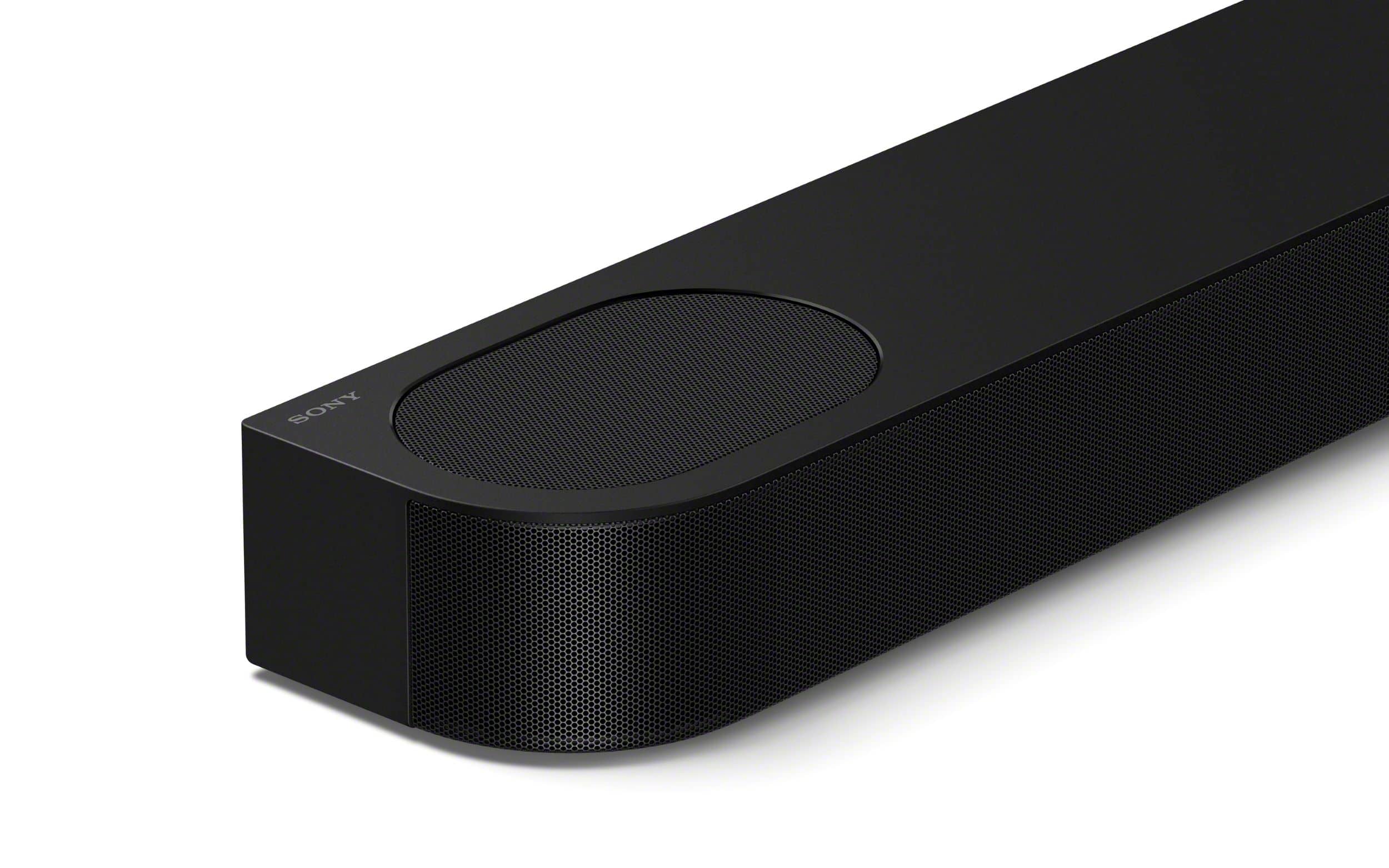
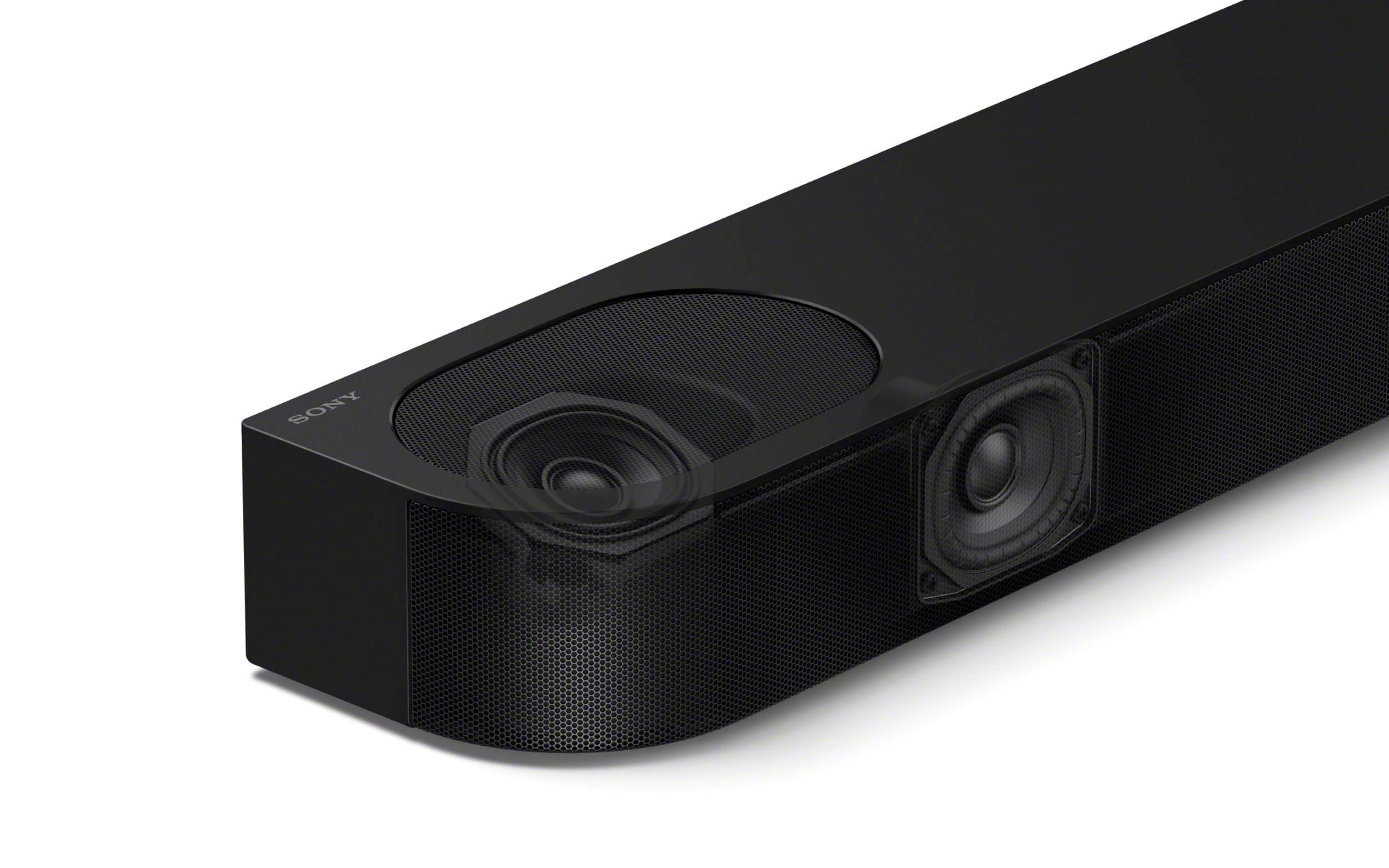
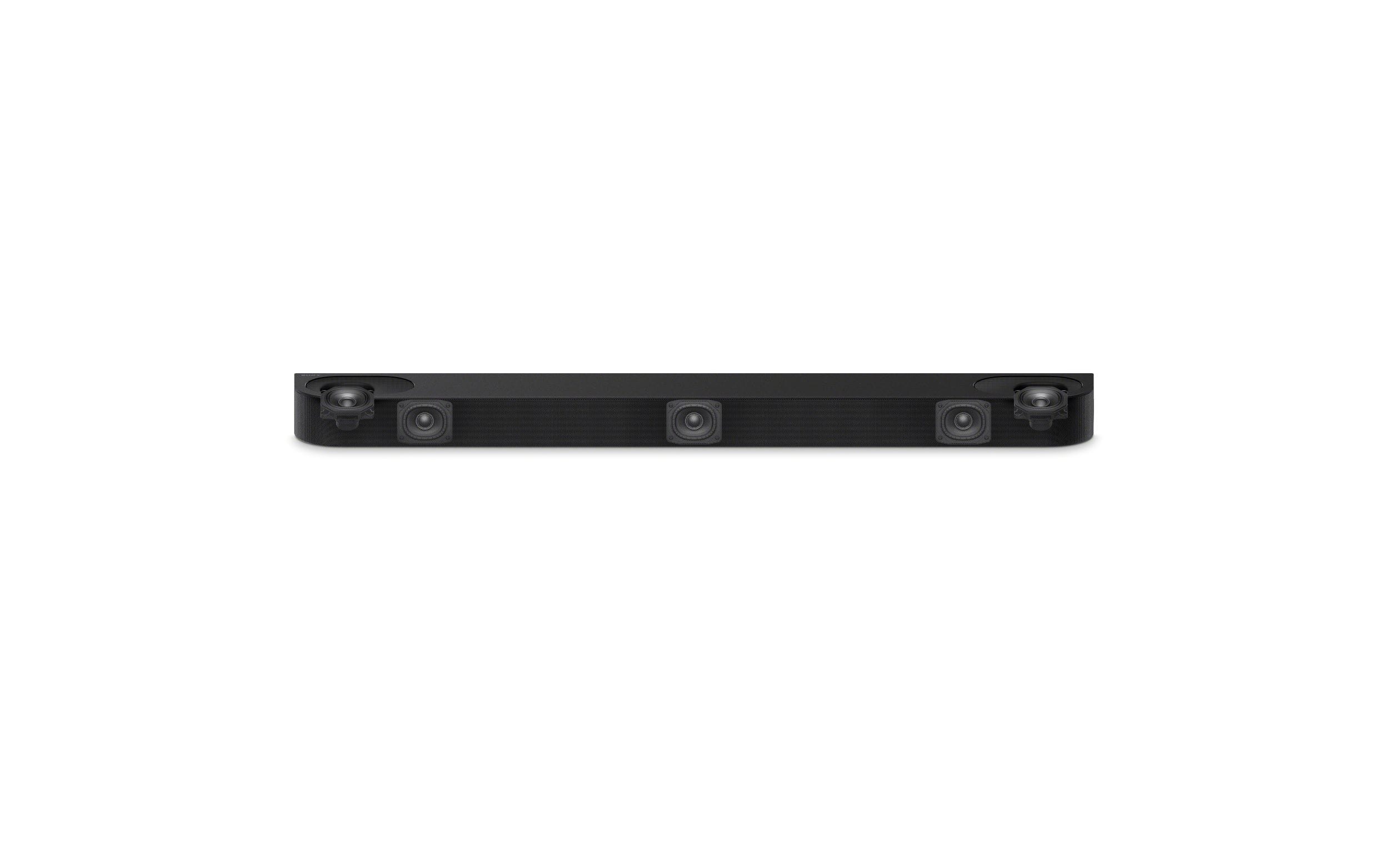
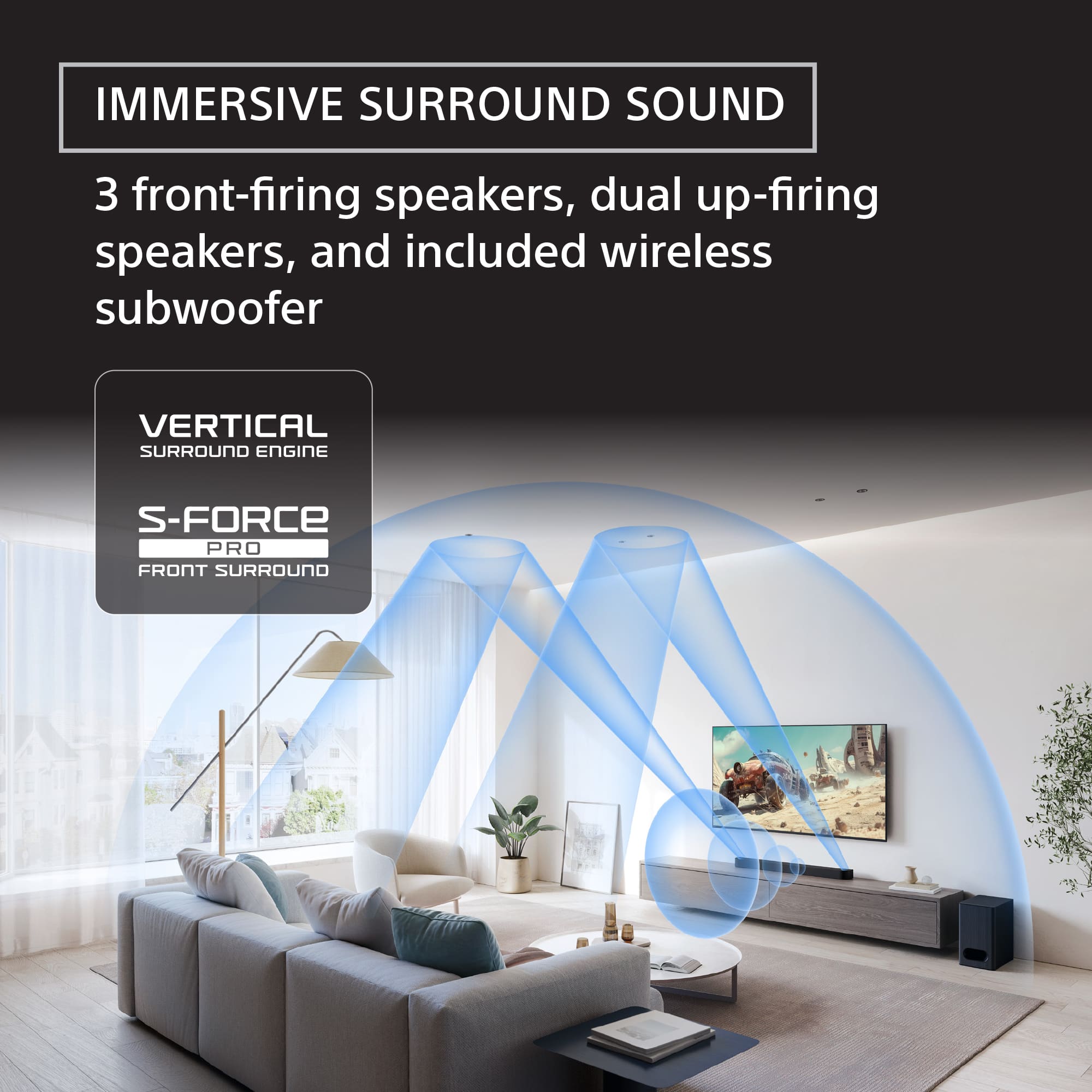
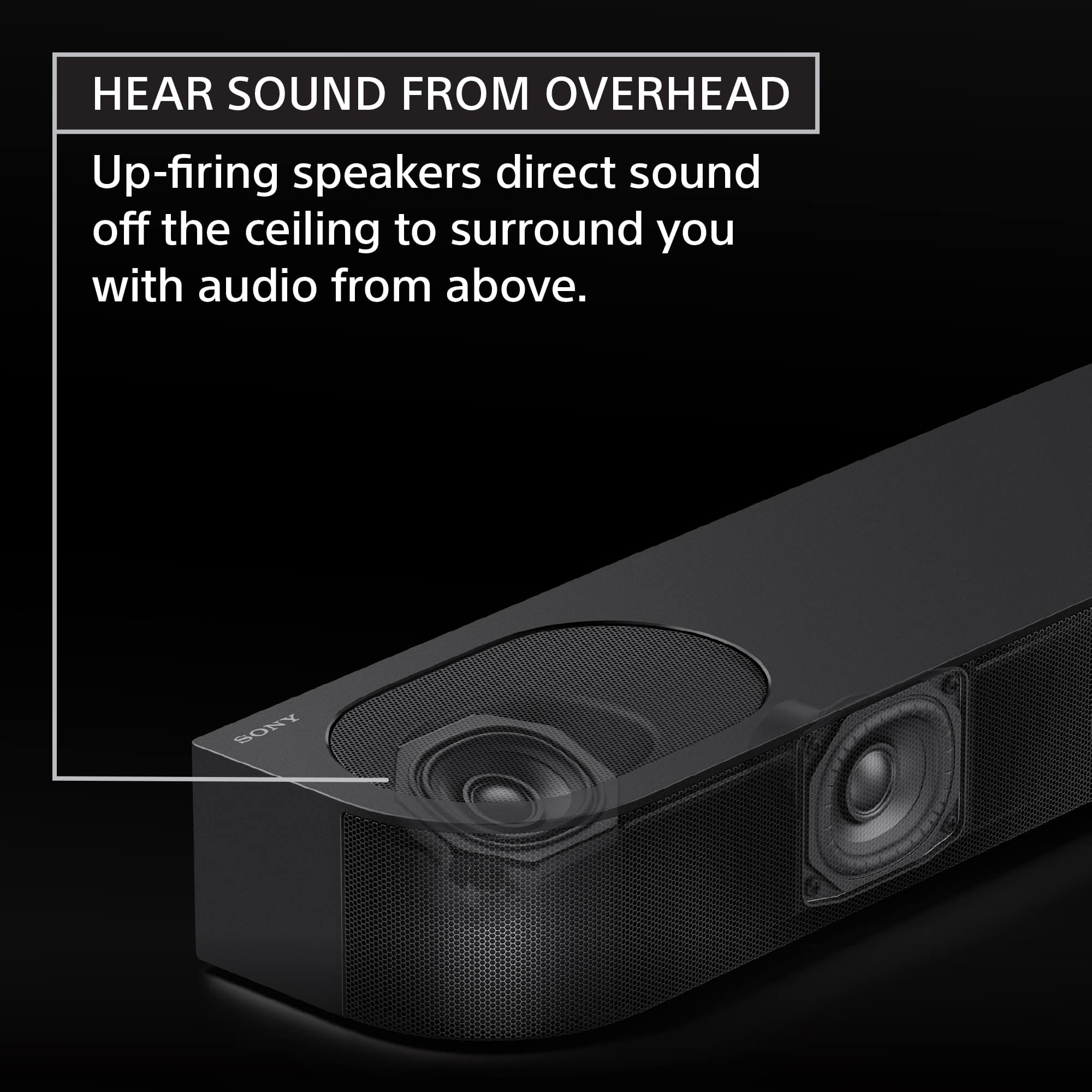
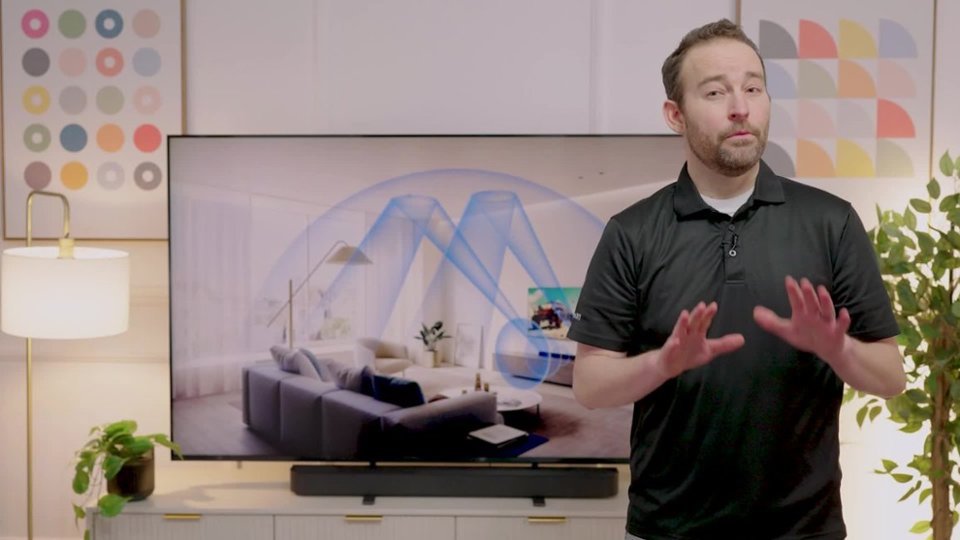
- A:Answer Hello Chris, Thank you for choosing Sony! We truly appreciate your question and are here to help. The Sony HT-B600 is capable of producing Atmos-style height effects in standard rooms with relatively low flat ceilings. However, if your ceiling is high and vaulted, you may find that those effects are diminished or absent altogether. If getting optimal Dolby Atmos height effects is a top priority for your room with a vaulted ceiling, a traditional home theater system with dedicated in-ceiling or angled on-ceiling speakers connected to an A/V receiver would generally provide a more consistent and impactful overhead sound experience. For more detailed information regarding the recommended installation, please visit: https://helpguide.sony.net/ht/2088/v1/en/contents/009_Installing_the_System_2088.html Best regards, -Fred
Answered by SonyListens

Q: QuestionCan additional Sony rear speaker kit be added to this system?
Asked by D.
- A:Answer Yes. The Sony SA-RS3S wireless rear speakers are recommended.
Answered by Hunter
Q: Questionexplain tv in (optical)
Asked by lefty.
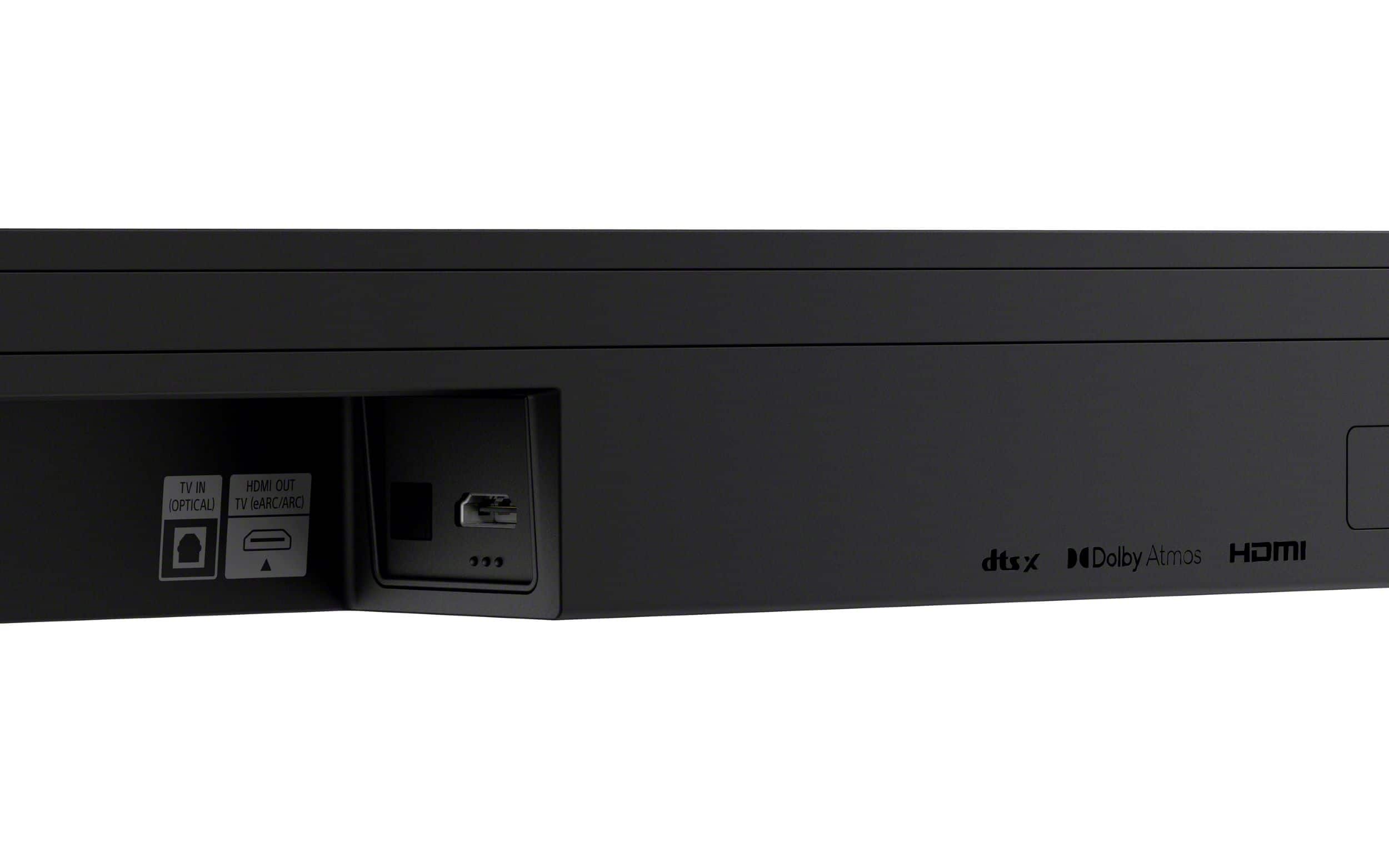
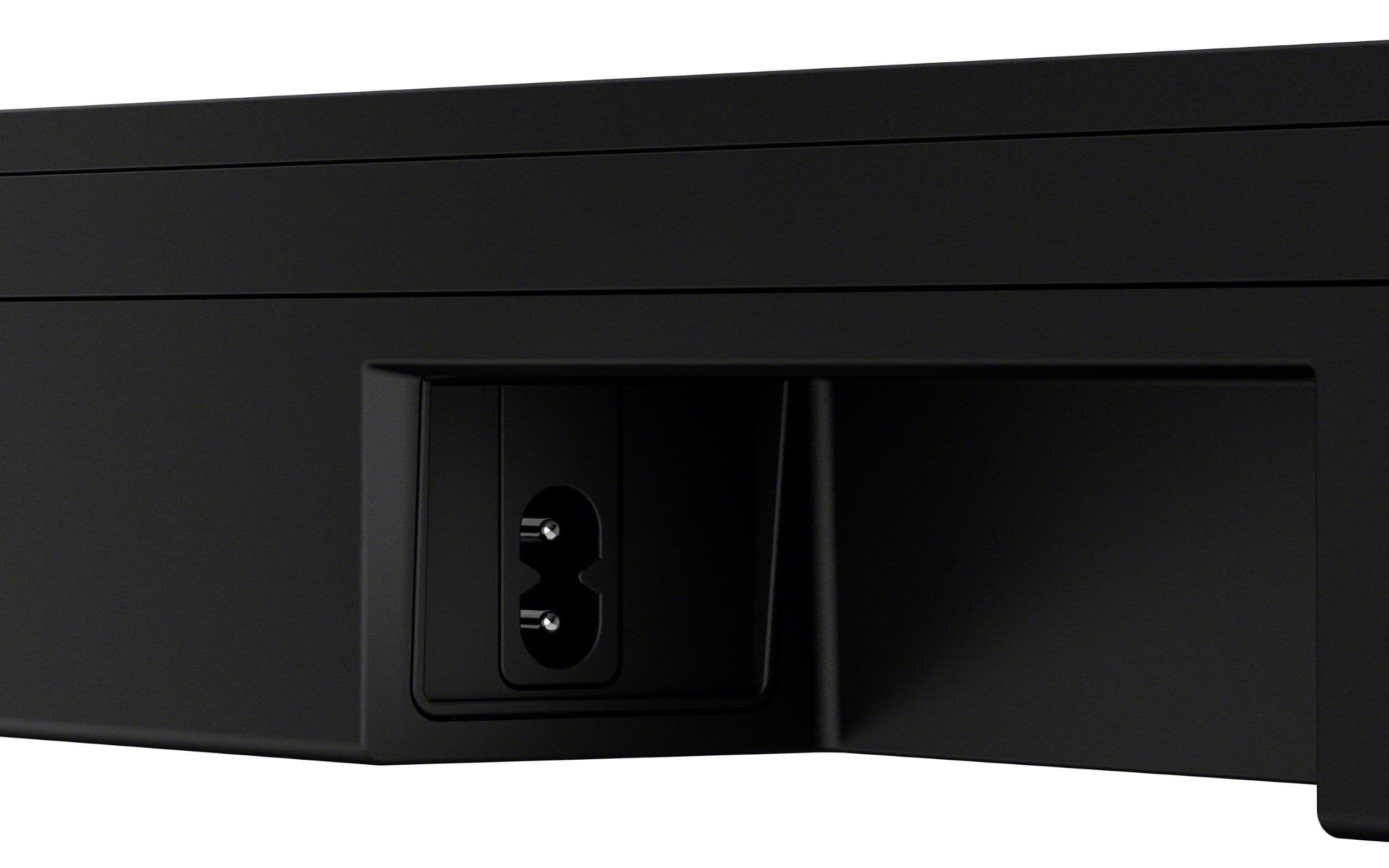
- A:Answer Hi lefty, thank you for contacting us! We're delighted to assist you with your inquiry about the Bravia Theater Bar 6! The TV IN (optical) on the HT-B600 refers to a digital audio input that allows you to connect your TV to the HT-B600 soundbar system using an optical audio cable. The TV IN (optical) offers a high-quality, interference-free digital audio connection for clear, enhanced sound and surround capabilities. To set up this configuration, simply connect one end of the optical cable to your TV's optical audio output and the other end to the "TV IN (Optical)" port on the HT-B600. For detailed instructions, please visit the following link: https://helpguide.sony.net/ht/2088/v1/en/contents/011_Connecting_to_a_TV_2088.html?search=optical Thanks for considering Sony products. We truly hope you find this information beneficial! Best regards, Stephanie
Answered by SonyListens

Q: QuestionWill the speakers in my Bravia 8 TV be used in conjunction with this sound bar or do they turn off when the sound bar is connected? Does the acoustic sound sync use TV speakers and and Bravia theater bar 6 together?
Asked by Anonymous.
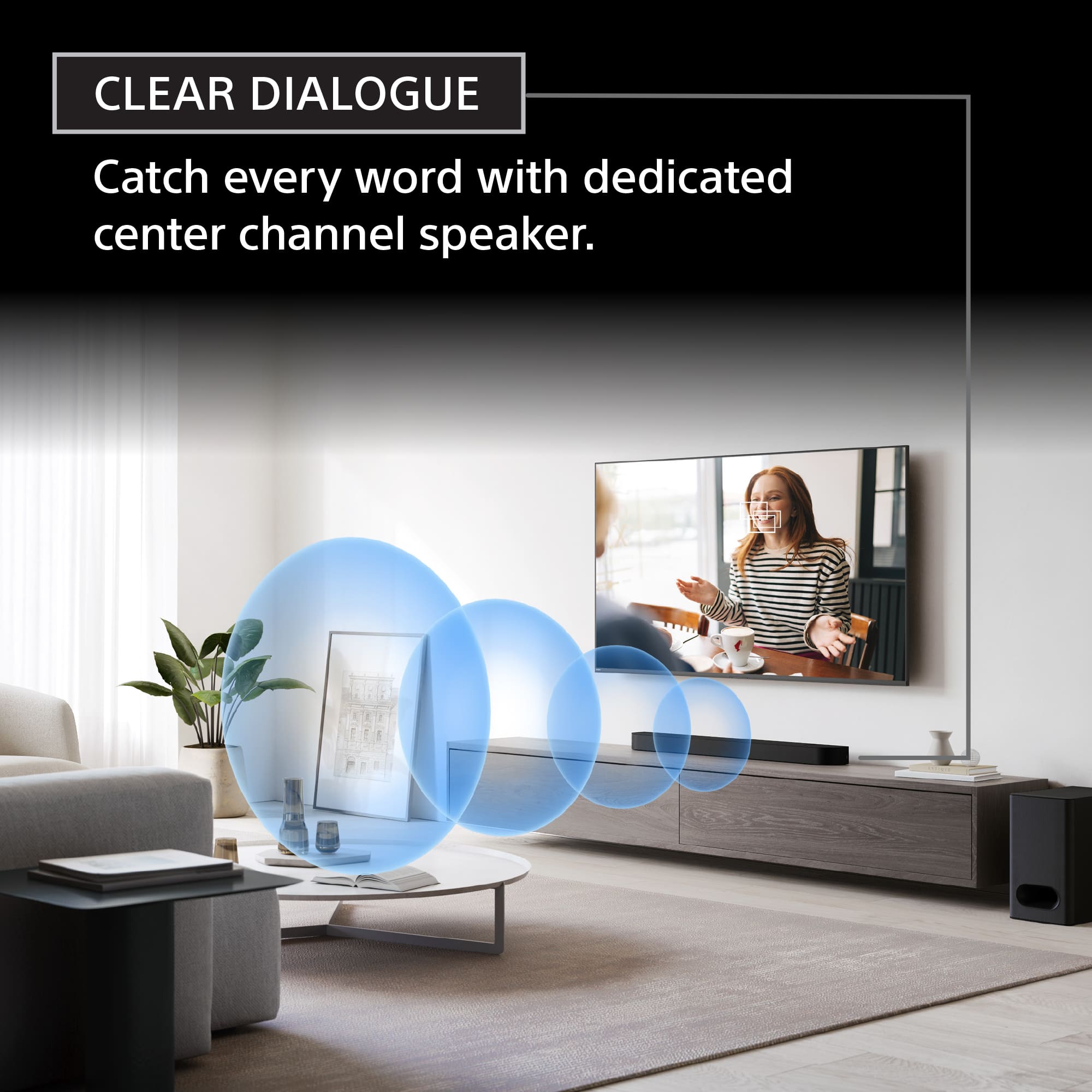
- A:Answer Hello there, thanks for your great question! When you connect the BRAVIA Theater Bar 6 to your BRAVIA 8, the TV speakers typically turn OFF by default–unless you enable the TV center speaker mode or S-Center speaker mode. With this mode ON, the built-in speakers actually work in combination with the soundbar. In this setup, the TV's speakers function as the center channel, handling dialogue and central audio cues, while the soundbar manages the rest of the surround sound experience. Find this function on Settings → Display & Sound → Audio output → Audio system settings. You can also check the article ''Use the TV speakers as the center speaker'' https://www.sony.com/electronics/support/articles/00201071 Hope this helps! Thanks for choosing Sony. Sincerely, Jenn.
Answered by SonyListens

Q: QuestionDoes the bar comes automatic on when the TV goes on and will it turn off when the TV goes off
Asked by MrPelon.
- A:Answer Yes
Answered by Unnamed
Q: QuestionWill this bar fit on a stand in front of a Sony X90J?
Asked by JC.
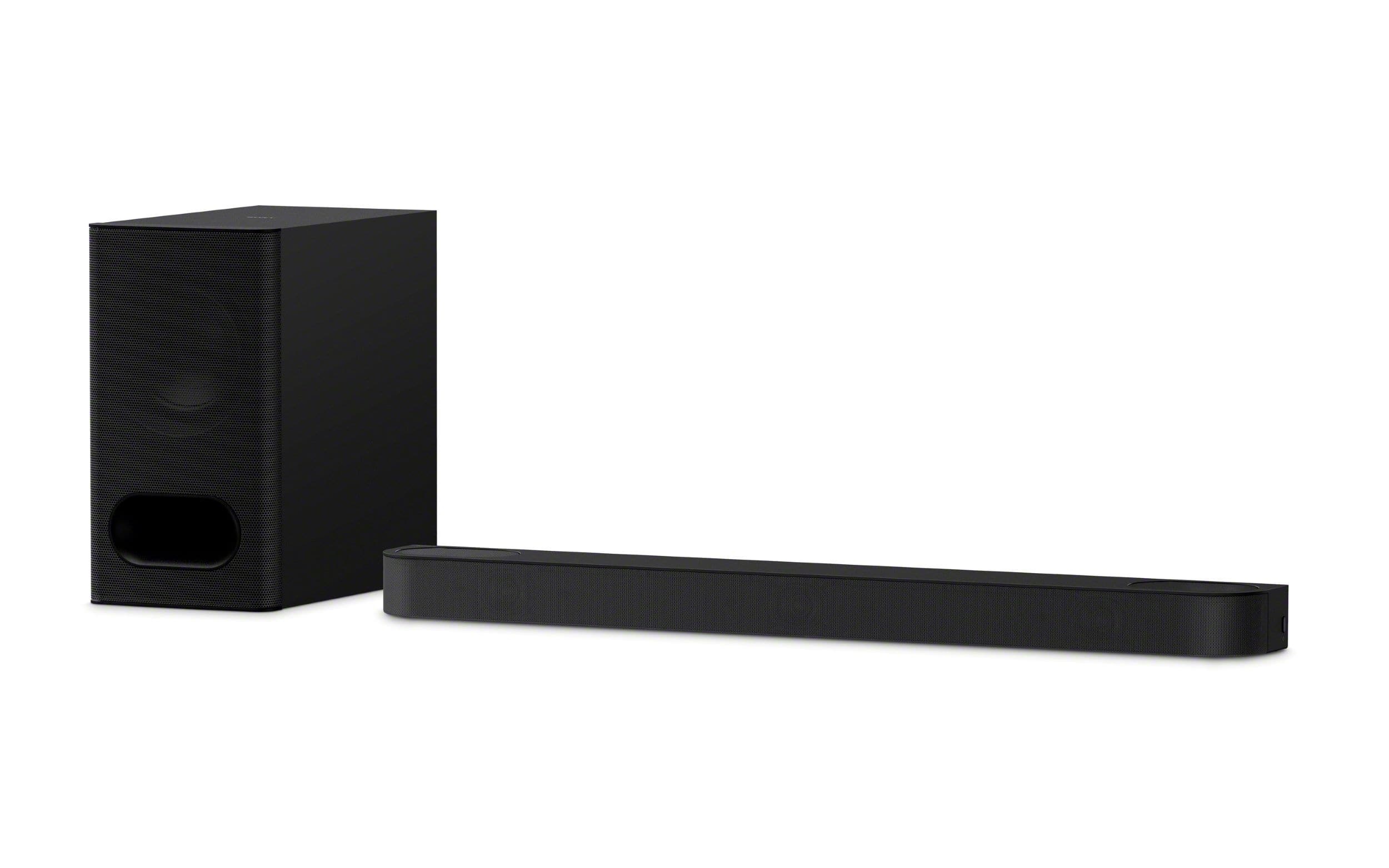
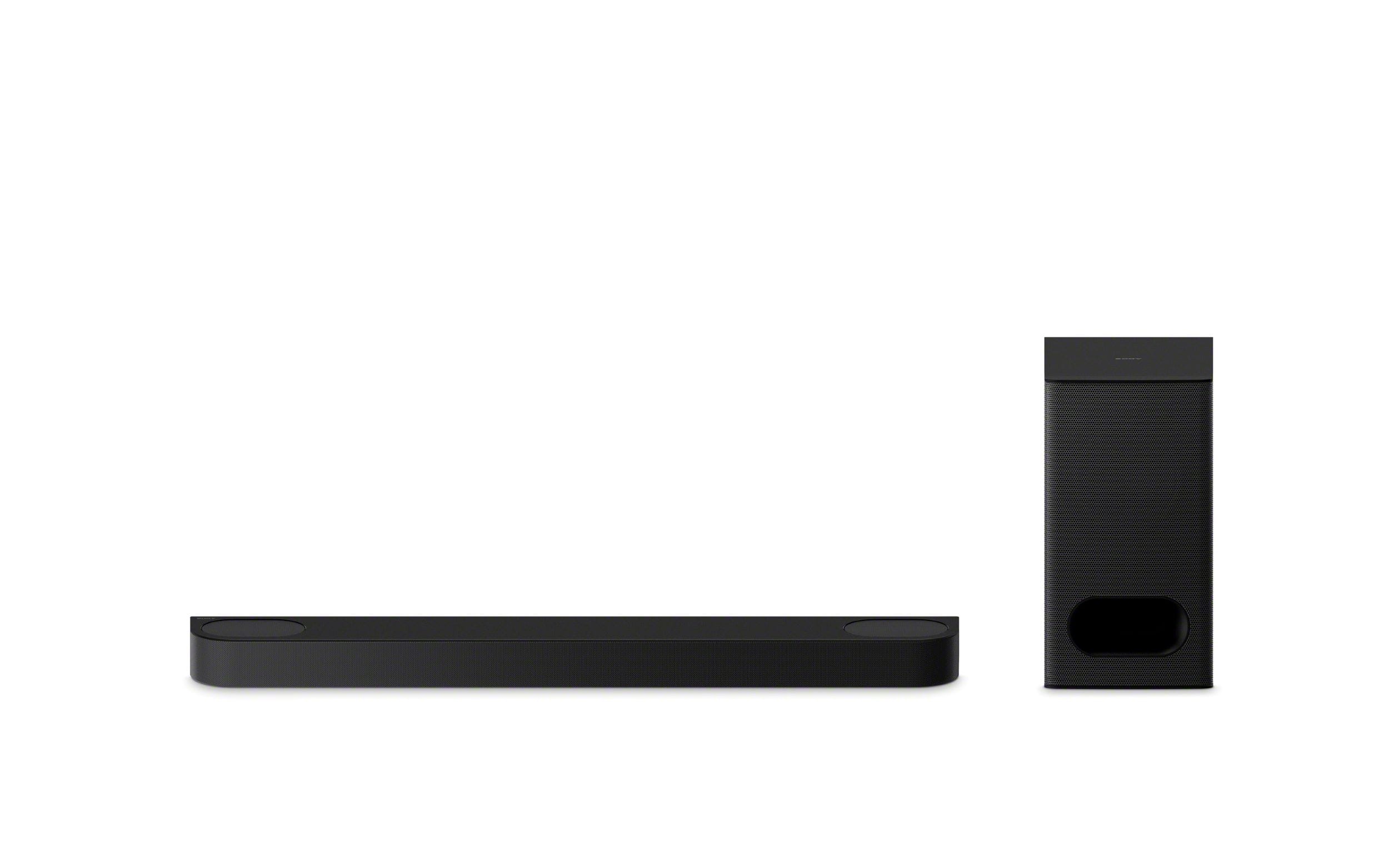
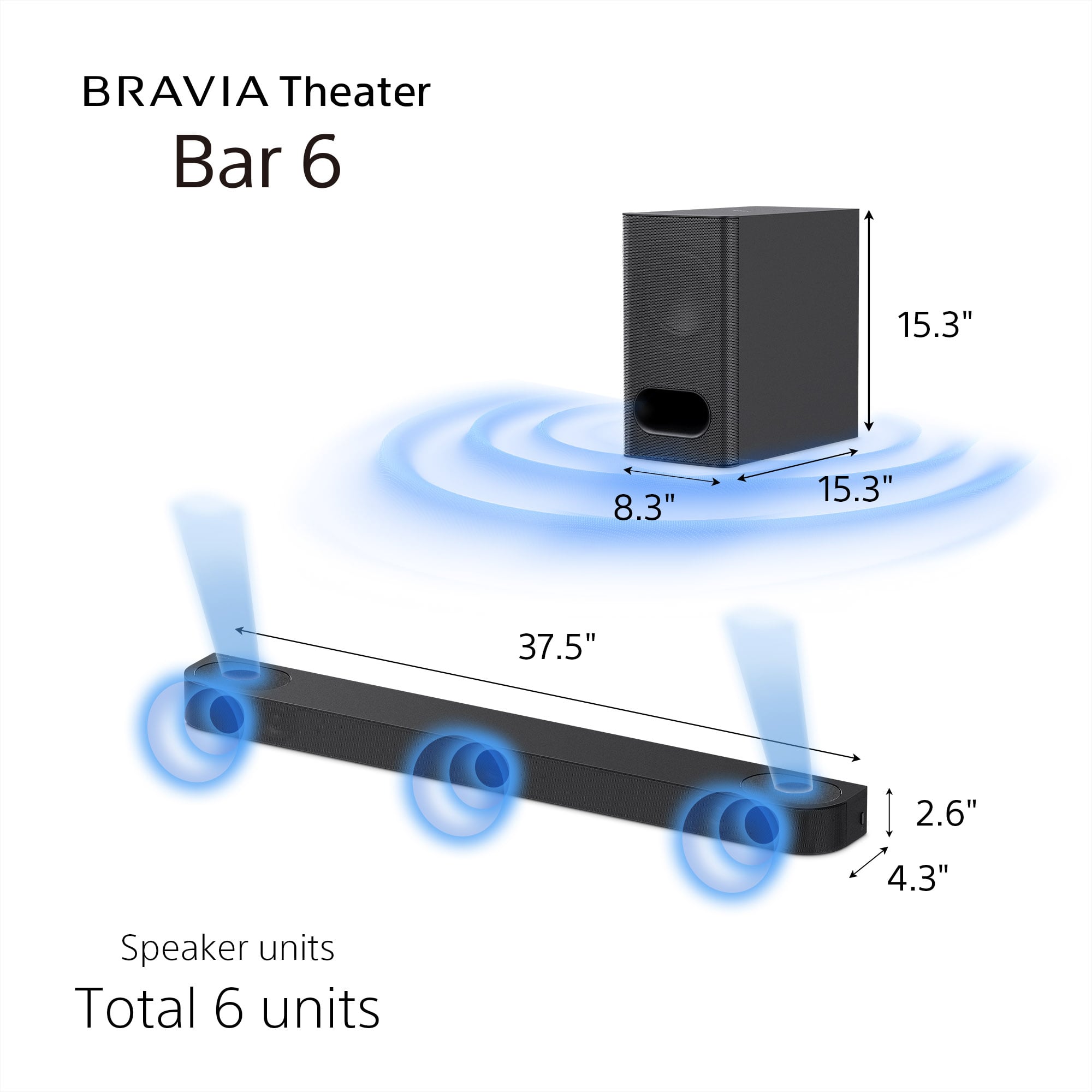
- A:Answer Hi JC, thank you for your interest about our HT-B600 soundbar and Sony X90J television. Based on the dimensions, we're pleased to confirm that the HT-B600 soundbar is designed to fit comfortably on a stand in front of your X90J television. The HT-B600's height is perfectly suitable to fit beneath the screen of your X90J, especially when the TV's stand is adjusted to its "soundbar position," which provides ample clearance. The soundbar's width is also less than the distance between the X90J's stand legs, meaning it will sit neatly between them. For additional specifications, please visit the following link: https://www.sony.com/electronics/support/sound-bars-home-theater-systems-sound-bars-surround-speakers/ht-b600/specifications Thanks for considering Sony products! Best regards, Stephanie
Answered by SonyListens

Q: QuestionCan I add more speakers to this system? If so, which ones. The sound bar just doesn't cut it, I need at least 2 more speakers, because it just sounds like things are in front of me, not to the sides.
Asked by JadeTX.
- A:Answer 2 rear surrounds are available for another $600
Answered by Unnamed
Q: QuestionWill the speakers in my Bravia 9 TV be used in conjunction with this sound bar or do they turn off when the sound bar is connected?
Asked by Dave.
- A:Answer The speakers on the tv will shut off when in use with tv.
Answered by ScottA
Page 2, Showing 21-36 of 36 questions
Top Rated
- Last Minute Deal$199.99Your price for this item is $199.99
- $99.99Your price for this item is $99.99$119.99The comparable value for this item is $119.99
- $449.95Your price for this item is $449.95$649.99The comparable value for this item is $649.99
- Last Minute Deal$879.00Your price for this item is $879.00
- Flash Deal$229.99Your price for this item is $229.99
- Last Minute Deal$369.00Your price for this item is $369.00
- $599.99Your price for this item is $599.99$799.99The comparable value for this item is $799.99
- $249.99Your price for this item is $249.99$399.99The comparable value for this item is $399.99
- Last Minute Deal$24.99Your price for this item is $24.99
- Last Minute Deal$999.99Your price for this item is $999.99
- $399.99Your price for this item is $399.99$549.99The comparable value for this item is $549.99
- Last Minute Deal$399.99Your price for this item is $399.99
- Last Minute Deal$1,699.99Your price for this item is $1,699.99
- $179.99Your price for this item is $179.99$249.99The comparable value for this item is $249.99
- $349.99Your price for this item is $349.99$499.99The comparable value for this item is $499.99
- Last Minute Deal$229.99Your price for this item is $229.99
- $39.99Your price for this item is $39.99$59.99The comparable value for this item is $59.99
- Last Minute Deal$199.00Your price for this item is $199.00
- $139.99Your price for this item is $139.99$229.99The comparable value for this item is $229.99
- $129.99Your price for this item is $129.99$159.99The comparable value for this item is $159.99