A:AnswerI have the same setup. Plug your Blueray player into HDMI 1,2,4 ports and the use the ARC 3 HDMI port to connect to your Bar 8 system. Works great with amazing sound.
A:AnswerHi Barry, thanks for question and interest in the Sony - BRAVIA Theater Bar 8! You can mount this soundbar to the bottom of the Sony - 65" Bravia 8 using the Soundbar Bracket Model: SU-WB1, just keep in mind you will also need to use the Ultra-slim TV Wall Mount Bracket Model: SU-WL905 to complete the entire setup. We hope you find this information useful and thanks for considering Sony! Best regards, -Dominick
A:AnswerNot possible to mix Sony & Bose components. The SONY soundbar only pairs with other compatible SONY subwoofers and rear speakers.
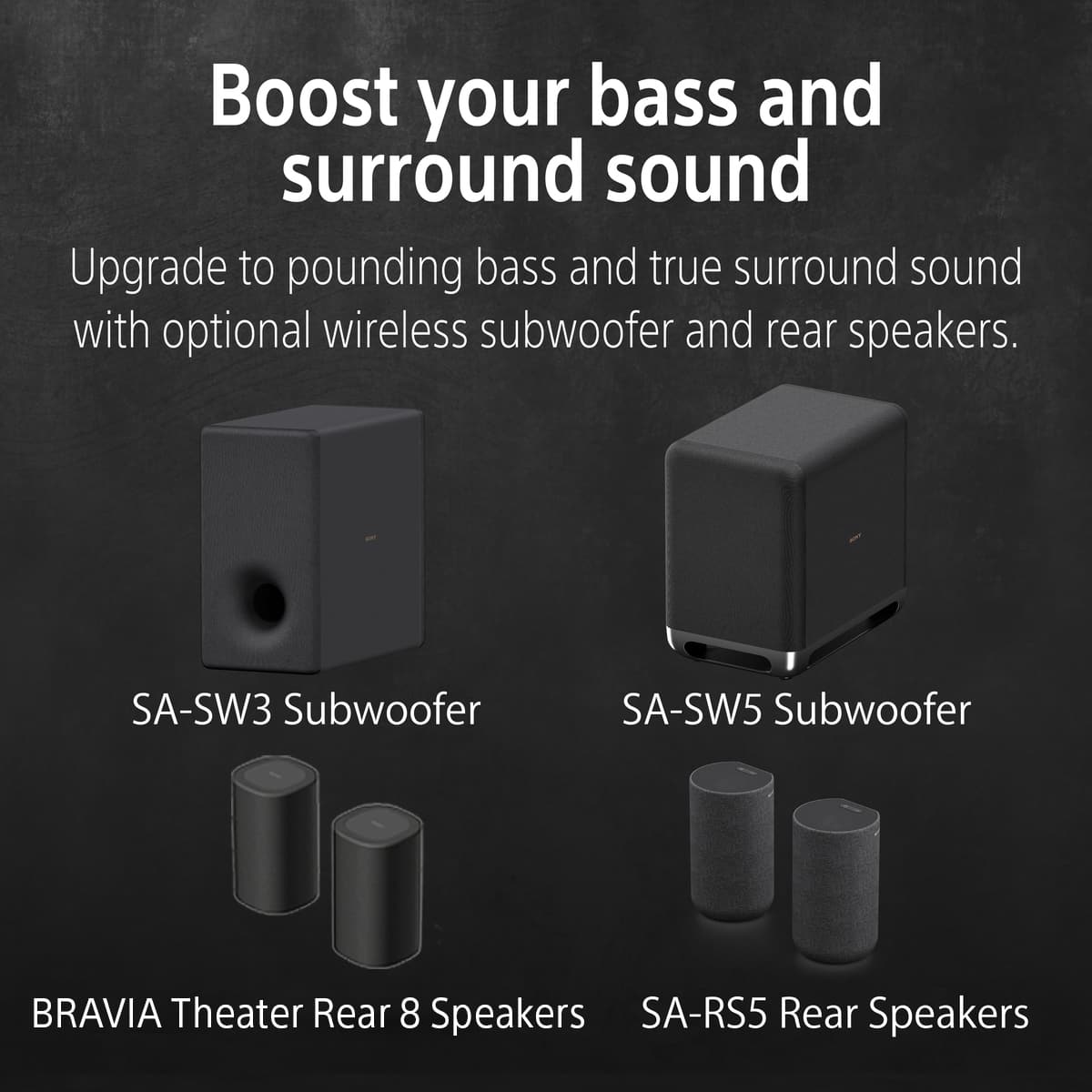
SA-SW3, SW5 & SA-RS3, RS5 or RS8
A:AnswerThere are no screws for the feet; you have to purchase them at a hardware store. Pennies on the dollar. Copy and paste the name of the soundbar into internet exployer or google or whatever you use. And put instructions/operation for; It should have come with the HDMI cable. Mind did, you can either snap a cell phone photo of your purchase off the box or the Best Buy website from your purchase on my account. Take it to Best Buy, and they may give you a new one free. Or purchase one off Amazon.com, they are very cheap to very expensive, which will work for this. Make sure you tell Best Buy that it didn't come in the box, and you didn't want to return the entire heavy box, simply because of that. I hope what I told you can help you out in some way, good luck.
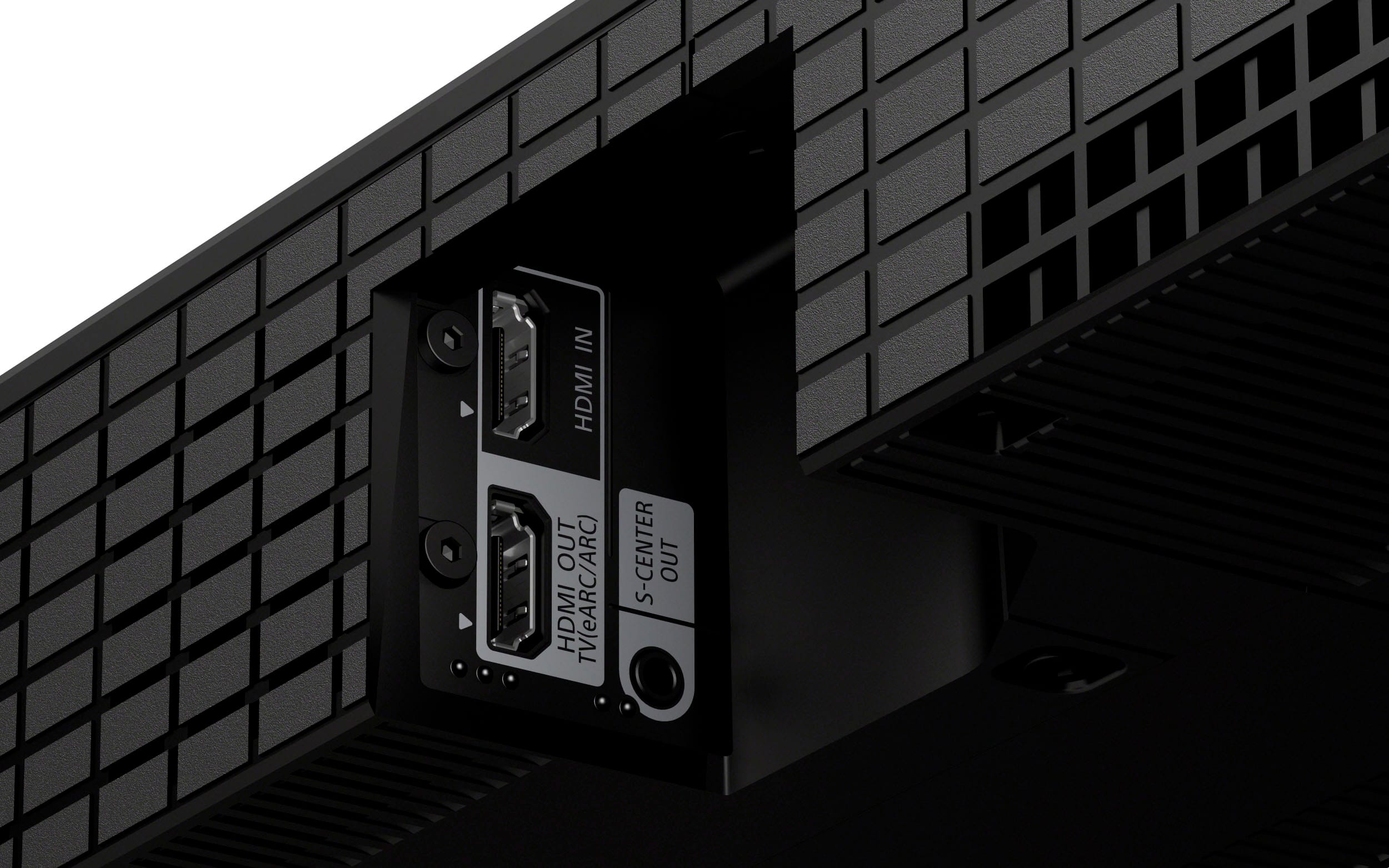
A:AnswerHi dog1, Thank you for your inquiry. Yes, you can use the Sony Theater 8 soundbar with a Samsung TV via HDMI. You can connect one end of an HDMI cable to the HDMI OUT (TV eARC/ARC) port on the Theater 8 to the HDMI IN (eARC/ARC) port on your Samsung TV. Hope this helps!
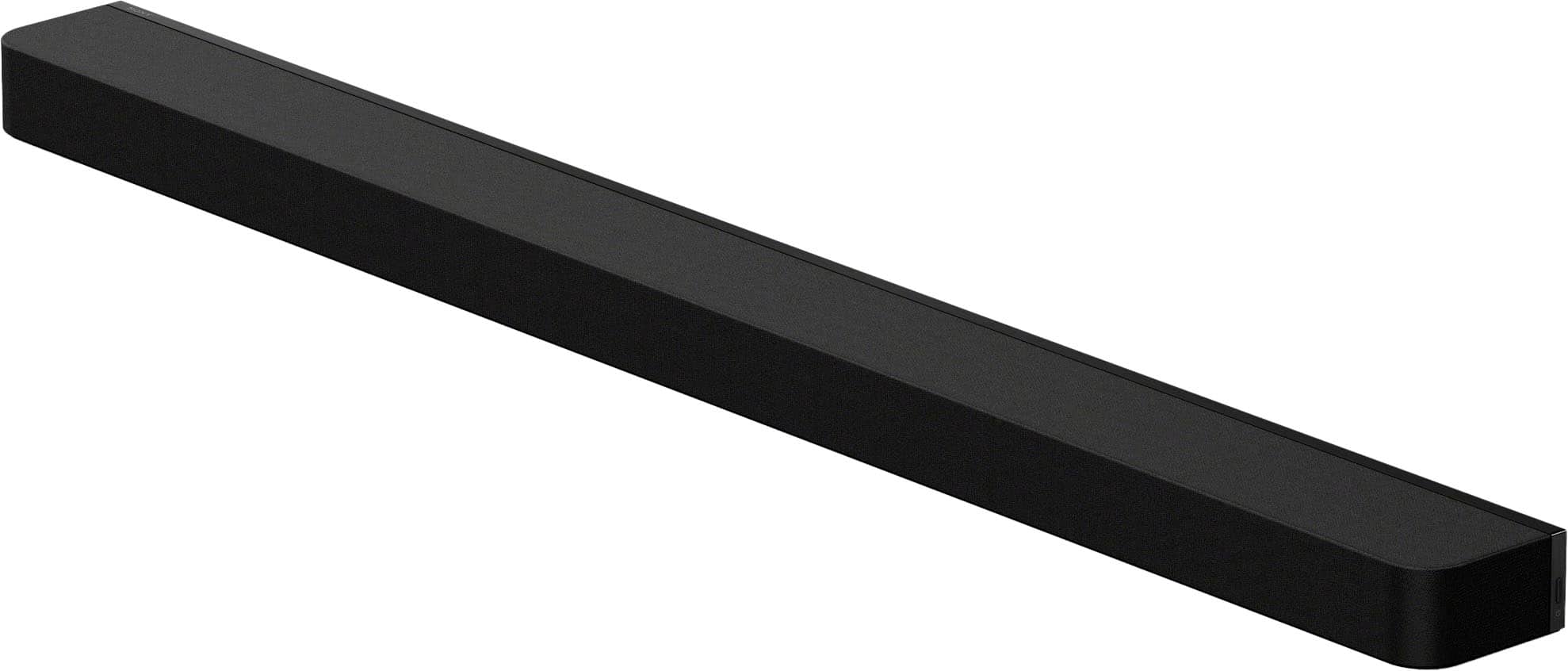
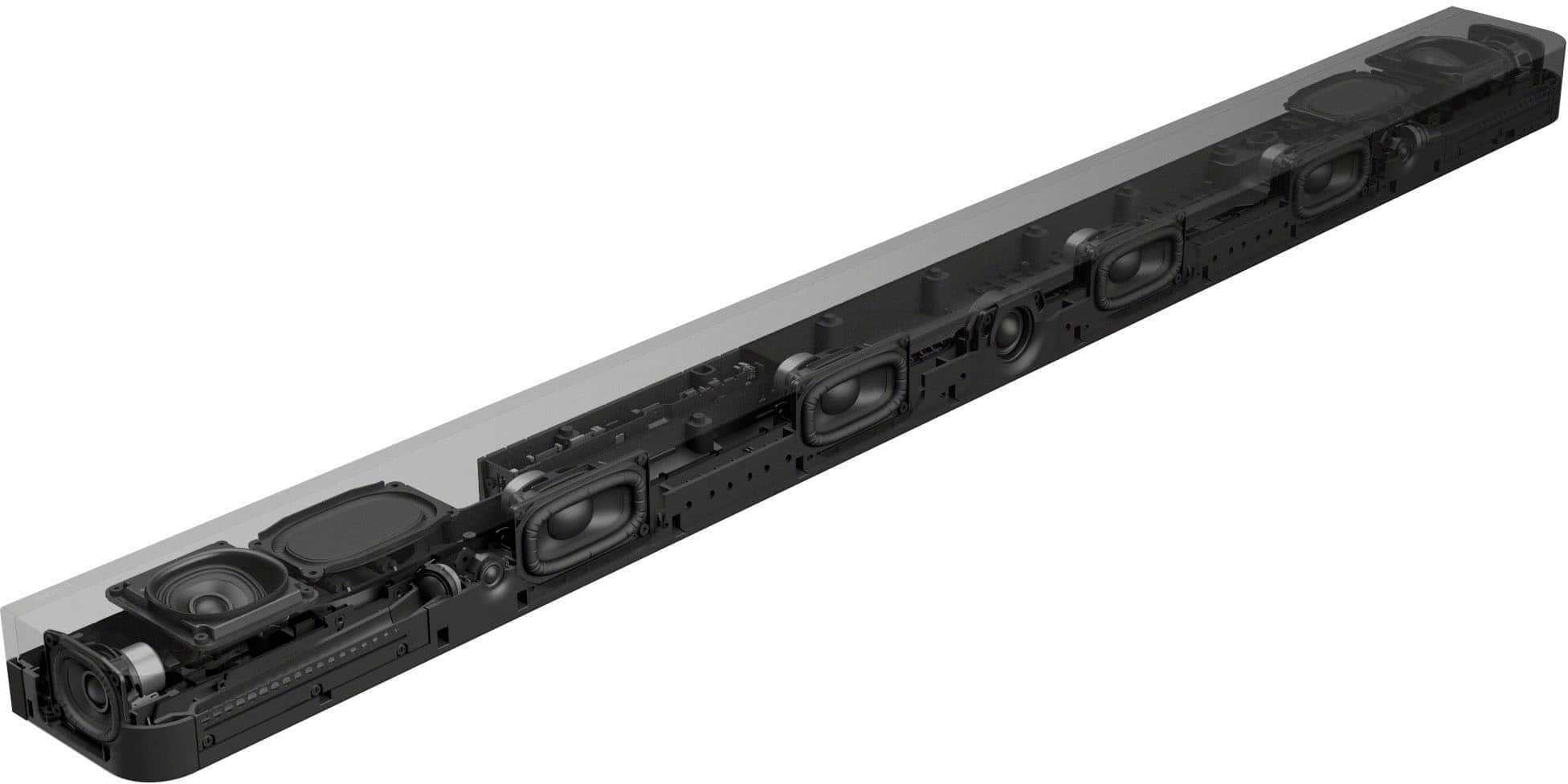
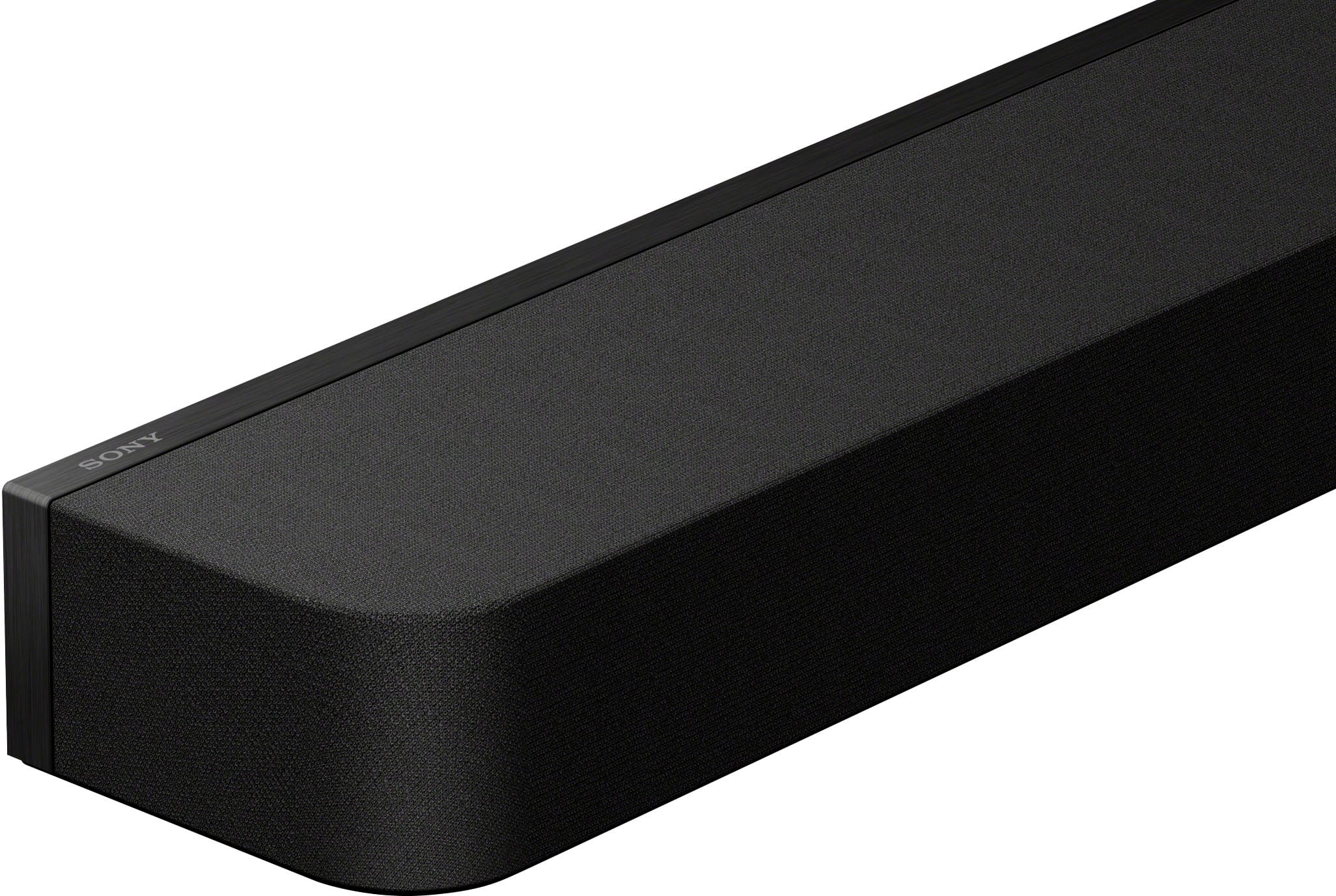
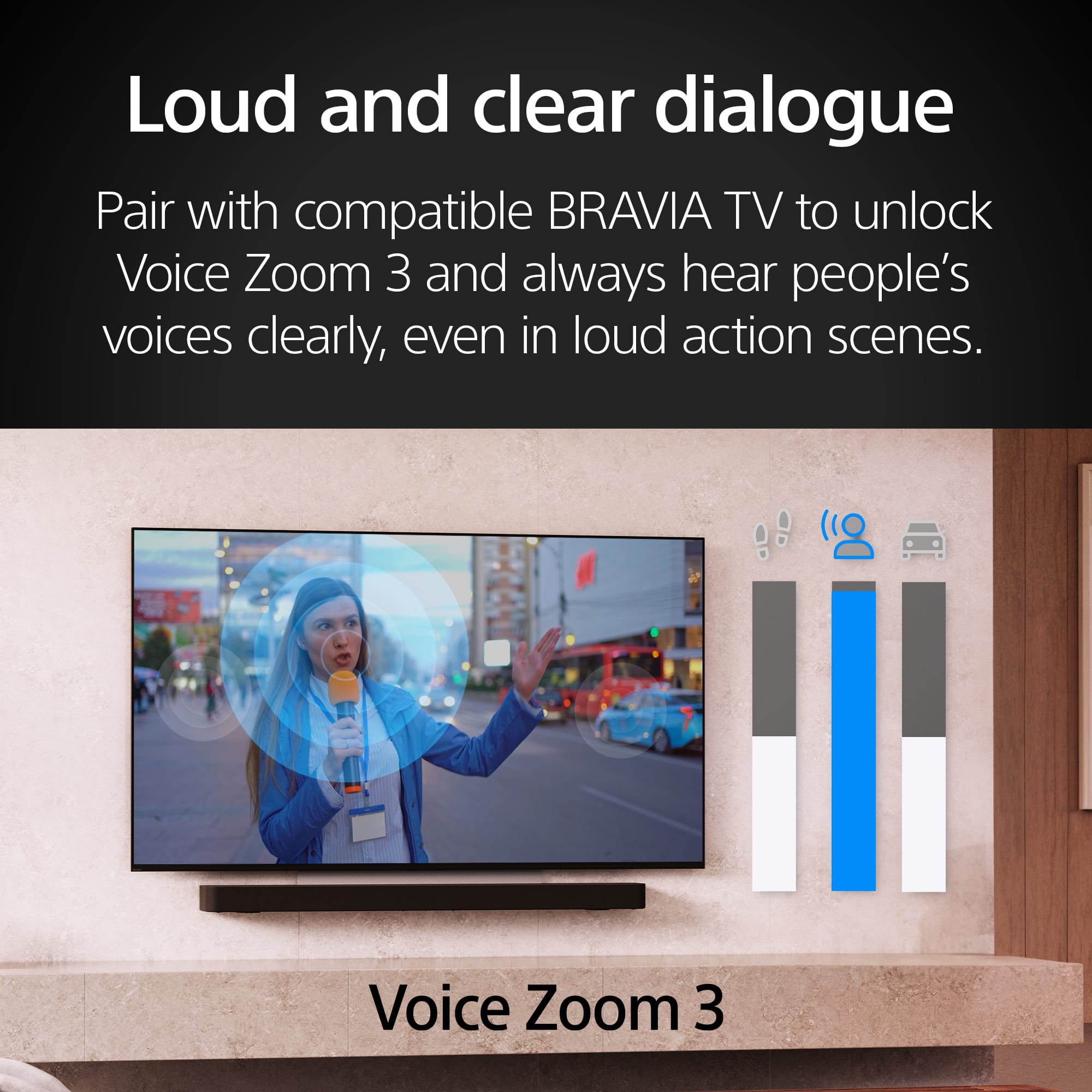
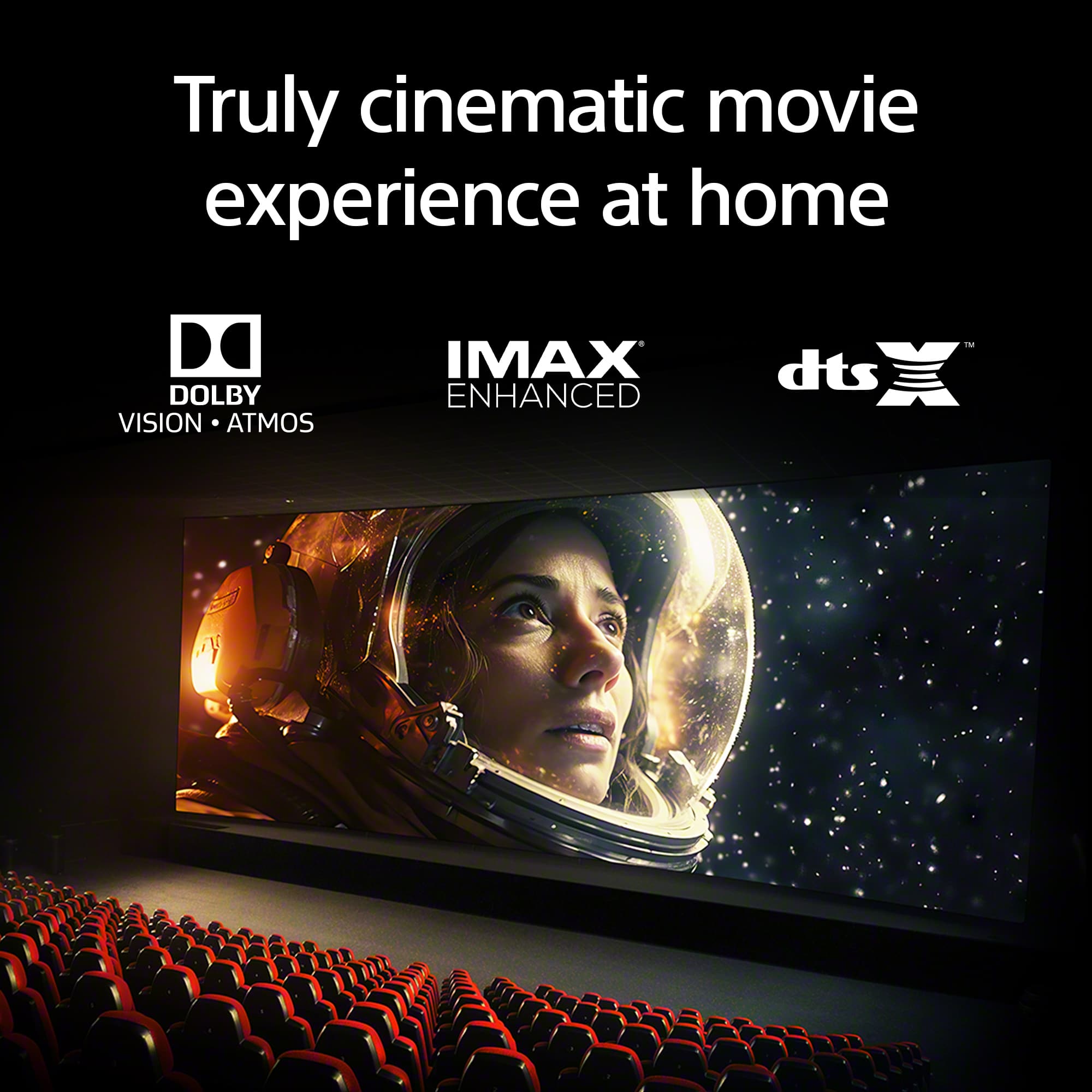
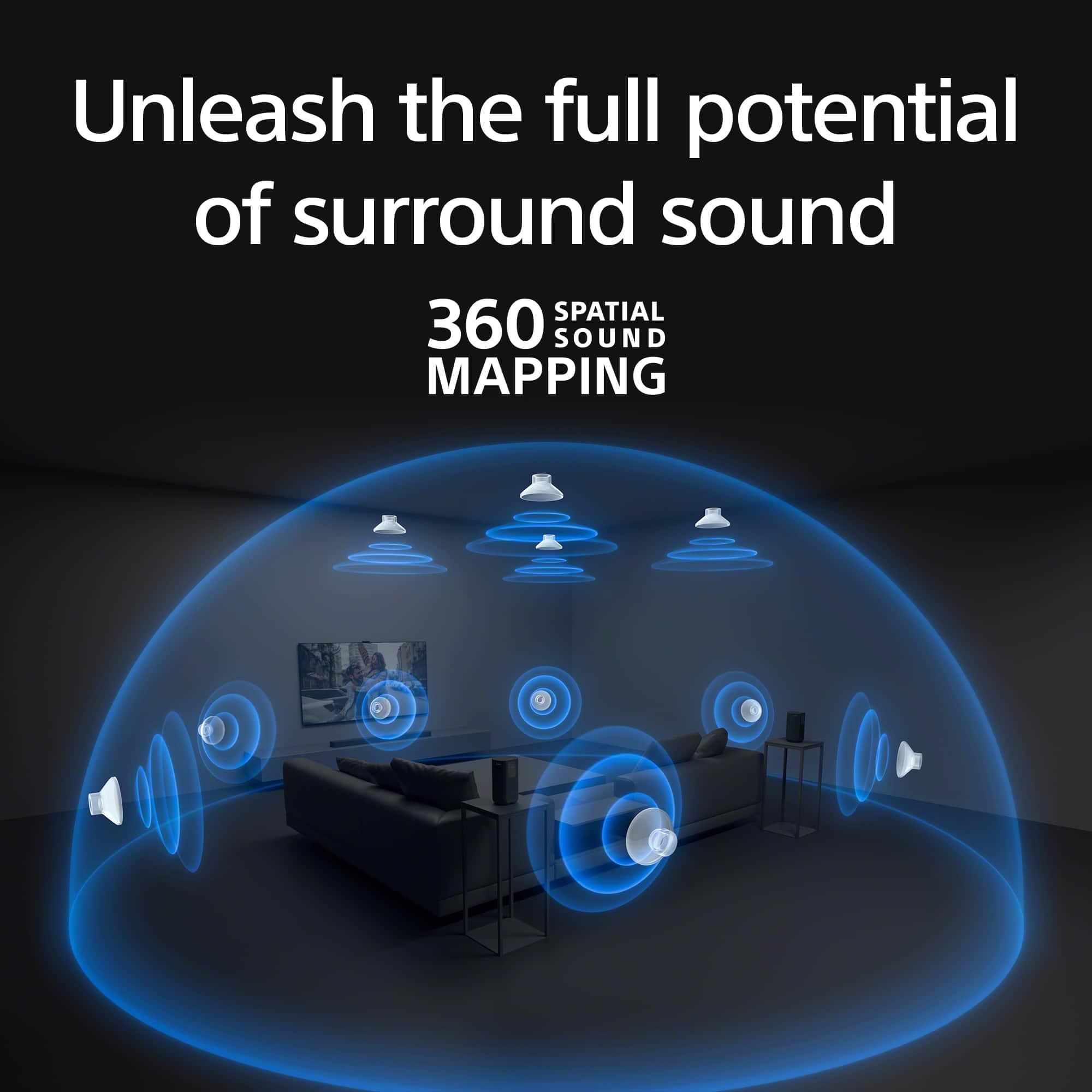
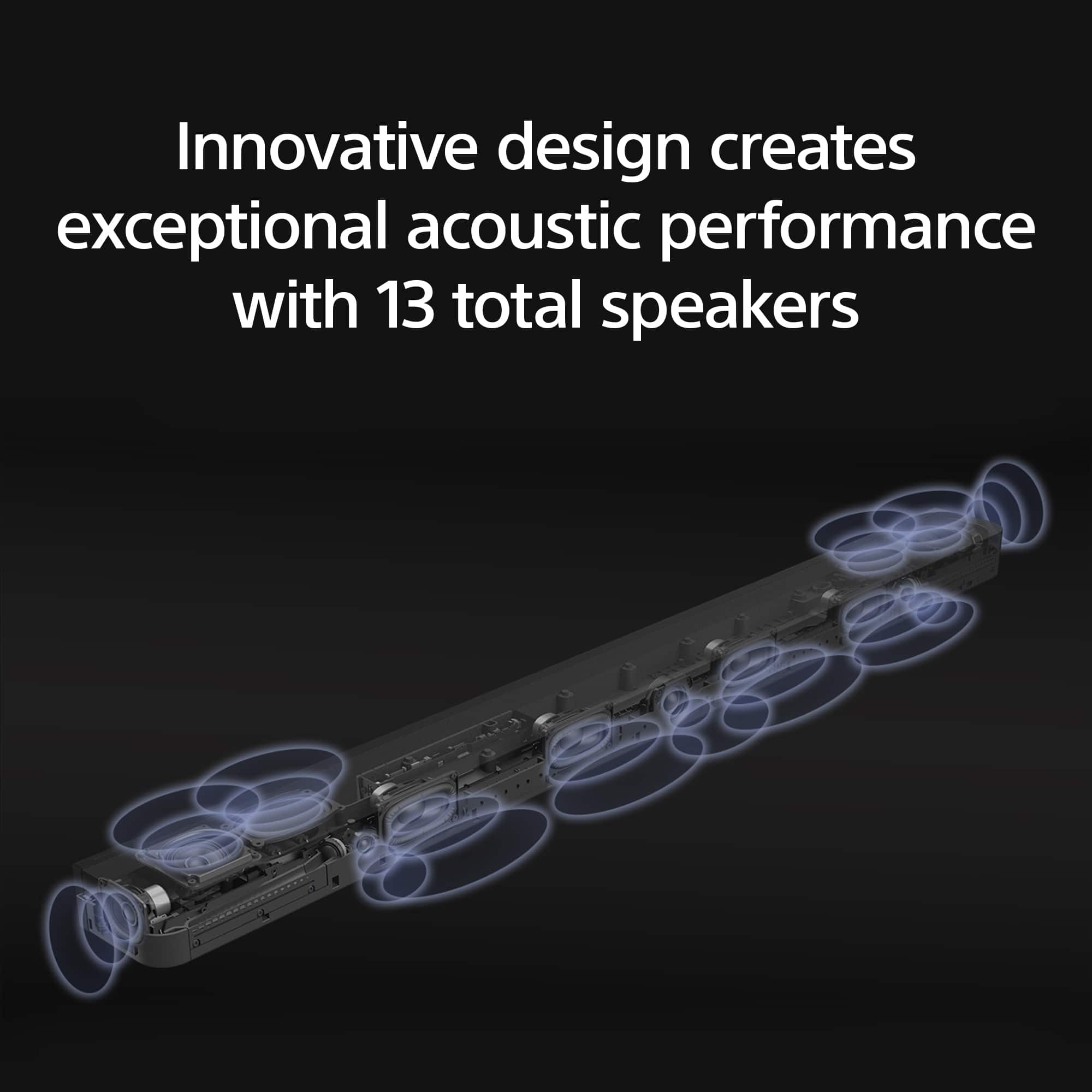
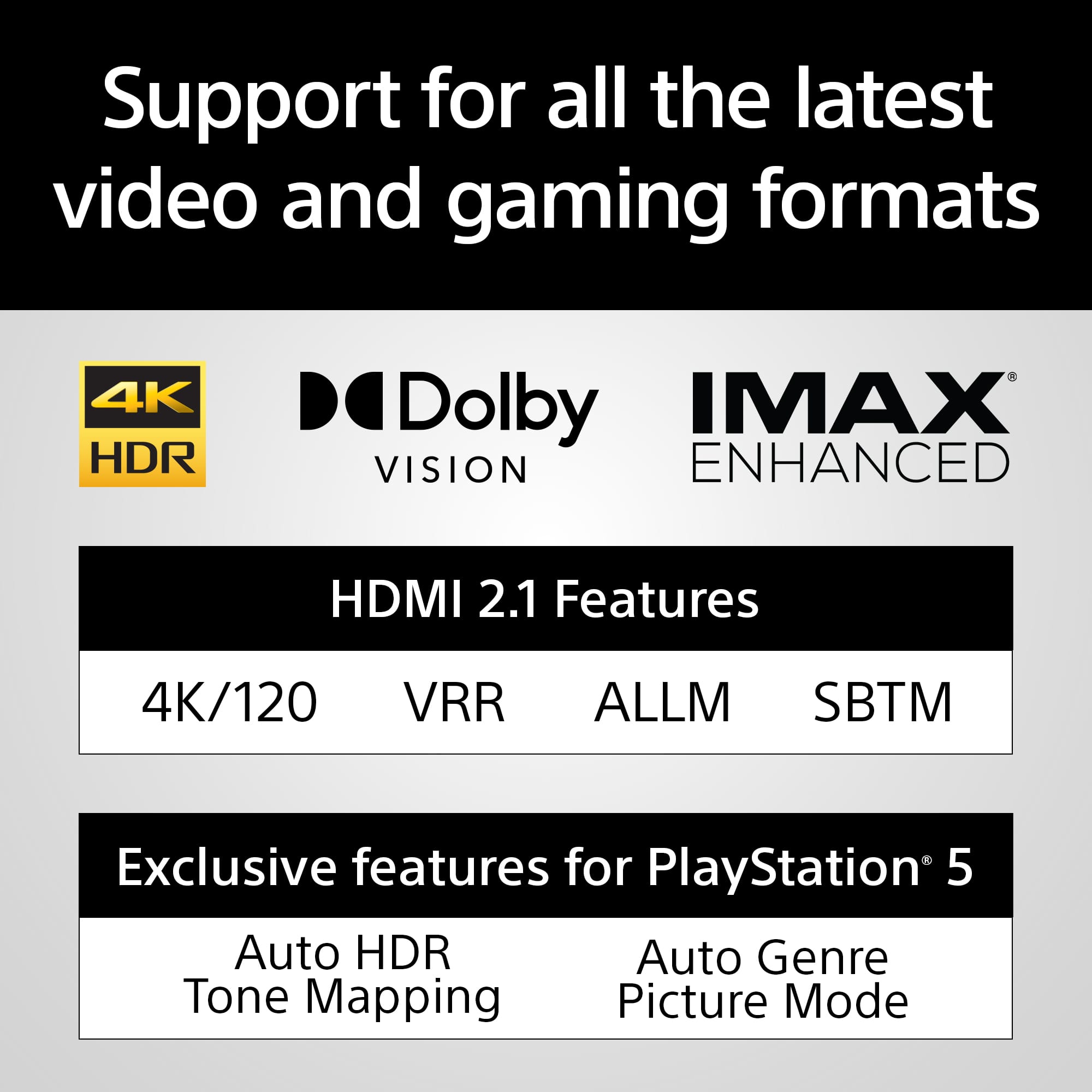
Enjoy a theater-like experience in your home when using the Sony HT-A8000 BRAVIA Theater Bar 8 495W 11-Channel Dolby Atmos Soundbar. The Bar 8 combines industry standard sound profiles, such as Dolby Atmos, DTS:X, and IMAX Enhanced, with Sony's 360 spatial sound mapping technology. A total of 11 built-in drivers create a lifelike experience by generating phantom speakers that surround you in sound. In addition to enhancing TV and movies, the BRAVIA Theater Bar 8 is also great for music and video games. Stream high-resolution audio or up-mix low-res content using DSEE Ultimate, and experience smooth, low latency gameplay with 4K120 video support.
Regards,
Sam
A:AnswerHi DC, Thank you for your question. In order to have the best experience we recommend connecting HTA8000 (Theater Bar 8) soundbar to TV using an HDMI cable. this will give you full support of Dolby Atmos audio as well as 360 special audio.
Hope this helps! Enjoy a theater-like experience in your home when using the Sony HT-A8000 BRAVIA Theater Bar 8 495W 11-Channel Dolby Atmos Soundbar. The Bar 8 combines industry standard sound profiles, such as Dolby Atmos, DTS:X, and IMAX Enhanced, with Sony's 360 spatial sound mapping technology. A total of 11 built-in drivers create a lifelike experience by generating phantom speakers that surround you in sound. In addition to enhancing TV and movies, the BRAVIA Theater Bar 8 is also great for music and video games. Stream high-resolution audio or up-mix low-res content using DSEE Ultimate, and experience smooth, low latency gameplay with 4K120 video support. Regards, Sam
A:AnswerHi kmp0506,
We appreciate your inquiry about the compatibility of the soundbar with your SVS SB-3000. Unfortunately, the BRAVIA Theater Bar 9 does not feature a subwoofer output port for either passive or active wired subwoofers. The BRAVIA Theater Bar 9 is only compatible with the following wireless subwoofers:
• SASW3 - 200 W of sound from a compact bass reflex subwoofer with a 160 mm driver.
• SASW5 - 300 W of deep, rich bass from a 180 mm driver with a passive radiator.
Having two types of subwoofer allows the built-in subwoofer in the BRAVIA Theater Bar 9 to handle bass and vocals with the optional wireless subwoofer focusing on low-range sound. I hope this helps.
Regards,
Jess
A:AnswerHi mshultz,
Thank you for contacting us with your inquiry. The Sony BRAVIA Theater Bar 8 is designed to be compatible exclusively with the following two Sony Wireless Subwoofers: SA-SW5 and SA-SW3. Please note that it does not support third-party subwoofers and rear speakers.
Hope this information helps!
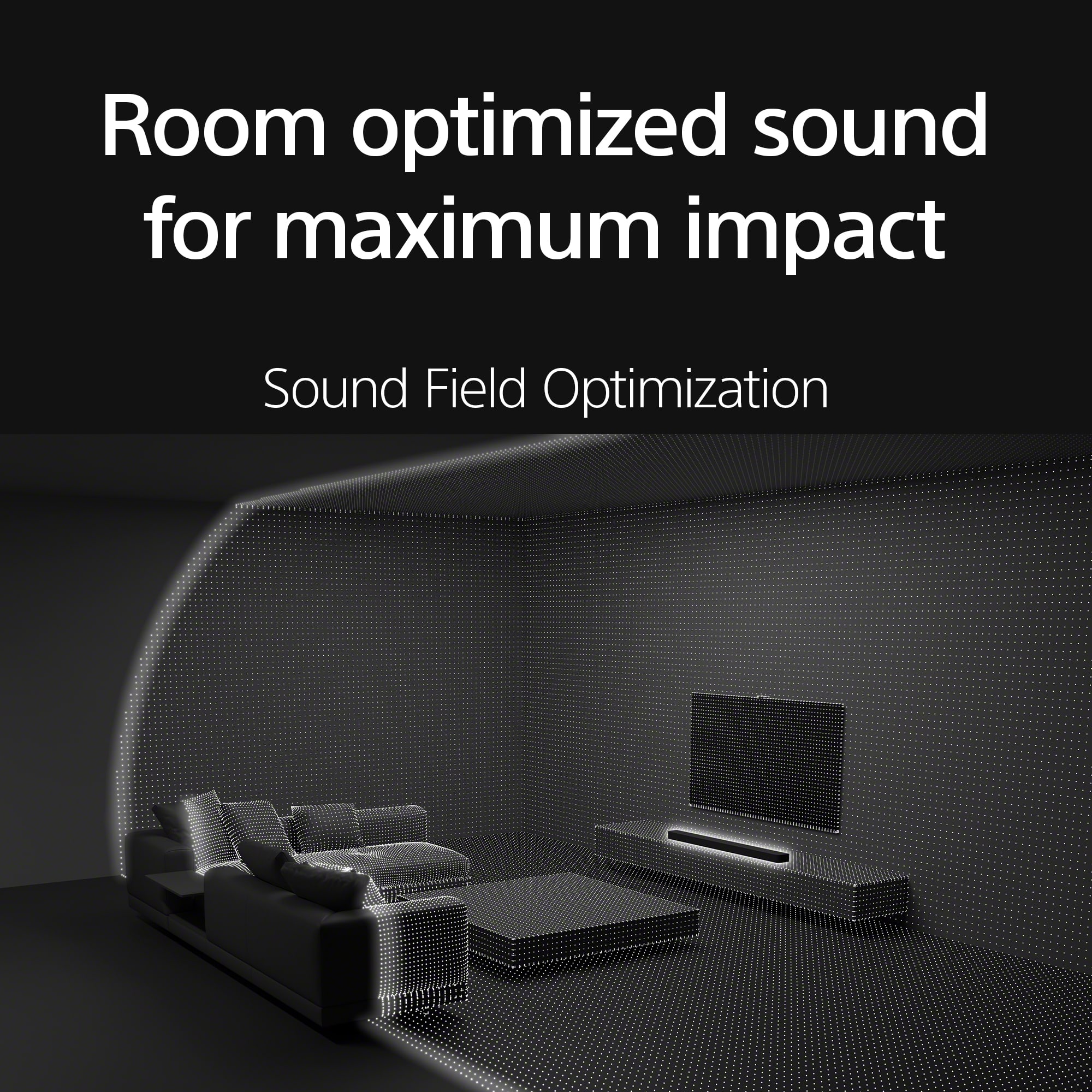
Sony's 360 Spatial Sound technology helps the BRAVIA Theater Bar 8 fill your room with theater-like sound. Working with industry-standard audio, such as Dolby Atmos, DTS:X, and IMAX Enhanced, an array of 11 drivers create phantom speakers that reflect audio all around you.
Best regards,
Maria
A:AnswerHi Deep,
Thank you for reaching us with your concern.
Yes, your understanding is mostly correct, but let me clarify the steps for connecting your Sony BRAVIA XR A95L TV to the Sony BRAVIA Theater Bar 8 for optimal audio performance:
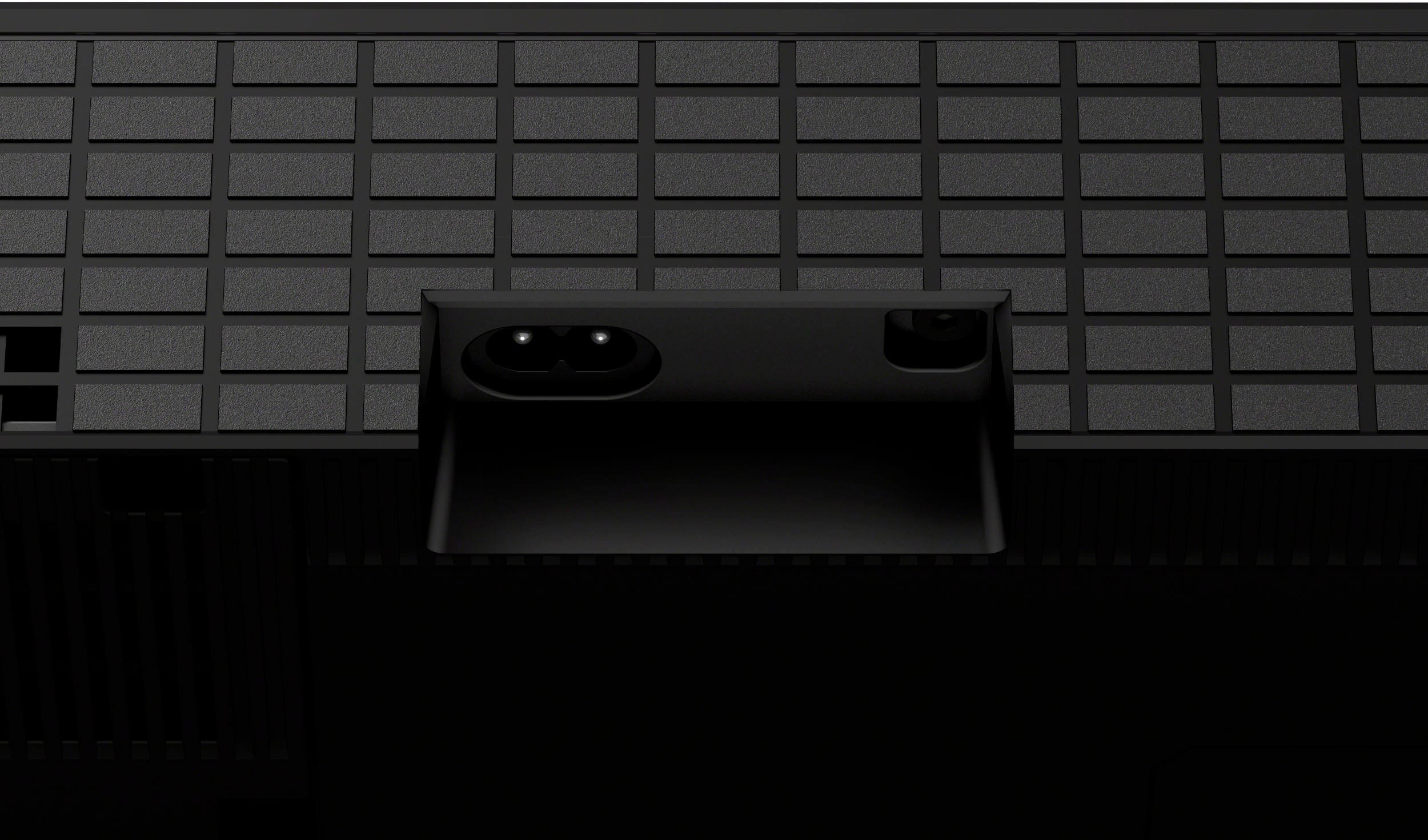
1. Connect an HDMI IN jack compatible with eARC/ARC on the TV and the HDMI OUT (TV (eARC/ARC)) jack on the speaker system using the HDMI cable (supplied). If you are facing the back of the bar speaker, the HDMI OUT jack is located inside the right indented area. It is on the side wall of the indented area and marked with three tactile dots.
2. Change the TV settings so that TV sound can be output from the speaker system. Depending on your TV, this may be set automatically when the speaker system is connected. For details, refer to the operating instructions of your TV.
3. Enable eARC on both the speaker system and the TV. If the TV that is connected to the speaker system is compatible with eARC/ARC, the eARC function is available.
To enjoy higher quality audio formats such as Dolby Atmos played on an external device connected to the TV, check that the eARC setting is enabled on the speaker system and TV.
eARC setting for the TV: Refer to the operating instructions of your TV.
eARC setting for the speaker system: The setting is enabled by default.
Note:
Check that the connectors are firmly inserted.
If the speaker system is not connected to the eARC/ARC-compatible HDMI input of the TV, the TV sound cannot be output from the speaker system.
Enable the Control for HDMI function on the TV. If the Control for HDMI function on the TV is not enabled, the speaker system does not output TV sound.
By enabling the eARC function on the TV, some features on the TV may become limited. For instance, system sounds and voice response may not be output. For details, refer to the operating instructions of your TV.
Hope this information helps!
If you need further assistance or have additional concerns, may we contact you directly? If so, please email the following information to socialsupport@am.sony.com. Apologies if you've already shared this information with customer service — we just want to ensure we have your most accurate details:
Full Name:
Username:
Telephone Number:
Additional Information regarding your experience with the BRAVIA Theater Bar 8.
Thank you for your patience!
Sincerely,
Maria
A:AnswerHi sandiphi, Thank you for reaching out and sharing your experience with the Sony BRAVIA Theater Bar 8! The sound quality you’re experiencing could be influenced by a few factors. To optimize your audio performance, we recommend adjusting the sound settings on your soundbar: Go to Sound settings > Auto DRC > Off. The Auto DRC (Dynamic Range Compression) compresses the dynamic range (range between the loudest and quietest parts) of the audio signal to make it easier to hear softer sounds. If you need further assistance or have additional concerns, may we contact you directly? If so, please email the following information to socialsupport@am.sony.com. Apologies if you've already shared this information with customer service — we just want to ensure we have your most accurate details: Full Name: Best Buy Username: Telephone Number: Additional Information regarding your experience with the BRAVIA Theater Bar 8. Thank you for your patience, and we look forward to improving your experience! Sincerely, Maria
A:AnswerHello, thanks for your question. Unfortunately, the HTA8000 cannot be paired with Amazon Alexa, as it does not support the A2DP (Advanced Audio Distribution Profile) that Amazon Alexa requires.
BRAVIA Theatre Bar 8 combines physical and phantom speakers, creating a wider surround sound field that covers more of the room. Now more people can enjoy the same immersive surround experience. By using phantom speakers, 360 Spatial Sound Mapping technology achieves wider coverage than conventional virtual surround systems. Bring authentic cinema surround sound quality to your living room. BRAVIA Theatre Bar 8 not only supports industry-standard formats including Dolby Atmos® and DTS:X®, but also has IMAX® Enhanced certification. Hope this helps. ~Earl
A:AnswerHi Terri, thanks for your question. Yes, this soundbar is compatible with X95K TV. You can hook it up with the TV via HDMI or S-center connection. (Please see links below for more details):
https://helpguide.sony.net/ht/208283c/v1/en/contents/014_S-CENTER_SPEAKER_IN_Jack.html?search=s-center
https://helpguide.sony.net/ht/208283c/v1/en/contents/011_Connecting_to_a_TV.html?search=to%20the%20tv
BRAVIA Theatre Bar 8 combines physical and phantom speakers, creating a wider surround sound field that covers more of the room. Now more people can enjoy the same immersive surround experience. By using phantom speakers, 360 Spatial Sound Mapping technology achieves wider coverage than conventional virtual surround systems. Bring authentic cinema surround sound quality to your living room. BRAVIA Theatre Bar 8 not only supports industry-standard formats including Dolby Atmos® and DTS:X®, but also has IMAX® Enhanced certification. Hope this helps. ~Earl
A:AnswerHi Paul, Thanks for the inquiry. Unfortunately, Sony does not disclose this information. However, you may check out third-party reviewers to determine the power output of the speaker. Thanks and regards, -Craig
A:AnswerHi TR, we appreciate you interest in our product. Thanks for your question. Yes, this speaker bar has dimensions of 43 3/8 inches for the width, 2 5/8 inches for the height and 4 1/2 inches for the depth, it is tall enough and can be installed just underneath the 55-inch BRAVIA 8 TV when in Soundbar position. Hope this helps.
BRAVIA Theatre Bar 8 combines physical and phantom speakers, creating a wider surround sound field that covers more of the room. Now more people can enjoy the same immersive surround experience. By using phantom speakers, 360 Spatial Sound Mapping technology achieves wider coverage than conventional virtual surround systems. Bring authentic cinema surround sound quality to your living room. BRAVIA Theatre Bar 8 not only supports industry-standard formats including Dolby Atmos® and DTS:X®, but also has IMAX® Enhanced certification. ~Earl
A:AnswerHi Robertv, thanks for choosing and purchasing our product. We're sorry to hear that you have an issue with the sound of your Sony unit. The HTA9000 soundbar is designed to deliver high-quality audio, including immersive movie sound effects. Given the setup in your family room (16' tall, 20' long and wide), it is important to consider these things to get the best listening experience:
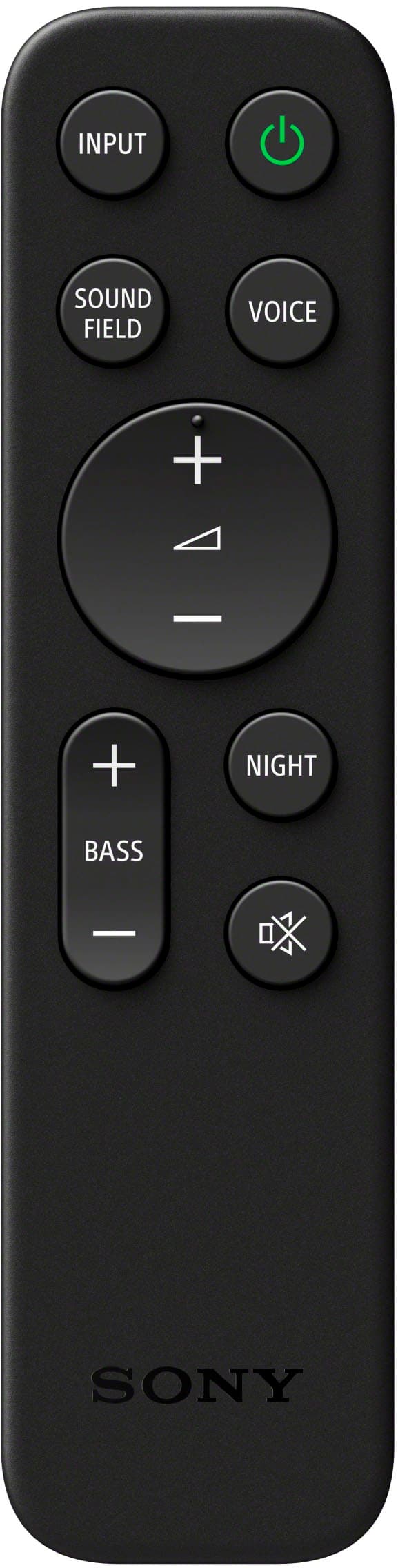
• For the best movie experience, you can enable the Sound Field settings. On the remote control, press the SOUND FIELD button and select Sound Field: Effect On. This setting helps in creating a more immersive audio experience by utilizing the multi-channel audio output.
• If you have optional speakers connected, you can enable the 360 Spatial Sound Mapping feature. This can be done by pressing the HOME button on the remote control, selecting Setup → Advanced Settings → Audio Settings → Sound Effect, and then selecting Sound Mode On. This feature enhances the spatial audio experience, making it more suitable for larger rooms.
You can also find this link helpful:
https://helpguide.sony.net/ht/208283c/v1/en/contents/022_Adjusting_Sound_Quality.html?search=sound%20field
If you require any additional support with regard to this product, please email us at socialsupport@am.sony.com with the following details: Name: Username: Model Number: Issue: Telephone Number:
~Earl
A:AnswerIf audio works, produces sound (then constant interference) ***get a NEW HDMI*** (old HDMI = cable "connection plugs" are damaged = cable could be damaged due to twisting/movement but unlikely)
HDMI should be set and forget (not constantly touched/removed)
____
***connect via BLUETOOTH*** (sound sync issues = voices not matching lips = correctable)
-OR-
Buy atleast a HDMI 2.1 with shielding @ 3-5 ft
(Shielding just makes sound slightly better = lesser static noise = today mostly irrelevant)