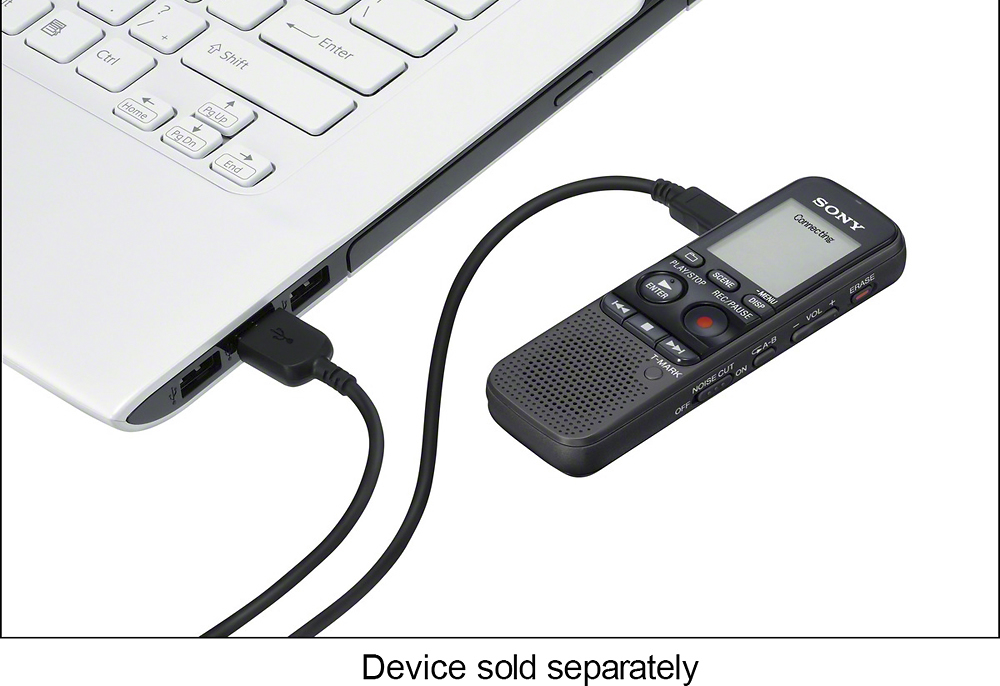
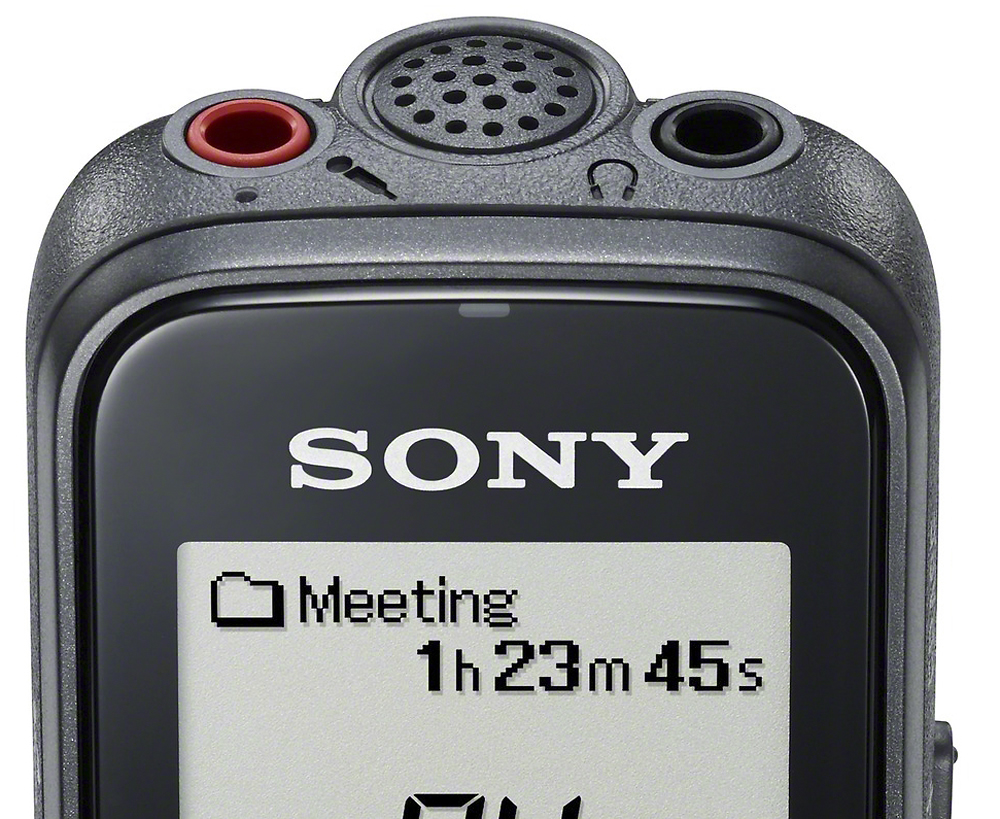
A:Answer Hi TBIOT, the playback is very easy to operate. Below is the steps on how to do playback.
1. Slide the HOLD・POWER ON/OFF switch in the direction of “POWER ON/OFF” to turn on the IC recorder, or towards the center to release the IC recorder from the HOLD status.
The stop mode window appears.
2. Select the desired file to be played back.
If you do not select a file, the file just recorded will be played back.
3. Press souni_playPLAY/STOP・ENTER.
Playback starts, and the operation indicator () will light in green.
4. Press VOL –/+ to adjust the volume.
You can also see this steps in the help guide. Please see the next link below. Regards, ~Erin
http://docs.esupport.sony.com/voicerecorder/Help_4449569112/p33/v1/gb/contents/TP0000016865.html