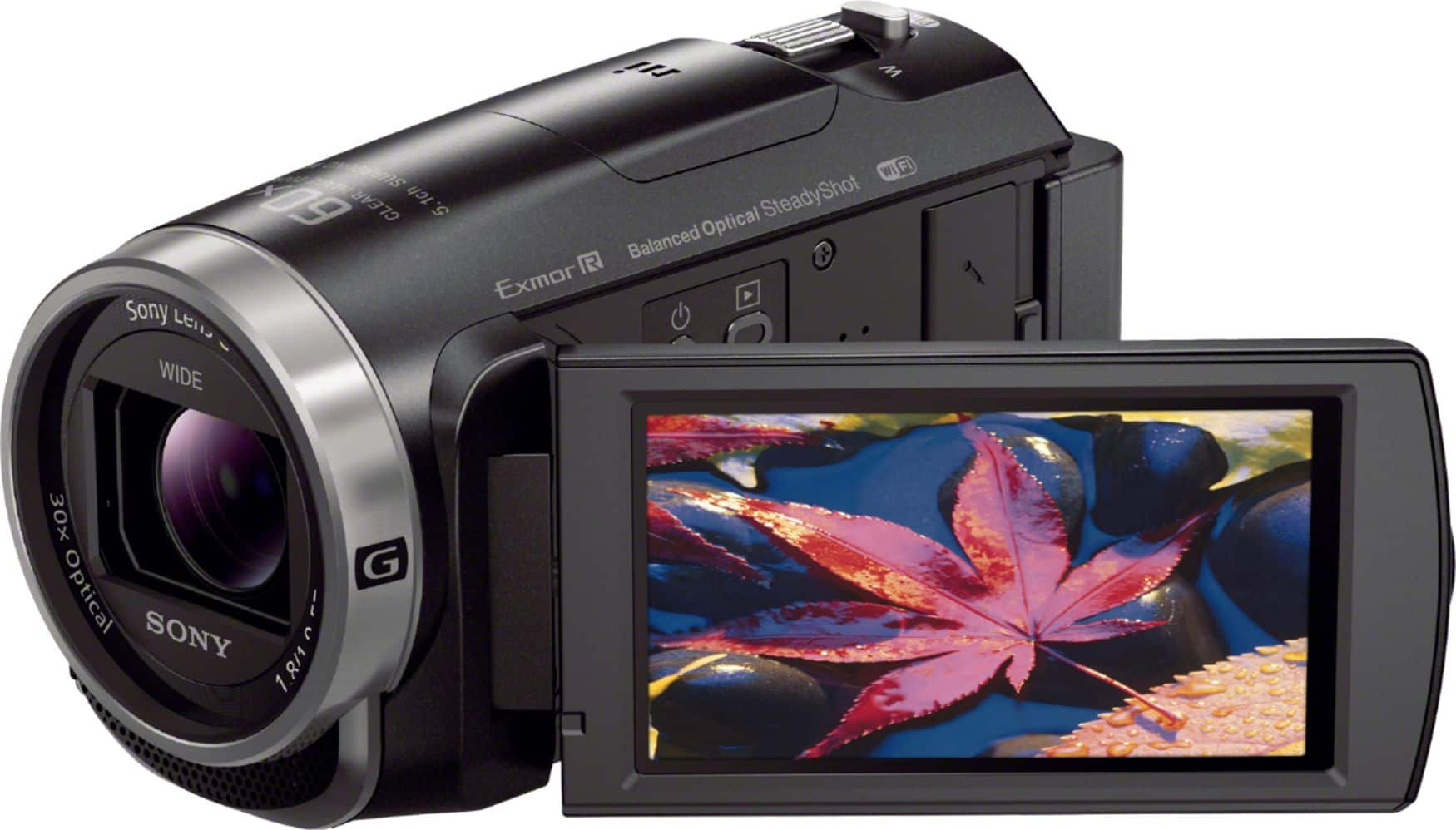
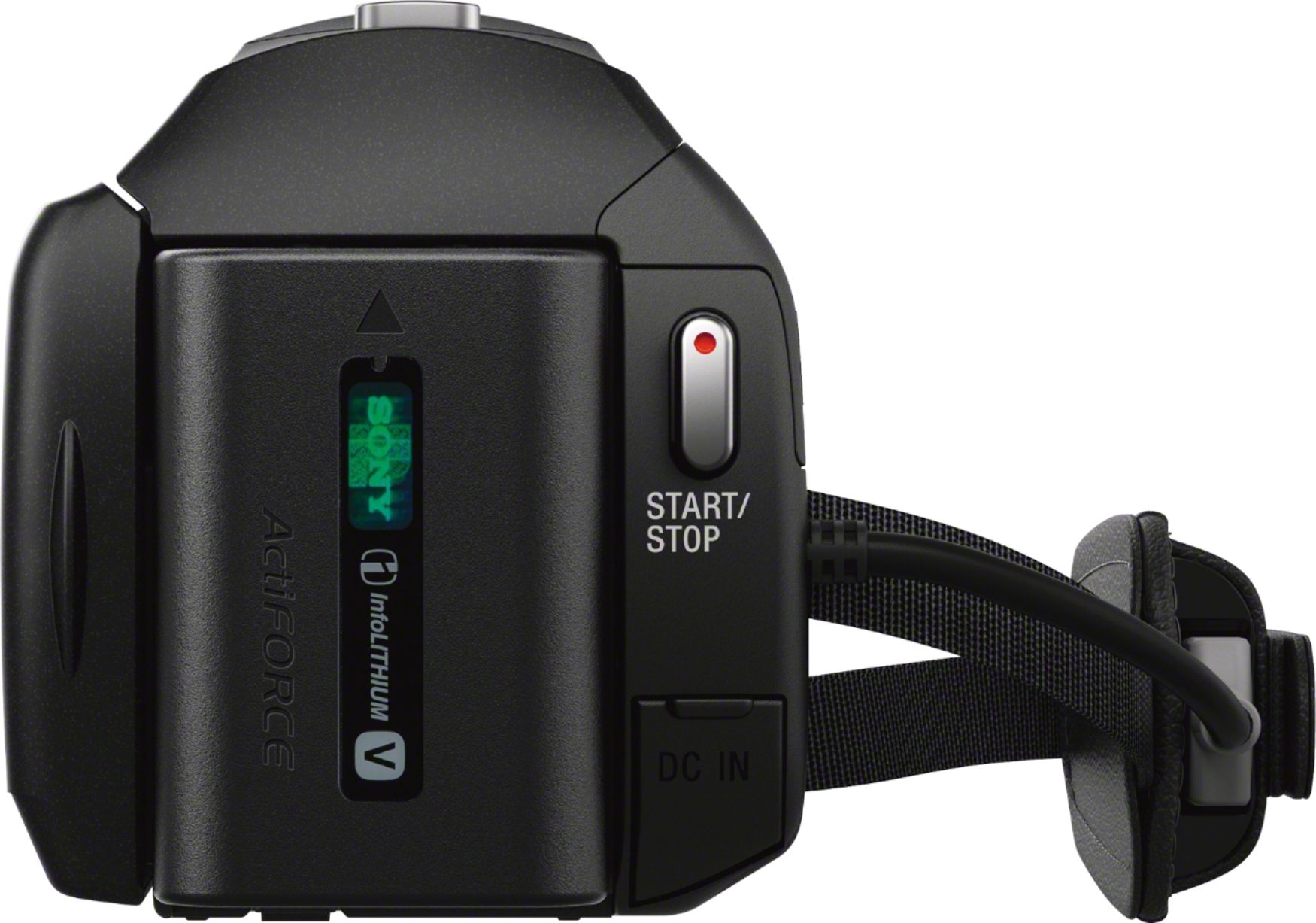
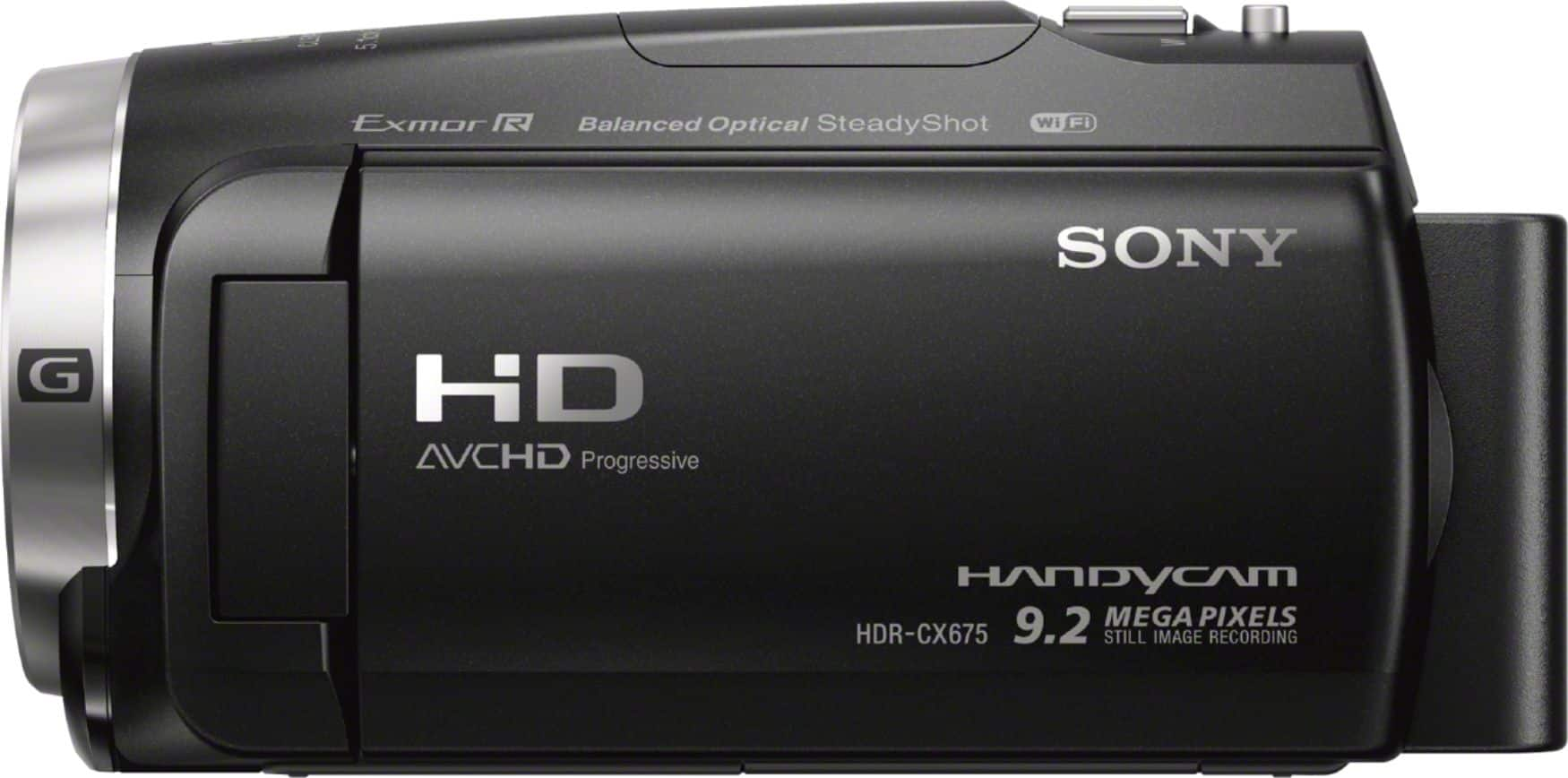
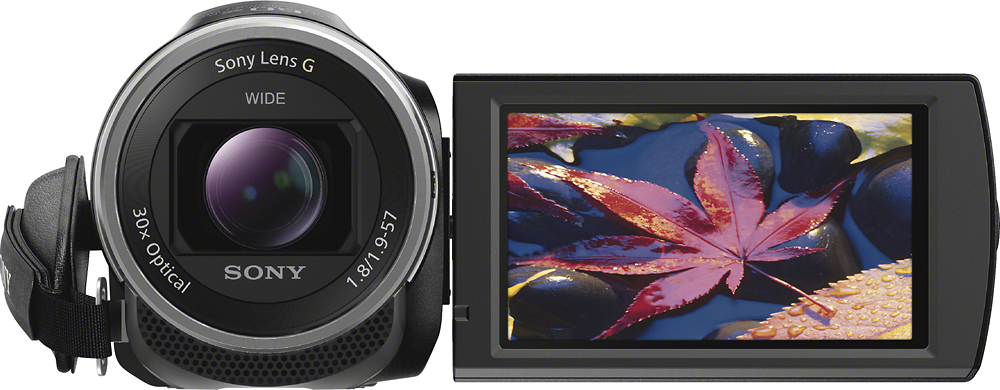
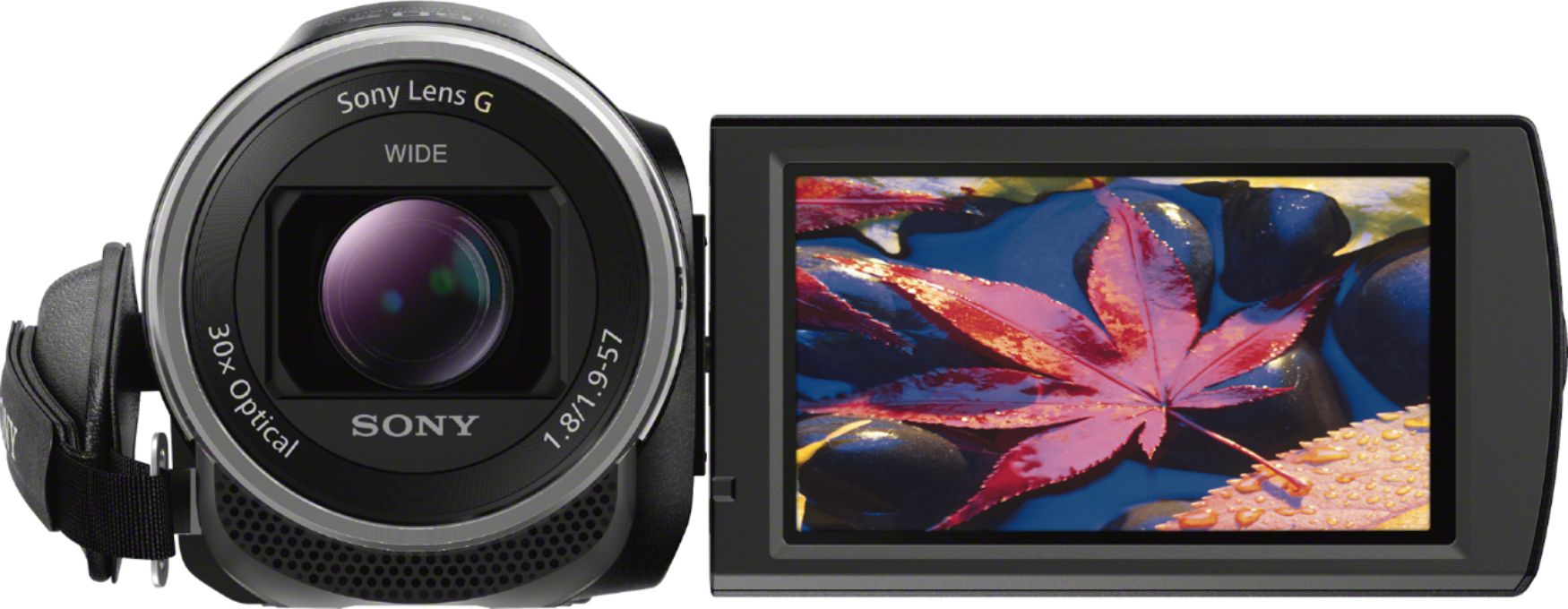
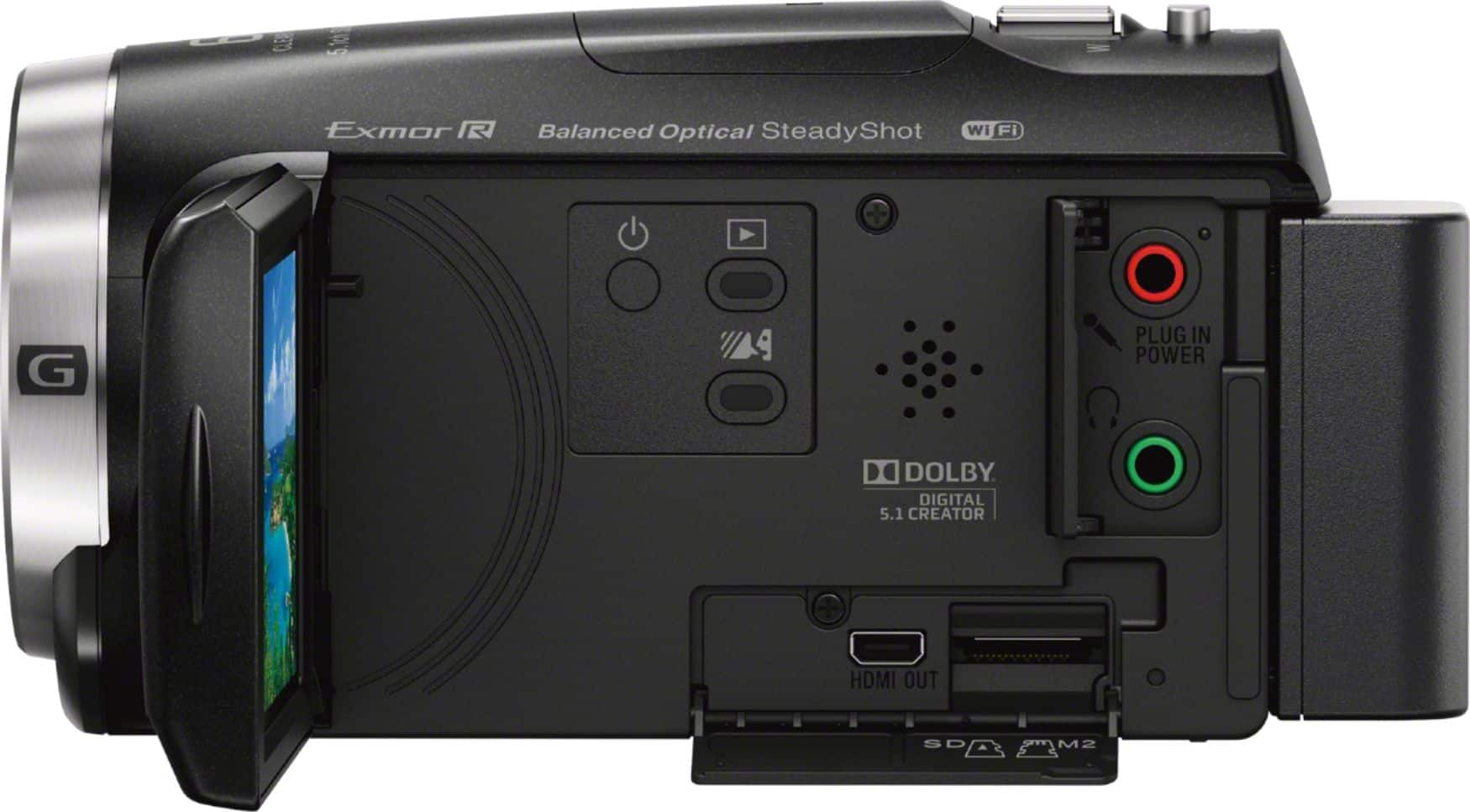
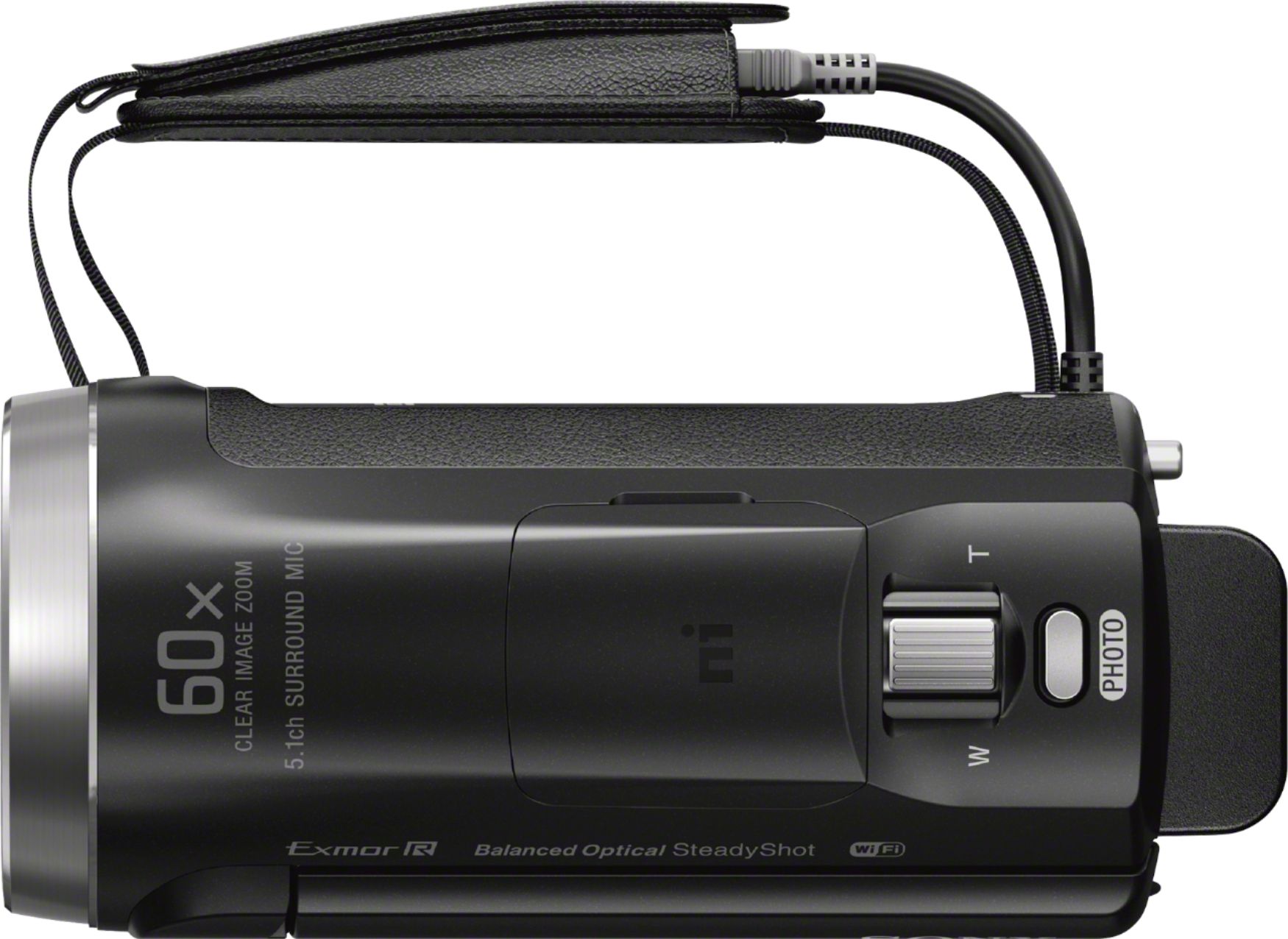
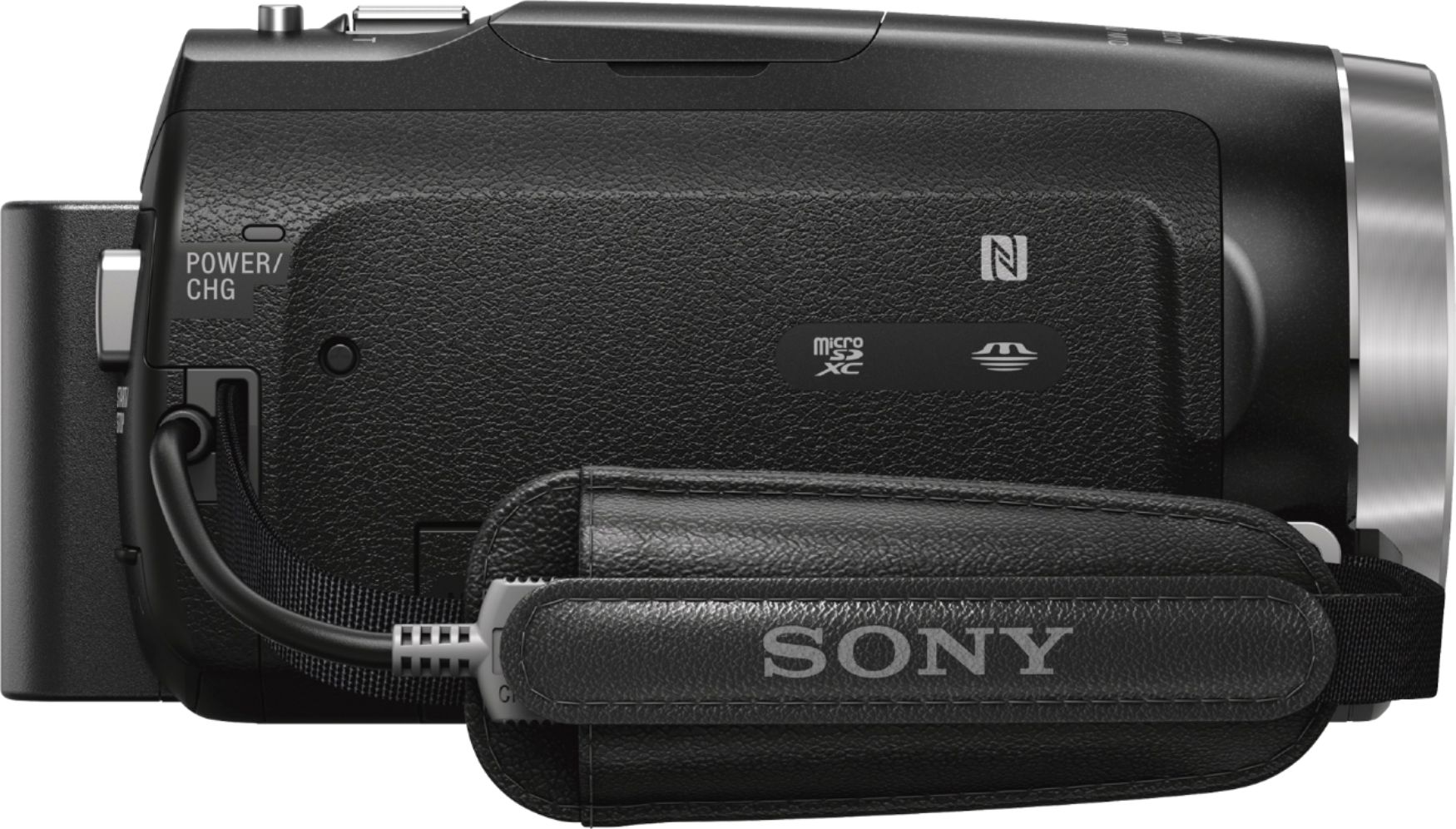
A:AnswerIt's quite simple to transfer the video files to your computer hard drive using a USB cable. You can then edit the files using video editing software and use your computer to create a DVD to play in a DVD player. There is an HDMI cable so you can watch the video footage by directly connecting the camera to a TV.
A:AnswerSony makes a gunzoom mike (ECM-GZ1M) that attaches to the hot shoe. It's both powered by the shoe and carries the sound connection-- no cable required.
A:AnswerHi Eman, the camera comes with an AC adapter and USB support cable which you can then attach to the built-in USB cable to supply power to the camera or charge the battery. Thanks_Mitch
A:AnswerHi Tiger, yes, you can. You can use the built-in USB cable or insert the card directly to your computer's SD slot to import the files. Thanks_Mitch
A:AnswerI have not used the Wifi feature. I purchased it to do some livestreaming at my church. With our setup I needed a direct connection to do it. So I purchased a connector that links my camera and laptop. Using this we have been able to livestream every week.
A:AnswerHi jerryf, you can use memory cards from other brands, but we recommend Sony memory cards to ensure compatibility and quality. You can only use microSD, microSDHC, and microSDXC cards (Capacity of 4 GB or more) with this camera. Thanks, -Mark
A:AnswerHi Minh, yes the camcorder can take photos. Please follow the link for more info : https://helpguide.sony.net/cam/1610/v1/en/contents/TP0000933191.html?search=photo
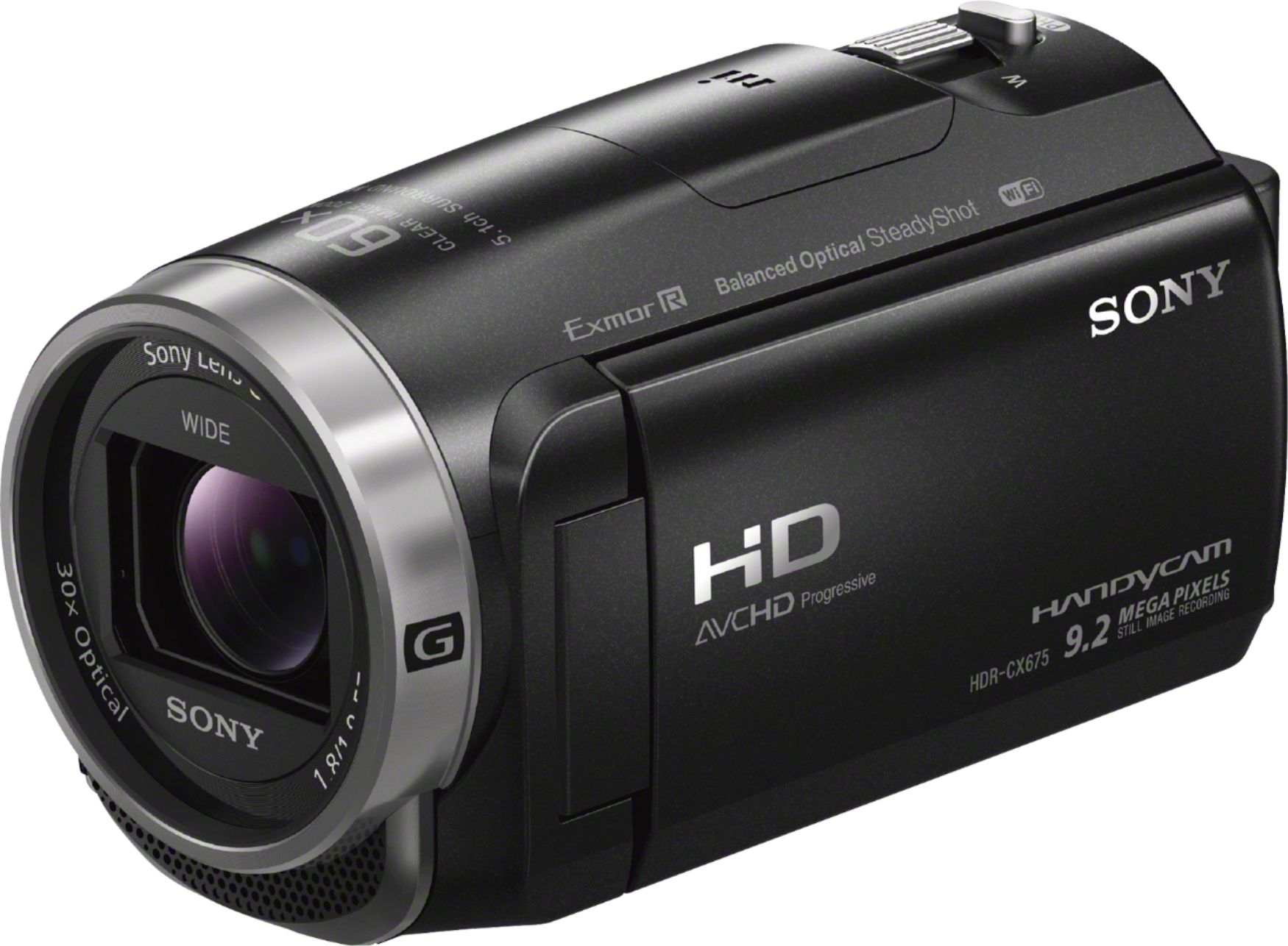
A:AnswerHi Glork, There are three fully compatible wireless microphones for Sony HDR-CX675 that you may want to check out instead. These are ECM-AW3, ECM-AW4, and ECM-GZ1M.
Regards,
Vincent
A:AnswerAX models are 4K resolution cameras. They have almost 4 times better resolution than the cx cameras. They may also cost 4 to 5 times what you paid for your cx.
A:AnswerAre you referring to pausing during playback or during recording? It DOES have a pause button. However, it is only for playback. It cannot pause while recording. You must hit the STOP button to end recording. This will leave you with several smaller files but I believe they can all be spliced together seamlessly with the SONY software through your computer.
A:AnswerSo far one major difference... The 675B allows you to record and view time and date stamp. The 675 only records time and date but it's only available to be viewed via playback. Bummer for me is I purchased the 675 after seeing the 675B at Best Buy solely for the use of that feature, only to learn to my dismay, it's not available on the cx 675
A:AnswerHi, BAZZPRO, They are the same. Check the link below if you need further details:
https://esupport.sony.com/US/p/model-home.pl?mdl=HDRCX675&template_id=1®ion_id=1&tab=manuals#/manualsTab
Thanks,
Vincent