A:Answer Hi hockeydog,
What you can do is to customize your own equalizer. You can raise or lower the levels of specific frequency bands, then store the setting in the memory as [CUSTOM EQ].
1. Press OPTIONS.The options menu appears on the display.
2. Press (up)/ (down) repeatedly to select [CUSTOM EQ], then press (enter).
3. Press (up)/ (down) repeatedly to adjust the equalizer level, then press (enter).
4. Repeat step 3 to adjust the level of other frequency bands. To exit the options menu, press OPTIONS.
To select the custom equalizer setting
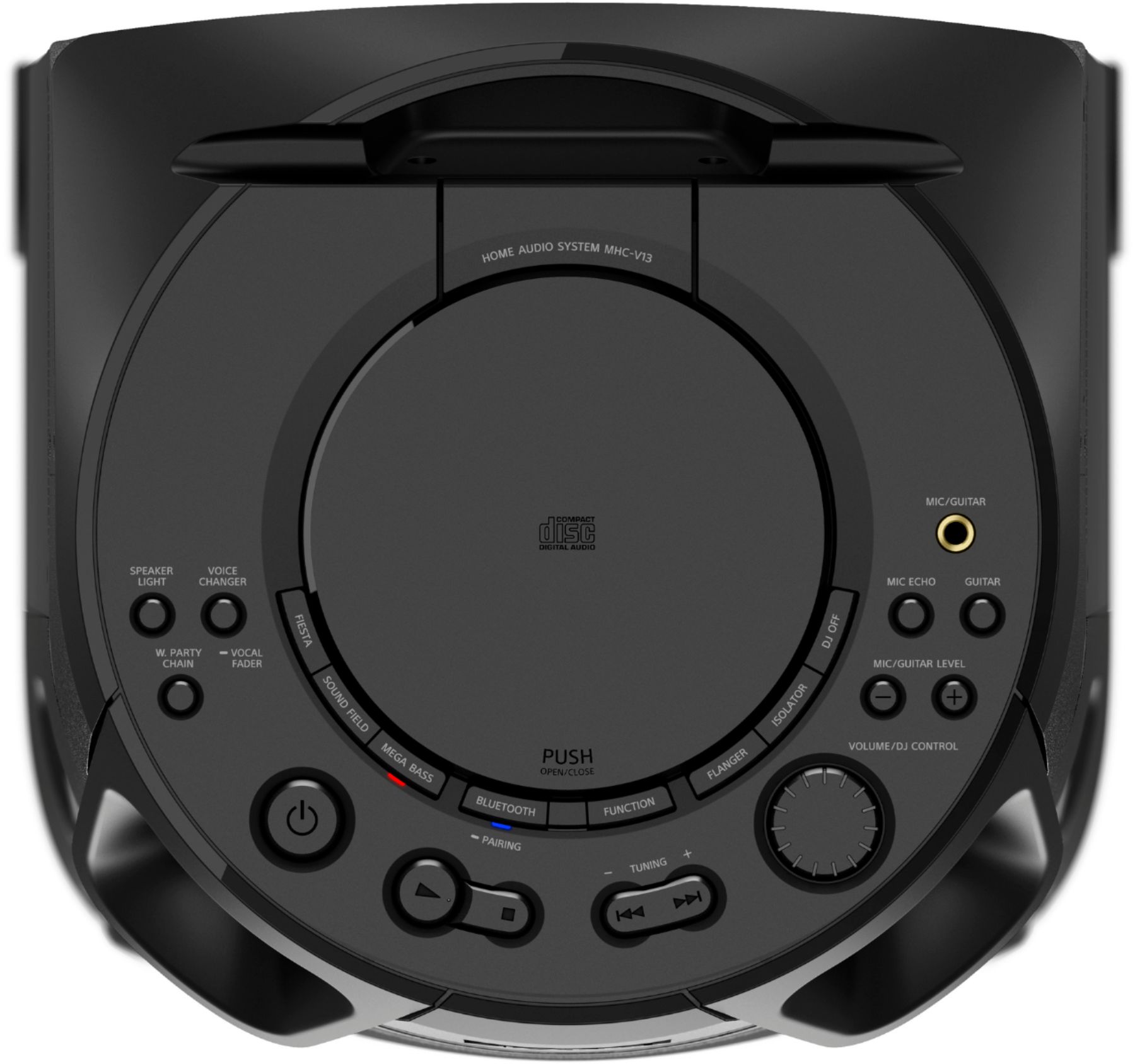
Press SOUND FIELD repeatedly to select [CUSTOM EQ]
Hope this helps!
David