A:AnswerHi there,
Thank you for your inquiry. We apologize, the soundbar does not support a second subwoofer connection even if the subwoofer is for the same product.
Should you need more assistance or information, please email us at socialsupport@am.sony.com
Sincerely,
Romeo
A:AnswerHi CurtTheCowboy,
Thank you so much for your inquiry. The HTZ9F comes with a supplied wall
mounting brackets for wall mounting. We recommend to have the installation done by a Sony dealer or licensed contractor and pay special attention to safety during the installation. You may also find this link helpful https://www.sony.com/electronics/support/res/manuals/4727/d3668cdaf4f83107b52ee9bdb84fa5a0/47275331M.pdf (Pg.29). I hope this helps!
Sincerely,
Romeo
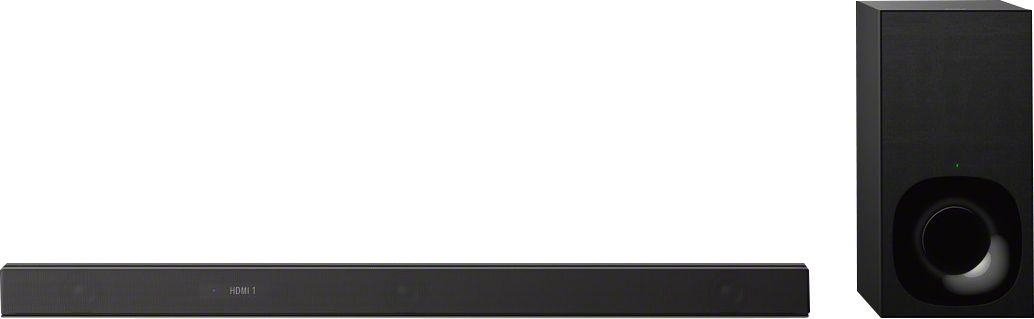
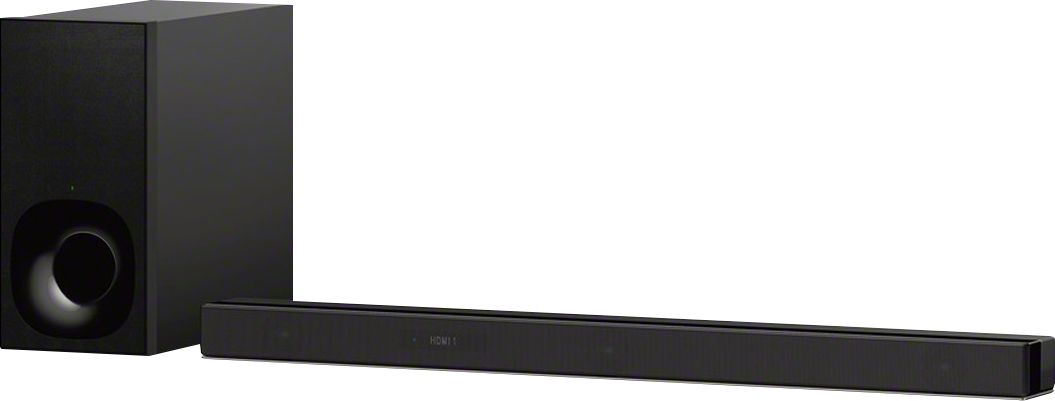
A:AnswerHi Bob, thank you for inquiring about the HTZ9F. Below is the soundbar's measurement.
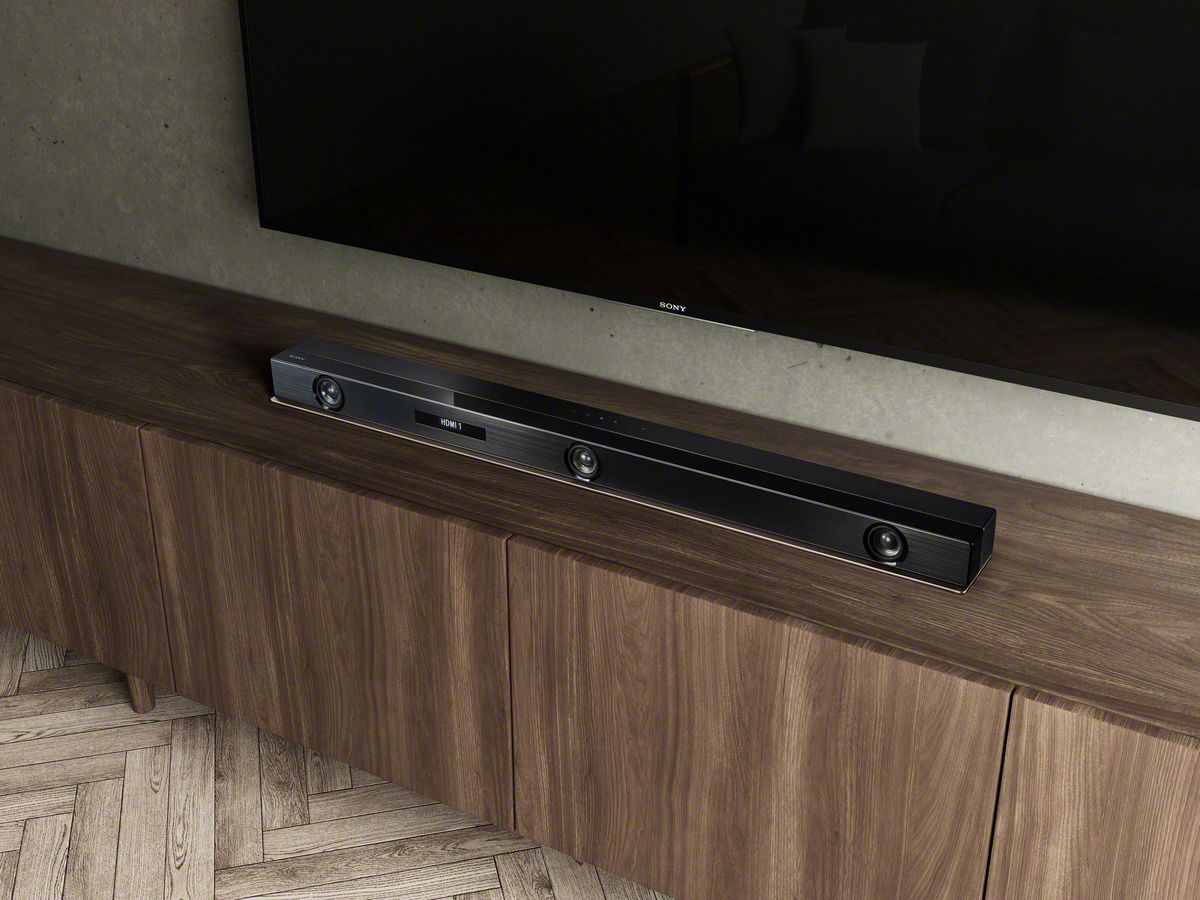
With grille frame - 1000 mm × 64 mm × 99 mm (39 3/8 in × 2 5/8 in × 4 in
Without grille frame - 1000 mm × 64 mm × 98 mm (39 3/8 in × 2 5/8 in × 3 7/8 in
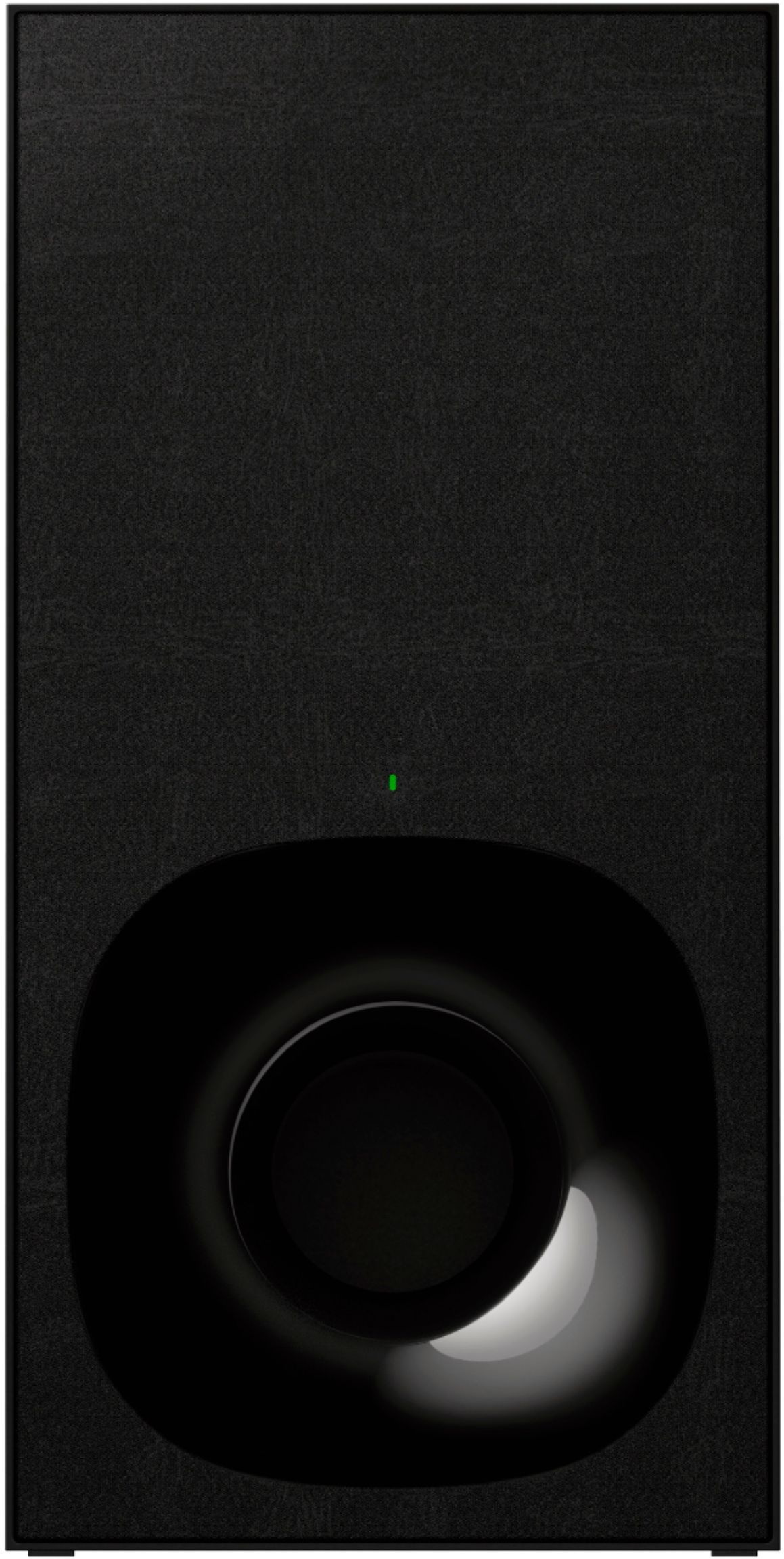
Subwoofer – 190 mm x 382 mm x 386 mm (7.5 in x 15 in x 15.2 in)
Regards,
Erin
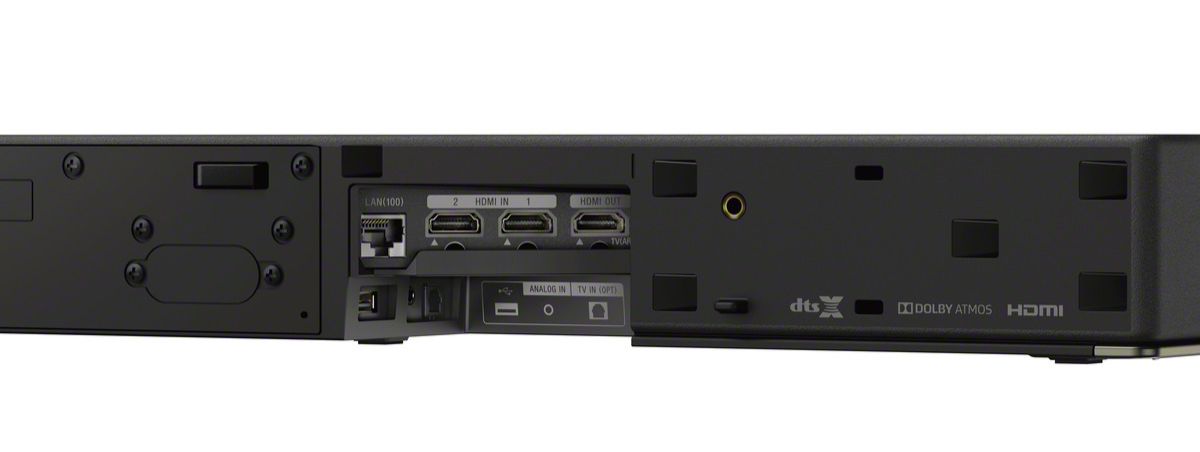
A:AnswerHi Brian, thank you for inquiring about the HT-Z9F and HT-G700. The HT-Z9F has support for WiFi including Google Assistant and Amazon Alexa as well as Hi-Res music playback. Additionally, the HT-Z9F has compatibility with the SA-Z9R rear speaker kit. Both soundbars support eARC and 4K passthrough for great experiences watching TV and movie content. Please note the HT-Z9F has 2 HDMI inputs while the HT-G700 has 1. Should you need to view more details of specifications on each product, you can see them at the following link :
https://www.sony.com/electronics/home-theater/t/sound-bars?view=compare
Sincerely,
Erin
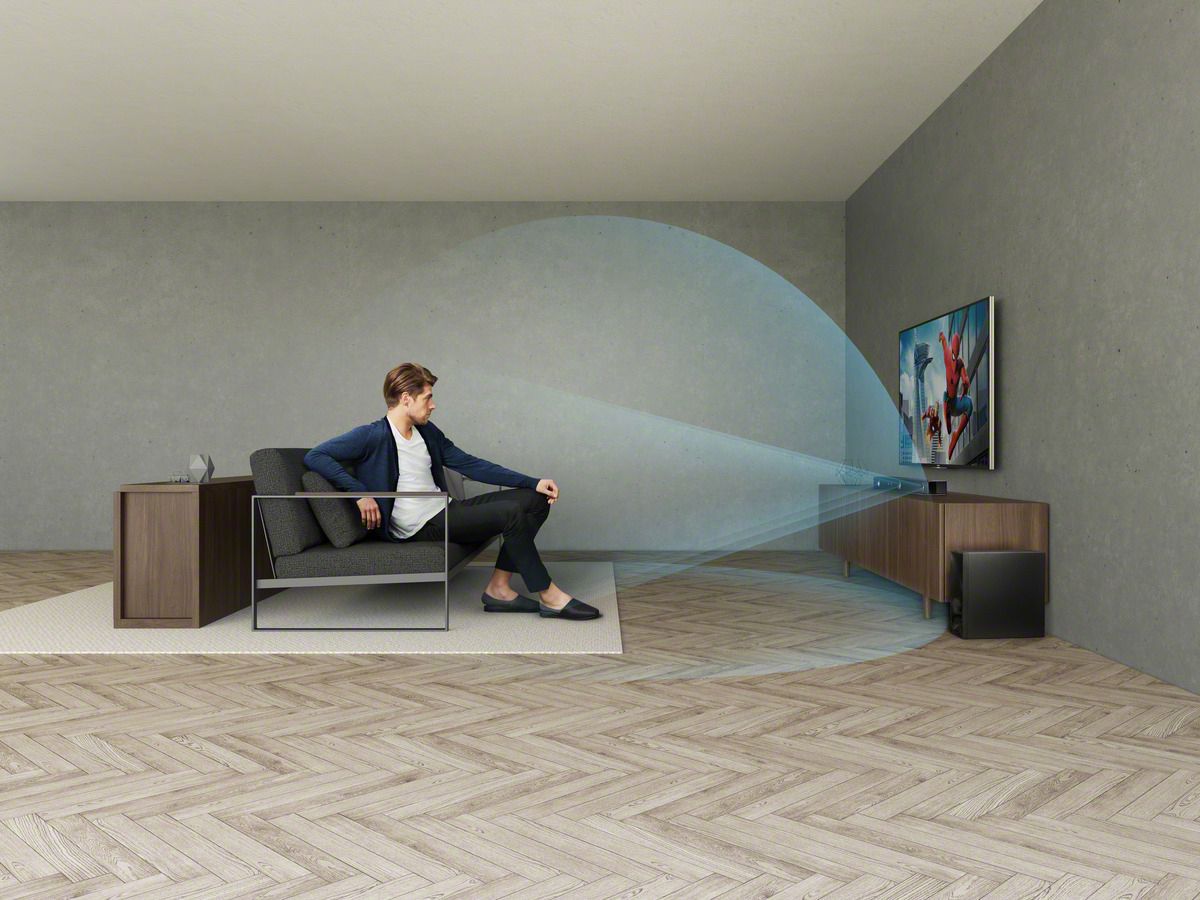
A:AnswerHi Oby, The HTZ9F soundbar wirelessly connects to the subwoofer, although it does have features in the onscreen GUI to assist in improving the subwoofer connection. However, if your preference is for a wired solution, Sony does offer a variety of AV Receivers instead. -Sam
A:AnswerHi Millzo, We regret to hear about this. Please try to perform a factory reset to resolve this issue. Ref:
https://www.sony.com/electronics/support/res/manuals/4727/d3668cdaf4f83107b52ee9bdb84fa5a0/47275331M.pdf (page 78). After resetting the unit, please re-link the subwoofer to your soundbar. Ref: https://www.sony.com/electronics/support/res/manuals/4727/d3668cdaf4f83107b52ee9bdb84fa5a0/47275331M.pdf If you are unable to resolve your concern, please email us at socialsupport@am.sony.com with the following details:
Name:
Bestbuy Username:
Model Number:
Issue:
Telephone Number:
Sincerely,
Sam
A:AnswerHi Echi, Unfortunately, there is no treble adjustment option on this unit. However, you can choose from one of the pre-configured sound mode options on this unit. Ref: https://www.sony.com/electronics/support/res/manuals/4727/d3668cdaf4f83107b52ee9bdb84fa5a0/47275331M.pdf (page 49) -Sam
A:AnswerHi Doug,
We regret to hear that it's not living up to your expectations. We would like to know more about the issue and help you out. Please send us an email at socialsupport@am.sony.com.
~Ralph
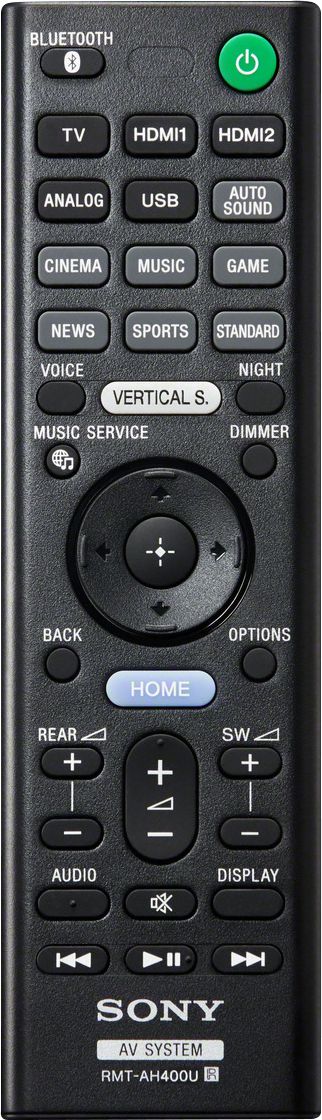
A:AnswerI don't recall a specific setting to get the remote from my Sony Bravia TV to work with the Soundbar. It worked straight from the box for me because I connected it through the HDMI ARC input. I actually didn't even put the batteries into the Soundbar remote until after I had finished setting it up.
A:AnswerNeed to see if your TV has eArc input. Also need to make sure that you are using HDMI 3.1 cables. Cheaper cables aren't able to carry the speed needed to work properly.