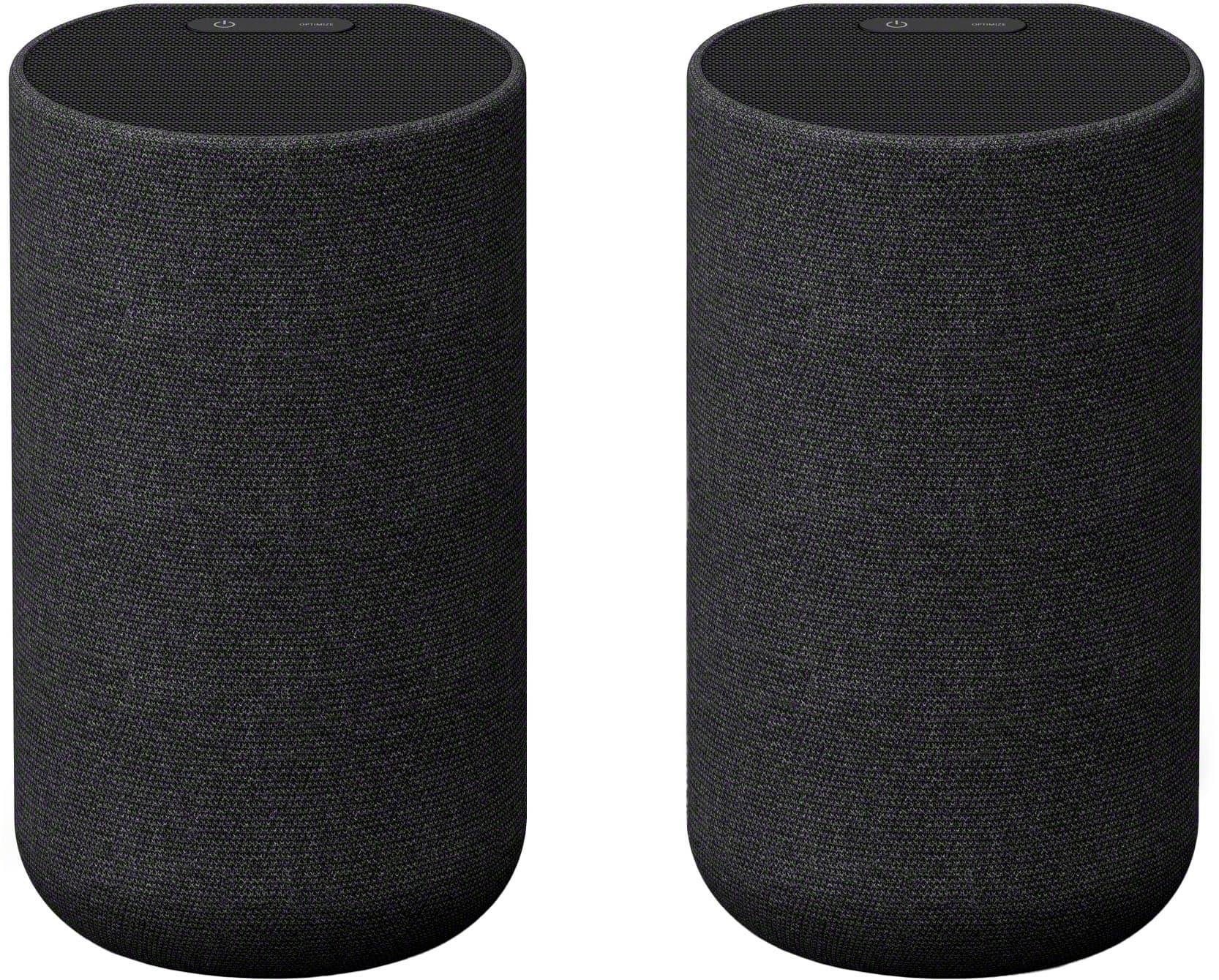
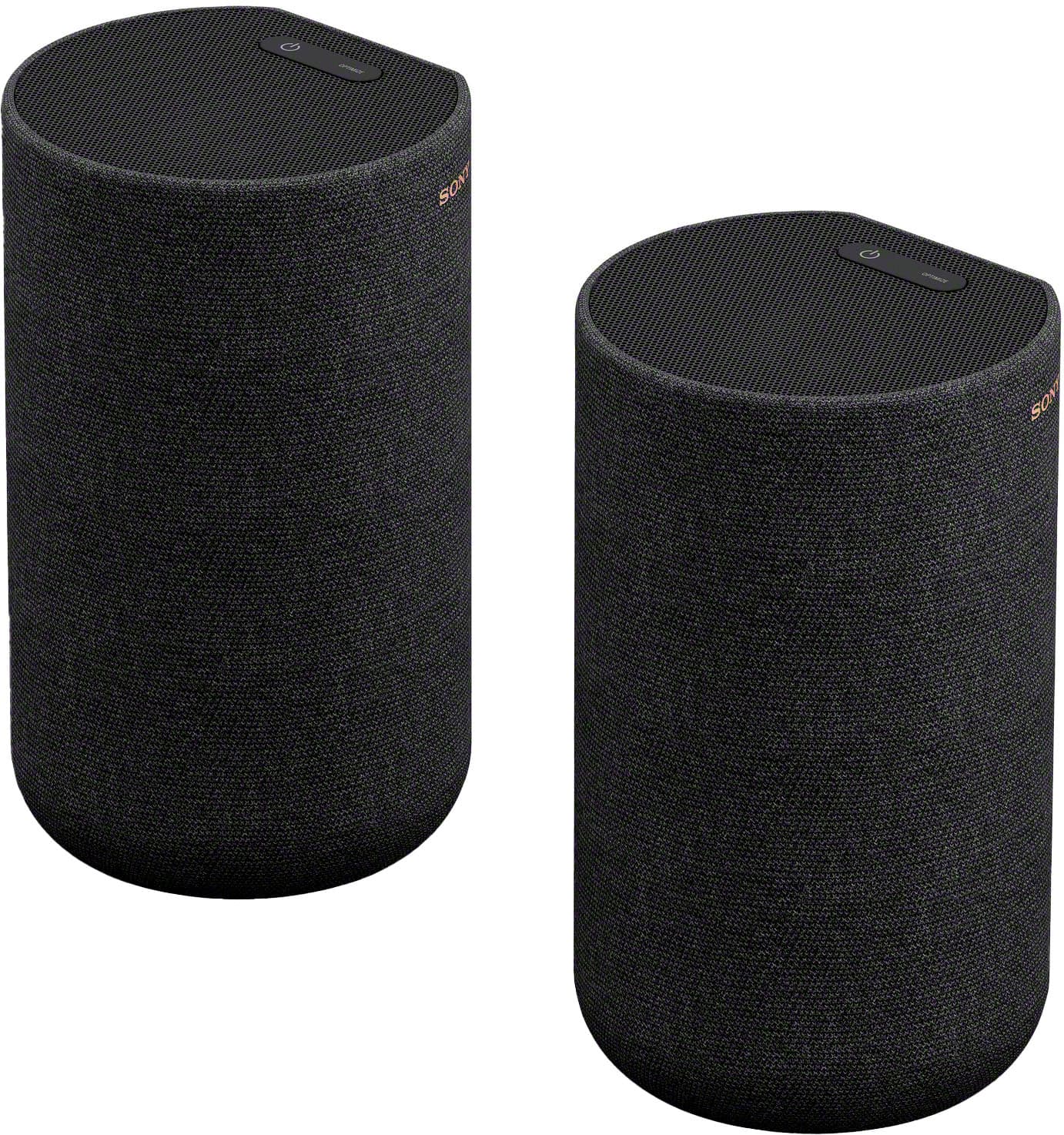
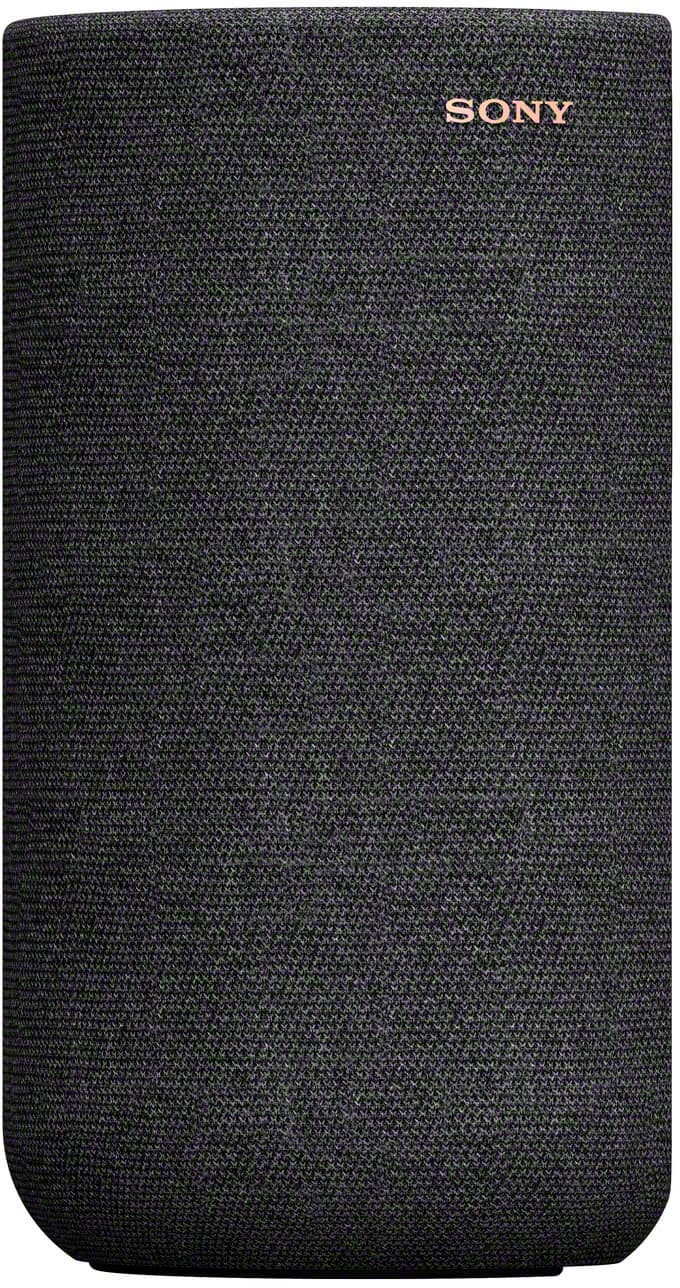
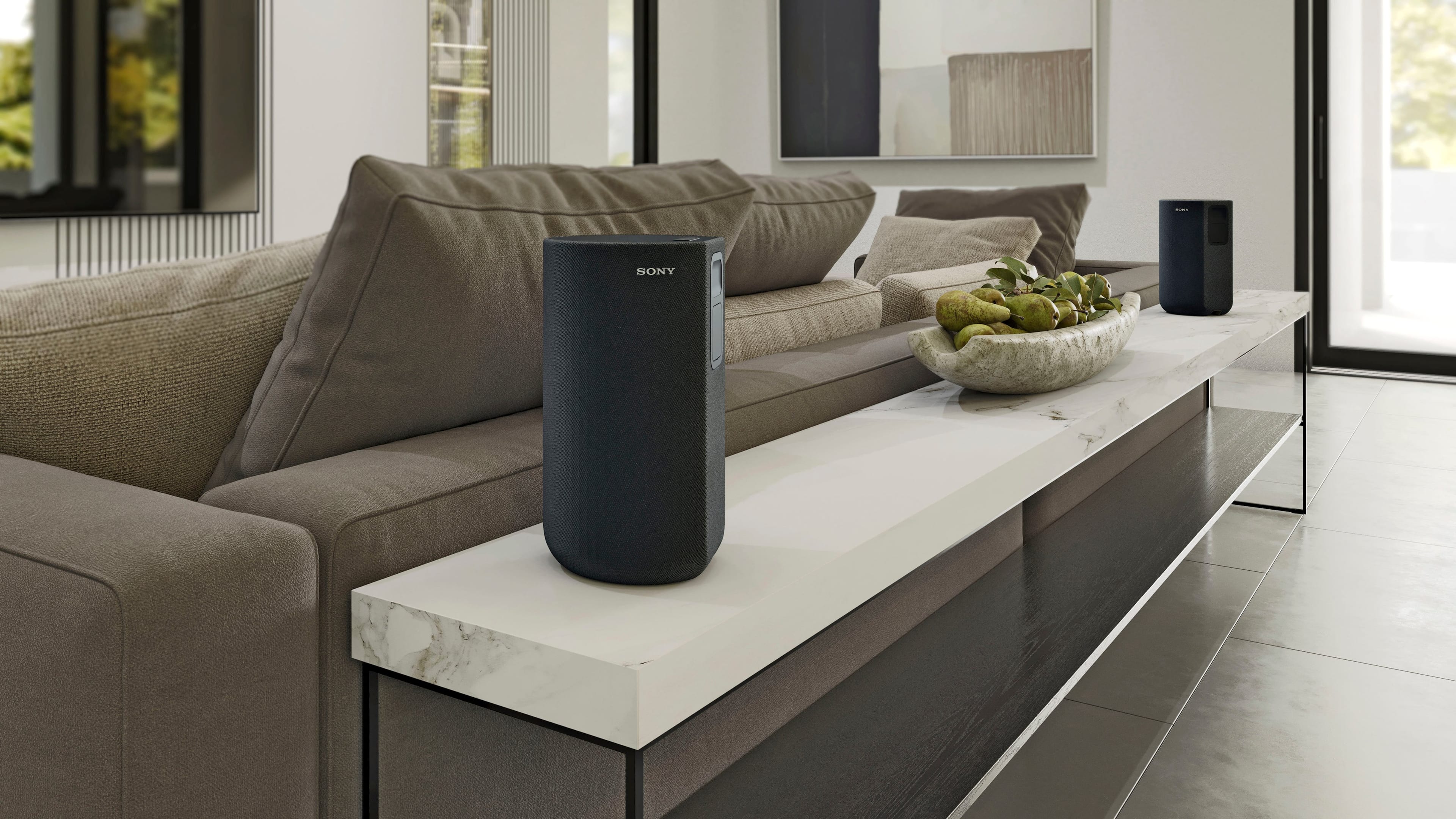
A:AnswerCompatible devices directly @ Bluetooth (ES AVRs and soundbar) ***no TV required*** only with the compatible devices (can't be used as a standalone unit)
____
Soundbar is linked to these speakers (also subwoofer if wanted) ***you just need an audio source*** (minimum @ Sony music center APP)
A:AnswerOnly way possible is to pair to a compatible soundbar (just sing Bluetooth transmitter = AVR speakers won't work @ unless zone 2/3 setup)
____
Uses 4 channels (left, right = matching Atmos/height)
____
https://sonypremiumhome.com/mobile/compare-receivers.php
Matching subwoofers (are Mono Only = not stereo but capable of pairing 2)
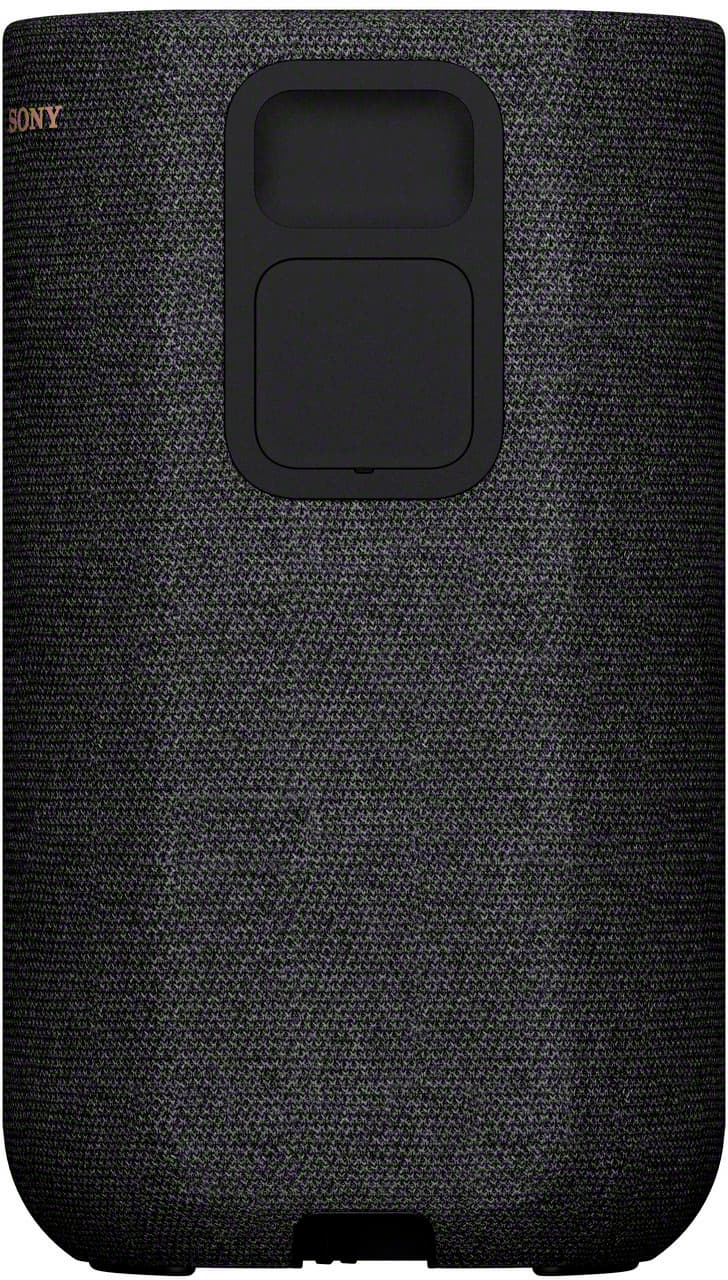
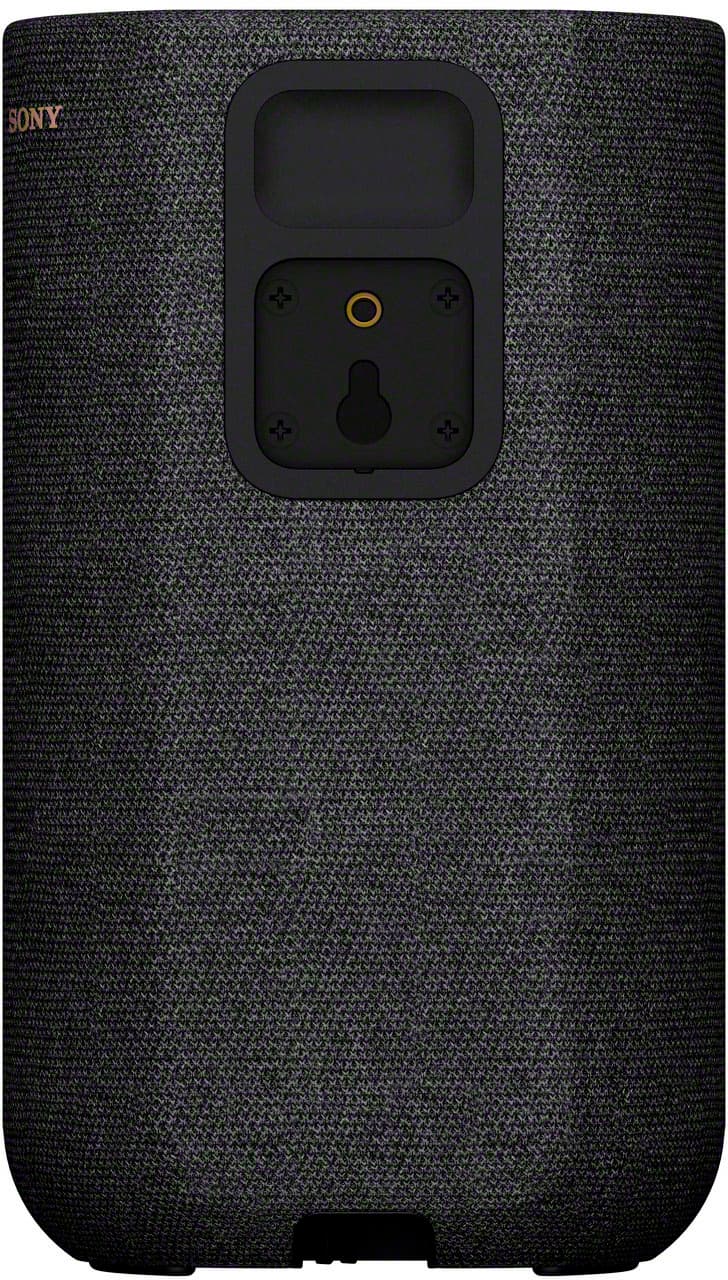
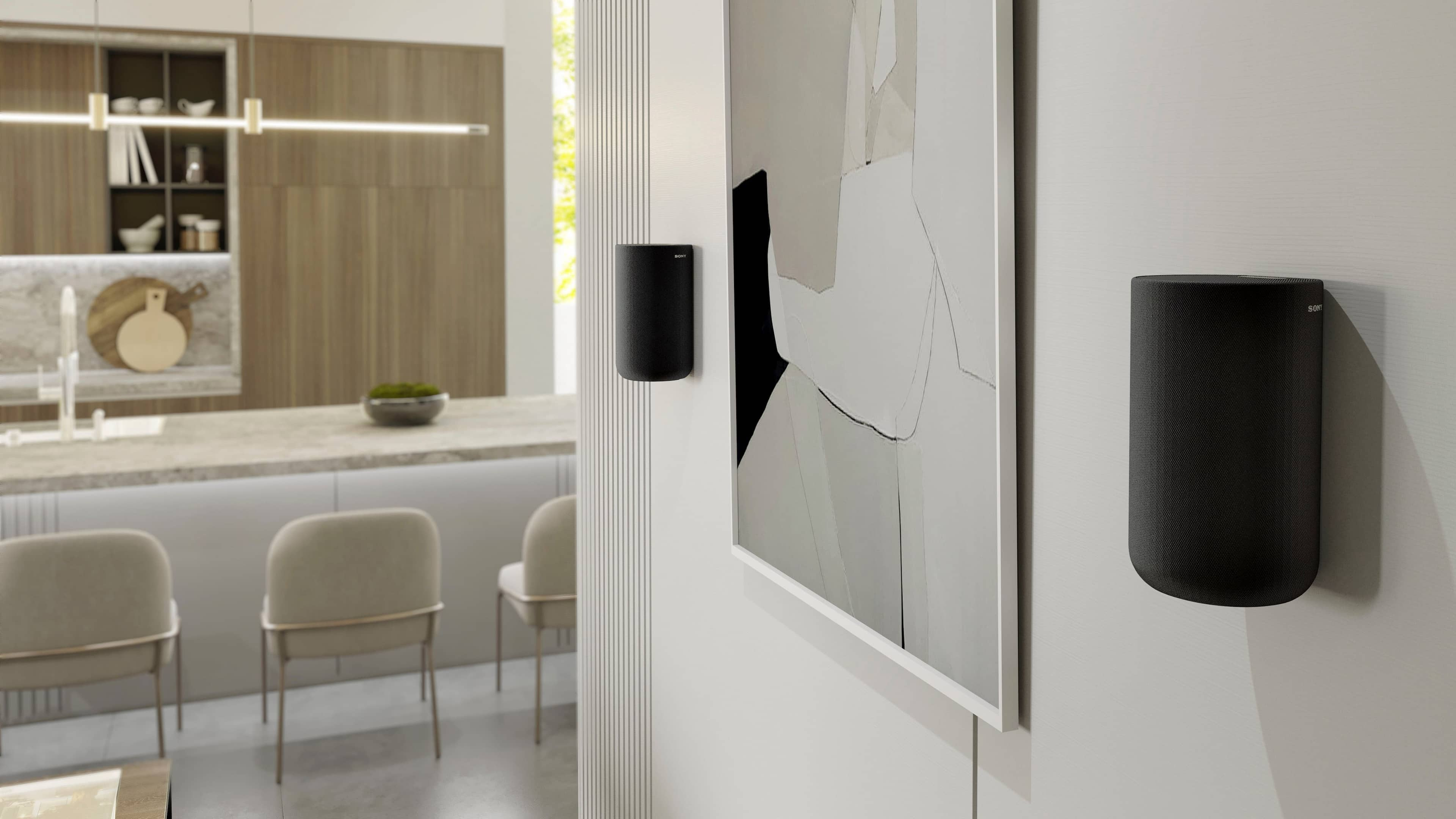
A:AnswerSony does not appear to manufacture one specifically. The instructions simply state to use a screw to mount. Best Buy does sell universal mounts that should work.
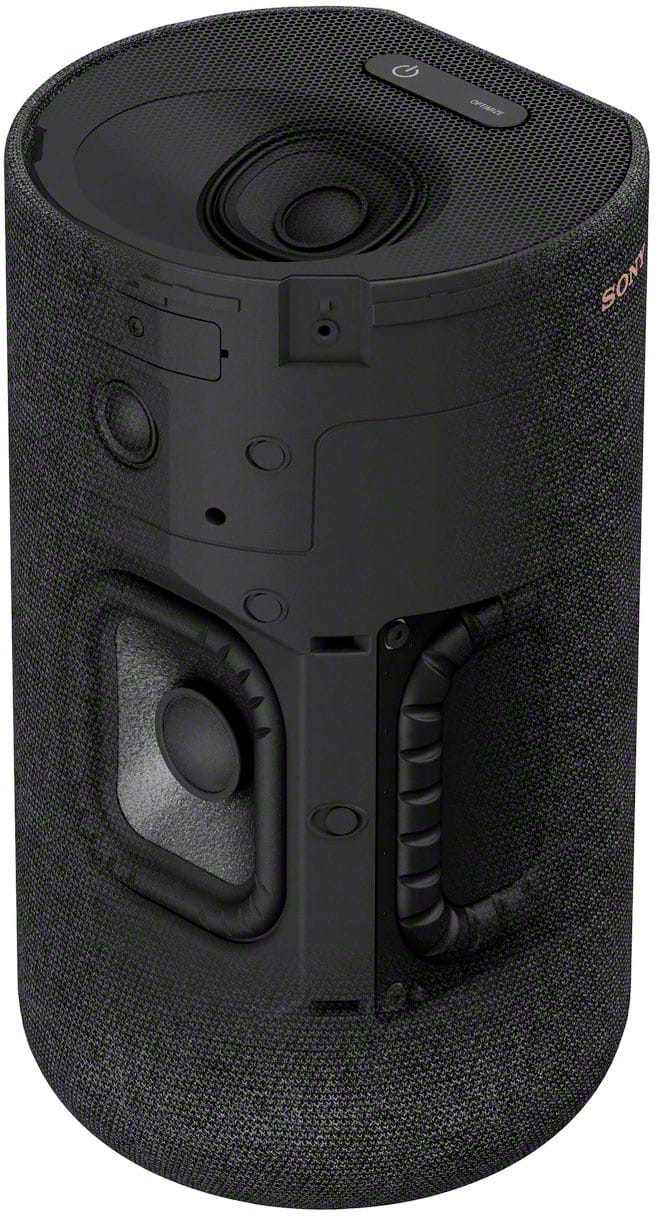
A:AnswerNo. They don't have any speaker cable connections at all. They only connect wirelessly. You could possibly open them up and figure out a way to hardwire, but itprobably would not get the right audio signals for the rear and rear up sound.
A:AnswerI wondered the same, I bought them once I found out it was for the pair. The box has L and R rear speakers. Happy audiophile here once I found out.
A:AnswerI removed and wireless house phones and wireless receivers that had any type of GHz frequency and this solved the disconnect issue. Now if your sound bar goes into sleep mode form not being used or long pauses, then you will see the message pop up on your tv screen (L or R rear speaker disconnected) that’s normal. If you see it all of the time while the soundbar is on, then something is blocking your signal.