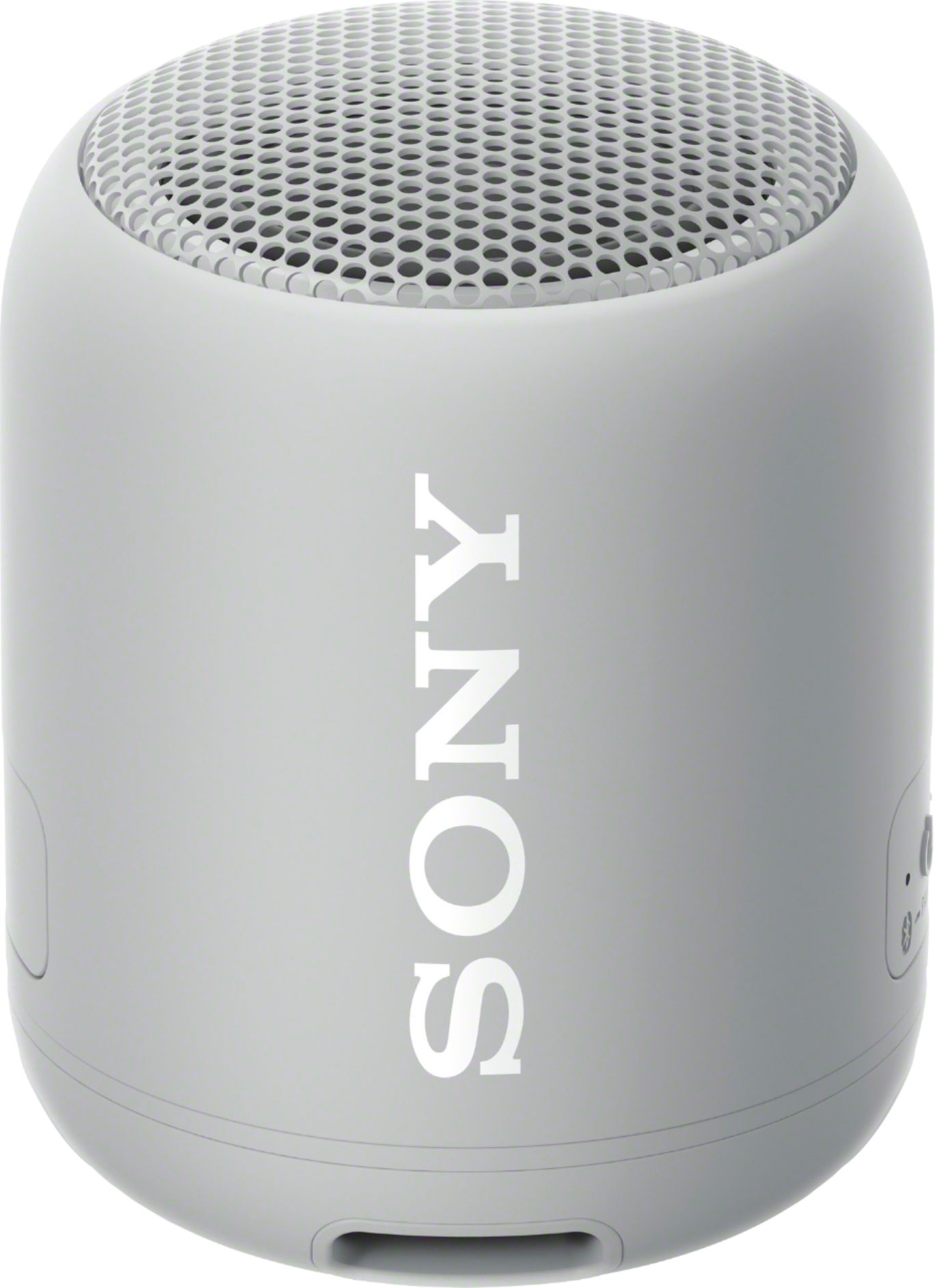
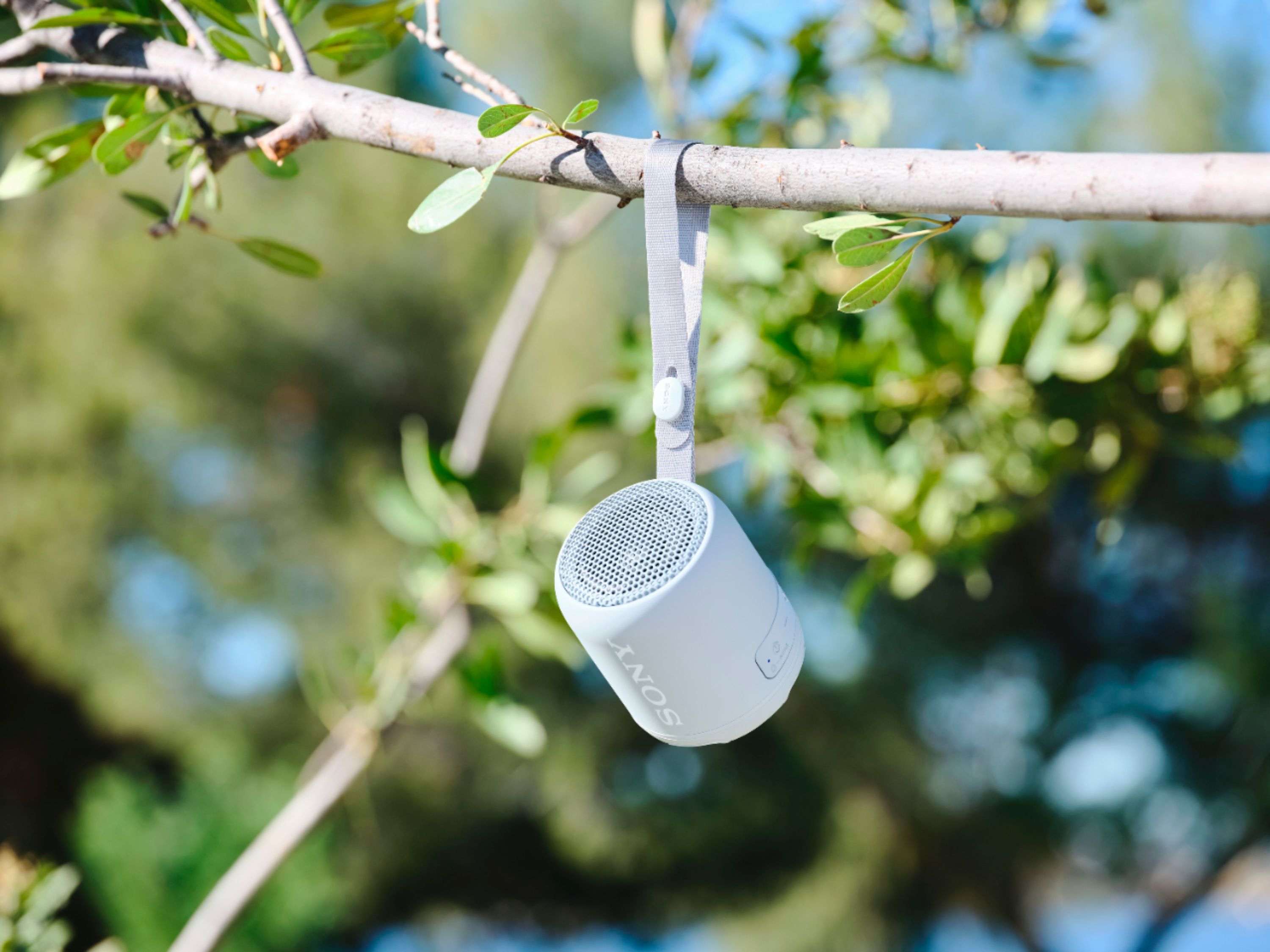
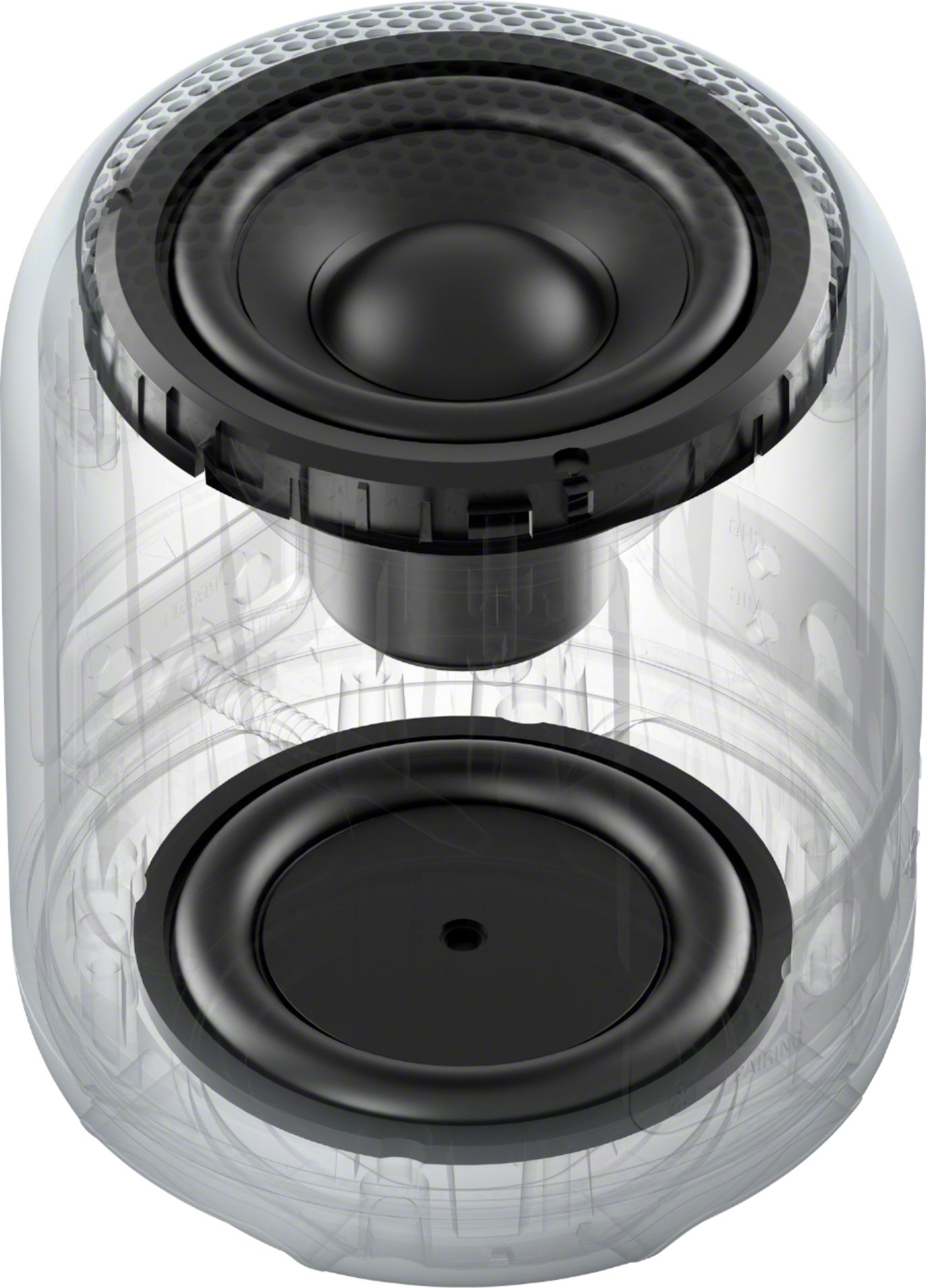
A:AnswerThis device works with any Bluetooth enabled device. I thought it being so small it wouldn’t sound much but man does this punch a great sound and bass. This could be a great beach speaker or workout speaker by yourself or with others or in your room. Put it on a table and the bass sounds crazy good!
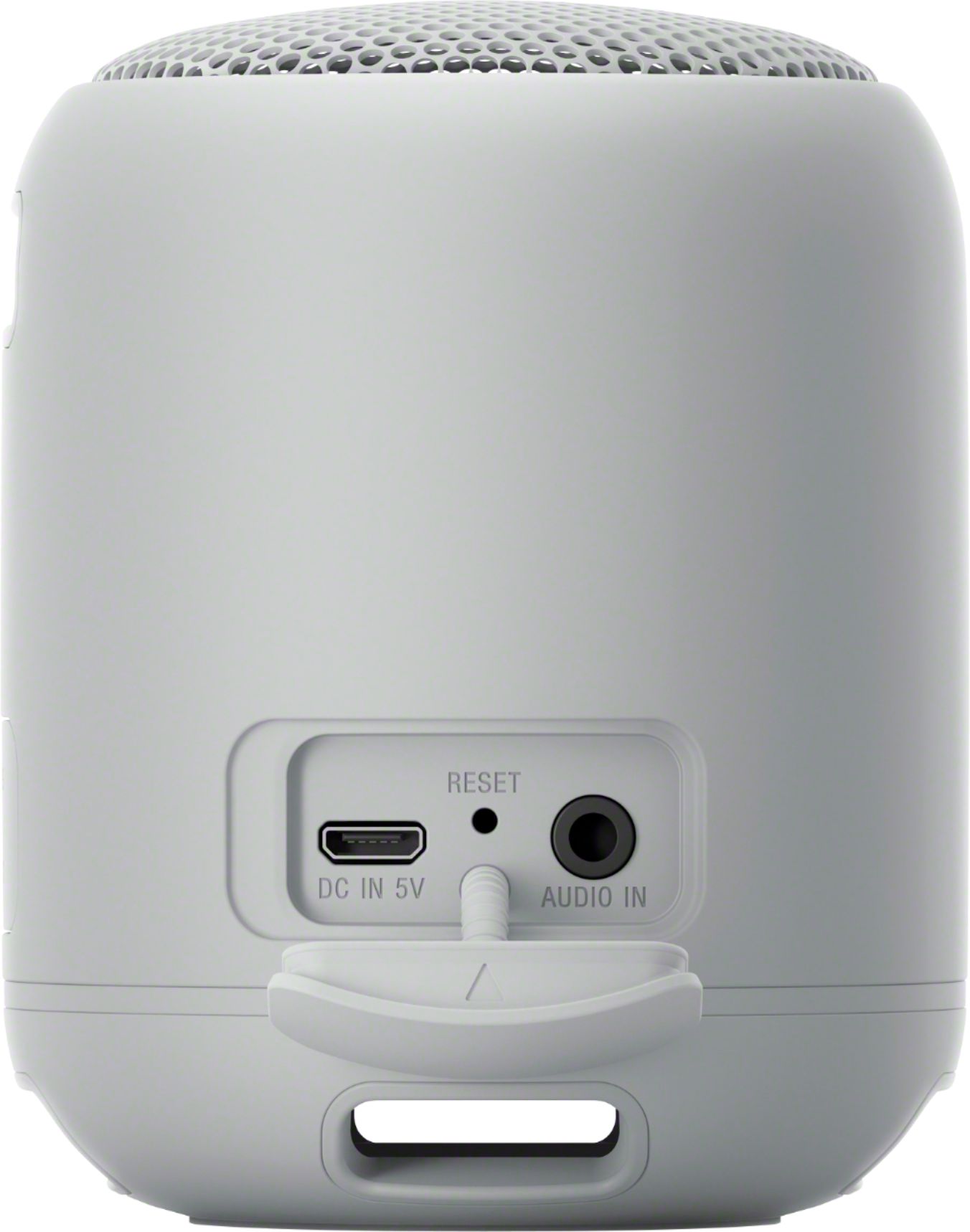
A:AnswerHi Explorer, Thanks for your inquiry. Unfortunately, you cannot turn off the Bluetooth function of the speaker. However, if you connect an audio cable to the AUDIO IN jack, the output from the device connected to the AUDIO IN jack has priority, and you will not hear the sound from the Bluetooth device. Hope this helps! -Sam
A:AnswerHi 5555, Thank you for sharing your feedback on your SRSXB12. We value your opinion and we would like to apologize if our volume level of the XB12 did not meet your expectations.
When you use the speaker at a loud volume for a long time, the built-in battery may run low even if the speaker is connected to an AC outlet or a booted computer. As a result, sound becomes low. To achieve the full volume, please make sure to charge the built-in battery sufficiently.
I would also suggest checking out our latest wireless Bluetooth speaker models, such as the SRSXB41, SRSXB23, SRSXB33, and SRSXB43. Hope this helps and thank you for choosing Sony! -Sam
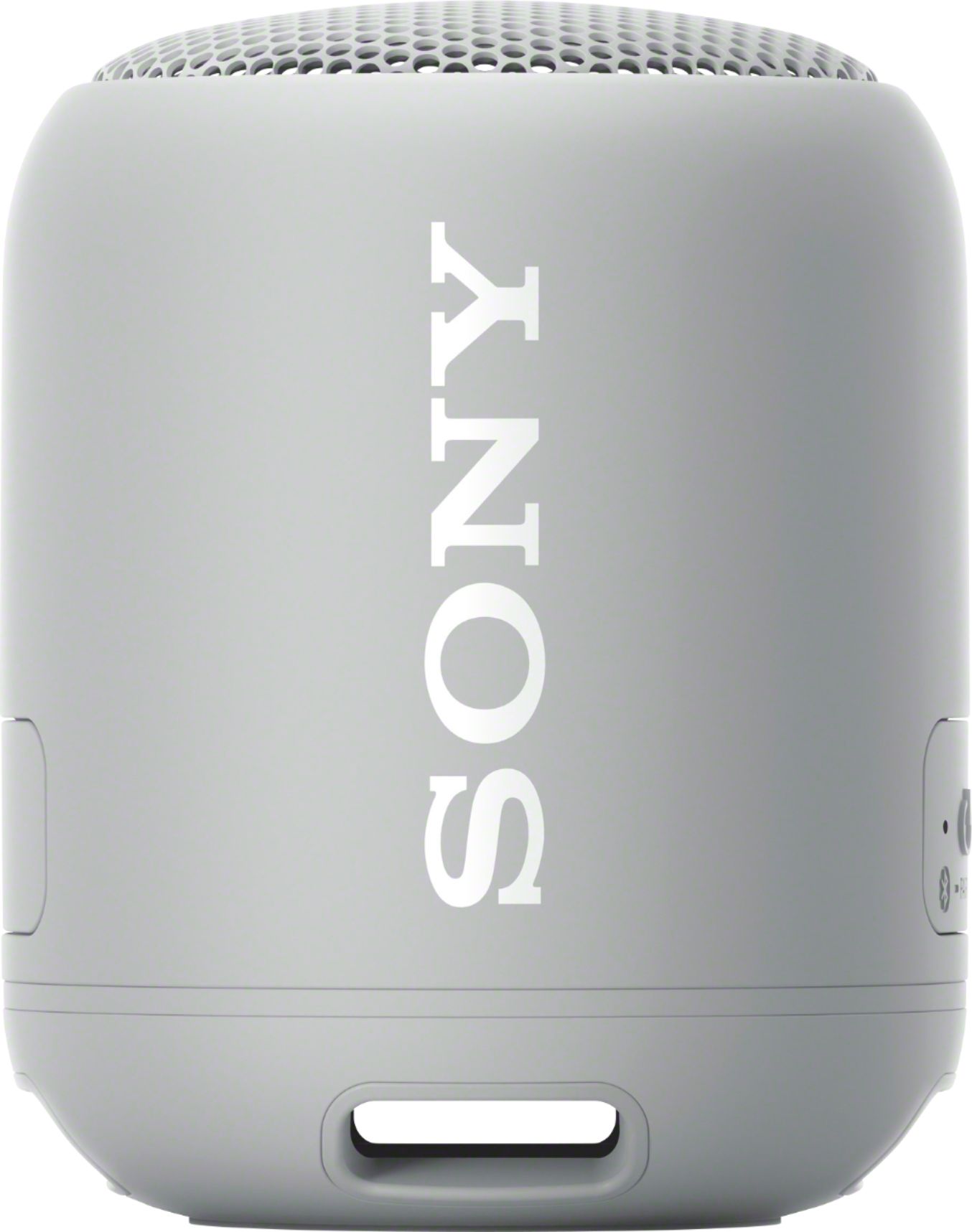
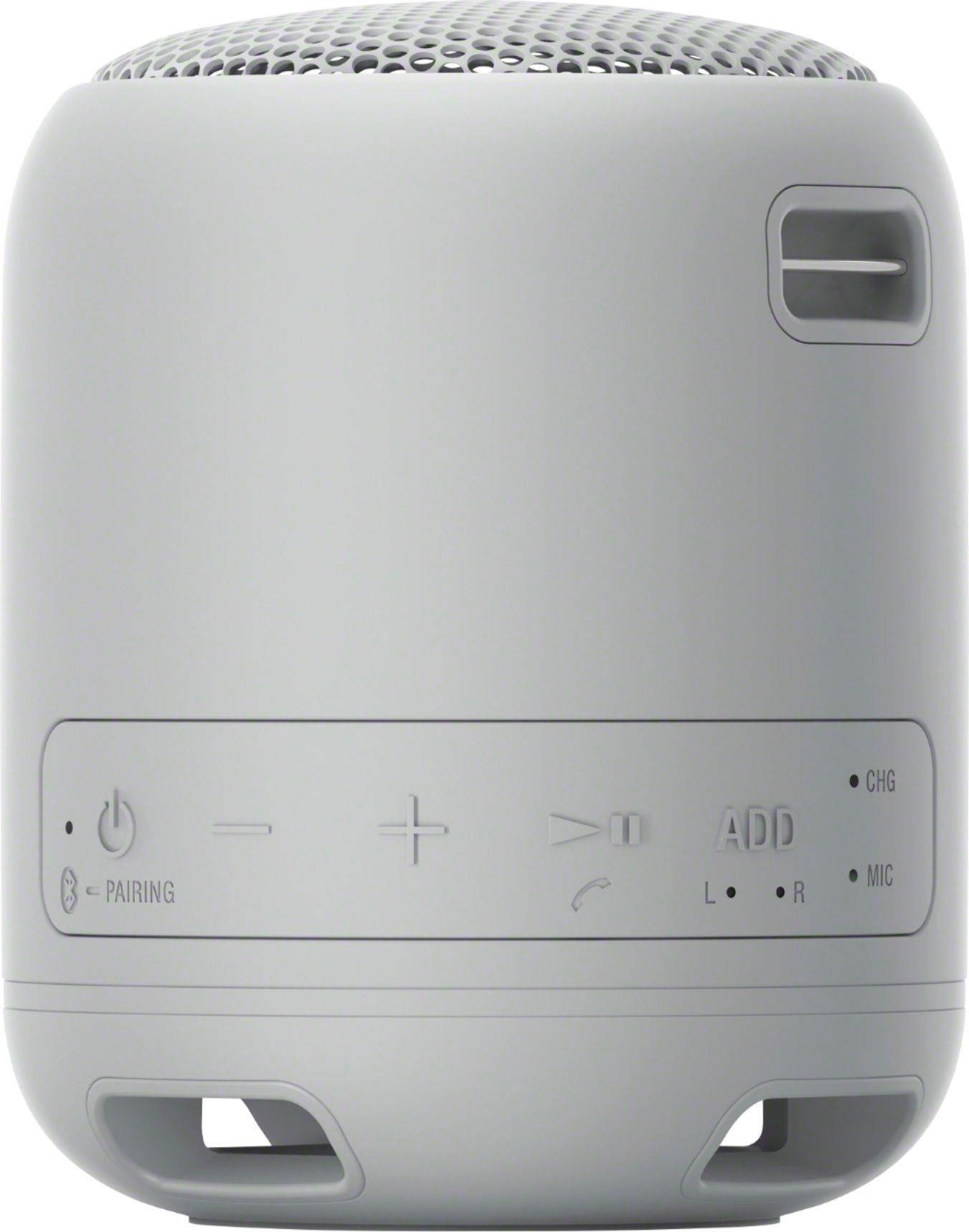
A:AnswerHi Sonyspeakers, Thank you for your inquiry. Unfortunately, you can only pair the SRSXB12 to another SRSXB12 using the Speaker Add function. -Sam
A:AnswerYou might check to see if the unit is trying to pair with whatever device you are using it with. It maybe you have not paired it or it lost its pairing with your device.
Please copy and paste the web site link into a new browser page and save the guide on your computer or print it out.
https://helpguide.sony.net/speaker/srs-xb12/v1/en/contents/TP0002133444.html
I am sure it will help you to resolve your issues.
A:AnswerPlease refer to the url below for the Sony Guide for the Sony SRS-XB12. This guide covers everything you will need to know about your device, not just the charging but everything and more beyond.
Copy and paste the web site link into a new browser page on your computer and review it. You can also save the link into your favorites to view later on.
https://helpguide.sony.net/speaker/srs-xb12/v1/en/contents/TP0002133440.html
Hope this helps you.