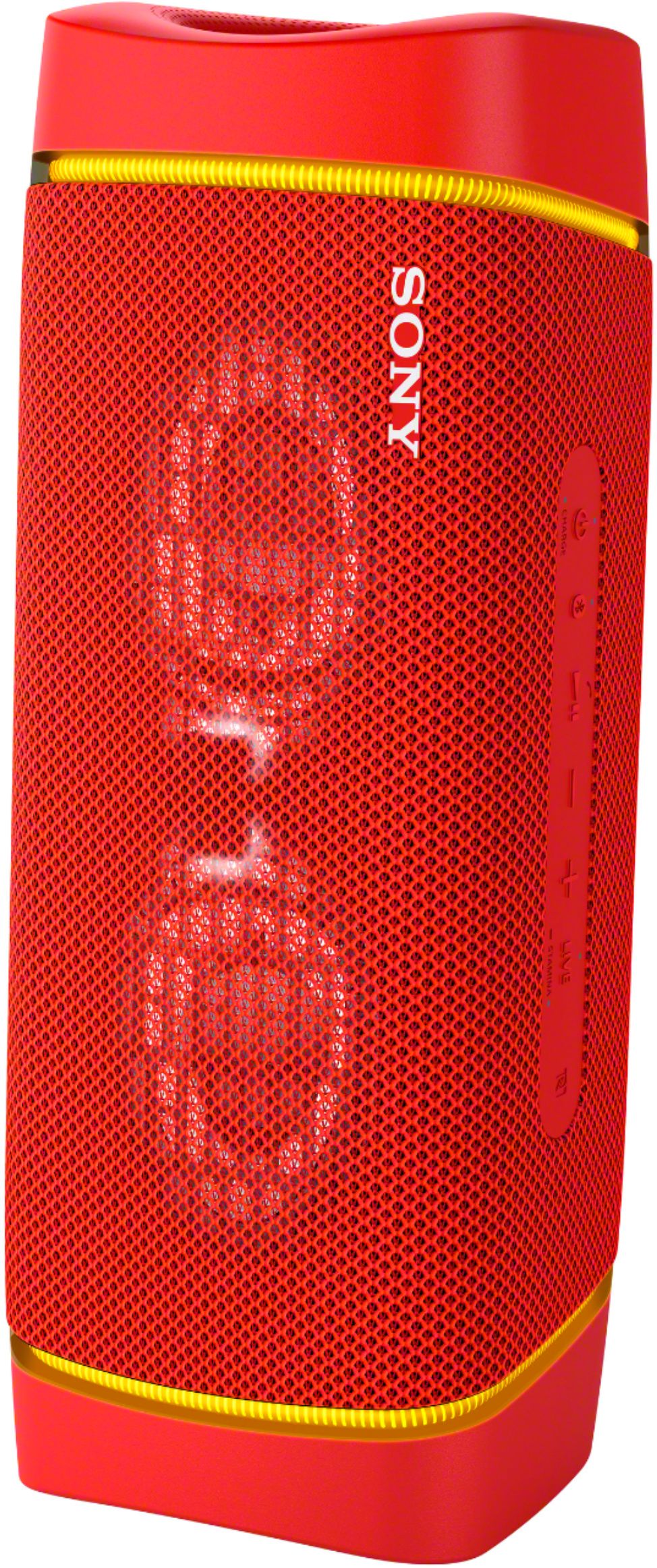
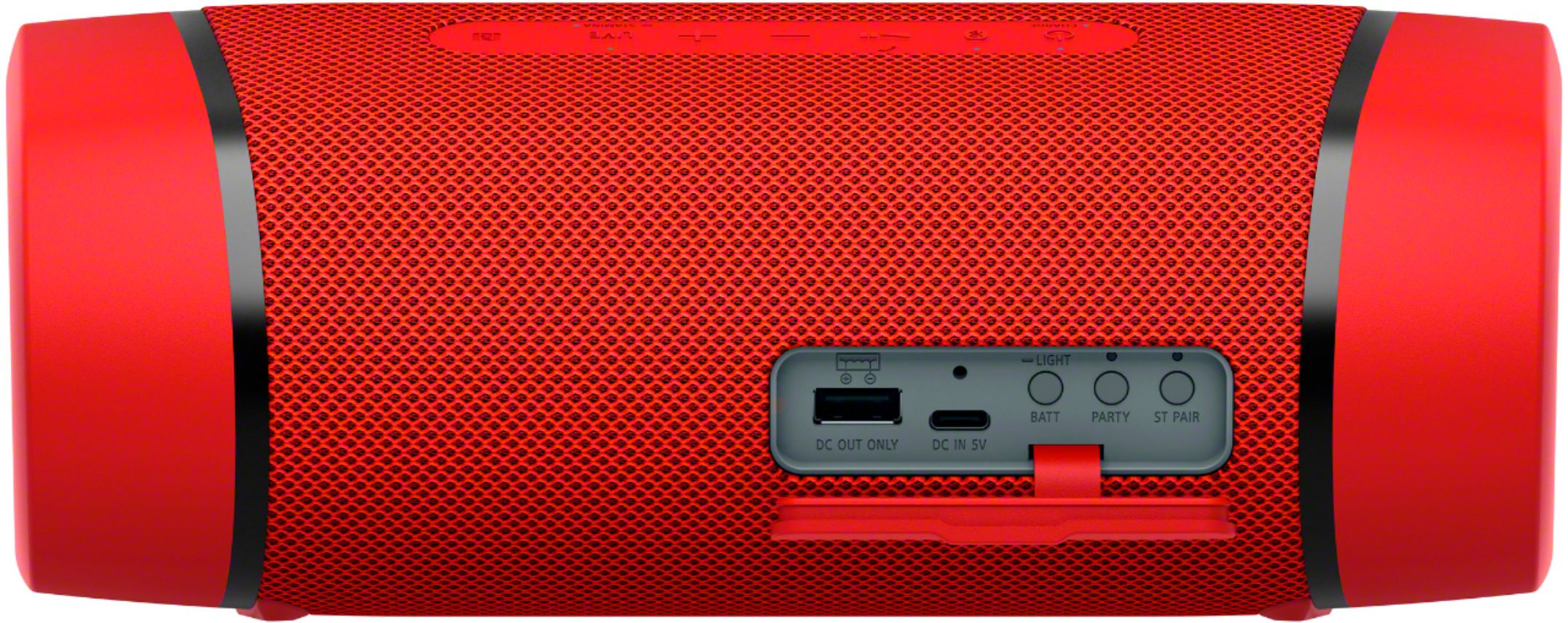
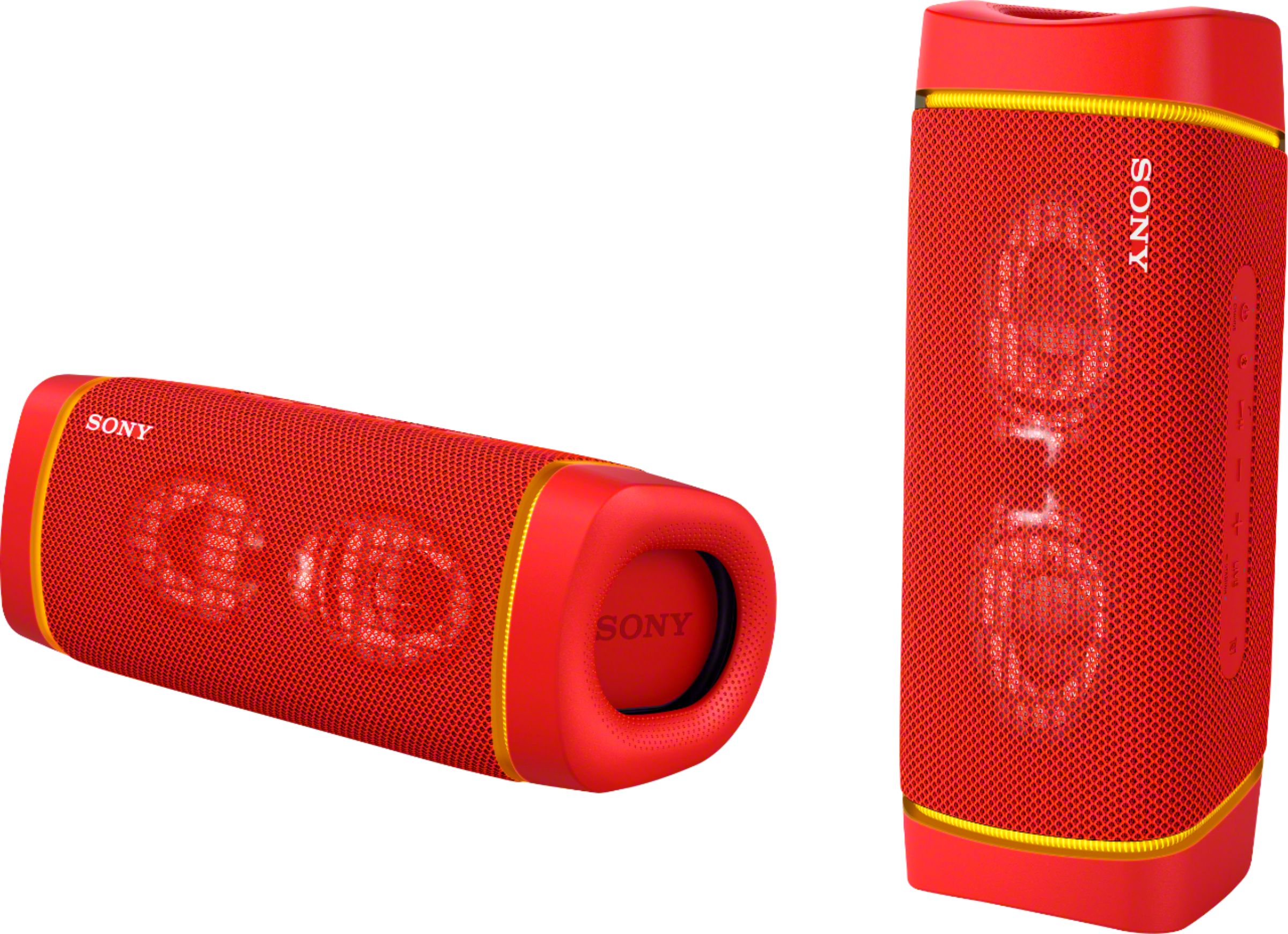
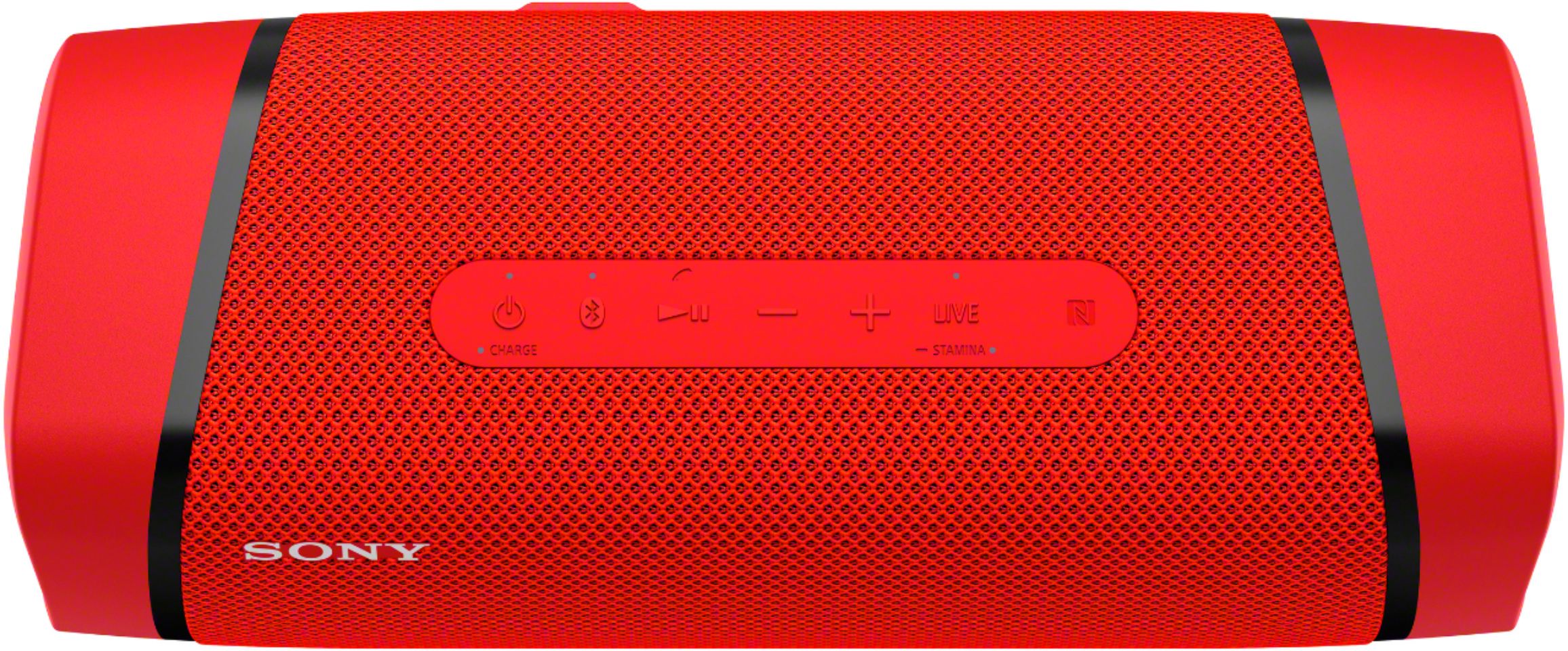
A:AnswerHello Slwndwn and thank you for your question. This is a tricky one to answer. There are many factors that could change the outcome of the performance of any speaker in any room. While the XB33 is certainly capable of filling large rooms with sound, you may find our larger speakers such as the XP500, and XP700 more capable depending on your expectations.
If it is just you or even a couple of friends just listening to music in a large room you will be able to hear the XB33 just fine.
If there are multiple sections in the room, or even more than one room. You may wany to buy a 2 or 3 XB33s and link the together so everyone has the same song playing at the same time. You can then adjust each one to their own specific place and volume preference.
If you plan on packing the room with 30 people and are trying to play music over conversation, dancing like at a wedding, you may want to go with the XP700.
Remember you can add up to 100 speakers, of XB23, 33, 43, and XP500, 700, and XG500 together to get the perfect sound for your occasion.
I hope this helps,
Romeo
A:AnswerHi Pont48, thank you so much for reaching out to us with your concern.
Follow these steps to connect the Amazon Echo Dot to your XB33:
1. Pair the audio device with your smartphone or tablet. You may refer to the link below for instructions:
https://helpguide.sony.net/speaker/srs-xb33/v1/en/contents/TP0002741485.html
2. On the mobile device, open the Alexa app and select Settings.
3. Select Devices.
4. Select Bluetooth.
5. Select Pair a New Device.
6. Select your audio device from the device list.
7. Select Continue to pair the device.
If this does not help, please email us at [email protected] with the following details so we can better assist you.
Name:
BestBuy Username:
Model Number:
Issue:
Telephone Number:
Thank you so much for choosing Sony!
Best regards,
Romeo
A:AnswerHi Lars1227,
Thank you for your inquiry. Unfortunately, the XB33 is not compatible with wireless microphone. The wireless connectivity of the speaker is only for music playback and phone call making from an A2DP, AVRCP, and HFP/HSP Bluetooth profile compatible devices. Hope this helps. - Kris
A:AnswerHi Android,
Thank you for your inquiry. You can enjoy listening to music of a BLUETOOTH device such as smartphones and operate it by the speaker via BLUETOOTH connection if it supports the following BLUETOOTH profiles.
A2DP (Advanced Audio Distribution Profile)
Enables you to enjoy high-quality audio contents wirelessly.
AVRCP (Audio Video Remote Control Profile)
Enables you to adjust the volume and operate to play, pause or skip to the beginning of the next/current track.
For details, please refer to your smartphone's manual.
Regards,
Kris