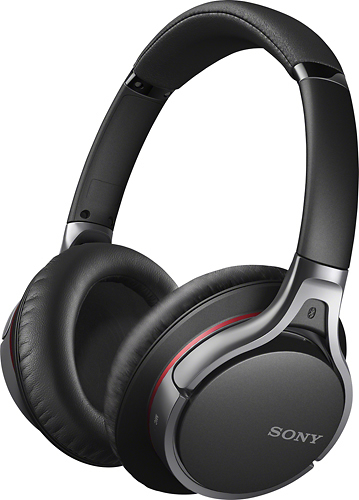
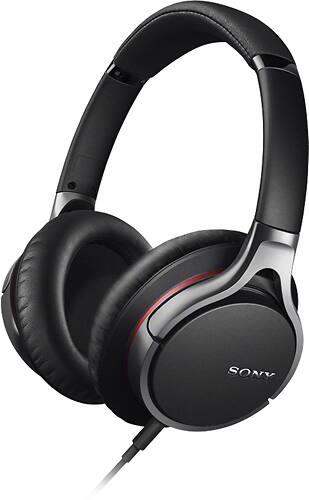
A:AnswerYes. I had to turn the bass down on my devices because I didn't like the bass high. You shouldn't have a problem with using these while exercising as long as you are not being too aggressive with your workout.
A:AnswerUsing a bluetooth transmitter connected to the audio output of your cable or satellite box, as I have, does not interrupt the audio to the TV. The audio outputs I'm referring to are the red and white RCA connections on the back of the cable or satellite box. The headset has volume control that should suit his desire. I purchased the following bluetooth transmitter. http://www.parts-express.com/avantree-saturn-wireless-bluetooth-receiver-and-transmitter-featuring-aptx-codec--320-359
A:AnswerYes it is compatible with older ipods.
Please check the link below for further assistance.
https://docs.sony.com/release//MDR10R_EN_ES_FR.pdf
Thanks,
>Joffrey
A:AnswerIs there something specific you want to know when you ask if they work? Yes, they work just fine with my Android devices. I use them to listen to music, videos, games, etc.
A:AnswerNot really good for working out since they may tend to get loose and move around on your head. If you're working out, you may accidentally drop them.
A:AnswerIf you are insterested in using this device with your tv it will be necessary to connect the supplied audio cord to the headphone audio out available on your television. After the connection is done if you have no sound it will be necessary to select through the settings menu Select [Sound] → [Headphone/Audio Out] → [Headphone].
A:AnswerThese come with a mini stereo plug, so if your computer has that opening, it should work. It fits my Mac Mini perfectly. It also comes with a second plug for smartphones and tablets.
A:AnswerActually this is the standard 3.5 mm phone jack cable. It has an inline button and built in microphone into the small button casing. It's like the volume control on a lot of ear buds but a single pause/play or answer call button, and a small microphone right there with it. If you don't know what I'm saying using Google images search earbud microphone location and you should see pictures of the little cases with buttons on them. It's in the same case. But on the backside and if not taken apart is only able to be located by a small hole in the back of the case. About the size of a sewing needle or push pin. Hope that helps clarify that is the cord that only plus in to the headset, and any 3.5 mm jack. Without a sound source it does nothing. So connecting it to another headset does nothing and the plug isn't the same because the side entering the headset is longer. (It's because of the button being connected to certain pins and putting it in backwards could do electrical damage) the pictures show the button and is casing. And the other is the back of the casing where the hole is
A:AnswerNo these don't connect with the PS4 unfortunately.. I bought the headphones for my Sony Xperia Z3 and when I tried to connect them with my PS4 it kept giving me something about them being unsupported.