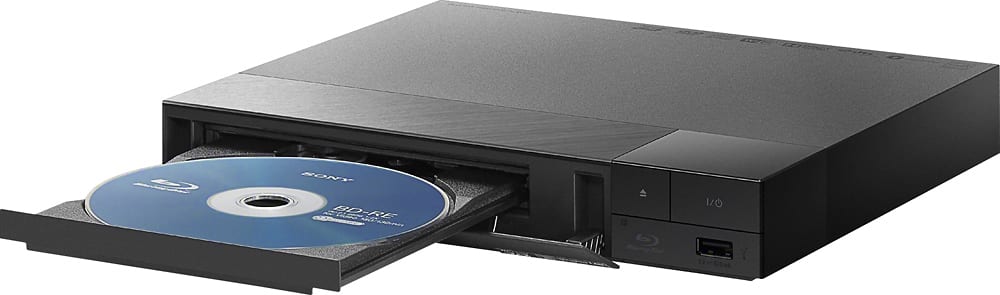
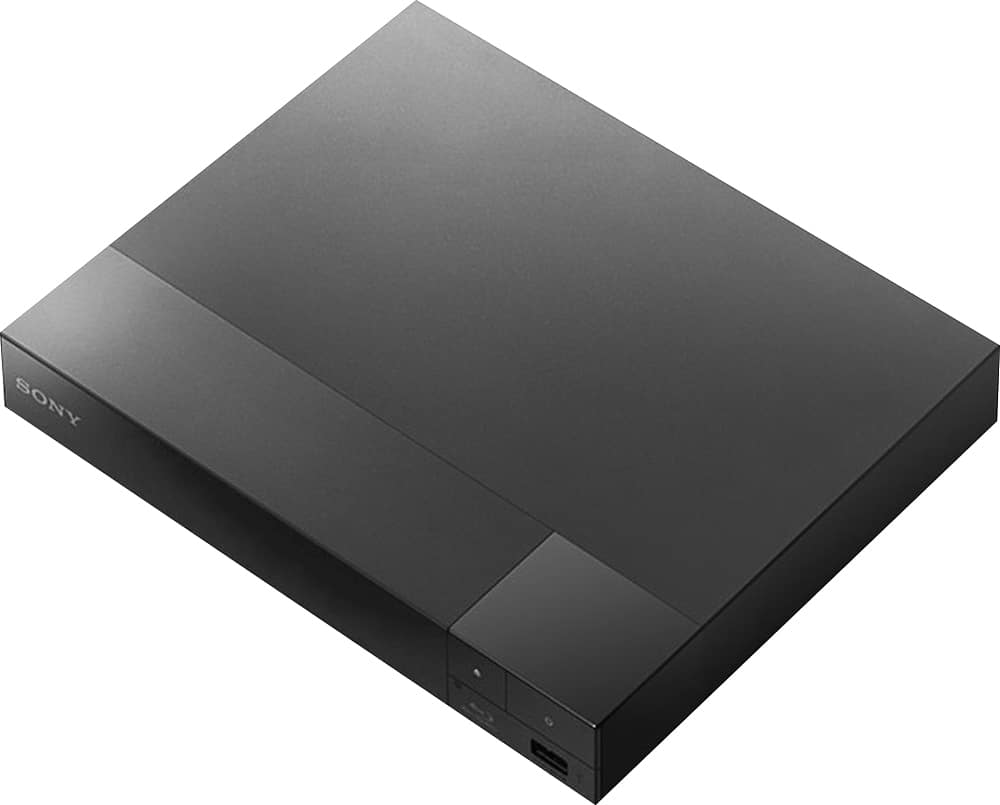
A:AnswerNo. You DO NOT need a smart TV. And the HDMI connection on your current TV will work just fine. Beware however that this Blu-Ray player requires a WIRED ethernet internet connection in order to use it's "smart" apps (apple TV, Netflix, etc). This player does not support WIFI. I believe the next model up supports both WIFI and wired internet connections. Hope this helps.
A:AnswerHi, Bubba! This Blu-ray player is not a region-free player. Only region 1 DVDs and region A Blu-ray discs can be played with this player. -Vincent
A:AnswerI am pretty sure there isn't a router to dvd player bluetooth connection possible for this device. I use the RJ-45 wire connection from nearby router to the player. My guess is also that copper wire connection will give better playback quality for internet streaming content (ie Vudu & Netflix). They do sell long RJ-45 connector to RJ-45 connector wires, but hiding the wire can be a big problem.
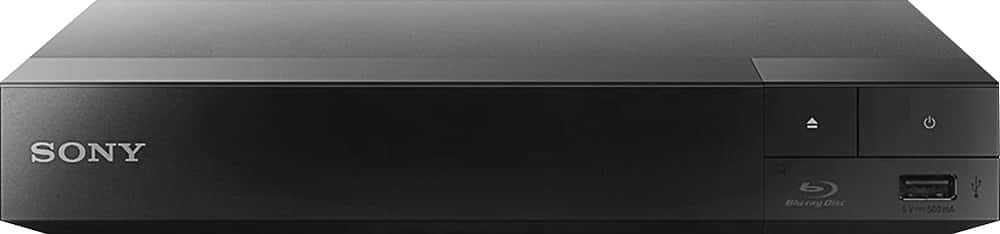
A:AnswerHi, Ozzie4NC, No. This player does not have a display on the front. You can use the DISPLAY function of the remote instead: https://www.sony.com/electronics/support/res/manuals/4579/f2b13b14d596d6574a73a689b5d4b0dc/45796631M.pdf (18). -Vincent
A:AnswerHi, Sasafrass!
For us to better assist you regarding with the power cord, please email us at [email protected] with the following details:
Name:
[Insert platform name] Username:
Model Number:
Issue:
Telephone Number:
Best Time to Call:
Sincerely,
David
A:AnswerHi DAVID31,
Thank you for your question. Yes, this unit upscale DVD to 1080p. Please check this link for more information:
https://docs.sony.com/release//specs/BDPS1700_mksp.pdf
Regards,
Earl
Sony Social Support