Black Friday is hereShop new DoorbustersShop now

Main Content

Questions & Answers

Your price for this item is $194.99
Clearance
The comparable value price is $259.99
Page Showing 81-100 of 257 questions
  • QuestionI just bought this model two days ago. The firdt two 4k movies I have tried to play freeze after about an hour and 40 minutes each. What can I be doing wrong ? can you advise on correct settings ? Thanks.

    Asked by CANDY.

    • Answer Hi CANDY, thanks for choosing and purchasing our product. We're sorry to hear that you have an issue with your Sony unit. Please make sure that your Blu-ray player has the latest software update installed. Sometimes, software updates can resolve playback issues: https://www.sony.com/electronics/support/home-video-blu-ray-disc-players-recorders/ubp-x700/downloads Please try power cycling the player by turning it off, unplugging it from the power source, waiting for a few minutes, and then plugging it back in and turning it on. Please make sure that you are using a high-quality HDMI cable that supports 4K resolution. You can follow this link to isolate the issue: https://www.sony.com/electronics/support/articles/00008473?utm_source If you require any additional support with regard to this product, please email us at [email protected] with the following details: Name: Username: Model Number: Issue: Telephone Number: ~Earl

      Answered by SonyListens

  • QuestionDoes the UBPX 700/M require a lens cleaner for periodic cleaning? What type of lens cleaners is OK to use on this DVD Player?

    Asked by Sandra.

    • Answer Hi Sandra, Thanks for the inquiry. The UBP-X700/M does not require a lens cleaner for periodic cleaning. If you experience any problems, it is recommended to refer to the user manual or contact Sony support for further assistance. Regards, -Craig

      Answered by SonyListens

  • QuestionRecently Fandango quit supporting older players that used the Vudu app. Does this one support Fandango at Home?

    Asked by Diddly42.

    • Answer Hi Diddly42, Thanks for the inquiry. The UBP-X700/M Blu-ray Disc player supports the Vudu app however, it may not have the Fandango app. We recommend visiting your nearest dealer to determine if the app is supported. Regards, -Craig

      Answered by SonyListens

  • Questiondoes it support vudu

    Asked by pete.

    • Answer Hi pete, Thanks for the inquiry. Yes, the UBP-X700/M Blu-ray Disc player does support the Vudu app. You can use the Vudu app on this player to access your Vudu account and watch movies. However, please note that the player is not compatible with Vudu 4K, so 4K videos will not be displayed in the Vudu app on this device. Regards, -Craig

      Answered by SonyListens

  • QuestionDoes this support streaming 4K HDR movies from multiple services like MOVIES ANYWHERE, YOUTUBE, FANDANGO, ETC?

    Asked by REH.

    • Answer Hi REH, Thanks for the inquiry. Yes. With the UBPX700/M, you can experience movies with four times the resolution of conventional Blu-ray™ (Full HD), with new 4K Ultra HD Blu-ray™ discs and 4K streaming services from Netflix, YouTube and more. Please be aware that not all streaming apps offer 4K movies. However, the good news is that our player enhances content by upscaling it to the highest possible quality. Hope this helps. Thank you and regards, -Craig

      Answered by SonyListens

  • QuestionHello, I have a Samsung Soundbar model HW-B650. It has an extra HDMI port. Will I be able to use this Sony player wiith it.

    Asked by Nancy.

    • Answer Yes, but do check the specs of that port, as not all HDMI ports allow 4k at high refresh rate.

      Answered by maria

  • QuestionCan I listen with Blu tooth headphones?

    Asked by Danno.

    • Answer Hi Danno, Thanks for the inquiry. Unfortunately, the Sony UBPX700/M does not have Bluetooth. Thanks and regards, -Craig

      Answered by SonyListens

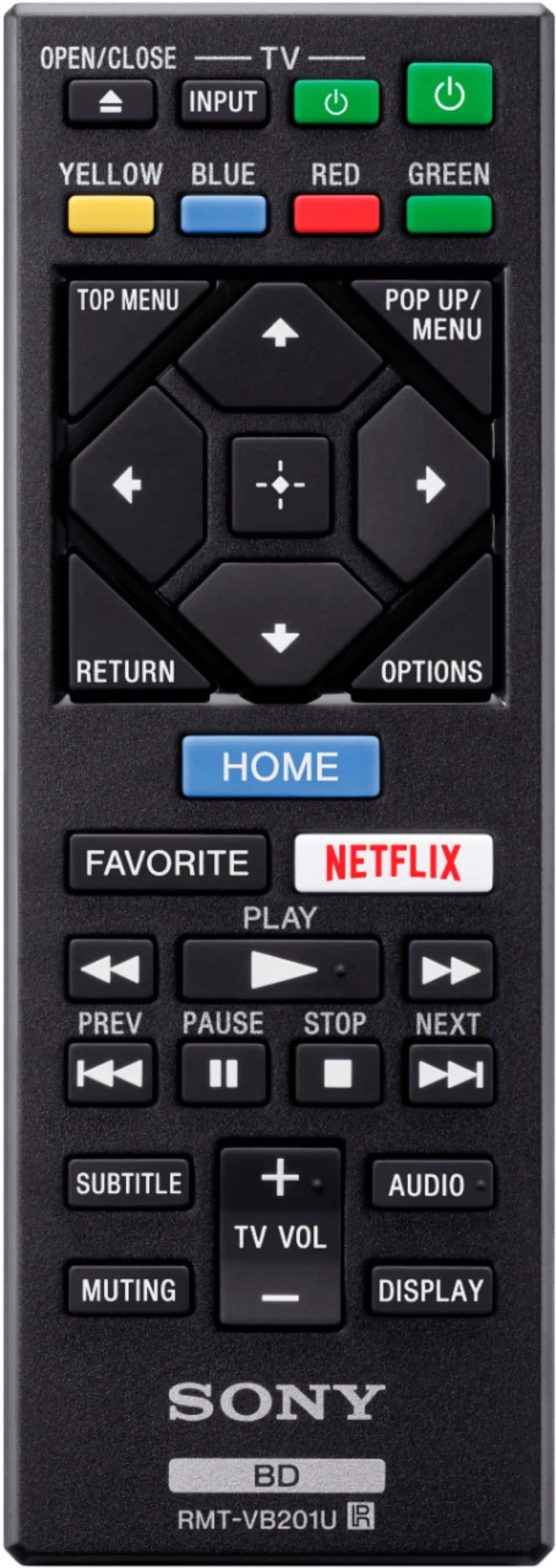
  • QuestionDoes the remote have back light buttons

    Asked by jer.

    • Answer Hi jer, Thanks for the inquiry. The UBP-X700 remote does not have backlight buttons. Regards, -Craig

      Answered by SonyListens

  • QuestionDoes this unit screen mirror?

    Asked by Shopper.

    • Answer Hello Shopper, Thank you very much for reaching out with your inquiry. I appreciate your interest in the UBPX700. I am pleased to confirm that this model indeed includes a feature known as Screen Mirroring, which is compatible with Wi-Fi® Miracast technology. This allows you to effortlessly display content from your compatible devices onto a larger screen, enhancing your viewing experience. Regards, -Craig

      Answered by SonyListens

  • Questiondoes this player play 3d dvds?

    Asked by kent.

    • Answer Hi kent, Thanks for the inquiry. Yes, the UBPX700/M is capable of playing 3D Blu-ray discs. However, please keep in mind that in order to enjoy 3D movies, you will need a 3D-capable TV, player, and compatible glasses. Thanks and regards, -Craig

      Answered by SonyListens

  • QuestionI read that this player should play any disk right from were you left off. In other words were ever you stop watching movie the next time you start it again it should start in the same place you stopped it. this hasn't worked for me.Is there a setting?

    Asked by Bill.

    • Answer Hi Bill, thanks for your question. It appears that you are talking about the Resume point. When you press STOP button on the supplied remote, it stops playback and remembers the stop point. The resume point for a title/track is the last point you played or the last photo for a photo folder. If the playback does not start from the resume point where you last stopped playing. the resume point may be cleared from memory depending on the disc when: • you open the disc tray. • you disconnect the USB device. • you play other content. • you turn off the player. You can check this link for more details. (Refer to page 11 and 28): https://www.sony.com/electronics/support/res/manuals/4698/004dd925e705a2ef013ac81130d0ab2a/46984061M.pdf If you require any additional support with regard to this product, please email us at [email protected] with the following details: Name: Username: Model Number: Issue: Telephone Number: ~Earl

      Answered by SonyListens

  • QuestionDoes the unit have headphone port?

    Asked by TableGuy.

    • Answer Hi TableGuy, Thanks for the inquiry. No. The UBPX700/M does not have headphone port. Regards, -Craig

      Answered by SonyListens

  • QuestionReturn policy?

    Asked by Anonymous.

    • Answer Hi there, Thanks for the question. For specific details on return policies, including timeframes, conditions and procedures, kindly reach out to your dealer. Return policies may vary depending on the product, manufacturer and individual dealership. Thanks, and regards, -Craig

      Answered by SonyListens

  • QuestionCan this device stream PlayStation games?

    Asked by Jeshua.

    • Answer Hi Jeshua, Thanks for the inquiry. The UBP-X700M is a Blu-ray Disc player and does not support streaming PlayStation games directly. To stream PlayStation games, you would need a device that supports the PlayStation Now app, such as certain models of Sony BRAVIA TVs or other compatible devices. The UBP-X700M does not have this capability. If you want to stream PlayStation games, you might consider using a PlayStation console or a compatible smart TV that supports the PlayStation Now service. Hope this helps. Regards, -Craig

      Answered by SonyListens

  • QuestionSet up procedure with Sony Bravia tv

    Asked by Rooney.

    • Answer Hi Rooney, Thanks for the inquiry. To connect your Sony UBP-X700/M Blu-ray player to a Sony TV, follow these steps: 1) Use a high-speed HDMI cable to connect the HDMI OUT port on the UBP-X700/M to an HDMI IN port on your Sony TV. Ensure the TV is set to the correct HDMI input to which the Blu-ray player is connected. 2) Turn on both the Blu-ray player and the TV. If this is the first time you are using the Blu-ray player, follow the on-screen instructions to complete the initial setup, which may include selecting the language, setting up the network, and updating the firmware if necessary. 3) If you are using an external sound system, connect the Blu-ray player to the sound system using an HDMI cable or an optical audio cable, depending on your setup. For streaming services, ensure the Blu-ray player is connected to the internet via Wi-Fi or an Ethernet cable. Hope this helps, Regards, -Craig

      Answered by SonyListens

  • QuestionDoes this have HDMI 2.1?

    Asked by Cris.

    • Answer Hi Cris, Thanks for the inquiry. As it turns out, the UBP-X700/M does not support HDMI 2.1 If you need a device with HDMI 2.1 features, you may visit our website to check other models. -Craig

      Answered by SonyListens

  • Questioncan i play dvd on my computer using this player?

    Asked by rick.

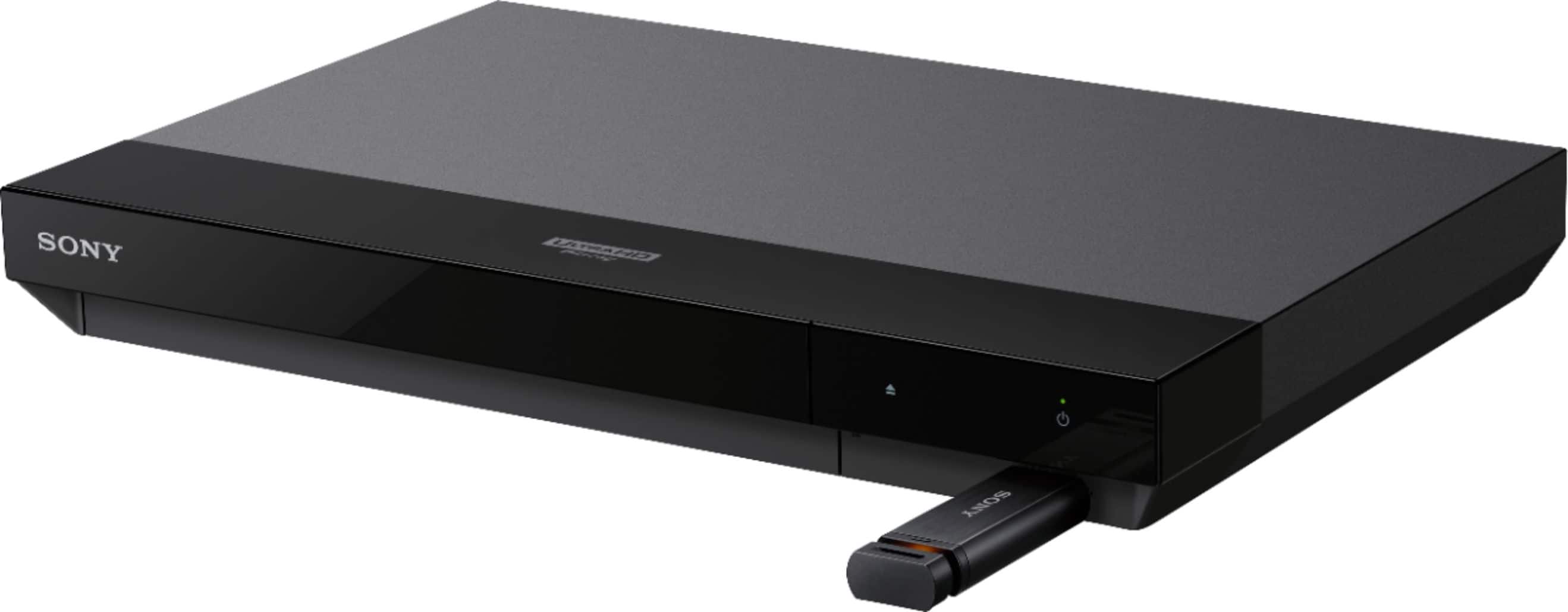
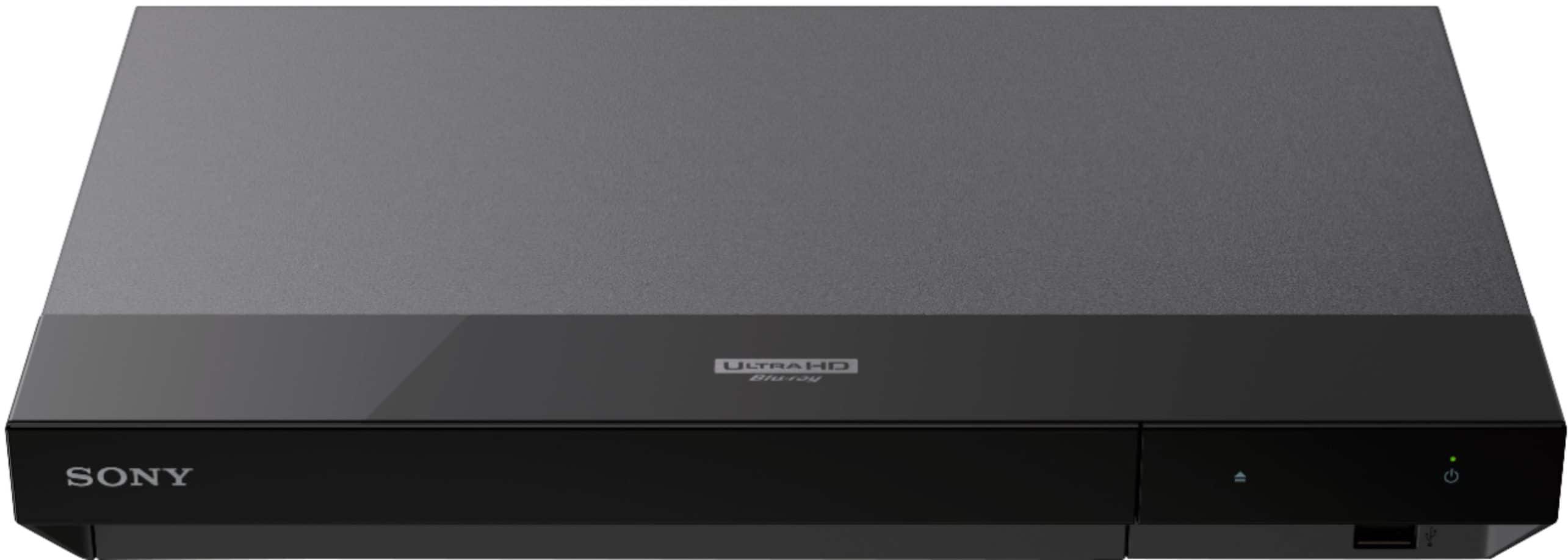
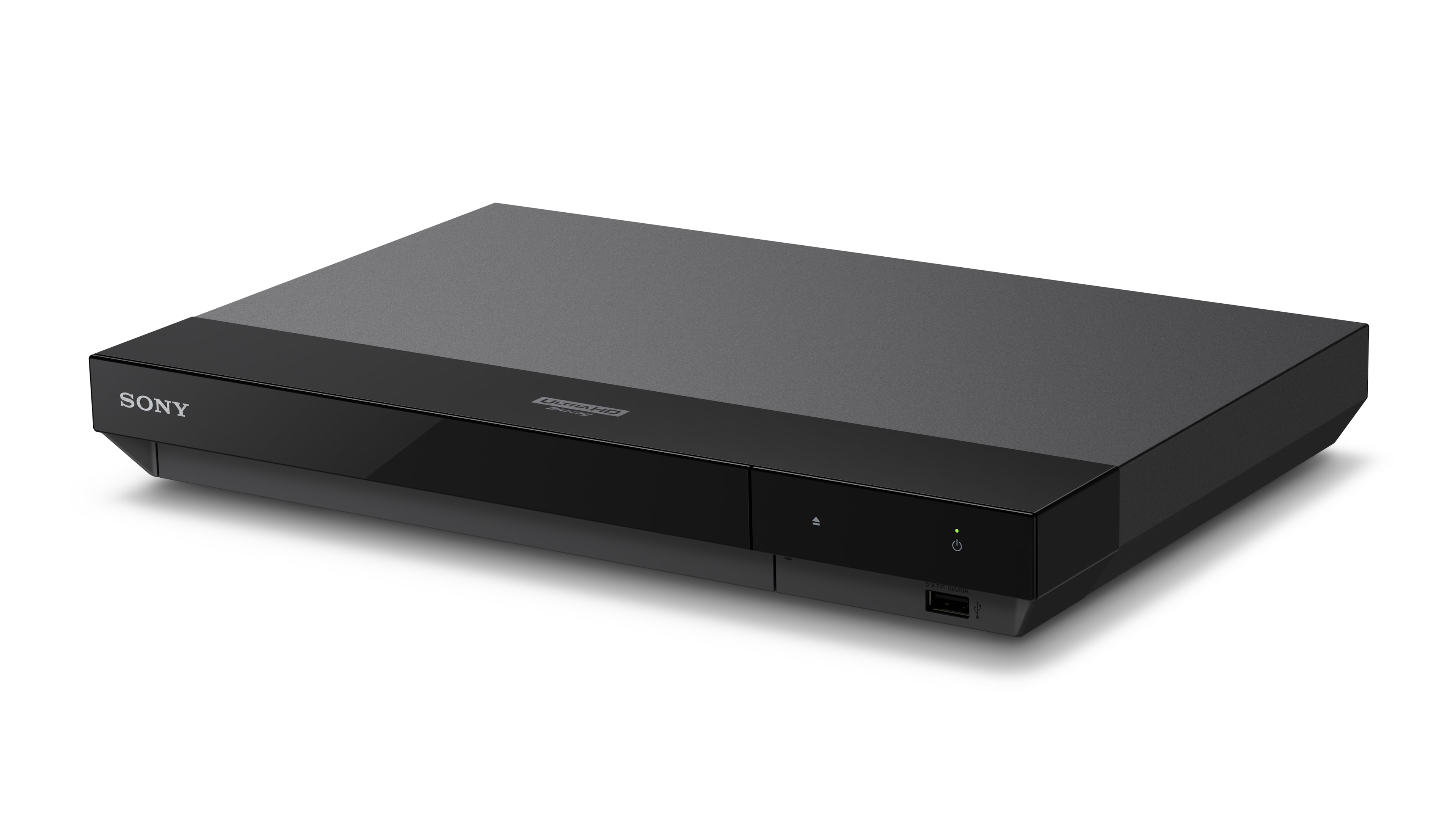
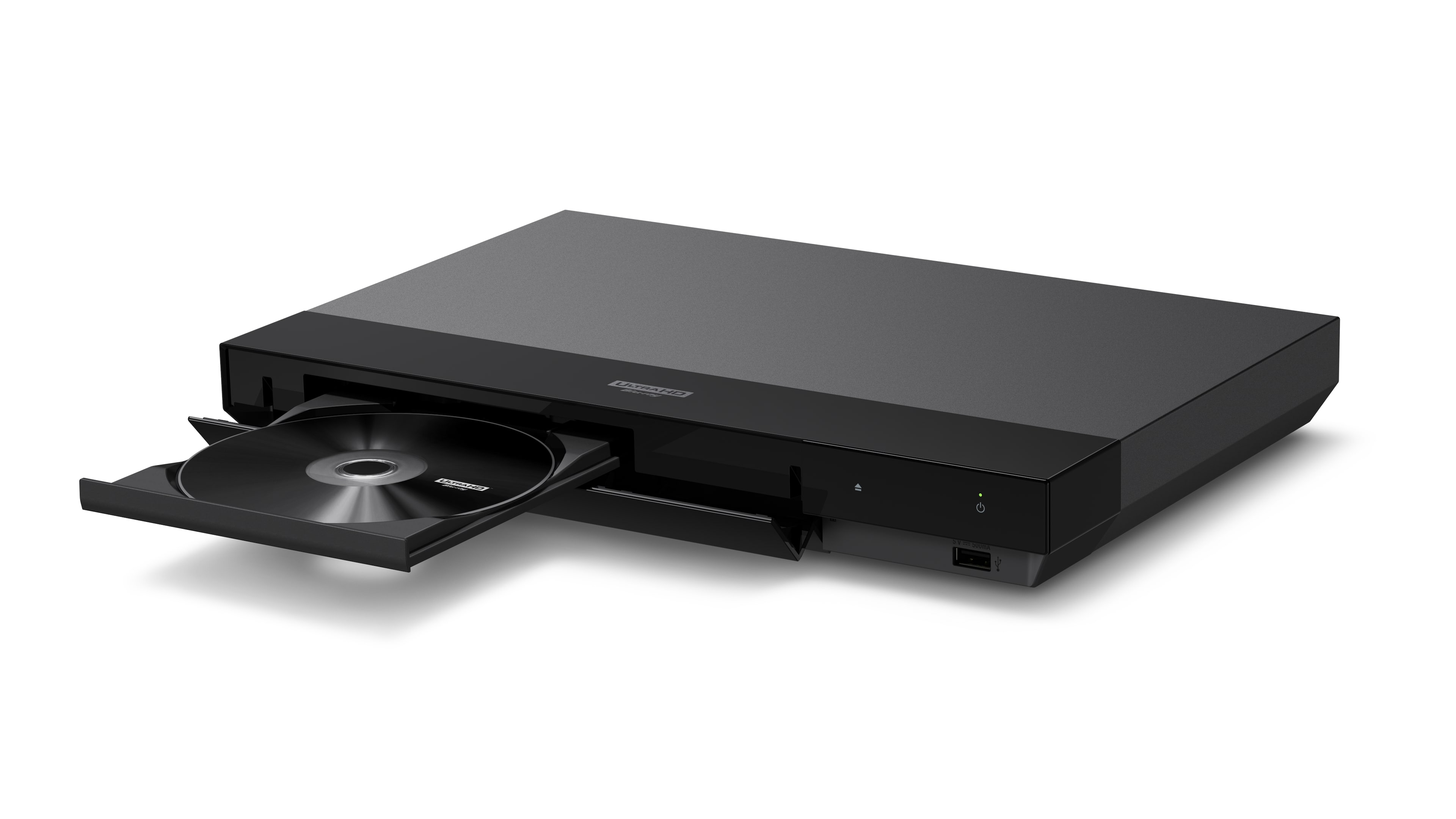
    • Answer Hi rick, Thanks for the question. The UBPX700/M 4K Blu-ray player is designed to be connected to a TV, monitor or to a projector using an HDMI cable. Unfortunately, you cannot connect the player to a computer to watch your movies. The UBP-X700 4K Ultra HD Blu-ray™ player delivers the impeccable clarity of 4K and stunning detail of High Dynamic Range. Get the best seat in the house and lose yourself in incredible picture quality and advanced surround sound. Play almost any media disc, or stream 4K content from your favorite streaming services. Regards, -Craig

      Answered by SonyListens

  • QuestionWill it play cd's?

    Asked by Mahhddio.

    • Answer If hooked through a receiver, yes it will play cd's.

      Answered by WilliamB

  • QuestionIs this Blu ray multizone?

    Asked by Gorki.

    • Answer If you have it hooked thorough a received with multi zone capability.

      Answered by WilliamB

  • QuestionBulit in wifi

    Asked by Anonymous.

    • Answer Yes, this unit has built in wifi.

      Answered by WilliamB