
A:AnswerHello J,
Thank you for considering Sony products!
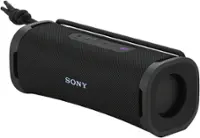
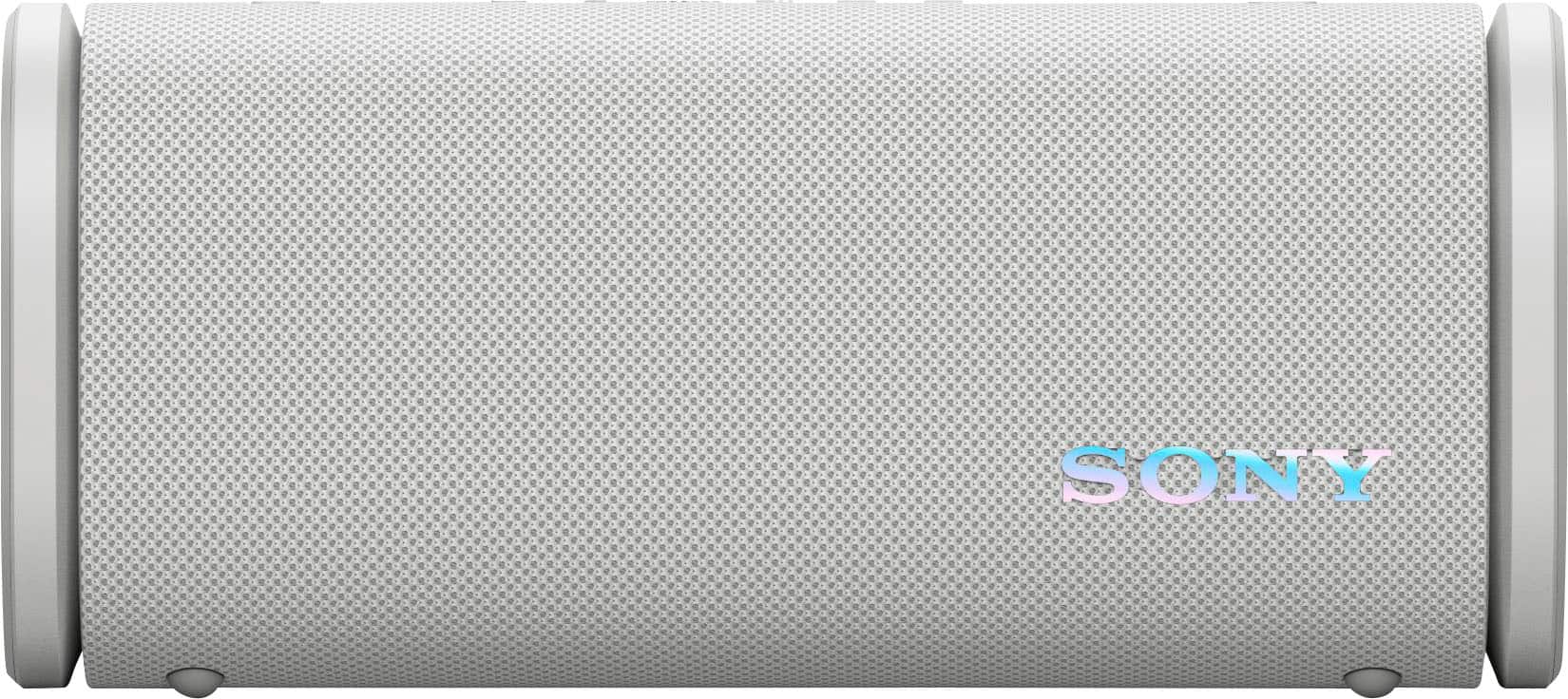
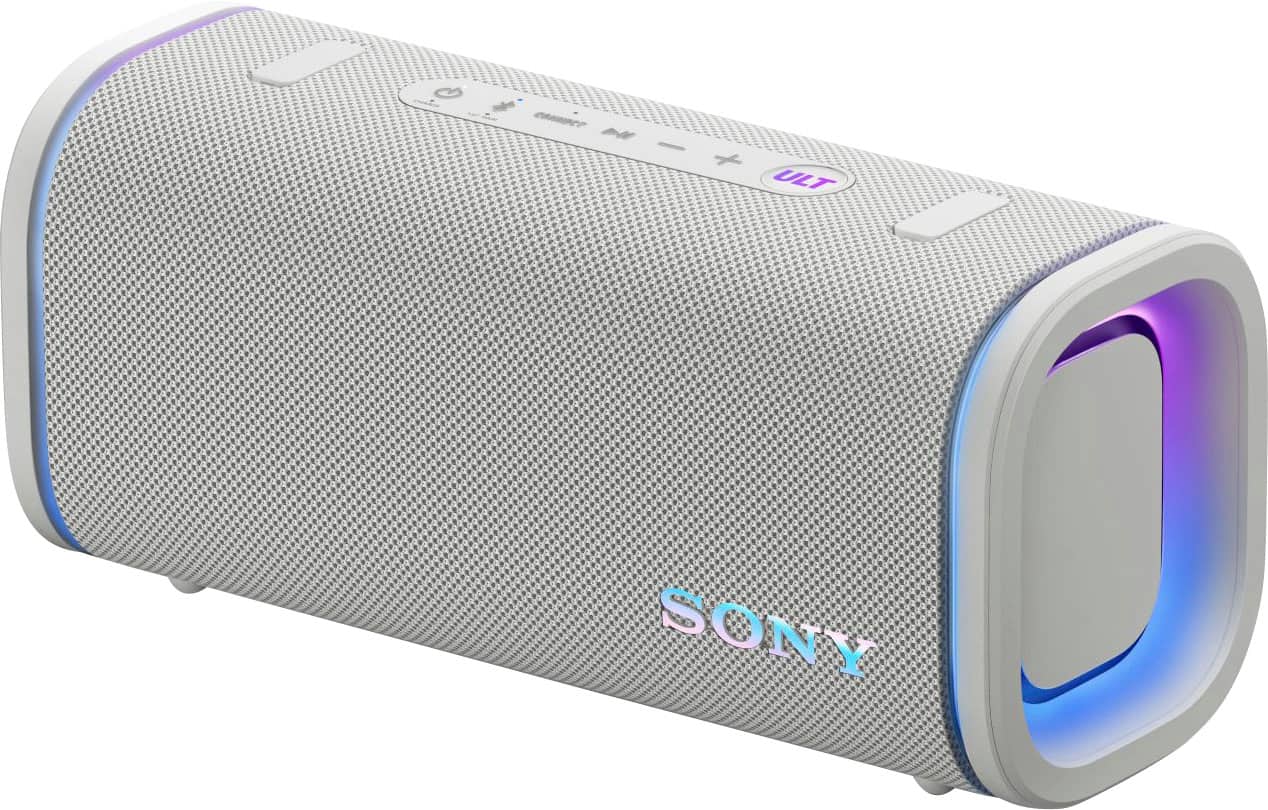
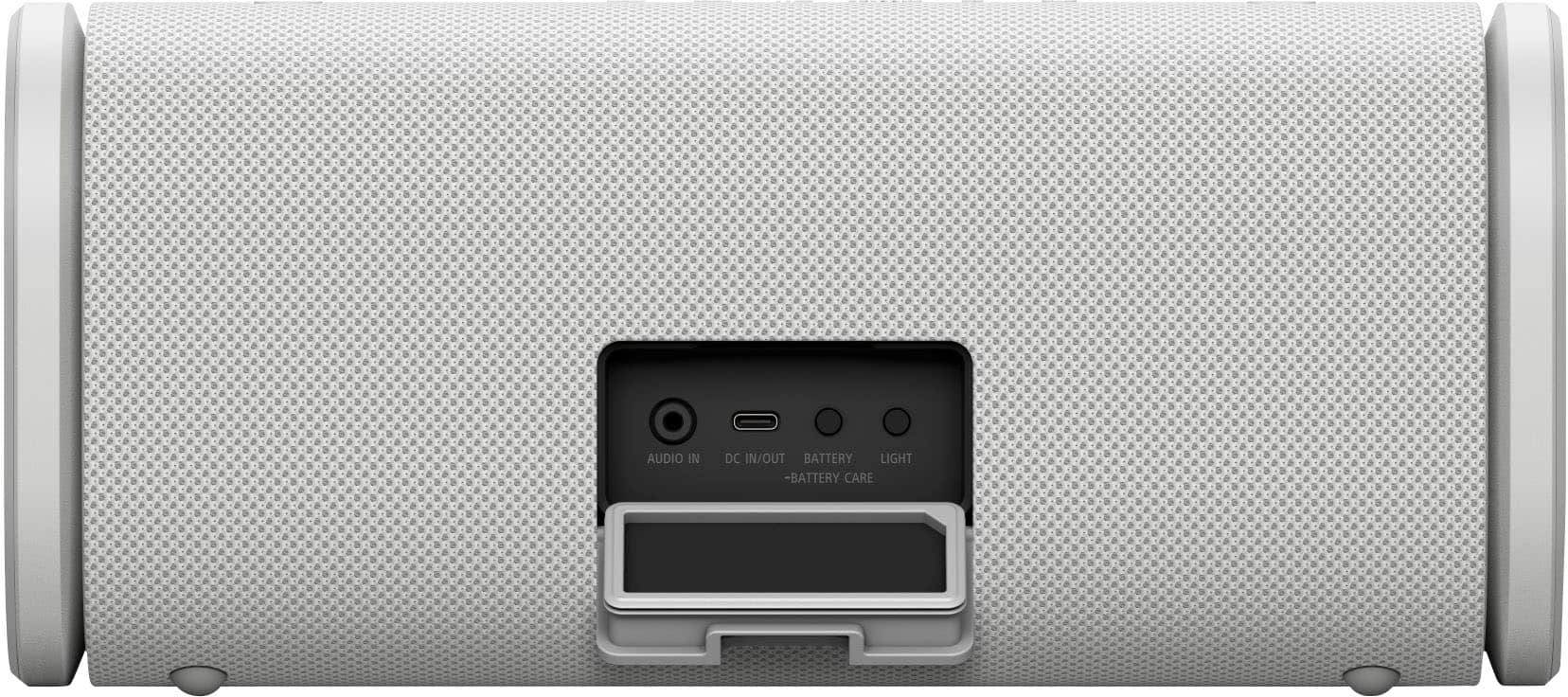
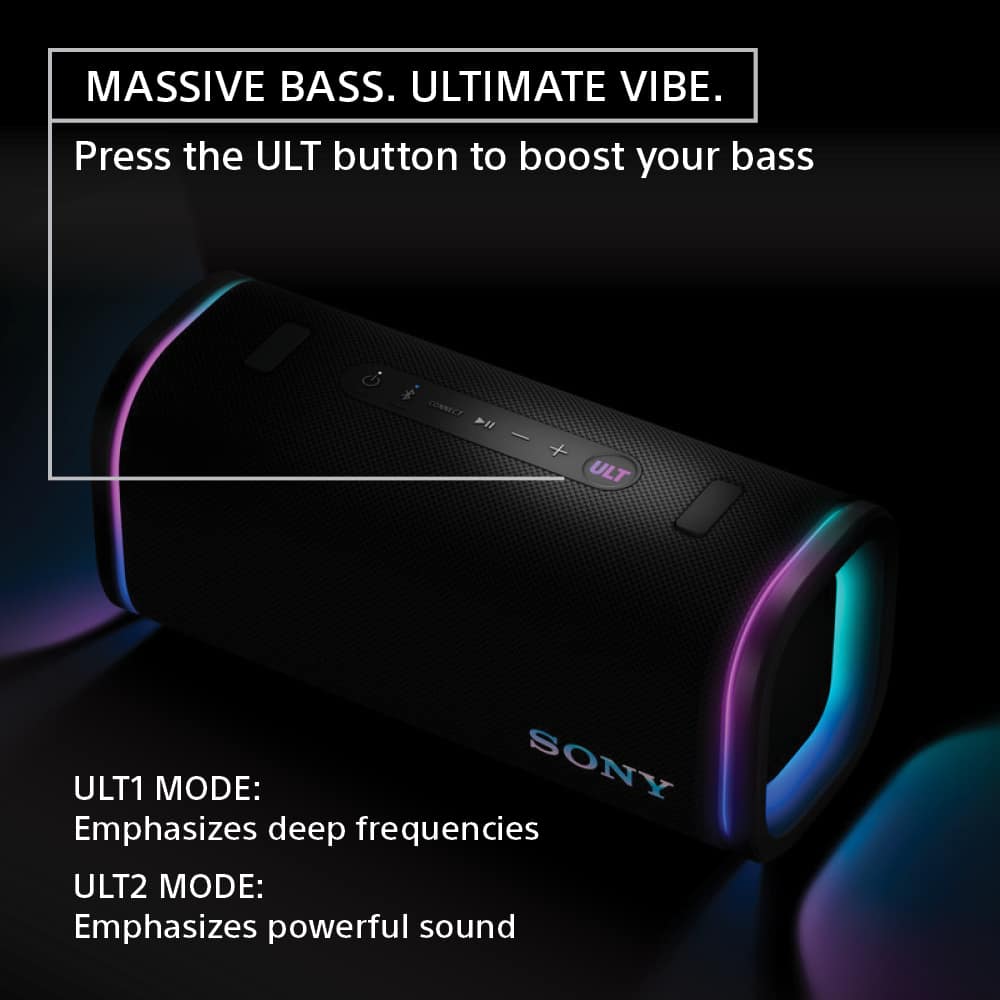
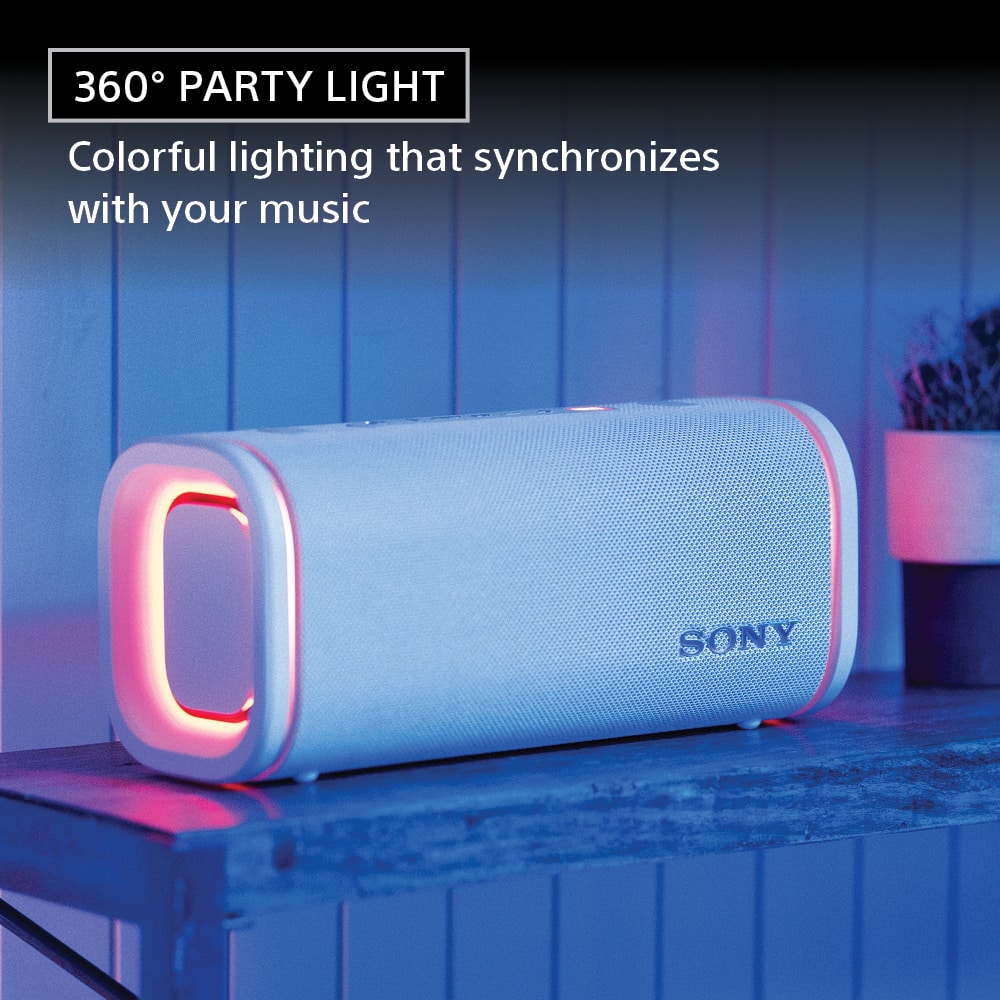
We’re happy to assist you with your inquiry about the SRS-ULT50 speaker’s lighting function. You can easily turn off the lighting by pressing and holding the LIGHT button located behind the cap on the rear of the speaker for about 3 seconds until the lights switch off. Pressing and holding the button again for 3 seconds will turn the lighting back on.
For detailed instructions, please visit: https://helpguide.sony.net/speaker/7859/v1/en/contents/TP1001870490.html
Additionally, the "Lighting Mode" feature in the "Sony | Sound Connect" app allows you to toggle the lighting on or off and select from various lighting modes to match your mood or setting.
Best regards,
-Fred
A:AnswerHI there,
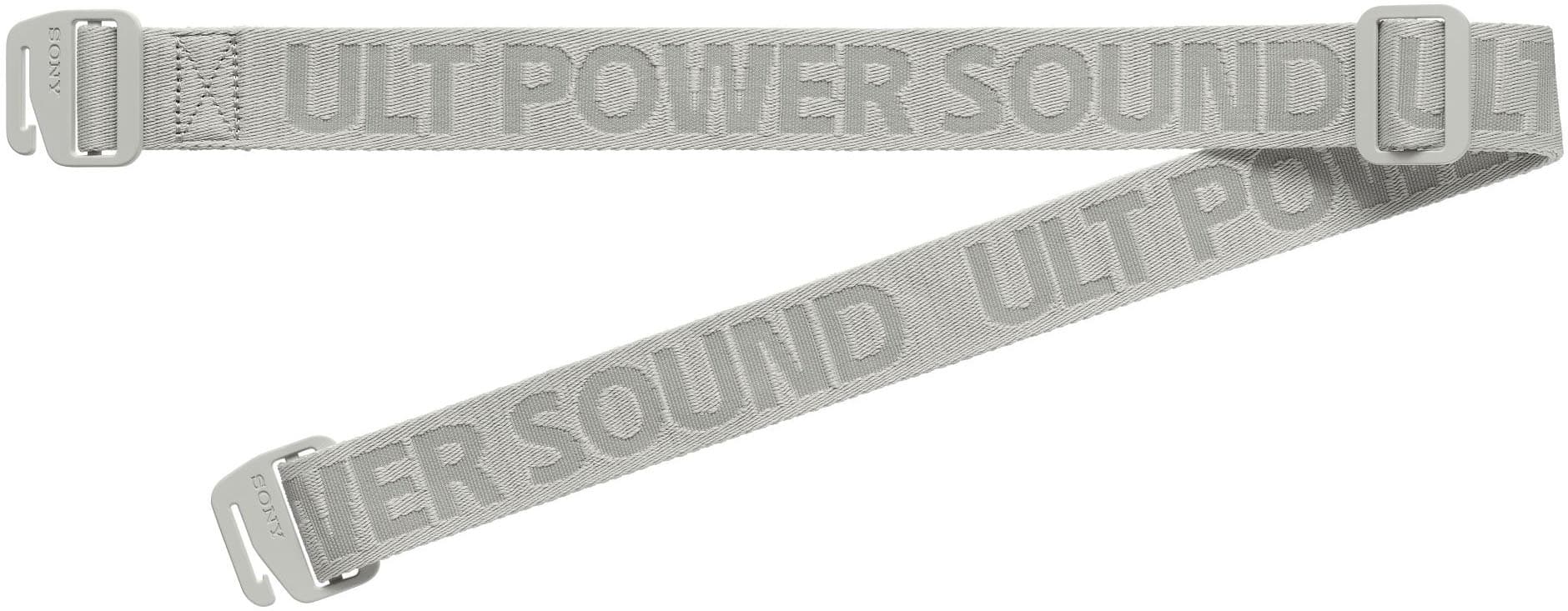
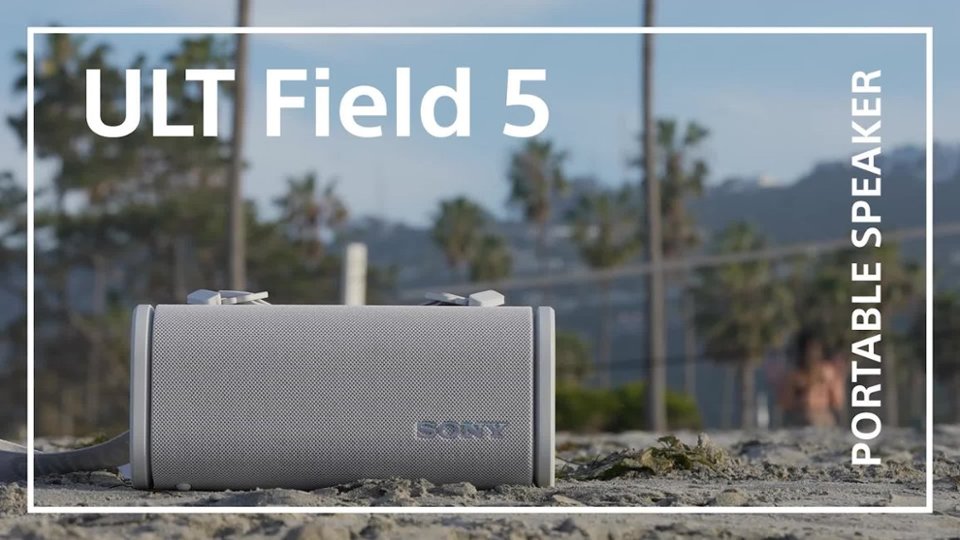
The Sony ULT FIELD 5 speaker does not have a dedicated microphone input jack for wired karaoke microphones. However, it is fully compatible with the optional Sony ULT Mic Wireless Microphone system, which is designed to work seamlessly with the ULT POWER SOUND speakers for karaoke and voice announcements. If karaoke is a key priority, we recommend looking at the larger models in the series, such as the ULT FIELD 7 or ULT TOWER 9, which include a standard 1/4" mic/guitar input jack right on the speaker.
Thanks for choosing Sony.
Best regards,
Eliab
A:AnswerHi Peanut,
Thank you for reaching out with your question. We can certainly help you with that!
Yes, the Sony SRS-ULT50 can be paired to a Samsung Smart TV. As long as your television has Bluetooth capabilities, you can connect the speaker wirelessly for audio playback.
For the best experience, please ensure your TV's Bluetooth is in pairing mode and that the speaker is also in Bluetooth pairing mode. For detailed instructions on how to accomplish this with the speaker, please check this link: https://helpguide.sony.net/speaker/7859/v1/en/contents/TP1001870508.html
For further information on this topic, please refer to the following link: https://www.sony.com/electronics/support/articles/00159290?utm_source=glean
Thanks for considering Sony products!
Best regards,
Estefany
A:AnswerShort Answer: Yes
.
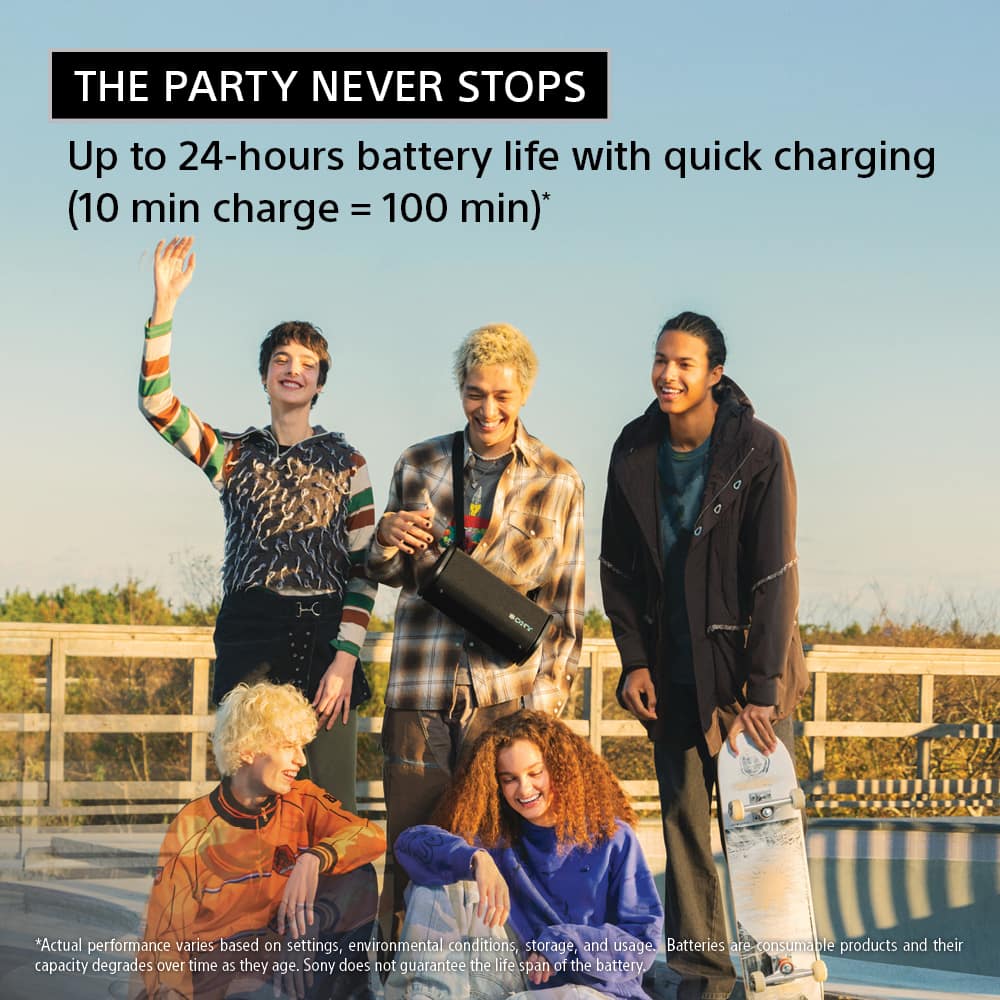
Long Answer: I can see the UTL Field 5 charging in the Sony Sound Connect app while BT streaming music. But recognize that depending on your charger output amps, along with using the party lights, and a high level of output volume, the speaker may not actually charge but just hold its existing charge. Might even lose battery charge. Example: A 500mA charger probably will not be sufficient, while a 3.5A would be just fine.
A:AnswerHi Phil,
The ULT FIELD 5 is a portable Bluetooth speaker and is not compatible with the Google Home system, as it does not have built-in Wi-Fi or smart assistant capabilities.
However, you can easily stream audio to it wirelessly from your smartphone, tablet, or laptop using a standard Bluetooth connection. It is designed to deliver powerful, high-quality bass and great sound wherever you take it.
We really appreciate your interest in Sony!
Regards,
Dominick
A:AnswerHello DD!
Thanks for the question! Happy to help out.
No, the Sony ULT FIELD 5 does not have a built-in microphone for hands free phone calls or voice assistants.
While you can connect your phone to the speaker via Bluetooth to listen to the audio of your phone calls, you will need to speak directly into your smartphone's built-in microphone.
If you'd like to learn more about this product, please visit this link: https://helpguide.sony.net/speaker/7859/v1/en/index.html
We appreciate you considering Sony for your next purchase!
Best regards,
Estefany
A:AnswerHello DJACE,
Thank you for considering Sony products!
We appreciate your inquiry about whether the SRS-ULT50 supports Sony LDAC, the high-resolution audio Bluetooth codec. Yes, the SRS-ULT50 does support LDAC, allowing you to enjoy high-quality wireless audio streaming with compatible devices. LDAC provides improved sound quality by transmitting up to three times more data than standard Bluetooth codecs, making it ideal for audiophiles seeking a rich listening experience.
For more details on supported codecs and features, please visit: https://helpguide.sony.net/speaker/7859/v1/en/contents/TP1001870517.html
Best regards,
-Fred
A:AnswerHi GEE!
Thanks for reaching out! We can certainly assist you with that.
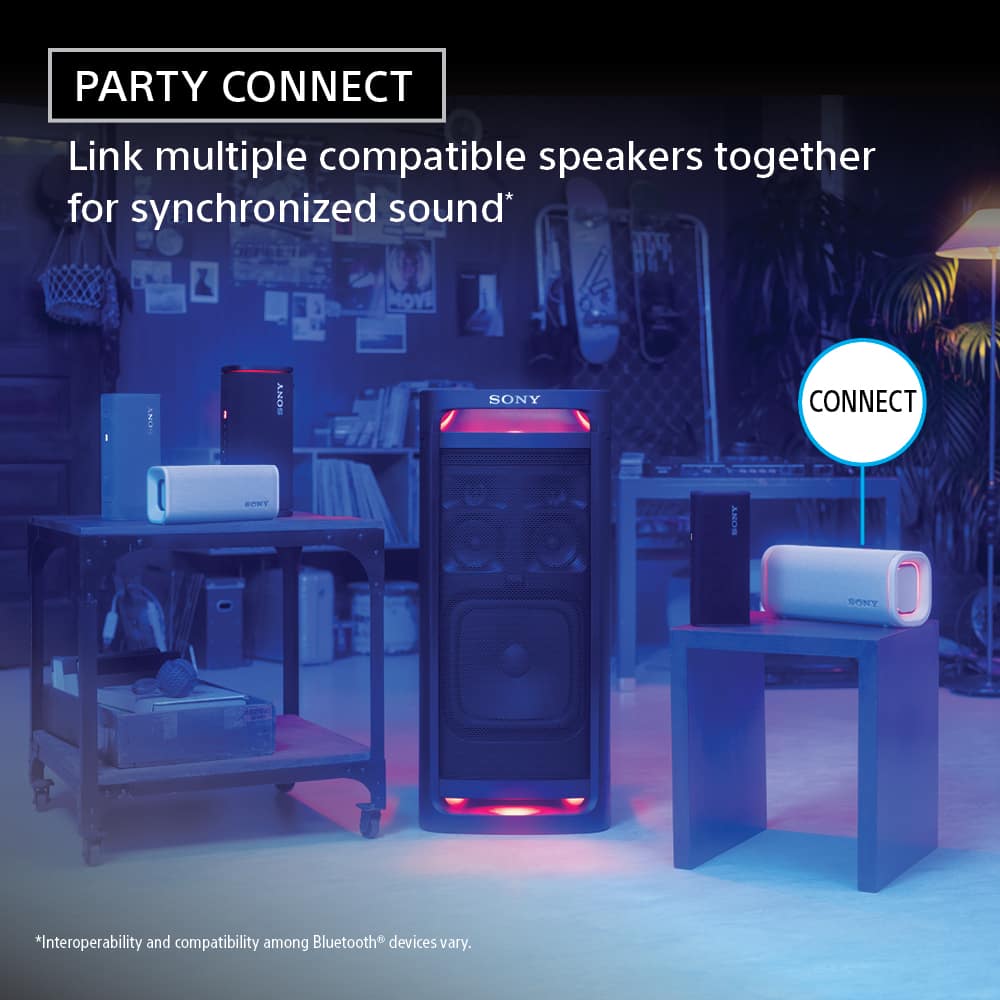
The ULT FIELD 5 cannot pair or connect with the SRS-XB30. They use different technologies: the ULT FIELD 5 uses the Party Connect system, while the SRS-XB30 uses the Wireless Party Chain function.
To expand your sound, the ULT FIELD 5 needs another Party Connect enabled speaker, while the XB30 requires another Wireless Party Chain speaker.
You can find a list of compatible models for each function by visiting the links below:
https://www.sony.com/electronics/support/articles/00247922
https://www.sony.com/electronics/support/articles/00352200
Thank you for making Sony part of your purchasing consideration!
Best regards,
Estefany