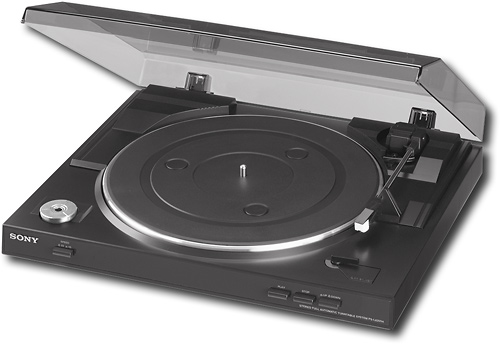
A:Answer Unfortunately, no since it's written for Windows. Download and install Audacity, which is a free open-source recording software. Once you install Audacity and any necessary codes, connect the USB cable to any unused USB port on your iMac and start Audacity. Go into the settings with Command-, and set the input to USB. Once you do that, the turntable will show. Now put a record on the platter, press Start, and when the stylus lands on the record, tap on the Record button in Audacity. You will also be able to hear what's being recorded.