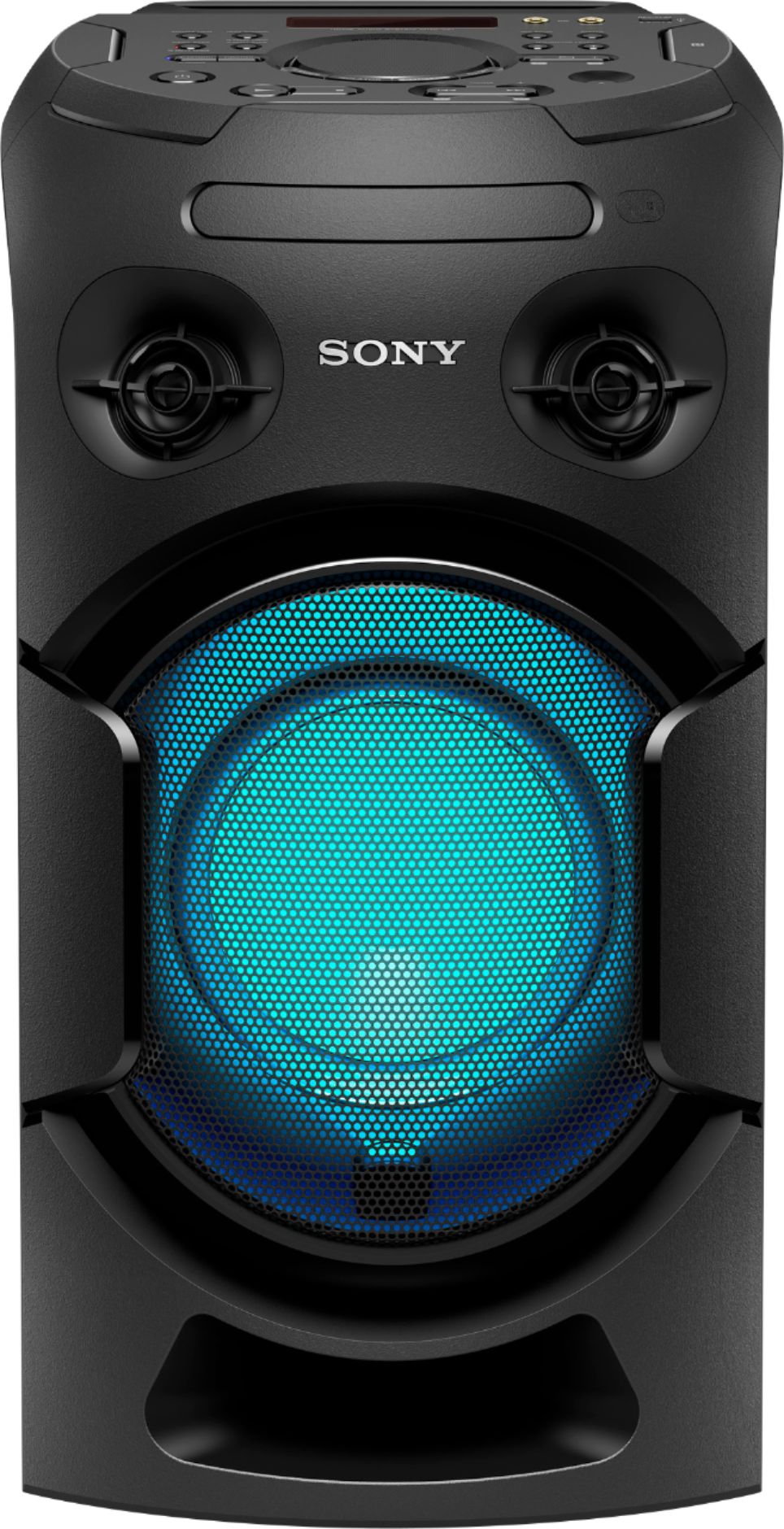
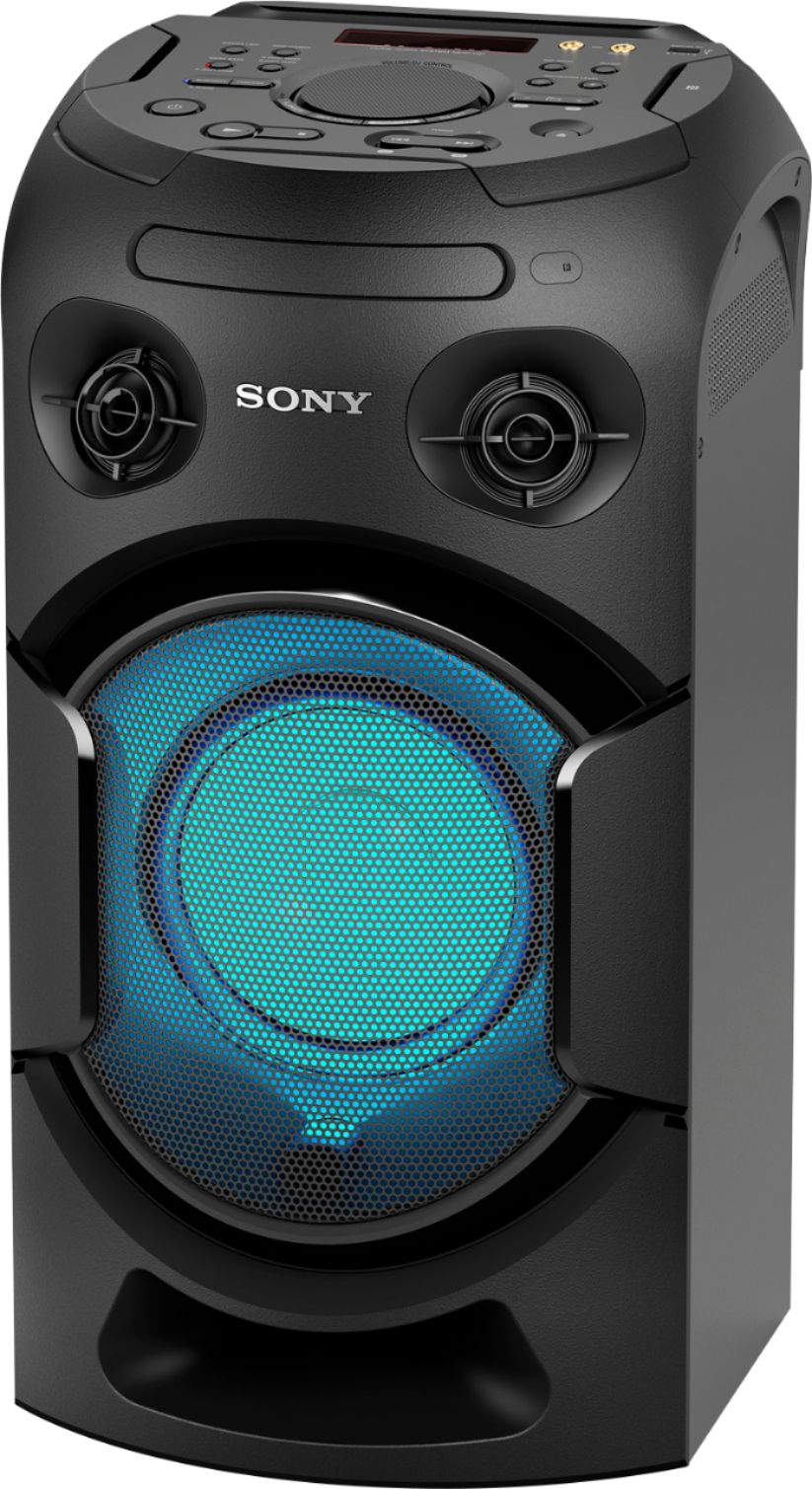
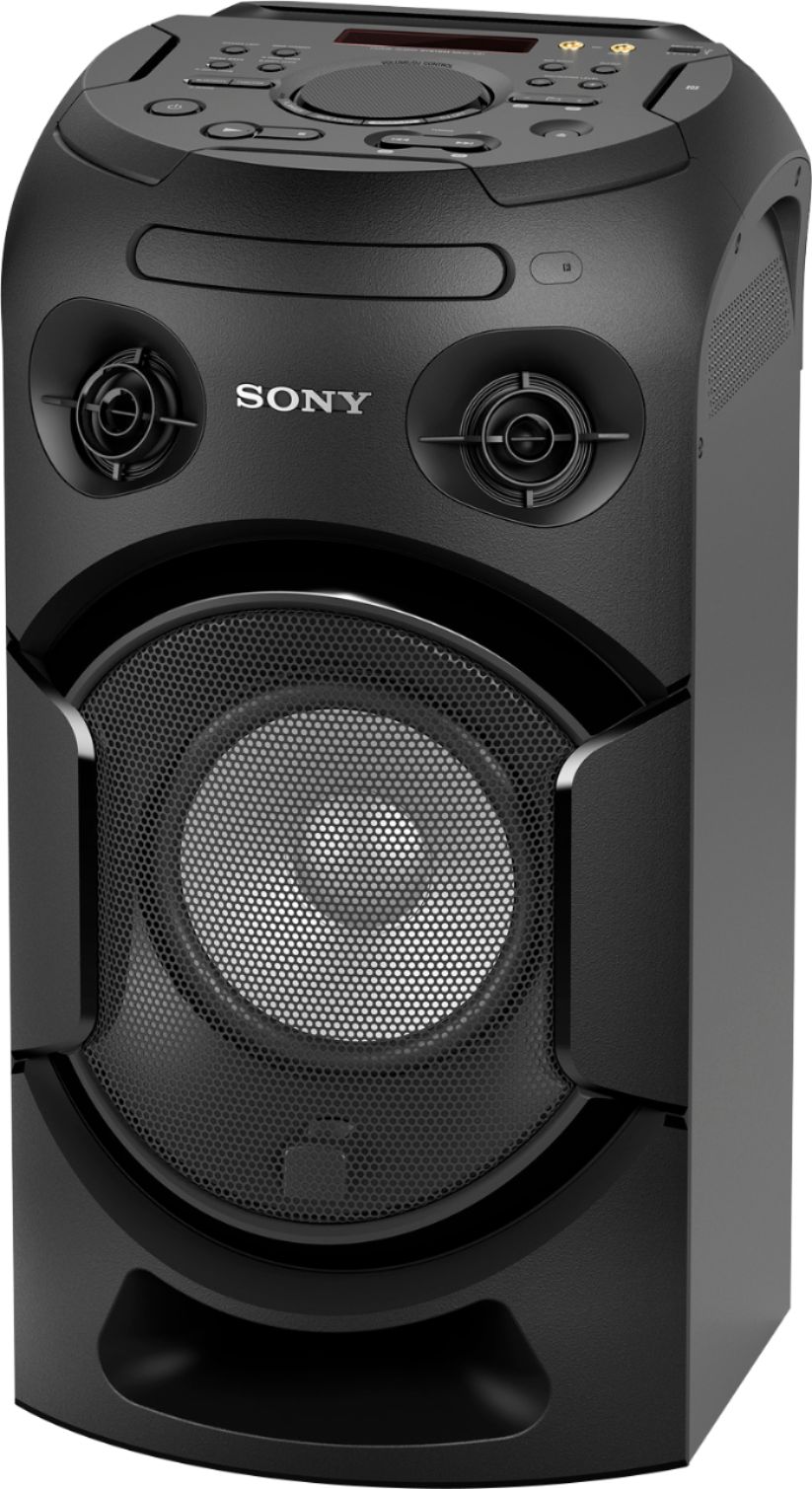
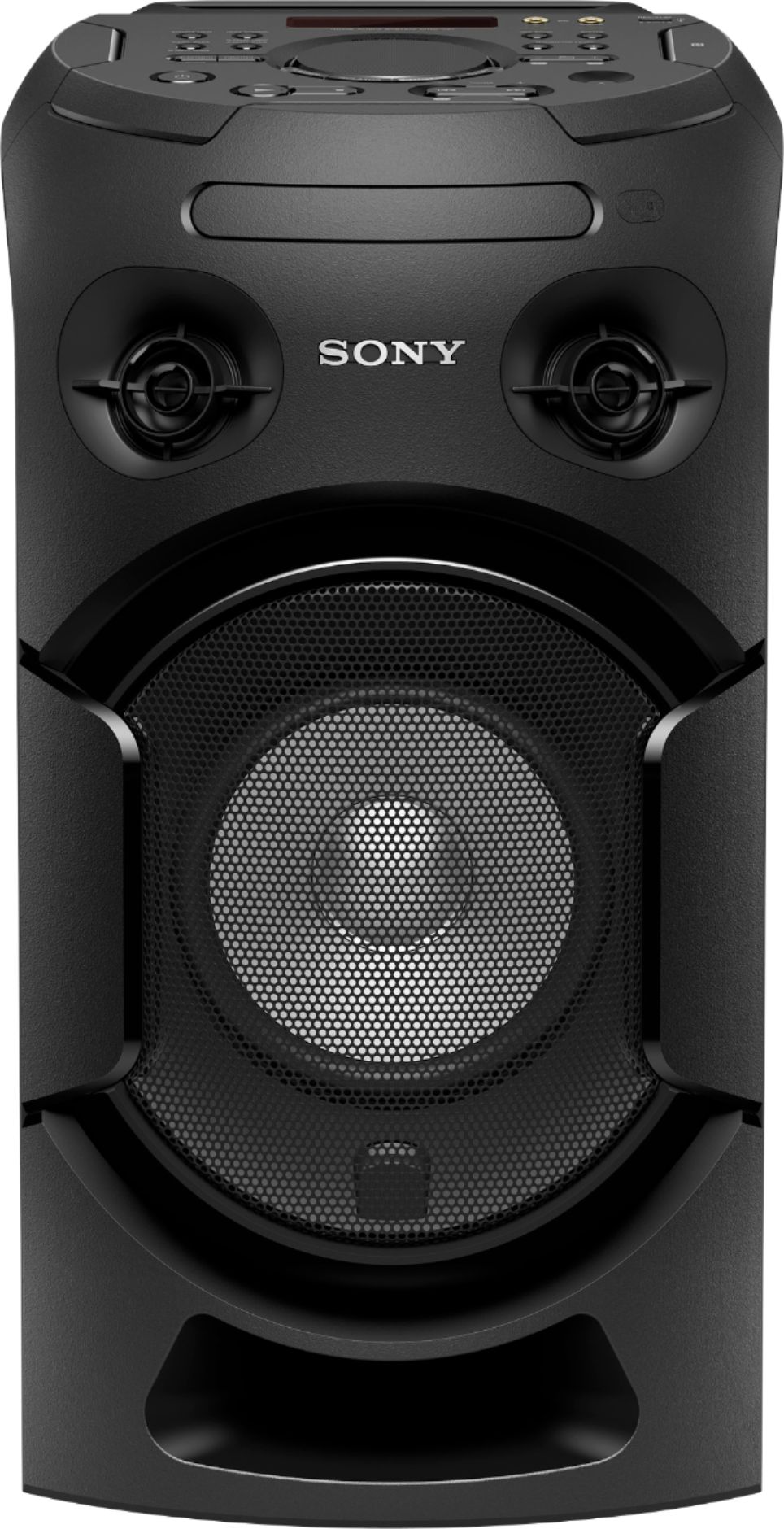
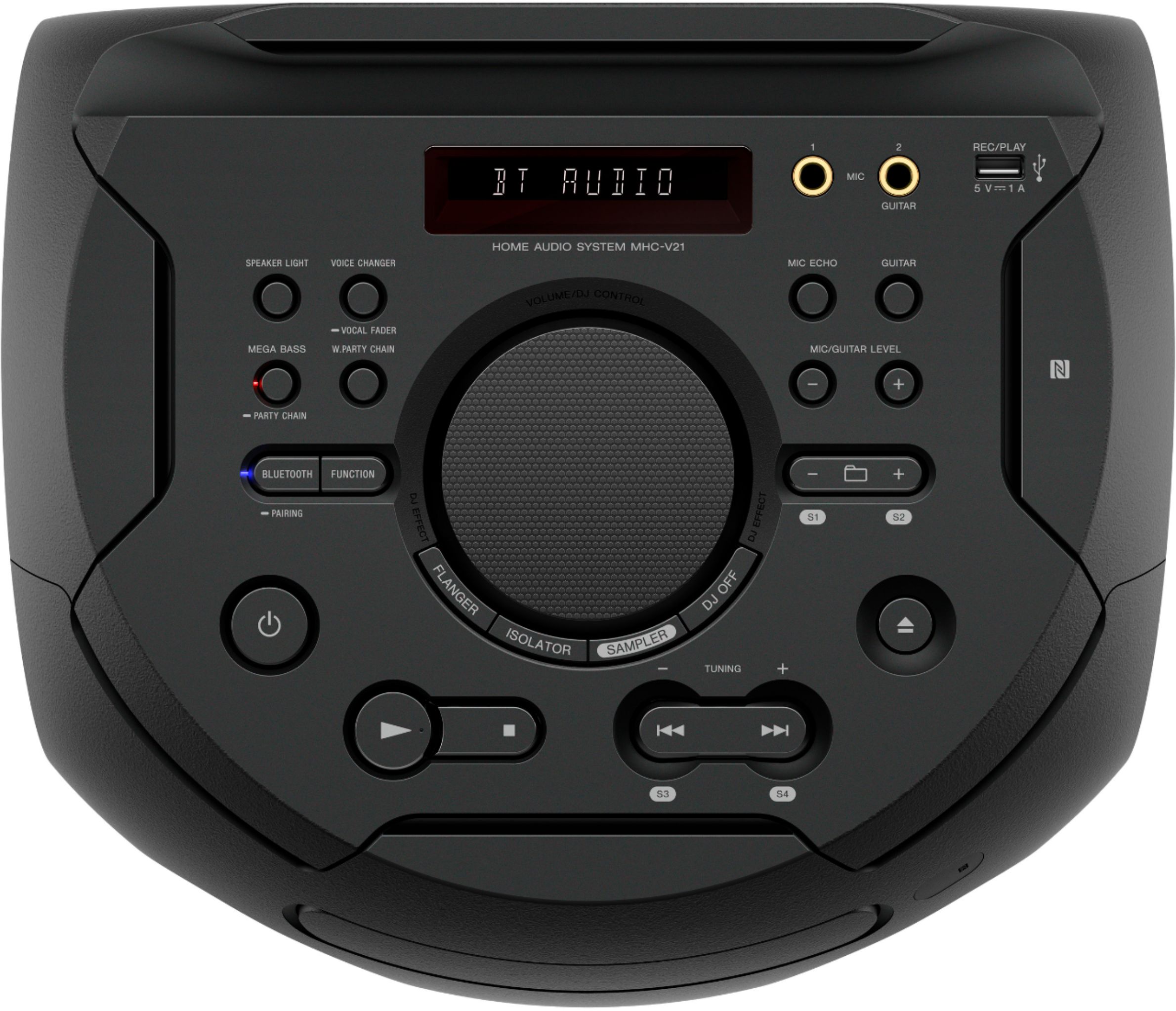
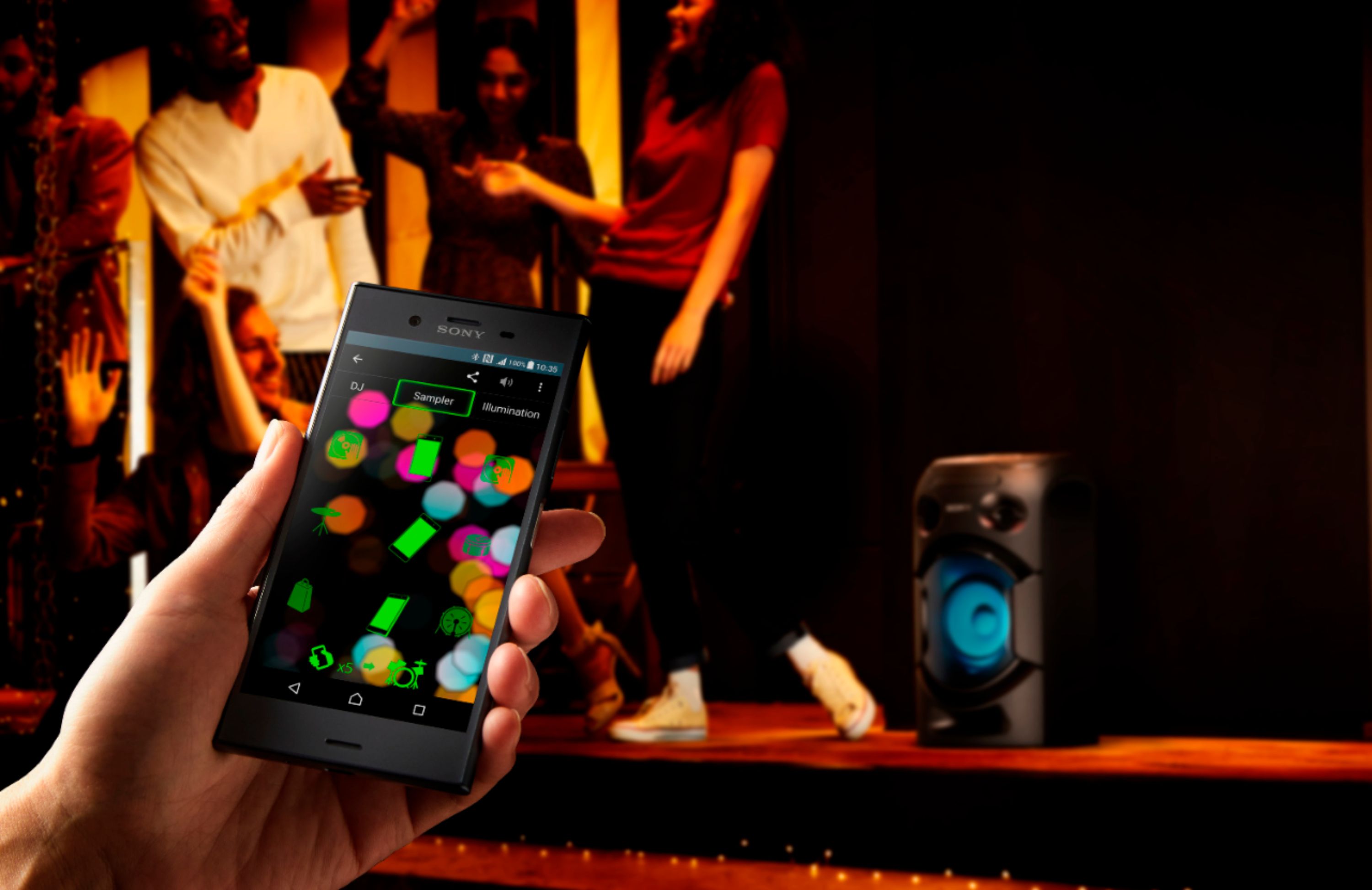
A:AnswerYes it certainly does, it has a front ejecting CD tray, and can then be controlled via the on top navigation buttons, or from the Sony App on your smartphone/device. ( see attached photo, you can see the CD nav buttons at the bottom. )
A:AnswerMy wife loves karaoke and I bought this for her. I hooked it up to my Apple TV (YouTube karaoke), wireless microphone and a projector. Everyone loved it and the sound was great. I am very happy with it.
A:AnswerHi Kimmepooh,
In order for you to know which speakers are compatible, you will have to check if the speaker has wireless party chain. Kindly check this link for additional information.
https://www.sony.com/electronics/audio-systems/t/hi-fi-systems
Regards,
Sam
A:AnswerHi Paul, Good news! Yes, you can pair the MHCV21 to GTKXB90 via Wireless Party Chain
function. Please refer to this link for further details: https://www.sony.com/electronics/support/res/manuals/4736/81c840d6b8e3c09cbf28aaa8ae40784d/47366071M.pdf (page 37) Regards, Sam
A:AnswerHi, KG1976
You can adjust the volume using the VOLUME/DJ Control knob on the center. If turning the knob counterclockwise doesn't lower or turn up the volume, press the DJ button to turn off the DJ effect and turn the knob again to adjust the volume. Hope this helps!
Regards,
Sam
A:AnswerYes it is Bluetooth speaker and you can hook up microphones.When i bought this even the website said it was rechargeable.It is not it has to be plugged in to a power source. Other than that i love it.And i got a great deal on it.
A:AnswerHi EnergyEngineer, No, you can only playback audio source from a BLUETOOTH device when using this function. You may refer to page 37 of this link:
https://www.sony.com/electronics/support/res/manuals/4736/81c840d6b8e3c09cbf28aaa8ae40784d/47366071M.pdf
~Ralph
A:AnswerHi Amir,
Yes, you can use the Speaker Add function and pair two MHCV21.
https://docs.sony.com//release//Manual_4736607121.pdf (page 39 - Listening to music
wirelessly with two systems)
Regards,
David