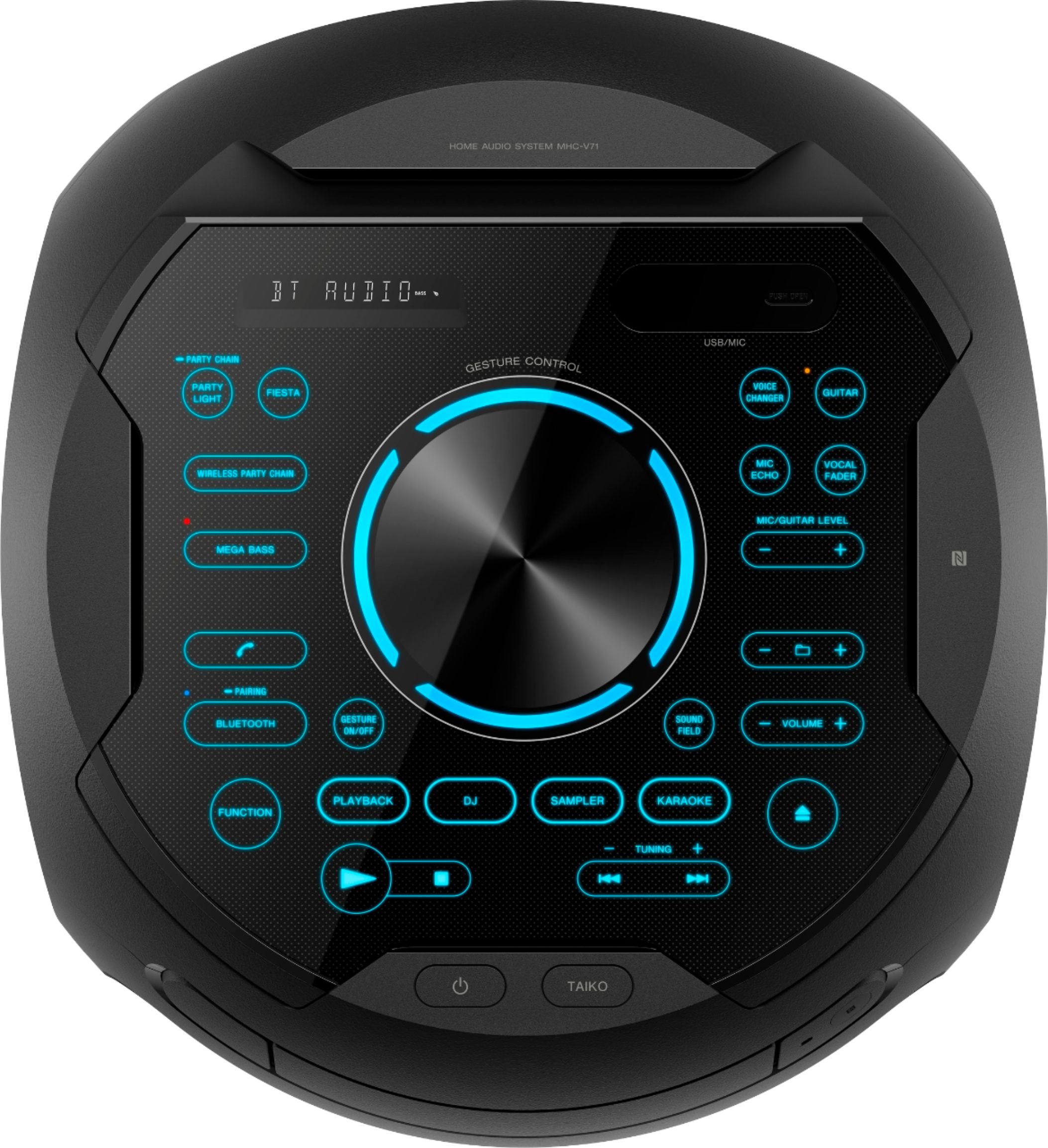
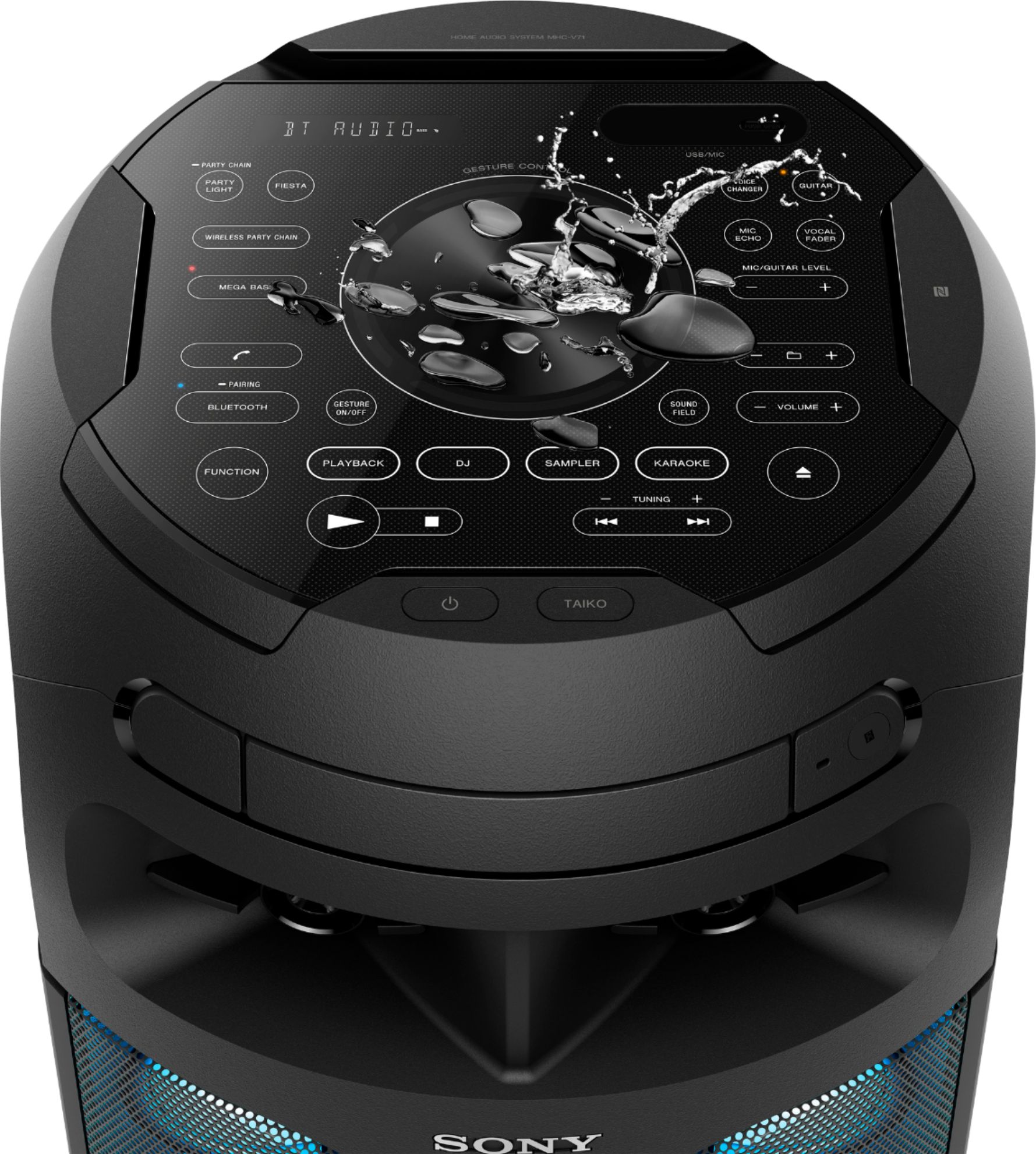
A:AnswerIf you’re asking if this unit can record cd’s then no. If your asking if this unit can read and play a ‘homemade’ cd of MP3’s, yes it can. There are even buttons dedicated to folder navigation on the units dashboard.
A:AnswerHi, Kidink23!
You can find more information on this link below on how to deactivate the child lock on this audio system. See page 50.
https://www.sony.com/electronics/support/res/manuals/4735/3ce14310a60b8e237c02440d9a8637e2/47358511M.pdf
Good luck!
David
A:AnswerHi, Bojean1952!
We're sorry to hear about this. Let's isolate this issue by following some troubleshooting steps. First, make sure to press the FUNCTION button repeatedly until CD appears. Touch eject on the unit to open the disc tray and load a disc with the label facing up on the disc tray. Press play to start playback. If it doesn't work, try to reset the unit by unplugging it for a minute.
If you are unable to resolve your concern, please email us at [email protected] with the following details:
Name:
Bestbuy Username:
Model Number:
Issue:
Telephone Number:
Best Time to Call:
Sincerely,
Sam
A:AnswerHi, Chelo! The range of the Bluetooth connection is approximately 30 feet (10 meters). However, maximum communication range will vary depending on obstacles (person, metal, wall, etc.) or electromagnetic environment. ~Ralph
A:AnswerHi Shototman,
No, you cannot connect a subwoofer to the unit since the Audio IN/OUT ports are only compatible with another set of Sony Audio System for Party Chain feature. Hope this helps!
Regards,
Sam
A:AnswerHi eric,
The compatible iPod/iPhone model for this audio system is very limited You can check this link below for reference.
https://www.sony.com/electronics/support/res/manuals/4735/3ce14310a60b8e237c02440d9a8637e2/47358511M.pdf (page 10)
Happy to help,
David
A:AnswerHi Pichi, No, the AC power cord needs to be connected. You may refer to page 16 of this link:
https://www.sony.com/electronics/support/res/manuals/4735/3ce14310a60b8e237c02440d9a8637e2/47358511M.pdf
~Ralph