A:AnswerThese will work with any product with a Bluetooth connection. However, keep in mind that you get significantly (about 3x) better quality with LDAC (Android) than you do with AAC (IOS). So Android gives the best performance but it will work great with IOS
A:AnswerYes you absolutely can, go into the app and scroll over to the last page on the right, at the top it should say Voice Assistant, go ahead and set that directly to Siri (they also work with Alexa, and Google Assistant; even on Apple devices)
A:AnswerThey are options you can adjust to fit your needs. I work in a super loud steel mil. I have these on 24/7 and it performs better then my hearing protection at work. I have mine programed when I talk it turns ambient noise on while still providing protection. After 15 seconds or so it switches to noise canceling. I pray this helps just go to settings on the phone app until you fine tone it to your lifestyle.
A:AnswerYes. There are three categories, Smart Assistant, Music Controls, and Noise Cancelling, to which you can assign and reassign to either bud. You have many more options than standard Airpods, however the tap sensor is questionable while moving
A:AnswerYes! The headphones are compatible with all Android devices and actually have more benefits using an Android phone over my iPhone I currently have them connected to.
A:AnswerYou can answer calls with one or both earbuds in. And the noise cancellation works even if you’re only using one earbud so you can get a clearer sound from the caller.
A:AnswerWhen you open the earbuds for the first time, every Android phone withing Bluetooth-range of the headphones will have a pop up, prompting to connect; if someone else connected before you did then you will have to reset the earbuds buds by taking them out and holding both sides for (15 seconds I believe, you'll have more luck checking the Sony site). Otherwise it may be a device issue but that's less likely, I recommend resetting and allowing the prompt to show up on your phone again, without people around.
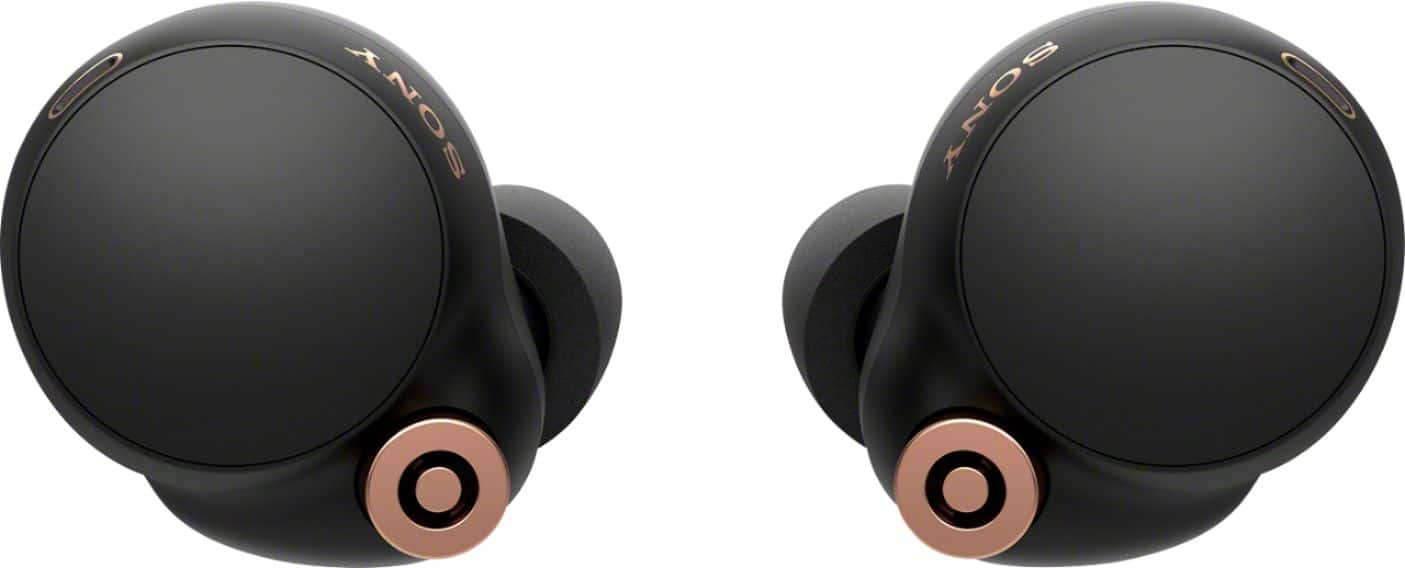
A:AnswerIn just bought a pair. It is supposed to have Alexa in the app. However, that does not seem to work. Do not buy them for this feature. It is impossible to set up and so far an extremely complicated and poor user experience. Badly designed app. So far, I hate these things and may return them.
A:AnswerHi CJB, thank you for your question. Unfortunately, this is not part of the specifications. However, under Sony Headphones app, you can adjust the noise cancellation level. With our new integrated processor V1, it is the industry leading processor in noise canceling will provide the best noise cancellation out there. Hope this helps. ~Earl
A:AnswerI'm sure you already figured this out, but no. Tinnitus is a ringing caused by exitation of the ear canal from inside; there are no actual sound waves so their is nothing to cancel it. However any noise coming from outside will he subject to it's ANC
A:AnswerYes. But if your TV doesn’t have Bluetooth built in you will need to add a Bluetooth transmitter. There are many options for under $40. Just plug the transmitter into one of the audio outs on the back of the TV.
A:AnswerAbsolutely, and the sound/mic quality is great. They use the mic for the active noise reduction as well as ambient noise. A great feature so you can listen to music and hear what's going on around you. These are great buds.
A:AnswerI don’t notice any white noise these have the best pass though sound I have heard. They do have a setting that takes in voice while suppressing other noise, as well as adjustments for the ambient sound.