Black Friday is hereShop new DoorbustersShop now

Main Content

Questions & Answers

Your price for this item is $49.99
The comparable value price is $69.99
Page Showing 1-20 of 21 questions
  • QuestionWhat is the battery life of the earbuds?

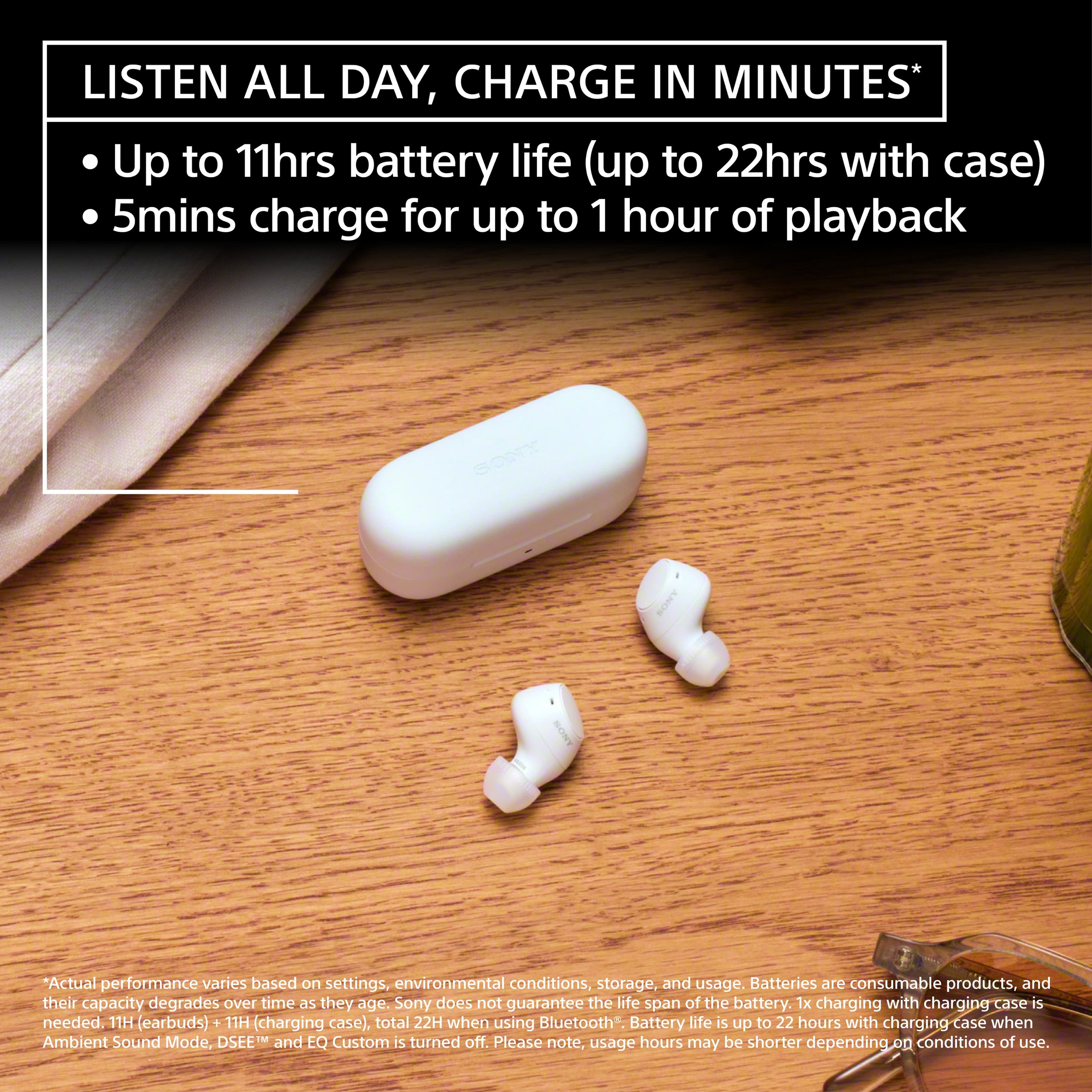
    • Answer These Bluetooth earbuds have a battery life of up to 11 hours.
    This question and answer was generated by AI based on customer and product data.

  • QuestionHow long does it take to charge the earbuds?

    • Answer It takes 1.5 hours to charge the earbuds.
    This question and answer was generated by AI based on customer and product data.

  • QuestionAre the earbuds sound isolating?

    • Answer These earbuds provide sound isolation.
    This question and answer was generated by AI based on customer and product data.
  • QuestionWhat is the maximum wireless range of the earbuds?

    • Answer The maximum wireless range of the earbuds is 32 feet.
    This question and answer was generated by AI based on customer and product data.

  • QuestionDo the earbuds have active noise cancellation?

    • Answer These earbuds do not have active noise cancellation, but they do offer environmental noise control.
    This question and answer was generated by AI based on customer and product data.

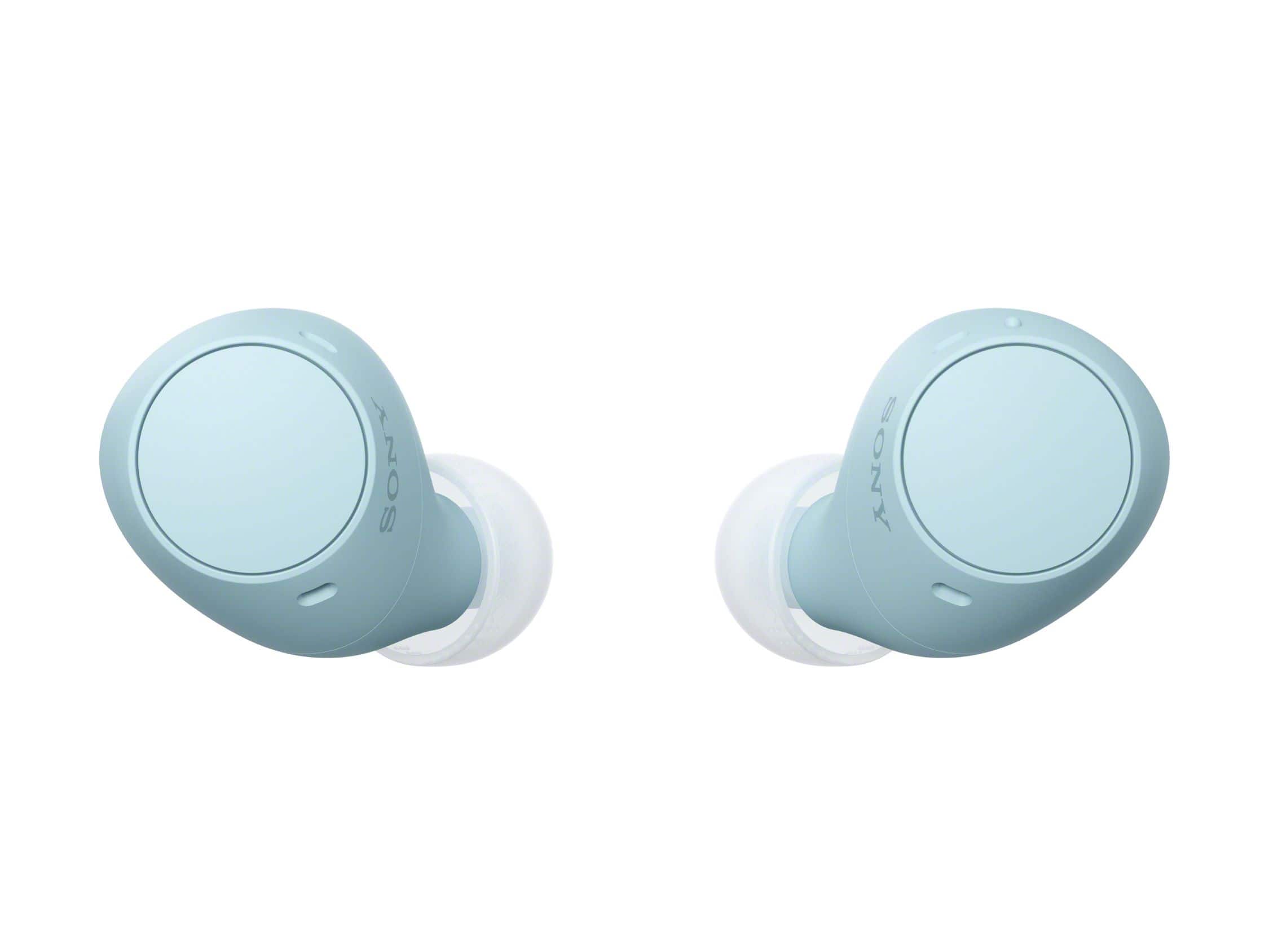
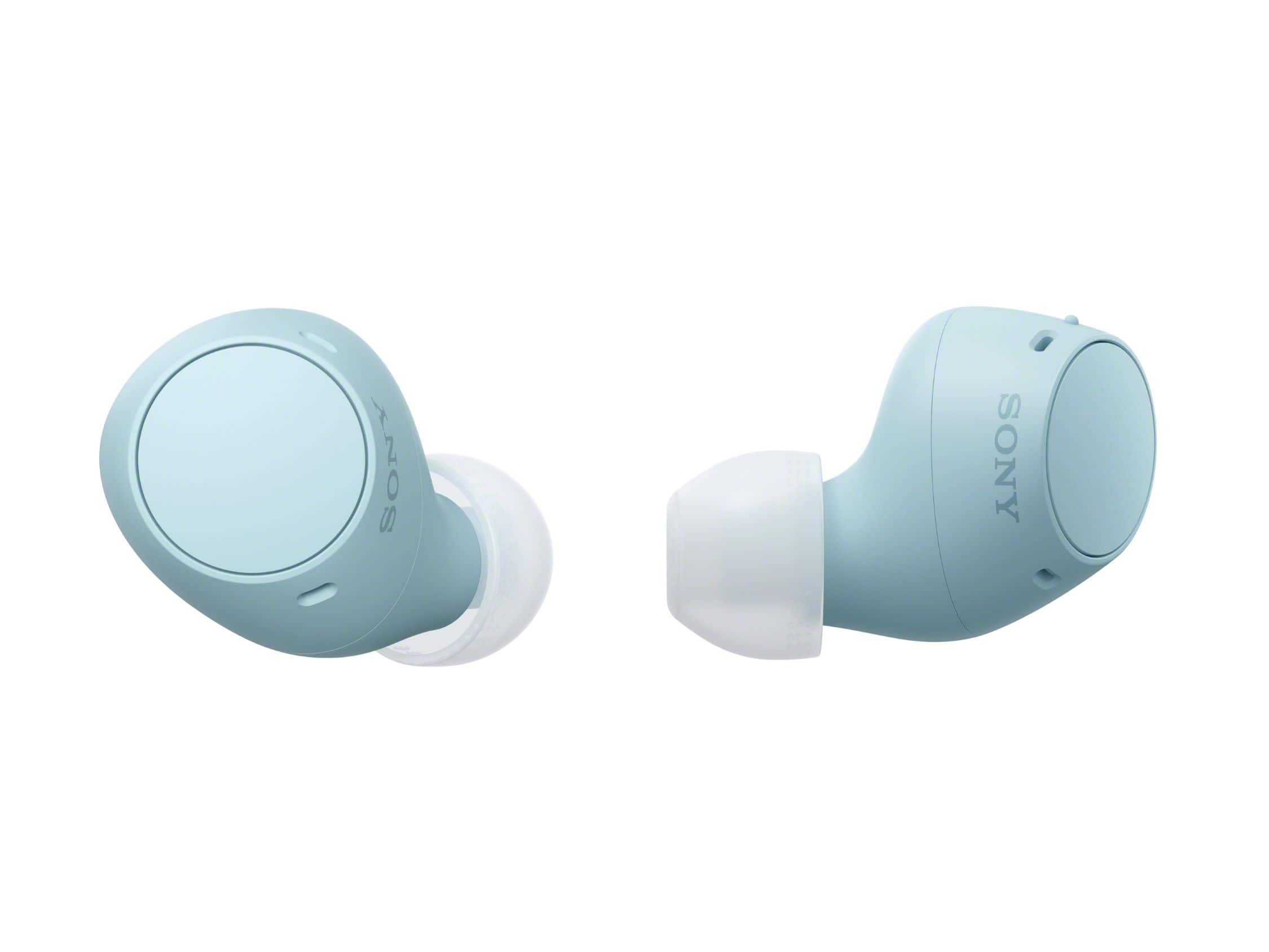
  • QuestionAre these comfortable?

    Asked by Anonymous.

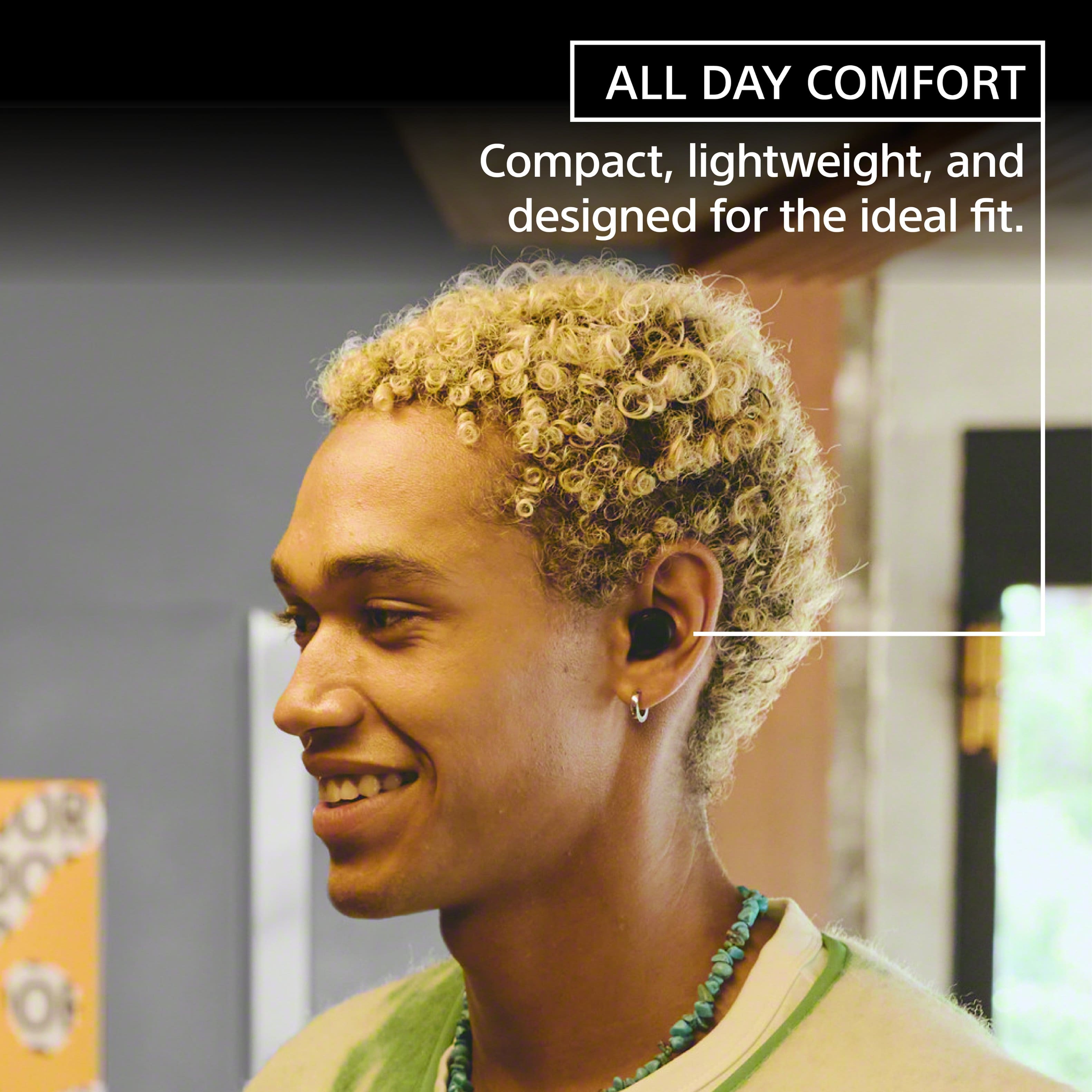
    • Answer no. bulky and dont stay in when bending over

      Answered by Angelaly

  • QuestionHow do i connect these earbuds to my chromebook without the app?

    Asked by Anish.

  • QuestionCan the buds in the case be charged on a charging pad?

    Asked by Dave.

    • Answer Hello Dave, Thank you for choosing Sony! We appreciate your question and are here to assist you. The Sony WF-C510 earbuds do not support wireless charging. To recharge your earbuds, simply use the provided USB-C cable to connect the charging case to a power source, which may include a wall adapter, power bank, or computer. Wireless charging is available only on select models, such as the WF-1000XM5 and WF-1000XM4. For further details on charging the Sony WF-C510 earbuds, please visit: https://helpguide.sony.net/mdr/2982/v1/en/contents/TP1001612418.html Best regards, -Fred

      Answered by SonyListens

  • QuestionAre they compatible with the PS5?

    Asked by UrNaBur.

    • Answer Not without a playstation 5 blutooth adapter.

      Answered by MONIQUED

  • Questionare these ear buds compatible with samsung phone

    Asked by jose.

    • Answer Yes

      Answered by FaridR

  • QuestionDo these earbuds work with Vizio tvs?

    Asked by Anonymous.

    • Answer Yes

      Answered by JakeK

  • QuestionAre they comparable with iPhone 16?

    Asked by Eddie.

    • Answer Yes

      Answered by Cherokee

  • Questiondo these connect to the palystation 5 ?

    Asked by kazpachi.

    • Answer No, but you can connect it to a smart tv, that's the way i played in mi PS5 and it sounds very good.

      Answered by Edan

  • QuestionHow can get access to the free item with the purchase of the Sony earbuds WF-C510.

    Asked by Anthony.

    • Answer iirc the first time I bought the SONY WH-CH720N headphones and was offered three months of Sirius XM (which I’m admittedly still subscribed to for sports and news) it took a couple weeks for the link in the email to work to access the subscription so you’ll probably just need to wait.

      Answered by JakeK

  • QuestionDo these earbuds have great base?

    Asked by Mc.

    • Answer Hi Mc, Thank you for your inquiry and interest in our Sony WF-C510 earbuds! The WF-C510 offers commendable bass performance. The WF-C510 doesn’t compromise on sound. Thanks to DSEE (Digital Sound Enhancement Engine), the earbuds deliver high quality sound and create an authentic listening experience. With well-balanced sound tuning from low to high frequencies, vocals are natural and clear. You can also experience immersive 360 Reality Audio for spatial listening. Furthermore, these earbuds come equipped with an Equalizer and CLEAR BASS setting accessible via the Sony Sound Connect app, allowing you to personalize your audio experience. This will give you more control over your headphones and their performance. Regards, Jess

      Answered by SonyListens

  • QuestionDo these earbuds pair with TVs that have Bluetooth to listen to TV

    Asked by Anonymous.

    • Answer Hi there, Thank you for reaching out with your question! Yes, you can connect the WF-C510 to enjoy TV sound, provided that your TV supports the A2DP (Advanced Audio Distribution Profile) Bluetooth profile for music playback. We recommend checking your TV's specifications to ensure compatibility with this profile. For additional information, refer to the How to pair (connect) my Bluetooth wireless headphones with another device article link below. https://www.sony.com/electronics/support/wireless-headphones-bluetooth-headphones/wf-c510/articles/00006995 Compact and colorful, these earbuds are equipped with features designed for excellent sound quality anytime and anywhere. Regards, Jess

      Answered by SonyListens

  • QuestionThe silicone tips are so easily lost. Is there any way to get some more without buying the whole kit and caboodle again? Its such a pain in the neck and it always happens without warning.

    Asked by IrishGypsy.

    • Answer Hi IrishGypsy, We're sorry to learn about what happened. While it's frustrating to lose the earbud tips of your Sony WF-C510, there are few options you can explore: -Additional pairs of earbud tips are bundled with the product. Once earbud tips get lost, dirty or clogged with earwax, replace the earbuds with new ones. -Check if the headset is properly worn on your ears. Ensure they fit snugly and provide a good seal. -To change the earbud tips with new ones, visit Sony Parts and Accessories Sales on our Support website to purchase a replacement earbud tips for your Sony earbuds. -Be mindful when removing and inserting the earbud tips. Store your earbud headphones in a protective case to keep the earbud tips sure when not in use. -We have a recommended way of wearing these earbud headphones. Please make sure to follow the guide from this link: https://www.sony.com/electronics/support/articles/00262839 For us to better assist you with the replacement accessories of our WF-C510, please email us at [email protected] with the following details: Name: Best Buy Username: Model Number: Issue: Telephone Number: Sincerely, Jess

      Answered by SonyListens

  • QuestionDo these offer real time language translation?

    Asked by Yooo.

    • Answer Hi Yooo, Thank you for your question. The Sony WF-C510 headphones do not offer real-time language translation features. They are primarily designed for audio playback and Bluetooth connectivity. You can change the voice guidance language using the Sony Sound Connect app. You can also use the app to customize audio settings and connect your headphones to your smartphone. By using the voice assist function that comes with the smartphone, you can speak to the headset’s microphones to operate the smartphone or perform a search. Regards, Jess

      Answered by SonyListens

  • QuestionCan Sony WFC510 earbuds connect to my new LG TV so I can listen to TV without disturbing others?

    Asked by BenA.

    • Answer Hi BenA, Thank you for your question. You can connect the WF-C510 and enjoy TV sound through this device, provided that your TV supports the Advanced Audio Distribution Profile (A2DP). This unit requires the A2DP (Advanced Audio Distribution Profile) Bluetooth profile to connect with other devices via Bluetooth. You may need to verify your TV's specifications to confirm its compatibility with this profile. Compact and colorful, these earbuds are equipped with features designed for excellent sound quality anytime and anywhere. Regards, Jess

      Answered by SonyListens

  • QuestionAre these good for Teams calls on a Windows computer? Hopefully the mic is good.

    Asked by stuman74.

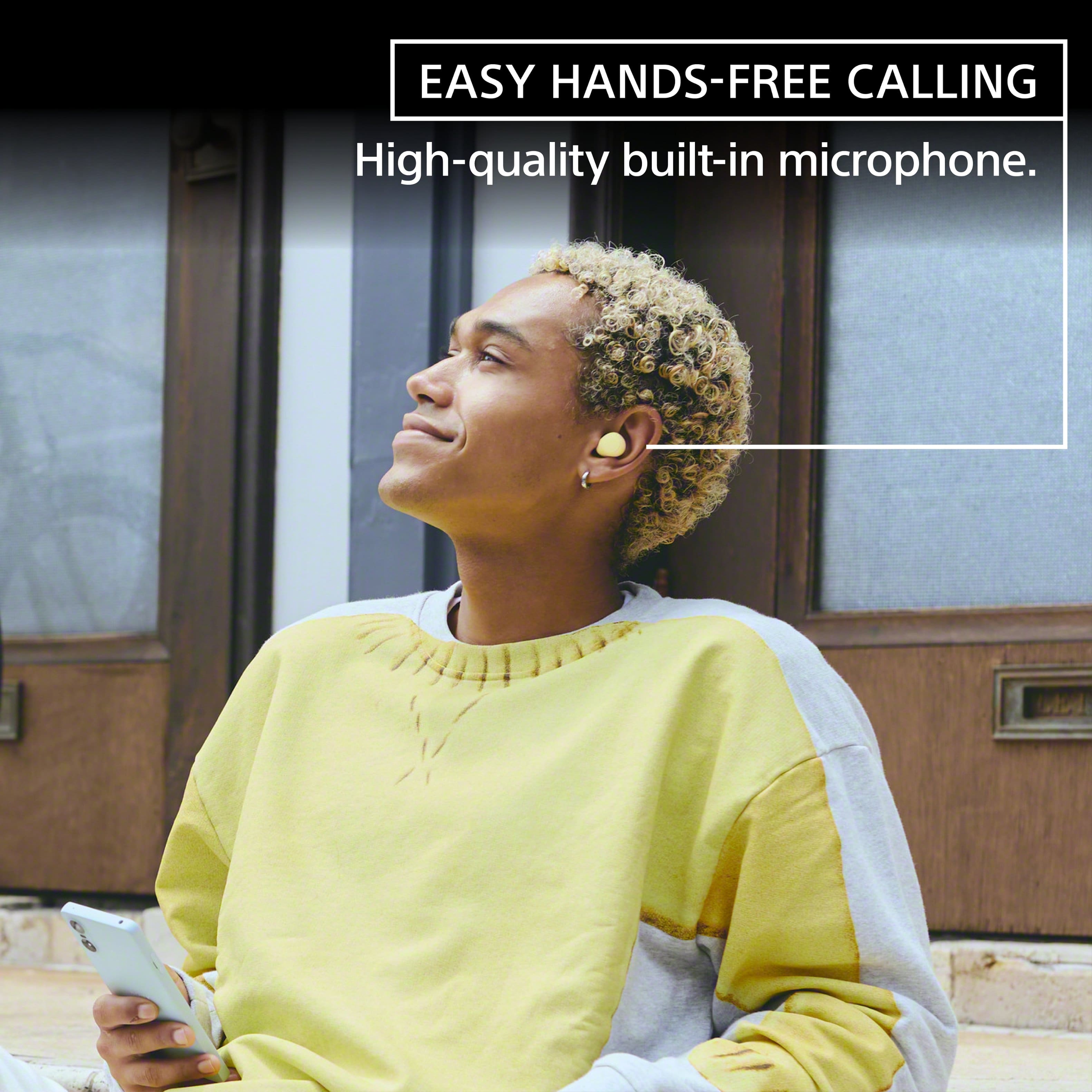
    • Answer Hi Stuman74, Thank you so much for your inquiry. The Sony WF-C510 Truly Wireless Earbuds can be paired and connected with computers. This headset features a high-quality built-in microphone and can be used with Microsoft Teams. When you make a video call on your computer, select calling connections (HFP/HSP) and not music playback connections (A2DP). If you select music playback connections, a video call may not be available. We do have good information about how to use Bluetooth headphones for video calls on a computer on this link here: https://www.sony.com/electronics/support/articles/00250089 Whether you are listening to music, in an online class or working from home, the WF-C510 earbuds will deliver high-quality sound performance. Regards, Jess

      Answered by SonyListens