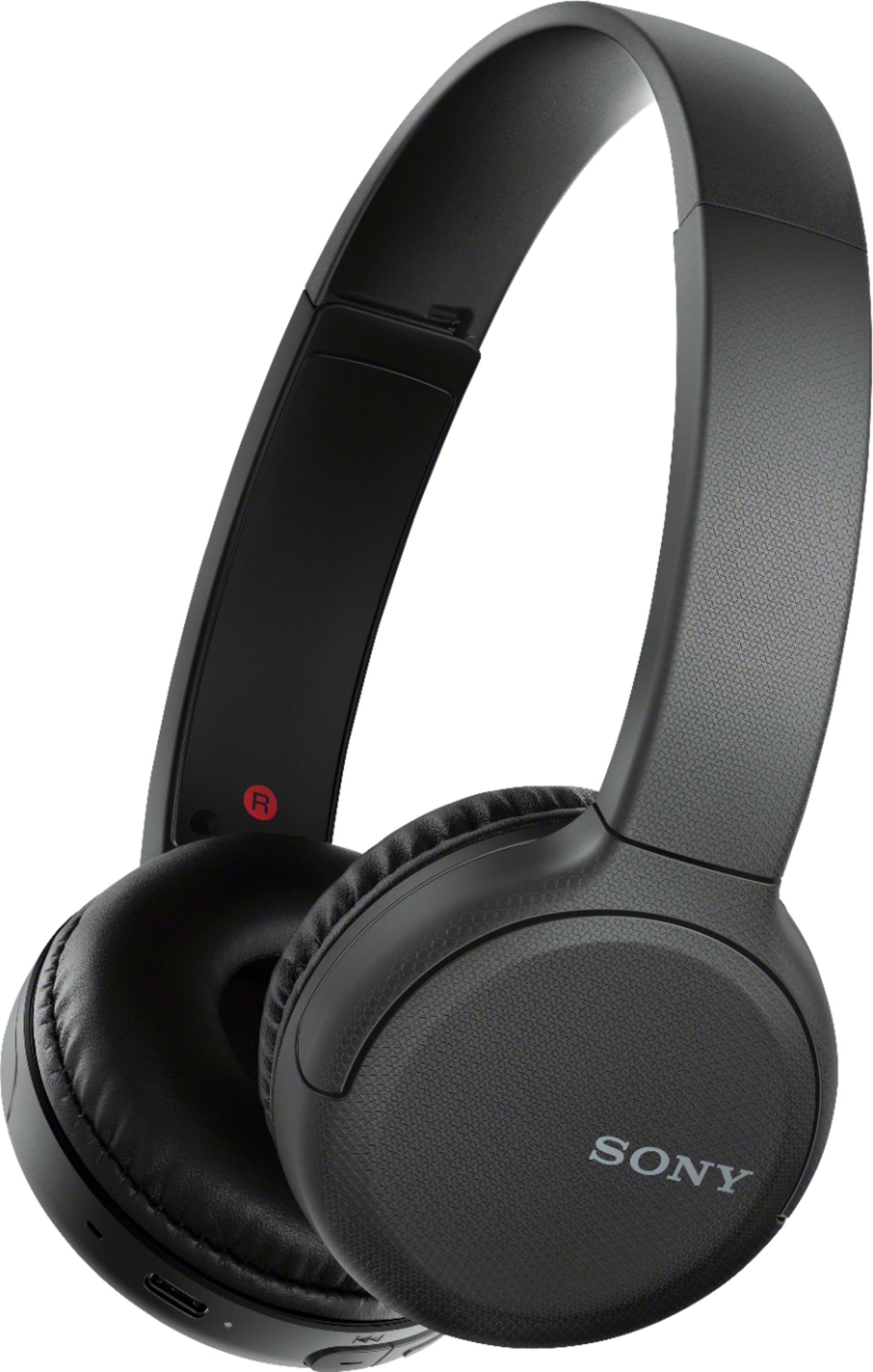
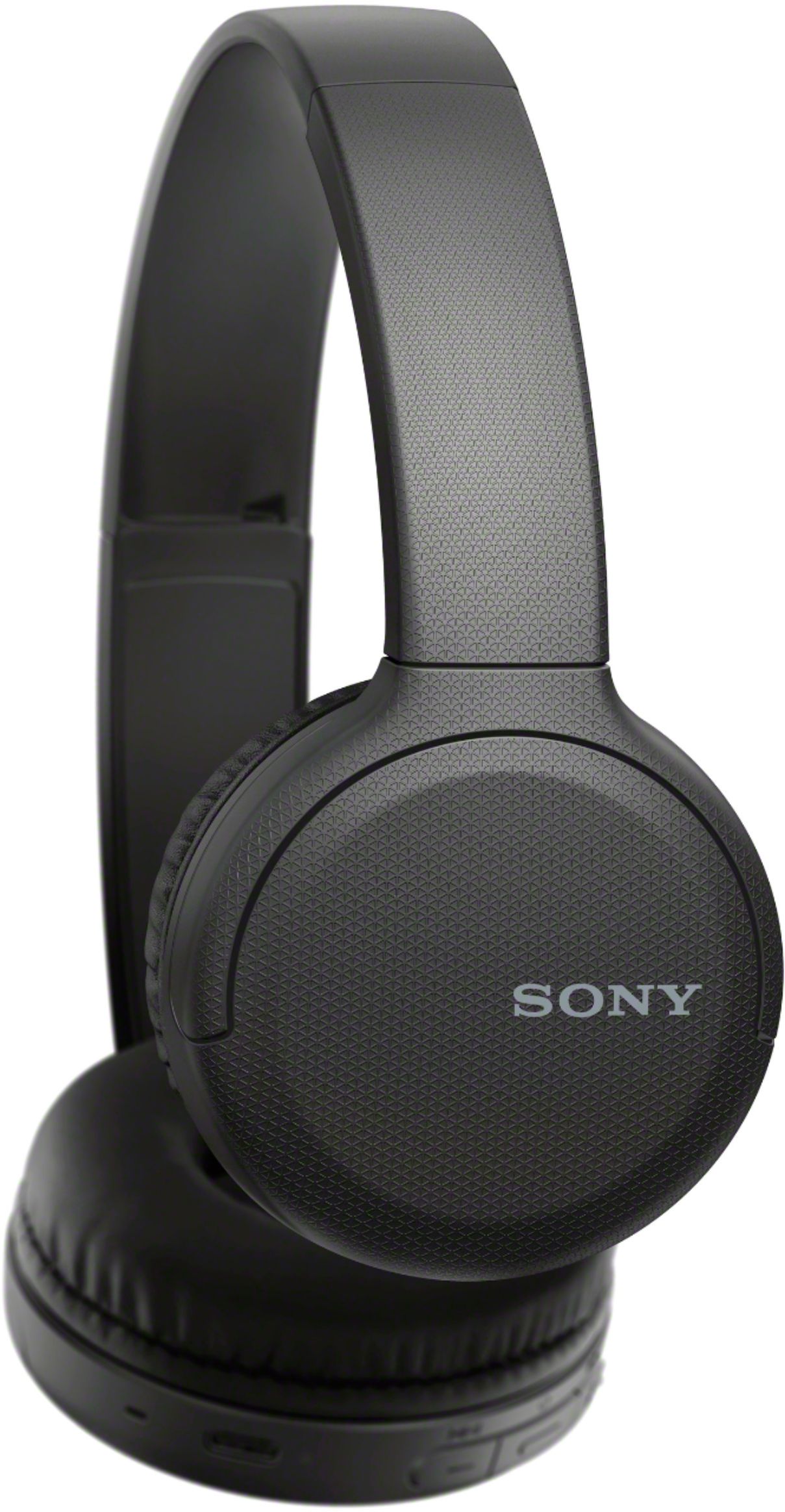
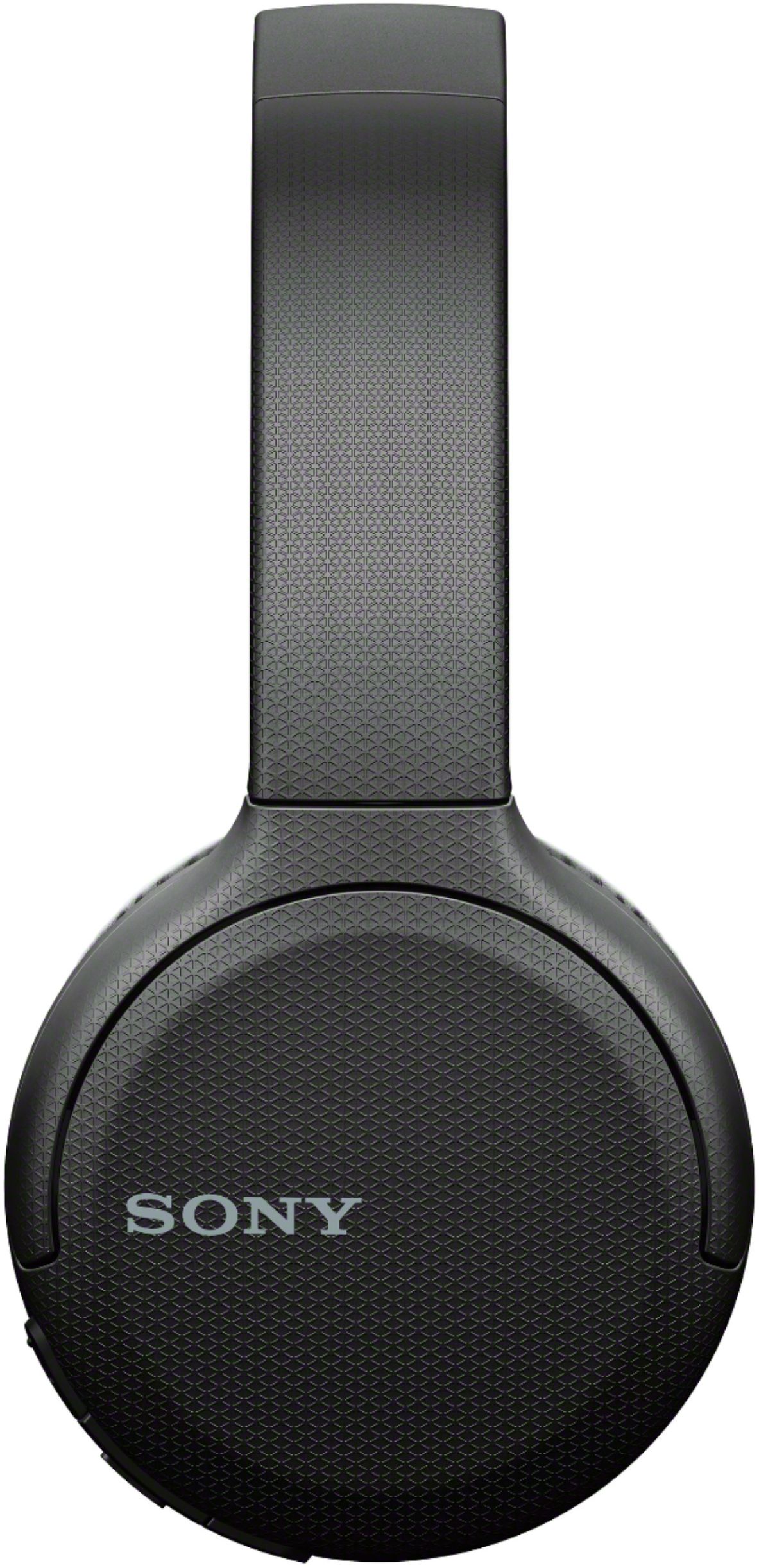
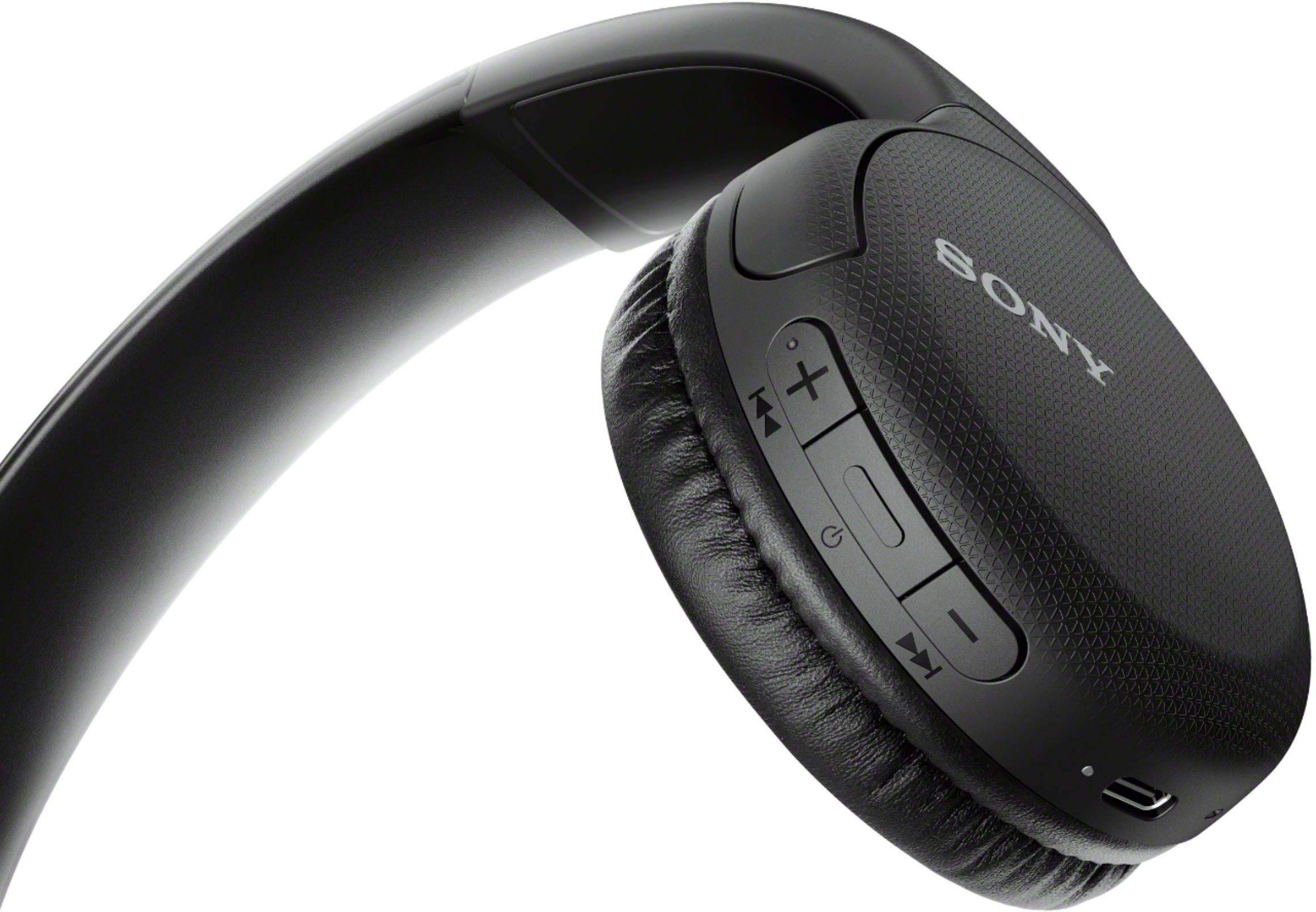
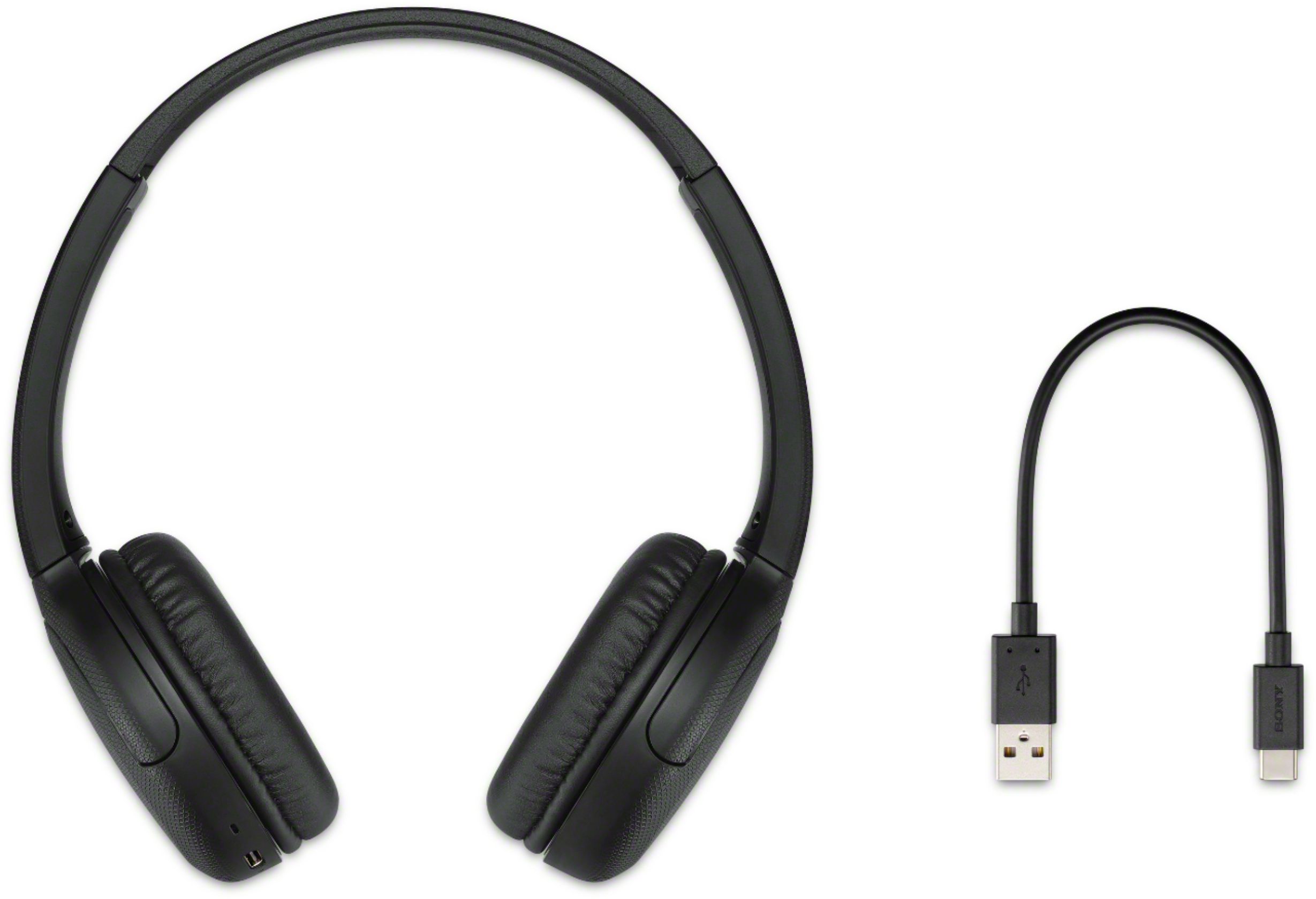
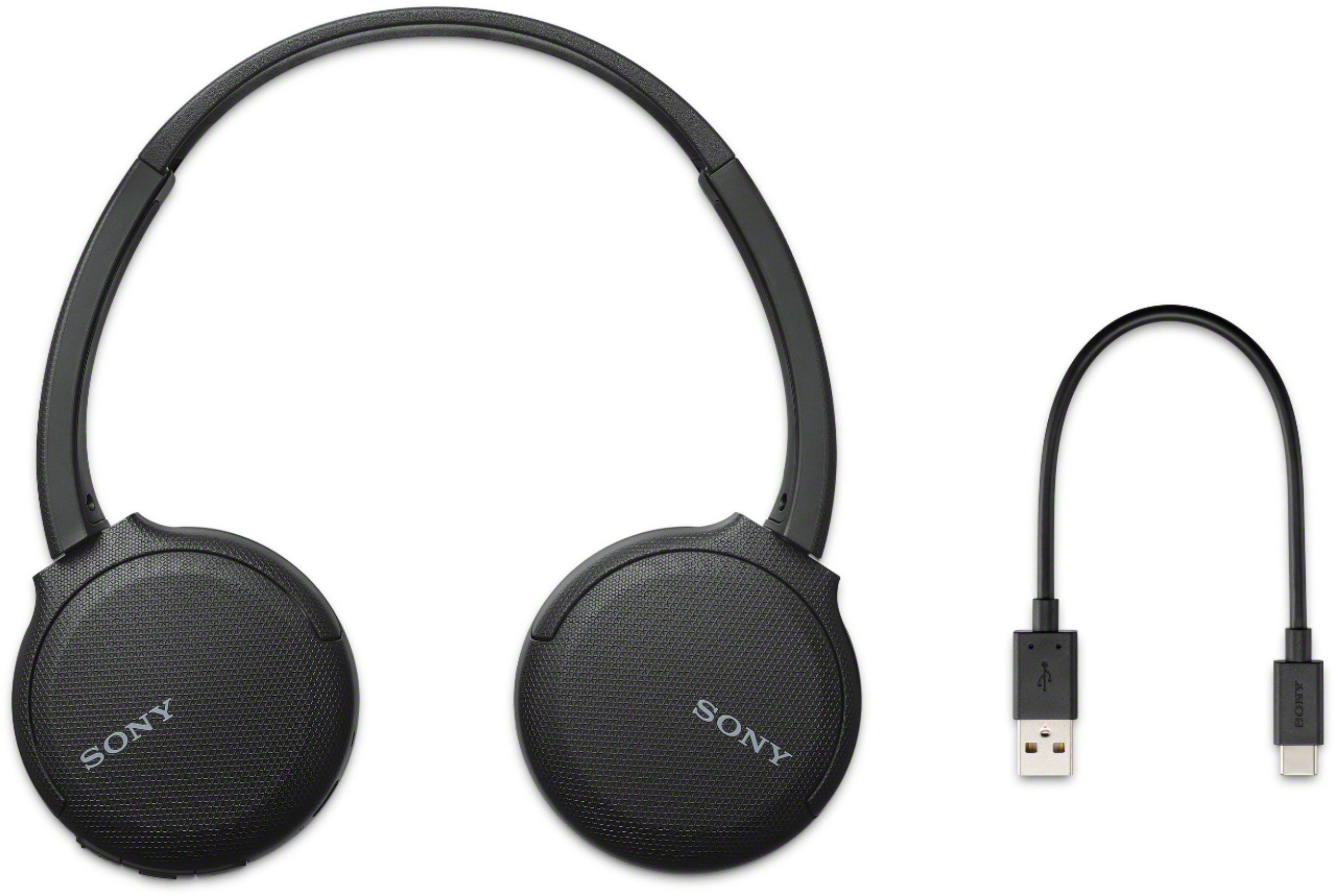
A:AnswerYes you can listen to these headphones for a long period of time but like anything on your ears sooner or later the can get annoying some but not enough to stop using them. Very lightweight and good sound and adjustable for comfort.
A:AnswerHi LarryJ,
We don't recommend using these headphones on your television. Full operation is not guaranteed. We recommend our home theater headphones. See the link for details.
https://www.sony.com/electronics/headband-headphones/wh-rf400
Regards,
David
A:AnswerHi, AnswerThis, You may check out this page for the details about the warranty: https://www.sony.com/electronics/support/res/manuals/4599/40e69626689f987e884c7569427d0ed8/45991062M.pdf. -VIncent
A:AnswerHi, NNR, These headphones are compatible with Mac that has macOS version 10.10 or later: https://helpguide.sony.net/mdr/whch510/v1/en/contents/TP0002404809.html. -Vincent
A:AnswerPut the headphones in pairing mode and go into the Bluetooth settings on your phone. You will see a list of devices showing up. Select the one that says "WH-CH510."
A:AnswerHi Peterf, Unfortunately, these headphones will not work with your X800G TV. I would recommend getting a Wired or Wireless RF headphones like the WH-L600, MDR-RF995RK, or WH-RF400 model. -Sam
A:AnswerHi, Stefanie!
Yes, these headphones are compatible with Windows 10. For details, see the link below.
https://helpguide.sony.net/mdr/whch510/v1/en/contents/TP0002402824.html?search=windows
Happy to help,
David
A:AnswerHi, Sue!
Yes, you can pair it on your iPad. Please refer to this link for pairing instructions: https://helpguide.sony.net/mdr/whch510/v1/en/contents/TP0002402848.html -Sam