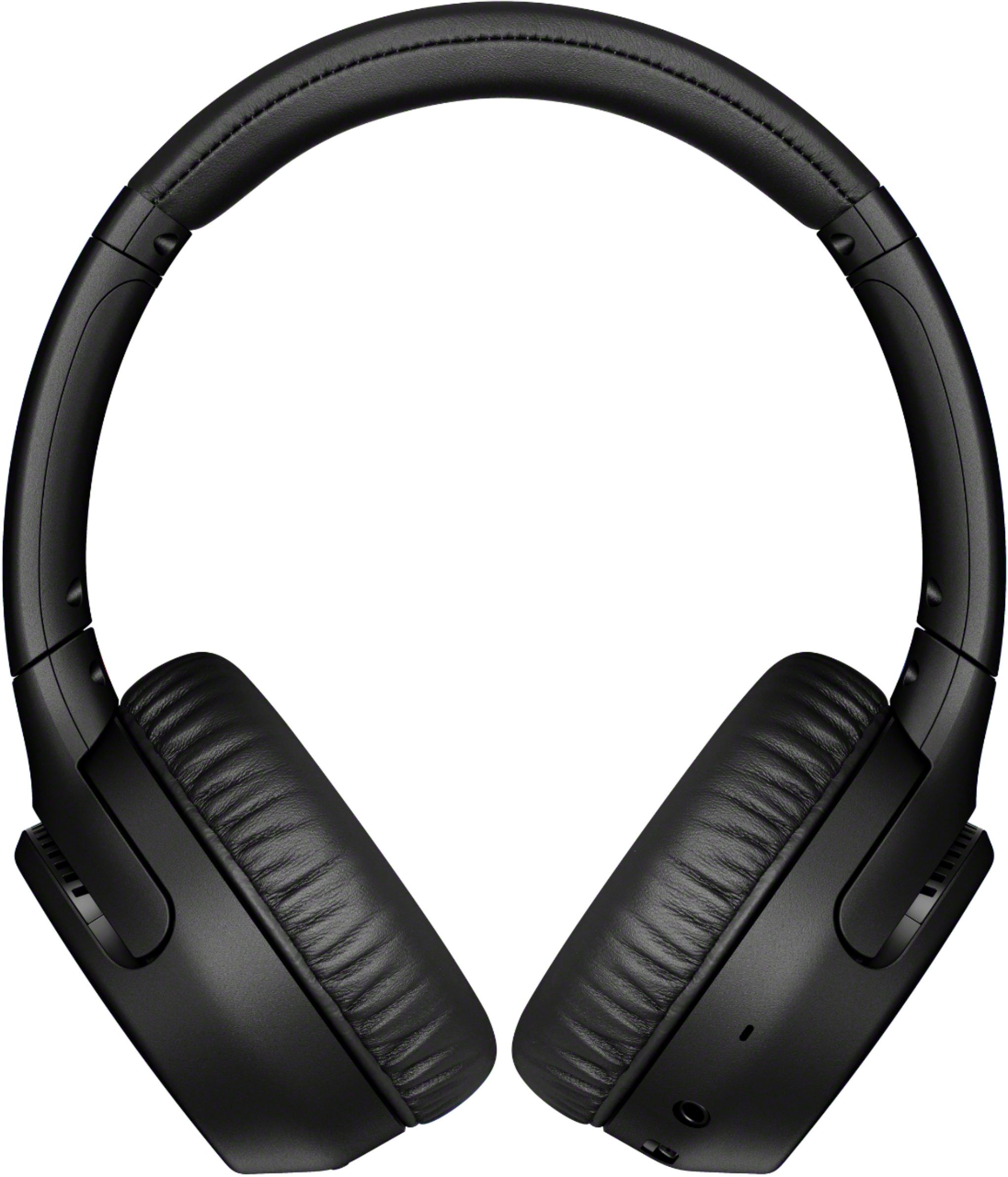
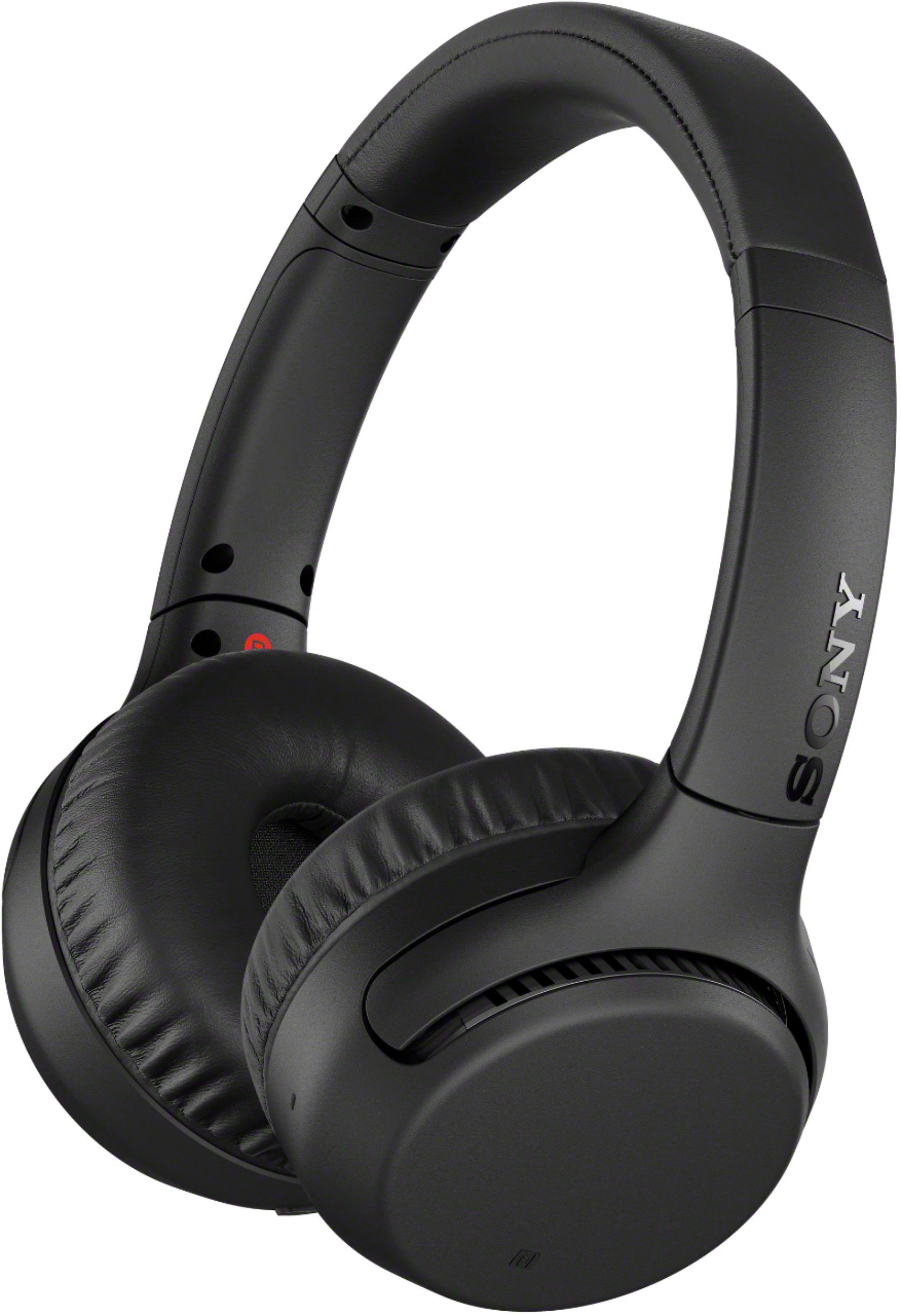
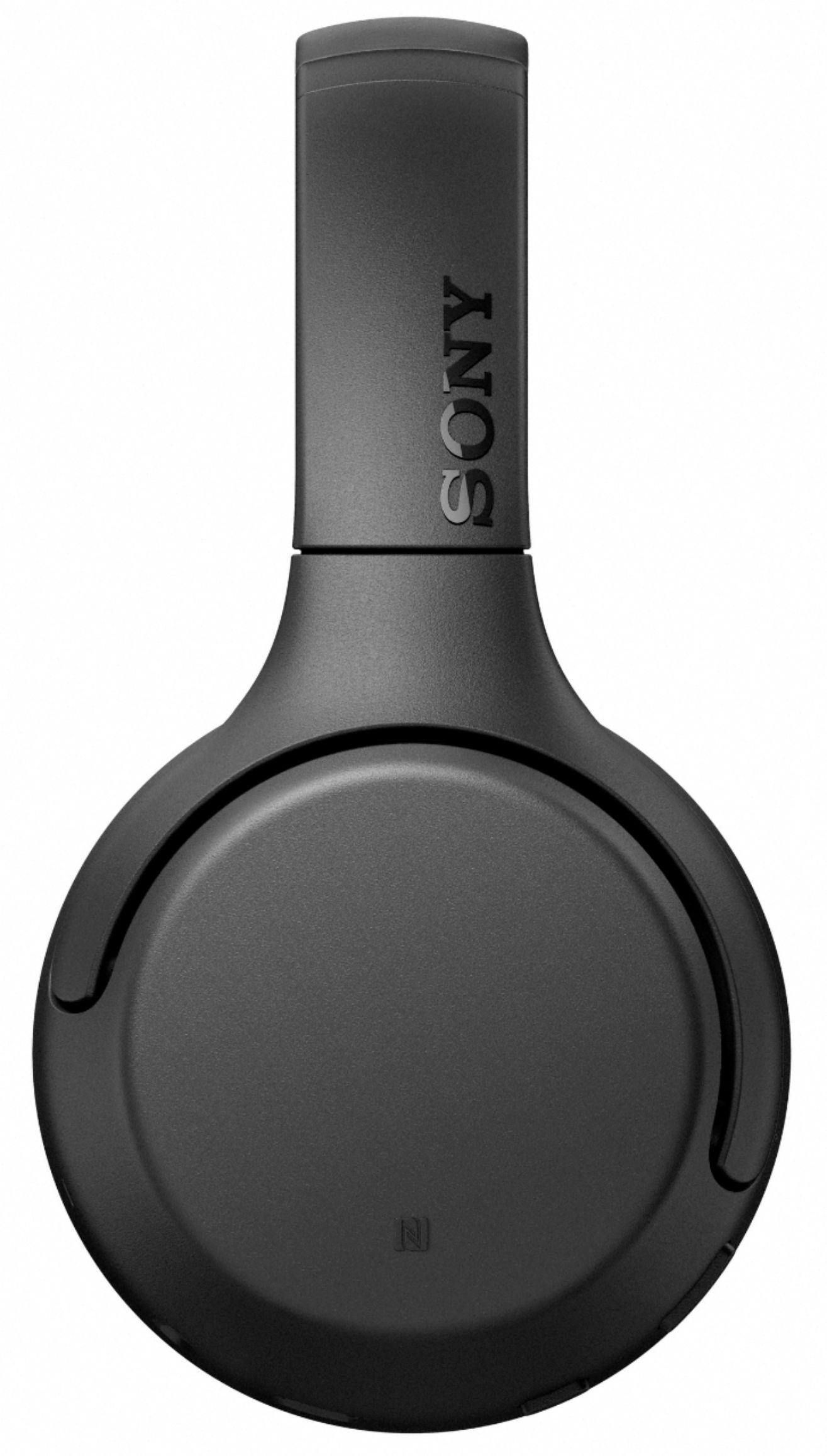
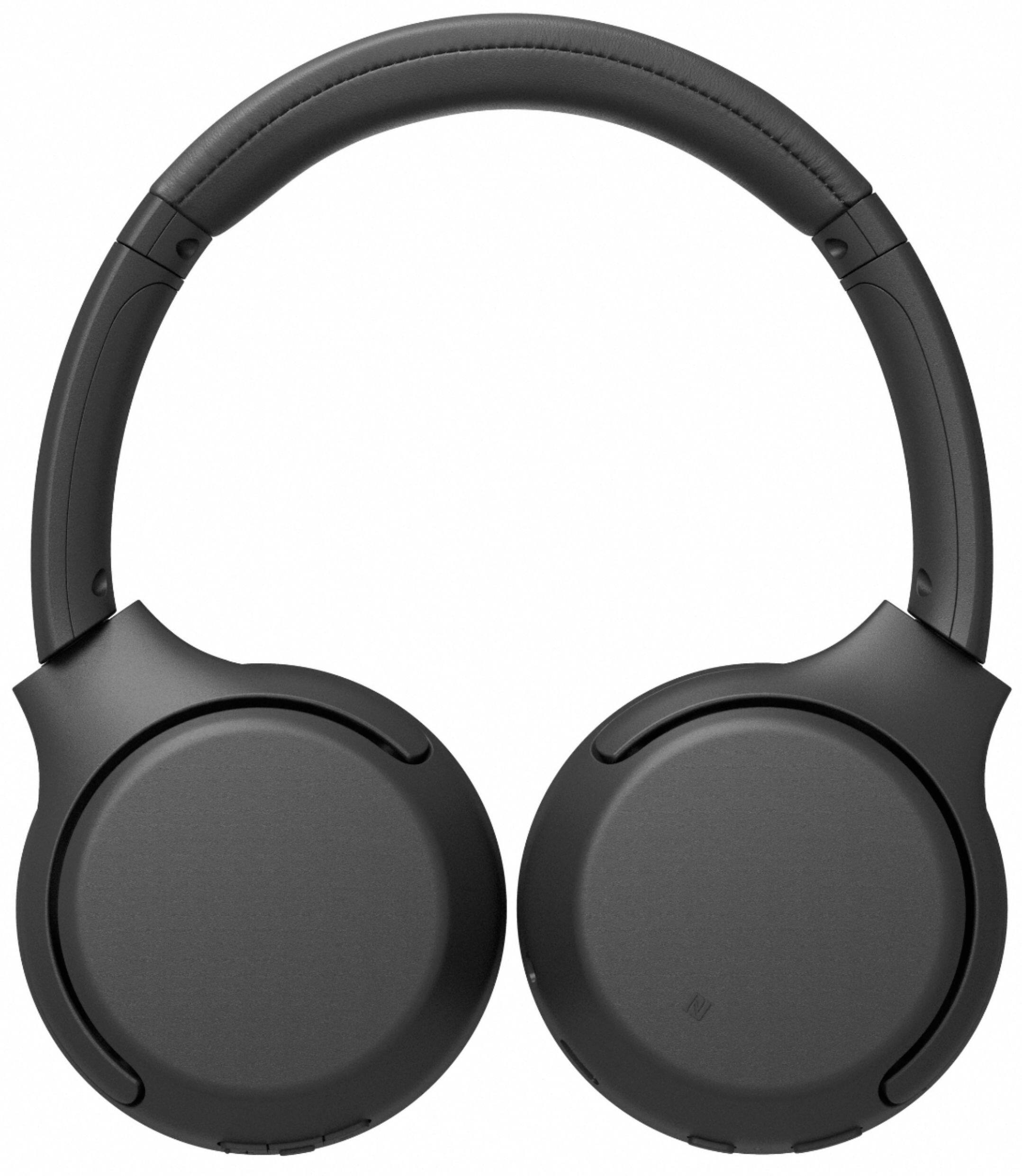
A:AnswerHi, the headphones can be pair to the TV. Please refer to the link below for more details.
https://www.sony.com/electronics/support/articles/00159290
Erin
A:AnswerYou can check it by looking in your settings menu. From Settings, select Sound, and then select Sound Output. If the option Bluetooth Speaker List appears, then your TV supports Bluetooth.
A:AnswerThe Earphones have Bluetooth so theoretically if the tv can put its audio out as bluetooth you can. You could do it wired also by tapping into the RCA out jacks on the back of the tv and using an adapter to 1:8” to run a wire to the earphones. You could get tv audio from your smartphone easily into the earphones but typically the picture and sound would be out of sync.
If your tv does not put out Bluetooth other earphones are designed to provide that functionality easily with a wire free transmitter to earphones.
A:AnswerHi, KFresh!
We cannot guarantee its full operation because these headphones are specifically built for smartphone. We recommend Playstation headphones.
Regards,
David
A:AnswerHi, Hammer! It will depend if the TV supports Bluetooth headphones. We also can't guarantee full compatibility with third-party devices. ~Ralph