Appreciation EventEnds Sunday. Limited quantities. No rainchecks.Shop now

Skip to contentGo to Product Search
Main Content

Questions & Answers

$128.00
Save $50
The comparable value is $178.00
Page Showing 41-60 of 208 questions
  • QuestionI love my new headphones. I use them for walking outside while talking with friends. I have paired them with my Samsung S24. How do I power off the headphones, but maintain the pairing/connection for the next use? I seem to be losing the connection.

    Asked by Ebd12345.

    • Answer To power off your Sony WH-CH720N headphones while maintaining the pairing for future use, simply hold down the power button until the headphones turn off (you’ll hear a confirmation tone or see the indicator light turn off). This will not delete the pairing; the connection with your Samsung S24 will remain saved. The next time you turn on the headphones, they should automatically reconnect to your phone if Bluetooth is enabled. If the connection isn’t automatic, make sure your phone’s Bluetooth is on, and select the headphones from the Bluetooth list. If you’re losing the connection frequently, try the following: Ensure your Samsung S24’s Bluetooth is turned on before powering up the headphones. Reset the headphones (hold the power button for 7 seconds) and re-pair them. Check for software updates on both your phone and the headphones. This should solve any connectivity issues!

      Answered by Joybiswas

  • QuestionIs there any way to mute the microphone on the headset itself? Interested in using these for work (Teams meetings), but I prefer muting when I'm not speaking without having to click over to Teams and click Mute there.

    Asked by courtf.

    • Answer Unfortunately, the Sony WH-CH720N headphones do not have a dedicated mute button for the microphone on the headset itself. To mute during calls or meetings, you’ll need to use the mute function in the app or platform you’re using, like Teams. However, here are some workarounds you might find helpful: Inline Mute Adapter: If you use the headphones in wired mode, you can connect an inline mute adapter (available online) to quickly mute the mic. Configure Shortcut Keys in Teams: You can set a keyboard shortcut (like Ctrl+Shift+M) in Teams to quickly mute/unmute without navigating to the app. Use a Bluetooth Dongle with Mute Button: Some Bluetooth adapters for computers include a mute button that works with your headset. These options can provide more convenience for muting during meetings!

      Answered by Joybiswas

  • QuestionThe instructions say not recommend if you have a pacemaker. Do all wireless devices have this problem or what is the difference?

    Asked by Pacer.

    • Answer Hi Pacer, Thanks for reaching out. All headphones have this warning concerning pacemakers. It is important to note that the headphones contain magnets and emit radio waves, which can interfere with cardiac pacemakers and other medical devices. Therefore, it is advised not to use the headphones near medical devices or in crowded places such as trains or medical institutions. If you use a pacemaker or any other medical device, it is recommended to consult your doctor before using the WH-CH720N headphones. Regards, -Craig

      Answered by SonyListens

  • Questionare they adjustable

    Asked by deb.

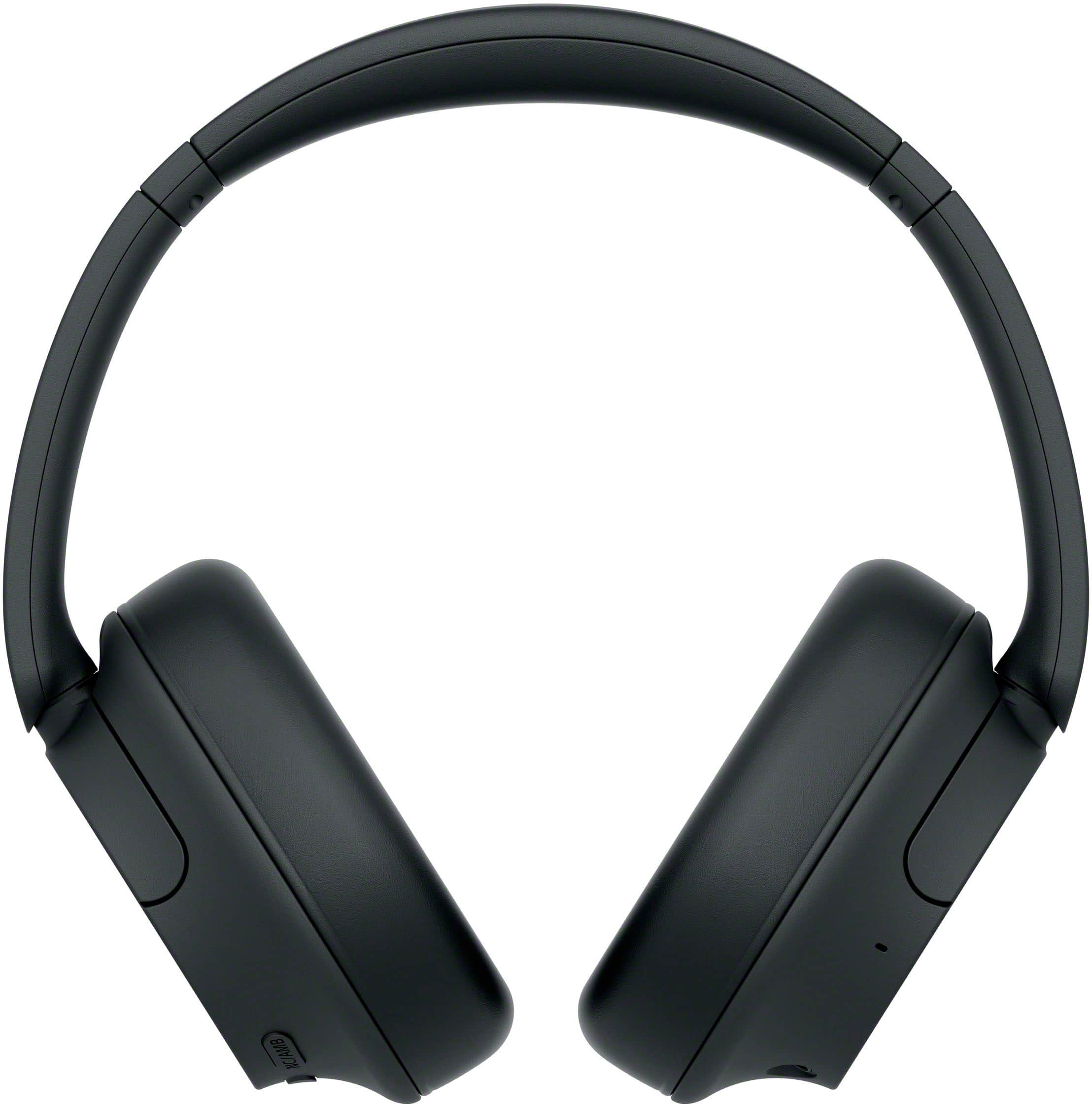
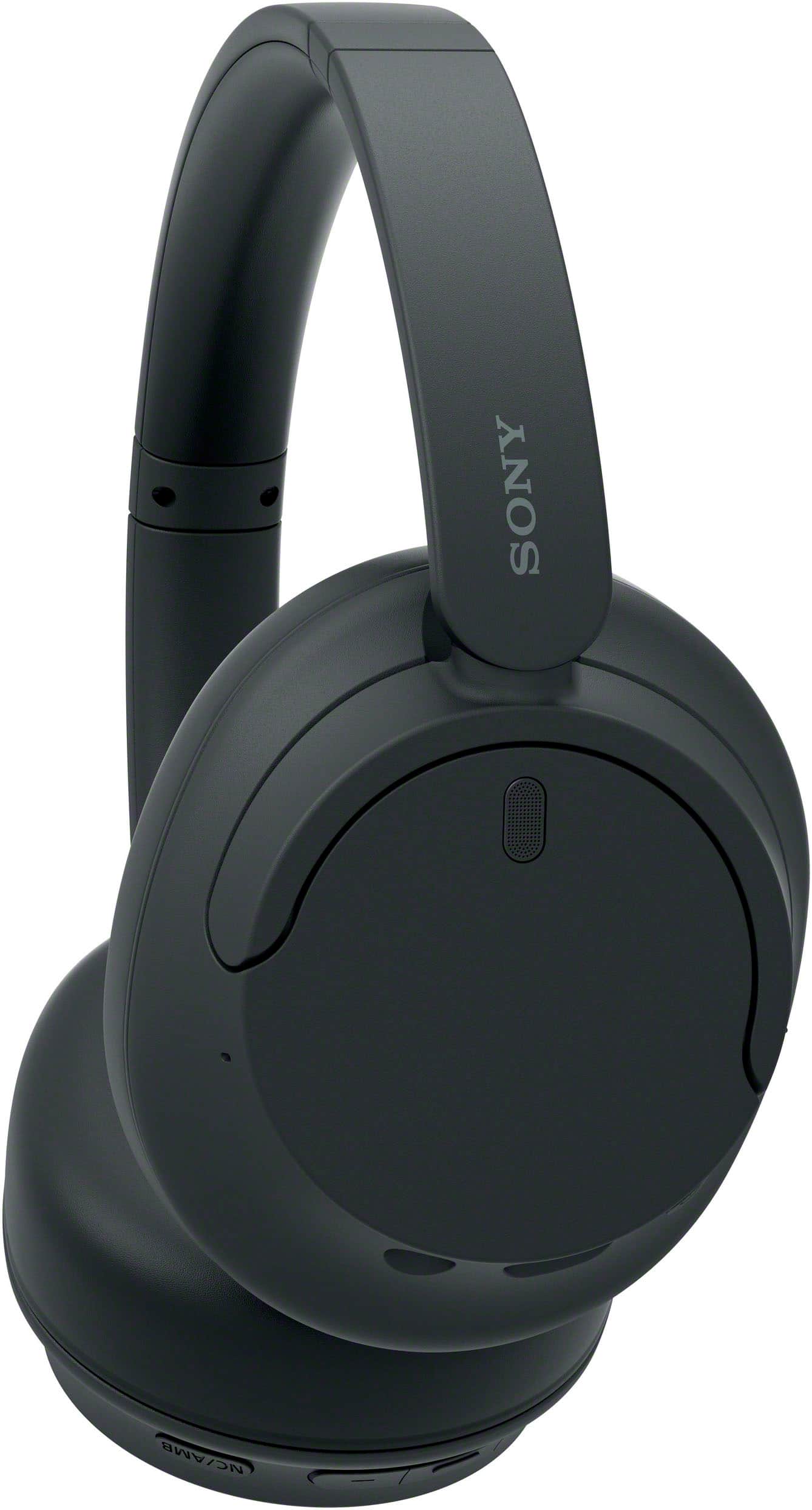
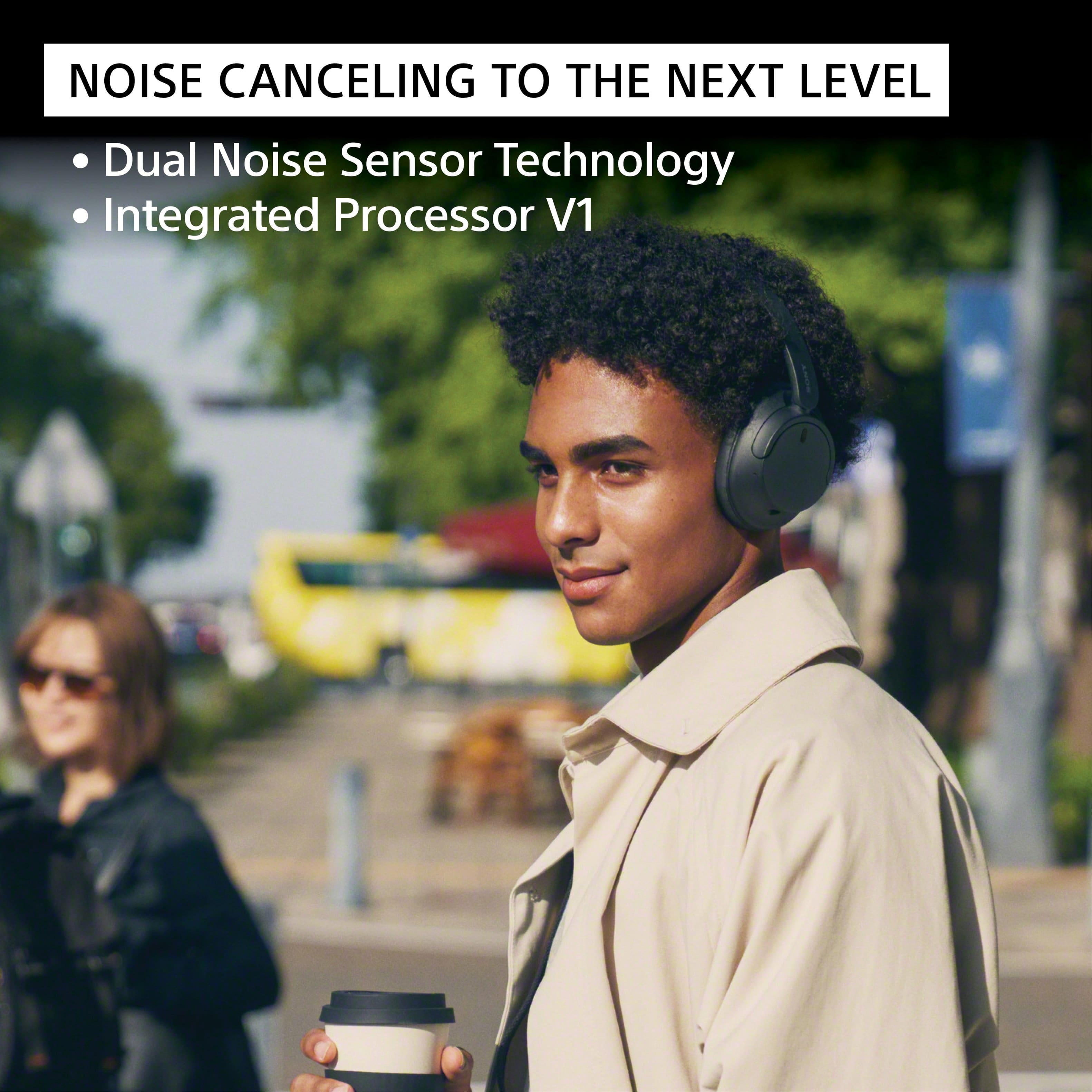
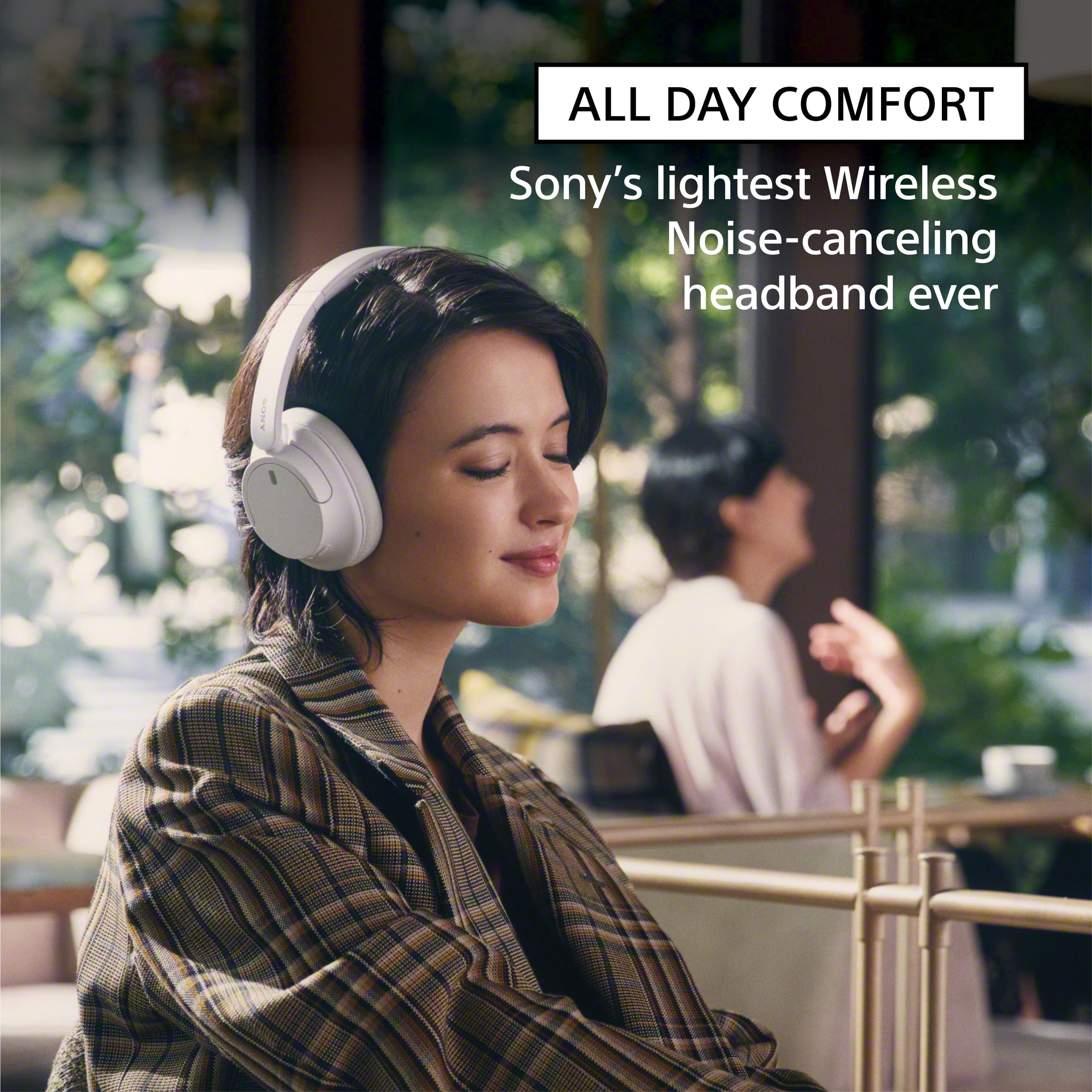
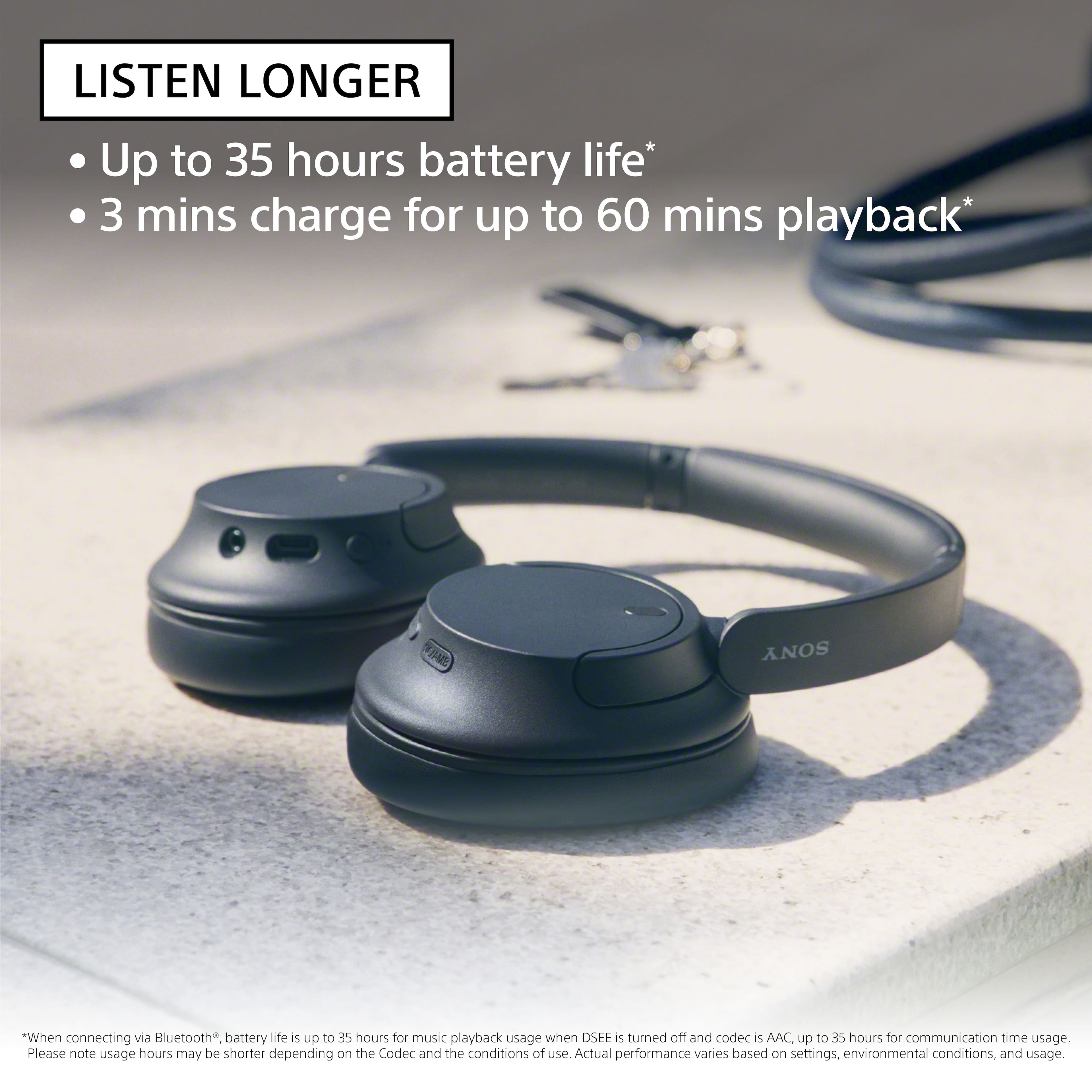
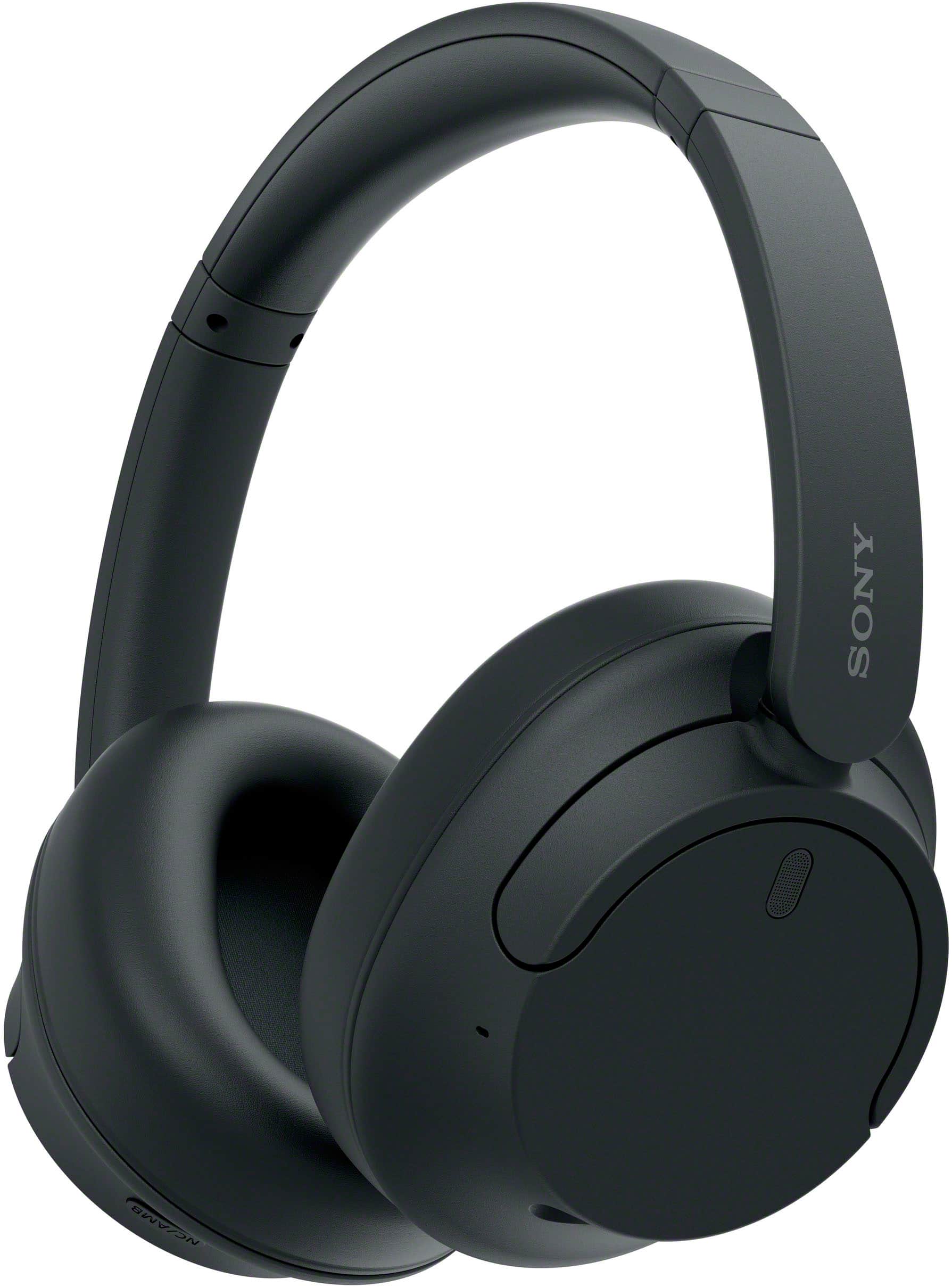
    • Answer Hi deb, Thanks for the inquiry. Yes. To ensure the headphones fit you well, adjust the slider to a length where the headband touches the top of your head then adjust the orientation of the left and right units so that the earpads fit snugly all around your ears. Turn down the world's noise with the long-lasting noise cancellation performance. Featuring Dual Noise Sensor technology and an Integrated Processor V1, the WH-CH720N allows you to fully immerse yourself in music without any distractions. Ergonomically designed to be lightweight, comfortable, and with up to 35 hours of battery life, you’ll almost forget you’re wearing it. Regards, -Craig

      Answered by SonyListens

  • Questiondo these also have a USB dongle or just bluetooth?

    Asked by sam.

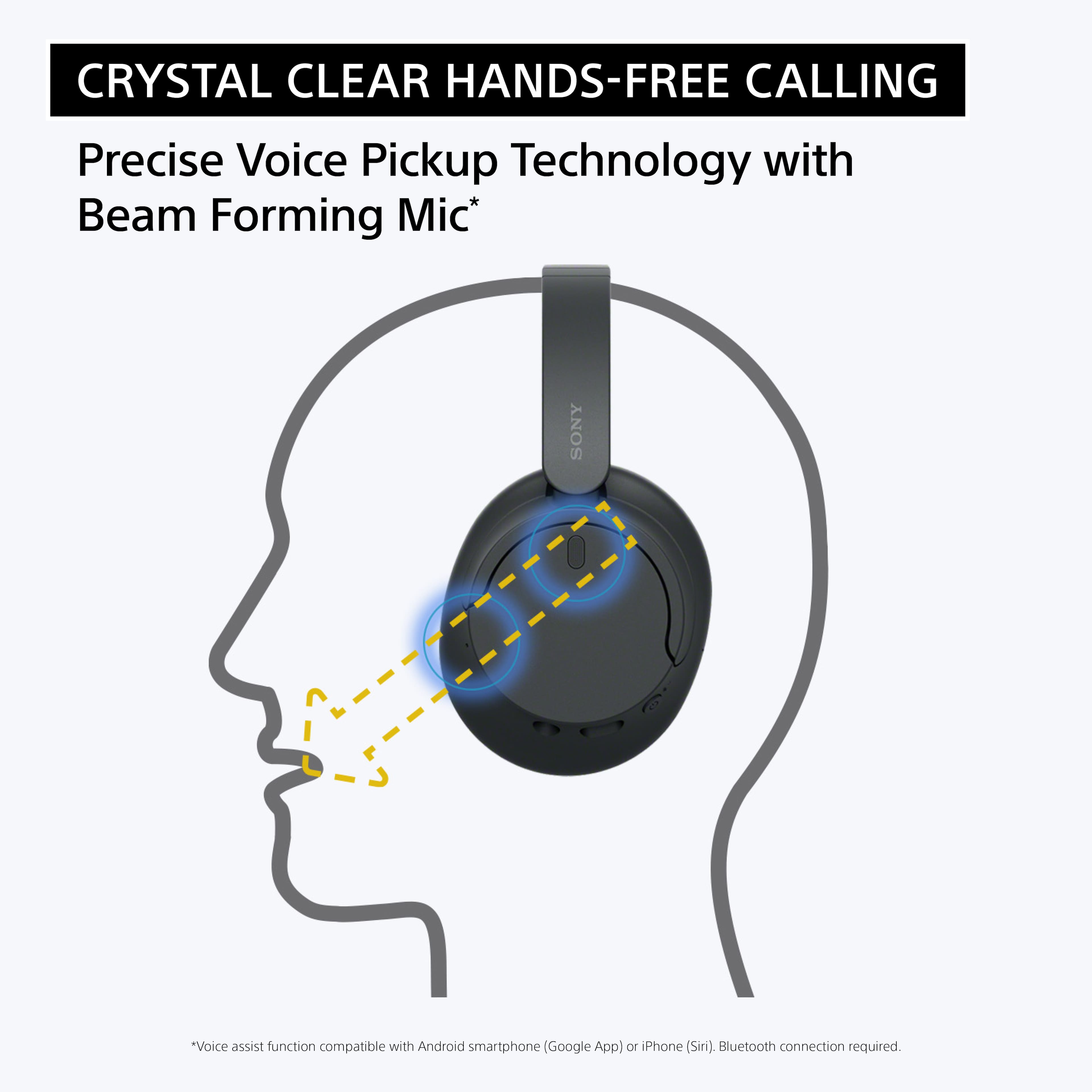
    • Answer Hi sam, Thank you for your inquiry! These headphones have a Bluetooth function which is built-in to them. They do not come with a USB dongle. Our WH-CH720N headphones allow you to enjoy natural vocals, crystal-clear sound and balanced tuning audio, thanks to the Integrated Processor V1 and Digital Sound Enhancement Engine (DSEE), producing a high-quality sound exactly as the artists intended. The Precise Voice Pickup technology Wind Noise Reduction Structure will give you a clear and natural conversation during calls. Hope this helps! -Vincent

      Answered by SonyListens

  • QuestionCan I adjust the settings so that all sound comes out of one ear? I am single sided deaf.

    Asked by NataliT.

    • Answer This could be done by combining the stereo signals and making them mono, and then adjusting the balance to one side. This would need to be done externally either with an app or with a receiver and the analog headphone cable. Signal - stereo to mono / Balance - left or right.

      Answered by Anonymous

  • QuestionAre they water proof? For like the sauna at the gym

    Asked by Bichota.

    • Answer absolutely not

      Answered by user261124

  • QuestionIs there a way to mute the mic while on a phone call so people can not hear me when I'm talking to them? If not, do u have a headset that does and is also ANC, AND AROUND THE SAME Price??

    Asked by Tina.

    • Answer Hi Tina, Thank you for the question! Unfortunately, the Sony WH-CH720N headphones do not have a dedicated mute function for the microphone during phone calls. While you can use the headphones for phone calls and the built-in microphone will pick up your voice, there is no specific button or feature to mute the microphone during a call. If muting the microphone is necessary, you may need to use the mute function on the phone itself. Turn down the world's noise with the long-lasting noise cancellation performance. Featuring Dual Noise Sensor technology and an Integrated Processor V1, the WH-CH720N allows you to fully immerse yourself in music without any distractions. Ergonomically designed to be lightweight, comfortable, and with up to 35 hours of battery life, you’ll almost forget you’re wearing it. Hope this helps! - Kris

      Answered by SonyListens

  • QuestionI have paired with my Samsung s95b TV, but not getting sound from speakers. Can you help?

    Asked by Anonymous.

    • Answer Hi, Thank you for reaching out to us. We're sorry to hear if you are not getting sound from the speakers when the WHCH720N is connected to your TV. The function where you want to hear both sound from an external speaker and Headphones at the same time is a feature you need to check on your TV. With our Sony TVs, if you connect an external audio device to the TV headphone jack, the HDMI ports, or through a Bluetooth connection, the TV can't output sound from both the TV speakers and the audio device at the same time. We recommend to contact your TV manufacturer for better assistance. In case you need our help with your new headphones, feel free to contact us by sending an email to socialsupport@am.sony.com with the following: Name: Best Buy Username: Telephone Number: Model Number: Issue: Turn down the world's noise with the long-lasting noise cancellation performance. Featuring Dual Noise Sensor technology and an Integrated Processor V1, the WH-CH720N allows you to fully immerse yourself in music without any distractions. Ergonomically designed to be lightweight, comfortable, and with up to 35 hours of battery life, you’ll almost forget you’re wearing it. We apologize for the inconvenience and thanks again for purchasing Sony. - Kris
      Answered by SonyListens

  • QuestionCome with a case?

    Asked by Anonymous.

    • Answer no

      Answered by Anonymous

  • QuestionAre these headphones good for listening to the tv?

    Asked by Anonymous.

  • QuestionCan these headphones connect to a television

    Asked by Anonymous.

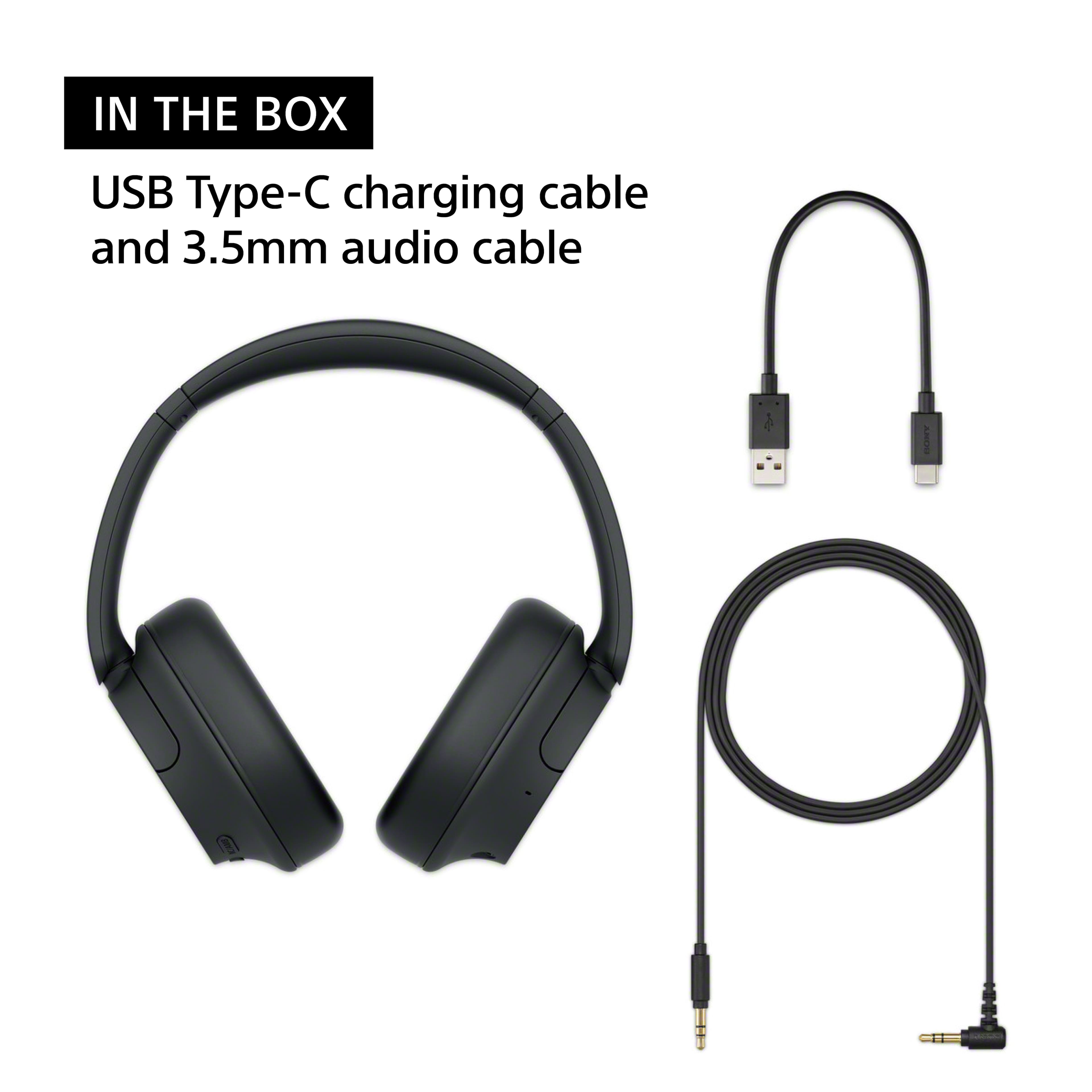
    • Answer Hello there! Thanks for the question! We are happy to assist you today. The WH-CH720N headphones can definitely connect to your television. If you want to connect them wirelessly, your TV needs to support Bluetooth audio. Specifically, the TV needs to support a feature called the A2DP profile, which allows it to send music and movie sound to headphones. Since not all TVs have this feature, we highly recommend checking your television's manual or specifications to confirm it supports A2DP before you try pairing them. If your TV does not support Bluetooth, you can still connect very easily by using the standard audio cable that came inside the box with your headphones. You just plug it right into the headphone jack on your TV. If you'd like to learn more about this product, please check this link: https://helpguide.sony.net/mdr/2966/v1/en/index.html Thank you for considering Sony headphones! Best regards, Estefany
      Answered by SonyListens

  • QuestionHow can I tell if my Sony WHCH720N headphones are charging?

    Asked by Anonymous.

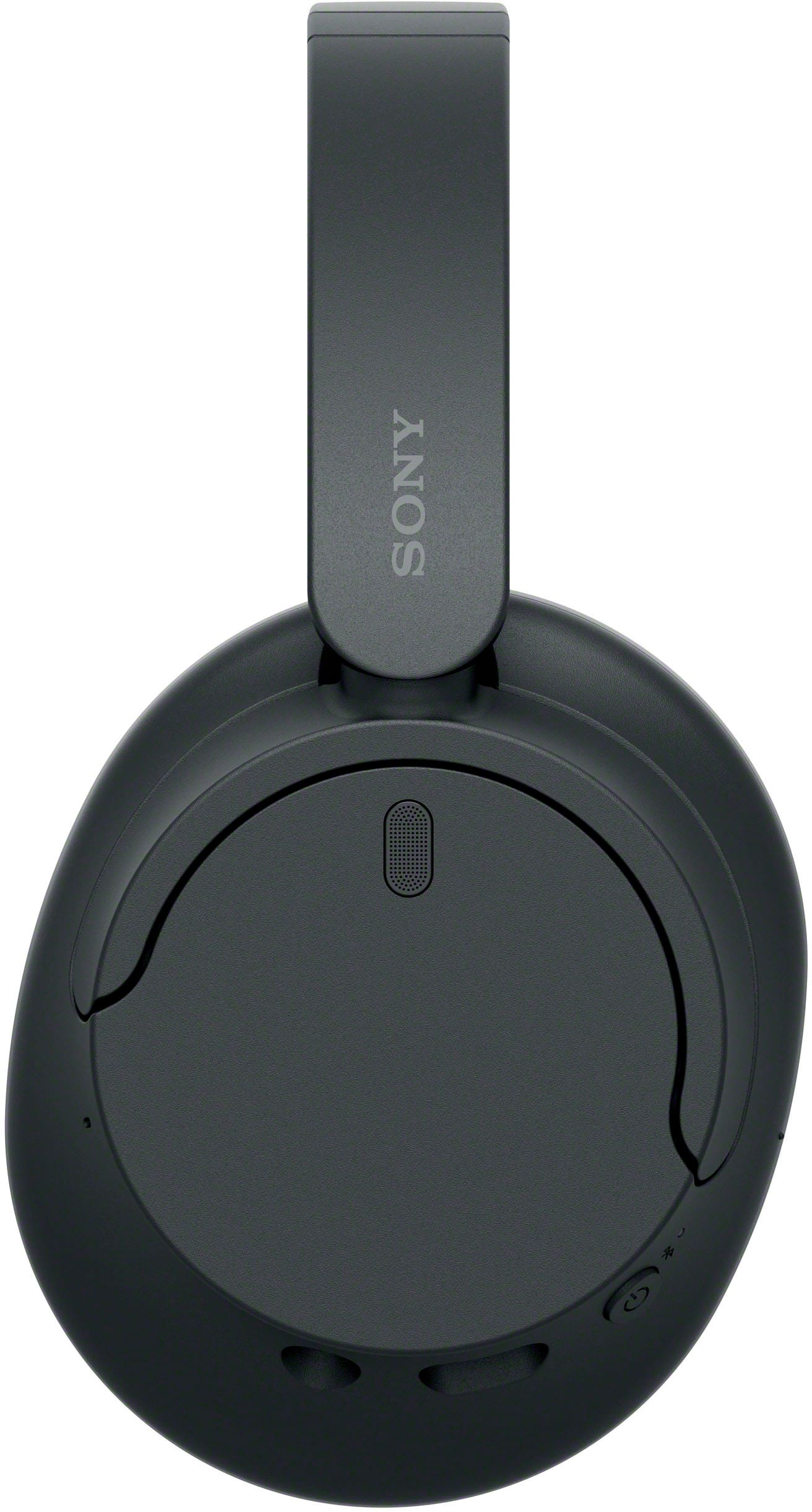
    • Answer Thank you for contacting Sony. When you plug in your WH-CH720N, a solid orange indicator light will turn on right near the USB-C charging port to let you know they are juicing up. Once the headphones are completely fully charged, that orange light will automatically turn off. We appreciate your interest in Sony products. Should you require any further assistance, please don't hesitate to reach out for support here: https://us.esupport.sony.com/support/s/support-contact?language=en_US&category=headphones Best regards, Gus, Sony North America Customer Support

      Answered by SonyListens

  • Questiondo these work with the sony bravia tv

    Asked by bob.

    • Answer Hello Bob, Thank you for considering Sony products! We appreciate your inquiry about whether the WH-CH720N headphones work with Sony Bravia TVs. Yes, this model will work with Sony TVs that support Bluetooth headphones. To confirm compatibility, you can check your TV model's specifications on our support website. Look for "A2DP" in the Bluetooth profile section, which indicates it supports Bluetooth audio devices like headphones. You can find and verify your TV model here: https://www.sony.com/electronics/support Best regards, -Fred

      Answered by SonyListens

  • QuestionCan these headphones work with an android phone

    Asked by Lisa.

    • Answer Hi Lisa! Thanks for reaching out! We’re here to help. Yes, the Sony WH-CH720N work seamlessly with Android phones. You can easily connect them wirelessly via Bluetooth or use an aux cable for a wired connection, and you will have full access to features like voice assistants and call controls. For more details, please see this link: https://helpguide.sony.net/mdr/2966/v1/en/contents/TP1000776846.html We appreciate you considering Sony for your next purchase! Best regards, Estefany

      Answered by SonyListens

  • QuestionAre these headphones compatible with an iPhone 16

    Asked by AnnaW.

    • Answer Hi AnnaW, thanks for the question! Happy to help out. Yes, the Sony WH-CH720N headphones are compatible with the iPhone 16. You can easily connect them via standard Bluetooth to listen to music, make phone calls, and use active noise cancellation. If you'd like to learn more about this product, please visit the link and click on 'Help Guide' for additional information: https://www.sony.com/electronics/support/wireless-headphones-bluetooth-headphones/wh-ch720n/manuals Thanks for considering Sony products! Best regards, Estefany

      Answered by SonyListens

  • QuestionCan this headset be used to listen to TVs?

    Asked by Fred.

    • Answer Hello Fred, Thank you for considering Sony products! We appreciate your inquiry about using the WH-CH720N headset to listen to TVs and are happy to assist you. The WH-CH720N headphones can be paired with TVs or any Bluetooth-enabled device. To ensure compatibility, please check if your TV supports the A2DP (Advanced Audio Distribution Profile), which is essential for Bluetooth audio streaming. If your TV supports this feature, you can easily connect your headphones for an exceptional audio experience. If your TV is not compatible, using a Bluetooth transmitter can enable audio streaming. For detailed instructions on pairing and connecting your headphones with a Bluetooth device, please visit: https://helpguide.sony.net/mdr/2966/v1/en/contents/TP1000776852.html Best regards, -Fred

      Answered by SonyListens

  • QuestionDo these pair easily with an older Samsung tv?

    Asked by Pairing.

    • Answer Hi there! Thanks for reaching out! We are happy to help you with your Sony headphones. The short answer is yes, they should pair up just fine! Our WH-CH720N headphones use standard Bluetooth, which works with most TVs. However, since your TV is an older model, verify if it natively supports wireless audio. For a wireless connection, the TV needs an A2DP profile (Advanced Audio Distribution Profile), which allows it to stream high quality stereo audio to headphones. If your TV lacks built-in Bluetooth, the most reliable alternative is to plug the headphones directly into the TV's headphone jack using a standard 3.5mm audio cable. Feel free to take a look at the following link for more details: https://helpguide.sony.net/mdr/2966/v1/en/contents/TP1000776852.html We hope this helps! Thank you for making Sony part of your purchasing consideration! Best regards, Estefany

      Answered by SonyListens

  • QuestionDoes these headphones work in plane?

    Asked by Atul.

    • Answer Thank you for contacting Sony, Atul. The WH-CH720N is a perfect travel companion. The noise canceling is great for blocking out engine hum, and they’re light enough for the longest flights. Just remember to use the included cable if you want to plug into the plane's movie screen! We appreciate your interest in Sony products. Should you require any further assistance, please don't hesitate to reach out for support here: https://us.esupport.sony.com/support/s/support-contact?language=en_US&category=headphones Best regards, Gus, Sony North America Customer Support

      Answered by SonyListens