A:AnswerSorry, I had the same problem with a newer LG and did not find any way to make it work. I was able to hookup with a Visio that had the right connections. Maybe one of the tech guys could tell you if there is a connection that you could buy separately that would work with the headset and TV. Disappointing because I would rather use the headset with my larger, newer TV but decided to keep it anyway for the smaller one.
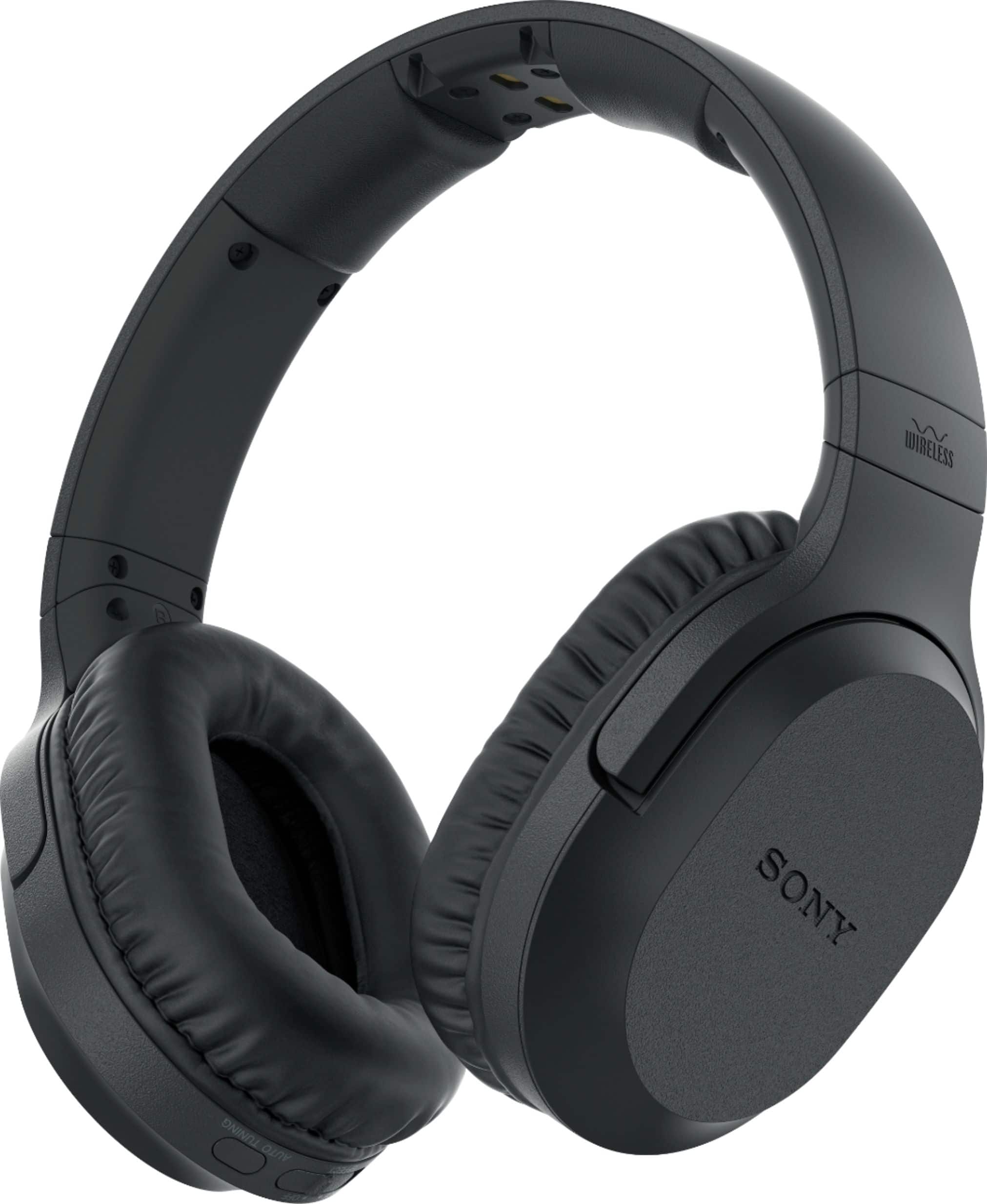
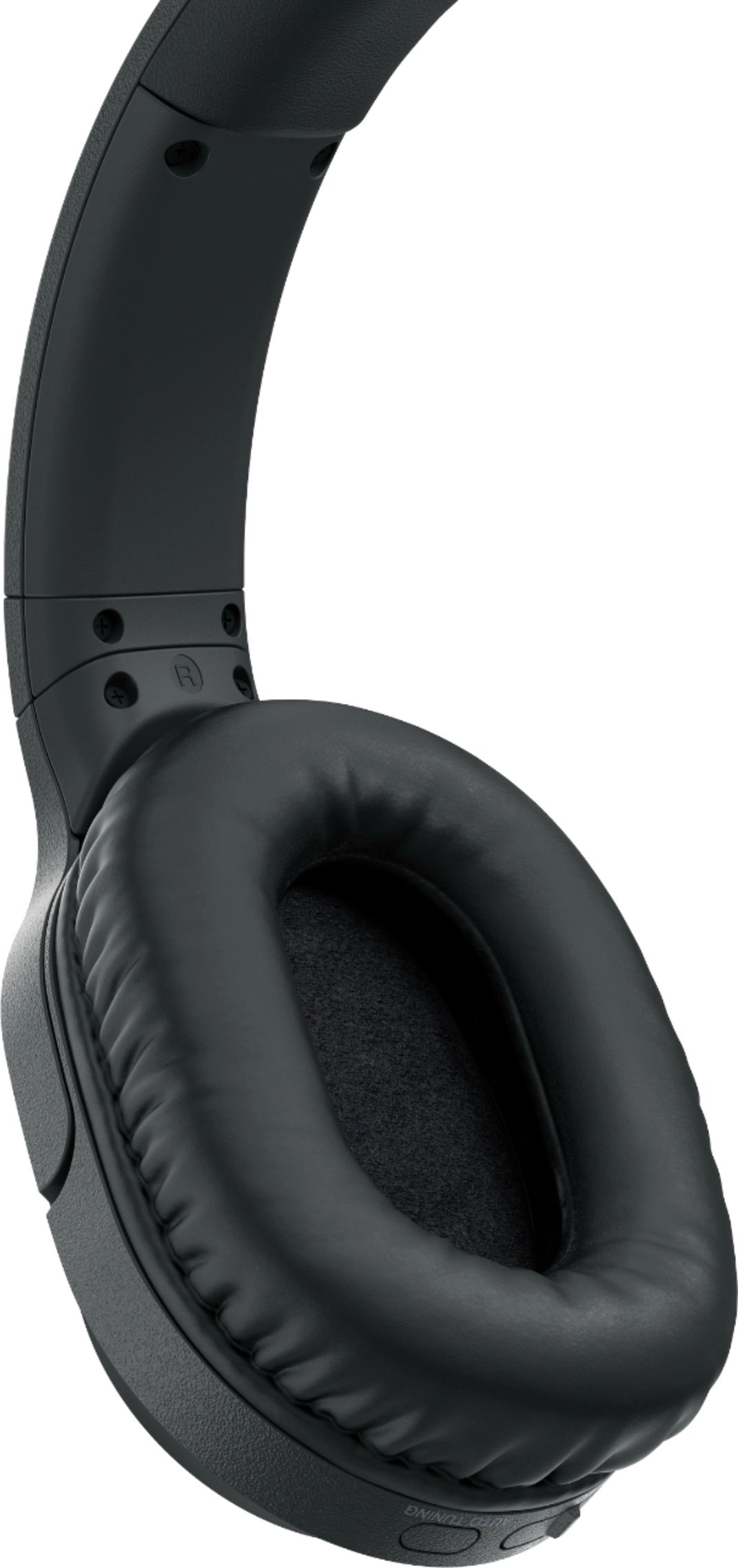
A:Answeron the right side of the earphones you have a switch for voice and music above it is the volume control and below it is the turner, The volume control is like a little wheel and turn it to a just volume, the turner is a little square button and you push in let out and it will keeping changing till you find the way you hear best. On the left earphone is your on/off switch.
A:AnswerI have a large screen but run the sound through a Sony receiver with speakers - the headphones are adapted to the headphone jack on the receiver and when they are plugged in the headphone jack, the speakers are cut off - you can set the volume on the receiver (usually set it low, and adjust the headphone volume via its thumb wheel on the left side of the headphones
A:AnswerNot sure if you can. Some soundbars only support audio going into the soundbar and not out. On my Sonos soundbar I had to buy an optical to RCA plug adapter to connect the Sony headphones to the soundbar. possibly you can call Vizio or ask the Best Buy folks.
A:AnswerI bought mine for two reasons. One was battery time. The other was being able to listen to movies played from my DVD player as well as the television. They work fine with the television. But I had to hook them up through the cable box. This works fine for anything on television. But I could not hook them directly to the television. I cannot get them to work with the DVD player. Check your hookups.