Questions & Answers
Page Showing 41-49 of 49 questions
Q: QuestionWill this headset pair with PS4?
Asked by sorbear2000.
- A:Answer No, it says the PS4 does not support this Bluetooth device. This is pretty odd because the headset is Sony as well.
Answered by Martin
Q: QuestionDo these have extra bass? I have the wired ones that do and I love them! Just wish they were wireless
Asked by Meggggg.
- A:Answer No
Answered by JAYacks
Q: QuestionThe earbuds keep turning off after a short time (~10sec) when not in use - is there a way to disable this "feature" ?
Asked by Guy.
- A:Answer Not sure about them turning off that quickly. However, they appear to turn off if you walk away from your device/cell phone.
Answered by Natalie
Q: QuestionThis device is not connecting to my Samsung Galaxy S-7. Why won’t it connect? I have tried powering off and on both the headphones and my mobile device.
Asked by LisaL.
- A:Answer I used this device with my Samsung J7 and following the instructions letter for letter resulted in pairing almost immediately. Review the pairing instructions included in the pack or through the digital PDF instruction manual through the manufactures site. Remember to start with the headset in a "new" device state, attempting from a "not paired" position. Turn the device completely off and start from there with the instructions.
Answered by Data
Q: QuestionI’ve had these earbuds for only two days and the indicator light does not work anymore. What can I do about that?
Asked by AB23.
This question was asked about the related product: Sony - WI-C300 Wireless In-Ear Headphones - White
- A:Answer I would return them! Get a new set.
Answered by Kari327
Q: QuestionHow do you get earbuds to turn on or connect
Asked by Danny.
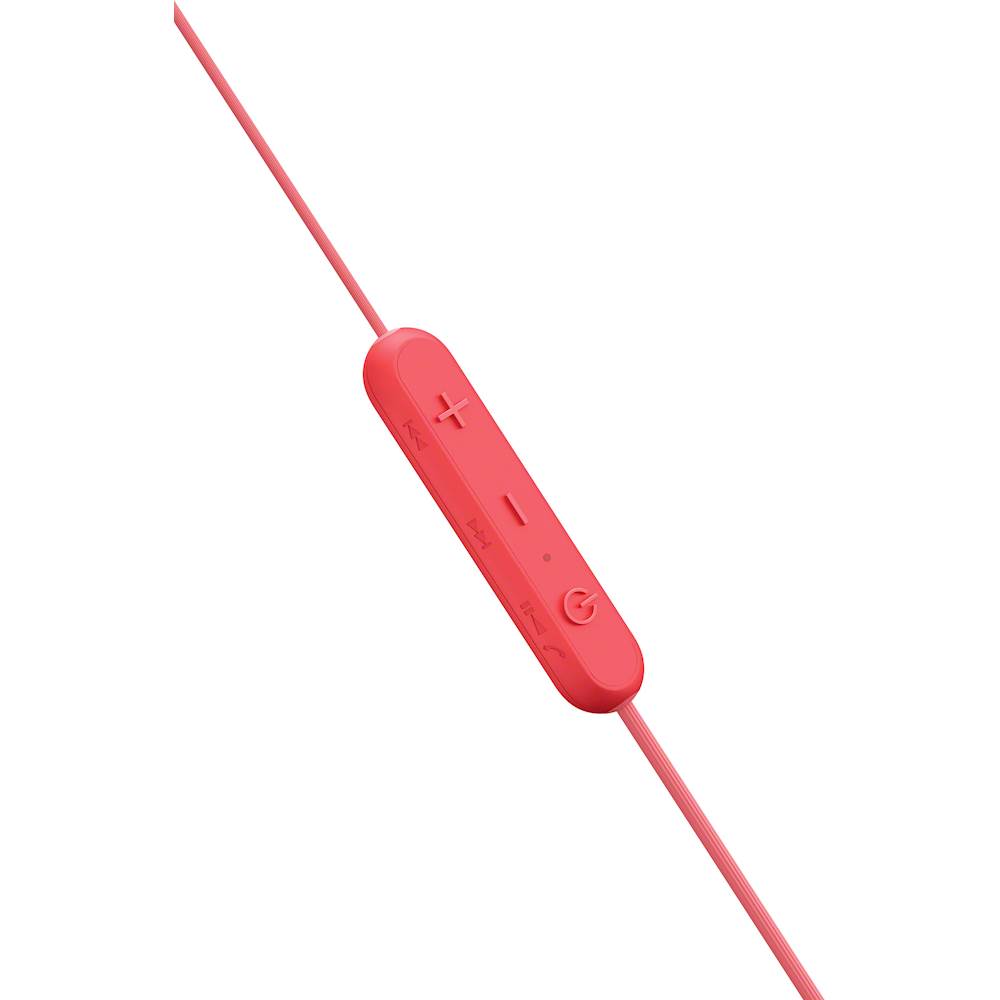
- A:Answer You hold the power button for about 5 seconds. The earbuds talk and say Power On or Power Off accordingly. The power button is on the bar with the volume.
Answered by gatorgirl
Q: QuestionMy iPhone 8 can not find these on Bluetooth and I don’t know how I can fix this
Asked by iPhoneuser.
This question was asked about the related product: Sony - WI-C300 Wireless In-Ear Headphones - White
- A:Answer Turn your Bluetooth off and then power down your iPhone. Turn your head phones completely off as well. Turn your iPhone back on and then turn the Bluetooth back on. Now power on your headphones and your iPhone should pick up on the new device. GOOD LUCK!
Answered by Milkman
Q: QuestionIt is does not appear as a device when trying to connect with my Fitbit Versa watch via Bluetooth. HELP!
Asked by Mel.
- A:Answer Fitbit Versa and the headset are both wearable devices and are not meant to communicate together. They both use another device as the "hub" or "base" device to receive music, notifications, data, ect.. Both your Fitbit and Sony headset individually connect to your phone or another device to receive information.
Answered by Data
Page 3, Showing 41-49 of 49 questions
Best-selling Best Buy
- Tech Fest Deal$99.00