A:AnswerHi Daniel333,
Thank you for checking on our products. We are more than glad and happy to help. Yes, as long as the files from your usb flash drive can playback on your smartphone. You can use an OTG (on-the-go) cable to connect your usb flash drive to your smartphone and have access to the files that you want to play. Just check the specs of your smartphone if it's OTG compatible. You may check this link for more information about the unit. https://docs.sony.com/release//Help_4694214113.pdf.
Hope this helps.
Best regards,
Earl
Sony Social Support
A:AnswerHi louis,
When pairing with a Bluetooth device that cannot display a list of detected devices or that has no display, you may be able to pair the device by setting both the speaker and the Bluetooth device to pairing mode. At this time, if a passkey besides “0000” is set on the Bluetooth device, pairing cannot be done with the speaker.
Happy to help,
David
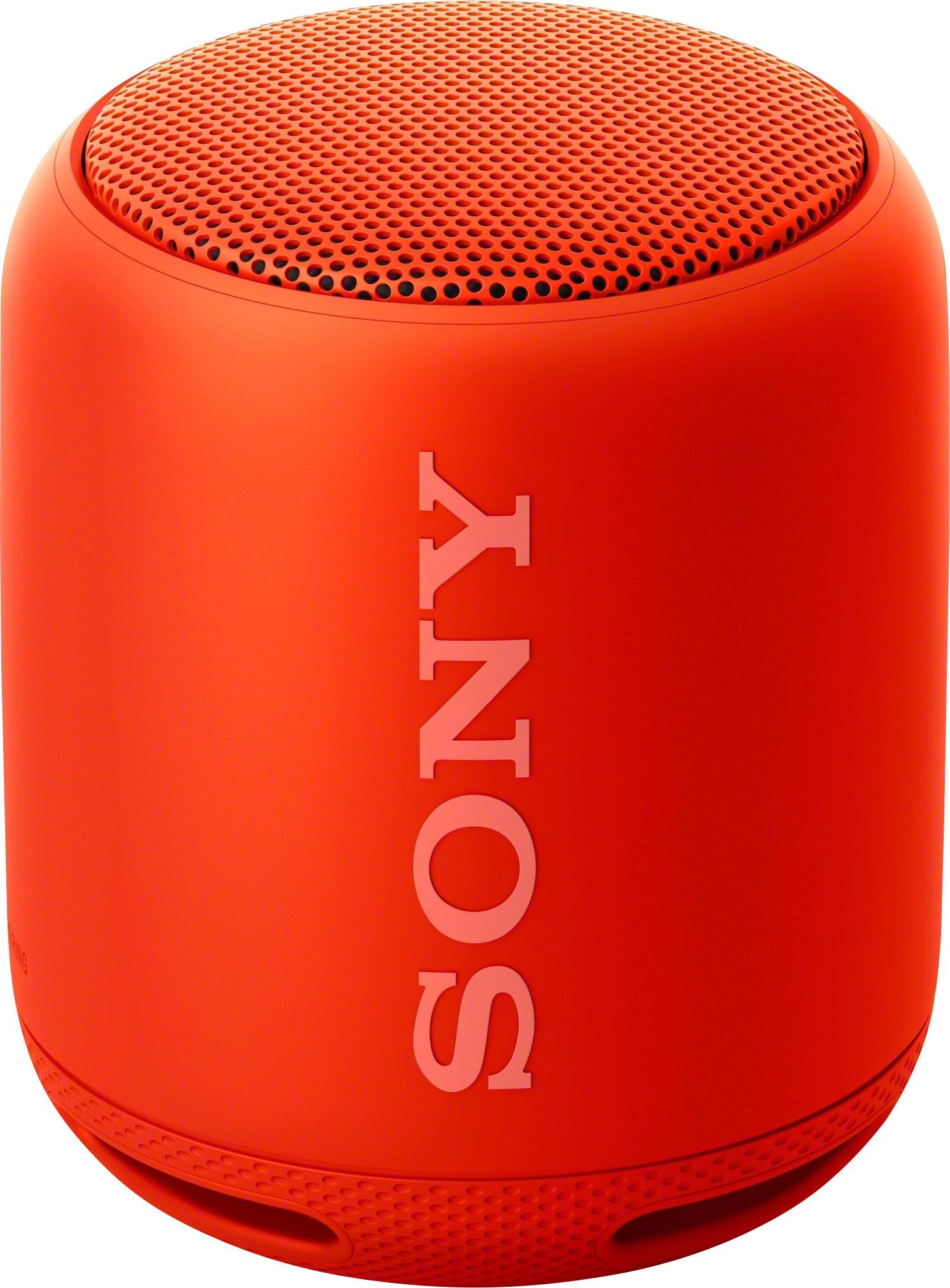
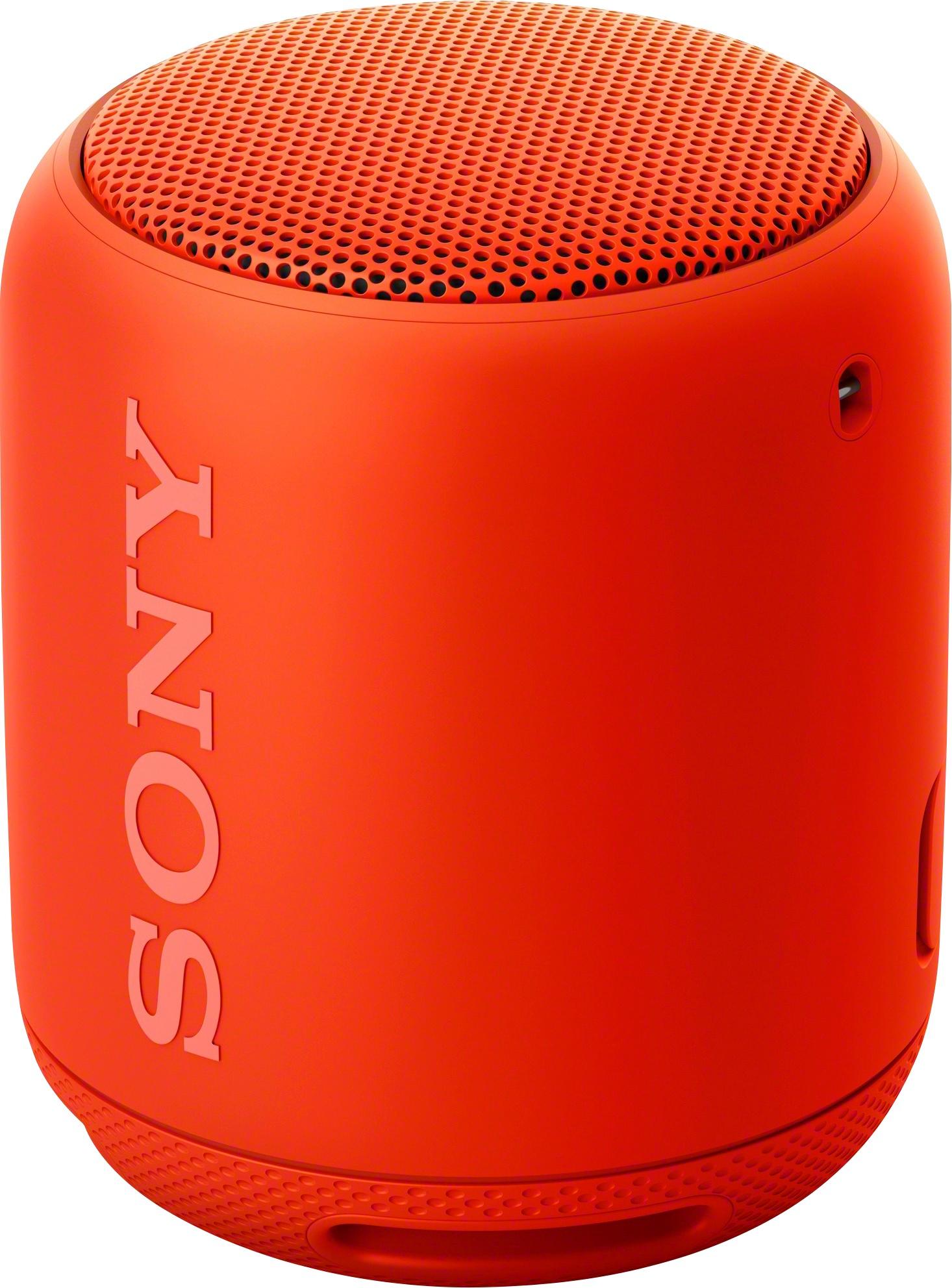
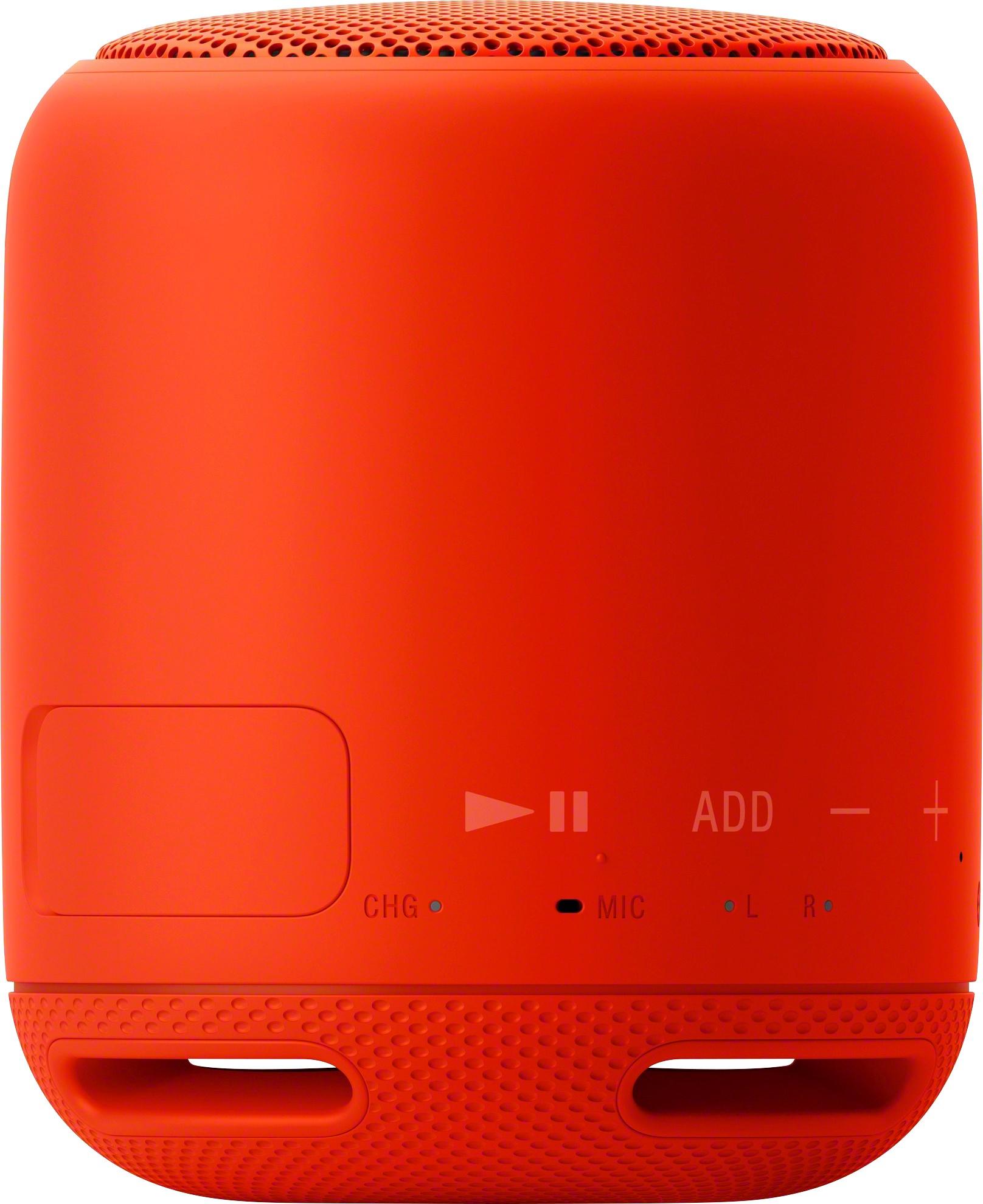
A:AnswerHi ctrygirl, No. This portable speaker does not have a USB port. You can only play music via Bluetooth connection or use an audio cable (not supplied): http://helpguide.sony.net/speaker/srs-xb10/v1/en/contents/TP0001266529.html
Regards,
Vincent
A:AnswerHI Musiclover,
The SRSXB10 that is in use can be charged if it is connected to a booted computer or AC outlet via a USB AC adaptor. In this case, it may take longer to charge the battery than compared to the speaker is turned off depending on the conditions of use. Therefore, it is recommended to turn off or not used the speaker when charging. Check this link for more information.
https://docs.sony.com/release//Help_4694214113.pdf (page 4)
Regards,
-David
A:AnswerI would say no - I bought the speaker for a small family gathering and it was fine in that atmosphere. With background noise this speaker would need to be fairly close by to the listener/listeners.
A:AnswerHi Steven, You may pair two speakers together. You may refer to page 54 of the link below for more information:
https://docs.sony.com/release//Help_4694214112.pdf
~Ralph
A:AnswerLong press power button on xb10.
It should make a high and low pitch sound with blinking light on power button. It should then be discoverable by phone and ready to pair.