A:AnswerHi Jamus,
You can connect this Bluetooth speakers to your Windows 7 computer using Bluetooth so no adapters or cables needed. Check this link for more information.
https://docs.sony.com/release//Help_4694127114.pdf (page 52)
Regards,
-David
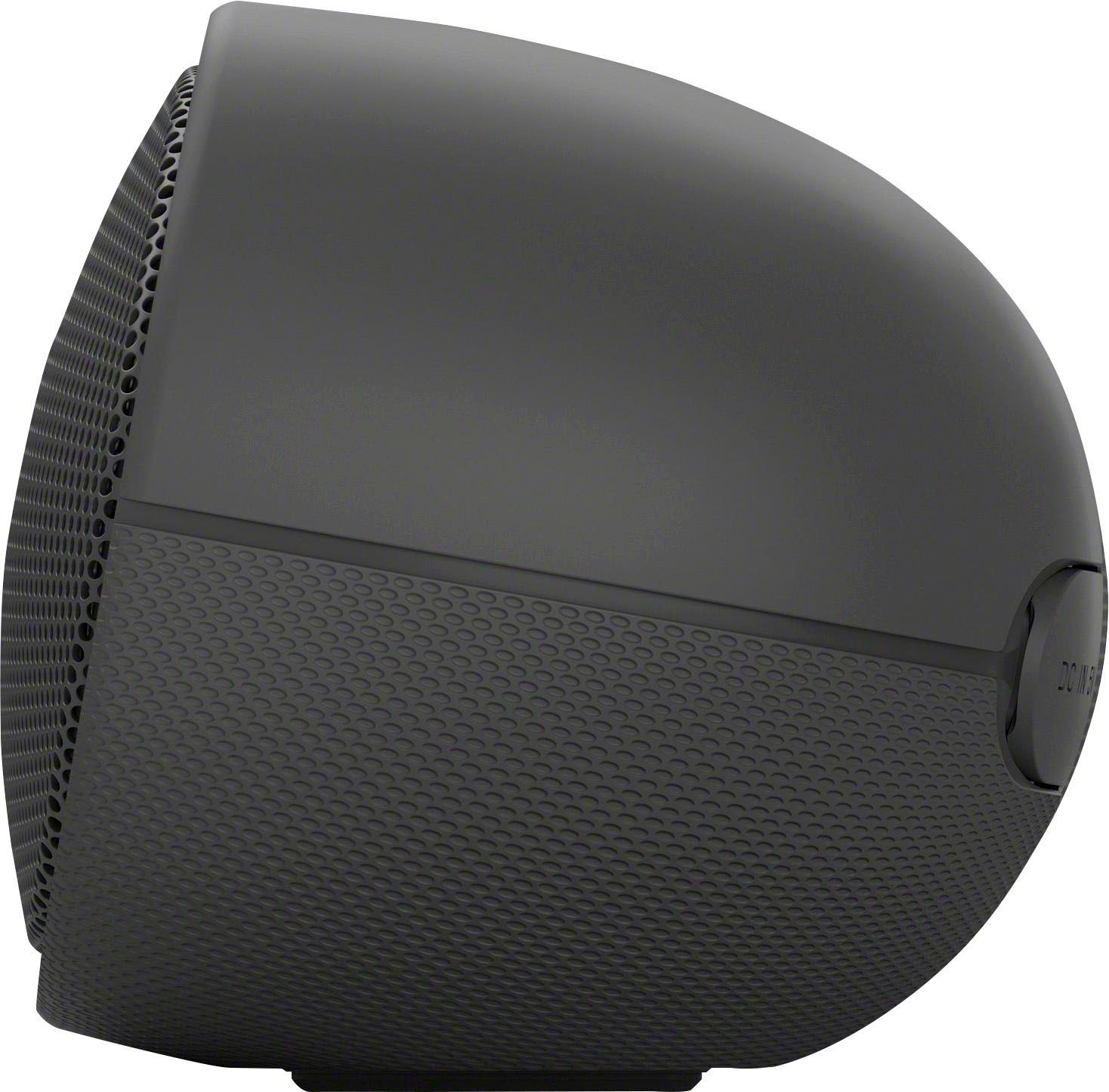
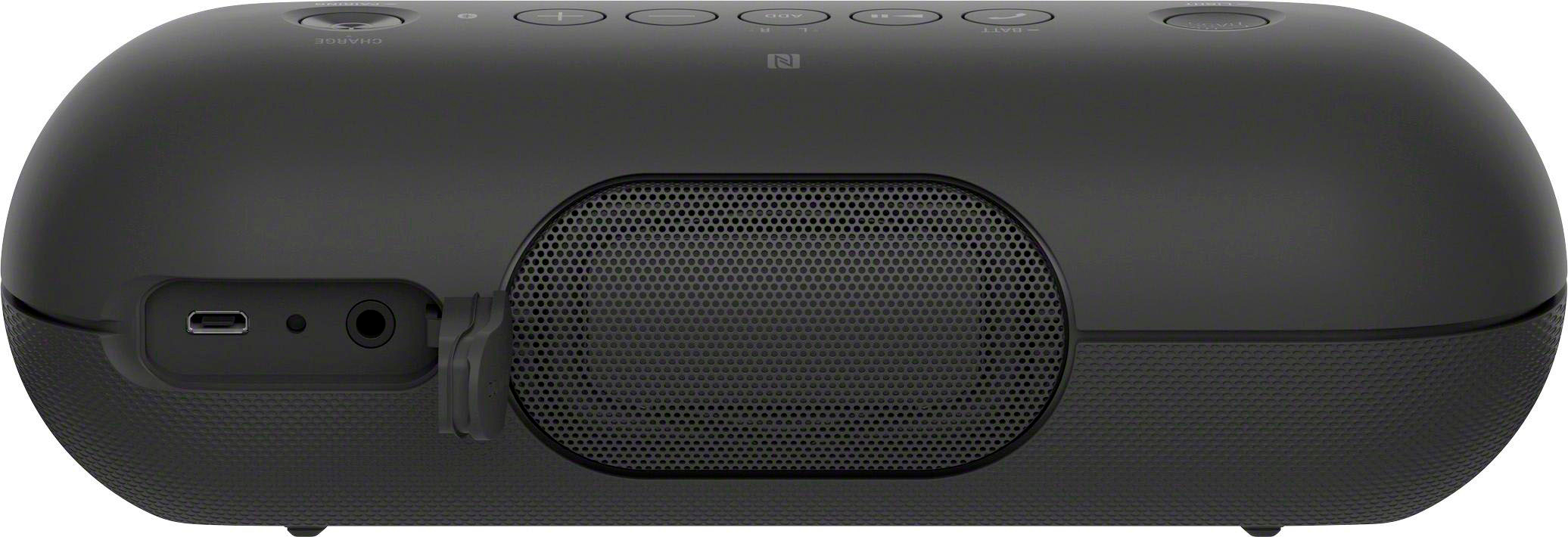
A:AnswerHi AudioDan, The USB port is only designed for a computer or an AC adaptor. We can't guarantee that using the audio jack with a TV will allow the speaker to turn on/off automatically as well as control the volume with the TV remote. We also recommend to use a soundbar, A/V receiver or a home theater system to complete your entertainment experience. Kindly refer to this link for more information:
https://www.sony.com/electronics/home-theater/t/sound-bars
~Ralph
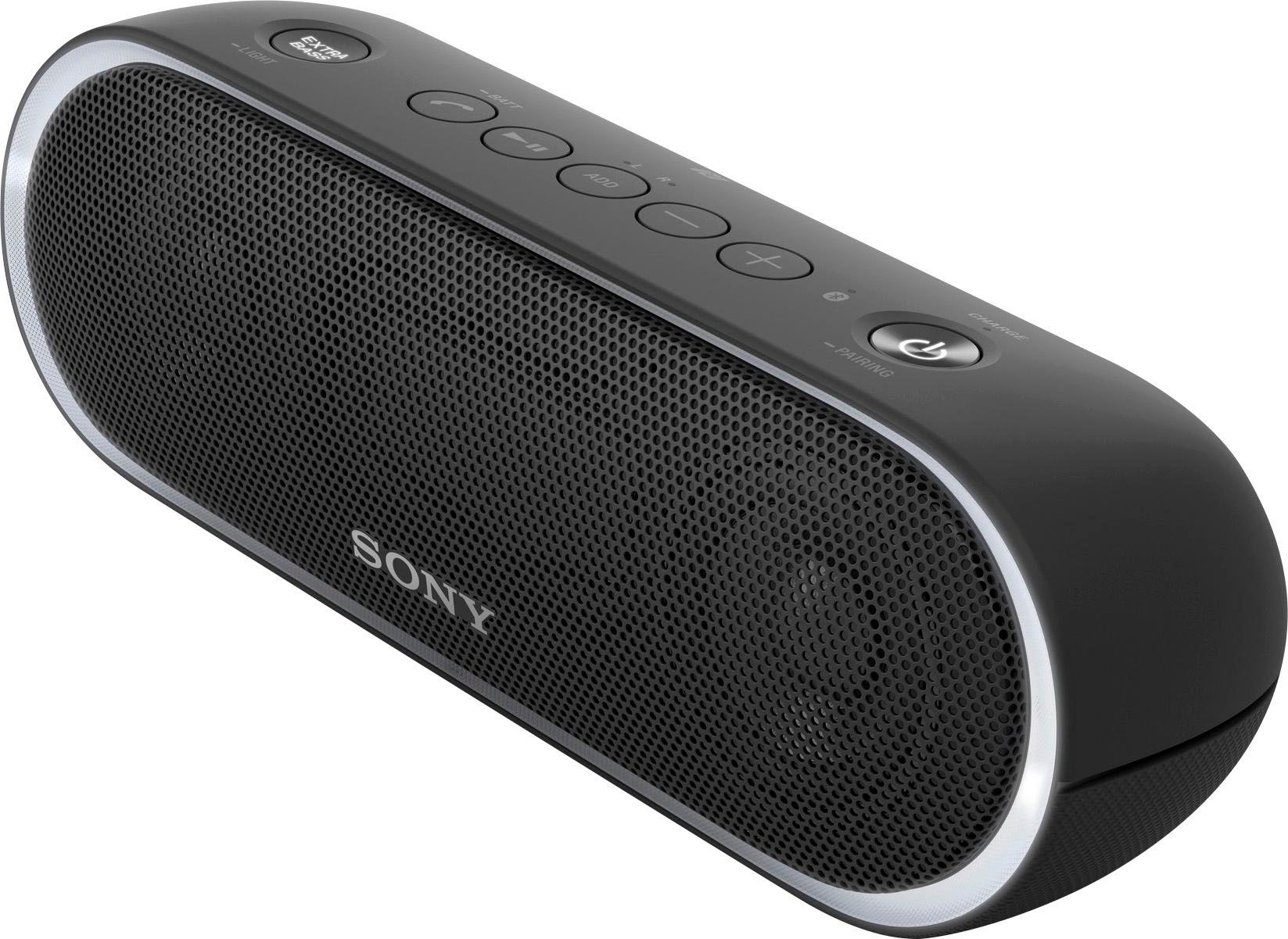
A:AnswerHi Headbuz, No, it doesn't have a headphone jack. You may refer to pages 2-3 of this link for more information:
https://docs.sony.com/release//Help_4694127114.pdf
~Ralph
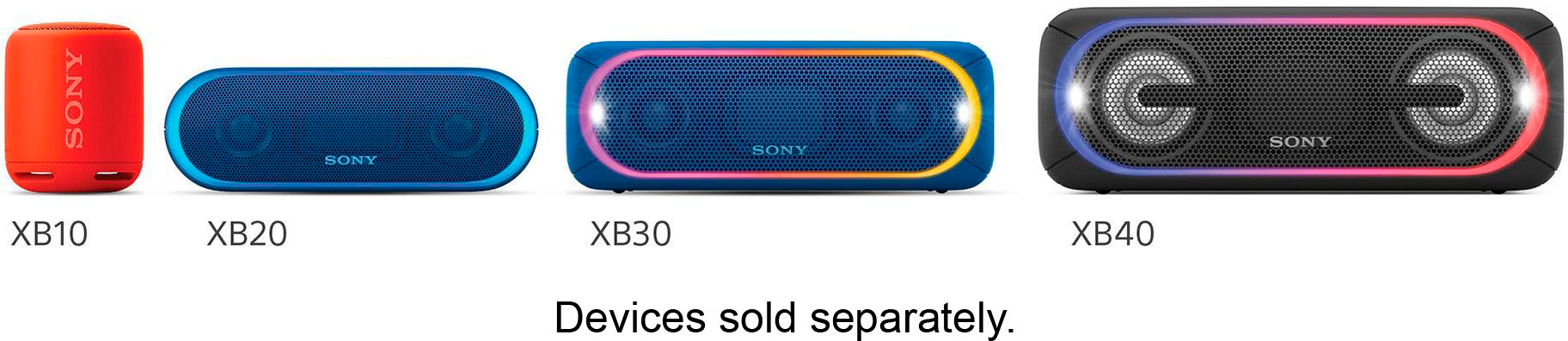
A:AnswerHi ElPasoMark, yes, you can pair not only 2, but up to 10 speakers from our SRSXB (XB20 and up) line, and have them all play content from 1 device like your phone. You may check this link for more information about the SRSXB20: https://www.sony.com/electronics/wireless-speakers/srs-xb20/specifications Thanks, -Mark
A:AnswerHi Tom, You can listen to music via Bluetooth without using an app. You may refer to pages 56-58 of the link below fore more information:
https://docs.sony.com/release//Help_4694127114.pdf
~Ralph
A:AnswerNo it will not charge a phone. The charger is for charging the speaker only, not as an output to another device. Not sure about the MaH, but it is likely pretty high to be able to last as long without recharging the speaker.
A:AnswerIt comes with a mini-USB to USB cable, but no plug block. You can use the USB to charge the speaker from a laptop, or just use the plug block from your phone.
A:AnswerHi Saurabh, Yes you can. We recommend to use a charger that outputs 1.5 A. You may refer to pages 4-5 of the link below for more information:
https://docs.sony.com/release//Help_4694127114.pdf
~Ralph