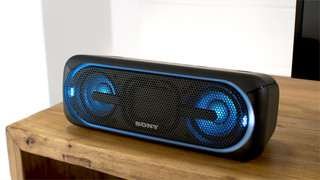
A:AnswerI've been able to connect two different phones, a laptop and a digital projector. But only one at a time. Try disconnecting your phone before trying another.
A:AnswerIf your computer has bluetooth tech, it will connect. Just go to settings, then devices, then turn on the computer's bluetooth. It should pair the samee as any other device.
A:AnswerHi WMR, you may connect this Bluetooth speaker to your Google Home unit. You may just need to reconfigure the settings on your Google Home application. Kindly visit the link below for more information:
http://helpguide.sony.net/speaker/srs-xb20/v1/en/contents/TP0001266491.html
Regards, _Bob
A:AnswerHonestly, I'd return the speaker and look for something else. But if you want to use the XB20, then you'll probably want to get an Optical to AUX audio cord. Keep in mind the speaker won't turn on automatically and has no remote, so every time you want to hear the TV through the speaker, you'll need to turn on the speaker by hand.
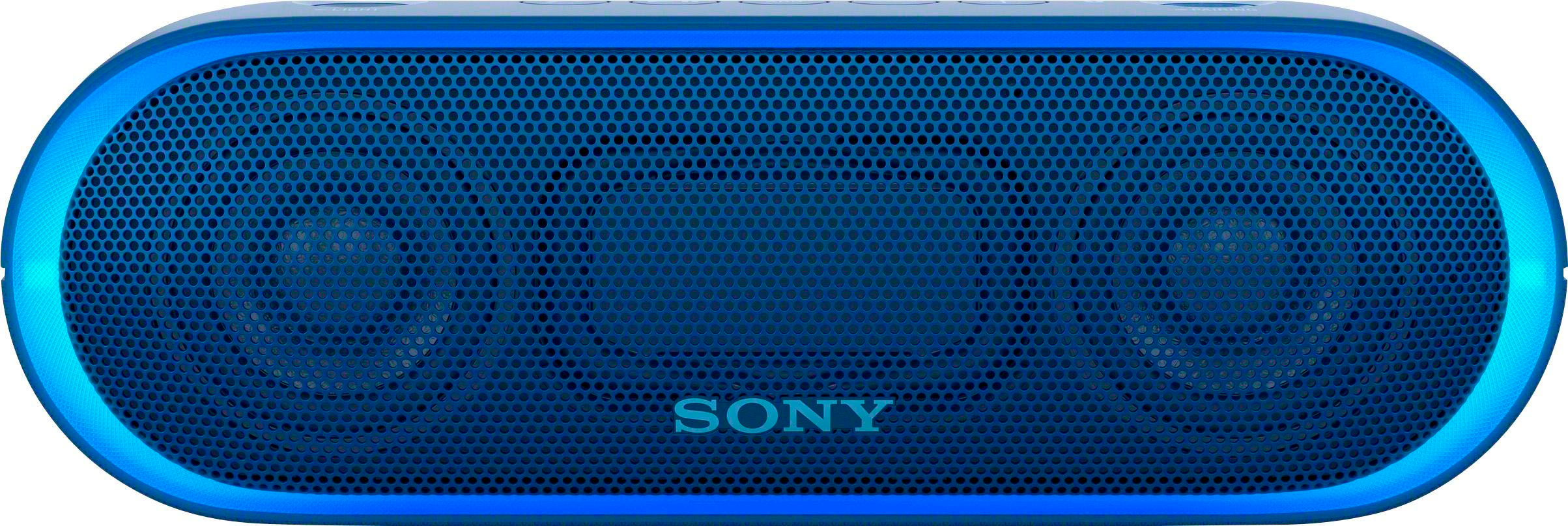
A:AnswerHi Frank, below are the supported Bluetooth profiles of this unit. We cannot guarantee full compatibility with a microphone. Thanks! ^Ron
- A2DP (Advanced Audio Distribution Profile)
- AVRCP (Audio Video Remote Control Profile)
- HSP (Headset Profile)
- HFP (Hands-free Profile)
- SPP (Serial Port Profile)
A:AnswerI don't think you can (nor would want) to connect the XB20 speaker to the soundbar. That's like trying to connect a keyboard to a keyboard. They don't really do anything to each other.
A:AnswerI would recommend that you call the Geek Squad at Best Buy, where you purchased your Sony Speaker and ask them. I’m unsure of the right answer to your question. “THEYCAN HELP YOU”.
A:AnswerHi Shibnath, we cannot guarantee if using a 3rd party charger will supply power to this speaker. We always recommend using the supplied micro USB cable when charging it. You may check this link for additional information on this speaker: https://docs.sony.com/release//specs/SRSXB20BLUE_mksp.pdf Thanks, -Mark
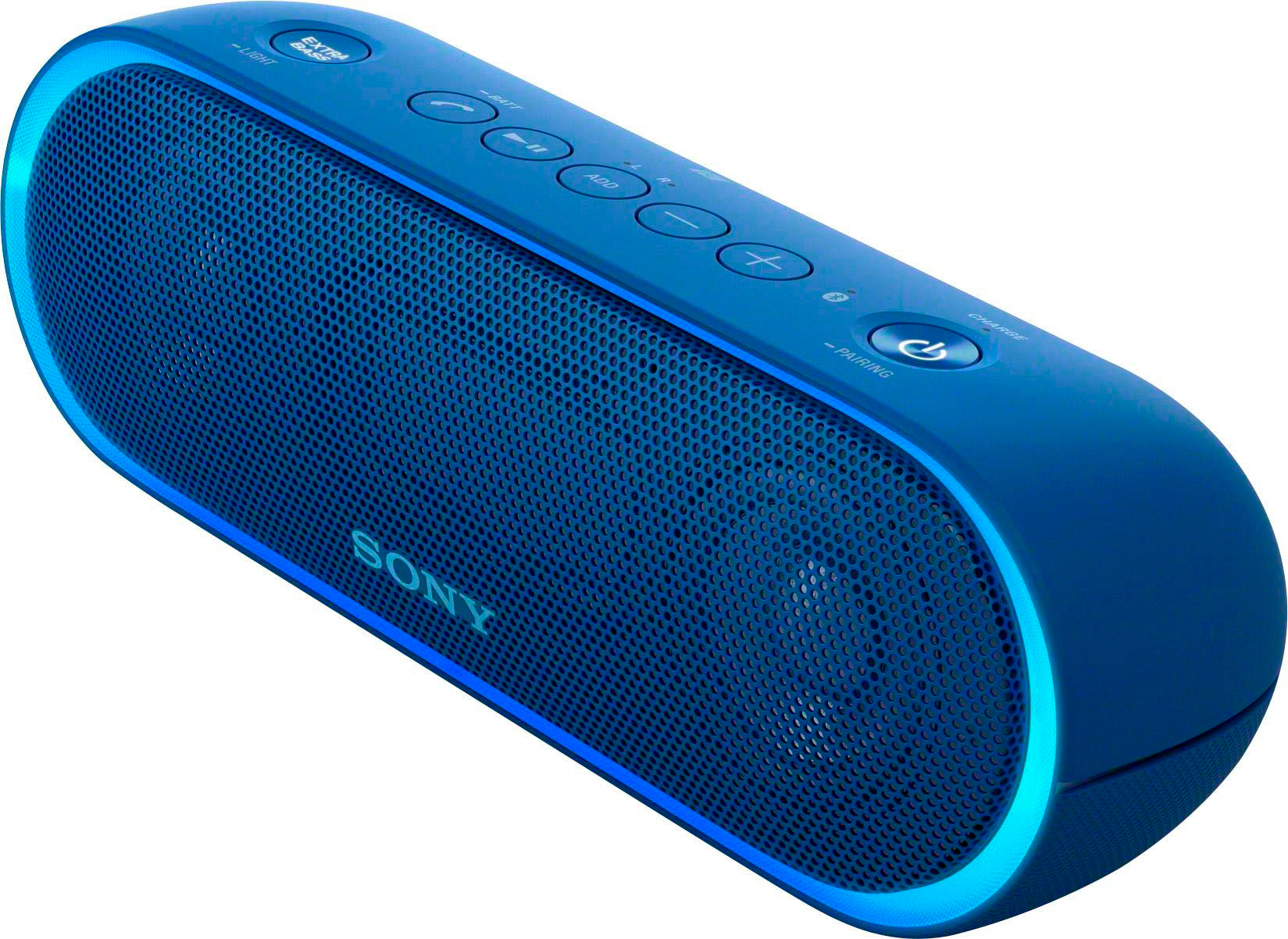
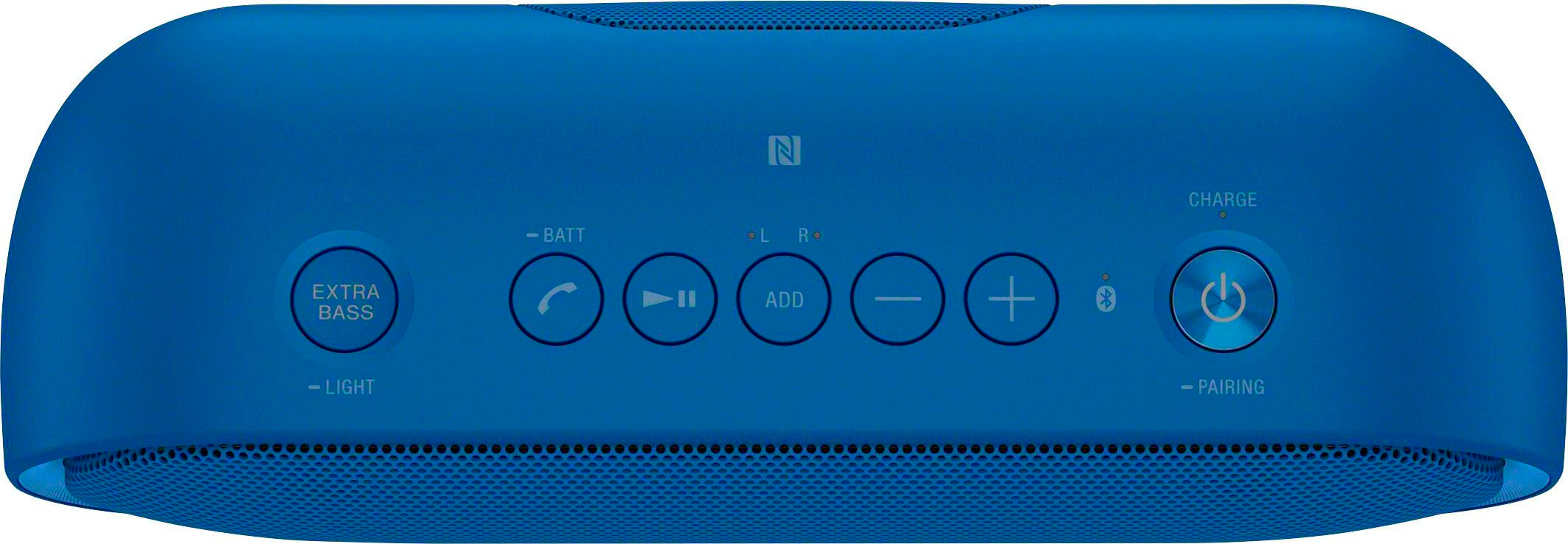
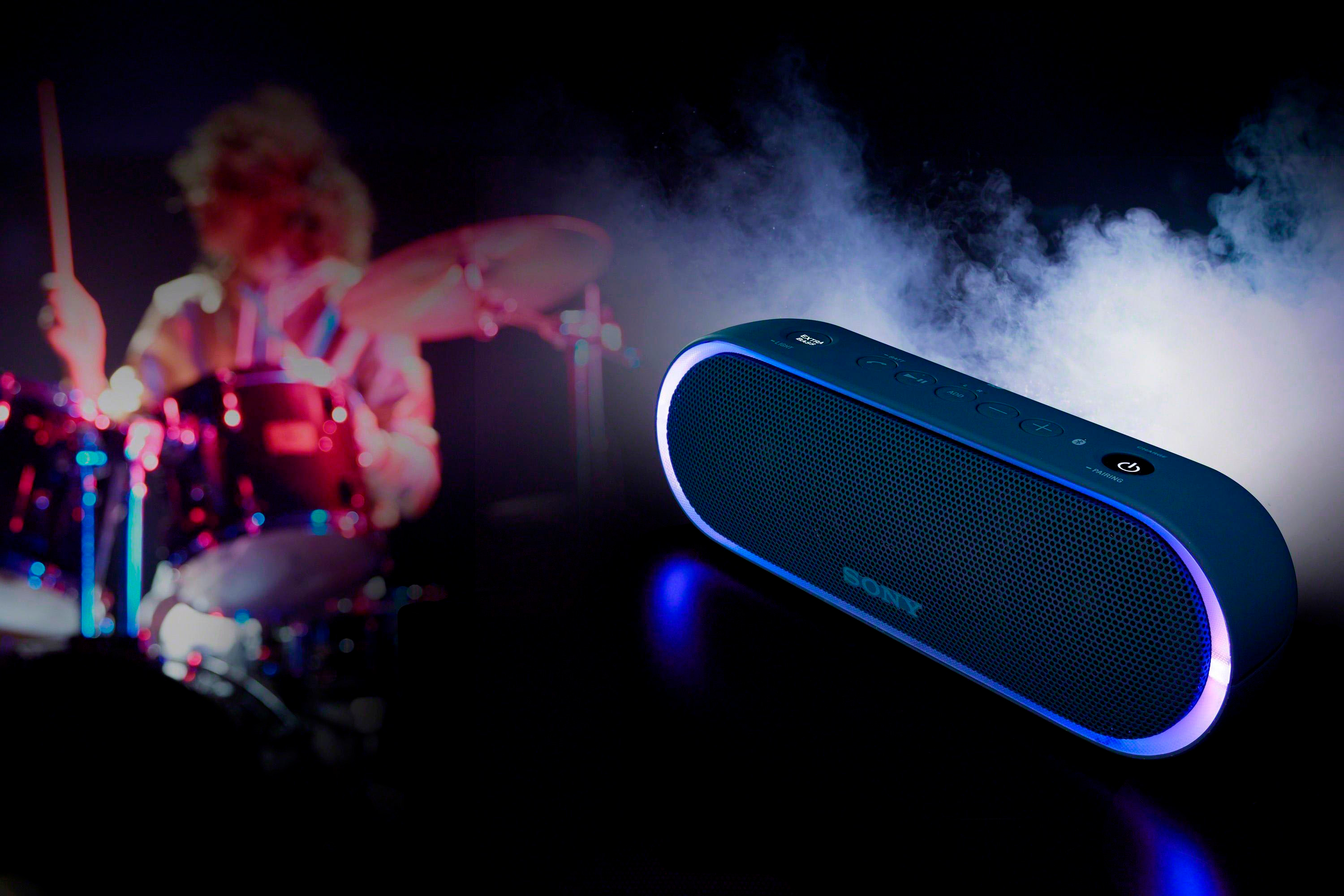
A:AnswerHi dad1, you can turn the lights on this speaker off and still play songs by pressing and holding down the Extra Bass button for more than 3 seconds. The same procedure also applies when turning the lights back on. Thanks, -Mark