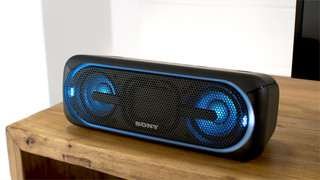
A:AnswerHi there! we are sorry for the inconvenience. Please refer to this link to troubleshoot the issue: https://us.en.kb.sony.com/app/answers/detail/a_id/41836
http://helpguide.sony.net/speaker/srs-xb20/v1/en/contents/TP0001266516.html
Regards,
-Erin
A:AnswerI've tried it too, and it works the same as the main device with the first speaker. I have a xs20 and 30, then i connected them and played a song, after that i took one of my speakers and place it far away (about 10meters) and it sounds the same, no lag o delay at all. I dont know about connecting another brand speaker. Greets
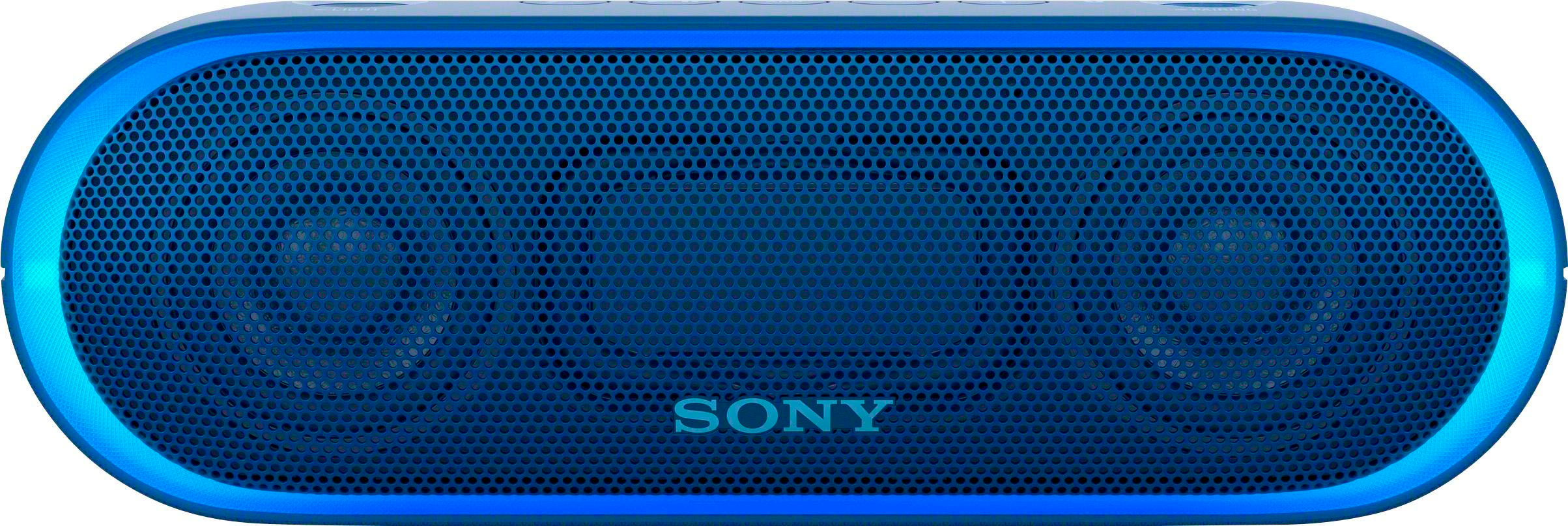
A:AnswerHi DerrickB, LDAC works automatically. If you are experiencing issues with the Bluetooth connection between this speaker and your device, you may try resetting the speaker to give it a refresh. You may refer to page 110 of this link for steps on how to perform the reset: https://docs.sony.com/release//Help_4694127114.pdf Thanks, -Mark
A:AnswerYes, you can connect (I believe) up to 10.
I bought 2 and synchronized them to one phone and it really enhanced the sound. They are pretty loud and clear. I recommend them!
A:AnswerHi subarnakantibera, we highly suggest visiting the link below for more information on how to connect this speaker to different devices. Simple select "Making connections" > "Bluetooth". I hope it helps. Regards, ^Ron
http://helpguide.sony.net/speaker/srs-xb20/v1/en/index.html
A:AnswerI was able to pair an iPad and iPhone to the speaker at the same time. So yes you should be able to pair more than one phone. It won't play audio from both devices at the same time however, it will choose whichever phone gives the most recent command to play music.
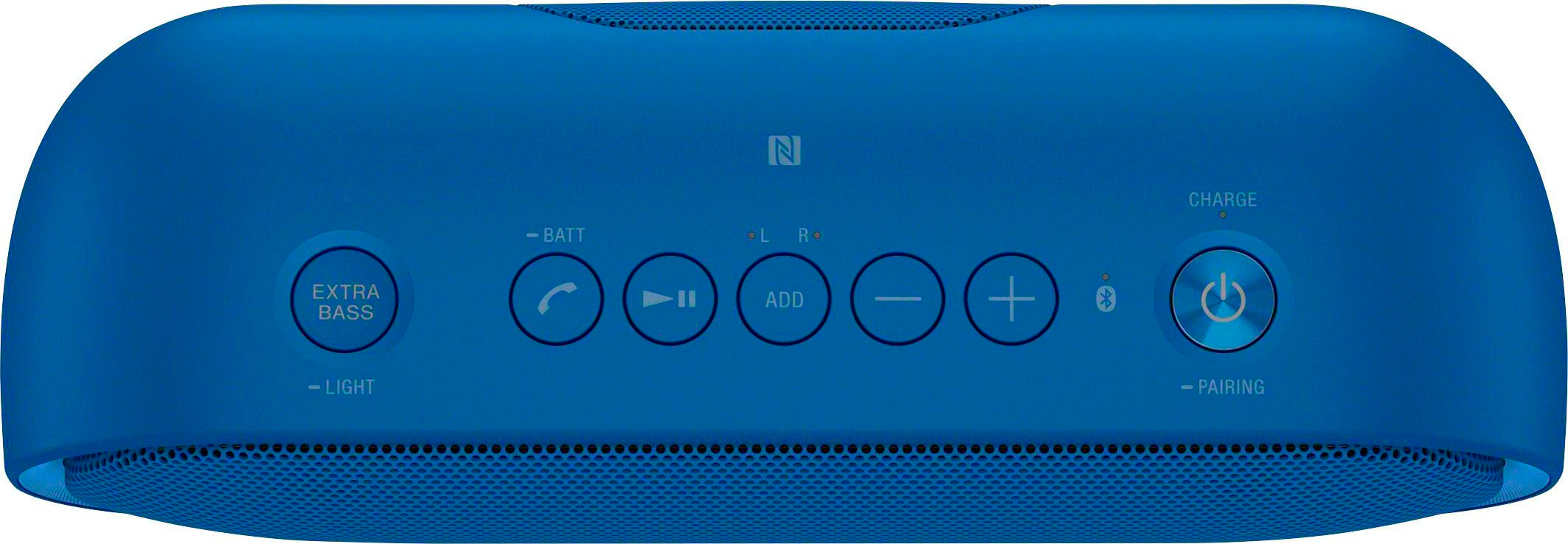
The pairing process is the same way you connect to any bluetooth device.