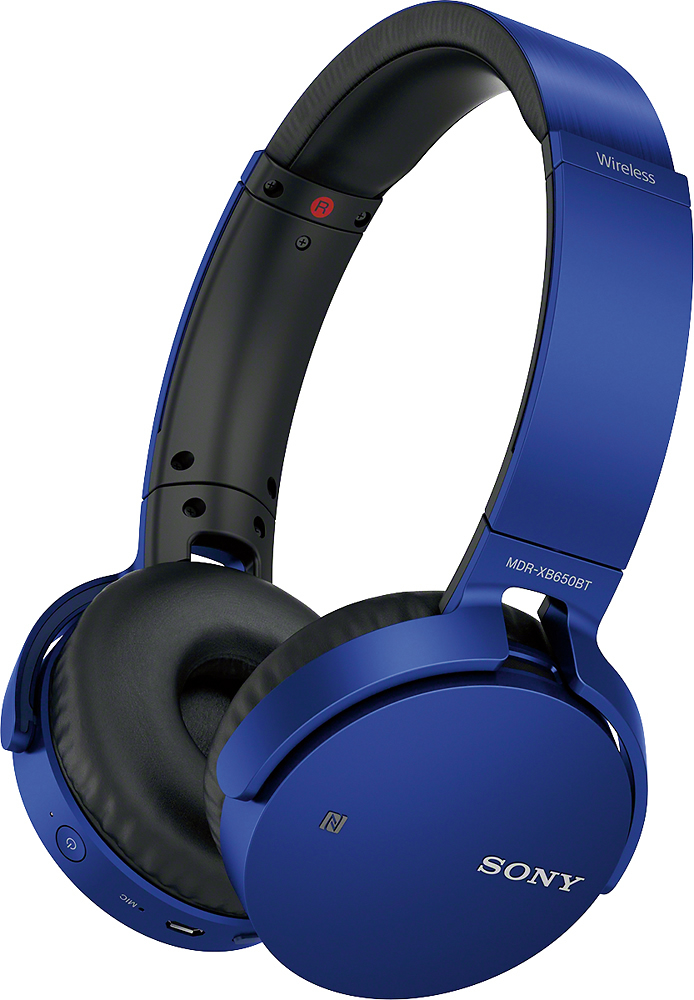
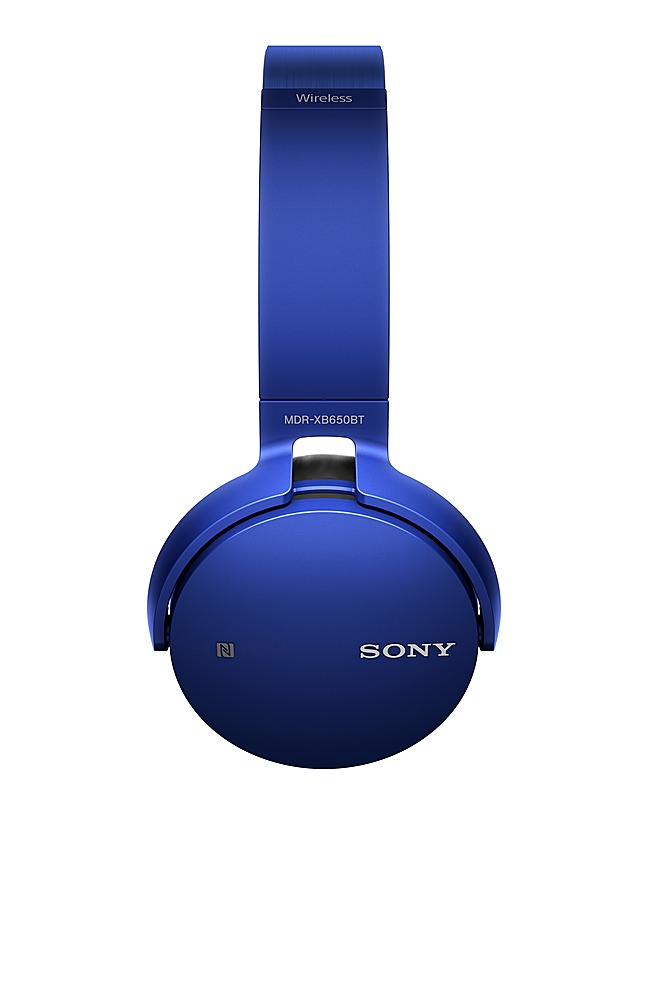
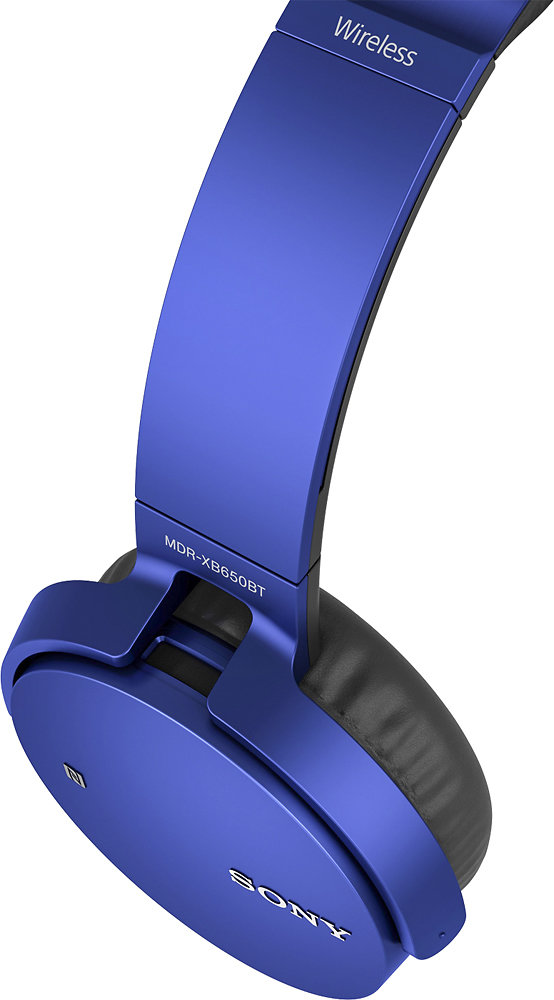
A:AnswerThis charges using a standard charger, the same ones used for any Samsung phone. You can use a car charger or a regular wall charger but those are separate. But, tbh, you won't ever need a car charger. A full charge runs for longer than you could possibly need to listen to music in a week.
A:Answerhaven't tried that one. Sound bar is looking for input. Headphones are looking for input. Does the audio source for the sound bar (TV) cast or receive Bluetooth?
A:AnswerHi Cher, you might need to check the audio settings of your TV. If you need further assistance, please reach us at [email protected] with your concern. Please also include your contact and product information. Thanks! ^Ron
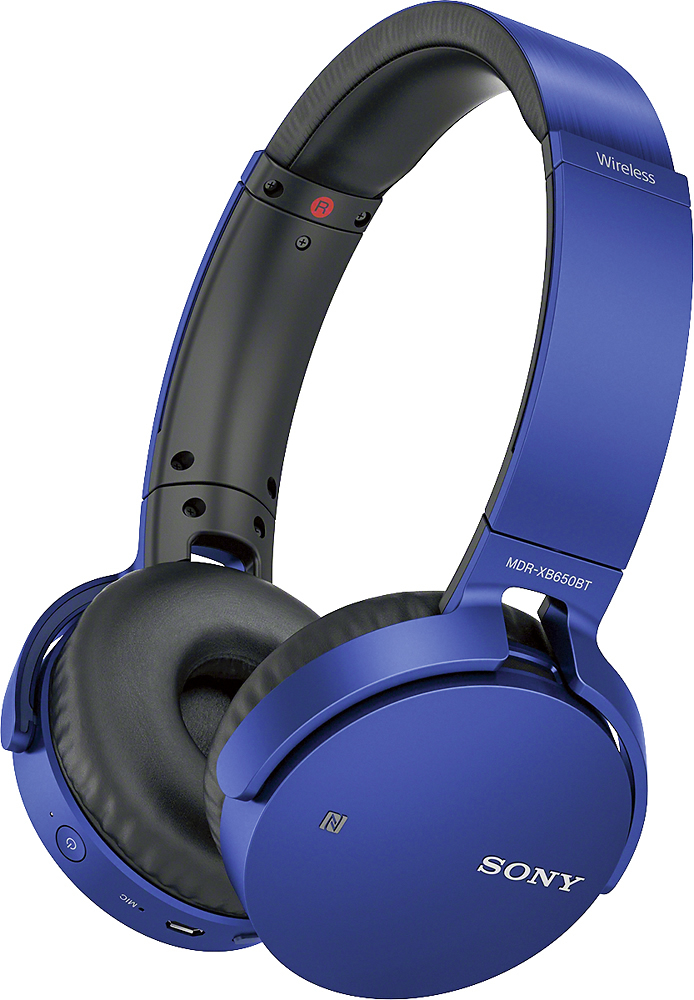
A:AnswerHi newTV, The TV must support Bluetooth headphones. The unit is designed to support the following Bluetooth profiles:
-A2DP (Advanced Audio Distribution Profile)
-AVRCP (Audio Video Remote Control Profile)
-HFP (Hands-free Profile)
-HSP (Headset Profile)
Regards,
~Ralph
A:AnswerHi Tnajar, No, PS4 doesn't support Bluetooth headphones. You may refer to this link for more information:
https://www.sony.com/electronics/support/wireless-headphones-bluetooth-headphones/mdr-xb650bt/articles/00073432
~Ralph
A:AnswerYes, all you need is to buy an audio bluetooth piece and can be bought in various markets, if you get a good quality one this will improve your audio quality on the headphones. Hope you enjoy the freedom of wireless headphones!!
A:AnswerHi MYLENE,
We cannot guarantee that these headphones will be compatible with your TV. You can check this link for the list of our headphones that are capable of transmitting the sound from your TV.
https://www.sony.com/electronics/headband-headphones/wh-rf400
https://www.sony.com/electronics/headband-headphones/mdr-rf995rk
https://www.sony.com/electronics/headband-headphones/wh-l600
Regards,
David