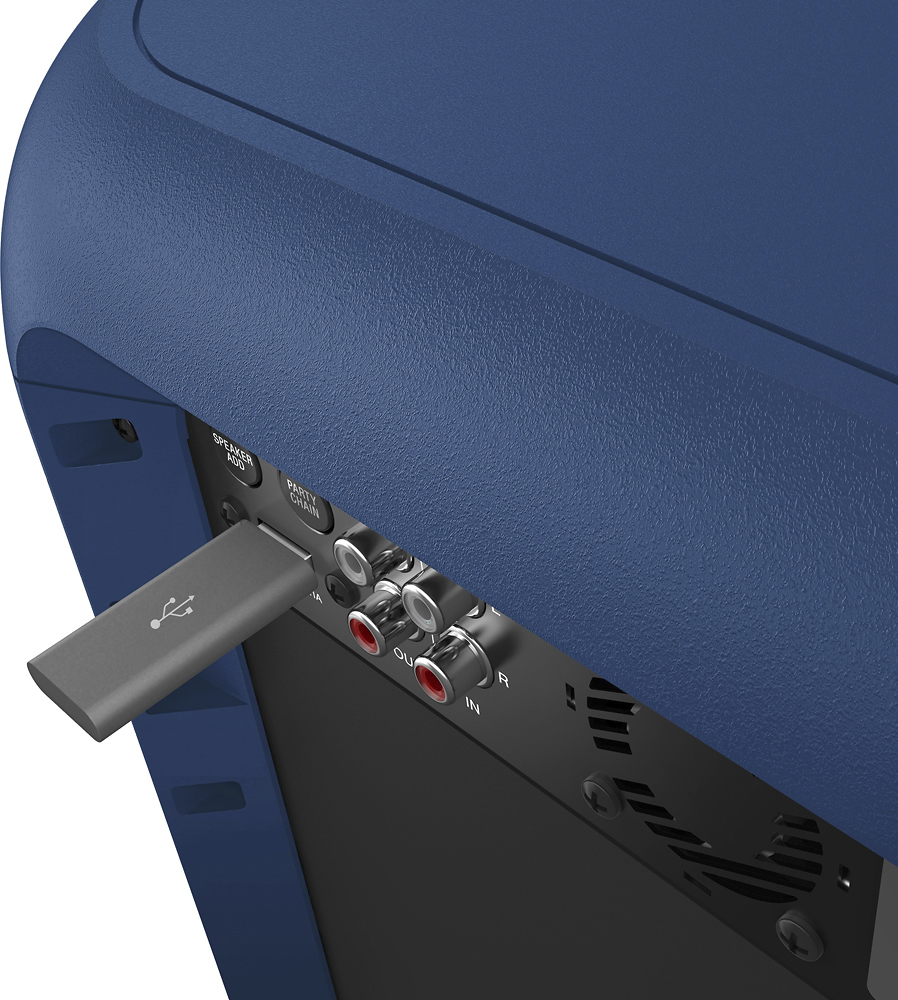
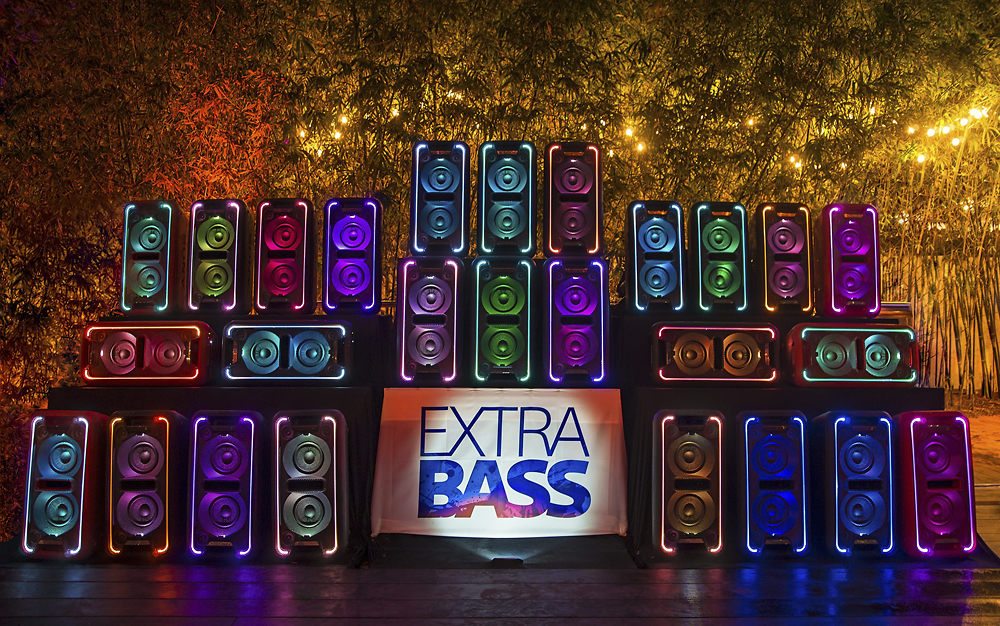
A:AnswerI keep a iPod classic plugged in via the cord- when I power up the speaker it’s tuned to the iPod. So you should be good if you’re using a cord with the speaker on “ audio in”.
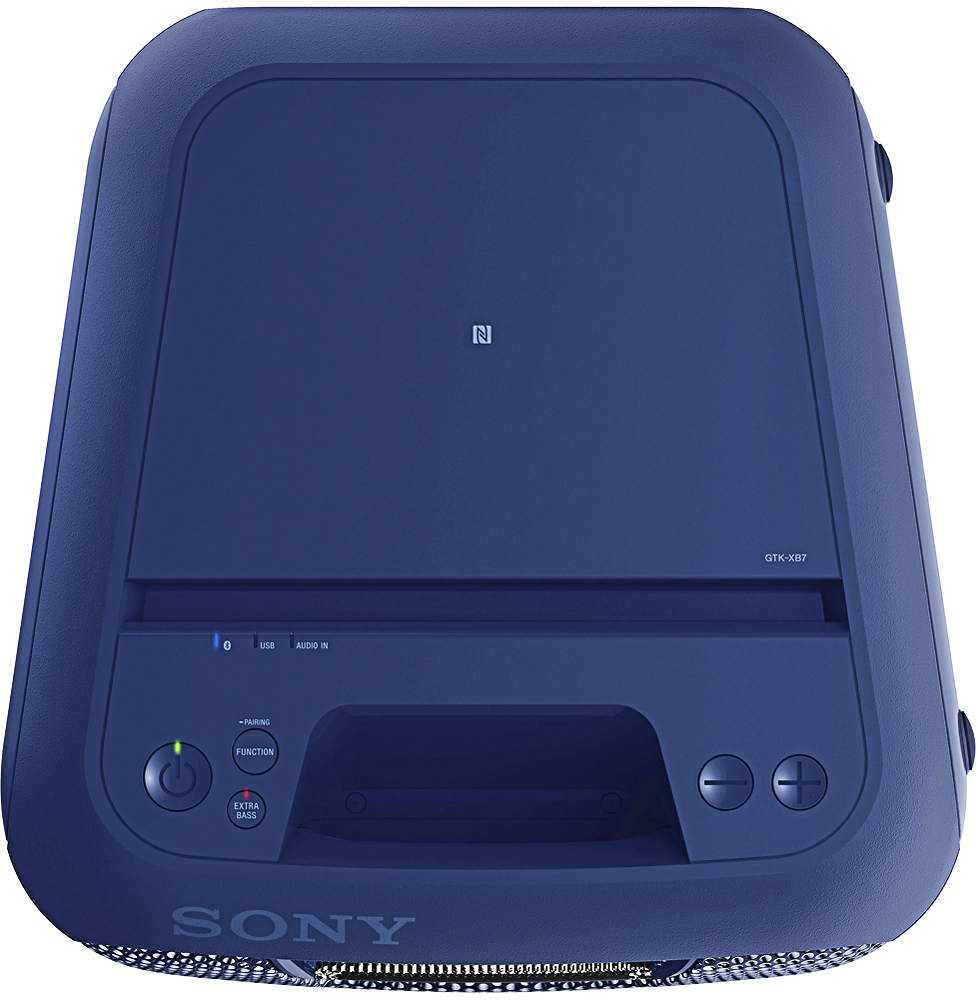
A:AnswerOn the back of the speaker there is a speaker add button. If the speakers are in 5 feet of range then turn them both on and hold down both of the speaker add buttons (you don't have to do it at the same time) until they are both blinking then wait until they stop blinking and are just lit up. That means they are connected then make sure they are on the Bluetooth by pressing the function button. Then connect to one of them on your mobile phone and they should both be playing when you play a song. If this doesn't work you can check the manual it tell it better than me.
A:Answer8 useing Bluetooth I think if uuse rca Jack's u can hook up as. Much as you want to. Tho if you use Bluetooth they have to be within 3 feet of eachother
A:AnswerHi JSIM,
Have you tried calling our Technical Support team about this issue?
If so, kindly send your reference number/event ID to [email protected] so we can further assist you.
Thanks,
>Joffrey
A:AnswerI have 4 of them and I have the same problem u have tohave the second one on input for it to work and u have to press the party chain button and u have to do this everyone u turn it on
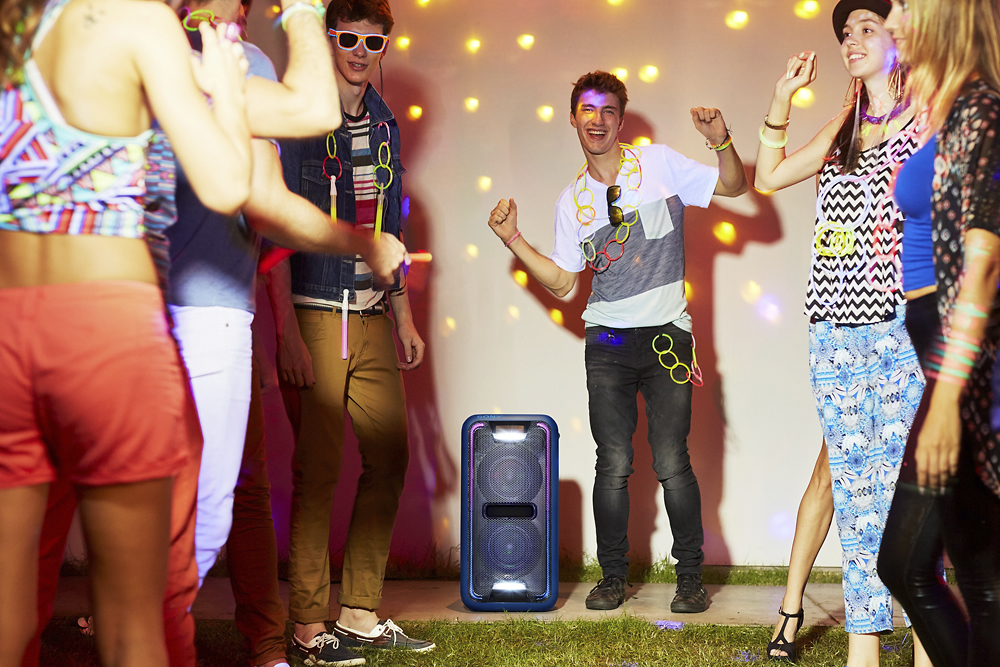
A:AnswerYes! This is perfect for Any occasion the sound is loud & very
Clear, it also gives the option to add extra bass which would be
Perfect for movie sound effects!!
A:AnswerCall you may need to just completely disconnect it from your first device. You may have to do something like "forget this device" and your Bluetooth set up You should then be able to pair it with the new device
A:AnswerHi BOPPA,
We highly recommend connecting 2 the same models only using the Party feature. 2 different models are not guaranteed to work perfectly.
Thanks,
>Joffrey