A:AnswerHi Dee, Thank you for your inquiry! Yes, it can be connected to iPad and Android devices. If your Bose radio supports A2DP (Advanced Audio Distribution Profile), then you should be able to connect it to this speaker.
Note:
For Apple iOS devices, the speaker is compatible with iOS 10.0 or later.
Hope this helps!
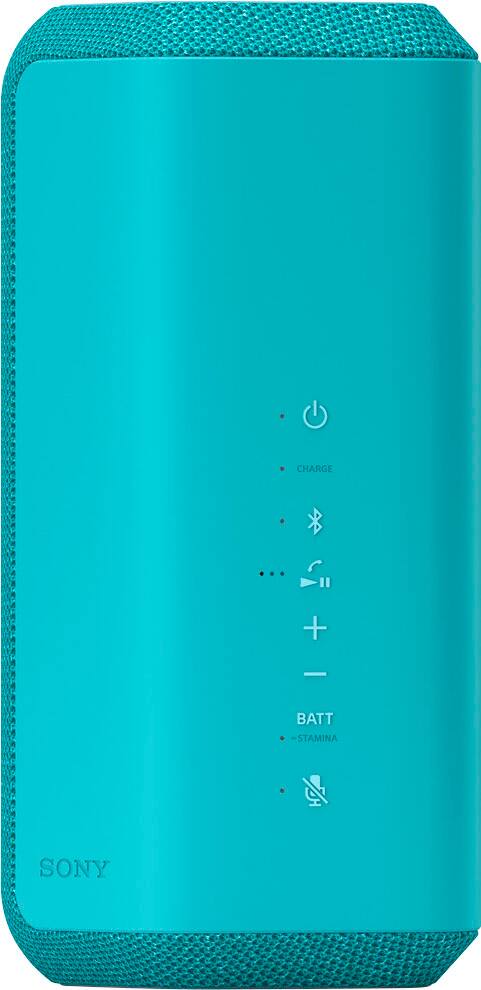
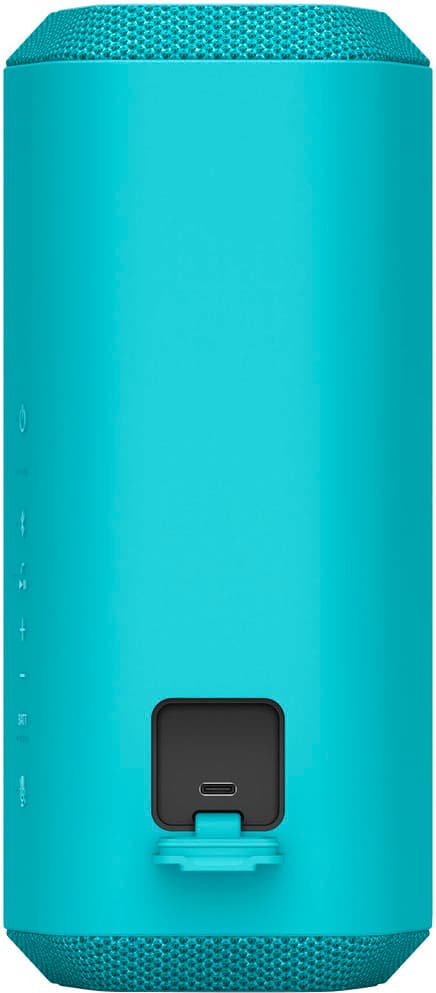
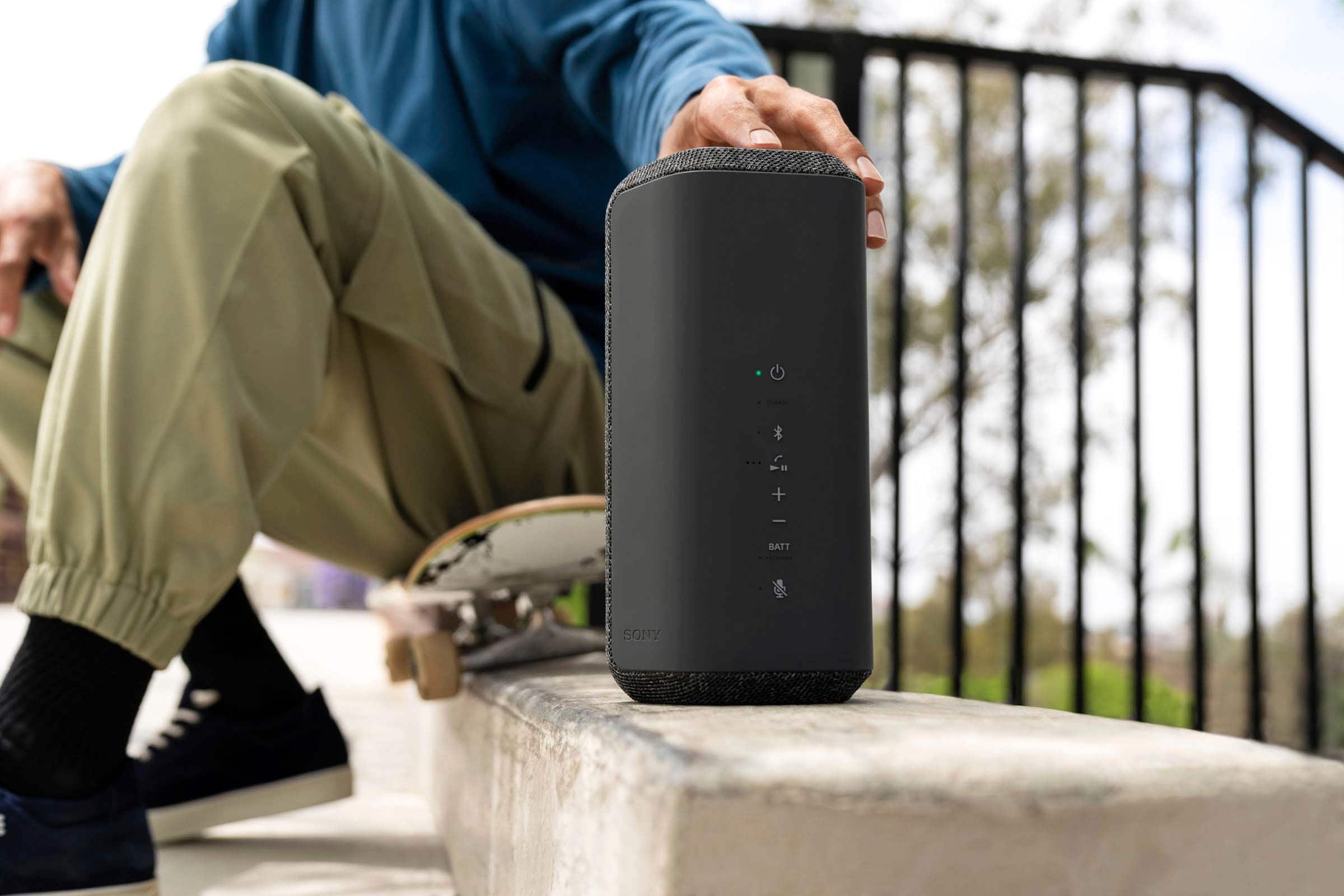
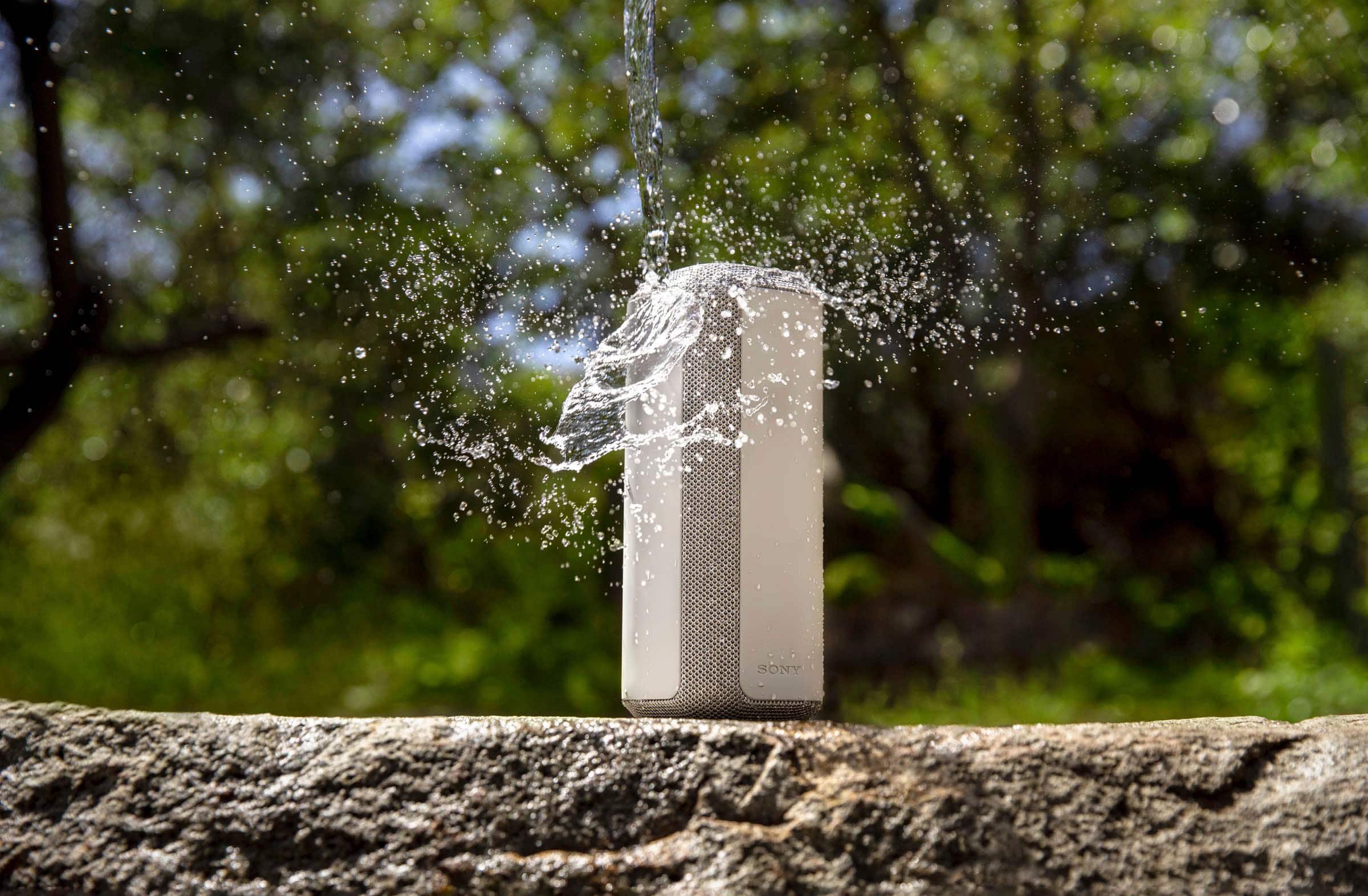
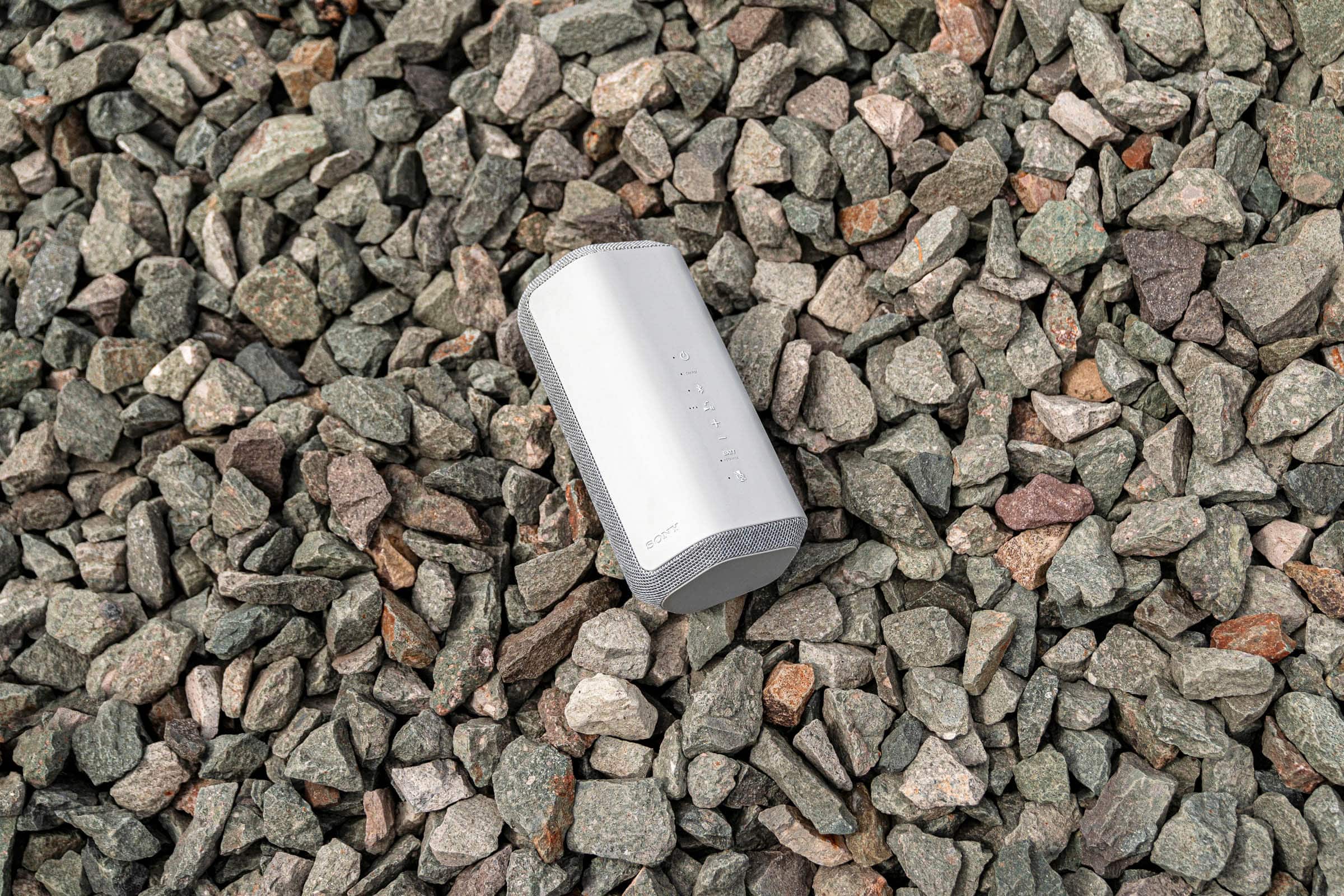
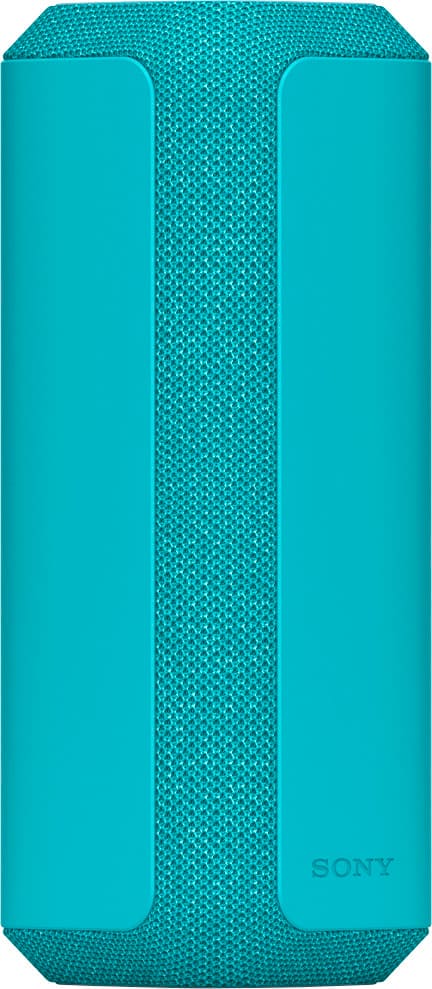
The XE200 speaker sends sound out from a small, compact unit. You can spread sound wider with the Line-Shape Diffuser and enjoy powerful sound pressure and clarity with the X-Balanced Speaker, all housed inside a portable speaker with a handy strap. Pair with IP67 Water resistance, dustproof and shockproof design, this speaker is made for even the strongest elements. Keep the party going with up to 16-hours of battery life on a single charge and USB-C quick charging gives you up to 70 minutes of playback after just 10 minutes of charge time.
Regards,
Sam
A:AnswerHi Pairing, thanks for your question. The XE300 supports Bluetooth connection. If your TV supports A2DP Bluetooth profile, you can pair this speaker. Please check the specification of your TV.
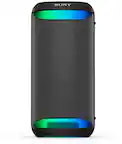
The XE300 speaker is perfect for bringing quality sound to your party. The Line-Shape Diffuser sends a wide sound all around, without compromising on quality. Plus, with a long battery life, portable size and impressive durability, this speaker is the perfect partner for your next party, wherever that might be.
Regards,
Erin
A:AnswerGreat question, Mugg! The SRSXE300 can be paired to a turntable that supports A2DP Bluetooth profile.
The XE300 speaker is perfect for bringing quality sound to your party. The Line-Shape Diffuser sends a wide sound all around, without compromising on quality. Plus, with long battery life, portable size, and impressive durability, this speaker is the perfect partner for your next party, wherever that might be. I hope this helps. Erin
A:AnswerHello there, Thanks for your inquiry! Unfortunately, no. But, you can connect multiple speakers (up to 100 speakers) compatible with the Party Connect function via BLUETOOTH connections and enjoy music playback.
Devices* compatible with the Party Connect function:
LSPX-S3, SRS-XP700, SRS-XP500, SRS-XG500, SRS-XG300, SRS-XB43, SRS-XB33, SRS-XB23, SRS-XE300, SRS-XE200
https://helpguide.sony.net/speaker/srs-xe200/v1/en/contents/TP1000669371.html
Hope this helps!
Regards,
Sam
A:AnswerHi Greg, Thank you for your inquiry! Unfortunately, the wattage of this speaker is not a public specification that we disclose at this time, and here is why. Watts tells an incomplete story when judging a speaker’s performance. To be more accurate you would need to know the watts, the dB rating, and frequency range (Hz) of all the speakers in the unit. Also, the distortion (THD) rate and the number of speakers driven for the rating of watts presented on the box. Yes, those things are not standardized. Then do some math, and you will get a general understanding of the loudness and range of the speaker in question. Then do that for all the different companies and you could compare with specs, though even if they were equal, they may sound different due to processing. At Sony we try to give you the absolute best sounding speaker, that has all the features our customers have told us really matter to them. Hope this helps! Craig
A:AnswerHi Nes,
Thank you for your question. Approximately 4 hours.
-Volume level: 50 (MAX.)
-Sound: MEGA BASS on
-Lighting: on
Note: Actual performance time may vary from the listed time due to the volume, songs played, surrounding temperature, and usage conditions.
Additional information: With the 25 hours of battery life and IP67 water and dust resistance of the XG300 wireless speaker, you can enjoy a whole day of party from the beach, to the park, and to the pool. Stream anywhere and get things booming with Party Connect where you can combine up to 100 compatible X-series wireless speakers with BLUETOOTH technology and sync your music so everyone dances to the same beat. Make sure to download the Sony | Music Center app to Optimize audio settings, select playlist, and control Party Connect.
-Ralph
A:AnswerHi there,
Thank you for your question. You can pair the speaker (via Bluetooth) to a TV that supports the A2DP (Advanced Audio Distribution Profile) Bluetooth profile. Make sure to update the software version of the speaker.
With the 25 hours of battery life and IP67 water and dust resistance of the XG300 wireless speaker, you can enjoy a whole day of party from the beach, to the park, and to the pool. Stream anywhere and get things booming with Party Connect where you can combine up to 100 compatible X-series wireless speakers with BLUETOOTH technology and sync your music so everyone dances to the same beat.
-Ralph
A:AnswerHi Cari,
Thank you for your question. Devices that have Bluetooth or the 3.5 mm headphone jack (using a commercially available audio cable) can be connected to the speaker. Please refer to the specifications of the CD player.
With the 25 hours of battery life and IP67 water and dust resistance of the XG300 wireless speaker, you can enjoy a whole day of party from the beach, to the park, and to the pool. Stream anywhere and get things booming with Party Connect where you can combine up to 100 compatible X-series wireless speakers with BLUETOOTH technology and sync your music so everyone dances to the same beat. Make sure to download the Sony | Music Center app to Optimize audio settings, select playlist, and control Party Connect.
-Ralph
A:AnswerHi Badger,
Thanks for reaching out to us with your concern. Unfortunately, the XE200 is not controllable with a remote control. Alternatively, if your audio device supports AVRCP (Audio Video Remote Control Profile), you can use it to adjust the volume and operate to play, pause or skip to the beginning of the next/current track.
You can also download the Sony Music Center app to your smartphone, which allows you to control the volume of the speaker, select your favorite playlists, cue the next song, or change the lighting patterns and sound modes of the unit.
Check the help guide link below for more details on what you can do with “Sony Music Center".
https://helpguide.sony.net/speaker/srs-xe200/v1/en/contents/TP1000669365.html
Regards,
Jess