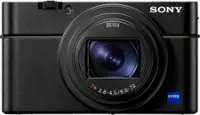
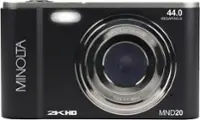
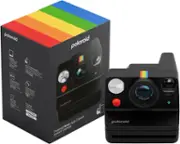
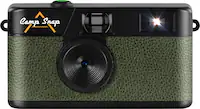
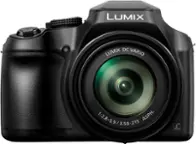
A:AnswerYou won't find a camera in the $200 range that competes with this camera. Features, lens quality, WiFi, etc. will all be tradeoffs for a lesser-priced camera.
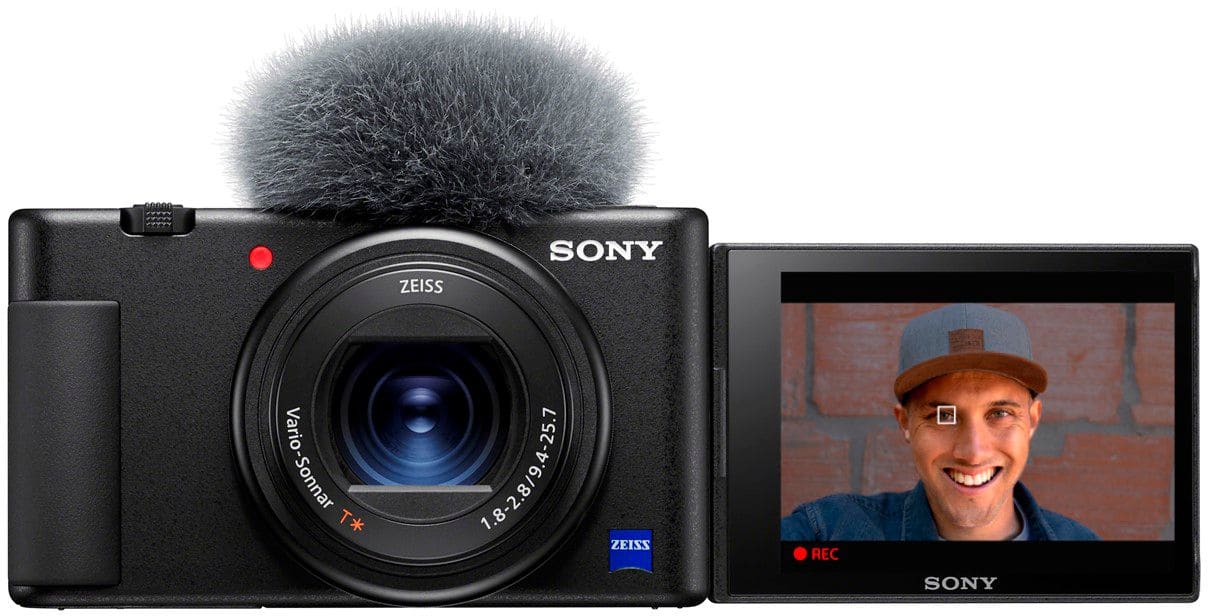
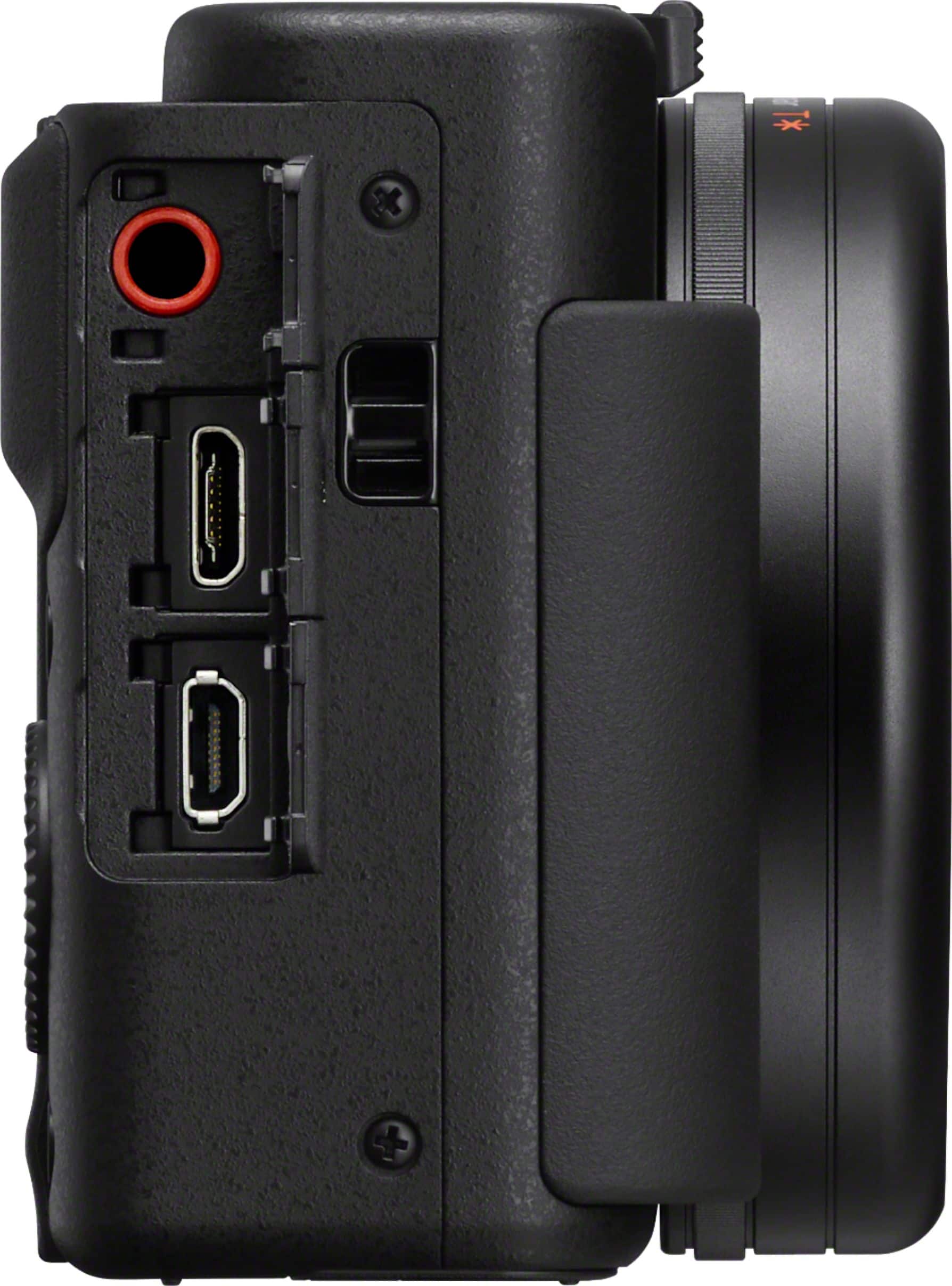
A:AnswerHello, Sony commitment to customer satisfaction is our top priority. For Mi shoe microphones, the power is supplied through the hot shoe, for the microphone port when the external microphone is a plugin-power type, the power of the microphone is supplied by the camera. Sony Social Support - Yohan
A:AnswerHi TJMH, Sony's commitment to customer satisfaction is our top priority. First step is to either connect the camera to the PC or Mac directly using a supplied USB cable and transfer the video files or you can eject the memory card from the camera and use your card reader to transfer the video files. Next step is to use software available via Mac and Windows for creating DVD using the video files from the camera. Thank you so much for your question. And thank you for choosing Sony. - Pakorn (Sony Social Support)
A:AnswerHi K741, Sony's commitment to customer satisfaction is our top priority. Please make sure to go to MENU → (Setup) → [HDMI Settings] → [HDMI Info. Display] and turn it off to have clean HDMI signal. Make sure to connect the camera to a power source via micro USB port for continuous power supply. Thank you so much for your question. And thank you for choosing Sony. - Pakorn (Sony Social Support)
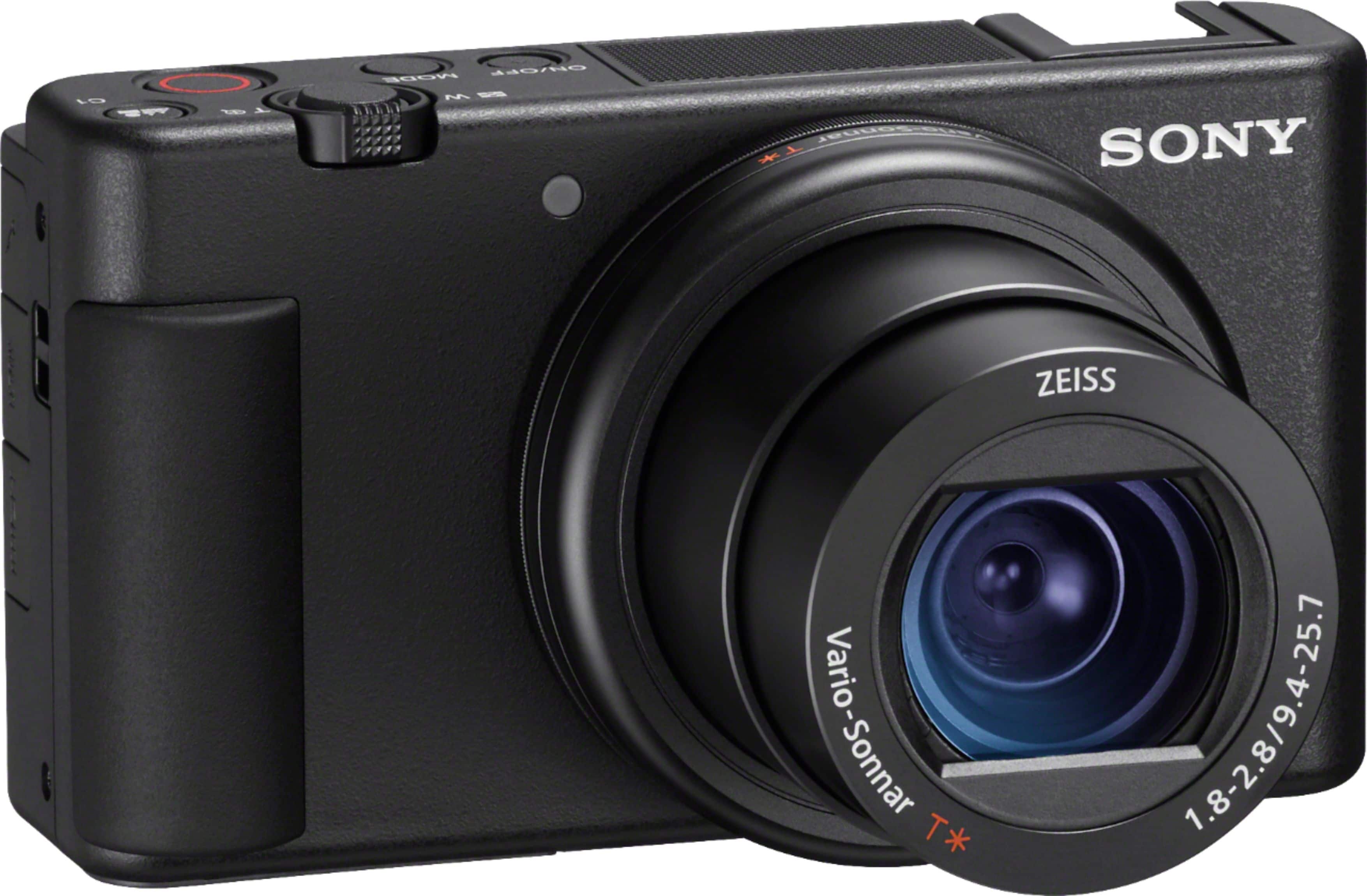
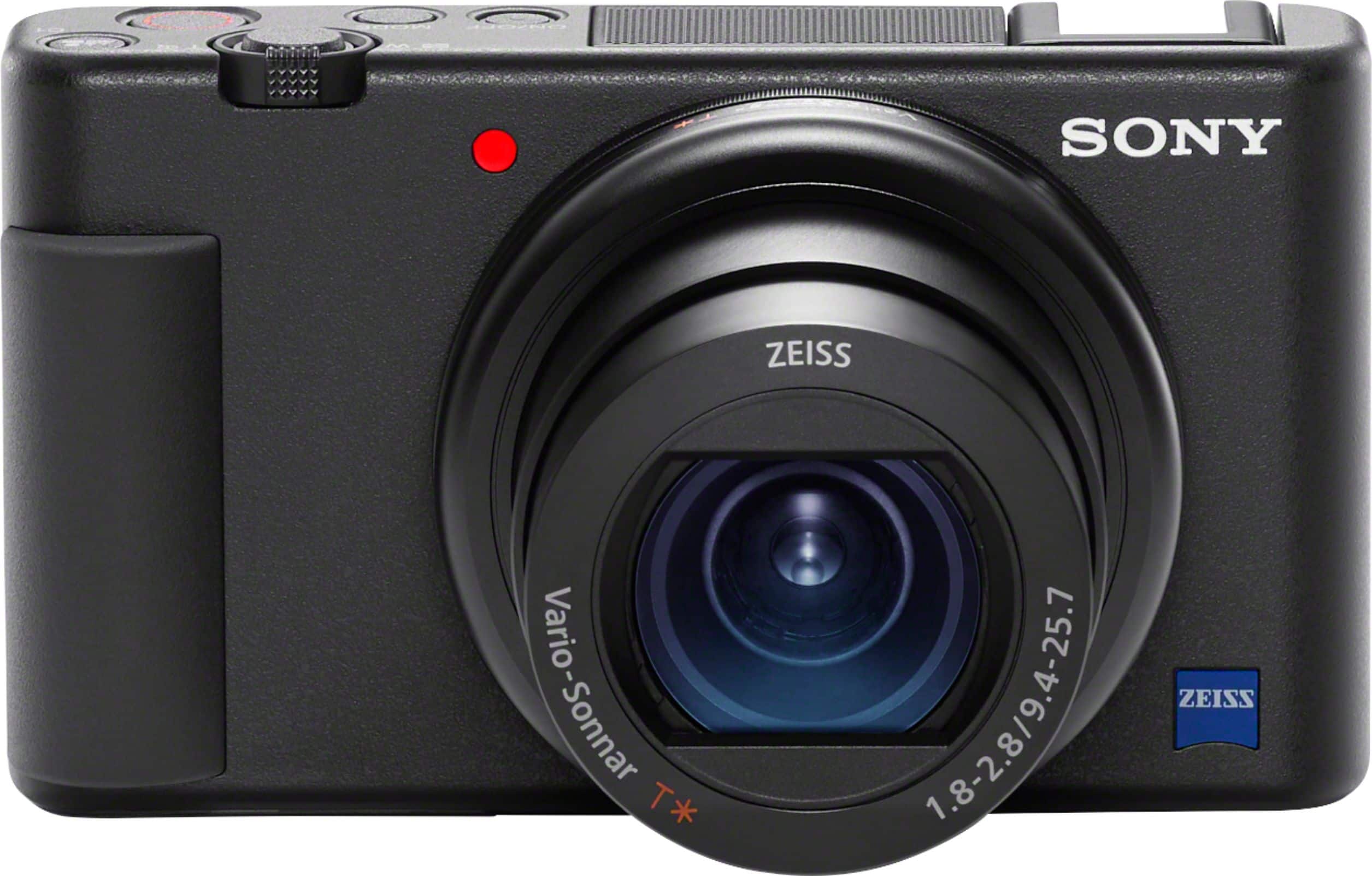
A:AnswerHi Kimo1618, Sony's commitment to customer satisfaction is our top priority. It is not possible to screw a filter in front on the ZV1 lens. Thank you so much for your question. And thank you for choosing Sony. - Pakorn (Sony Social Support)
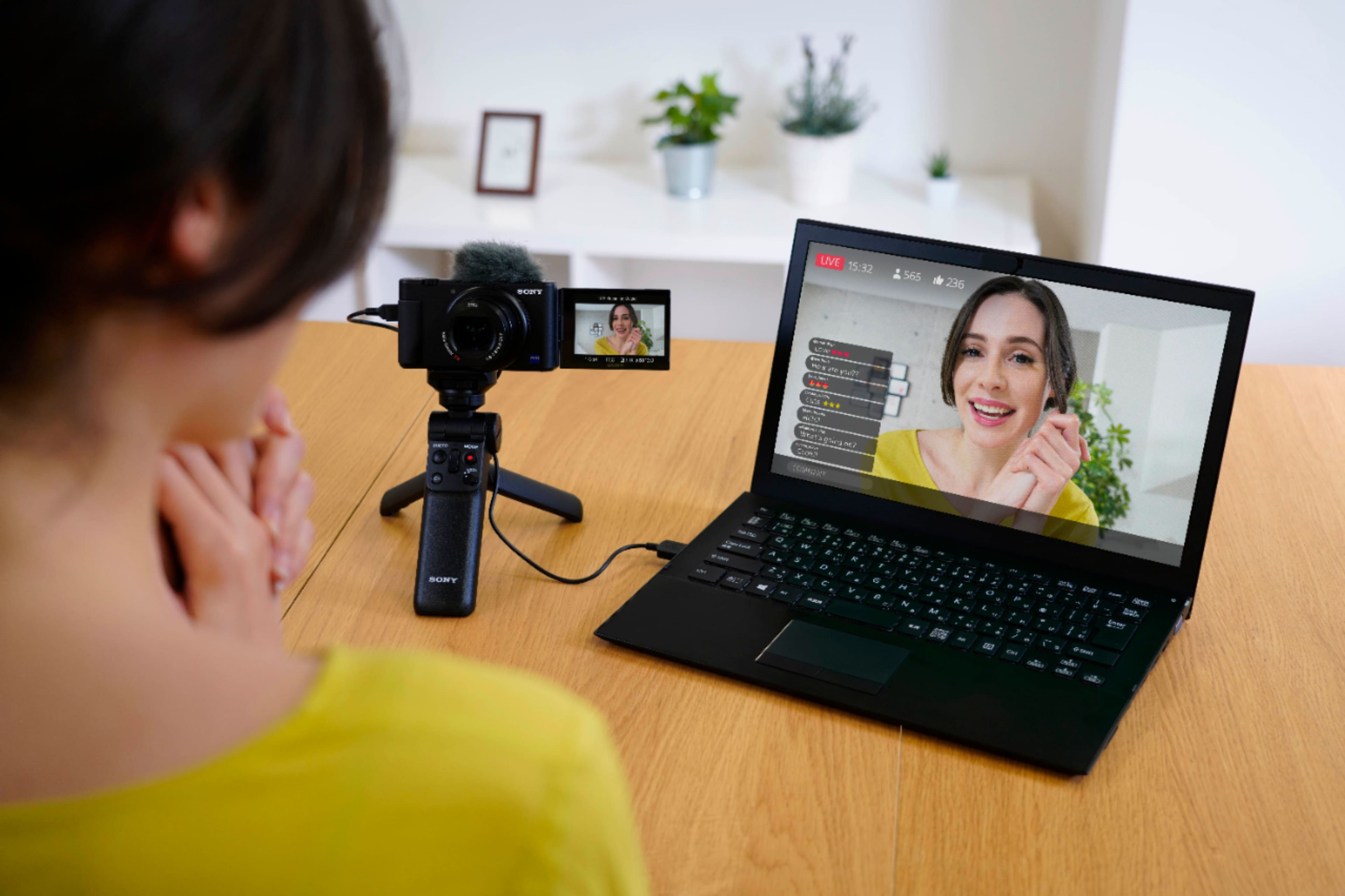
A:AnswerHi MS, Sony's commitment to customer satisfaction is our top priority. The camera can be connected to computer via a USB cable to be used as a webcam. Please follow the link below for more info. Thank you so much for your question. And thank you for choosing Sony.
https://helpguide.sony.net/dc/1910/v1/en/contents/TP1000201632.html (Livestreaming)
https://helpguide.sony.net/dc/1910/v1/en/contents/TP0002869964.html (Zoom feature)
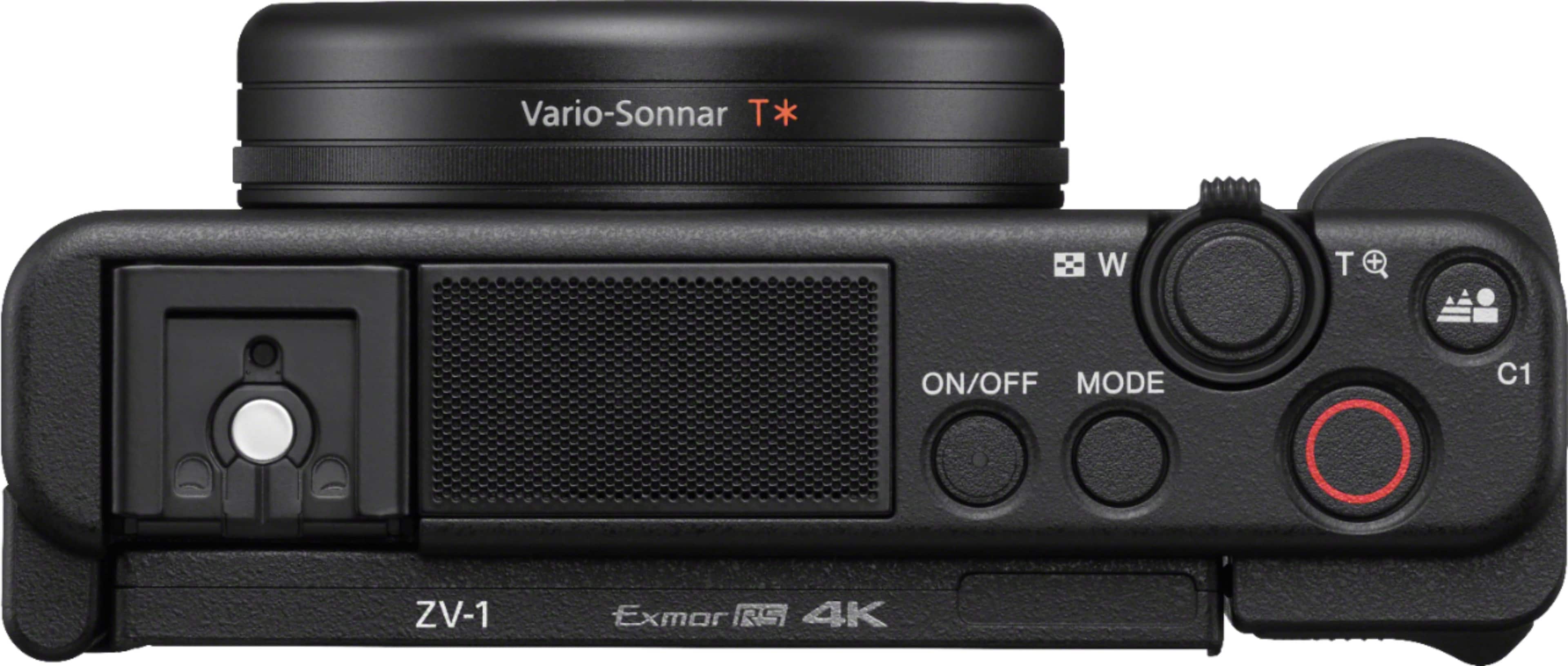
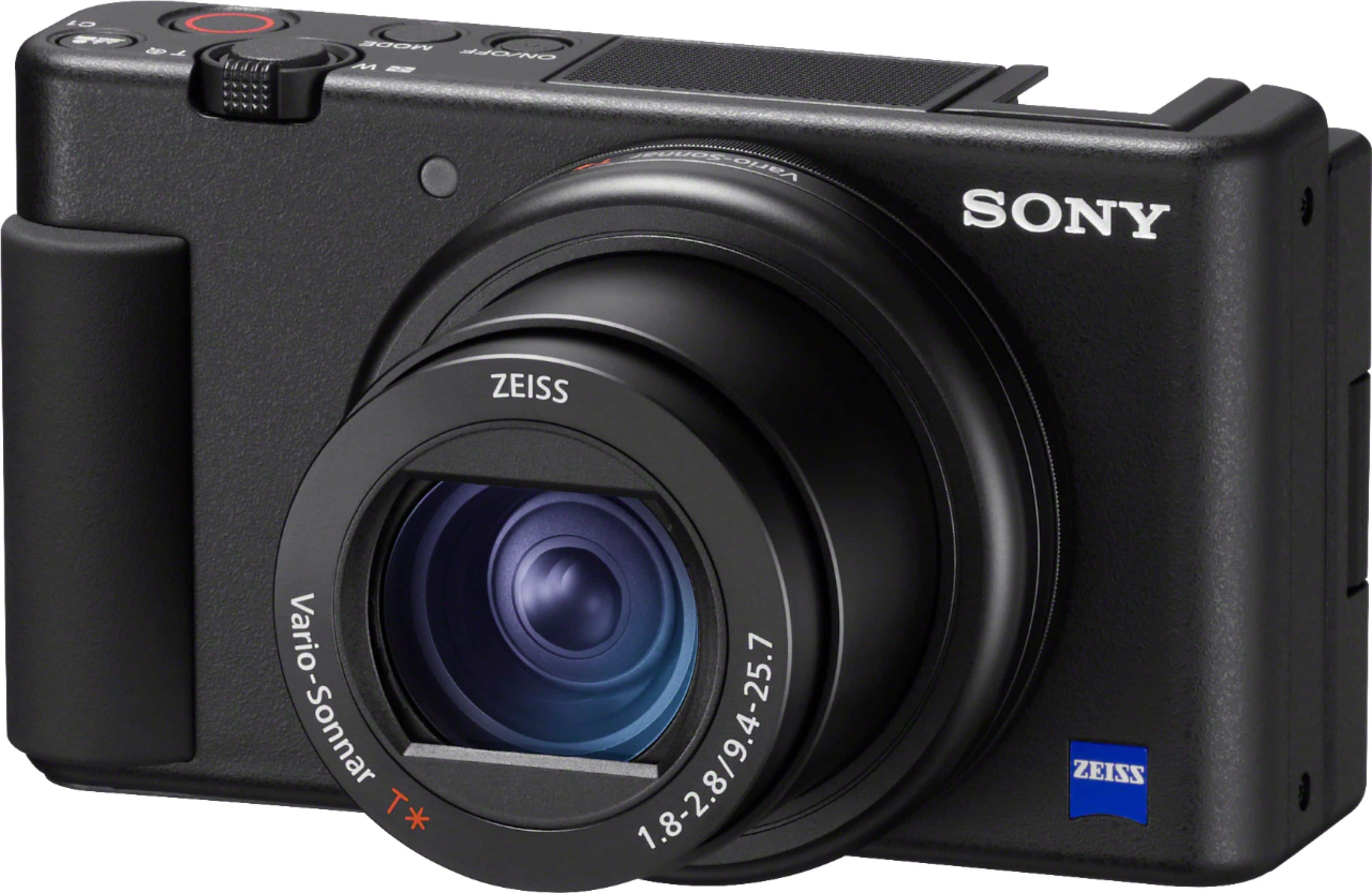
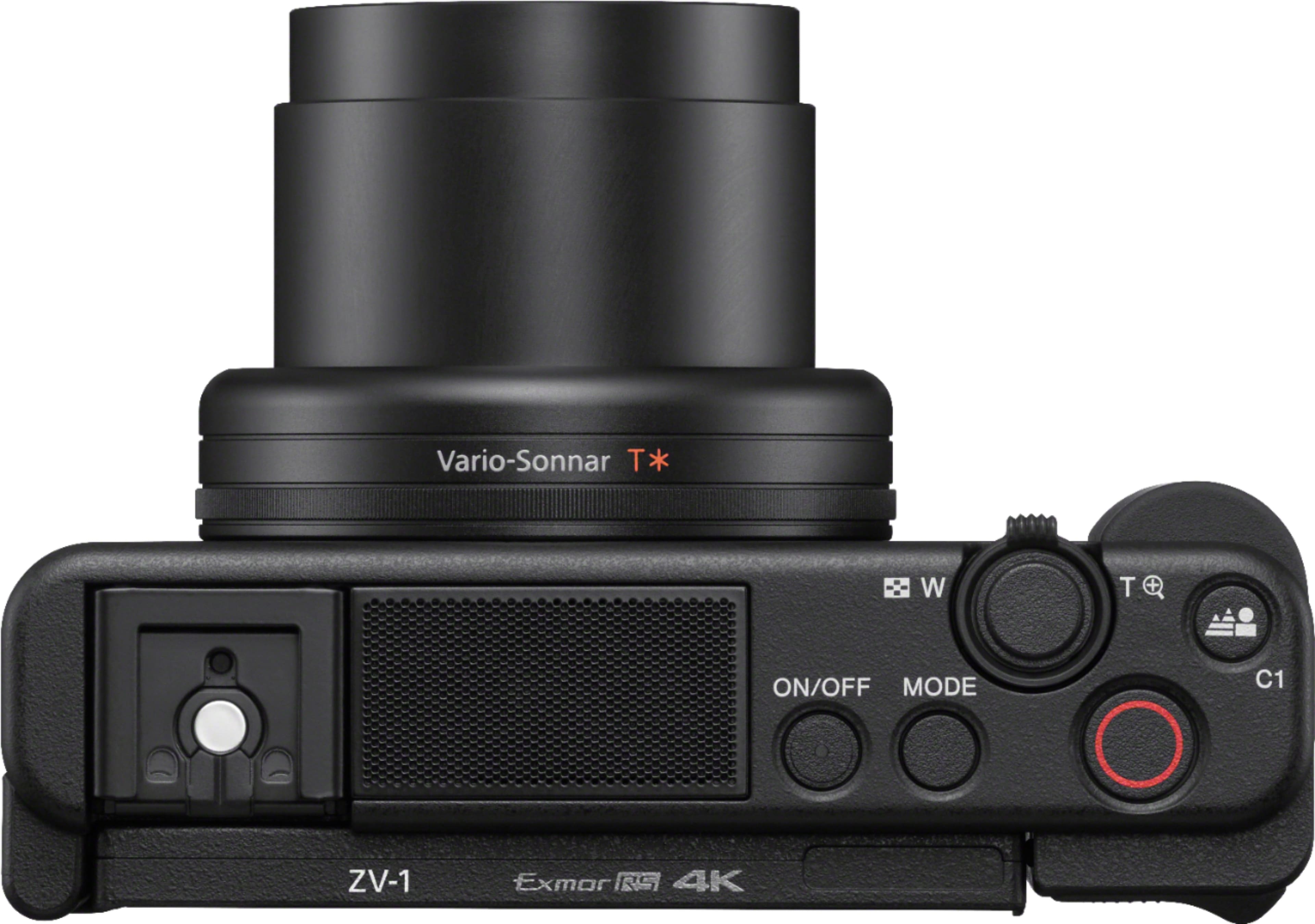
A:AnswerH VlogCreator, Sony's commitment to customer satisfaction is our top priority. The hot shoe cap can be removed by applying small downward force and sliding the it out towards the back LCD screen. Thank you so much for your question. And thank you for choosing Sony.
A:AnswerHi, Sony's commitment to customer satisfaction is our top priority. The camera is compatible with ECM-AW4 and other microphones. Please see link for more models : http://support.d-imaging.sony.co.jp/www/cscs/accessories/compatibility.php?area=us&lang=en&mdl=ZV-1&cat=29 Thank you so much for your question. And thank you for choosing Sony.
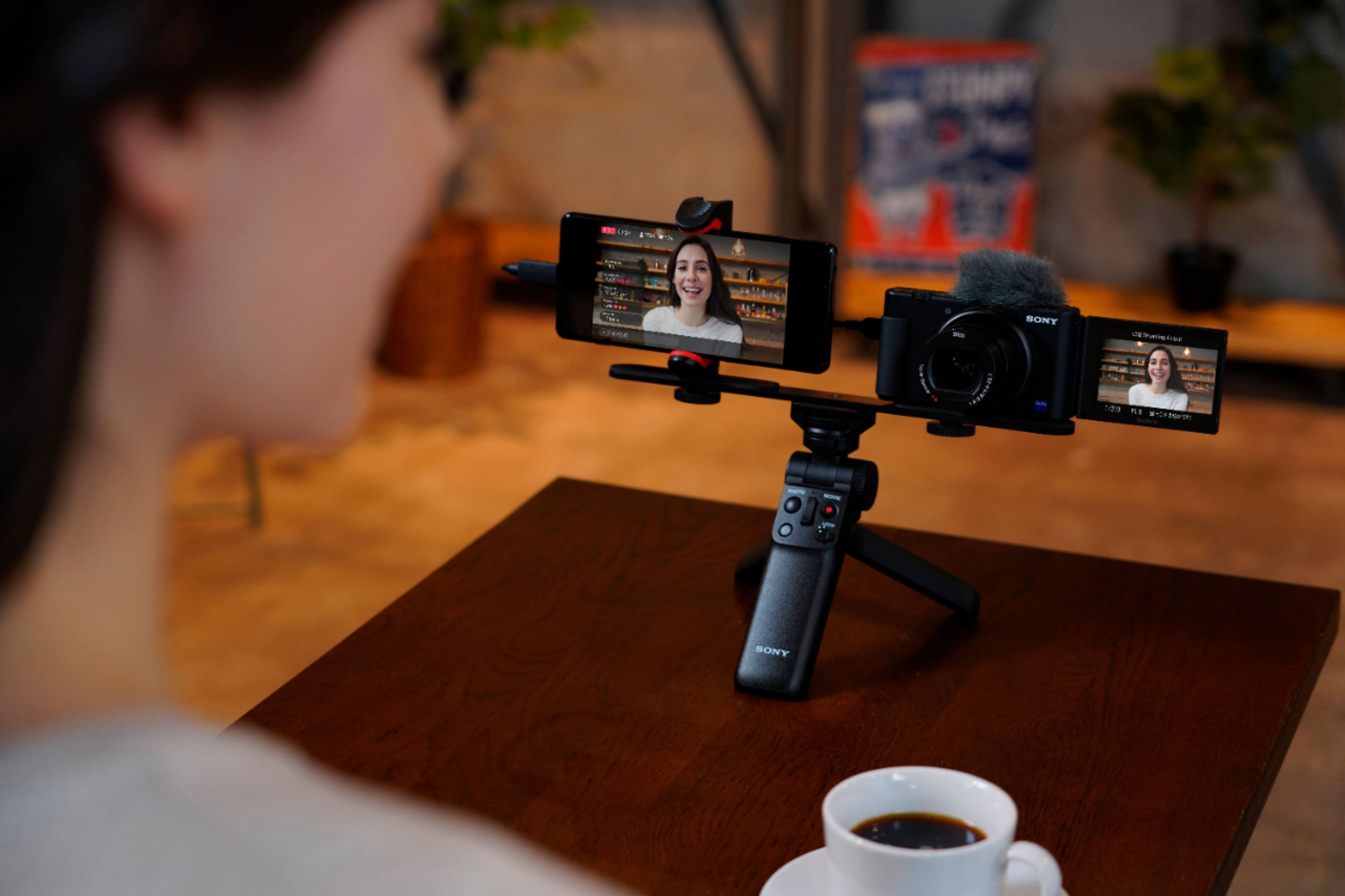
A:AnswerHi Archie, Sony's commitment to customer satisfaction is our top priority. The iOS app cannot be used while streaming. Only the settings on the camera can be used while streaming. If you assign the shutter speed, ISO sensitivity, etc. to the control wheel or register them to the function menu, you can adjust these values even during USB streaming. When you set [Zoom Setting] to [Digital Zoom], you can use this zoom function. Yes the zoom will go past the 70mm optical range only when the setting is set to Digital Zoom.
A:AnswerHi, Sony's commitment to customer satisfaction is our top priority. Chinese language is not available on this camera model sold in North America region. Only English, French, Italian and Spanish can be selected.
A:AnswerThis camera is pretty new at the moment of this answer and no firmware is available. Typically all sony cameras have a way to update the firmware via usb.