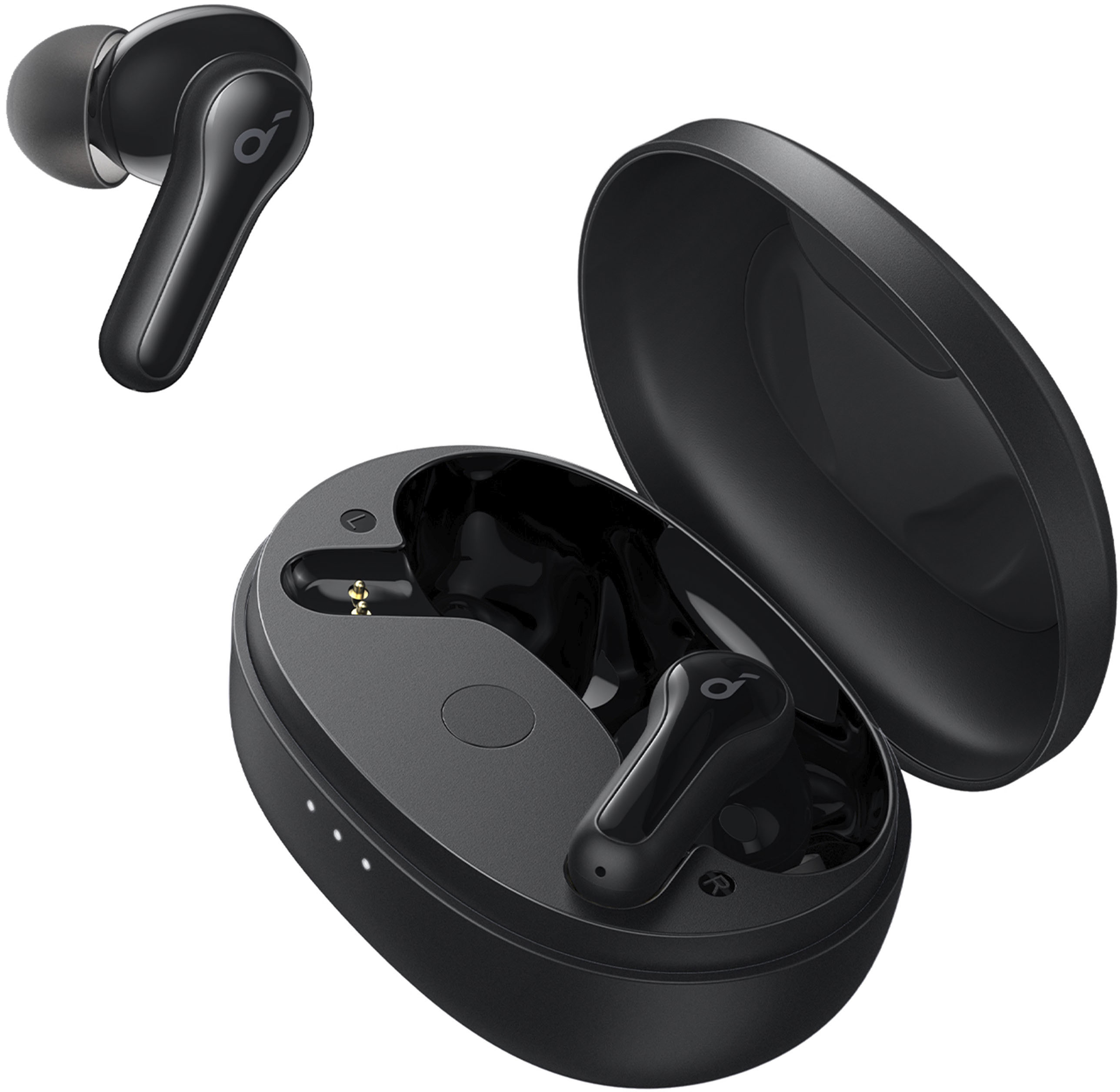
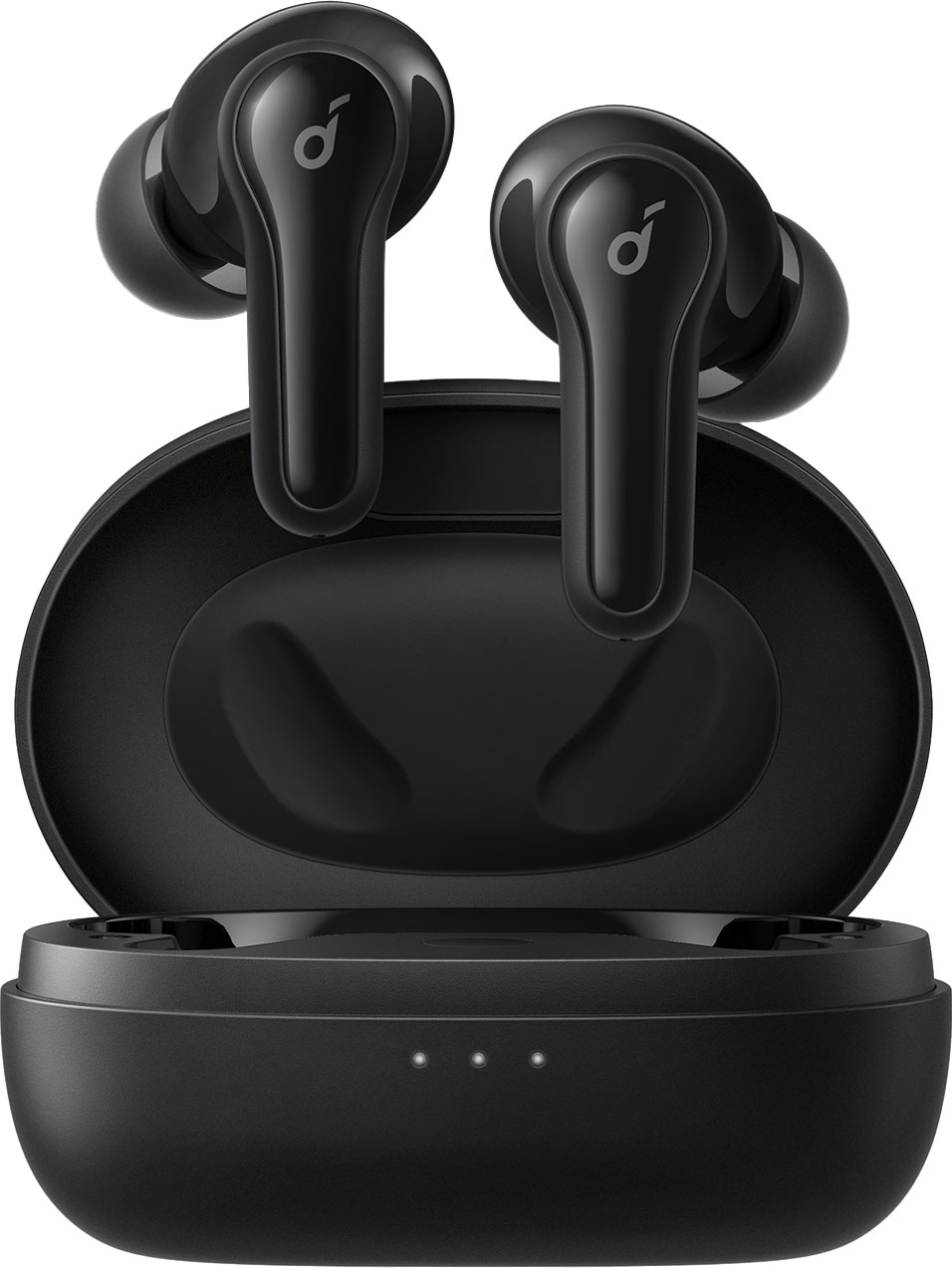
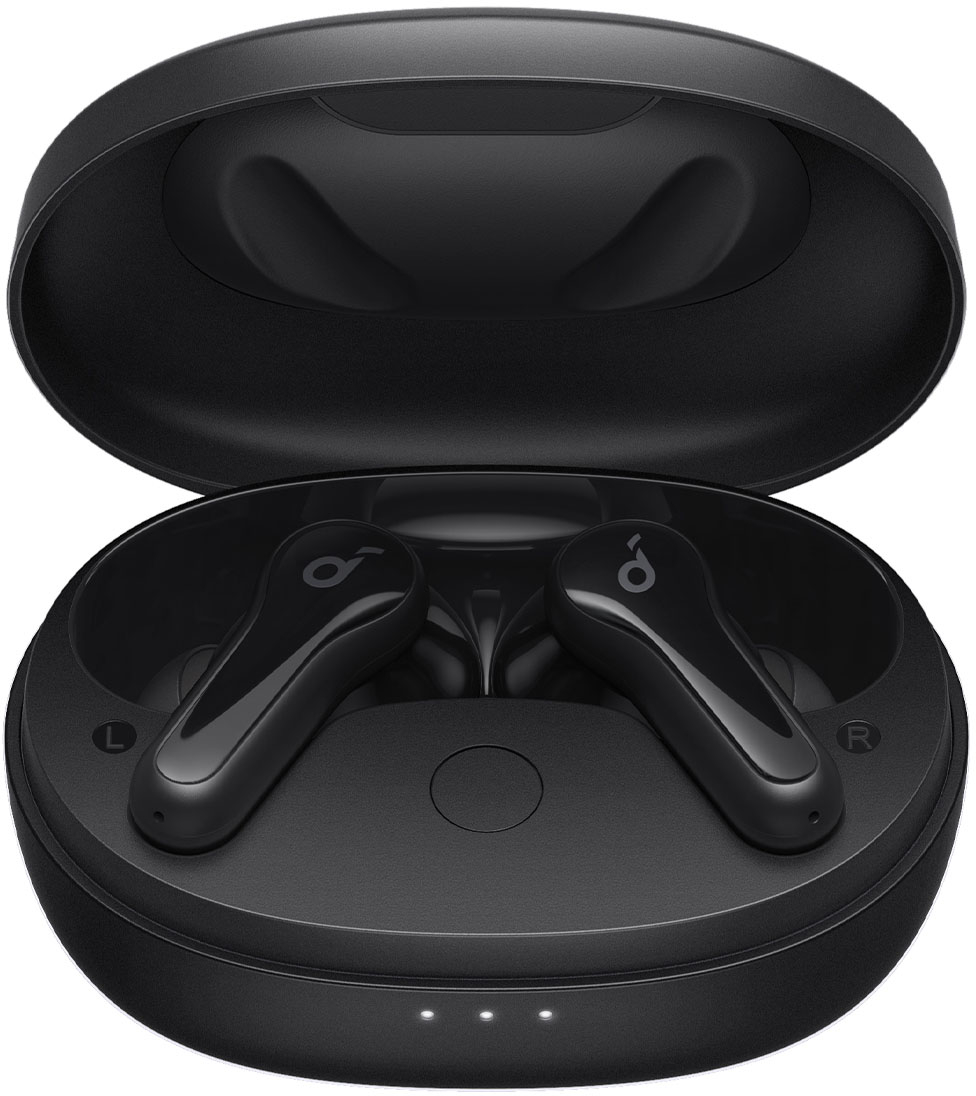
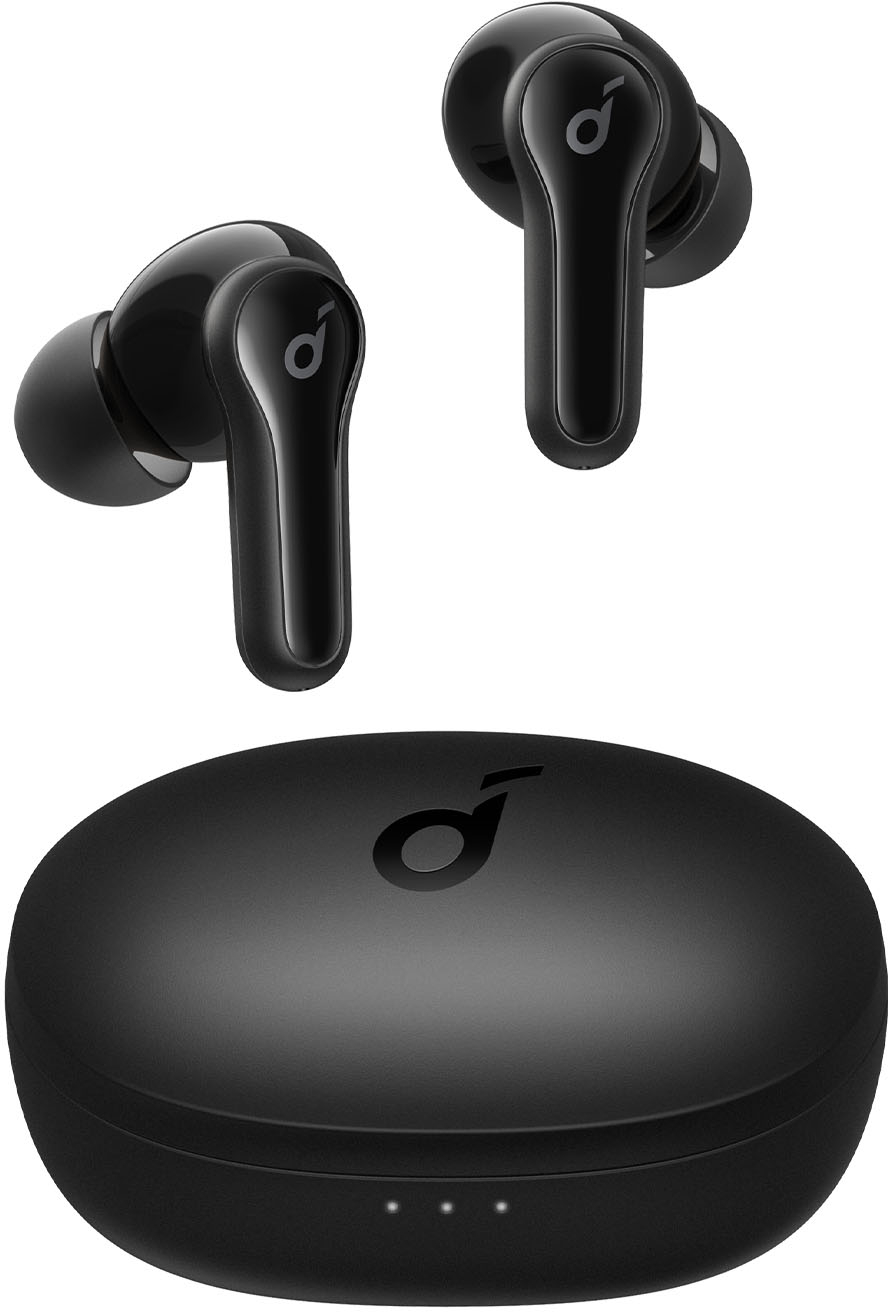
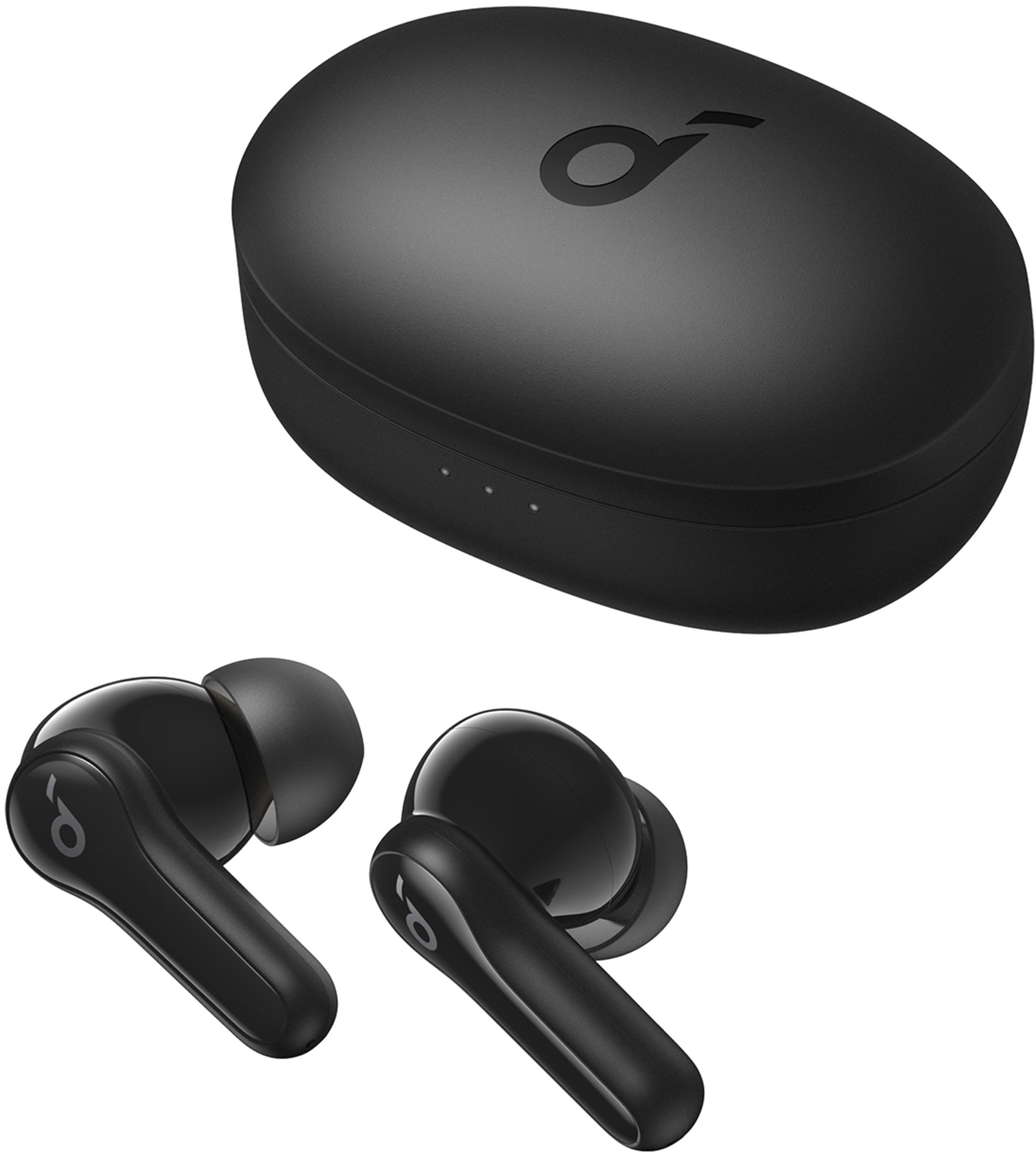
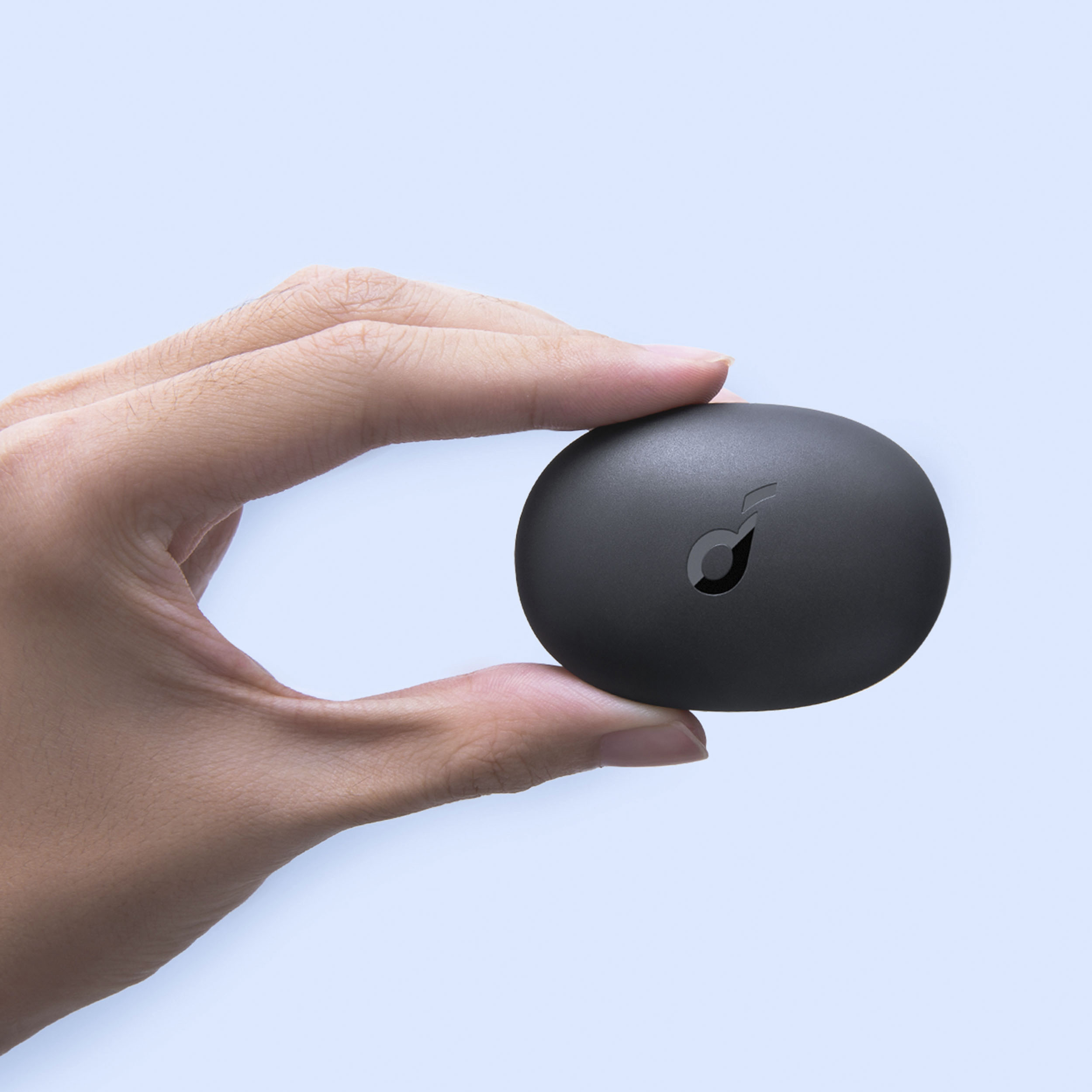
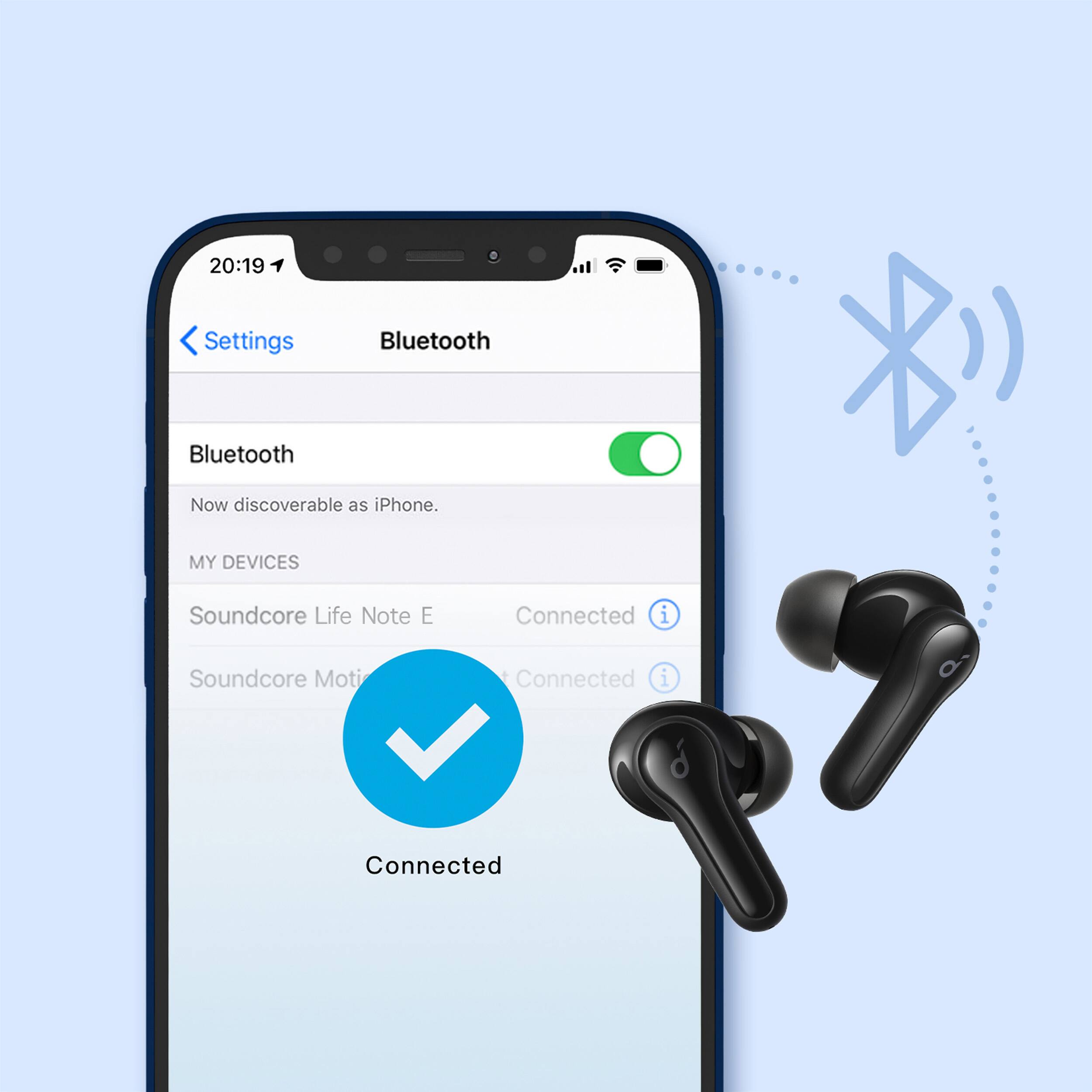
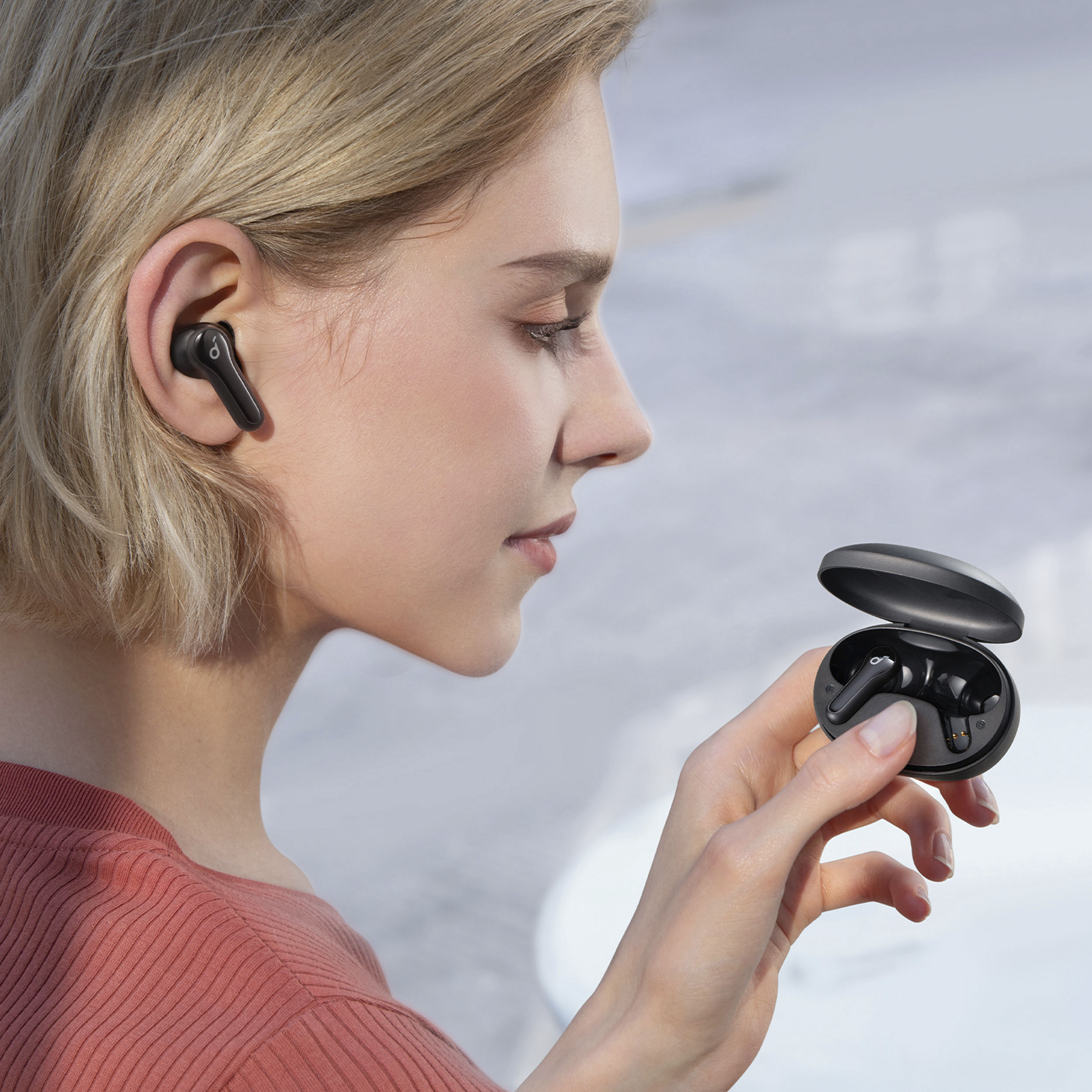
A:AnswerIt comes with a quick start guide which has everything you should need, wearing, charging, on/off, pairing, re-pairing, controls, etc. BTW in my opinion the most comfortable ones I have ever purchased, if I lose them I will buy them again.
A:AnswerThanks for your interest.
You can answer or end a call by double tap the button. If you want to reject a call, you can press the button for 2s.
Please feel free to contact us via [email protected] if there is anything we can help you with.
A:AnswerYes. You can start with one and add the other one, and by doing a long press activate the new one. Similarly, you can start with two, take one out and replace it in the charger and keep using the other one. It changes the sound settings from stereo to mono in the one earbud. Very slick and simple
A:AnswerThanks for your question. Kindly note that our Life Note E earbuds can work with the majority of Bluetooth devices. So if Acer laptops have Bluetooth, then the earbuds can work with them.
A:AnswerThank you so much for sharing your experience. It's unusual for this product to be acting like this, To fix the issue, please try the following steps to see if the issue persists:
1-Make sure the charging case has enough power.
2-Reset the earbuds by the following steps.
-Place the earbuds into the charging case and remain the case open.
-Press and hold the button on the case for 10 seconds until all the earbud LED indicators flash white 3 times slowly. This confirms that the reset was successful and your earbuds can be connected normally.
3-Try to use a terry cloth/cotton swab with a bit of alcohol to clean the contact pins both in the charging case and on earbuds to ensure a better connection.
4-Try using another charging cable to power the charging case.
If it doesn't help, please reach out to us at [email protected]. We are more than happy to assist you further.
A:AnswerYes.
1. Firstly try to forget the pairing records (both Soundcore Life Note and Soundcore Life Note L) on your device and turn off the Bluetooth.
2. Reset the earbuds via the steps below:
1). Place the earbuds into the charging case and make sure they are being charged.
2). Press and hold the button on both earbuds for 3 seconds. The LED indicators will flash red 3 times and then turn white.
3. After the reset, take both earbuds out of the charging case to make sure they are successfully paired; you will see the white light flashes quickly on the one earbud and the light flashes slowly on the other side, which means they pair together.
4. Turn on the Bluetooth again and search for Soundcore Life Note and pair.
A:AnswerThanks for your question.
The ear tips for P3 are compatible with Life Note E.
Please feel free to contact us via [email protected] if there is anything we can help you with.
A:AnswerThanks for your asking.
Sorry to say Life Note E doesn't support reading the text message.
Please feel free to contact us via [email protected] if there is anything we can help you with.