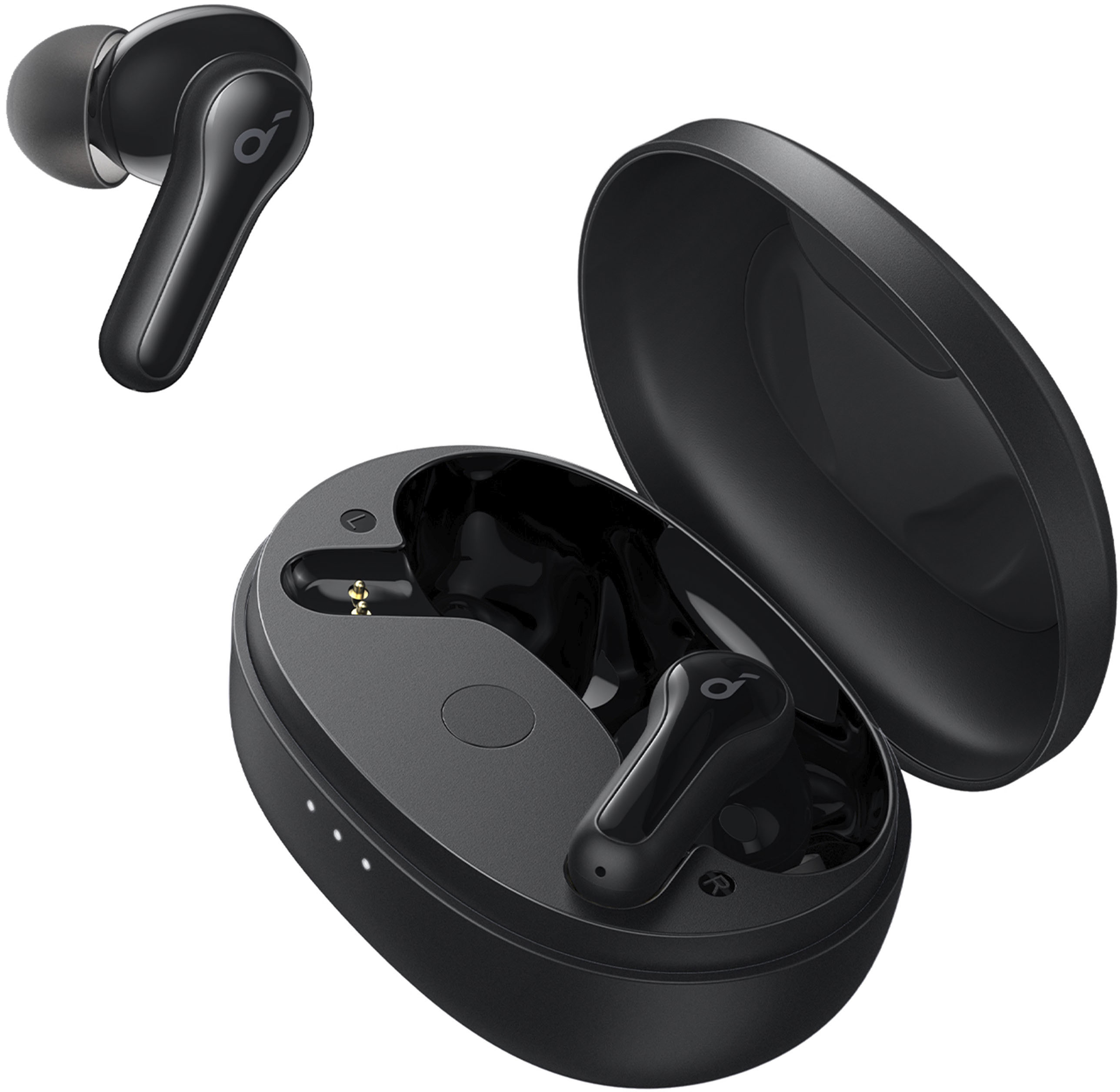
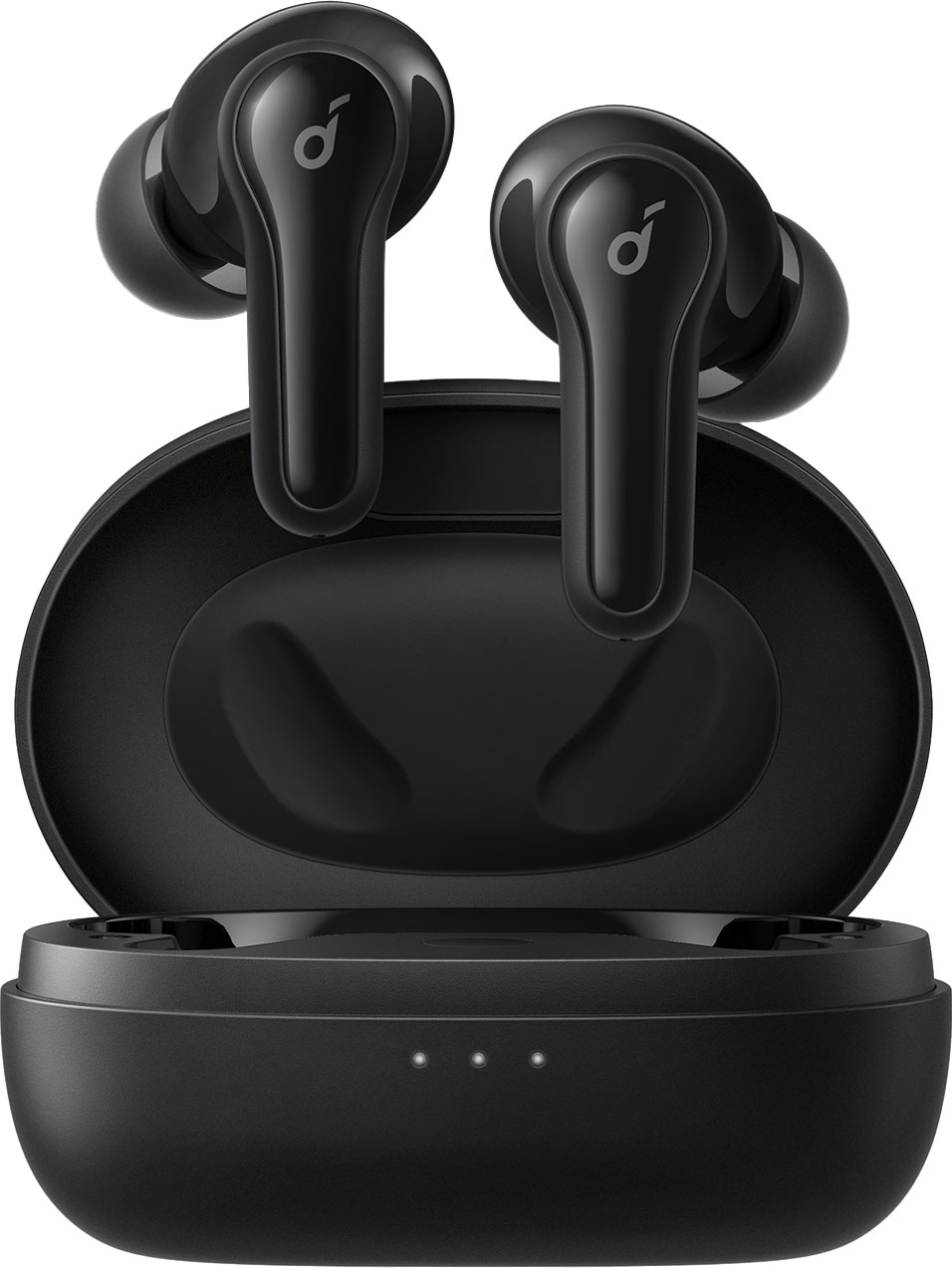
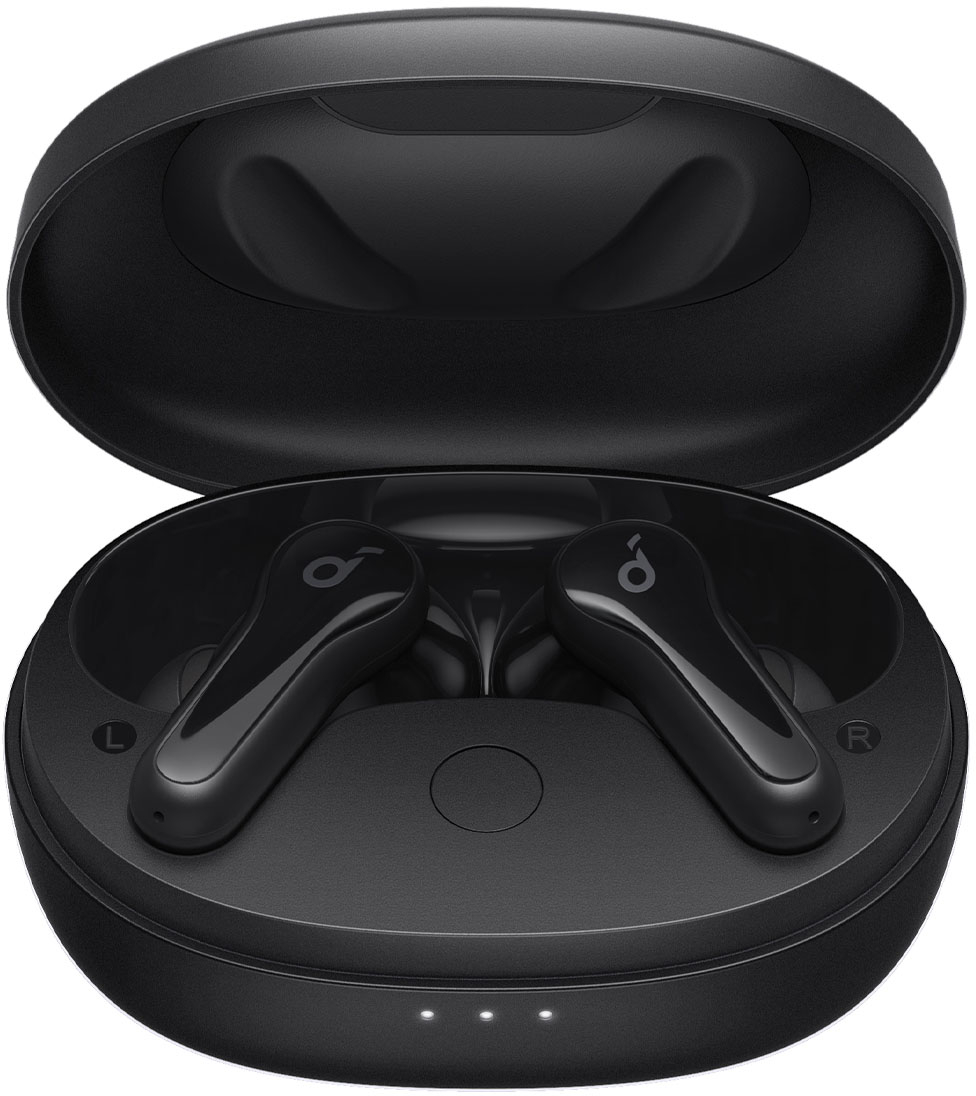
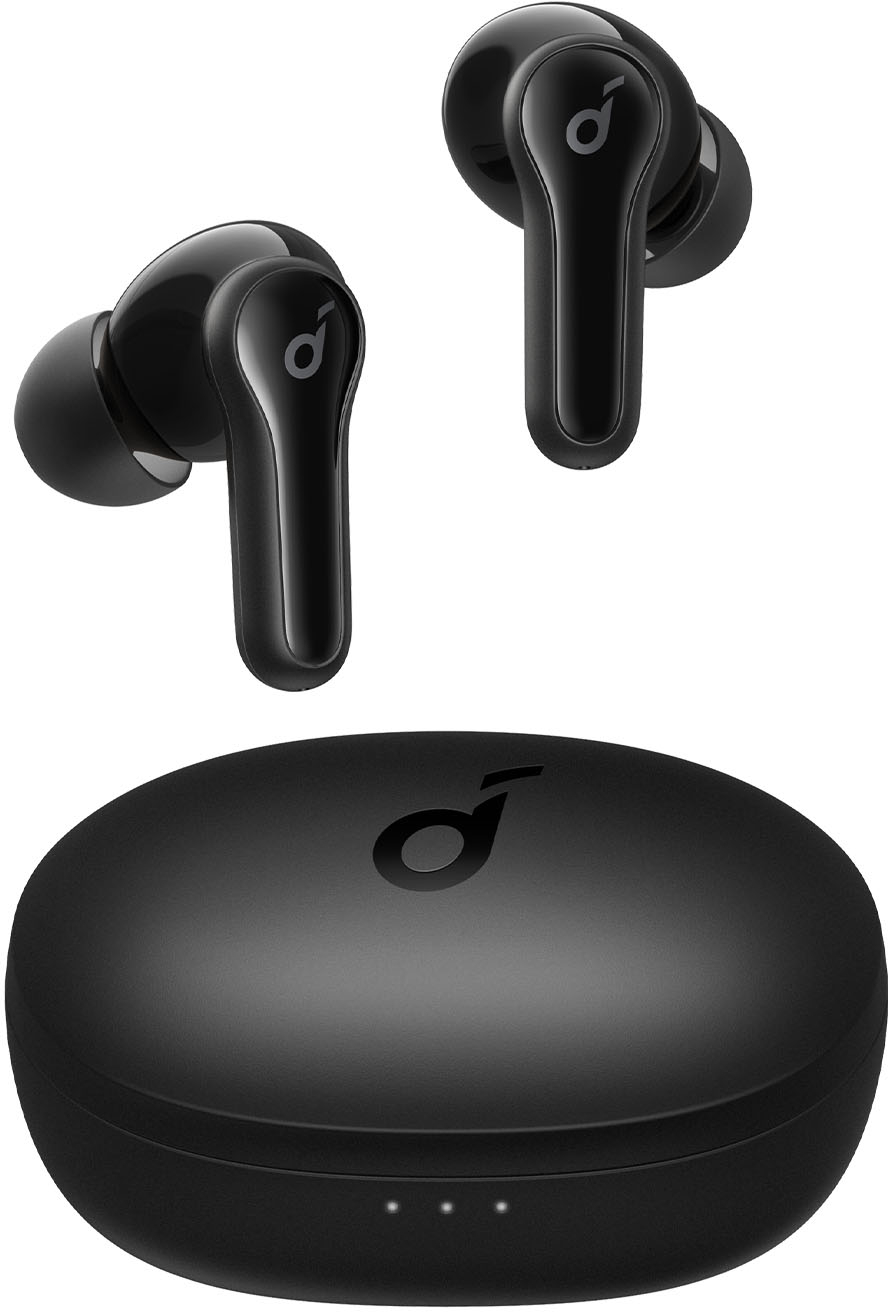
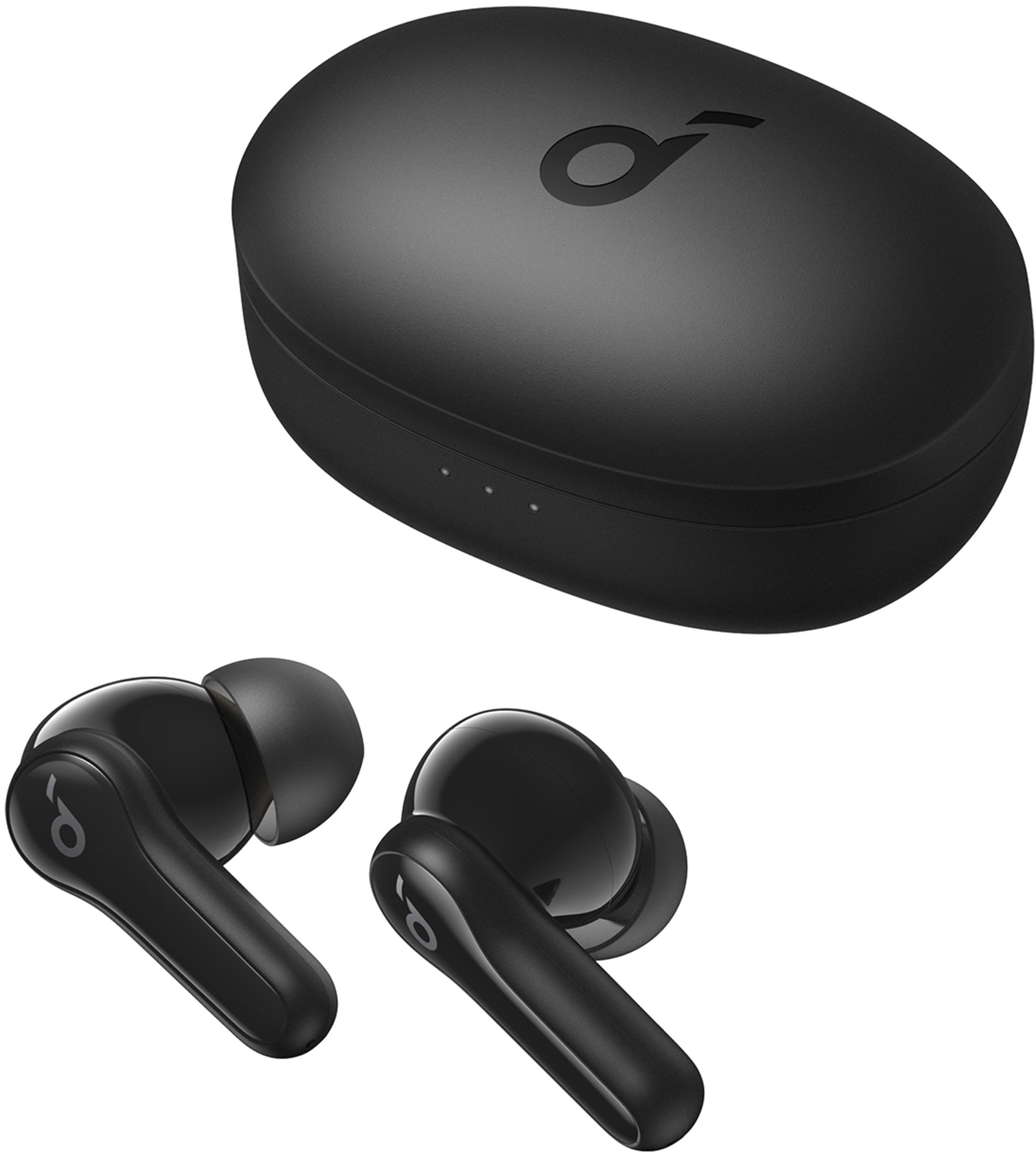
A:AnswerThank you so much for asking. They have some differences in appearance, but similar functions. If you have any other questions, please reach out to us via support [email protected] or call us at +1 (800) 988 7973. We are more than happy to assist you further. We offer an 18-month warranty for this product, plus lifetime technical support. Our standard for responding to email quests is less than 24 hours, and we look forward to hearing from you!
A:AnswerJust put the earbuds in the case and plug the case in. i would close the case as the case will be "on" with it open. make sure you peel the plastic off the earbuds or they wont charge.
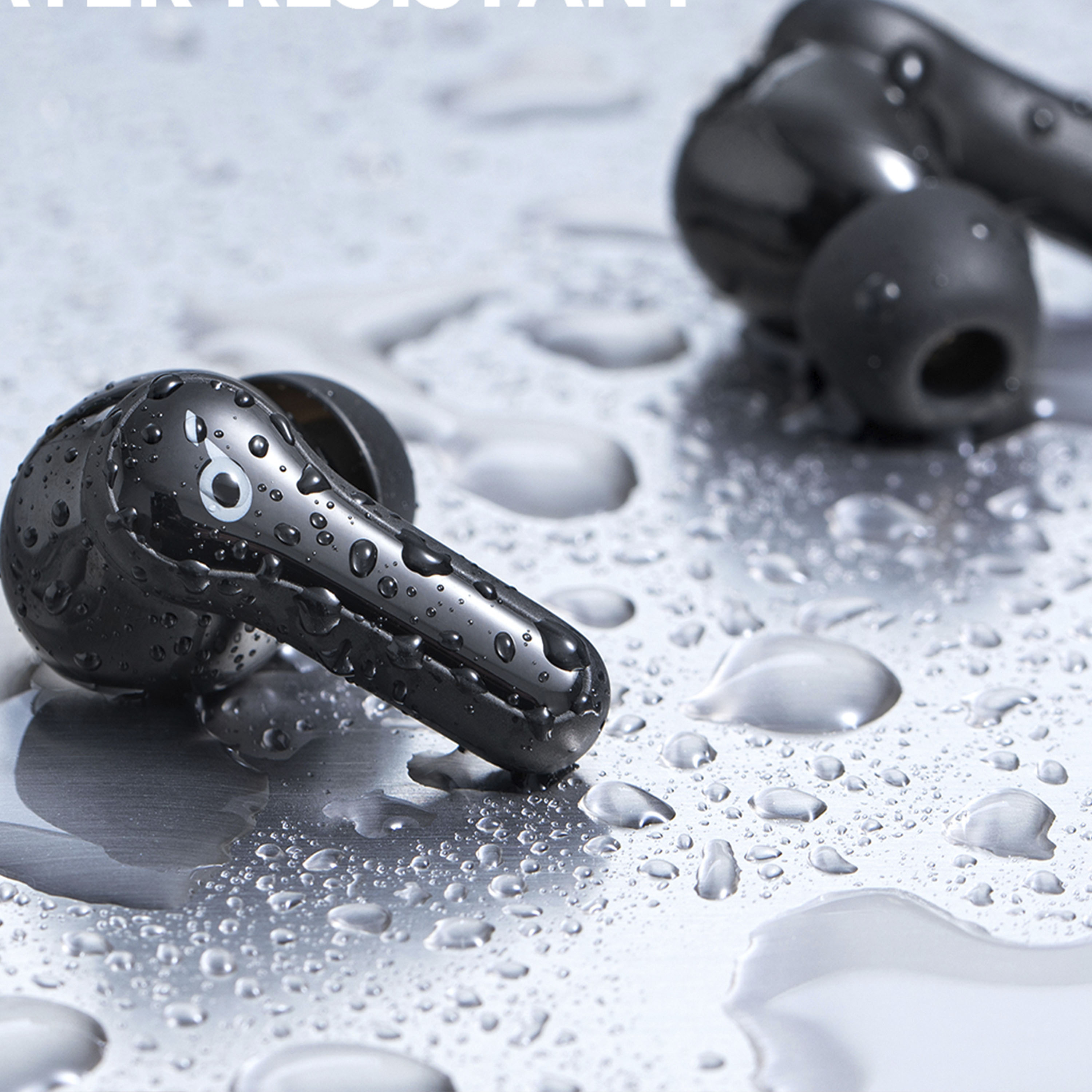
A:AnswerThanks for asking. Please know they are silicon.
If you have any other questions, please reach out to us via support
[email protected] or call us at +1 (800) 988 7973. We are more than happy to assist you further.
We offer an 18-month warranty for this product, plus lifetime technical support. Our standard for responding to email quests is less than 24 hours, and we look forward to hearing from you!
A:AnswerThank you so much for asking. This model are released this year. If you have any other questions, please reach out to us via support [email protected] or call us at +1 (800) 988 7973. We are more than happy to assist you further. We offer an 18-month warranty for this product, plus lifetime technical support. Our standard for responding to email quests is less than 24 hours, and we look forward to hearing from you!
A:AnswerThanks for sharing your experience. I would like to present our deepest apologies for all the inconvenience.
Here are the other tips for your reference:
- Clean the microphone hole with a clean, dry, and soft brush, cotton swabs, or other tools.
- Make sure the earbuds have been chosen as the input and output on your device.
Please feel free to contact us via [email protected] with your order information and problems. We will always be more than happy to help you.
A:AnswerThanks for your interest in our products.
Regarding your question, there is no control on the earbud to allow you to adjust the volume directly. You may need to adjust the volume via the device you connected.
Please feel free to contact us via [email protected] if there is anything we can help you with.