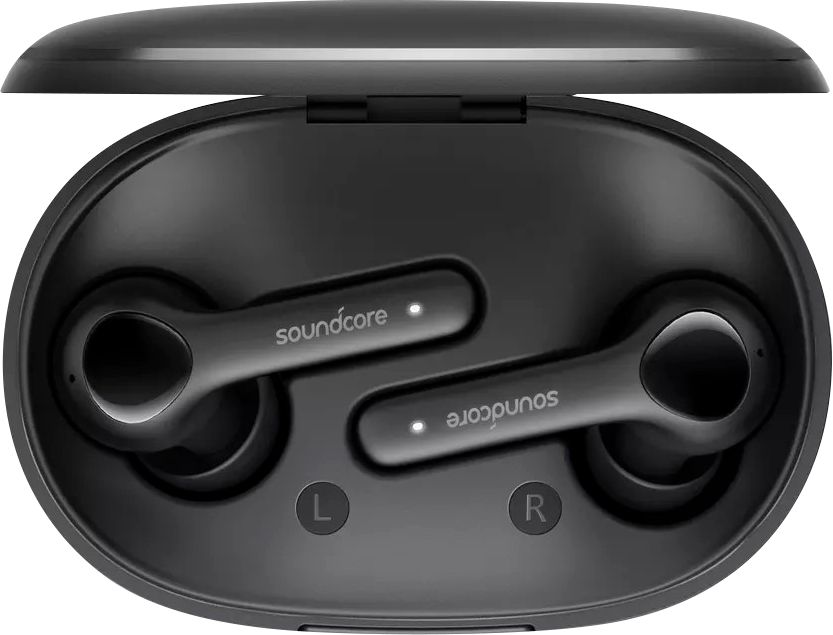
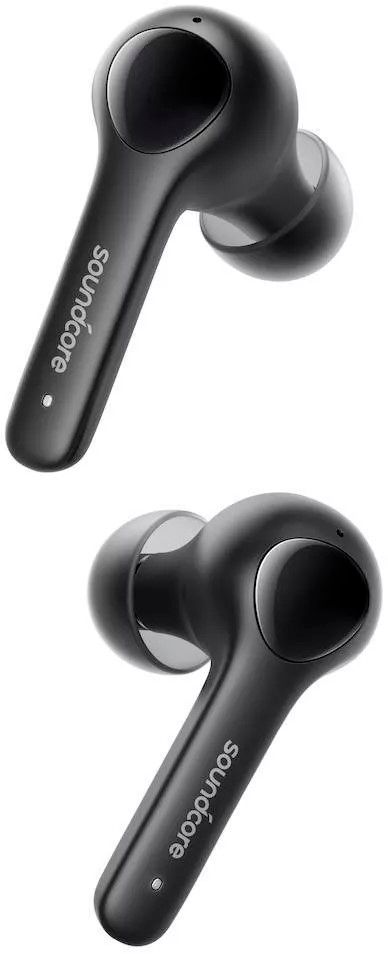
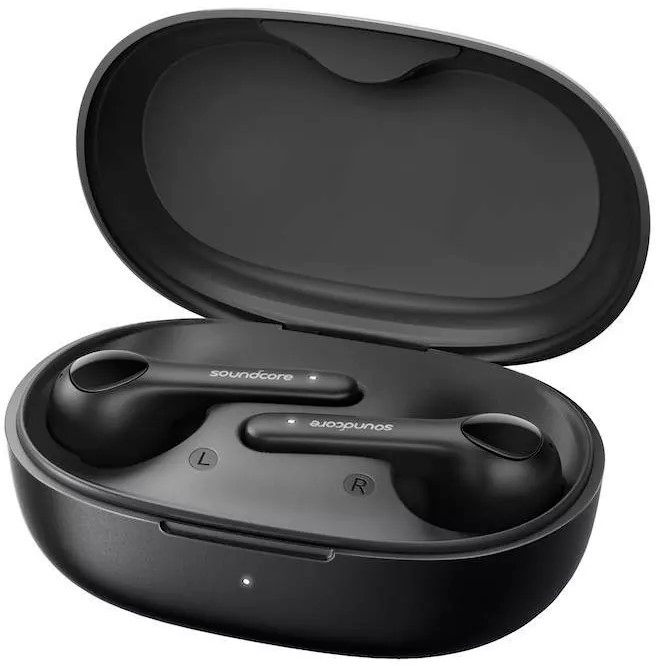
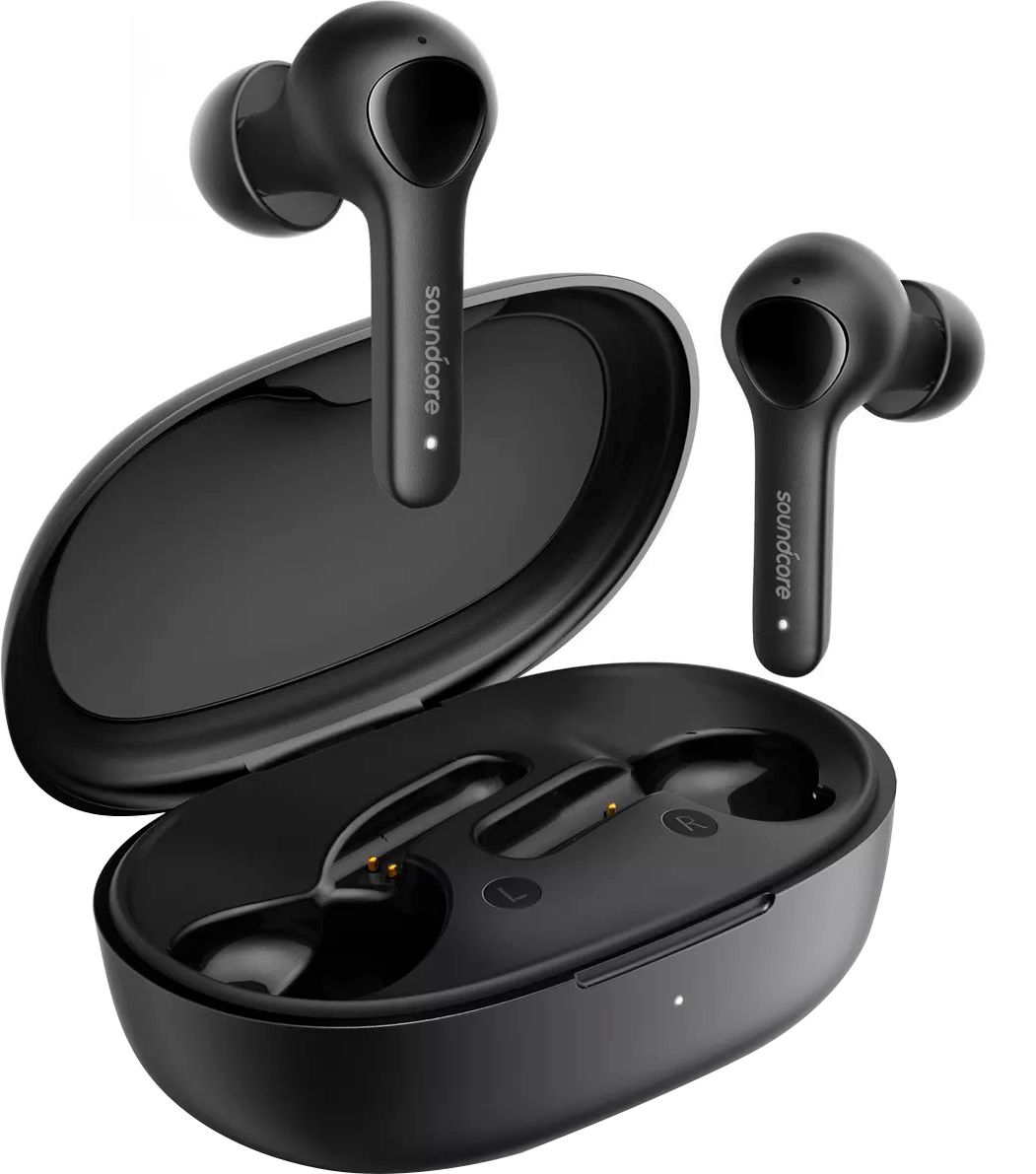
A:AnswerFirst off apple is overrated. These are louder and more bass than alot of earphones on the market but for 50 bucks that's where it ends you get great call quality with these as well bit the button on the sides are super annoying
A:AnswerIt lasts about 7 hours with a full charge for listening music at a half volume. It lasts less time for the call but surely can last 2 hours. If you have any further problem, please contact us at [email protected]. Thanks.
A:AnswerYes, all quality-related defects sold directly by Soundcore or Soundcore’s authorized resellers are covered by an 18-month warranty, starting from the date of purchase. If you have any problem with the item, please feel free to contact us at [email protected].
A:AnswerYes, normally the headphones work fine with the Samsung phones. If you have any problem, please feel free to contact us at [email protected]. Thank you.
A:AnswerThank you so much for sharing your experience. It's unusual for this product to be acting like this, and we'd love to get you what you need!
We kindly ask you to try the following troubleshooting as those have proven to often times already help:
1. Firstly try to forget the pairing records (both Soundcore Life Note and Soundcore Life Note L) on your device and turn off the Bluetooth.
2. Reset the earbuds via the steps below:
1). Place the earbuds into the charging case and make sure they are being charged.
2). Press and hold the button on both earbuds for 3 seconds. The LED indicators will flash red 3 times and then turn white.
3. After the reset, take both earbuds out of the charging case to make sure they are successfully paired; you will see the white light flashes quickly on the one earbud and the light flashes slowly on the other side, which means they pair together.
4. Turn on the Bluetooth again and search for Soundcore Life Note and pair.
Note: When there is a pop-up window for you to confirm pairing. Select "pair". If you select "cancel" accidentally, you need to delete the earbuds from the device's Bluetooth history and re-pair the earbuds.
If it doesn’t help, please reach out to us via [email protected] or call us at +1 (800) 988 7973. We are more than happy to assist you further.
We offer an 18-month warranty for this product, plus lifetime technical support. Our standard for responding to email quests is less than 24 hours, and we look forward to hearing from you!
A:AnswerI use it /w My Pixel 3 and my Windows 10 laptop. According to the documentation, it will work with any Bluetooth enabled smartphone or comptuer.
A:AnswerThanks for your question. Kindly note that our Life Note earbuds can work with the majority of Bluetooth devices, so if the watch has the Bluetooth, then normally the earbuds can be used with it.
A:AnswerVolume control over n on the device the earbuds connect to. There is a multifunction button on the back of each earbud. The manual can be found here…
https://ankertechnologycompanyltd.my.salesforce.com/sfc/p/#5g000004DkWQ/a/5g000000g2Yp/A_iCeUBef1ezzfABbAKdfIOtSlgrQhiartT010LM6d4
A:AnswerThanks for your question. Yes, kindly note that there are not volume control on the earbuds. To play or pause music, we can short press the buttons on the earbuds. Please feel free to contact us via [email protected] if you have any other concerns. We will always be more than happy to help you.
A:AnswerThank you so much for sharing your experience. We're really sorry you've encountered this issue!
If possible, please try the following steps to see if the issue persists:
- Make sure the charging case has enough power. Note: after the earbuds are fully charged, the steady white light on the earbuds will shut off.
- Take the earbuds out of the case and see if a flashing white light comes on. If it doesn't, try manually pressing the button of the earbuds to power them on.
- Try to use a terrycloth/cotton swab with a bit of alcohol to clean the contact pins both in the charging case and on the earbuds to ensure a better connection.
Please also reset the earbuds as the following steps to see if it is helpful:
1. Place the earbuds into the charging case and make sure they are being charged.
2. Press and hold the button on both earbuds for 3 seconds. The LED indicators will flash red 3 times and then turn white.
If those don't help, please reach out to us via [email protected] or call us at +1 (800) 988 7973. We are more than happy to assist you further.
We offer an 18-month warranty for this product, plus lifetime technical support. Our standard for responding to email quests is less than 24 hours, and we look forward to hearing from you!
A:AnswerThank you for your inquiry.
Regarding your question:
We would like to tell you that the warranty starts automatically from your purchasing date. There is no need to register the warranty online. Besides, our support page was on the top of the website: https://us.soundcore.com
If you need to make a warranty claim or this does not answer your question, please reach out to us via [email protected] or call us at +1 (800) 988 7973. We are more than happy to assist you further.
A:AnswerThank you so much for sharing your experience. We are sorry to hear you are not satisfied with this item. We really appreciate your feedback to make this item better.
We are dedicated to ensuring your 100% satisfaction. Please reach out to us via [email protected] or call us at +1 (800) 988 7973. We are more than happy to assist you further.
We offer an 18-month warranty for this product, plus lifetime technical support. Our standard for responding to email quests is less than 24 hours, and we look forward to hearing from you!
A:AnswerThank you so much for asking. This item has two mic, and they are in different places. If you have any other questions, please reach out to us via support [email protected] or call us at +1 (800) 988 7973. We are more than happy to assist you further. We offer an 18-month warranty for this product, plus lifetime technical support. Our standard for responding to email quests is less than 24 hours, and we look forward to hearing from you!