
4th of July Appliances Sale.Free delivery. Ends 7/8. Terms apply.Shop now

Main Content

Questions & Answers

$27.99
Save $12
The comparable value is $39.99
Page Showing 1-15 of 15 questions
  • QuestionCan the earbuds be used for phone calls?

    • Answer These earbuds allow you to stay connected with crystal-clear calls using their 4-Mic AI Enhanced Calls feature.
    This question and answer was generated by AI based on customer and product data.
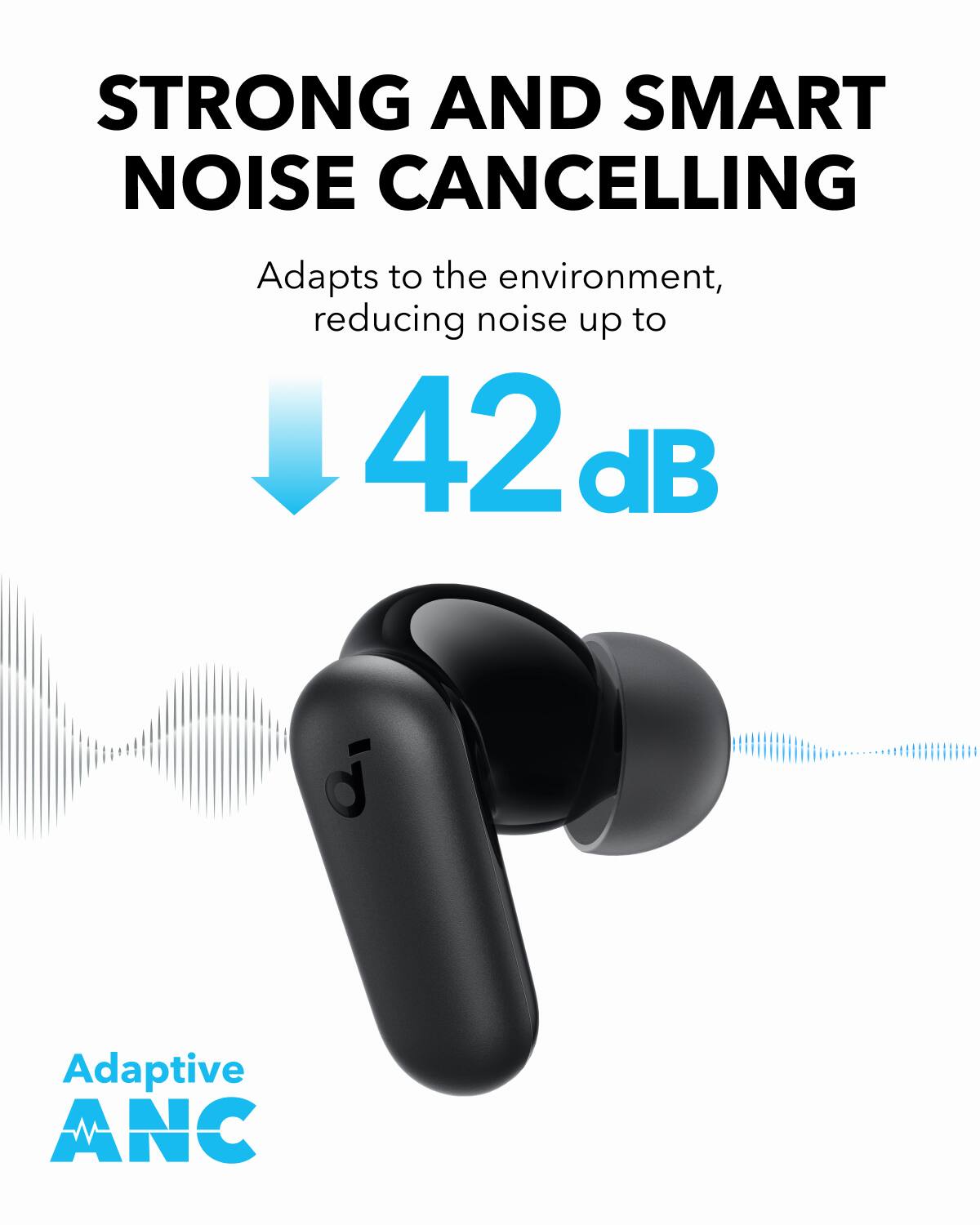
  • QuestionHow much noise reduction do the earbuds provide?

    • Answer These earbuds provide up to 42dB noise reduction.
    This question and answer was generated by AI based on customer and product data.
  • QuestionDo the earbuds have a transparency mode?

    • Answer Yes, the Soundcore P30i earbuds offer a Transparency Mode for when you need to be aware of your surroundings.
    This question and answer was generated by AI based on customer and product data.
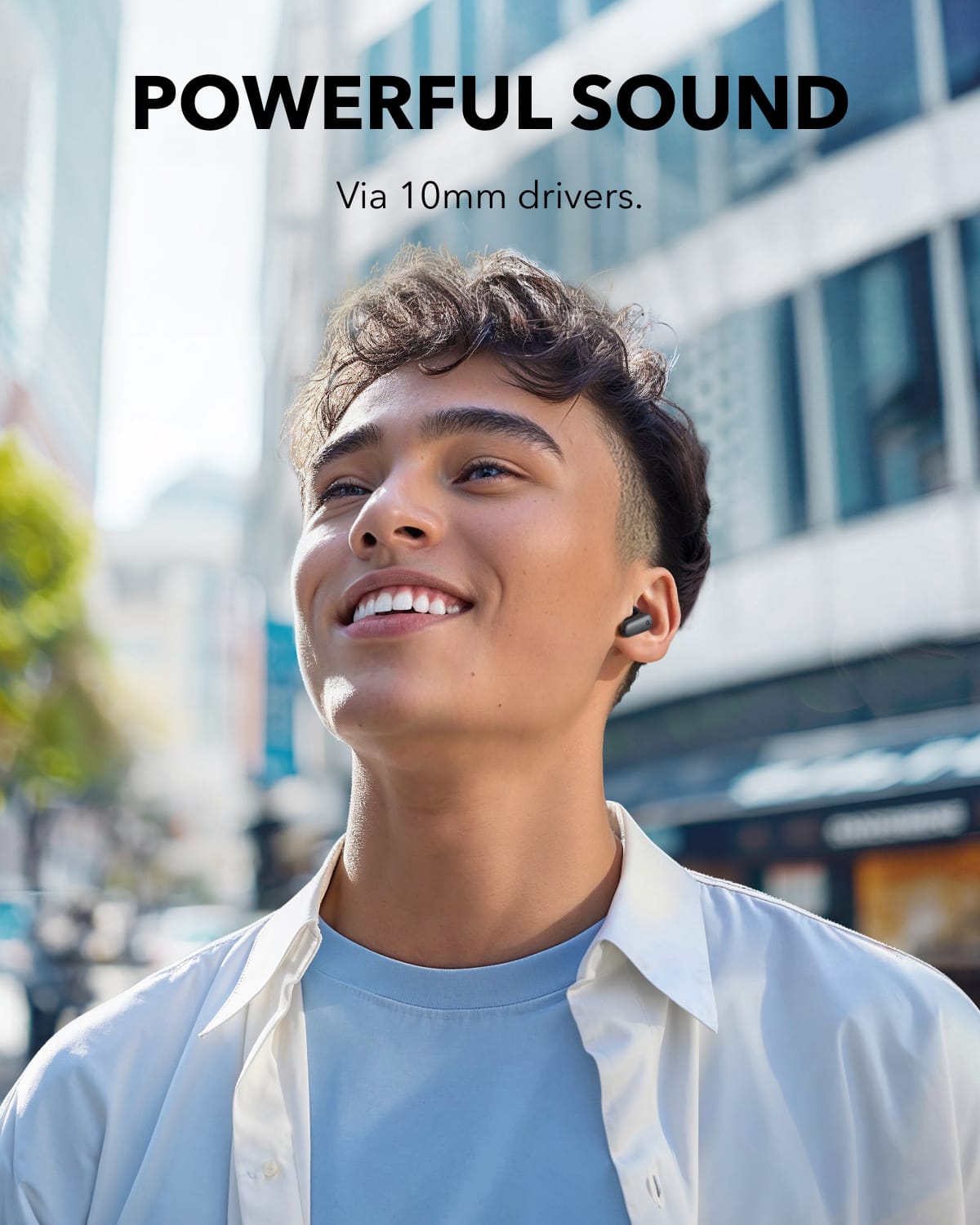
  • QuestionWhat is the size of the drivers in the earbuds?

    • Answer The earbuds have 10-millimeter drivers.
    This question and answer was generated by AI based on customer and product data.

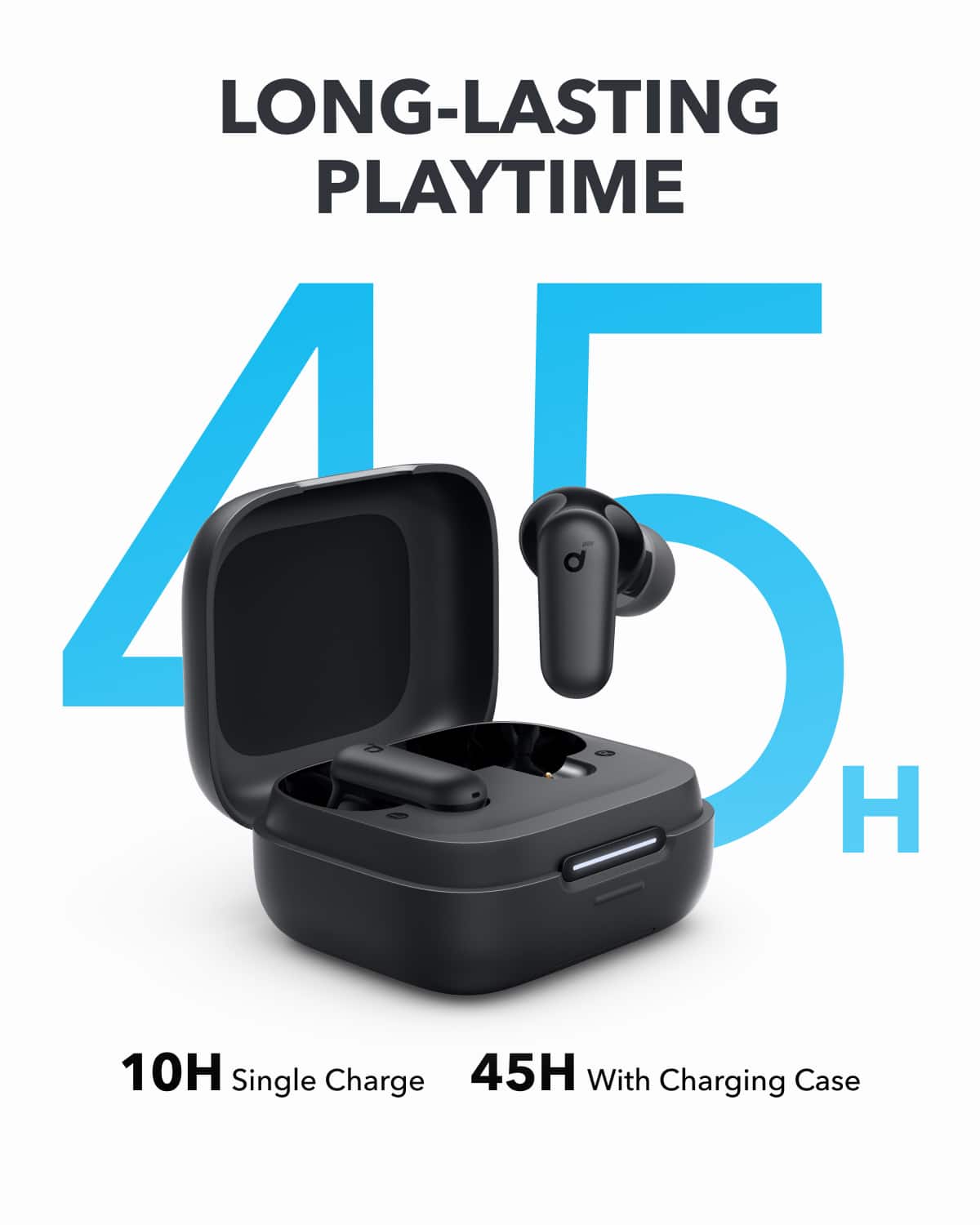
  • QuestionWhat is the battery life of the earbuds?

    • Answer The earbuds have a battery life of 8 hours.
    This question and answer was generated by AI based on customer and product data.
  • QuestionWhat are the dimensions of the earbuds?

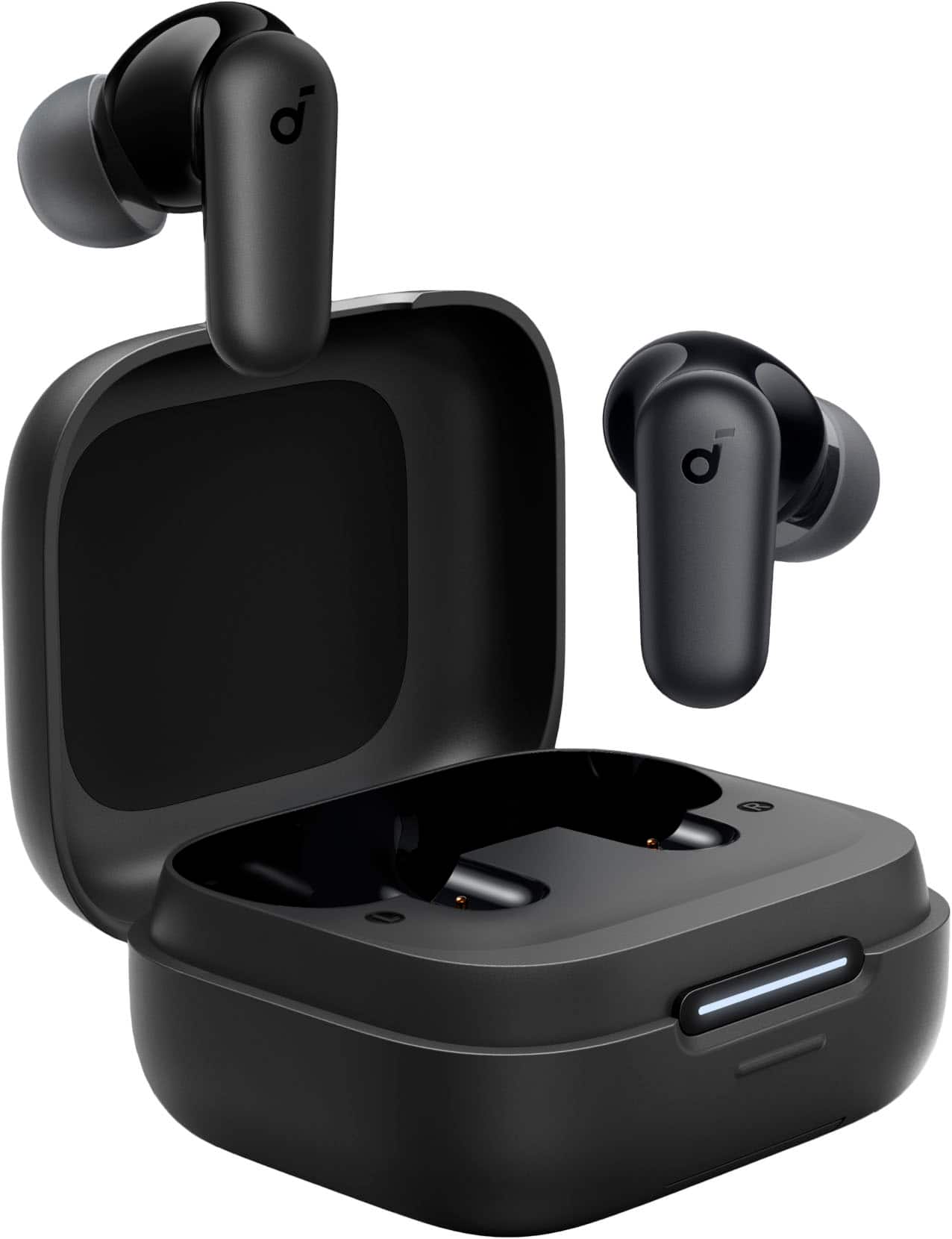
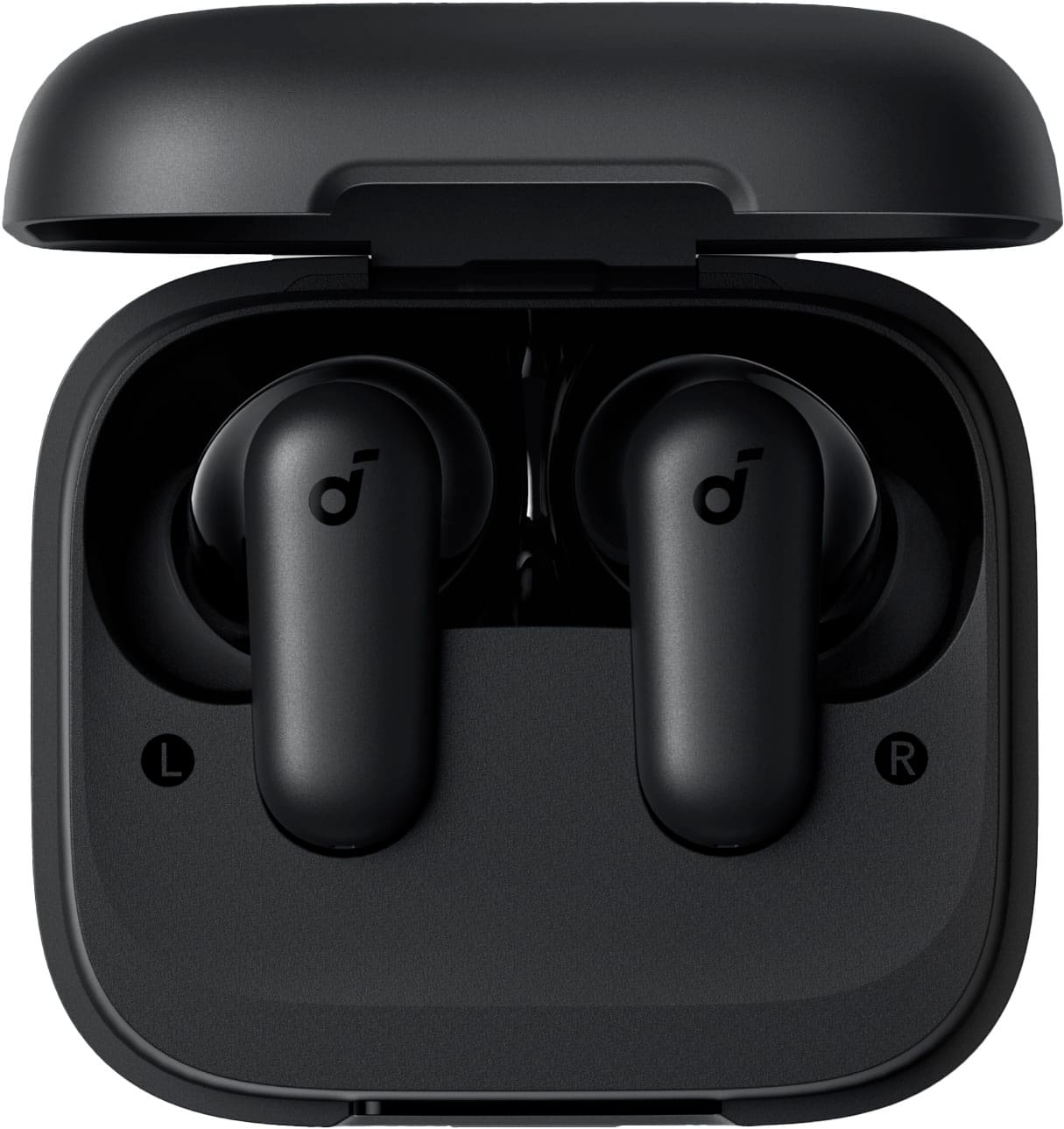
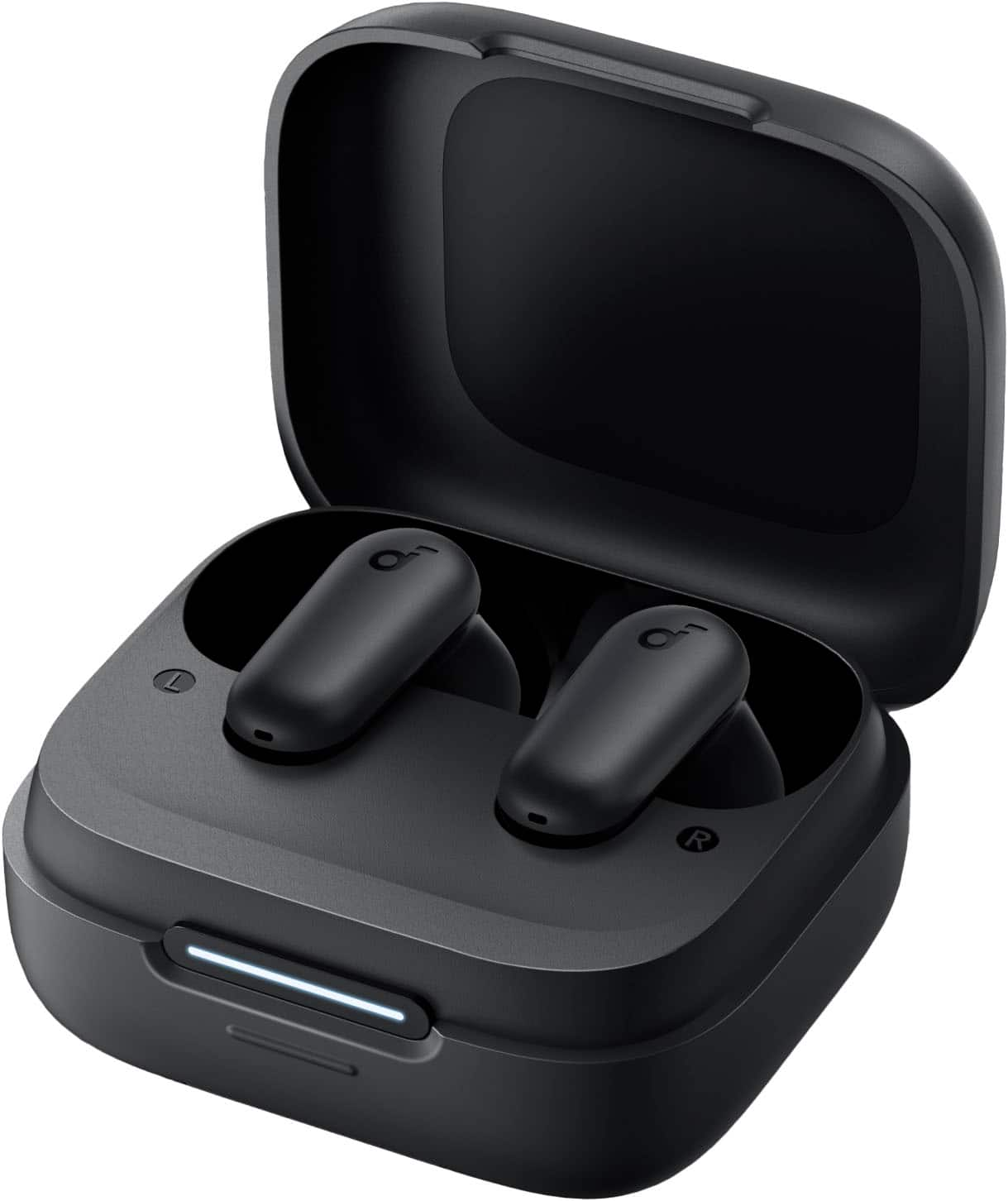
    • Answer The earbuds are 1.09 inches wide, 0.94 inches high, and 0.85 inches deep.
    This question and answer was generated by AI based on customer and product data.
  • QuestionCan the volume be adjusted by tapping the earphones?

    Asked by Huck.

    • Answer By default, the volume of the Soundcore P30i earbuds can only be adjusted via your phone. However, you can use the Soundcore app to customize the touch controls on the earbuds for volume adjustment. To enable this option: Open the Soundcore app and go to the "Controls" section in the earbuds' settings. Enable the "Single Tap" function and customize the settings: Set the left earbud for "Volume-" and the right earbud for "Volume+". This will allow you to adjust the volume by tapping the earbuds.

      Answered by Soundcore Team

  • QuestionWhat is the maximum wireless range of these ear buds?

    Asked by BB4KT.

    • Answer 25 to 30 feet depending on clear unobstructed view. Less through walls and appliances.

      Answered by JRobert

  • QuestionDo the earbuds have any touch control/buttons on them? Like can you pause something by touching the earbud?

    Asked by Yoohoo.

    • Answer Yes, there are touch controls on the earbuds. For example, you can pause and resume playback by interacting with the earbuds via touch gestures. Double-tapping the right earbud allows you to resume Bluetooth music, while clicking either side of the earbuds twice can hang up a call.

      Answered by Soundcore Team

  • QuestionWhat on earth is an AI enhanced call?!? Who needs AI to make a phone call? How would that even work?

    Asked by BooAIsucks.

    • Answer AI-Enhanced Call features in earbuds like the Soundcore P30i use advanced algorithms to improve call quality. These features are designed to enhance voice clarity by reducing background noise, canceling echo, and amplifying your voice to ensure the person on the other end of the call hears you clearly. This technology doesn't make the call itself but ensures the call's audio quality is superior. It works by processing the audio in real time, isolating your voice, and filtering out ambient noises like wind, traffic, or chatter in a crowded environment. Steps to ensure the best call quality with your Soundcore P30i earbuds include: Wear the earbuds correctly: Ensure the earbuds fit snugly and are in the proper position to create a tight seal in your ears. Improper wear may lead to reduced call performance. Adjust settings: Make sure "Soundcore P30i/R50i NC" is selected as the audio output device on your connected device and adjust the volume accordingly. Try alternatives: If you are experiencing issues while using a specific app for calls, try making a call directly from your phone to verify if the issue persists. Test setup: Use your earbuds with a different Bluetooth device or in a different environment to check for changes in call quality.

      Answered by Soundcore Team

  • QuestionCan Transparency Mode be activated from an iphone SE? And, once activated, will it stay on transparency mode until you decide to change setting and manually change it?

    Asked by Lu.

    • Answer The Soundcore Sport X20 earbuds do not provide a specific option to read messages and notifications directly from an iPhone. However, you can connect the earbuds to the Soundcore app and your iPhone to enjoy other features, such as controlling the earbuds, using voice assistants, and customizing settings via the app. Ensure your earbuds are correctly paired with your device to utilize their features optimally. You can also invoke your iPhone's voice assistant (e.g., Siri) via a long press on the earbuds and potentially use it for notifications if Siri is set up for such tasks.

      Answered by Soundcore Team

  • QuestionDo these work with the nintendo switch?

    Asked by Weeso.

    • Answer Yes they work with Nintendo Switch.

      Answered by DeborahP

  • QuestionDo these earbuds come up as seperate BlueTooth devices for each earbud, or only 1 and they both connect together?

    Asked by JCoffical.

    • Answer You can use one or both at the same time. It shows up as one device.

      Answered by DMA2025

  • QuestionCan the noise cancelling feature of these earbuds be used alone, without being connected to a phone via Bluetooth?

    Asked by Dave.

    • Answer The Soundcore P30i True Wireless Noise Cancelling Earbuds can have their active noise cancellation (ANC) functionality turned on independently, but the status of ANC is managed through the Soundcore app, which typically requires a Bluetooth connection to the phone. Without the Bluetooth connection, there is no way to adjust or confirm the ANC status unless it has been preset beforehand.

      Answered by Soundcore Team

  • QuestionWill these work with the ipone 16?

    Asked by George.

    • Answer Yes I have a 16 pro max.

      Answered by Kfrank