A:AnswerThanks for your interest in our product.
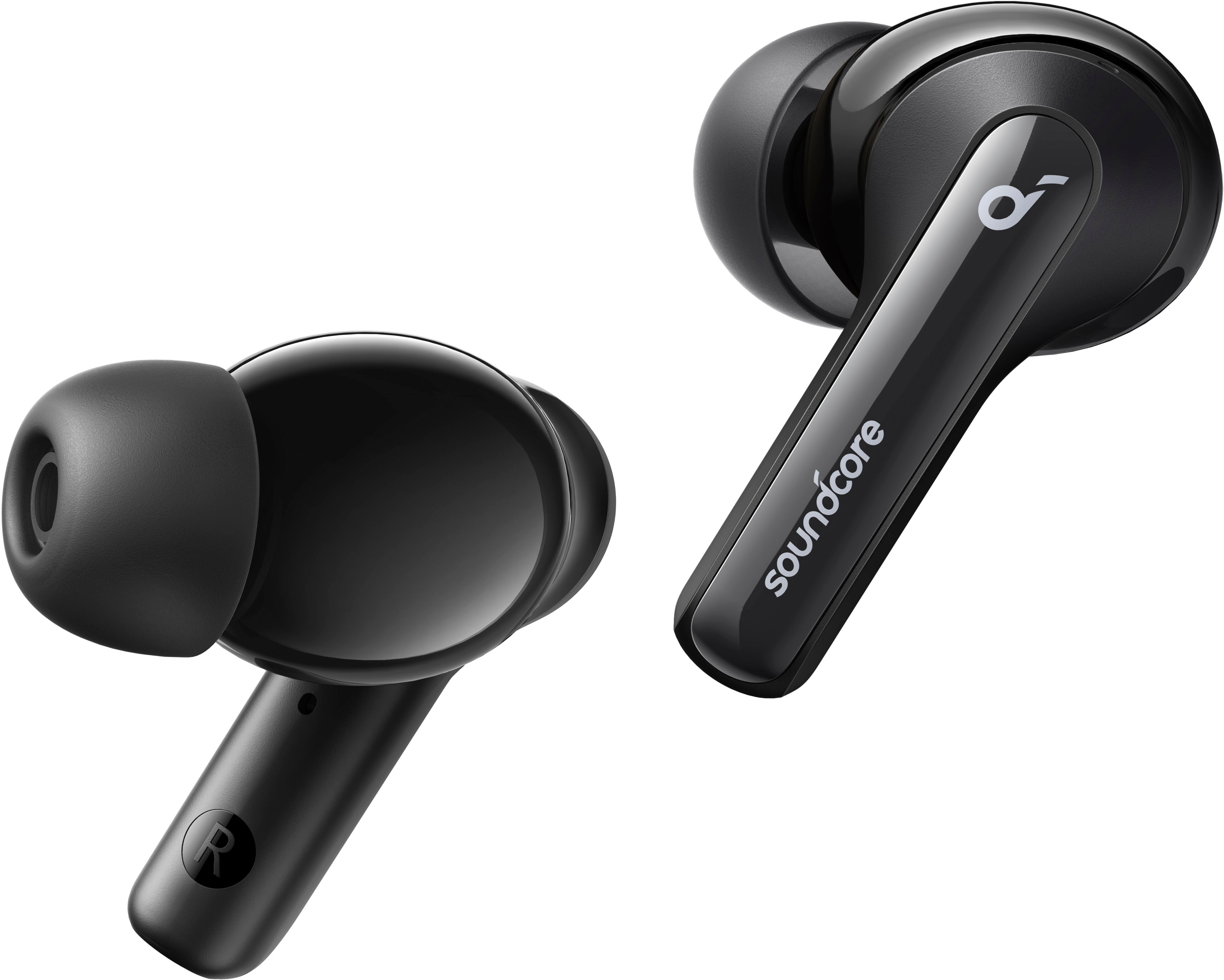
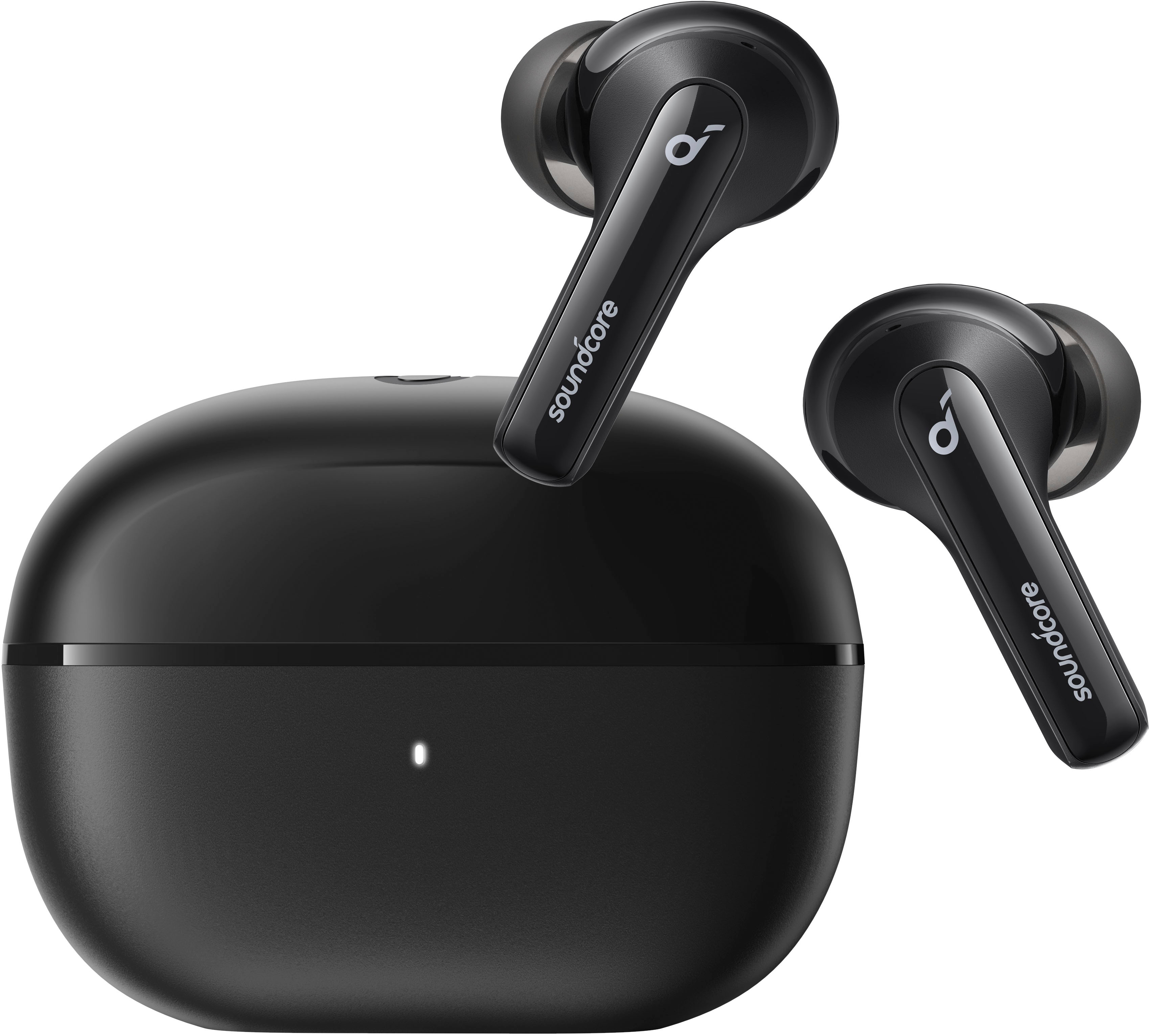
Life Note 3i support active sound cancellation.
Please feel free to contact us via [email protected] if there is anything we can help you with.
A:AnswerThanks for your message.
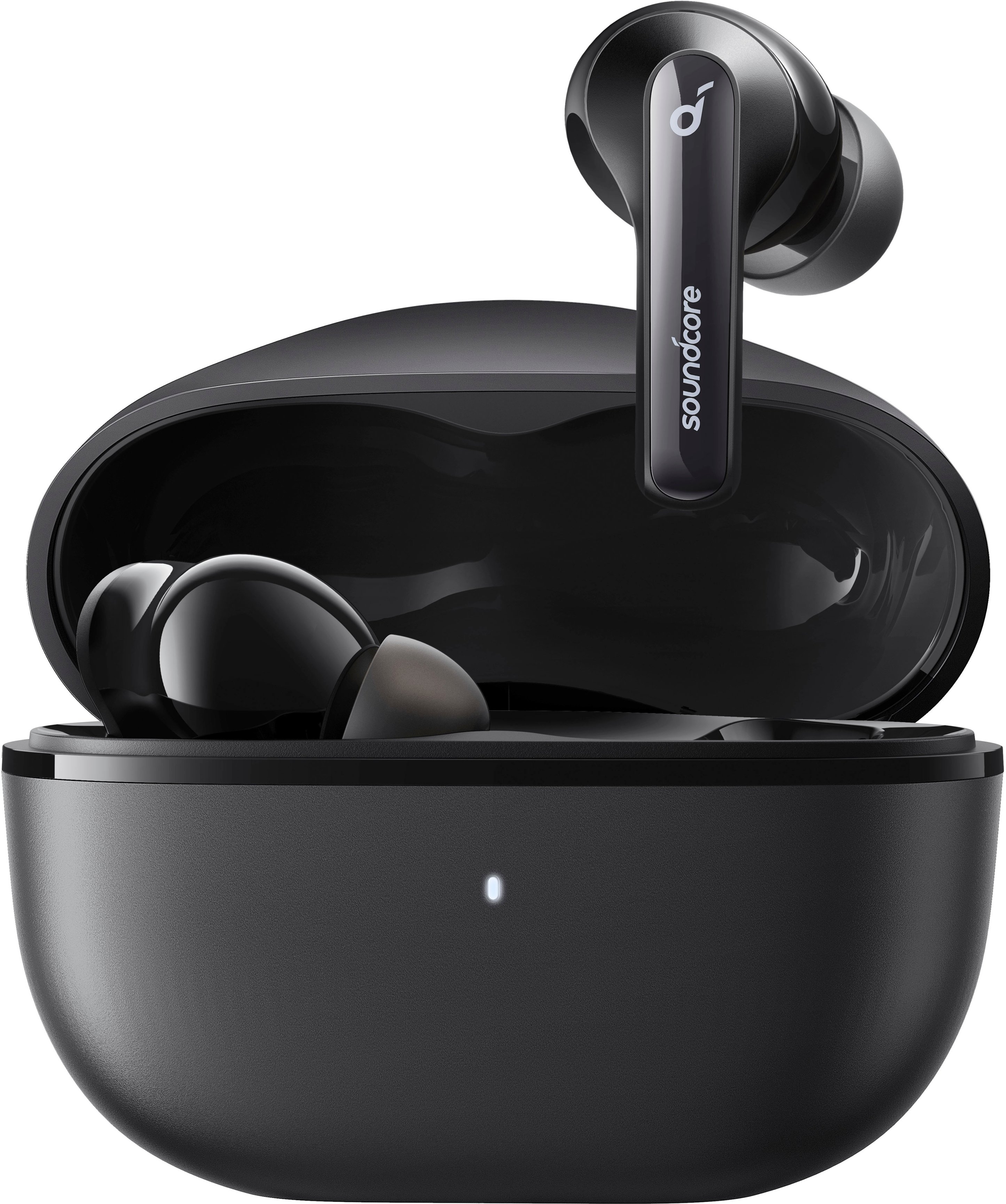
After fully charged, the indicator on the charging case will light steadily. It will not change color.
Please feel free to contact us via [email protected] if there is anything we can help you with.
A:AnswerThanks for your interest in our products.
Life Note 3i doesn't support wireless charging. That is you have to use the USB to C charging cable.
Please feel free to contact us via [email protected] if there is anything we can help you with.
A:AnswerThe Soundcore Life Note 3i earbuds are compatible with devices that support Bluetooth connections. Since your Apple iPad 7th generation running iOS version 17.4.1 is equipped with Bluetooth capabilities, the earbuds should be compatible with it.
To ensure a proper pairing process:
Turn on the Bluetooth on your iPad.
Put the Life Note 3i earbuds into pairing mode.
Connect via the Bluetooth settings on your iPad.
If you encounter any issues during the connection process, check for device interference or software updates, and attempt the pairing process again.
A:AnswerThanks for your interest in our products.
The waterproof level of Note 3i is IPX5.
Please feel free to contact us via [email protected] if there is anything we can help you with.
A:AnswerThanks for your question.
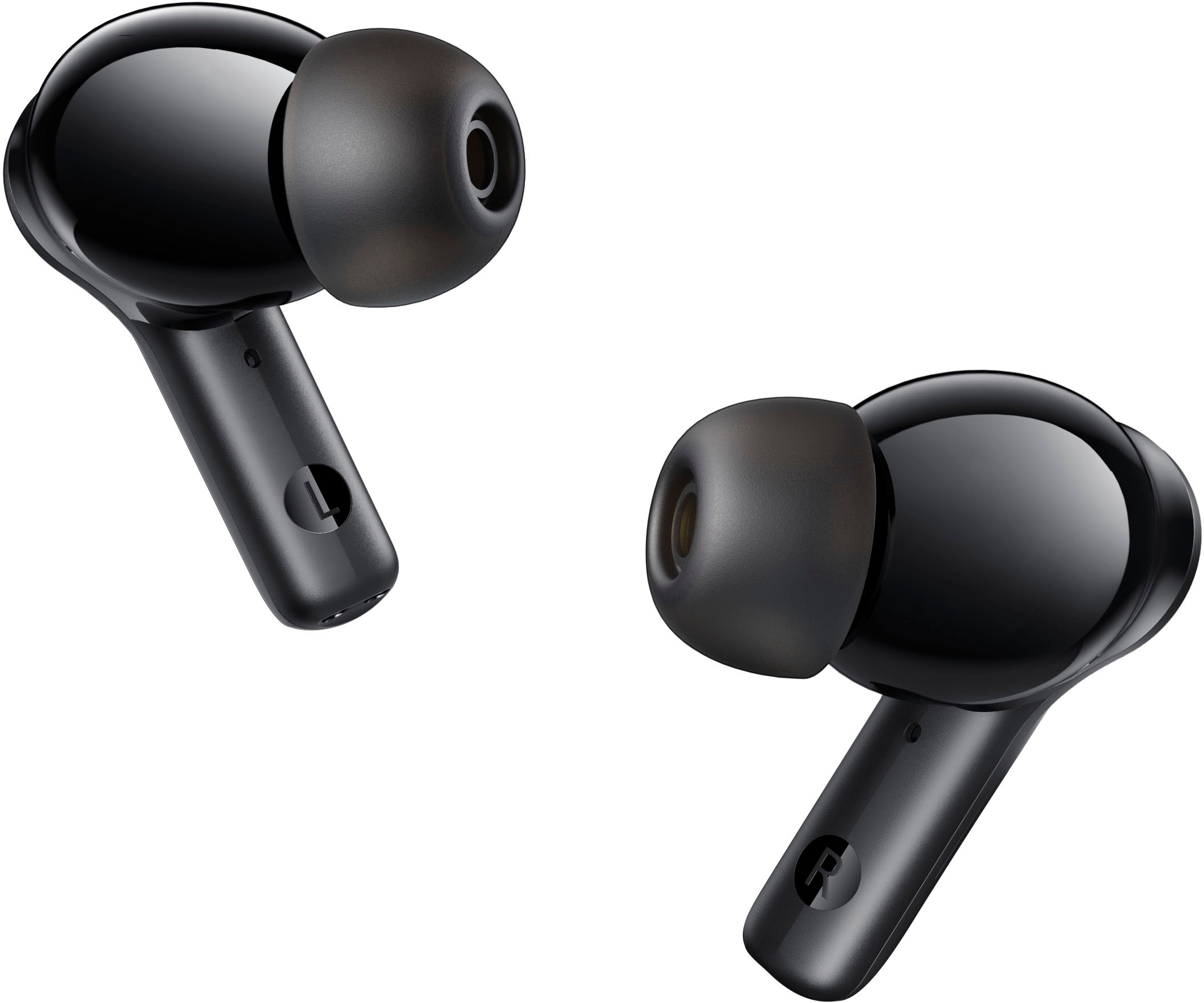
Please try to find the ear tips for soundcore P3 on the Internet, which will be compatible with your Note 3i.
Please feel free to contact us via [email protected] if there is anything we can help you with.
A:AnswerThe Soundcore Life Note 3i is not designed to function as a hearing aid. It is engineered as a wireless earbud for audio purposes such as music listening and call functionalities rather than amplifying environmental sounds in the way hearing aids do.
A:AnswerDo a hard reset on them. Put both buds back in the case. There's a small button on the bottom of it. Hold this until the light on the front turns red and use the app to pair them again.