A:AnswerNo it isn't. Most computers now a days are soldering it to the motherboard which is the case here. Oftentimes ifixit (Google it) has this kind of information, for future reference.
A:AnswerThis is not normal operating behavior. I encourage you to reach out to HP to troubleshoot this issue. You can reach them at http://support.hp.com/us-en and click "Contact HP" at the bottom left of the page. Alternatively you may reach them by phone at 1-800-474-6836.
A:AnswerYou can choose any of the following combinations:
-8GB Memory, 256GB SSD
-16GB Memory, 512GB SSD
The i5 model only comes with 8GB memory and 256GB SSD.
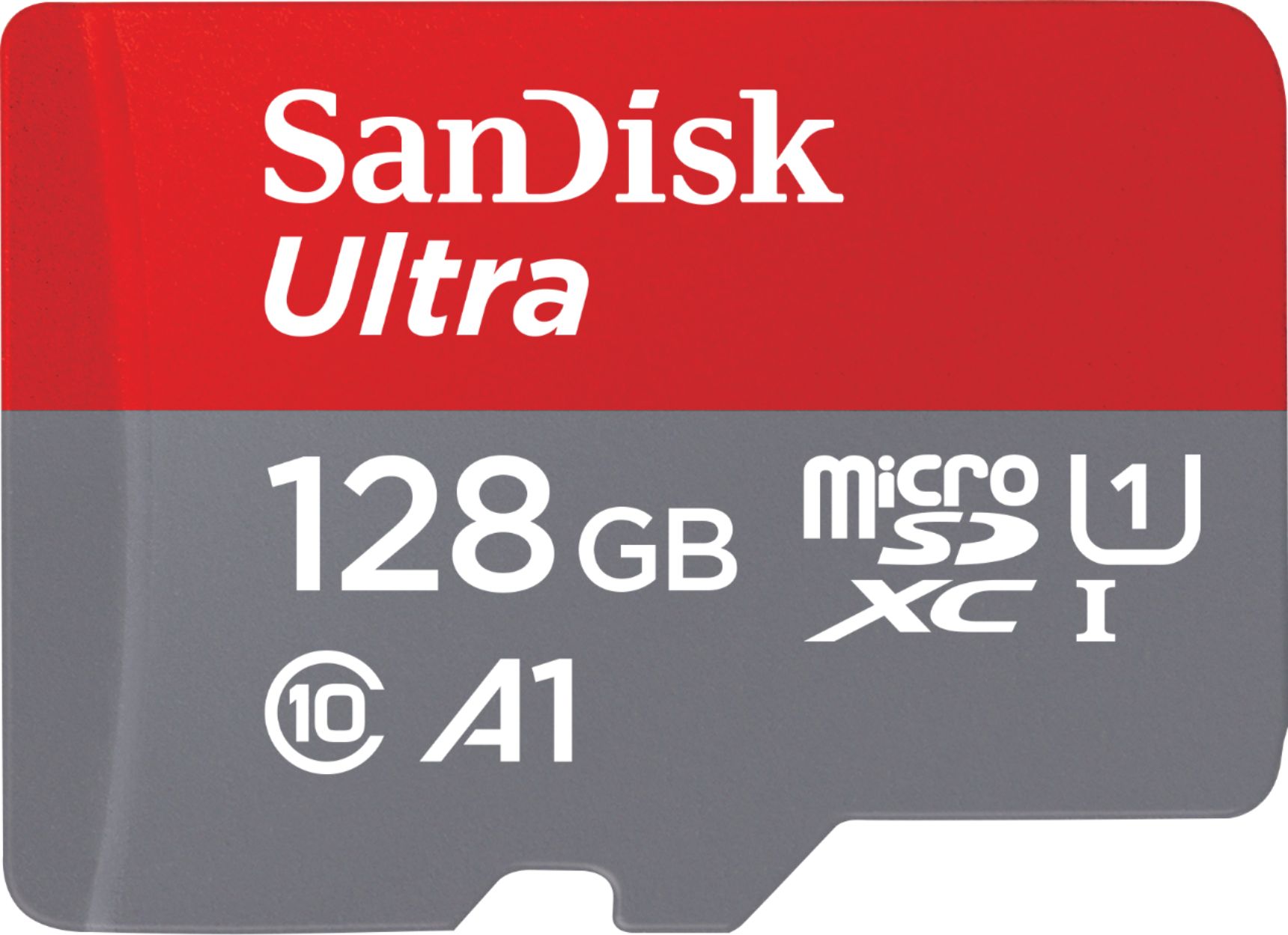
Any of the combinations above should be more than enough for daily use. Storage can be expanded through the microSD slot and external hard drives and SSD's.
A:AnswerThere are quite a few differences, one has an 8th generation processor while the other is 7th gen. Here are the full specs: https://support.hp.com/us-en/document/c05833200 and https://support.hp.com/us-en/document/c05809808
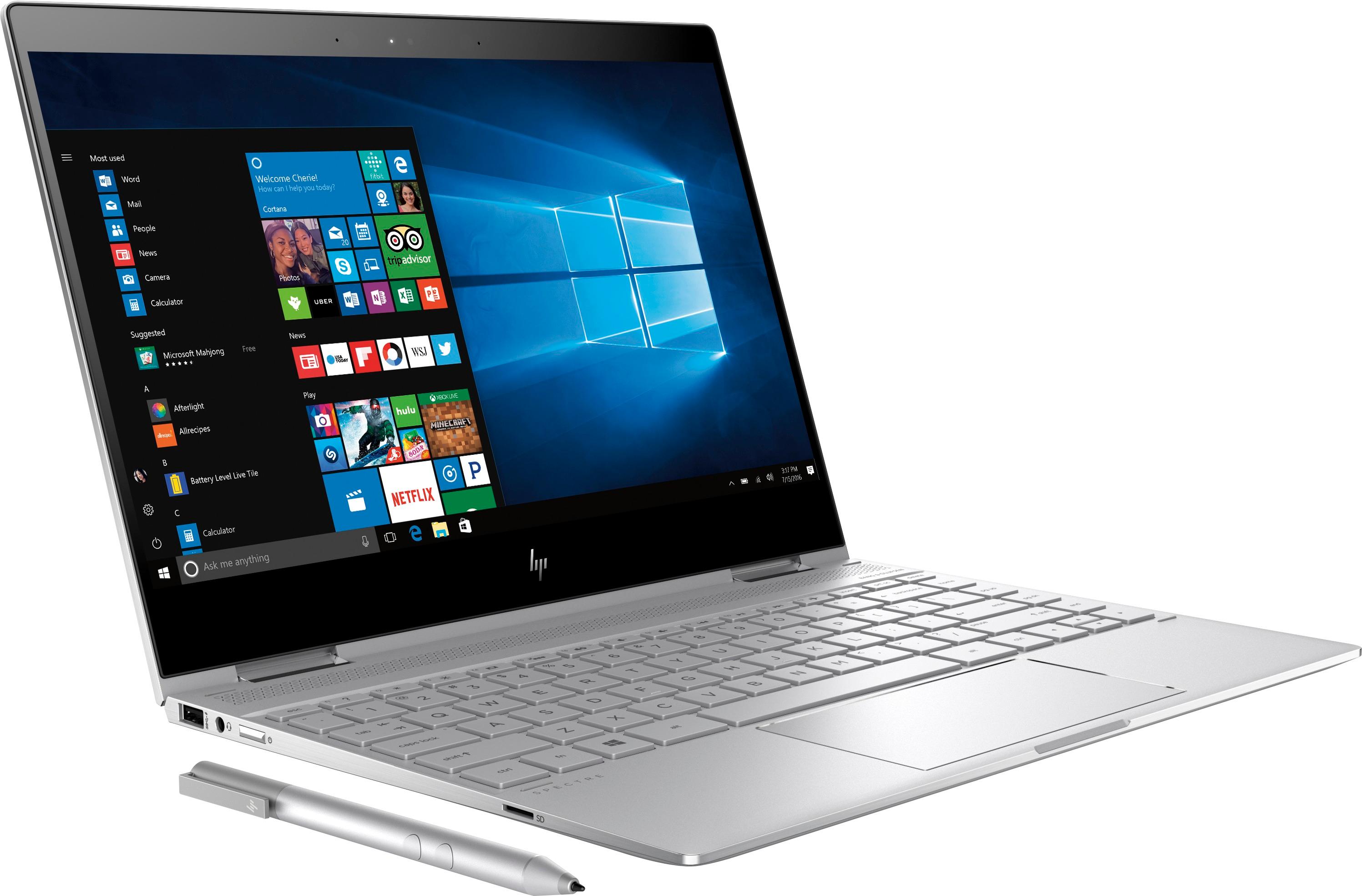
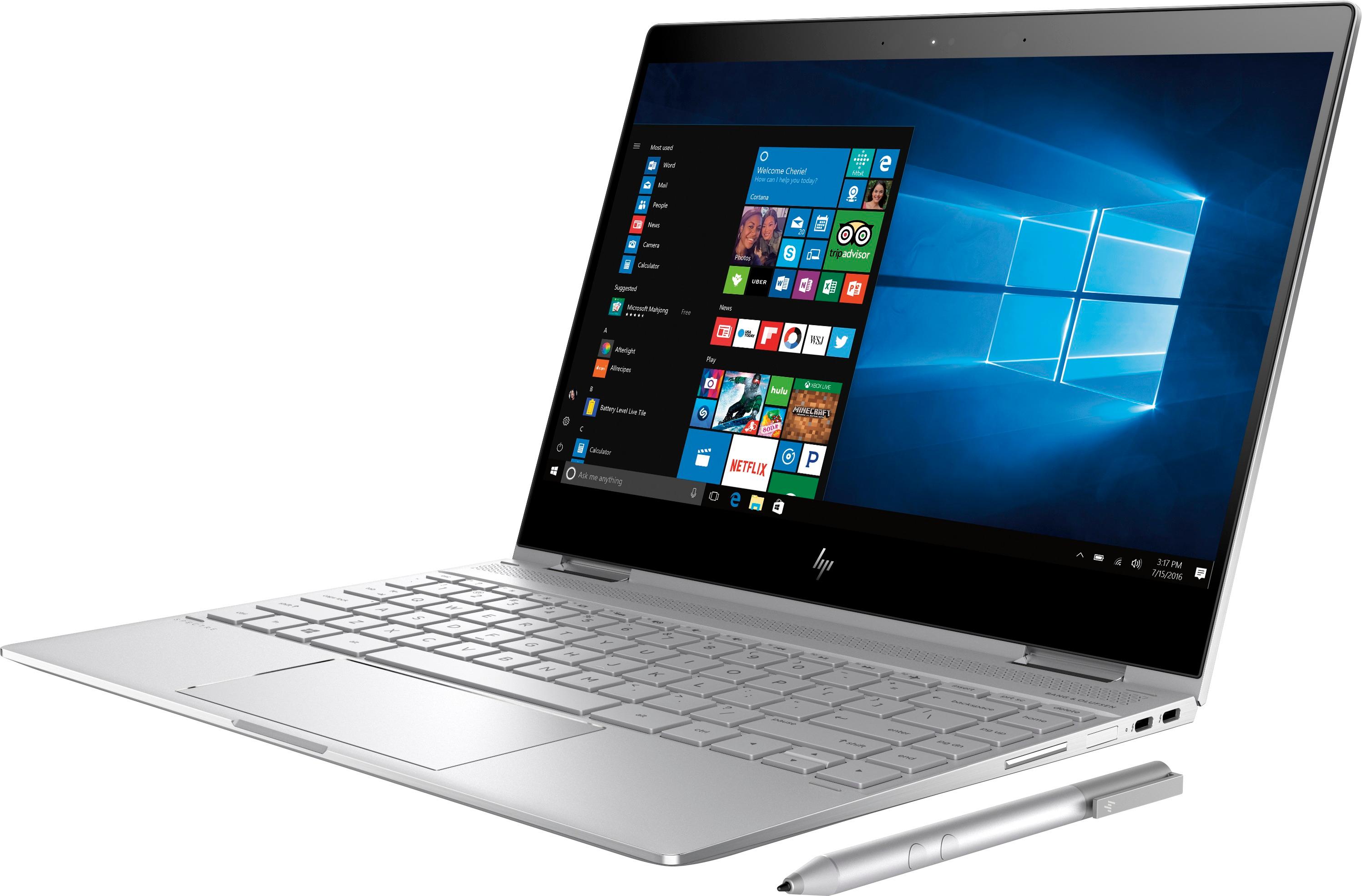
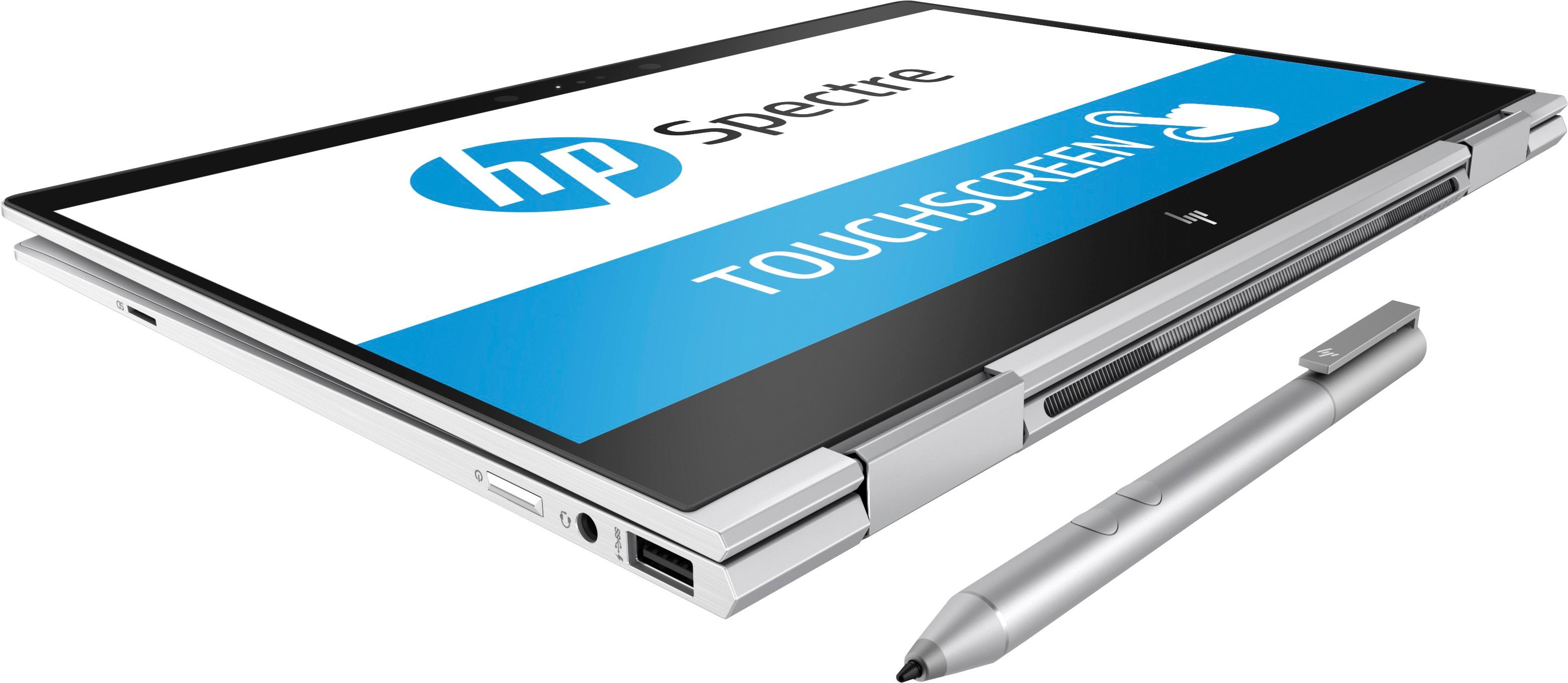
A:AnswerIt does not have HDMI but it has 2 Thunderbolt™ 3 ports that can be used for external monitors and more (Data up to 40 Gb/s, Power Delivery, DisplayPort™ 1.2, HP Sleep and Charge).
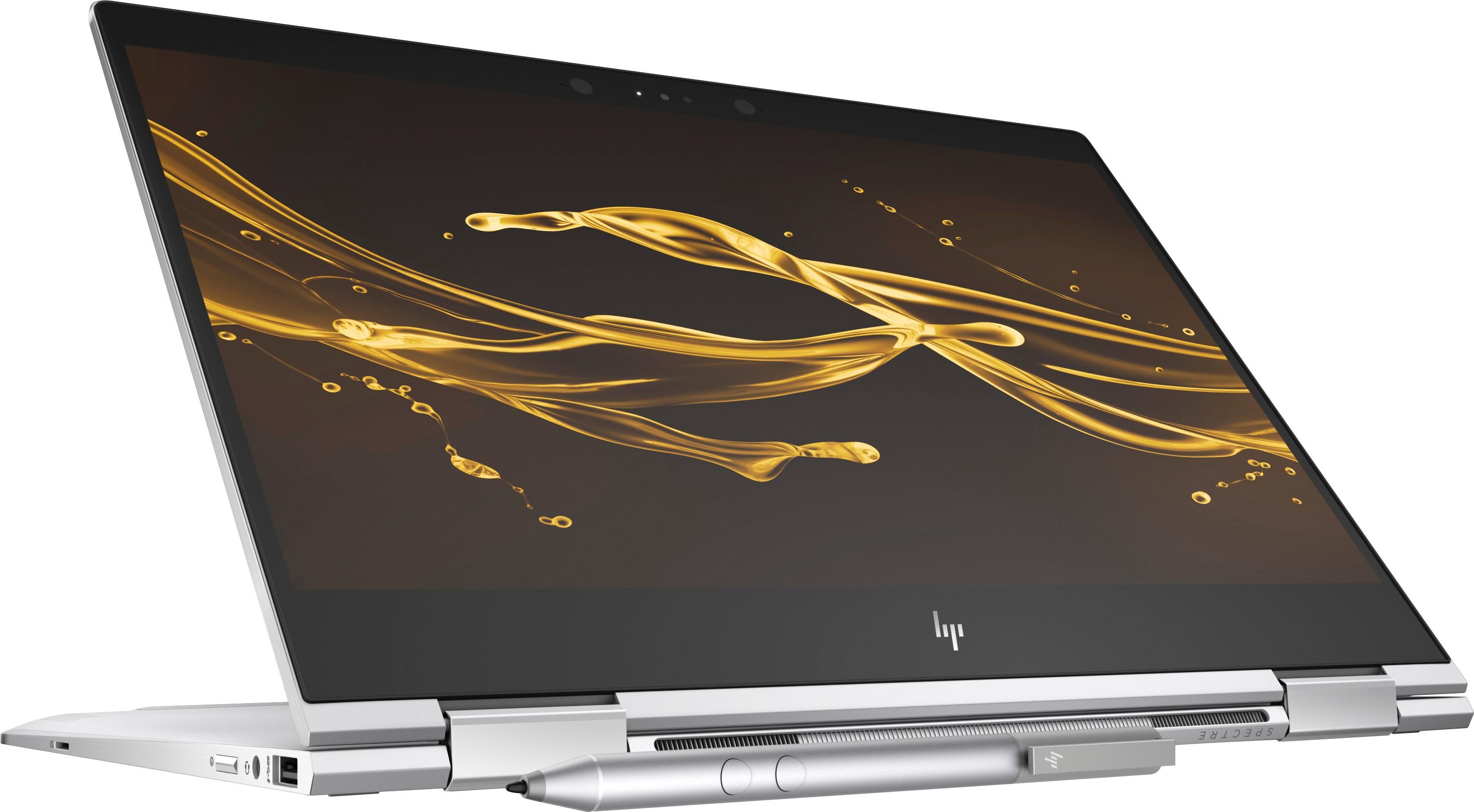
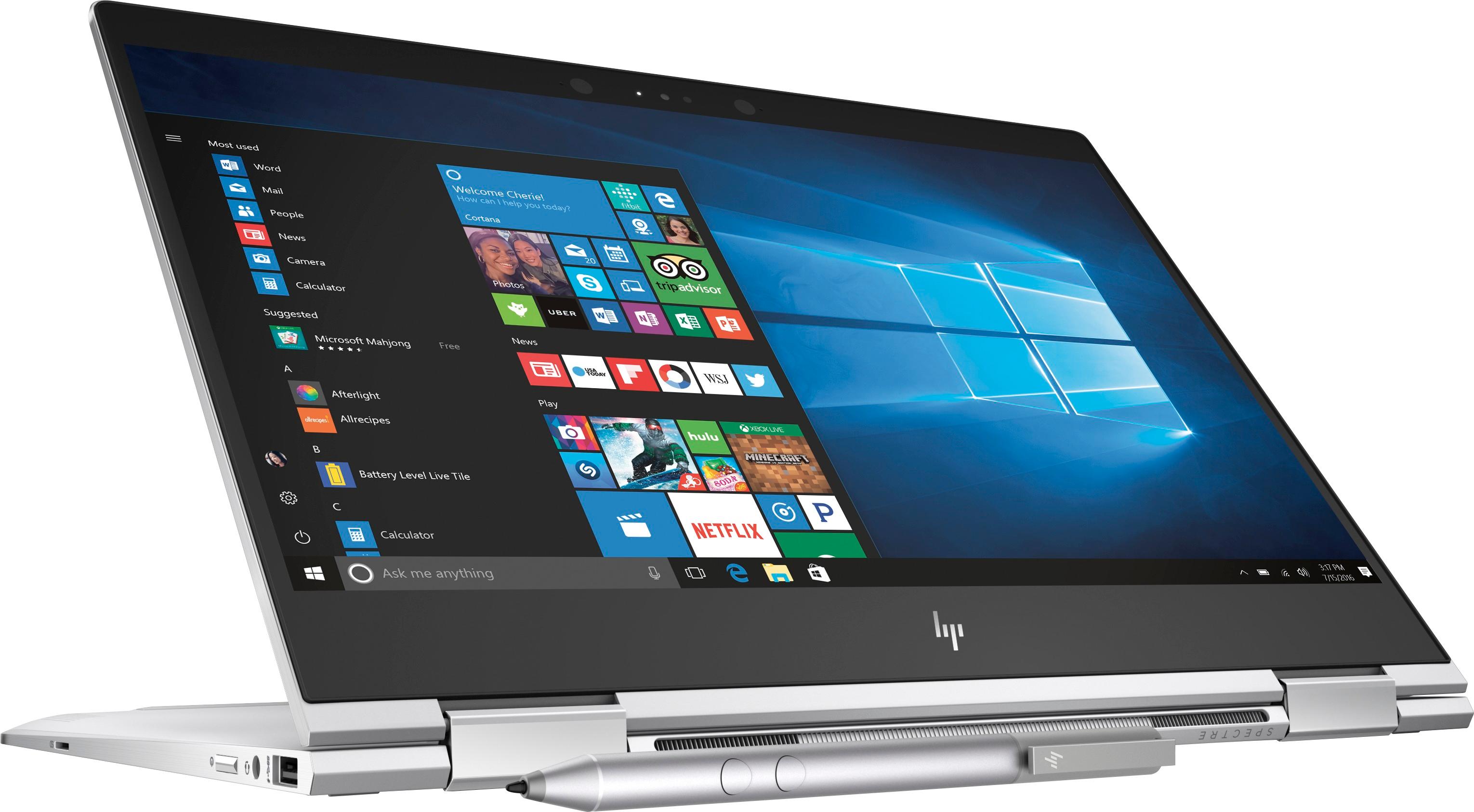
A:AnswerIt would be covered by the warranty but I am not sure it would be an issue. The decorative hinge cover may feel differently but the hinge and all the connecting parts are an all metal design.