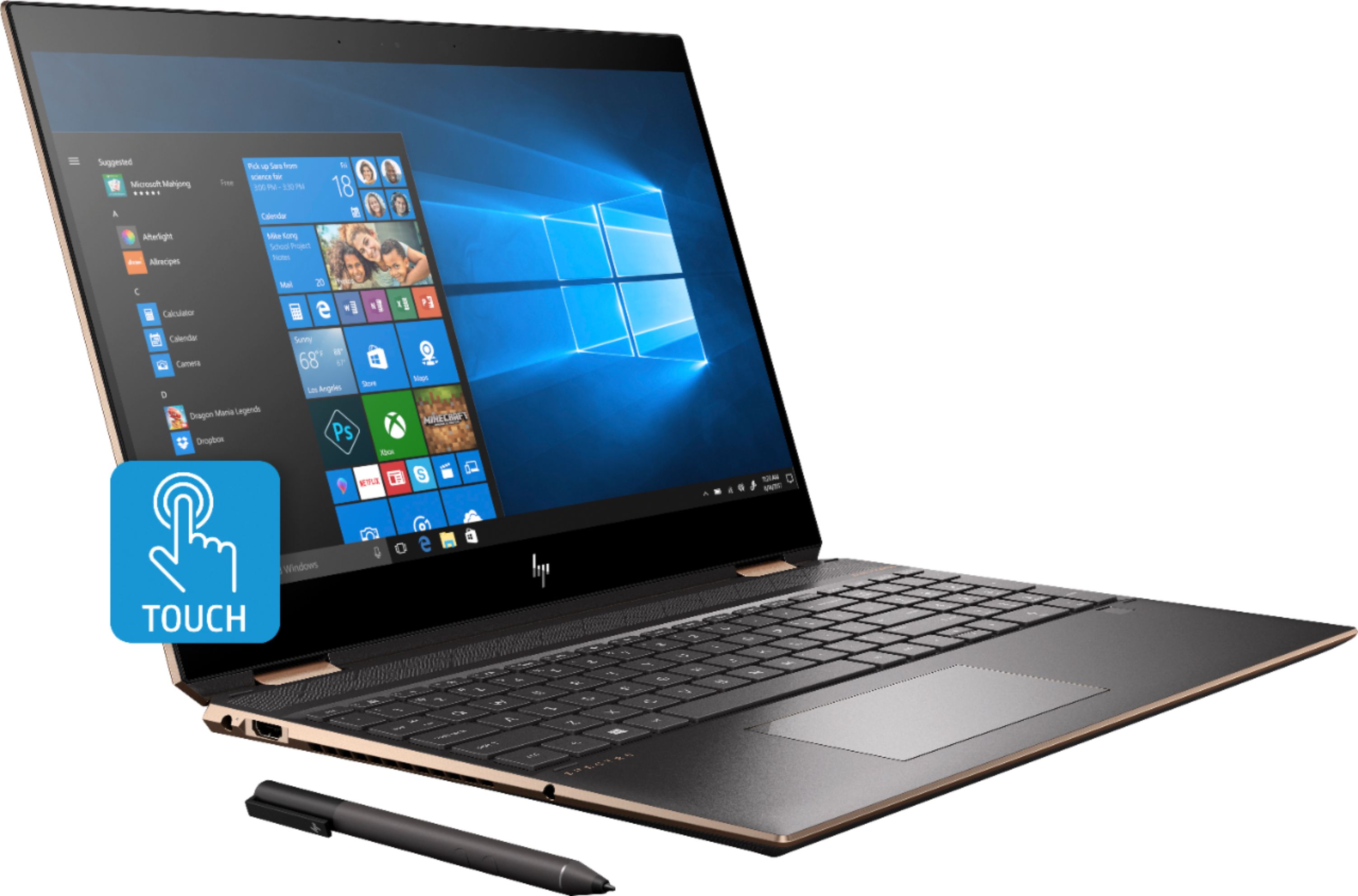
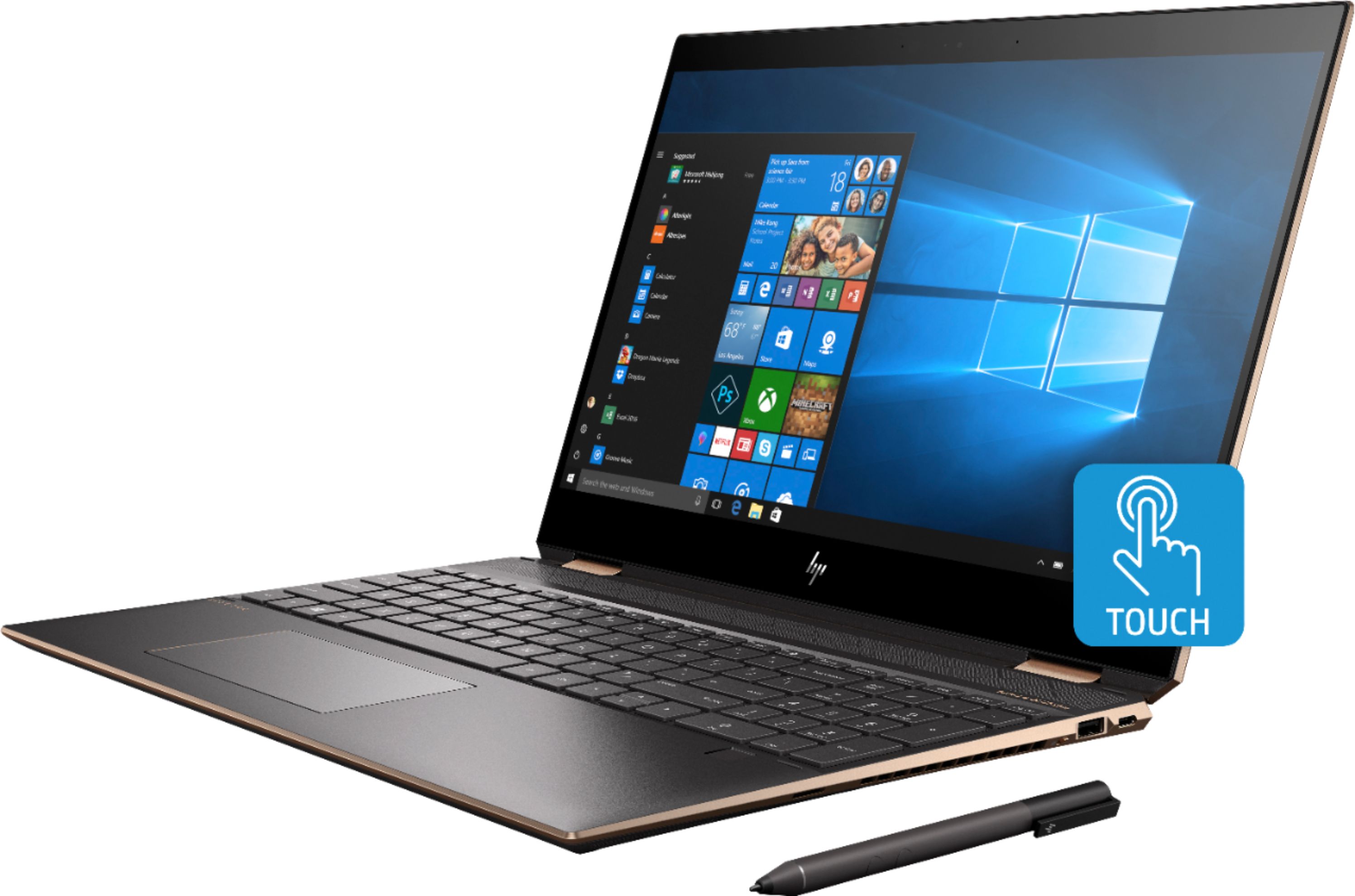
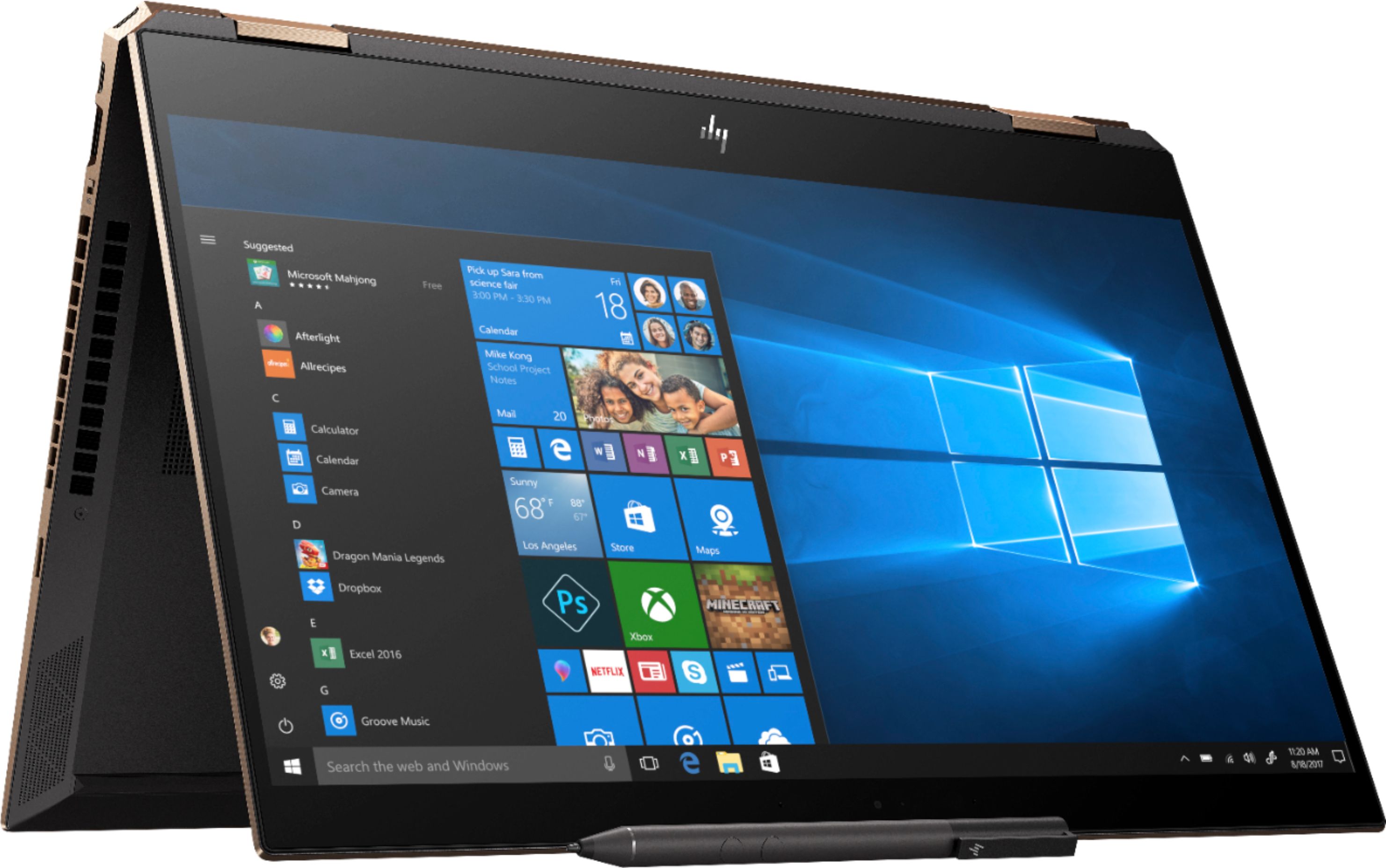
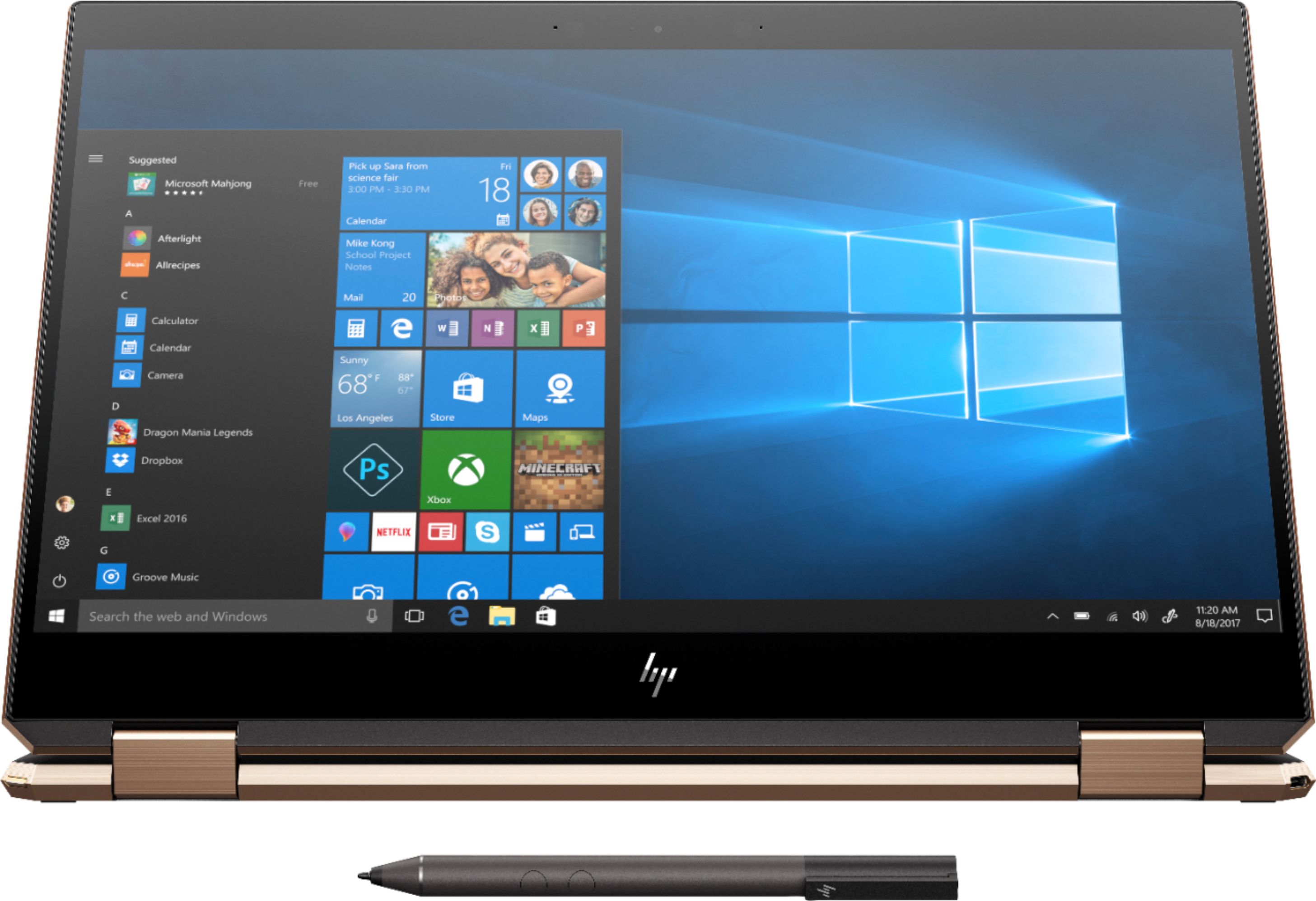
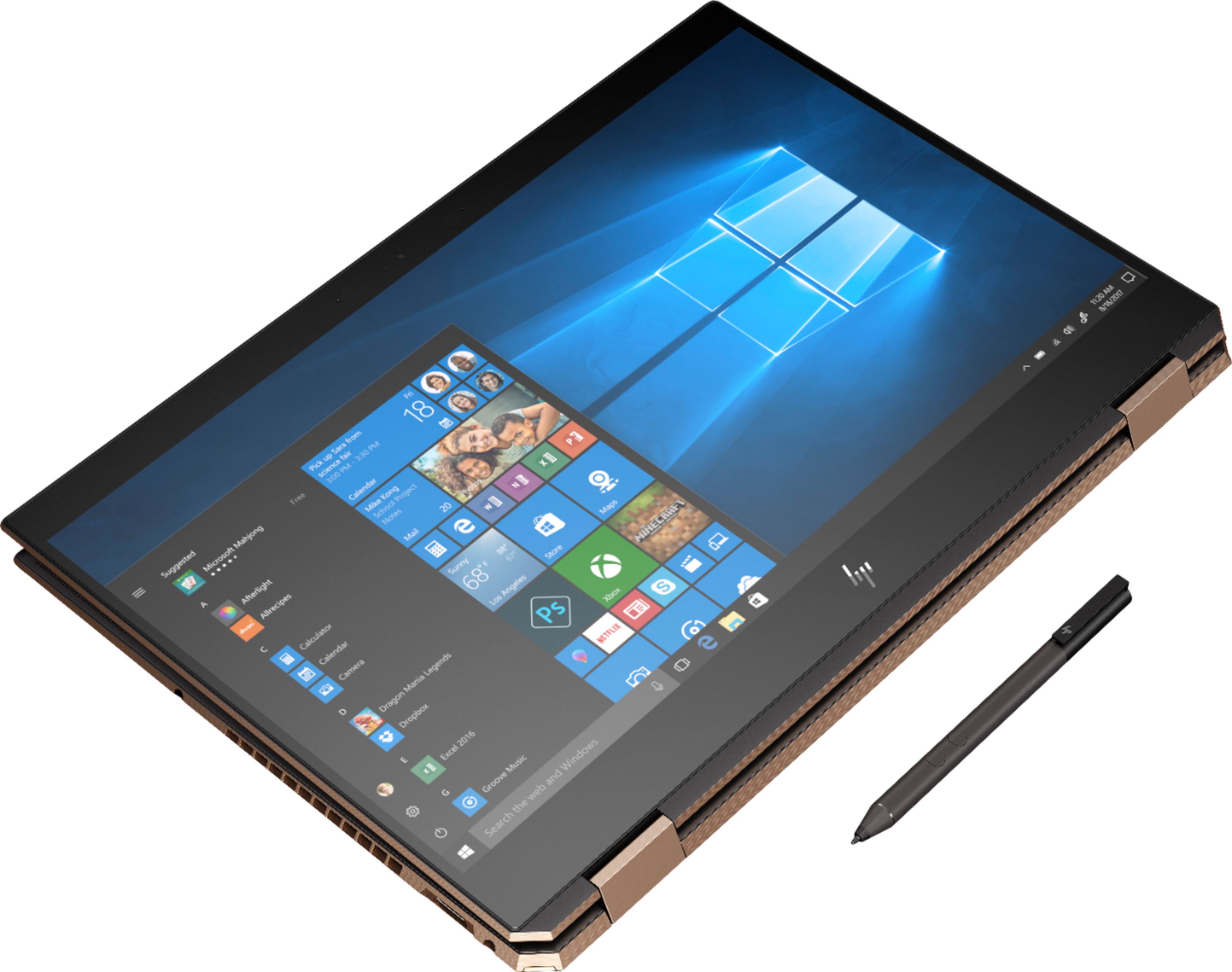
A:Answer The HP Spectre X360 15 CAN be charged from the Thunderbolt 3/ USB type C port on the right rear diagonal corner. The other USB type c ports are for data. I currently have mine connected to a Cal Digit TS3 Plus Thunderbolt dock (85 watts charging power) and it successfully charges from that. I don't even have the HP power supply connected.
The thunderbolt port is great as it handles audio, video, data, charging, multiple USB ports and even an SD Card reader on the dock with a single Thunderbolt 3 cable. That makes for a nice clean installation when using the laptop as a desktop workstation. It can get a little confusing as the Thunderbolt 3 port is the same as a simple USB C port, however it is way more diverse in functions.