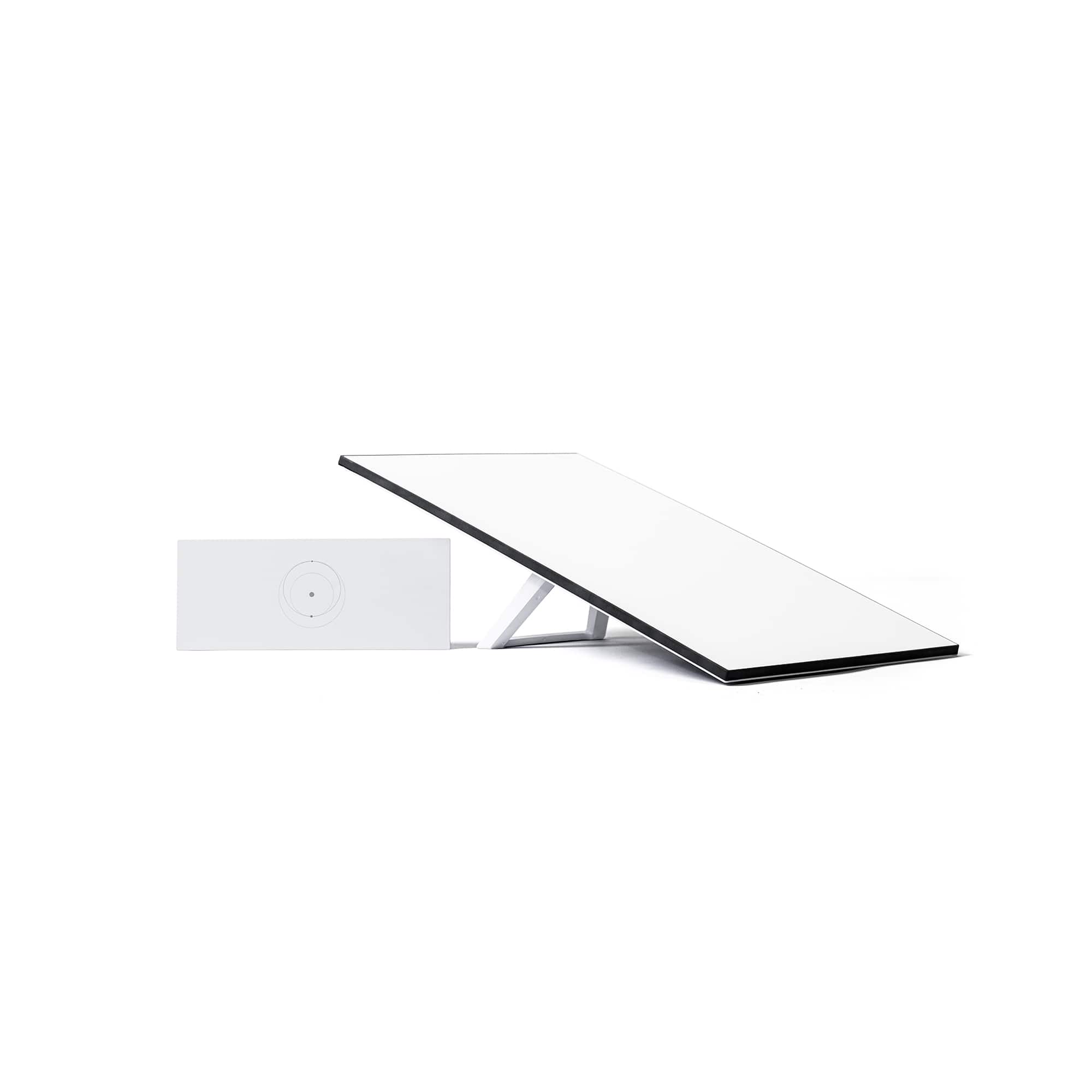
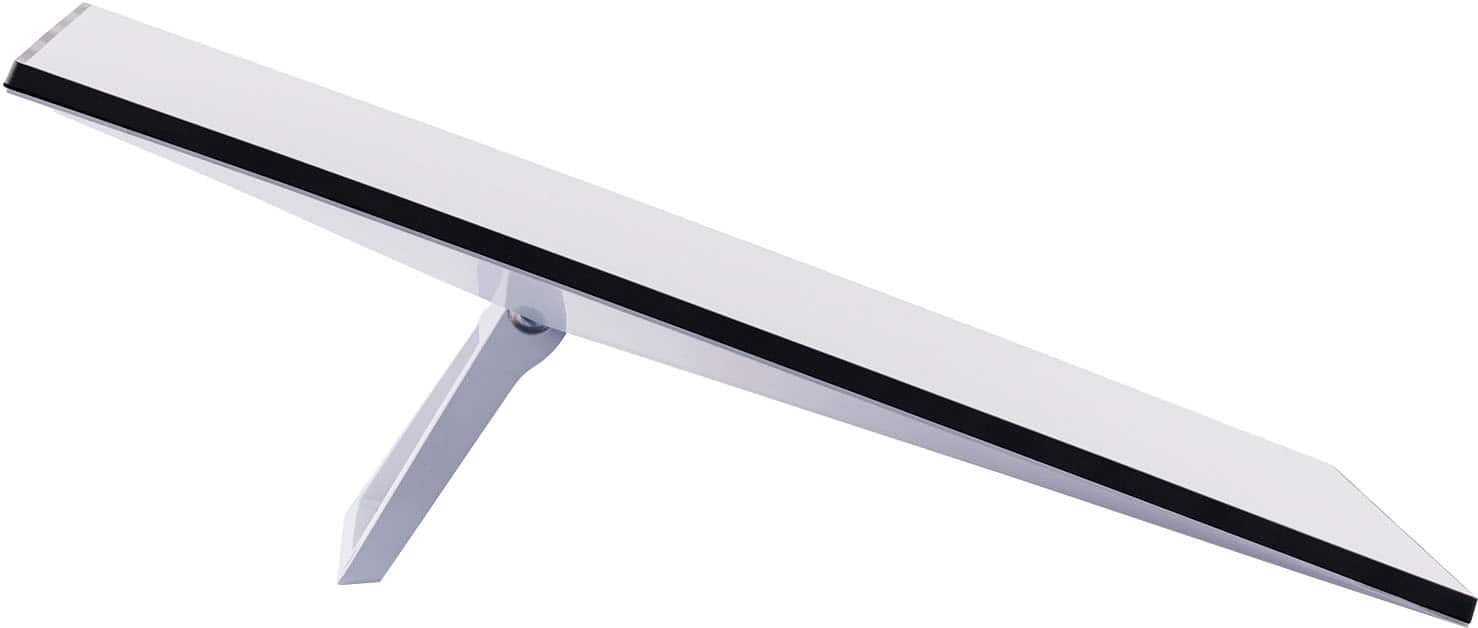
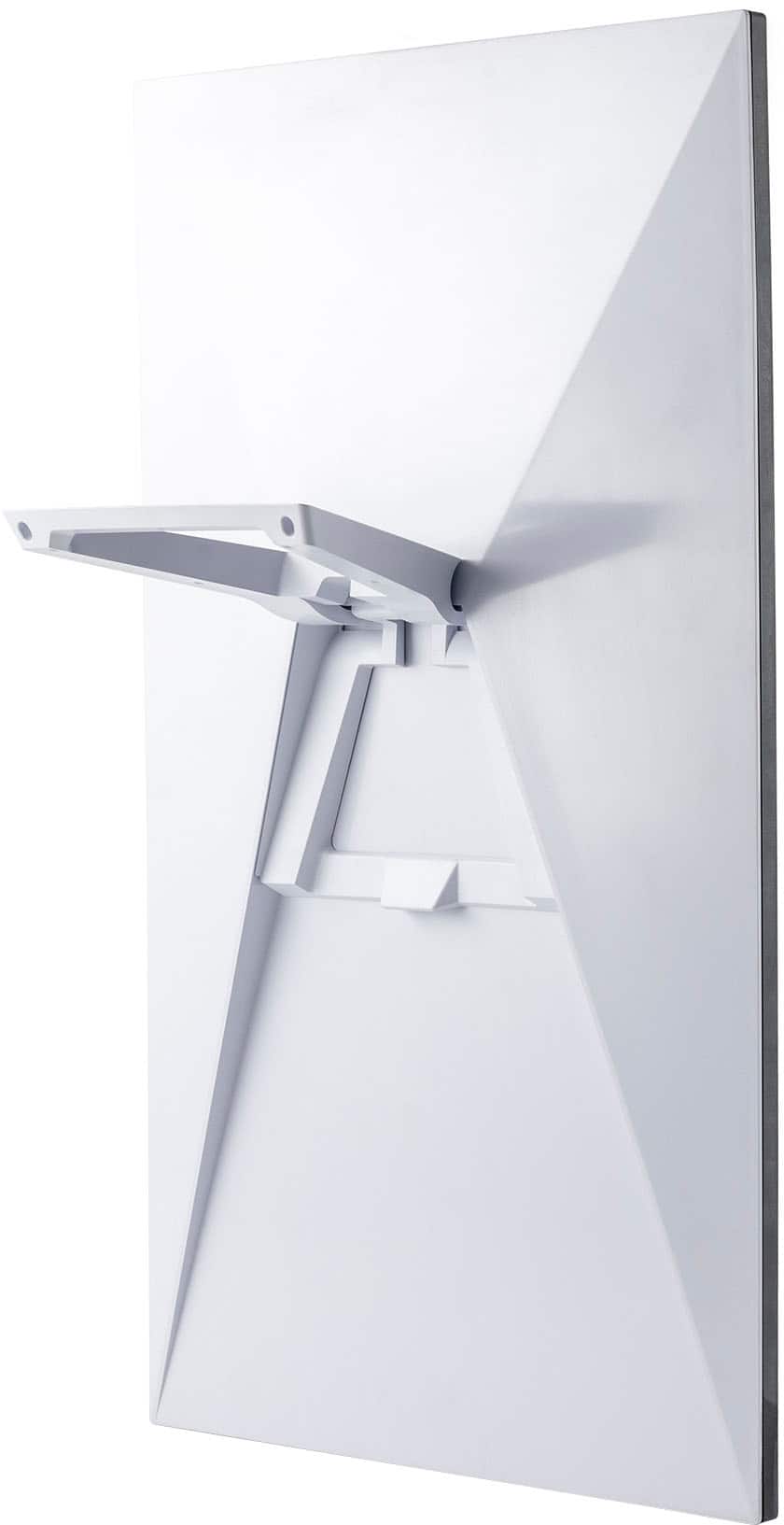
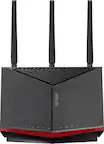
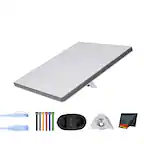
A:AnswerThe Starlink kits can be purchased at a retail store or purchased through Statlink.
Starlink offers different service plans for customers needs. You can check out our different plans and everything included here: https://www.starlink.com/service-plans
A:AnswerTo find resources such as Setup Guides, Accessory Guides, Specs Guides and Installation videos, click here: https://support.starlink.com/topic?category=6&category=85&category=72 and select your Starlink Kit.
A:AnswerStarlink offers different service plans for customers needs. You can check out our different plans and everything included here: https://www.starlink.com/service-plans
A:AnswerThe router sends out a wifi signal like any other wireless router. If you use it in a different location, you will have to take the whole system and use the Mobil-Roam plan.
Starlink offers different service plans for customers needs. You can check out our different plans and everything included here: https://www.starlink.com/service-plans
A:AnswerDepending on where you live starlink for us have worked perfectly.. wish we would've gotten in sooner.. before ordering get on their website an put in your address to confirm its available
A:AnswerYou can use the Mini and standard for use in the ocean but it is not recommended as they are not designed for in motion use and the warranty will not cover any damage. The only antennae recommended for ocean use is the Flat high performance. Please check out the different Starlink Service Plans to see uwhich is best for you and your needs! https://www.starlink.com/service-plans.
A:AnswerYes, you can do so, keep in mind that you have to set it up for the first time in Colombia, otherwise if you set it up in Seattle and then take it to Colombia, you will have to get the Global Roaming plan. You can check out our different plans and everything included here: https://www.starlink.com/service-plans
A:AnswerIf you want to use the product in a permanent location, order it for that location; it will not work elsewhere. But you can change the permanent location a few times.
If you want to have the flexibility of using the product anywhere without notice, get the mobile plan.
Starlink has announced a new package that adds a 'mini' mobile device to a 'fixed-location' device; two different devices for two different uses on one account.