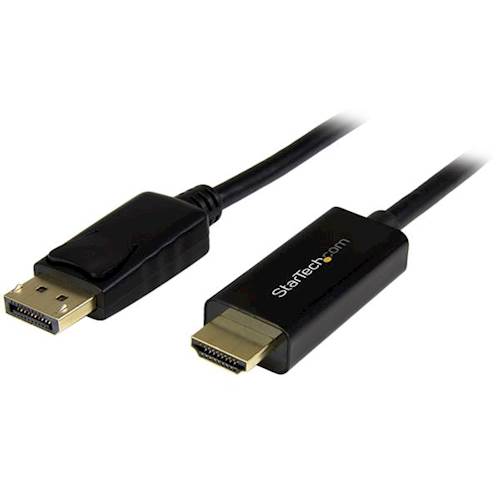
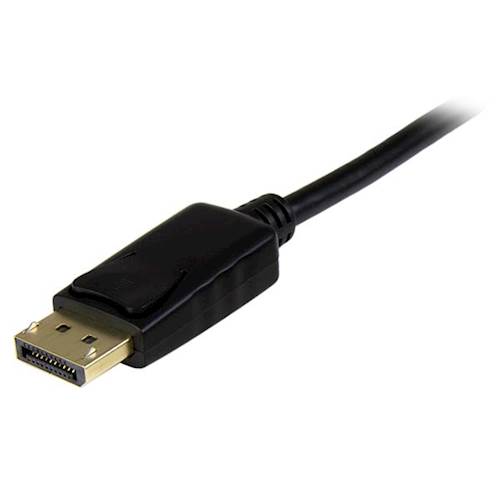
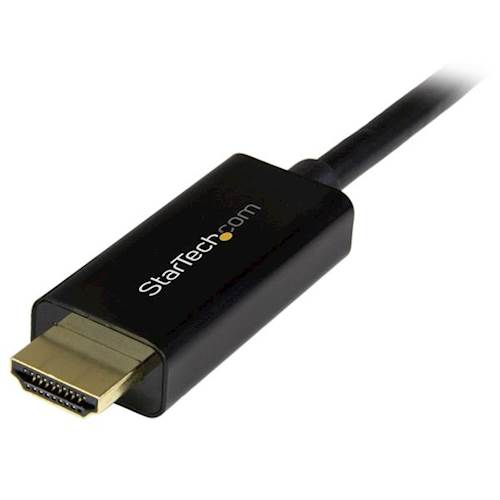
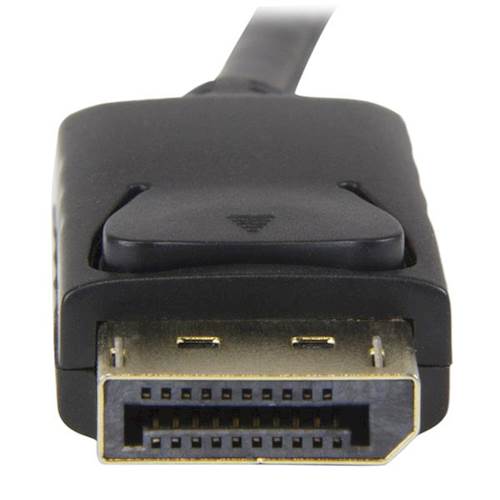
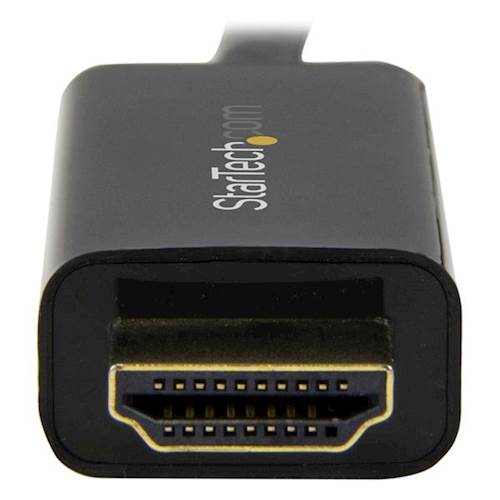
A:AnswerNo, the DP2HDMM2MB is a passive DisplayPort to HDMI cable used to connect a DP++ enabled DisplayPort source to an HDMI display. If you are looking for an HDMI to DisplayPort adapter we recommend taking a look at our HD2DP. Atha, StarTech.com Support
A:AnswerNo, the DP2HDMM2MB is a passive DisplayPort to HDMI cable used to connect a DP++ enabled DisplayPort source to an HDMI display. The DP2HDMM2MB does not have a USB port. Atha, StarTech.com Support
A:AnswerThe DP2HDMM2MB is a passive DisplayPort to HDMI cable. As long as the 'J5Create' device uses a passive DisplayPort connection, the DP2HDMM2MB will work. Atha, StarTech.com Support
A:AnswerNo, the DP2HDMM2MB is a passive DisplayPort to HDMI cable used to connect a DP++ enabled DisplayPort source to an HDMI display and the Xbox Series X does not have a DisplayPort connection. Atha, StarTech.com Support
A:AnswerNo, the DP2HDMM2MB is a passive DisplayPort to HDMI cable used to connect a DP++ enabled DisplayPort source to an HDMI display. Atha, StarTech.com Support
A:AnswerThe DP2HDMM2MB is a DisplayPort to HDMI cable and supports the specification of HDMI 1.4 and will be able to output a maximum resolution of 3840x2160 @ 30 Hz. Atha, StarTech.com Supportt
A:AnswerThe DP2HDMM2MB is a passive DisplayPort to HDMI cable used to connect a DP++ enabled DisplayPort source to an HDMI display. As long as the connecting devices utilizes this connection type, the DP2HDMM2MB will work. Atha, StarTech.com Support
A:AnswerNo, the DP2HDMM2MB is a passive DisplayPort to HDMI cable used to connect a DP++ enabled DisplayPort source to an HDMI display. Atha, StarTech.com Support
A:AnswerNo, the DP2HDMM2MB is a passive DisplayPort to HDMI cable used to connect a DP++ enabled DisplayPort source to an HDMI display. Atha, StarTech.com Support
A:AnswerNo, the DP2HDMM2MB is a passive DisplayPort to HDMI cable used to connect a DP++ enabled DisplayPort source to an HDMI display. Atha, StarTech.com Support
A:AnswerThe DP2HDMM2MB is a DisplayPort to HDMI cable and the MacBook Pro (13-inch, Mid 2012) has a Mini DisplayPort connection, not a DisplayPort connection. We recommend taking a look at our MDP2HDMM2MB, which is a Mini DisplayPort to HDMI cable Atha, StarTech.com Support
A:AnswerThe DP2HDMM2MB is a DisplayPort to HDMI adapter and does not have a USB port. We would like to help recommend a possible solution. Please feel free to contact us at 1 800 265 1844. Our Technical Advisors are available 24 hours a day, 5 days a week to provide support. Atha, StarTech.com Support
A:AnswerThe DP2HDMM2MB is a passive DisplayPort to HDMI cable used to connect a DP++ enabled DisplayPort source to an HDMI display. Most cellphones do not use a DisplayPort connection, so we recommend verifying the technical specification of the device you are intending to connect. Atha, StarTech.com Support
A:AnswerWe would like to learn more about your setup to help recommend a suitable product. Please feel free to contact us at 1 800 265 1844. Our Technical Advisors are available 24 hours a day, 5 days a week to provide support. Atha, StarTech.com Support
A:AnswerNo, the DP2HDMM2MB is a passive DisplayPort to HDMI cable used to connect a DP++ enabled DisplayPort source to an HDMI display. Atha, StarTech.com Support