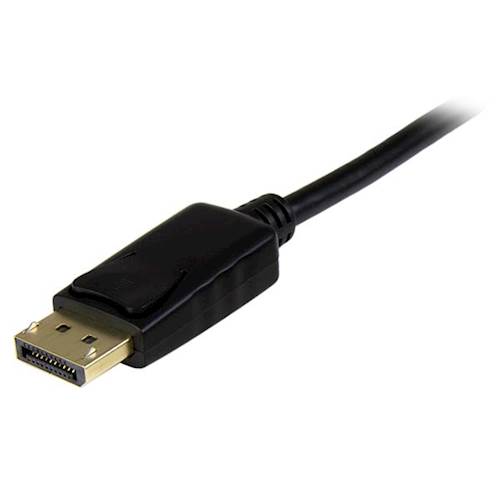
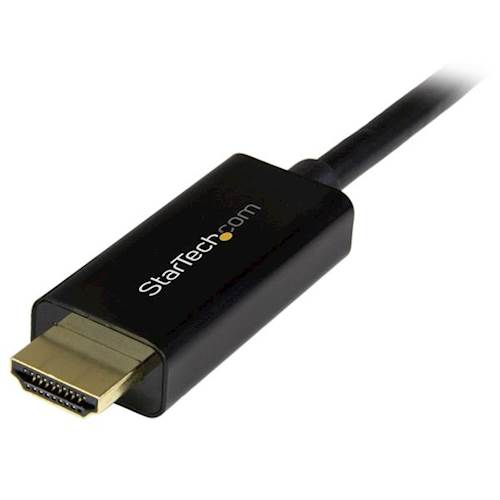
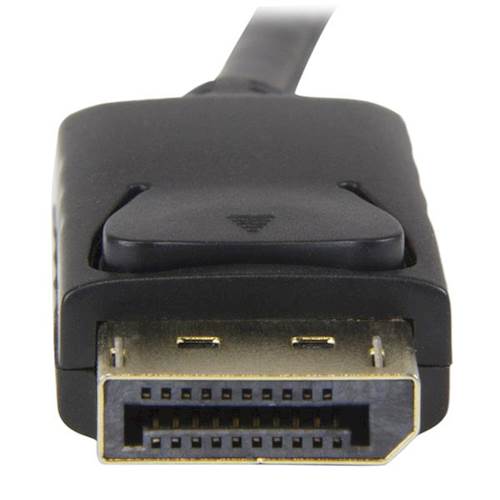
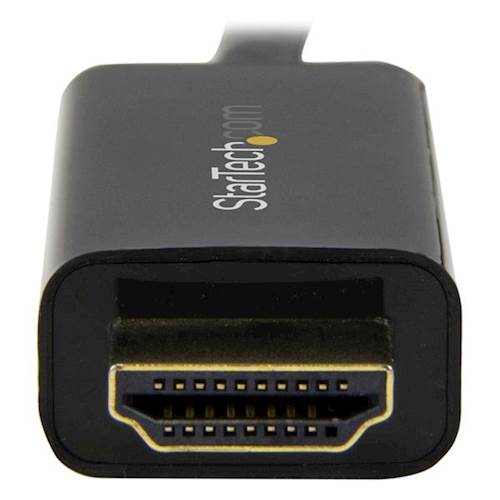
A:AnswerNo, the DP2HDMM2MB is a passive DisplayPort to HDMI cable used to connect a DP++ enabled DisplayPort source to an HDMI display. Atha, StarTech.com Support
A:AnswerThe DP2HDMM2MB is intended for connecting an HDMI display to a DisplayPort host (or dock). It does not use a USB port. Please note, this is a passive cable, which may not be compatible with all docking stations. Brandon, StarTech.com Support
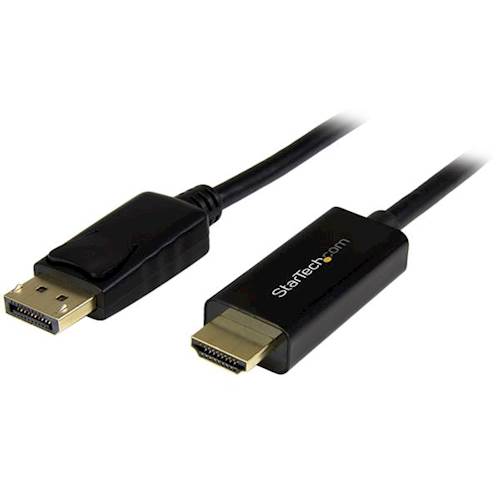
A:AnswerThe DP2HDMM2MB does not require any drivers. However, the cable is "passive" and will require that the host computer's DisplayPort be DP++ in order for this cable to work. Brandon, StarTech.com Support
A:AnswerNo, the DP2HDMM2MB is a passive DisplayPort to HDMI cable used to connect a DP++ enabled DisplayPort source to an HDMI display. Atha, StarTech.com Support

A:AnswerThe DP2HDMM2MB is a passive DisplayPort to HDMI cable used to connect a DP++ enabled DisplayPort source to an HDMI display. As long as the connecting devices utilizes these connections, the DP2HDMM2MB will work. Atha, StarTech.com Support
A:AnswerWe would like to look into this with you. Please feel free to contact us at 1-800-265-1844 or www.startech.com/chat Our Technical Advisors are available 24 hours a day, 5 days a week to provide support. Atha, StarTech.com Support