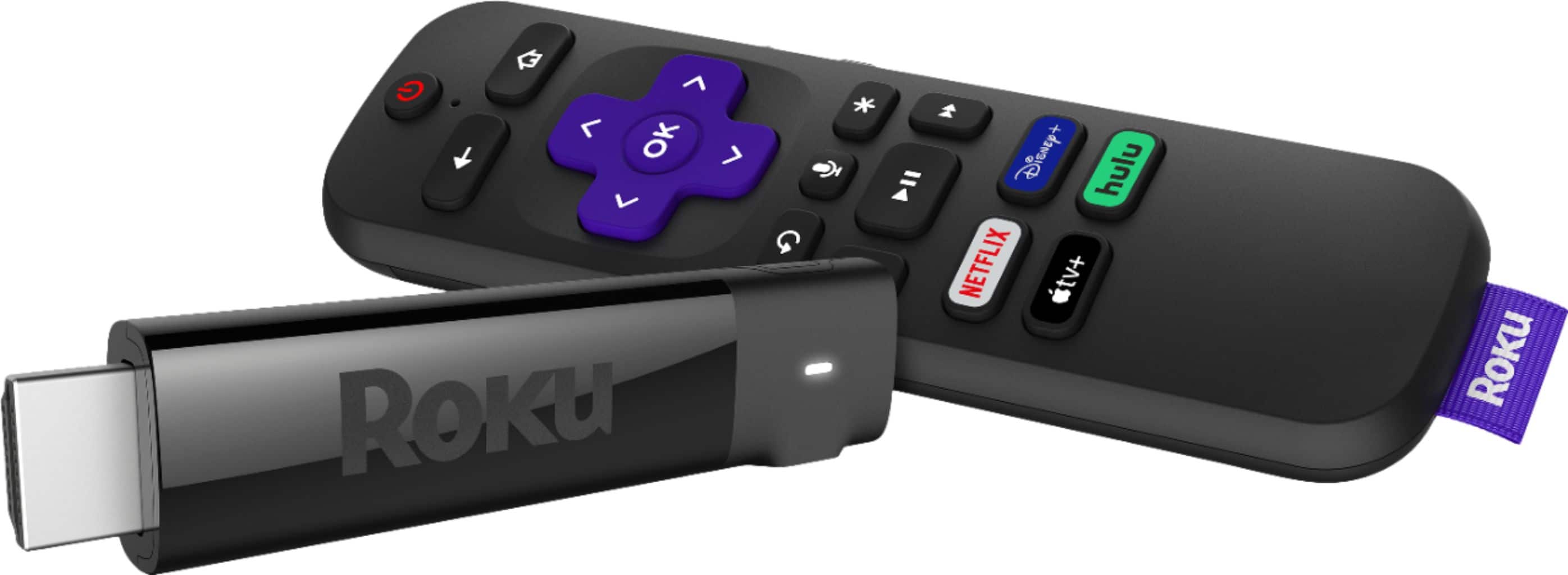
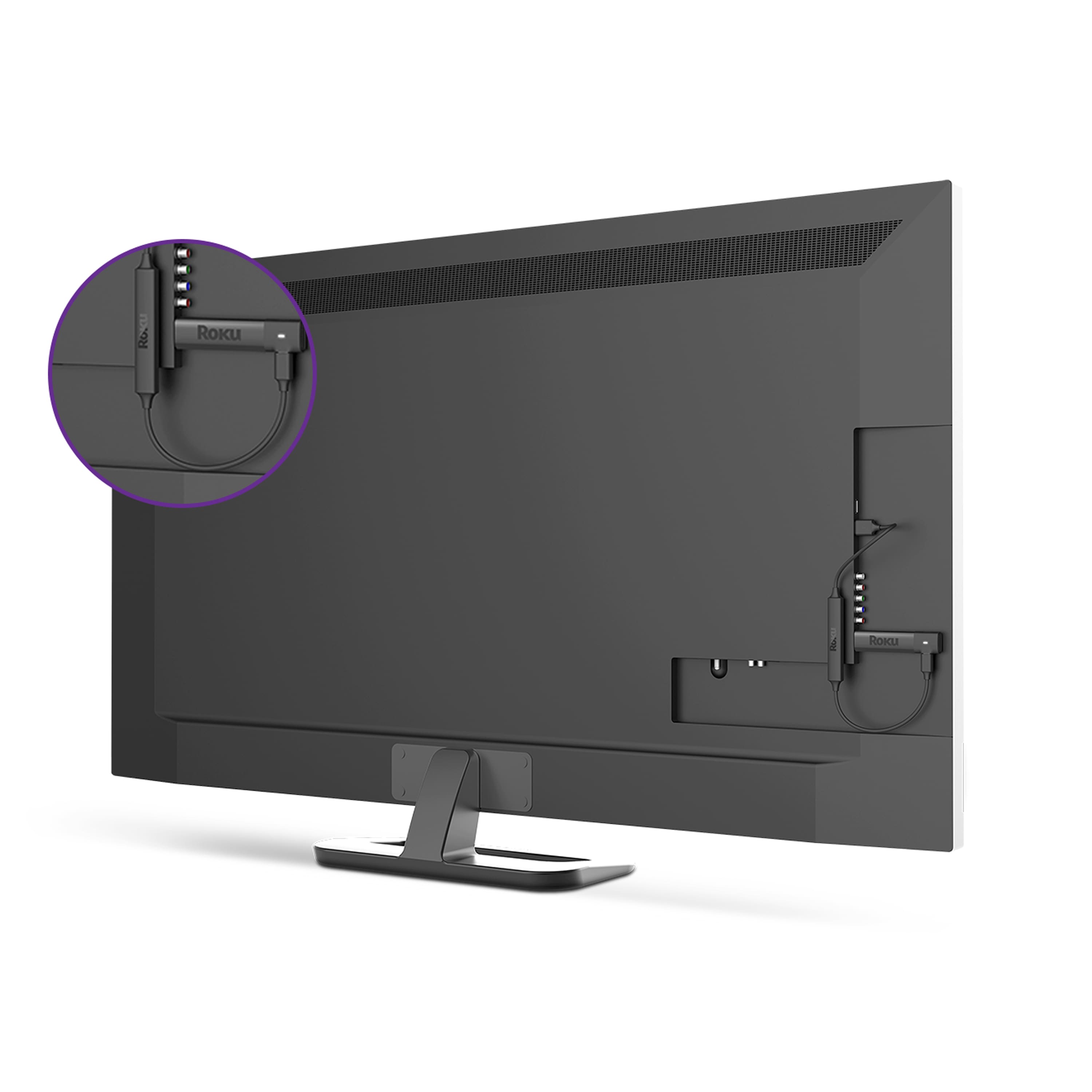
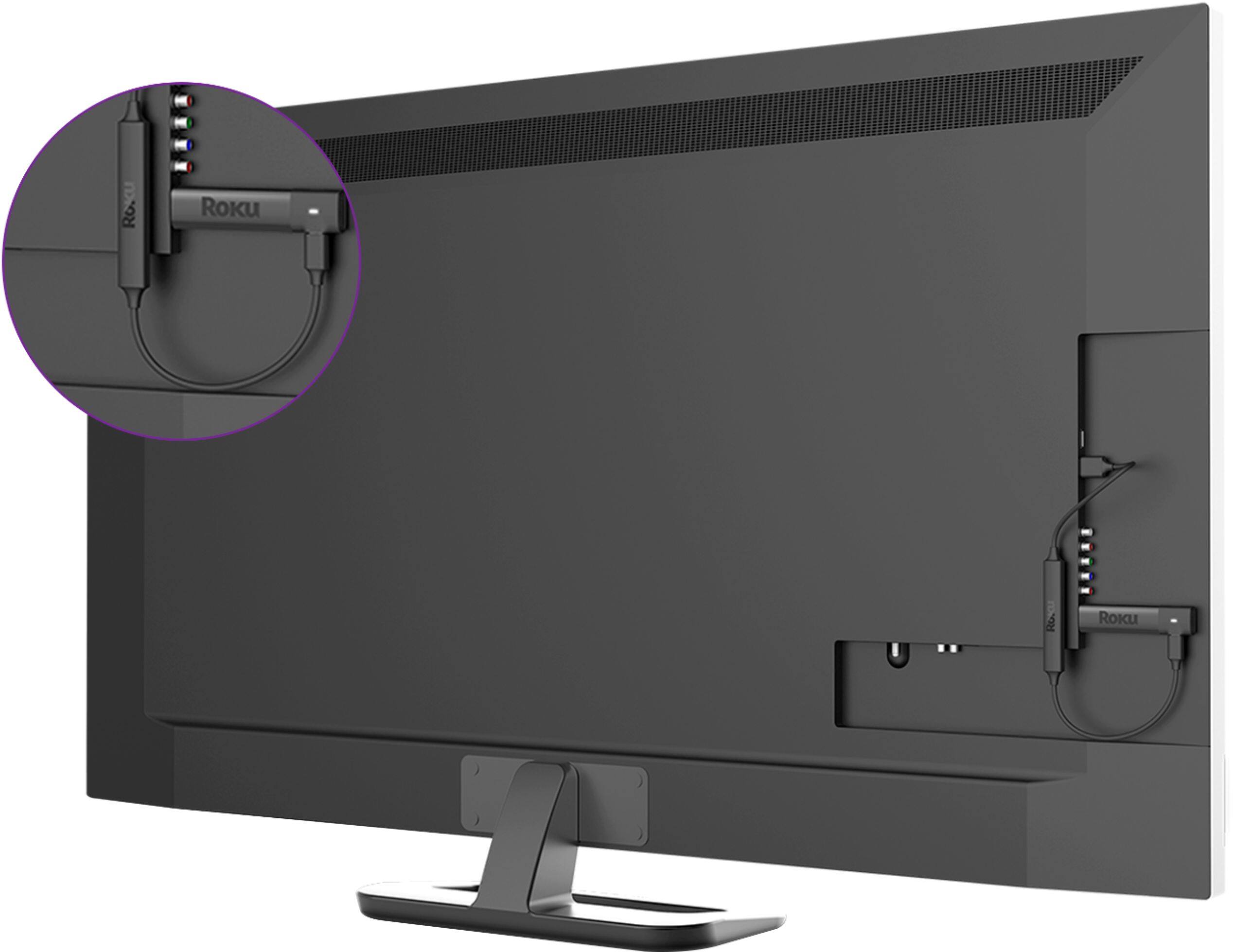
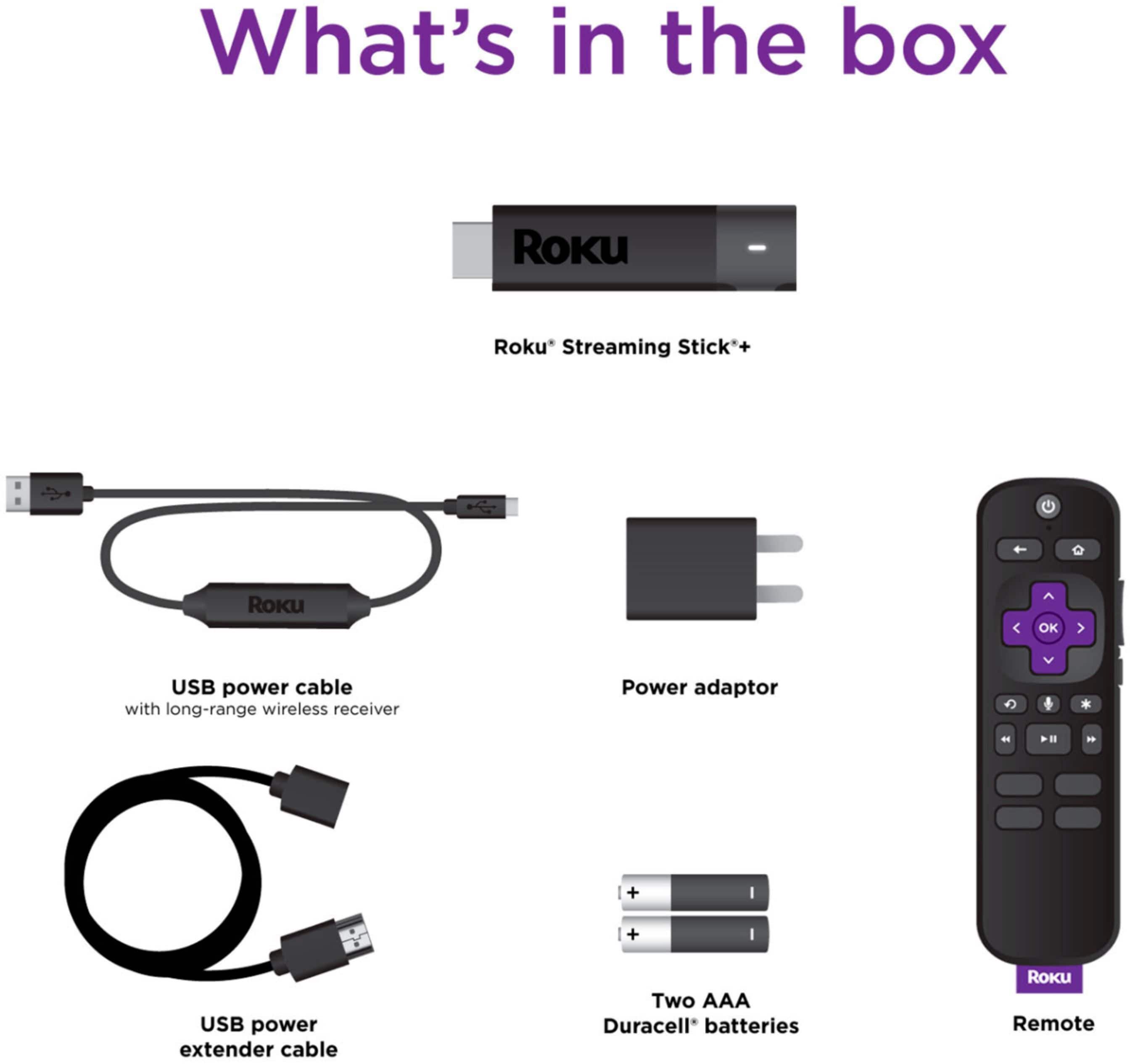
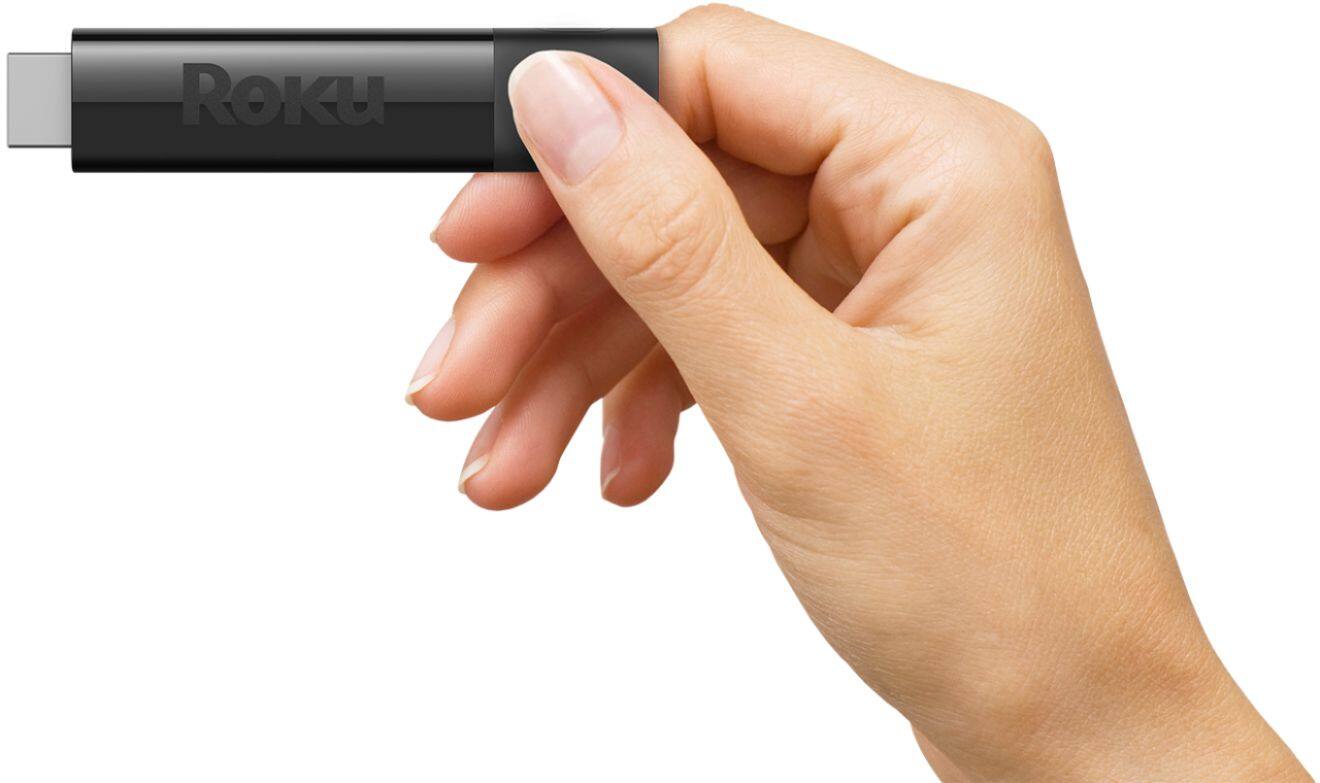
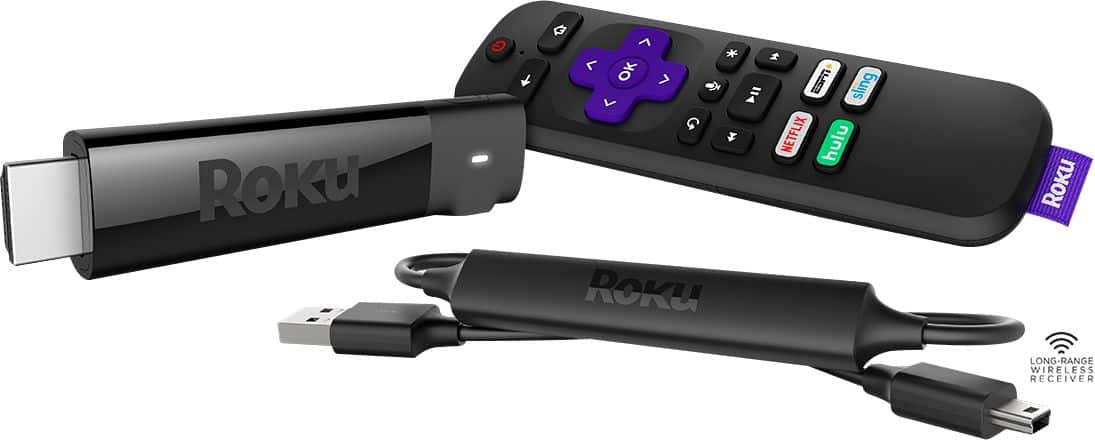
A:AnswerYou plug it into an hdmi slot in the back or side of the set. You then plug the stick's power supply into the sets usb slot or if the tv does not have one then directly into an outlet.
A:AnswerIt should work with any internet source, but make sure you have an unlimited plan, and if you're throttled then you will experience poor performance from the equipment. So yes to answer the question.
A:AnswerNBC, CNNgo, CBS NEWS, NEWSON are available. Also with Roku you can access Sling TV which, depending on the package, does include some news channels.
A:AnswerI bought my Roku Streaming Stick+ with my Best Buy card and after the purchase I received an email about the free 30-day Fubo trial. You just click on the link in the email and set up a Fubo account and enjoy the 30-day free trial! So far, I'm enjoying this 30-day free Fubo trial-- so much to watch and enjoy!!
A:AnswerHi,Alpha! YouTube TV is currently available through the YouTube Channel. To access YouTube TV start by going to the YouTube channel on your Roku Streaming Stick+. Once you have opened the YouTube channel you will see a menu on the left hand side. Scroll to the bottom of the left hand menu where you will find YouTube TV. From there you can select YouTube TV to access and stream content using your subscription.
A:AnswerHi! Terri ,Roku® streaming players can be connected to any TV with an HDMI® connection. If your Vizio TV has an available HDMI port then your Roku Streaming Stick + will be compatible.
A:AnswerI have never incurred a fee using my current Roku stick and don't expect to on the Roku channel. Other streaming services tell you up front (usually) if a fee is expected. If you have to give a credit card number then you will probably get a bill. There are many "free" channels that assure you up-front that they are FREE. I have only watched a few, but was impressed with the older and some newer TV programs that were available for free. I bought my first Roku Stick because it plugs into an HDMI port and it has a power cord that attaches to the stick and then plugs into a USB port on the back of my OLD LG (2010) television which means no cords hanging down from the TV. The newer Roku Stick works the same way. I bought it to get some of the newer streaming services. Roku is a great device and inexpensive. I originally bought it to get Amazon Prime which I have belonged to for years. I could get it on a smaller "Smart" Samsung TV, but not on the older LG TV. It works great on the LG tv. I have Direct TV and was pleased to find that Roku now has HBO Max which I am entitled to because I get HBO and Cinemax. From what I have seen most all of the popular new streaming services are available on Roku. You will have to pay for many of those with fees. I have not done that because we have enough to watch with Direct, Amazon, HBO Max and all of the free channels available on Roku. I'm not sure about music services because I still buy CD's or can download a lot of free music from Amazon. There are also a lot of music channels included in our Direct TV package. I am not promoting Direct TV, just stating the reason I can now get HBO Max. I would and have already suggested to a few friends that they should buy a Roku device instead of just buying a new TV if their main interest is in streaming. I hope this helps answers some of your questions. This response reflects my experience with Roku and I am satisfied with my purchase(s) of Roku products.
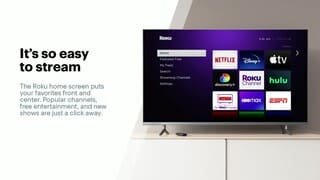
A:AnswerHi Donald! Roku gives you access to over 10,000 apps delivering thousands of movies and shows for you to enjoy. There are tons you can access using your cable provider credentials, or if you are one of many who have completely cut the cord there is a wide variety of free and subscription based apps to enjoy as well. For more on how it works and how to watch your favorite content, check out: https://www.roku.com/how-it-works/stream-and-save
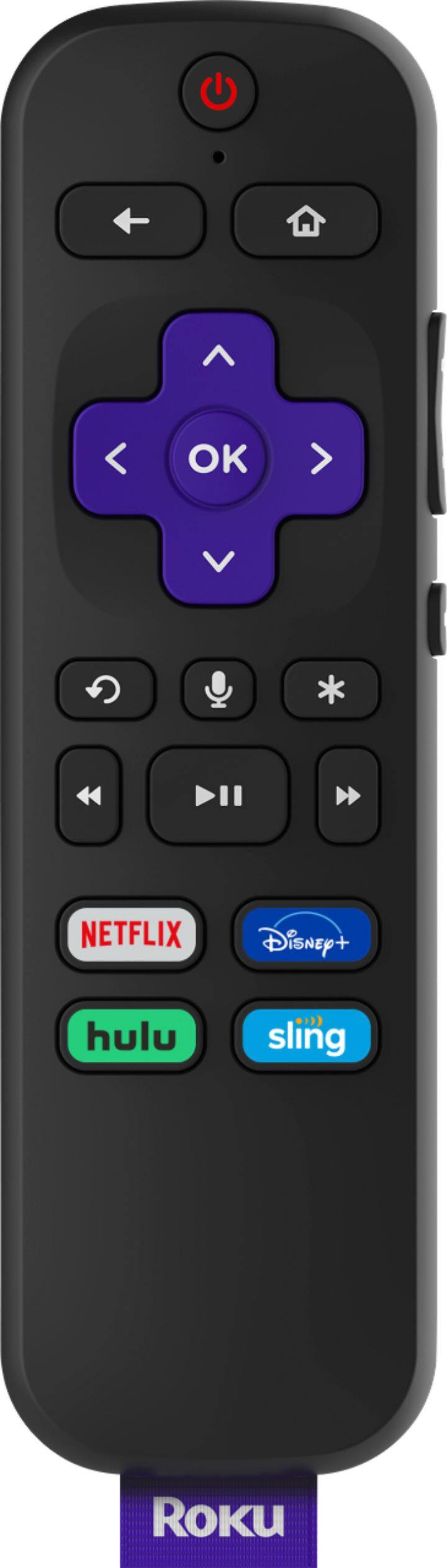
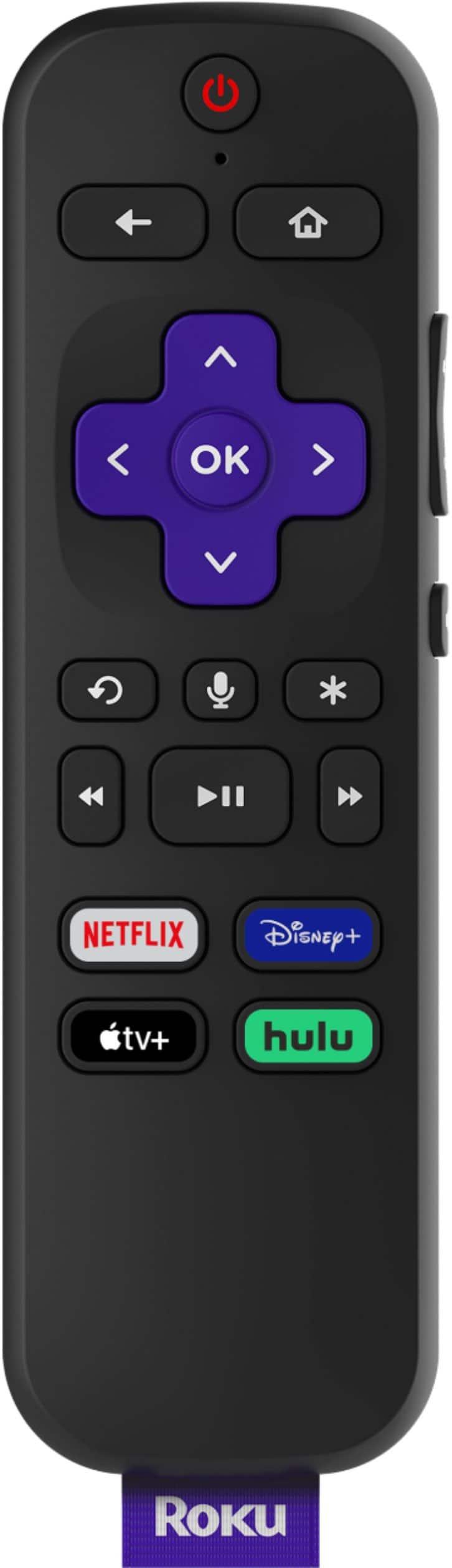
A:AnswerThis Roku stick can turn on/off the TV and set TV volume level at low, medium, or high. It won't help switch your tv source. You need your tv remote control to select TV or HDMI for your Roku Remote Control. Also, you need tv remote control to adjust the volume level as desired.
Your smart tv supports Netflix and prime video and more channels, Roku is not needed unless you want more benefits from Roku. Hope it helps!
A:AnswerJust connected mine today and I have HBO Max. Didn’t need to download anything. They give you a code to enter and it was preloaded in the roku menu. It even transferred my old account to the new device when I signed in.
A:AnswerJudy yes it doesn't matter what resolution your TV it, Roku devices will work with all of them. You do need to have an HDMI port available. You can also use any wireless headphones by using the Mobile App and connecting your headphones to your phone.